On this page
Remote teams break databases when schema changes travel by chat message, with nobody sure which version is live. The seven tools below bring the discipline code teams expect from Git to databases: versioned changes, review before deploy, and a rollback when something goes wrong. Every price was checked on the vendor site on November 27, 2026, and the list runs from five dollars a month to one hundred dollars per developer seat a month. Bytebase is our first pick — the visual review queue that puts every schema change in front of a reviewer before it touches production.
How we researched this
We started with the database tools remote teams actually run in CI pipelines, then read each price on the vendor pricing page on November 27, 2026 and noted the free plan or trial each one carries. We judged them for a team spread across time zones that needs schema changes reviewed, tested and rolled back without a shared screen. We dropped Flyway and Liquibase because neither vendor publishes a list price for its commercial edition, so a buyer cannot compare them without a sales call.
Compare the tools
| Name | Best for | Starting price | Free plan | |
|---|---|---|---|---|
| Bytebase | Remote teams that want every schema change reviewed and approved in a web interface before it reaches production | $20/user/month | Free Community plan for up to 20 users and 10 instances | Visit |
| Atlas | Remote teams that want schema changes declared as code and applied through CI pipelines | $9/seat/month | Free Community edition | Visit |
 PlanetScale | Remote teams that run Postgres or MySQL and want database branching like Git branches for code | $5/month | No free plan; single-node Postgres starts at five dollars a month | Visit |
 Supabase | Remote teams that want Postgres plus auth, storage and realtime APIs on one bill | $25/month | Free plan with two projects and 500 MB of database storage | Visit |
| dbt Cloud | Remote data teams that transform warehouse data with versioned models and scheduled jobs | $100/developer seat/month | Free Developer plan for one seat and 3,000 models built a month | Visit |
 dbForge Studio for SQL Server | Remote SQL Server teams that want schema compare, source control and DevOps automation in one IDE | $549.95/year | Free Express edition; 30-day free trial | Visit |
| DataGrip | Remote developers who live in their database IDE and want schema diffs and version control beside the query editor | $259/user/year | No free plan; 30-day free trial | Visit |
The database DevOps software for remote teams, compared
1. Bytebase
Best for: Remote teams that want every schema change reviewed and approved in a web interface before it reaches production
Paid tool Starting price: $20/user/month · Twenty dollars per user a month for the Pro plan, with a free Community plan for up to twenty users and ten database instances; Enterprise is custom-priced
Free plan: Free Community plan for up to 20 users and 10 instances
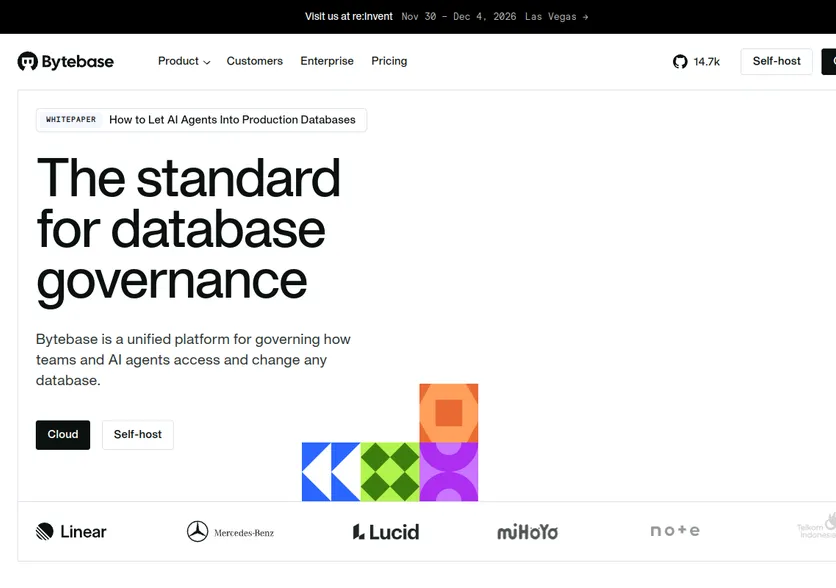
Bytebase is the governance layer that sits in front of database changes, turning each schema edit into a reviewed change request with SQL rules, approvals and a full run history. This Bytebase Pro plan costs twenty dollars per user a month and adds single sign-on and audit logs to the free Community edition. A remote team gets the same review discipline for databases that pull requests brought to application code, without building the workflow itself.
What we like
- Visual review queue for every schema change
- SQL review rules catch bad changes before deploy
- Free Community plan covers small teams
Watch out for
- Advanced masking and approvals need the Enterprise plan
- Pro is cloud only, so self-hosted teams need Enterprise
How to try it
- Open the Bytebase site and start with the free Community plan
- Connect a database and open a test schema change for review
- Set SQL review rules and approve the change before it deploys
2. Atlas
Best for: Remote teams that want schema changes declared as code and applied through CI pipelines
Paid tool Starting price: $9/seat/month · Nine dollars per seat a month for Atlas Pro, with a free Community edition for declarative schema-as-code workflows; Enterprise is custom-priced
Free plan: Free Community edition
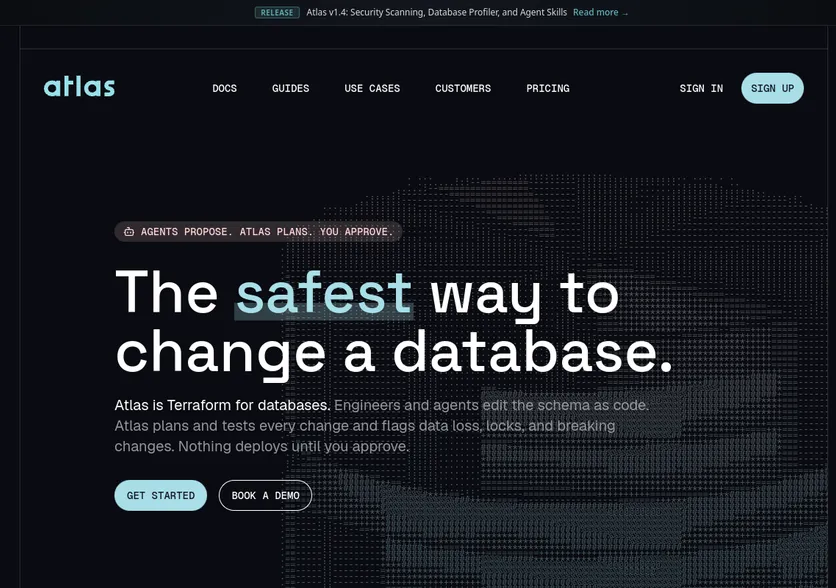
Atlas treats the database schema as code, so a remote team declares the wanted state and lets the migration plan show exactly what will change before anything runs. This Atlas Pro plan costs nine dollars per seat a month and adds team collaboration and cloud workflows to the free Community edition. A team that already reviews infrastructure changes in Git gets database changes through the same pipeline, with drift detection catching edits made outside it.
What we like
- Declarative schema-as-code with a clear migration plan
- Drift detection catches edits made outside the pipeline
- Cheapest paid plan in this comparison
Watch out for
- No visual review queue like a governance platform
- Teams new to schema-as-code need time to learn the model
How to try it
- Open the Atlas site and download the free Community edition
- Declare your schema and generate a migration plan
- Run the plan in CI and check drift detection after deploy
3. PlanetScale
Best for: Remote teams that run Postgres or MySQL and want database branching like Git branches for code
Paid tool Starting price: $5/month · Five dollars a month is the starting price for a single-node PlanetScale Postgres database for development and low-traffic workloads; Vitess and Neki clusters are resource-based pay-as-you-go with no flat plan, and Enterprise is custom-priced
Free plan: No free plan; single-node Postgres starts at five dollars a month
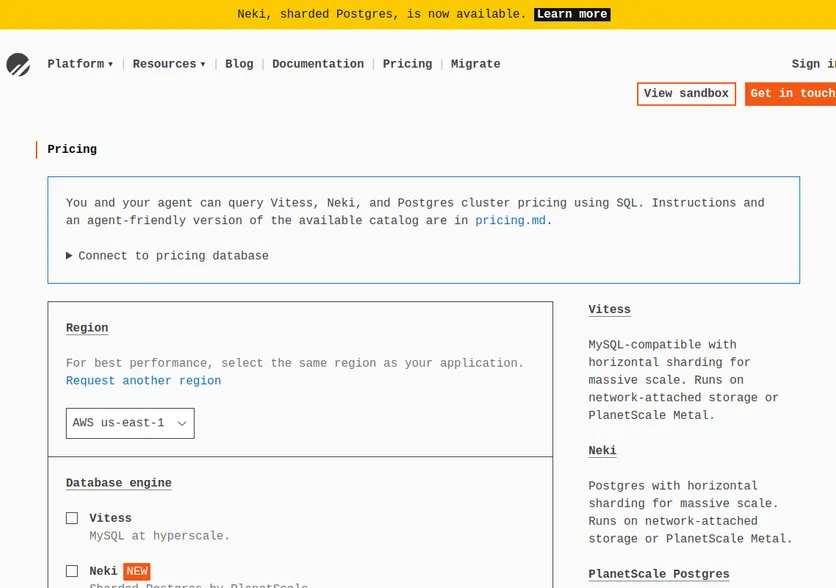
PlanetScale brings Git-style branching to databases, so a developer tests a schema change on a branch with real data before opening a deploy request against production. This PlanetScale Postgres single node starts at five dollars a month for development and low-traffic workloads, while larger Vitess and Neki clusters bill by resources used. A remote team that deploys schema changes weekly gets safe experimentation without a staging database that never matches production.
What we like
- Database branching for safe schema experiments
- Deploy requests mirror the pull request workflow
- Low starting price for a production database
Watch out for
- No free tier, so even a test database costs money
- Large clusters bill by resources, so costs vary with usage
How to try it
- Open the PlanetScale site and create a single-node Postgres database
- Branch the database and test a schema change on the branch
- Open a deploy request and merge the change into production
4. Supabase
Best for: Remote teams that want Postgres plus auth, storage and realtime APIs on one bill
Paid tool Starting price: $25/month · Twenty-five dollars a month for the Pro plan, including a ten-dollar compute credit that covers one Micro instance; Team starts at five hundred and ninety-nine dollars a month
Free plan: Free plan with two projects and 500 MB of database storage
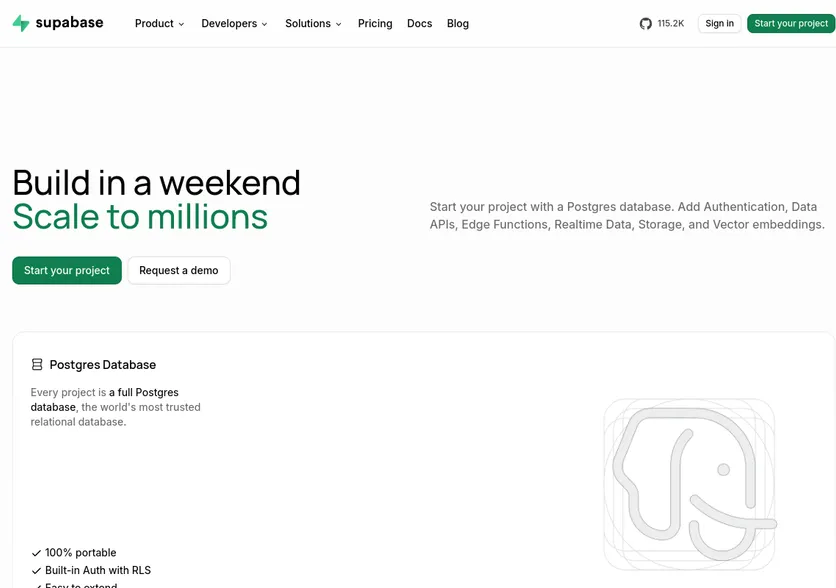
Supabase is the hosted Postgres platform that bundles auth, file storage, realtime subscriptions and edge functions around the database, so a remote team ships a backend without assembling five services. This Supabase Pro plan costs twenty-five dollars a month and includes a ten-dollar compute credit that covers one Micro instance. A small team gets a production database plus the backend pieces it would otherwise build and maintain itself.
What we like
- Postgres plus auth, storage and realtime in one project
- Free plan covers real prototyping work
- Flat Pro price with generous included quotas
Watch out for
- Free projects pause after a week without activity
- Compute upgrades and overages add to the flat Pro price
How to try it
- Open the Supabase site and create a free project
- Design your tables and turn on auth for the app
- Upgrade to Pro when the project needs daily backups and more storage
5. dbt Cloud
Best for: Remote data teams that transform warehouse data with versioned models and scheduled jobs
Paid tool Starting price: $100/developer seat/month · One hundred dollars per developer seat a month for the Starter plan, capped at five seats with fifteen thousand models built a month; Enterprise is custom-priced
Free plan: Free Developer plan for one seat and 3,000 models built a month
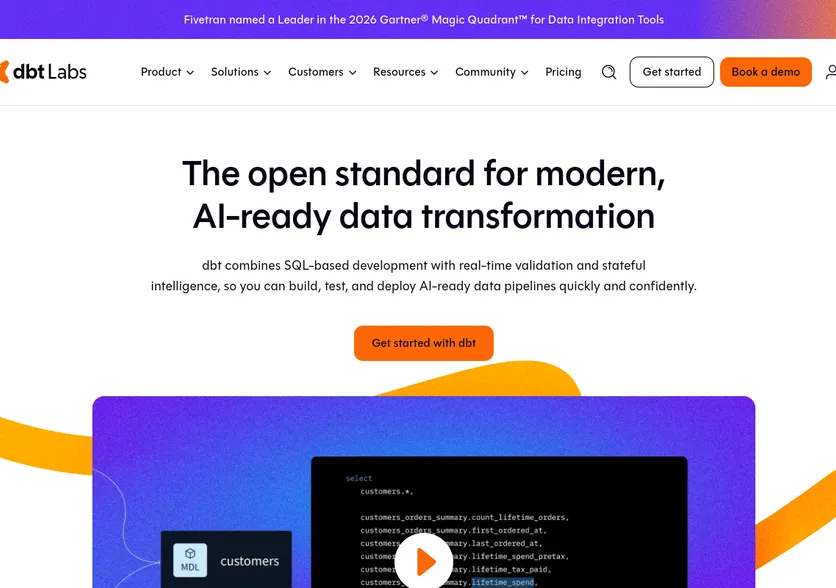
dbt Cloud turns warehouse transformations into versioned models that a remote data team writes, tests and schedules like application code, with lineage showing where every column comes from. This dbt Cloud Starter plan costs one hundred dollars per developer seat a month and covers up to five seats with fifteen thousand models built a month. A data team that answers the same metric differently in every dashboard gets one tested definition that everyone shares.
What we like
- Versioned models with tests and lineage built in
- One tested definition for every shared metric
- Free Developer plan for a single data developer
Watch out for
- Starter caps at five developer seats
- Model builds above the allowance are billed per model
How to try it
- Open the dbt site and start the free Developer plan
- Connect your warehouse and write a first versioned model
- Schedule the model and check the lineage in the catalog
6. dbForge Studio for SQL Server
Best for: Remote SQL Server teams that want schema compare, source control and DevOps automation in one IDE
Paid tool Starting price: $549.95/year · Five hundred and forty-nine dollars and ninety-five cents a year for the Enterprise subscription, the edition with DevOps automation; Standard costs two hundred and forty-nine dollars and ninety-five cents a year
Free plan: Free Express edition; 30-day free trial
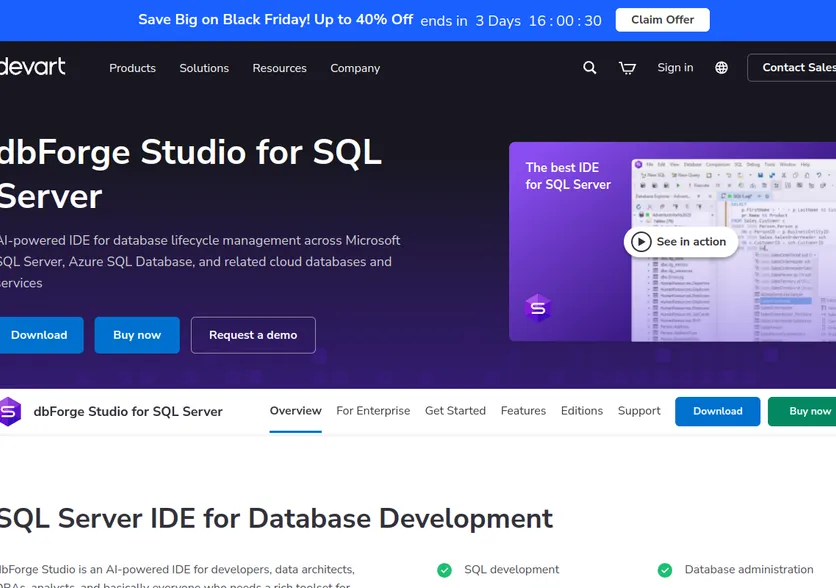
dbForge Studio for SQL Server is the Windows IDE that carries a SQL Server database through its whole lifecycle, from query writing and schema design to compare, sync and DevOps automation. This dbForge Studio for SQL Server Enterprise subscription costs five hundred and forty-nine dollars and ninety-five cents a year and is the edition with DevOps automation built in. A SQL Server team gets source control and automated deployment beside the editor, without stitching separate tools together.
What we like
- Schema compare and sync built into the IDE
- DevOps automation on the Enterprise edition
- Free Express edition for basic database work
Watch out for
- DevOps automation needs the Enterprise edition
- Windows only, with no native macOS or Linux version
How to try it
- Open the dbForge site and start the 30-day free trial
- Connect your SQL Server and compare two schemas
- Set up source control and run a test automated deployment
7. DataGrip
Best for: Remote developers who live in their database IDE and want schema diffs and version control beside the query editor
Paid tool Starting price: $259/user/year · Two hundred and fifty-nine dollars per user a year for organisations, with individual pricing lower in later years through the continuity discount; a thirty-day trial is included
Free plan: No free plan; 30-day free trial
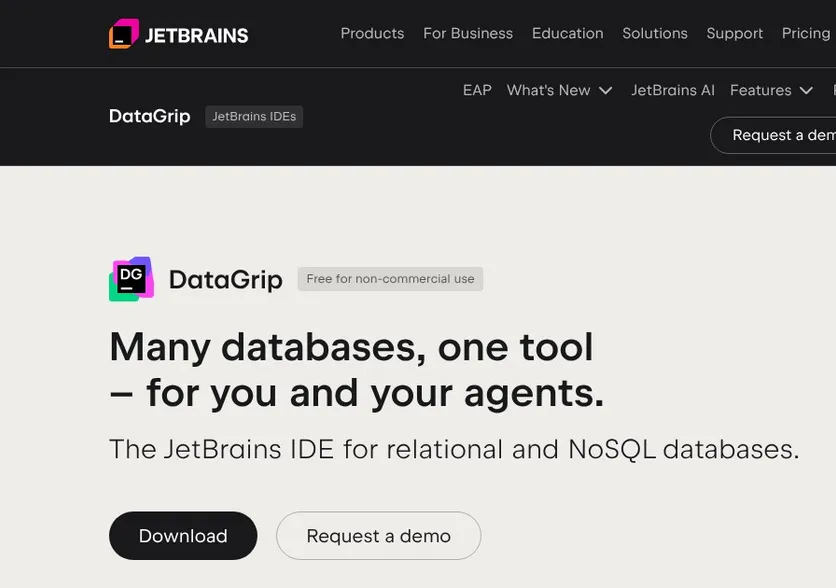
DataGrip is the JetBrains database IDE that puts schema diffs, version control and intelligent code completion beside the query editor, so a developer reviews a change before running it. This DataGrip organisation licence costs two hundred and fifty-nine dollars per user a year, with a thirty-day trial before you pay. A remote team that writes SQL all day gets the same refactoring and review tooling that application developers take for granted.
What we like
- Schema diffs and version control inside the IDE
- Smart code completion across many database engines
- Refactoring that updates every reference to a column
Watch out for
- No visual approval queue for team-wide change review
- Per-user yearly price adds up fast on a large team
How to try it
- Open the DataGrip site and start the 30-day free trial
- Connect your databases and open the schema diff view
- Commit a schema change through version control from the IDE
Prices above were checked on each vendor’s own website on Nov 27, 2026 and can change — the vendor’s page is the final word. Vendor links are editorial: nobody paid to be listed or ranked here. Vendors who want a featured listing can see how it works on our Get listed page.
What database DevOps costs in 2026
Database DevOps tools charge in three ways, per user, per seat, or per database, and the unit decides the bill. Per-user pricing suits a team where every developer touches the schema, while per-database pricing suits a team with one production database and many readers. The cheapest plan here costs five dollars a month, while the most expensive costs one hundred dollars per developer seat a month.
Start with a trial on two tools and run a real schema change through each one. Create a branch, add a column, open the change for review, then deploy it and roll it back, watching how long each step takes and who must approve it. Pick the tool whose review step catches a bad change before production, because a migration runner that deploys anything is just a faster way to break the database.
Before you buy
- Count how many developers will touch the schema, because per-user pricing grows with every hire on the team.
- Check whether branching is included, because a tool without branches forces schema tests onto shared staging.
- Confirm rollback works from the same workflow, because a deploy without undo leaves the team restoring backups.
- Ask which databases each tool supports, because a MySQL-only runner cannot help the Postgres service next door.
- Test the review step on a real change, because an approval queue nobody reads is slower than no review at all.
Official websites
Official websites of the products reviewed above. Features and prices were checked against these sites when this guide was written, and they can change, so confirm on the vendor site before you buy.
Frequently asked questions
Which database DevOps software is best for remote teams in 2026?
Bytebase is the best overall pick at twenty dollars per user a month, pairing a visual review queue with SQL rules and approvals for every schema change. PlanetScale is the best pick for branching at five dollars a month for a single-node Postgres database. Atlas is the best budget pick at nine dollars per seat a month for declarative schema-as-code.
How much does database DevOps software cost?
Prices in this list run from five dollars a month for a single-node PlanetScale database to one hundred dollars per developer seat a month for dbt Cloud Starter, with most tools landing between nine and twenty-five dollars a month. Per-user pricing suits teams where every developer touches the schema, while per-database pricing suits teams with one production database and many readers.
Do remote teams need database branching?
Yes, because a schema change tested on shared staging can still break production when the two databases drift apart. Branching gives each change its own copy of the database with real data, so the test proves something. A team that deploys schema changes weekly without branching is testing on hope and fixing on production.
Can a small team use database DevOps tools, or are they only for enterprises?
Yes, and several tools here are built for exactly that buyer. Bytebase Community is free for up to twenty users, Atlas Community is free, and Supabase has a free plan with two projects. The enterprise suites in this market charge by quote and need weeks of implementation, but the tools here start with a free plan and a database you connect yourself.
What is the difference between a migration runner and a governance platform?
A migration runner applies numbered scripts in order and stops there, while a governance platform reviews each change, checks it against SQL rules and records who approved it. A team that only needs scripts applied can use a runner for free. A team that needs to prove who changed production, and why, needs the review queue that governance adds.
Need everyday business help too? Try Toolsvine's free business tools right in your browser.
Browse Business Tools tools