On this page
A small business outgrows its spreadsheets the day two people edit the same customer list and nobody knows which copy is right. The seven tools below replace that scramble with a real database, forms, portals and automations included, and none of them needs a developer to set up. Every price was checked on the vendor site on November 27, 2026, and the list runs from eight dollars per user a month to two hundred and seventy dollars a month billed annually. Airtable is our first pick — the spreadsheet-shaped database that a small team can run without hiring a developer.
How we researched this
We started with the database tools small businesses actually buy, then read each price on the vendor pricing page on November 27, 2026 and noted the free plan or trial each one carries. We judged them for a team with no developer on staff that needs records, forms and client portals it can run itself. We dropped Quickbase because its Team plan carries an unpublished platform minimum and a twenty-user floor that puts entry near seven hundred dollars a month, and we dropped Ninox because it publishes prices in euros only.
Compare the tools
| Name | Best for | Starting price | Free plan | |
|---|---|---|---|---|
 Airtable | Small teams that want a real relational database with a familiar spreadsheet grid and no developer needed | $20/user/month | Free plan with 1,000 records per base | Visit |
| Knack | Businesses that need customer portals and internal apps without paying per seat | $49/month | No free plan; free trial available | Visit |
 Zoho Creator | Small businesses already using Zoho that want database apps inside the same login | $8/user/month | Free plan with one application | Visit |
| Caspio | Businesses handling sensitive records that need a governed, compliant database app | $270/month | No free plan; free trial available | Visit |
| Tadabase | Small businesses that share data with outside clients through portals with per-record permissions | $42/month | No free plan; 14-day free trial | Visit |
 Softr | Small businesses that need polished client portals on their data without a designer | $19/month | Free plan with 5,000 database records | Visit |
 Baserow | Teams that want data ownership and the option to self-host their database | $10/user/month | Free cloud plan with 3,000 rows per workspace, or free self-hosting | Visit |
The database software for small business, compared
1. Airtable
Best for: Small teams that want a real relational database with a familiar spreadsheet grid and no developer needed
Paid tool Starting price: $20/user/month · Twenty dollars per user a month billed annually for the Team plan, or twenty-four dollars billed monthly; Business costs forty-five dollars per user a month billed annually
Free plan: Free plan with 1,000 records per base
Airtable is the spreadsheet-shaped database that small businesses reach for first, pairing a familiar grid with linked records, views and automations that a spreadsheet cannot hold. This Airtable Team plan costs twenty dollars per user a month billed annually and lifts a base to fifty thousand records with twenty gigabytes of attachment space. A small team gets a real relational database without hiring a developer, and the free plan covers the first experiments.

What we like
- Familiar grid that non-technical staff learn fast
- Linked records, views and automations included
- Free plan covers real early work
Watch out for
- Team bills commenters as paid seats, not just editors
- Record caps force an upgrade as the business grows
How to try it
- Open the Airtable site and start with the free plan
- Import your spreadsheet and link the tables together
- Upgrade to Team when you pass a thousand records in a base
2. Knack
Best for: Businesses that need customer portals and internal apps without paying per seat
Paid tool Starting price: $49/month · Forty-nine dollars a month billed annually for the Starter plan, or fifty-nine dollars billed monthly, covering twenty thousand records and three applications; Pro costs one hundred and ten dollars a month billed annually
Free plan: No free plan; free trial available
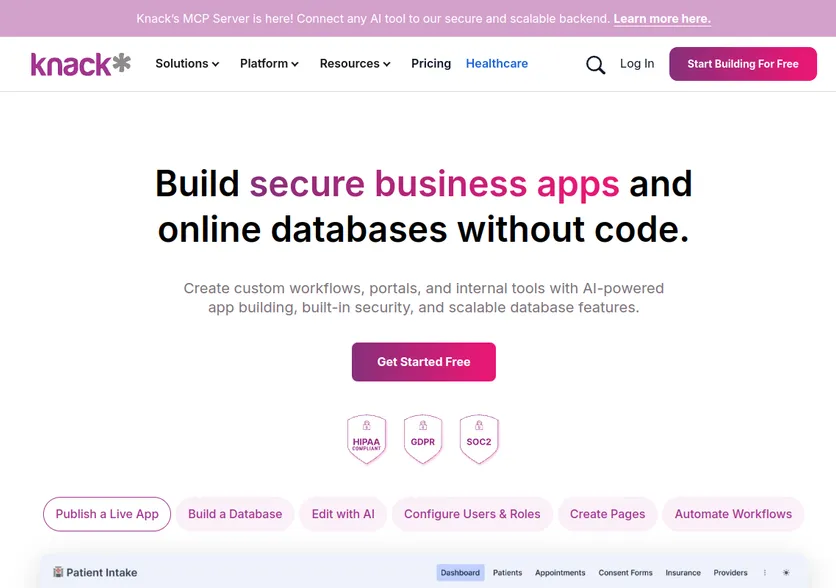
Knack is the no-code database builder for businesses that need customer portals and internal apps without paying per seat, since every plan includes unlimited app users. This Knack Starter plan costs forty-nine dollars a month billed annually and covers twenty thousand records across three applications. A business that serves clients through a portal gets forms, reports and user roles in one flat monthly price.
What we like
- Unlimited app users on every plan
- Flat monthly price that ignores headcount
- Portals, forms and reports in one builder
Watch out for
- No free plan, so the trial is the only way to test it
- Starter covers only three applications before you upgrade
How to try it
- Open the Knack site and start the free trial
- Build a first app from a template and import your data
- Invite app users and set roles before the trial ends
3. Zoho Creator
Best for: Small businesses already using Zoho that want database apps inside the same login
Paid tool Starting price: $8/user/month · Eight dollars per user a month billed annually for the Standard plan, or twelve dollars billed monthly; Professional costs twenty dollars per user a month billed annually
Free plan: Free plan with one application
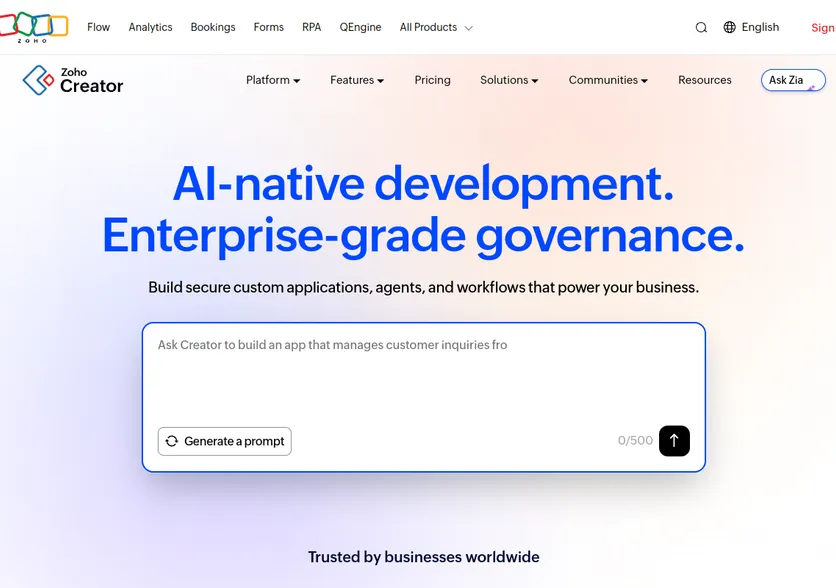
Zoho Creator is the low-code app builder inside the Zoho suite, turning a spreadsheet of business data into forms, workflows and mobile apps with approval logic built in. This Zoho Creator Standard plan costs eight dollars per user a month billed annually and covers one application per user with basic automation. A small business already using Zoho tools gets its database apps inside the same login, with no new vendor to manage.
What we like
- Cheapest paid plan in this comparison
- Approval workflows and mobile apps included
- Sits inside the wider Zoho suite
Watch out for
- Standard covers only one application per user
- Advanced automation needs the Professional plan
How to try it
- Open the Zoho Creator site and start with the free plan
- Import a spreadsheet and generate a first app from it
- Add a workflow and upgrade to Standard for more apps
4. Caspio
Best for: Businesses handling sensitive records that need a governed, compliant database app
Paid tool Starting price: $270/month · Two hundred and seventy dollars a month billed annually for the Team plan, or three hundred dollars billed monthly, with unlimited app users, five authors and two hundred and fifty thousand records; Business costs five hundred and forty dollars a month billed annually
Free plan: No free plan; free trial available
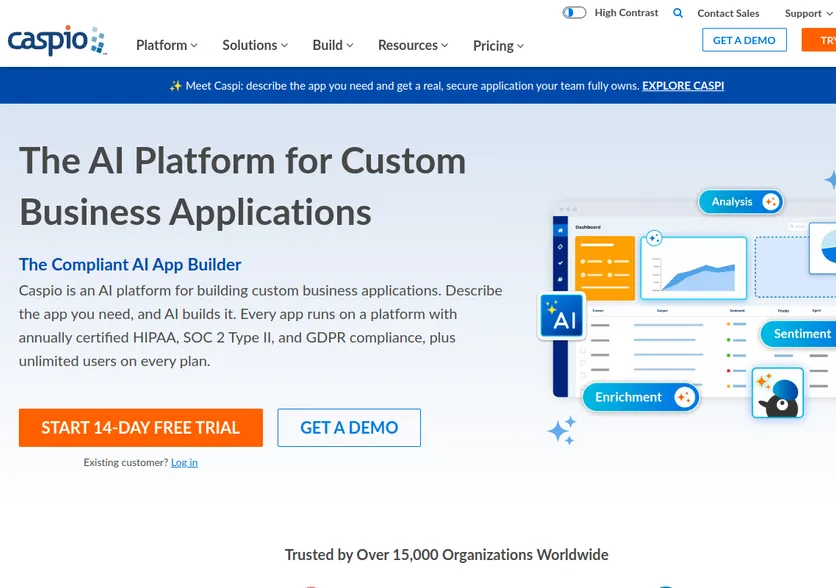
Caspio is the enterprise-grade no-code platform for businesses that need a SQL-backed database with compliance controls, unlimited users and apps that hold up under audit. This Caspio Team plan costs two hundred and seventy dollars a month billed annually and includes one hundred DataPages with unlimited app users. A business handling sensitive records gets a governed database app without per-user fees that punish growth.
What we like
- Unlimited users with no per-seat billing
- SQL-backed database with compliance controls
- Scales to millions of records on higher plans
Watch out for
- Most expensive entry plan in this comparison
- Extra records, storage and emails are paid add-ons
How to try it
- Open the Caspio site and start the free trial
- Build a first app from your tables and set user roles
- Test the audit trail and compliance settings before buying
5. Tadabase
Best for: Small businesses that share data with outside clients through portals with per-record permissions
Paid tool Starting price: $42/month · Forty-two dollars a month billed annually for the Business Starter plan, or fifty dollars billed monthly, with unlimited users; Business Growth costs one hundred and five dollars a month billed annually
Free plan: No free plan; 14-day free trial
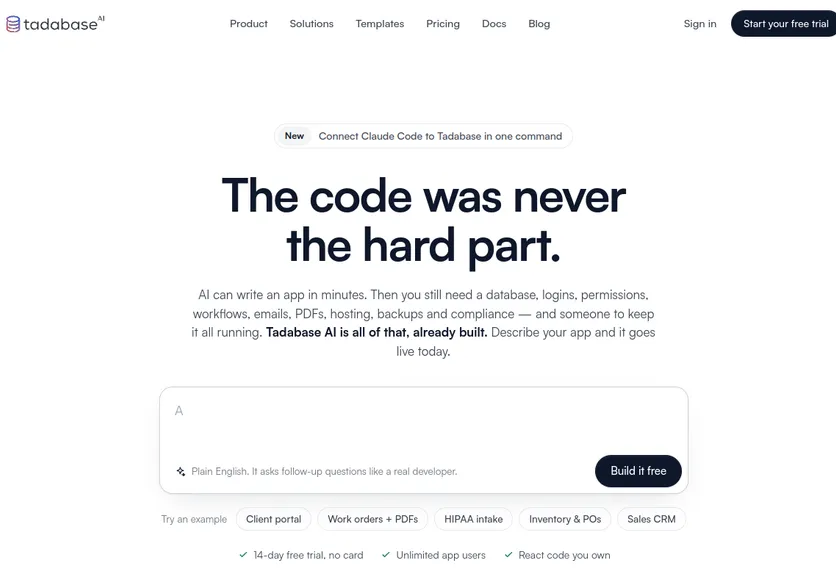
Tadabase is the relational app builder for client-facing database apps, with per-record permissions that control exactly which rows each client, staff member or manager can see. This Tadabase Business Starter plan costs forty-two dollars a month billed annually and includes unlimited users. A small business that shares data with outside clients gets portals and granular permissions at a flat monthly price.
What we like
- Per-record permissions for client portals
- Unlimited users on a flat monthly price
- Relational structure with forms and rules
Watch out for
- No free plan, so the trial is the only way to test it
- Smaller template library than the bigger builders
How to try it
- Open the Tadabase site and start the 14-day free trial
- Build a portal from a template and import your records
- Set per-record rules so each client sees only their rows
6. Softr
Best for: Small businesses that need polished client portals on their data without a designer
Paid tool Starting price: $19/month · Nineteen dollars a month billed annually for the Basic plan, with fifty thousand records; Pro costs ninety-nine dollars a month billed annually
Free plan: Free plan with 5,000 database records
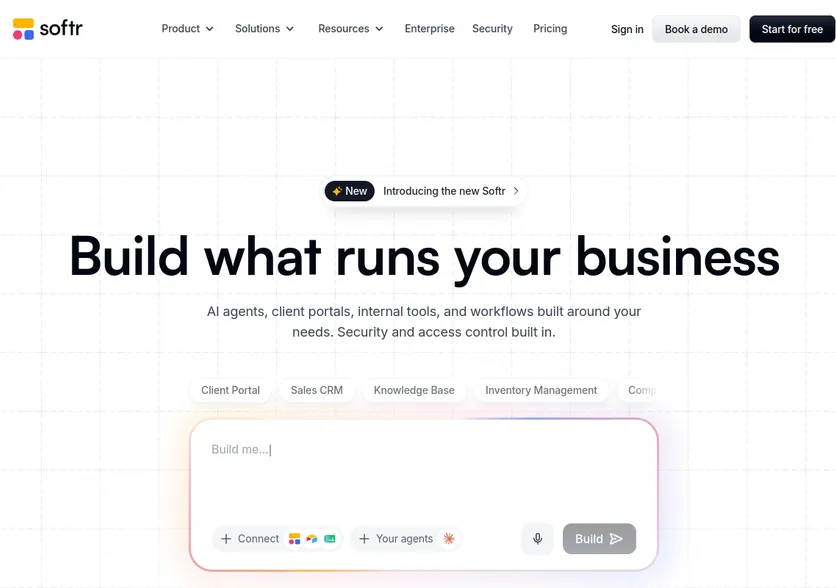
Softr builds polished client portals and internal apps on top of your data, using ready-made blocks instead of a blank canvas, so a portal looks finished on day one. This Softr Basic plan costs nineteen dollars a month billed annually and covers fifty thousand records for one builder. A small business that needs clients to see their own orders, files or bookings gets a professional portal without a designer.
What we like
- Ready-made blocks make portals look finished fast
- Works with its own database or Airtable
- Free plan covers a real first portal
Watch out for
- Basic covers only one builder seat
- Deep database logic needs a dedicated database tool
How to try it
- Open the Softr site and start with the free plan
- Pick a portal template and connect your data source
- Publish the portal and upgrade to Basic for more records
7. Baserow
Best for: Teams that want data ownership and the option to self-host their database
Paid tool Starting price: $10/user/month · Ten dollars per user a month billed annually for the Premium plan, or twelve dollars billed monthly; Advanced costs eighteen dollars per user a month billed annually
Free plan: Free cloud plan with 3,000 rows per workspace, or free self-hosting
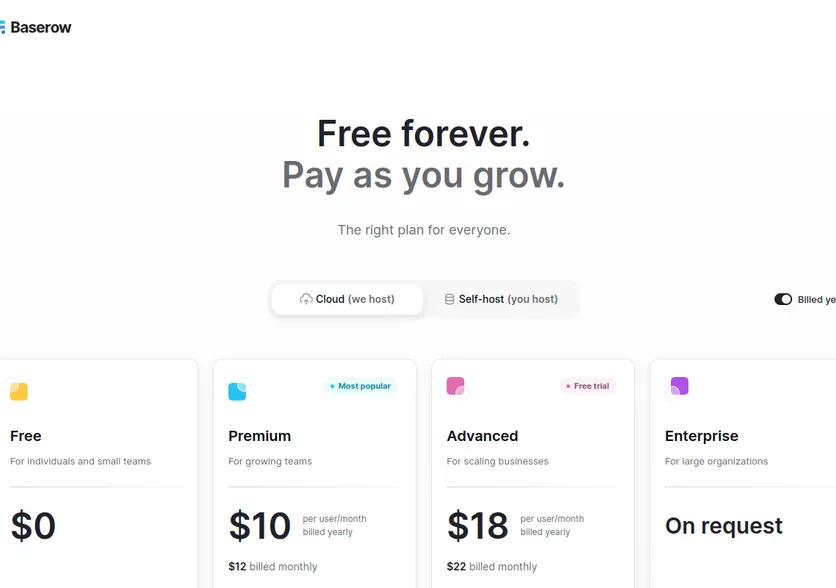
Baserow is the open-source database that gives a small business Airtable-style grids with the option to self-host, so the data stays on your own server. This Baserow Premium plan costs ten dollars per user a month billed annually and lifts a workspace to fifty thousand rows. A team that cares about data ownership gets a familiar spreadsheet database without lock-in, and the hosted free plan covers the first steps.
What we like
- Open source with a free self-hosted option
- Familiar grid with linked tables and an API
- Low per-user price for a hosted database
Watch out for
- Free cloud plan caps at three thousand rows a workspace
- Fewer ready-made templates than Airtable
How to try it
- Open the Baserow site and start with the free cloud plan
- Import a spreadsheet and link the tables together
- Upgrade to Premium or self-host when you outgrow the free limits
Prices above were checked on each vendor’s own website on Nov 27, 2026 and can change — the vendor’s page is the final word. Vendor links are editorial: nobody paid to be listed or ranked here. Vendors who want a featured listing can see how it works on our Get listed page.
What a small business database costs in 2026
A small business database charges in one of two ways, per user or per month for the whole business, and the difference decides the bill. Per-user pricing suits a team where only a few people edit records, while a flat monthly fee suits a business where clients and staff all need logins. The cheapest plan here costs eight dollars per user a month, while the most expensive costs two hundred and seventy dollars a month billed annually for the whole business.
Start with a free plan on two tools and load your real data into each one. Build a form, invite a colleague, and give a client a portal login, then check how many records you used in a week. Pick the tool whose record limit still has room after a month of real use, because a database you outgrow in six weeks is a migration you did not plan for.
Before you buy
- Count how many people will edit records, because per-user pricing grows with every editor you add.
- Check the record limit on the entry plan, because a cap of a few thousand rows forces an upgrade fast.
- Confirm client portals are included, because a tool without portals leaves customers emailing for updates.
- Ask whether users are unlimited, because a flat price beats per-seat billing when clients need logins.
- Test the free plan with real data, because a database that feels cramped at a hundred rows will not scale.
Official websites
Official websites of the products reviewed above. Features and prices were checked against these sites when this guide was written, and they can change, so confirm on the vendor site before you buy.
Frequently asked questions
Which database software is best for small business in 2026?
Airtable is the best overall pick at twenty dollars per user a month billed annually, pairing a familiar grid with linked records, views and automations. Zoho Creator is the best budget pick at eight dollars per user a month. Knack is the best pick for unlimited users at forty-nine dollars a month flat, with no per-seat billing at all.
How much does database software for small business cost?
Prices in this list run from eight dollars per user a month for Zoho Creator to three hundred dollars a month flat for Caspio, with most tools landing between ten and fifty dollars a month. Per-user pricing suits a team where only a few people edit records, while flat pricing suits a business where clients and staff all need logins. Add the record limits to the subscription before you compare totals.
Do I need a developer to set up database software?
No, and every tool here is built for exactly that buyer. Airtable, Zoho Creator, Softr and Baserow all offer free plans you can start with, and Knack, Caspio and Tadabase offer free trials. A small business owner can import a spreadsheet, build a first app from a template and invite the team without writing a line of code.
What is the difference between a spreadsheet and a database?
A spreadsheet stores values in cells, while a database stores records in linked tables with rules about who can see and change each one. A spreadsheet breaks when two people edit the same list, while a database keeps one true copy with forms, permissions and history. A business that tracks customers, orders and inventory in three spreadsheets has already outgrown them.
Can clients access my database, or is it staff only?
Yes, and portals are the reason several tools here exist. Knack, Tadabase and Softr all build client portals where each customer sees only their own orders, files or bookings. A business that emails status updates by hand can give clients a login instead, and the portal updates itself whenever the underlying records change.
Running a small business? Try Toolsvine's free business tools right in your browser.
Browse Business Tools tools