On this page
Rolling out an application to a hundred machines is not a copy job — it is a pipeline, and a bad one ships the wrong version to the wrong floor at the wrong hour. The eight tools below cover cloud and on-prem deploys, patching and endpoint management, with prices from free to one thousand nine hundred and fifty dollars a year. Every price was checked on the vendor site on November 27, 2026. Octopus Deploy is our first pick — the deployment platform that turns a release into a repeatable pipeline for forty-five dollars a month.
How we researched this
We started with the deploy tools IT teams actually use to roll out applications, then read each price on the vendor pricing page on November 27, 2026 and noted the trial each plan carries. We judged them for a team that ships to a fleet of machines and needs environments, approvals and a rollback that works. We dropped Chocolatey and Hexnode because the price could not be verified on the vendor site, so a buyer cannot compare them without a sales call.
Compare the tools
| Name | Best for | Starting price | Free plan | |
|---|---|---|---|---|
 Octopus Deploy | IT teams that ship to servers, containers and cloud through one pipeline | $45/month | Free Server edition for up to 10 targets | Visit |
 PDQ Deploy | IT teams that manage a Windows fleet and want deployment with inventory | $1,950/admin/year | Free mode with single-step packages; 14-day free trial | Visit |
 Action1 | IT teams that need patching and deployment without a server, free to 200 endpoints | $0 | Free for the first 200 endpoints | Visit |
 Atera | IT teams that want deployment, patching and monitoring on one per-technician price | $129/technician/month | No free plan; 30-day free trial | Visit |
 Syncro | MSPs that roll out software for many clients from one console | $129/user/month | No free plan; 14-day free trial | Visit |
 ManageEngine Endpoint Central | IT teams that want one console for desktops, servers and mobiles | $795/year | Free edition for up to 25 endpoints | Visit |
 NinjaOne | IT teams that manage a growing fleet and want the price to fall as it grows | $3.75/device/month | No free plan; 14-day free trial | Visit |
 Automox | IT teams that want the cheapest per-endpoint rollout in this list | $1/endpoint/month | No free plan; 15-day free trial | Visit |
The deploy software for IT application rollout, compared
1. Octopus Deploy
Best for: IT teams that ship to servers, containers and cloud through one pipeline
Paid tool Starting price: $45/month · Forty-five dollars a month for the Cloud plan for up to five deployment targets, then nine dollars a month for each extra target; the Server edition is free for up to ten targets
Free plan: Free Server edition for up to 10 targets
Octopus Deploy is the deployment platform that turns a release into a repeatable pipeline, with environments, approvals and rollbacks built in. This Octopus Deploy Cloud plan costs forty-five dollars a month for up to five deployment targets, then nine dollars a month for each extra target. An IT team that ships to servers, containers and cloud gets one pipeline for all three, with the Server edition free for up to ten targets.

What we like
- One pipeline for servers, containers and cloud targets
- Approvals and rollbacks built into every release
- Free Server edition for up to ten targets
Watch out for
- The per-target price climbs as the fleet grows
- Cloud and Server editions are priced and sold separately
How to try it
- Open the Octopus Deploy site and start the Cloud trial
- Build a pipeline with a test environment and an approval step
- Deploy to five targets, then test the rollback before going live
2. PDQ Deploy
Best for: IT teams that manage a Windows fleet and want deployment with inventory
Paid tool Starting price: $1,950/admin/year · One thousand nine hundred and fifty dollars per admin per year for the Deploy and Inventory bundle with unlimited endpoints
Free plan: Free mode with single-step packages; 14-day free trial
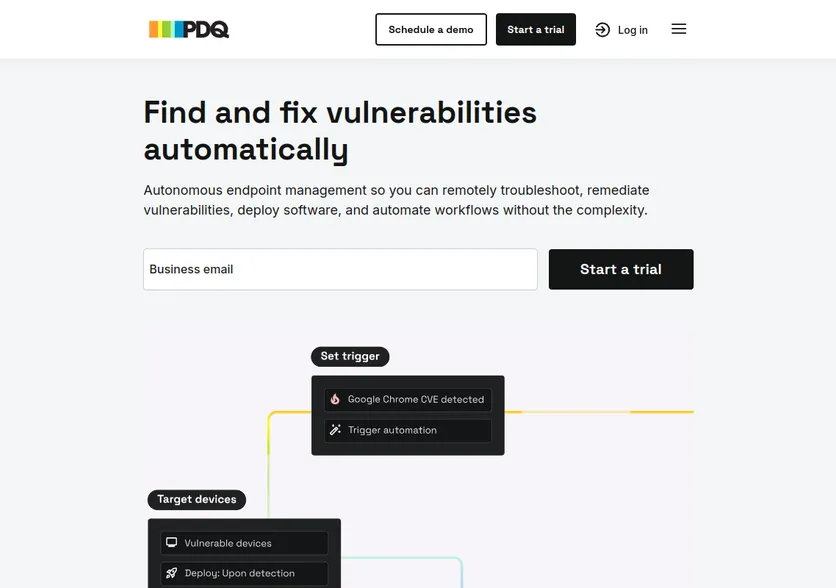
PDQ Deploy is the Windows tool that pushes packages to every machine on the network, with a library of ready-made packages and silent installs. This PDQ Deploy Deploy and Inventory bundle costs one thousand nine hundred and fifty dollars per admin per year with unlimited endpoints. An IT team that manages a Windows fleet gets deployment and inventory in one licence, with no per-device charge.
What we like
- Unlimited endpoints for one per-admin price
- Library of ready-made packages with silent installs
- Deployment and inventory in a single licence
Watch out for
- Windows only, so mixed fleets need a second tool
- The per-admin price is steep for a one-person IT team
How to try it
- Open the PDQ site and start the 14-day free trial
- Pick a ready-made package from the library and deploy it to a test group
- Check the inventory report to confirm every machine took the package
3. Action1
Best for: IT teams that need patching and deployment without a server, free to 200 endpoints
Paid tool Starting price: $0 · Zero dollars for the first two hundred endpoints with no feature limits and no expiry; paid plans above two hundred endpoints are quoted by the vendor
Free plan: Free for the first 200 endpoints
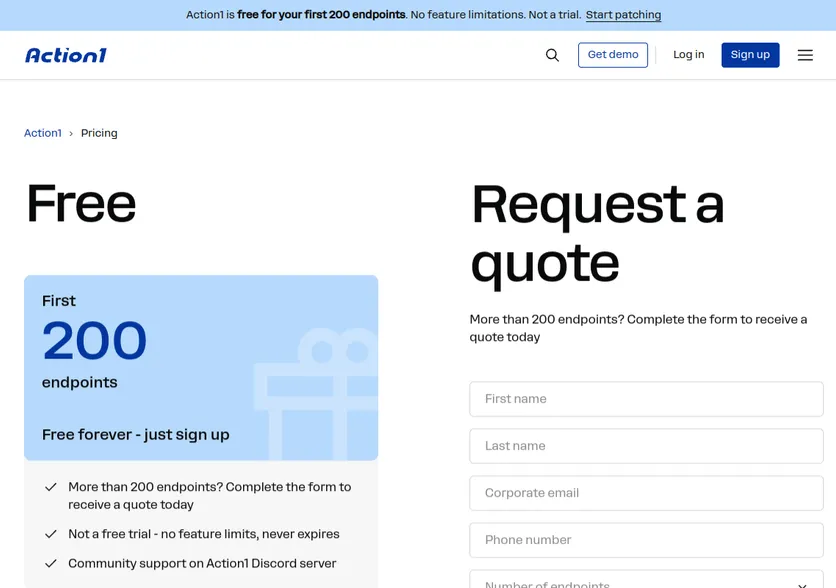
Action1 is the cloud patching platform that is free for the first two hundred endpoints, with no feature limits and no expiry on the free tier. This Action1 platform costs nothing for the first two hundred endpoints, with paid plans quoted above two hundred endpoints. An IT team that needs to patch and deploy without a server gets a cloud console that reaches every machine from a browser.
What we like
- Free for the first two hundred endpoints with no feature limits
- Cloud console with no server to install or maintain
- Patching, deployment and reporting in one place
Watch out for
- Paid-plan prices above two hundred endpoints are not published
- Smaller feature set than the big endpoint suites
How to try it
- Open the Action1 site and create a free account
- Add the first two hundred endpoints to the cloud console
- Run a patch policy on a test group and check the report
4. Atera
Best for: IT teams that want deployment, patching and monitoring on one per-technician price
Paid tool Starting price: $129/technician/month · One hundred and twenty-nine dollars per technician per month billed annually for the Pro plan; Growth costs one hundred and fifty-nine dollars and Power costs two hundred and nine dollars
Free plan: No free plan; 30-day free trial
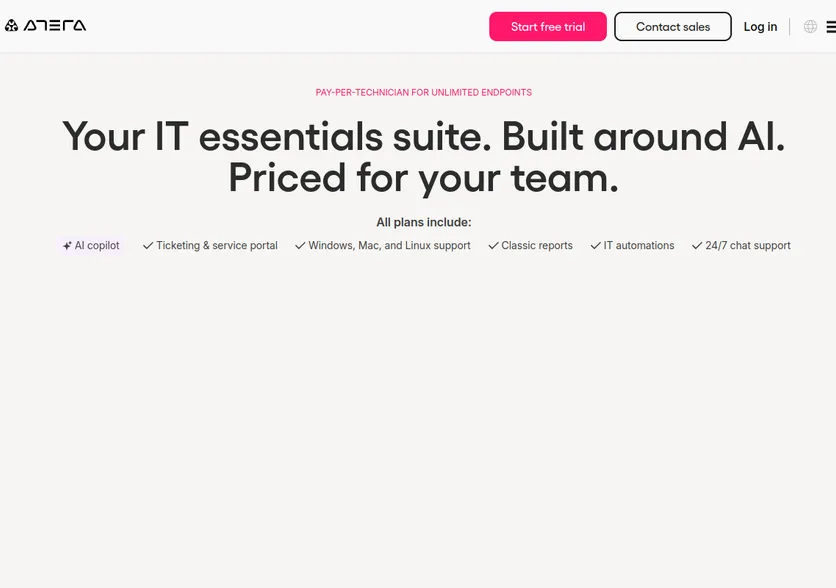
Atera is the all-in-one IT platform that puts deployment, patching, monitoring and remote access on one per-technician price. This Atera Pro plan costs one hundred and twenty-nine dollars per technician per month billed annually, with unlimited devices included. An IT team that wants one console for the whole stack gets patching, automation and ticketing without per-device billing.
What we like
- One per-technician price with unlimited devices included
- Patching, monitoring, remote access and ticketing in one console
- AI assistance and automation built into the platform
Watch out for
- The per-technician price is high for a one-person IT team
- Some advanced features sit on the higher tiers
How to try it
- Open the Atera site and start the 30-day free trial
- Add devices and set up a patch policy for the fleet
- Test remote access and the ticketing flow with a real user
5. Syncro
Best for: MSPs that roll out software for many clients from one console
Paid tool Starting price: $129/user/month · One hundred and twenty-nine dollars per user per month billed annually for the Core plan; the Team plan costs one hundred and seventy-nine dollars per user per month billed annually
Free plan: No free plan; 14-day free trial
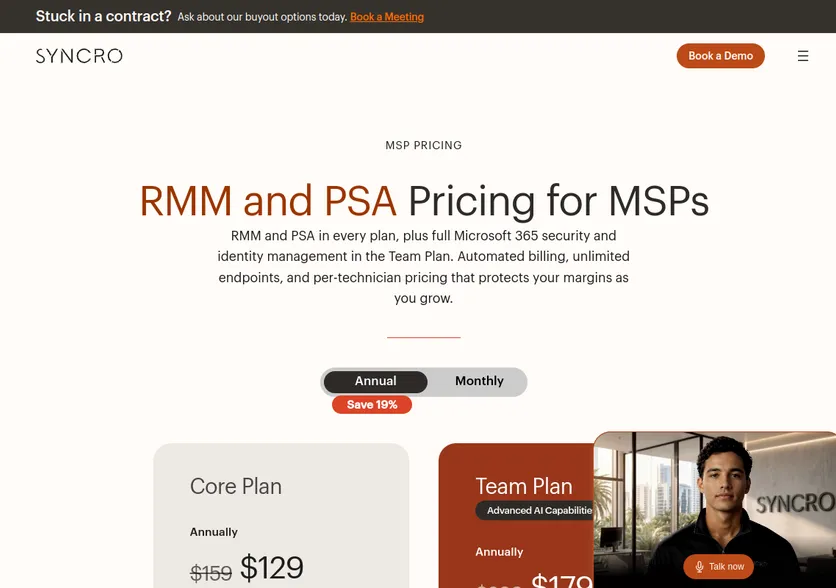
Syncro is the MSP platform that combines remote monitoring, patching and deployment with a PSA, priced per user instead of per device. This Syncro Core plan costs one hundred and twenty-nine dollars per user per month billed annually, with the Team plan at one hundred and seventy-nine dollars. An MSP that rolls out software for many clients gets one console for every customer, with scripts and policies shared across the fleet.
What we like
- Per-user pricing with no per-device charge
- Monitoring, patching and PSA in one MSP console
- Scripts and policies shared across every client
Watch out for
- The per-user price climbs as the team grows
- Built for MSPs, so a single-site team pays for features it never uses
How to try it
- Open the Syncro site and start the 14-day free trial
- Add a client and set up a patch policy for their fleet
- Test a scripted deploy across two client sites
6. ManageEngine Endpoint Central
Best for: IT teams that want one console for desktops, servers and mobiles
Paid tool Starting price: $795/year · Seven hundred and ninety-five dollars a year for the Professional edition for fifty endpoints on-prem; the cloud Professional edition starts at one dollar and thirty-two cents per endpoint per month
Free plan: Free edition for up to 25 endpoints
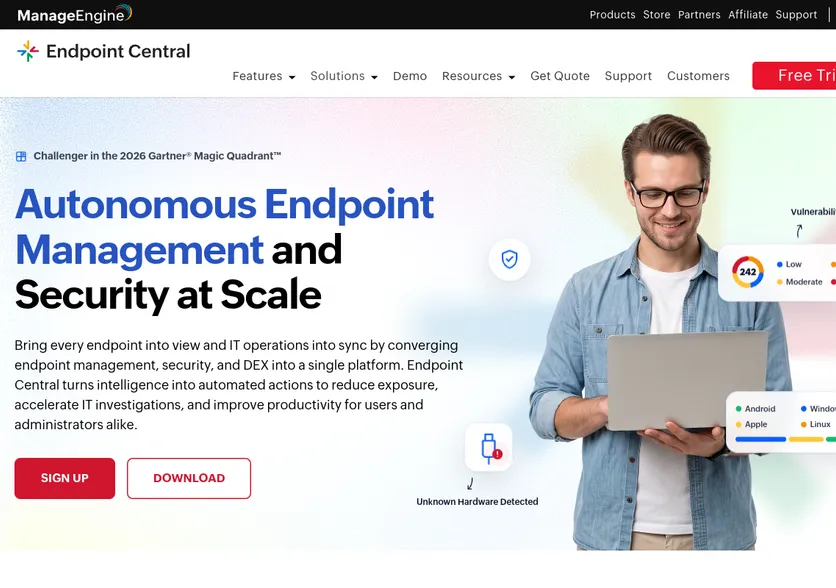
ManageEngine Endpoint Central is the endpoint management platform that deploys software, patches and configurations to desktops, servers and mobiles. This ManageEngine Endpoint Central Professional edition costs seven hundred and ninety-five dollars a year for fifty endpoints on-prem, with a cloud edition from one dollar and thirty-two cents per endpoint per month. An IT team that wants one console for every device type gets patching, deployment and remote control in one licence.
What we like
- One console for desktops, servers and mobiles
- Free edition for up to twenty-five endpoints
- On-prem and cloud editions to suit the network
Watch out for
- The interface packs a lot in, so the learning curve is real
- The on-prem price rises with the endpoint count
How to try it
- Open the ManageEngine site and start the free edition
- Add fifty endpoints and deploy a package to a test group
- Test the patch policy and the remote control tools
7. NinjaOne
Best for: IT teams that manage a growing fleet and want the price to fall as it grows
Paid tool Starting price: $3.75/device/month · Three dollars and seventy-five cents per device per month for up to fifty endpoints, falling to one dollar and fifty cents per device per month at ten thousand endpoints; the exact price is set by quote
Free plan: No free plan; 14-day free trial
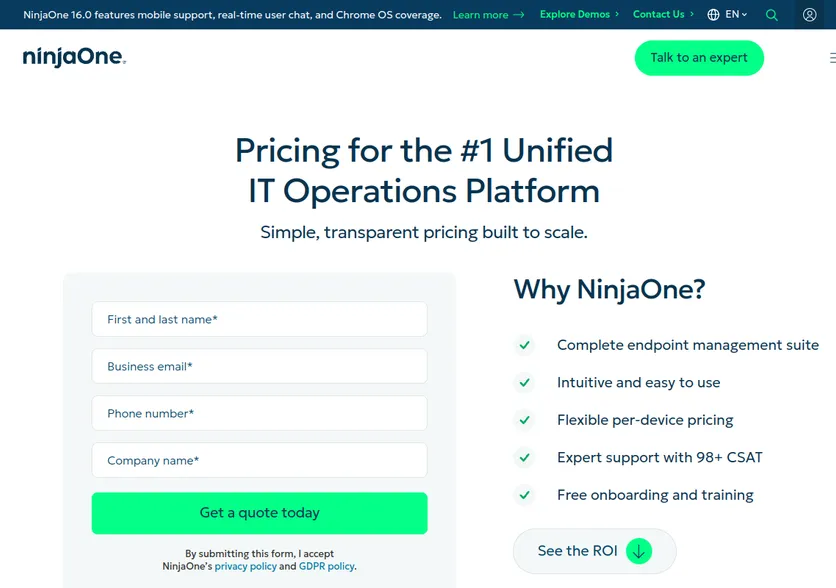
NinjaOne is the cloud endpoint platform that deploys software and patches to every device, with automation that runs without a technician watching. This NinjaOne platform starts at three dollars and seventy-five cents per device per month for up to fifty endpoints, falling to one dollar and fifty cents at ten thousand endpoints. An IT team that manages a growing fleet gets a price that falls as the fleet grows, with the exact figure set by quote.
What we like
- Cloud console with no server to install or maintain
- Price per device falls as the fleet grows
- Automation that runs patching without a technician watching
Watch out for
- The exact price is set by quote, not published as a single figure
- Add-on modules are priced separately from the core platform
How to try it
- Open the NinjaOne site and start the 14-day free trial
- Add devices and set up an automation policy for patching
- Test a software deploy on a small group before the full fleet
8. Automox
Best for: IT teams that want the cheapest per-endpoint rollout in this list
Paid tool Starting price: $1/endpoint/month · One dollar per endpoint per month billed annually for the Patch OS plan
Free plan: No free plan; 15-day free trial
Automox is the cloud patching platform that deploys updates to Windows, macOS and Linux from one console, priced per endpoint. This Automox Patch OS plan costs one dollar per endpoint per month billed annually. An IT team that wants the cheapest per-endpoint rollout here gets patching for a dollar a device, with policies that run on a schedule.

What we like
- One dollar per endpoint per month for patching
- One console for Windows, macOS and Linux
- Policies that run patching on a schedule
Watch out for
- Patching is the focus, so broader deployment needs the higher tier
- No free plan, only a fifteen-day trial
How to try it
- Open the Automox site and start the 15-day free trial
- Add endpoints and set up a patch policy for each operating system
- Test a scheduled deploy on a small group before the full fleet
Prices above were checked on each vendor’s own website on Nov 27, 2026 and can change — the vendor’s page is the final word. Vendor links are editorial: nobody paid to be listed or ranked here. Vendors who want a featured listing can see how it works on our Get listed page.
What deploy software costs in 2026
Deploy software charges in one of three ways, per device, per admin or per technician, and the same headline means very different totals. A per-device price suits a small fleet, a per-admin price suits a large fleet with one operator, and a per-technician price suits a team that manages many clients. The cheapest plan here costs nothing for the first two hundred endpoints, while the most expensive costs one thousand nine hundred and fifty dollars per admin per year.
Start with a trial on two tools and deploy a real package to a small group of machines. Watch the report, check which machines failed and roll the package back, then do it again at scale. Pick the tool whose report tells you the truth about every machine, because a rollout that skips sleeping laptops is a rollout that never finishes.
Before you buy
- Check whether the price is per device, per admin or per technician, because the same headline means very different totals.
- Confirm rollback and approval steps are built in, because a deploy tool without a way back is a risk, not a tool.
- Ask what happens when a machine is offline, because a rollout that skips sleeping laptops never finishes.
- Test a deploy on a small group first, because a package that works on one machine can fail on a hundred.
- Check the audit log before you sign, because a rollout nobody can trace is a rollout nobody can fix.
Official websites
Official websites of the products reviewed above. Features and prices were checked against these sites when this guide was written, and they can change, so confirm on the vendor site before you buy.
Frequently asked questions
Which deploy software is best for IT application rollout in 2026?
Octopus Deploy is the best overall pick at forty-five dollars a month, because it turns a release into a repeatable pipeline with environments, approvals and rollbacks built in. Action1 is the best pick for small teams at zero dollars for the first two hundred endpoints, with no feature limits. Automox is the best budget pick at one dollar per endpoint per month for patching across Windows, macOS and Linux.
How much does deploy software cost?
Prices in this list run from zero dollars for Action1 under two hundred endpoints to one thousand nine hundred and fifty dollars per admin per year for PDQ Deploy, with most tools landing between one dollar per endpoint per month and one hundred and twenty-nine dollars per technician per month. Work out the price per device before you compare, because a per-admin price and a per-device price mean very different totals at fleet scale.
What deployment features matter most for an IT rollout?
Environments matter most, because a release should pass through test before it reaches production, and a tool without that step ships untested code. Approvals matter next, because someone should sign off before a deploy touches every machine. Rollback matters too, because a bad release needs a way back that takes minutes, not a weekend of manual fixes.
Can an IT team try deploy software for free?
Yes, and the free tiers here are real: Action1 is free for the first two hundred endpoints with no feature limits, Octopus Deploy Server is free for up to ten targets, and ManageEngine Endpoint Central is free for up to twenty-five endpoints. Use the free tier on a real fleet, not a demo, because a deploy tool only proves itself when it touches machines people actually use.
Can an IT team switch deploy software without breaking the rollout?
Yes, and the move is usually a matter of exporting policies and scripts, then rebuilding the pipeline in the new tool, because deploy tools do not share a common format. Start with one small group, run the new pipeline alongside the old one for a week, and only switch the whole fleet once the new tool has proven itself on real machines.
Need everyday business help too? Try Toolsvine's free business tools right in your browser.
Browse Business Tools tools