
On this page
IT administrators deploy software to machines they never touch, and the right tool turns a week of manual installs into one scheduled job. This roundup covers release platforms, Windows deployment, CI pipelines and endpoint management, from six dollars a user to thousands a year. PDQ Deploy leads because it pushes software across a Windows fleet fast, with a package library that covers most of the work. We checked every price on the vendor site on November 26, 2026.
How we researched this
We started with the deployment tools IT administrators actually run in production, then read each price on the vendor site on November 26, 2026 and noted the free plan each one carries. We judged them for an admin who manages many machines and needs deployments that work the first time. We kept only tools with a published price, and dropped ManageEngine and Action1 because their pricing pages show no usable dollar prices.
Compare the tools
| Name | Best for | Starting price | Free plan | |
|---|---|---|---|---|
 Octopus Deploy | Teams that need reliable, repeatable releases across many environments | $4,330/year | No free plan | Visit |
 PDQ Deploy | IT admins who patch and deploy software across Windows fleets | $1,950/admin/year | No free plan | Visit |
 SmartDeploy | IT admins who image and deploy Windows machines at scale | $1,100/year | No free plan | Visit |
 CircleCI | IT admins who want fast, reliable CI pipelines for their teams | $15/month | Free plan ($0, 30,000 credits a month) | Visit |
 Atera | IT admins who manage many endpoints from one console | $149/month | No free plan | Visit |
 Chocolatey for Business | IT admins who deploy Windows software from packages at scale | $1,800/year | Free open-source edition available | Visit |
 Azure DevOps | IT admins who run pipelines and boards inside the Microsoft stack | $6/user/month | Free for the first 5 users | Visit |
The deployment tools for IT admins, compared
1. Octopus Deploy
Best for: Teams that need reliable, repeatable releases across many environments
Paid tool Starting price: $4,330/year · Professional plan at $4,330 a year on cloud (self-hosted Professional $2,080 a year); Enterprise $24,600 a year
Free plan: No free plan
Octopus Deploy gives IT administrators one place to run releases across servers, clouds and on-prem machines with the same process every time. This Octopus Deploy tool shows each deployment step visually, enforces approvals before production, and keeps a full audit trail for every release. It takes real setup time on a complex estate, and the Enterprise tier is priced for large orgs.

What we like
- Clear visual deployment process
- Strong approvals and audit trail
- Works with many clouds and servers
Watch out for
- Price jumps sharply to Enterprise
- Setup takes time on complex estates
How to try it
- Create a project and define your deployment process.
- Set up environments and approval steps for each stage.
- Run a release and watch every step in the dashboard.
2. PDQ Deploy
Best for: IT admins who patch and deploy software across Windows fleets
Paid tool Starting price: $1,950/admin/year · Deploy and Inventory at $1,950 per admin a year; PDQ Connect cloud from $12 per device a year
Free plan: No free plan
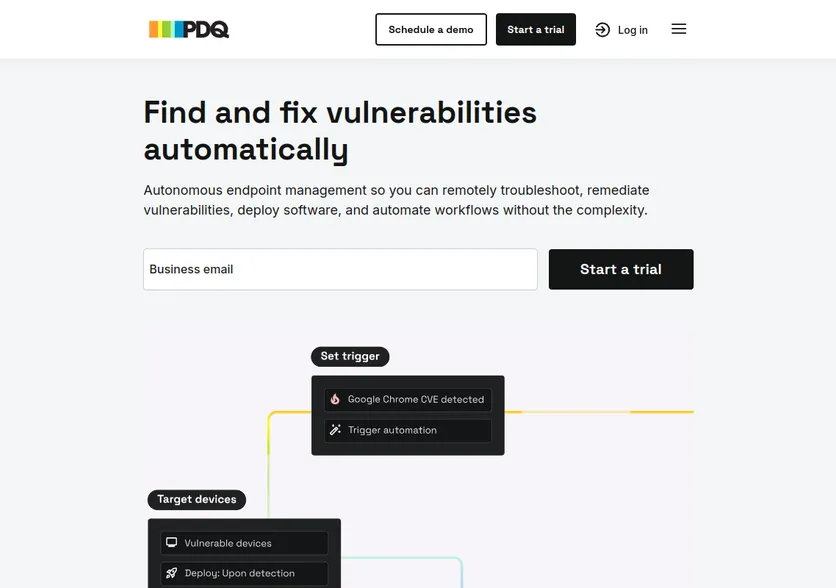
PDQ Deploy is the workhorse for IT administrators who push software and patches across Windows fleets every week. This PDQ Deploy console ships with a huge library of ready-made packages, deploys to many machines at once, and reports on every install. It is Windows only, so mixed fleets need another tool for Mac and Linux machines.
What we like
- Huge ready-made package library
- Fast deployments across many machines
- Simple per-admin pricing
Watch out for
- Windows only, no Mac or Linux fleet
- Cloud option costs per device
How to try it
- Install PDQ Deploy and scan your Windows machines.
- Pick a package from the library or build your own.
- Schedule the deployment and check the results report.
3. SmartDeploy
Best for: IT admins who image and deploy Windows machines at scale
Paid tool Starting price: $1,100/year · Starts at $1,100 a year
Free plan: No free plan
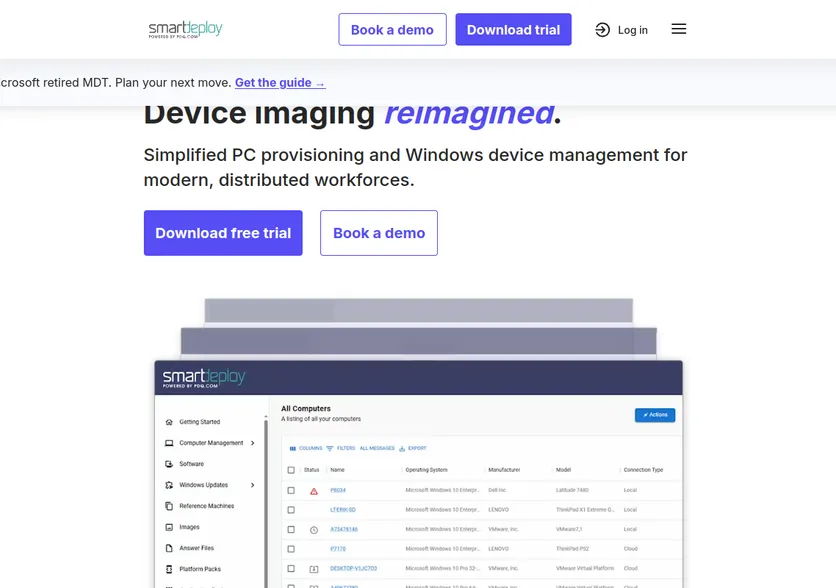
SmartDeploy is the imaging tool for IT administrators who set up Windows machines again and again and want one image to fit every model. This SmartDeploy platform builds a golden image, handles driver packs per hardware model automatically, and pushes images over the network or USB. It covers Windows imaging only, and the yearly price is flat rather than per device.
What we like
- One image works across hardware models
- Driver packs handled automatically
- Cloud deployment for remote machines
Watch out for
- Windows imaging only
- Entry price is per year, not per device
How to try it
- Build your golden Windows image in SmartDeploy.
- Add driver packs for each hardware model.
- Push the image to machines over the network or USB.
4. CircleCI
Best for: IT admins who want fast, reliable CI pipelines for their teams
Paid tool Starting price: $15/month · Performance plan from $15 a month (per 25,000 credits); Free plan $0 with 30,000 credits
Free plan: Free plan ($0, 30,000 credits a month)
CircleCI is the CI platform IT administrators pick when builds and tests must run fast and reliably for every team. This CircleCI service connects to the repository, runs pipelines from a simple config file, and caches aggressively so repeat builds stay quick. The free tier covers small teams, though heavy build volume burns through credits fast.

What we like
- Fast cloud runners with good caching
- Simple YAML config for pipelines
- Free tier covers small teams
Watch out for
- Credit costs grow with heavy builds
- Self-hosted runners need setup
How to try it
- Connect your repository to CircleCI.
- Add a config file that defines your build and test jobs.
- Watch pipelines run and fix failures from the dashboard.
5. Atera
Best for: IT admins who manage many endpoints from one console
Paid tool Starting price: $149/month · From $149 a month per technician; Professional, Expert and Master plans
Free plan: No free plan
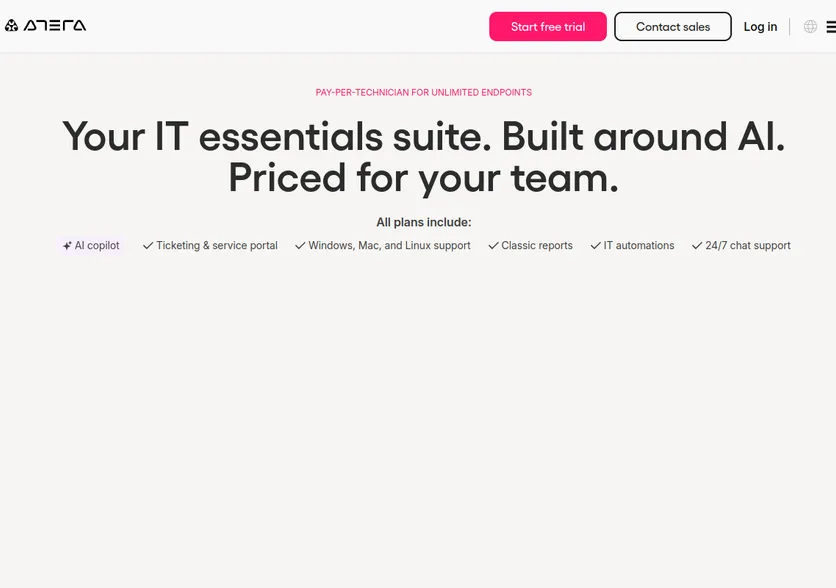
Atera is the all-in-one console for IT administrators who manage endpoints, tickets and remote access from a single login. This Atera platform installs an agent on each machine, monitors and patches it, and lets admins fix issues remotely without a site visit. Pricing is per technician rather than per device, which suits teams with many endpoints per admin.
What we like
- All-in-one RMM with ticketing built in
- Per-technician pricing, not per device
- AI tools help triage tickets
Watch out for
- Price is per technician, so teams pay more
- Some features need the higher plans
How to try it
- Install the Atera agent on each endpoint.
- Set up monitoring alerts and patch policies.
- Use remote access to fix issues without a site visit.
6. Chocolatey for Business
Best for: IT admins who deploy Windows software from packages at scale
Paid tool Starting price: $1,800/year · $1,800 a year (100-node minimum at $18 per node a year)
Free plan: Free open-source edition available
Chocolatey for Business is the package manager IT administrators use to install and update Windows software with one command. This Chocolatey for Business system draws on a huge community package library, pushes installs from a central repository, and controls which versions run where. The business features need the paid tier, and writing custom packages takes some learning.
What we like
- Huge community package library
- Scriptable installs save hours
- Central control over versions
Watch out for
- Business features need the paid tier
- Learning curve for package creation
How to try it
- Install Chocolatey on your endpoints.
- Point it at your internal package repository.
- Push installs and updates with one command.
7. Azure DevOps
Best for: IT admins who run pipelines and boards inside the Microsoft stack
Paid tool Starting price: $6/user/month · Basic plan at $6 per user a month (first 5 users free); Basic plus Test Plans $52 per user a month
Free plan: Free for the first 5 users
Azure DevOps is the natural pick for IT administrators already running on Microsoft, because boards, repos and pipelines live together. This Azure DevOps service tracks work, builds code and releases it through the same organization, with the first five users free. The interface is dense for newcomers, and test plans and extra jobs add to the bill.
What we like
- Deep integration with Azure and GitHub
- Boards, repos and pipelines together
- First five users are free
Watch out for
- Interface is dense for new teams
- Costs grow with test plans and jobs
How to try it
- Create an organization and add your team.
- Set up a pipeline from your repository.
- Track work in boards and releases in one place.
Prices above were checked on each vendor’s own website on Nov 26, 2026 and can change — the vendor’s page is the final word. Vendor links are editorial: nobody paid to be listed or ranked here. Vendors who want a featured listing can see how it works on our Get listed page.
What deployment tools cost IT teams in 2026
Deployment tools price by admin, by device or by user, and the cheapest model depends on the fleet. PDQ Deploy is $1,950 per admin a year with unlimited devices, SmartDeploy starts at $1,100 a year flat, and Azure DevOps is $6 per user a month with the first five free. CircleCI starts at $15 a month on credits, while Atera is $149 per technician a month. Free tiers cover the start: CircleCI gives 30,000 credits and Azure DevOps gives five free users.
Check the operating system list first. PDQ Deploy and SmartDeploy are Windows only, so a mixed fleet needs CircleCI, Octopus Deploy or Atera to cover the rest.
Before you buy
- Check which operating systems the tool covers, because a Windows-only tool leaves Mac and Linux machines to fend for themselves.
- Compare per-admin, per-device and per-user pricing on your real fleet size, since the cheapest model changes with headcount.
- Test a deployment on a small group first, because a bad package pushed everywhere is worse than a slow rollout.
- Confirm the package library covers your common apps, since building every package by hand eats the time you saved.
- Ask how rollbacks work before you need one, because a failed deployment at 5pm is the wrong time to learn.
Official websites
Official websites of the products reviewed above. Features and prices were checked against these sites when this guide was written, and they can change, so confirm on the vendor site before you buy.
Frequently asked questions
Which software deployment tool is best for IT administrators?
PDQ Deploy leads this roundup for Windows fleets because it pushes software and patches to many machines fast, with a package library that covers most of the work. CircleCI is the pick for CI pipelines, and Azure DevOps suits teams already on Microsoft. Octopus Deploy is the strongest choice when releases must cross many environments with approvals at each stage.
How much does PDQ Deploy cost?
PDQ Deploy and Inventory costs a thousand nine hundred and fifty dollars per admin per year, which covers unlimited devices for that admin. PDQ Connect, the cloud option, starts at twelve dollars per device per year for the Basic plan. The per-admin model suits teams with many machines per admin, while the cloud model fits remote and hybrid fleets.
Can these tools deploy to Mac and Linux machines?
It depends on the tool. PDQ Deploy and SmartDeploy are Windows only, which is their main limit for mixed fleets. CircleCI, Octopus Deploy and Azure DevOps handle many platforms, and Atera manages Windows, Mac and Linux endpoints from one console. Check the operating system list before you buy, because a Windows-only tool leaves the rest of the fleet uncovered.
What is the cheapest deployment tool for a small IT team?
CircleCI has a free plan with thirty thousand credits a month, and Azure DevOps is free for the first five users, so both cost nothing to start. SmartDeploy starts at eleven hundred dollars a year, which is the lowest flat price here for imaging. The cheapest tool depends on the job, since a free CI plan does not image machines and a free DevOps plan does not patch them.
Do I need Octopus Deploy and a CI tool?
Often yes, because they solve different problems. A CI tool like CircleCI builds and tests the code, while Octopus Deploy takes the tested release and pushes it through environments with approvals. Teams that only need builds can skip Octopus, but teams with staging and production gates usually run both, with the CI tool feeding releases into Octopus.
Test your deployment scripts with the free developer tools before you push them to the fleet.
Browse Developer Tools tools


