On this page
A branded social post is not a pretty picture — it is the same logo, the same colours and the same voice, every time, on every feed. The eight tools below cover templates, brand kits, scheduling and team approvals, with prices from seven dollars and ninety-nine cents a month. Every price was checked on the vendor site on November 27, 2026. Canva Pro is our first pick — the design platform with the deepest template library and a brand kit that keeps every post on brand for twelve dollars a month.
How we researched this
We started with the design tools brands actually use to make social posts, then read each price on the vendor pricing page on November 27, 2026 and noted the trial each plan carries. We judged them for a brand that posts every day and needs the same logo, colours and voice on every feed, and checked brand kits, templates and schedulers. We dropped Stencil, Crello, RelayThat and Design Wizard because the price could not be verified on the vendor site, so a buyer cannot compare them without a sales call.
Compare the tools
| Name | Best for | Starting price | Free plan | |
|---|---|---|---|---|
 Canva Pro | Brands that post every day and want every post on brand | $12/month | Free plan; 30-day Pro trial | Visit |
 Adobe Express | Brands that need a social post in minutes, sized for every feed | $9.99/month | Free plan; 30-day free trial | Visit |
 VistaCreate | Small brands that want templates, a brand kit and a scheduler for one flat price | $10/month | Free Starter plan; 14-day Pro trial | Visit |
 Snappa | Small businesses that need a social post in minutes with no design skill | $10/month | Free plan with 3 downloads a month | Visit |
 PicMonkey | Brands that start from photos and want touch-up and templates in one place | $7.99/month | No free plan; 7-day free trial | Visit |
 Fotor | Brands that need a post from a photo, with an editor and templates in one login | $8.99/month | Free plan available | Visit |
 Pixlr | Brands that work in the browser and want an editor that opens in a tab | $7.99/month | Free plan; 7-day free trial | Visit |
 Kittl | Brands that want social posts with a distinct look, not a template everyone uses | $14/month | Free plan with 5 projects | Visit |
The design software for branded social posts, compared
1. Canva Pro
Best for: Brands that post every day and want every post on brand
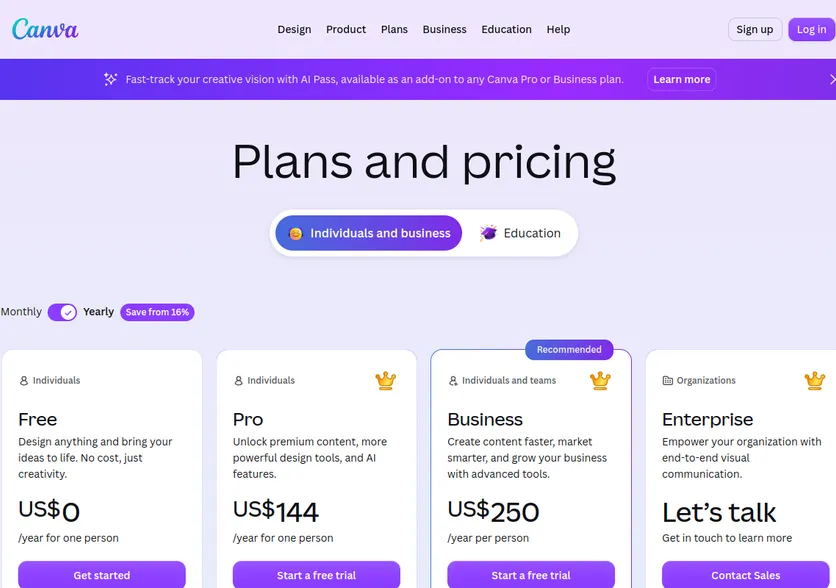
Paid tool Starting price: $12/month · Twelve dollars a month billed annually for the Pro plan; eighteen dollars a month on monthly billing
Free plan: Free plan; 30-day Pro trial
Canva Pro is the design platform a brand buys to keep every social post on brand, with a brand kit, a template library and a scheduler in one login. This Canva Pro plan costs twelve dollars a month billed annually, with eighteen dollars a month on monthly billing. A team that posts every day gets a brand kit that locks the logo, the colours and the fonts, with a free plan underneath to start.
What we like
- Deepest template library in this list
- Brand kit that locks the logo, colours and fonts
- Scheduler and team approvals in the same login
Watch out for
- The free plan lacks the brand kit and the scheduler
- Heavy users hit the storage and asset limits fast
How to try it
- Open the Canva site and start the 30-day Pro trial
- Set up the brand kit with the logo, colours and fonts
- Make a post and schedule it from the same login
2. Adobe Express
Best for: Brands that need a social post in minutes, sized for every feed
Paid tool Starting price: $9.99/month · Nine dollars and ninety-nine cents a month for the Premium plan with no annual commitment; Firefly Pro costs nineteen dollars and ninety-nine cents a month
Free plan: Free plan; 30-day free trial
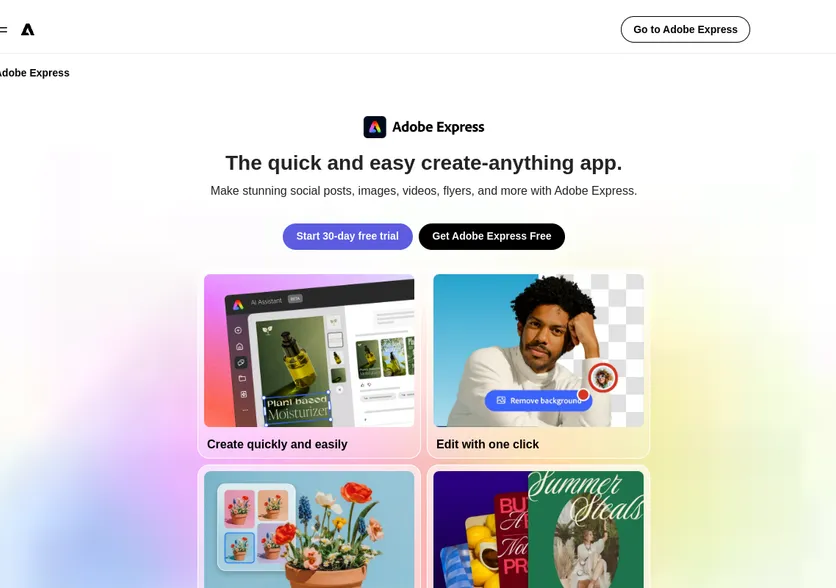
Adobe Express is the design tool a brand buys to make social posts fast, with templates, stock photos and one-click resize for every feed. This Adobe Express Premium plan costs nine dollars and ninety-nine cents a month with no annual commitment. A team that needs a post in minutes gets a template library that covers every size, with Firefly Pro at nineteen dollars and ninety-nine cents a month for AI generation.
What we like
- One-click resize for every feed size
- Stock photos and templates included in the plan
- No annual commitment on the Premium plan
Watch out for
- The brand kit is lighter than Canva Pro's
- AI generation sits on the separate Firefly Pro plan
How to try it
- Open the Adobe Express site and start the 30-day free trial
- Pick a template and resize it for every feed in one click
- Test the stock photos and the brand kit with a real post
3. VistaCreate
Best for: Small brands that want templates, a brand kit and a scheduler for one flat price
Paid tool Starting price: $10/month · Ten dollars a month billed annually for the Pro plan; thirteen dollars a month on monthly billing with up to ten seats
Free plan: Free Starter plan; 14-day Pro trial
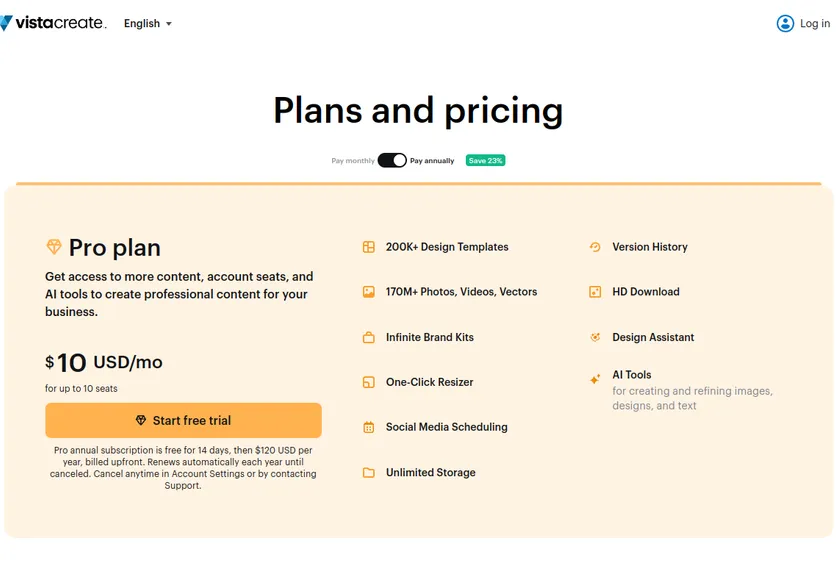
VistaCreate is the design platform a small brand buys to make social posts without a designer, with templates, a brand kit and a scheduler in one login. This VistaCreate Pro plan costs ten dollars a month billed annually, with thirteen dollars a month on monthly billing and up to ten seats. A small team that posts across five feeds gets a brand kit and a scheduler for one flat price.
What we like
- Brand kit and scheduler in the Pro plan
- Up to ten seats on one flat price
- Free Starter plan underneath to start
Watch out for
- Smaller template library than Canva Pro
- The scheduler covers five feeds, not every network
How to try it
- Open the VistaCreate site and start the 14-day Pro trial
- Set up the brand kit with the logo, colours and fonts
- Make a post and schedule it across five feeds
4. Snappa
Best for: Small businesses that need a social post in minutes with no design skill
Paid tool Starting price: $10/month · Ten dollars a month billed annually for the Pro plan; fifteen dollars a month on monthly billing and the Team plan costs twenty dollars a month billed annually
Free plan: Free plan with 3 downloads a month
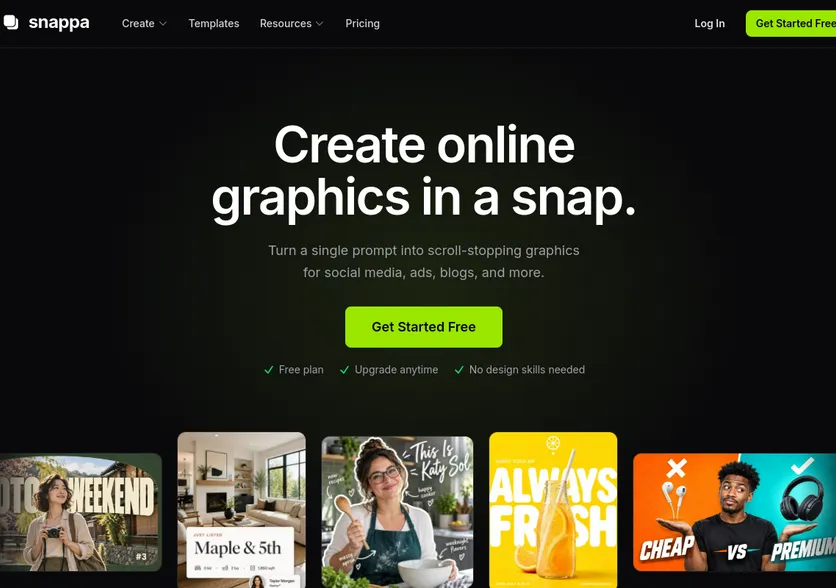
Snappa is the design tool a small business buys to make social posts in minutes, with templates sized for every feed and a free plan underneath. This Snappa Pro plan costs ten dollars a month billed annually, with fifteen dollars a month on monthly billing and the Team plan at twenty dollars a month. A team that needs a post fast gets a template library that covers every size, with no design skill needed.
What we like
- Templates sized for every feed
- Free plan with three downloads a month
- No design skill needed to make a clean post
Watch out for
- The free plan allows only three downloads a month
- No brand kit on the Pro plan, only on Team
How to try it
- Open the Snappa site and start with the free plan
- Pick a template sized for the feed you post to
- Upgrade to Pro and test the scheduler with a real post
5. PicMonkey
Best for: Brands that start from photos and want touch-up and templates in one place
Paid tool Starting price: $7.99/month · Seven dollars and ninety-nine cents a month billed annually for the Basic plan; Pro costs twelve dollars and ninety-nine cents a month
Free plan: No free plan; 7-day free trial
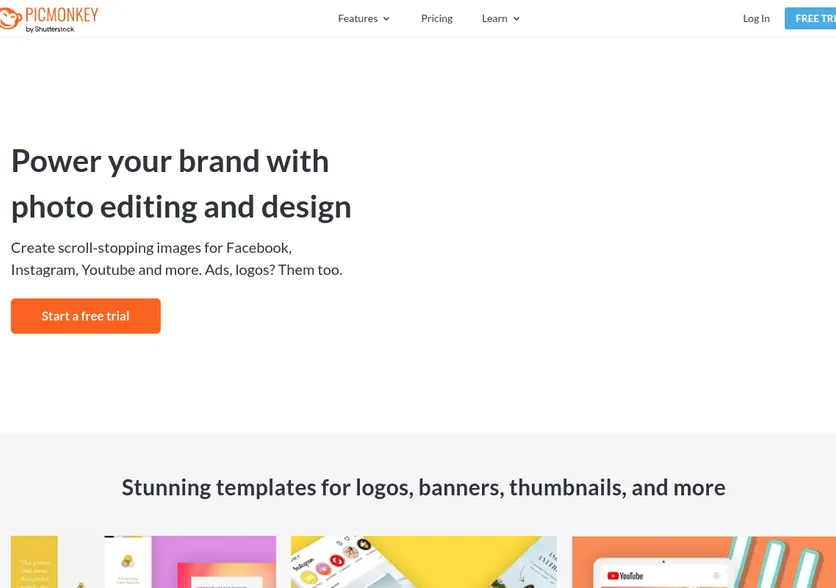
PicMonkey is the photo design tool a brand buys to make social posts from photos, with templates, touch-up and a brand kit in one login. This PicMonkey Basic plan costs seven dollars and ninety-nine cents a month billed annually, with Pro at twelve dollars and ninety-nine cents a month. A team that starts from photos gets touch-up and templates in one place, with a seven-day trial to test it.
What we like
- Photo touch-up and templates in one place
- Brand kit on the Pro plan
- Lowest annual price in this list
Watch out for
- No free plan, only a seven-day trial
- The Basic plan lacks the brand kit and the scheduler
How to try it
- Open the PicMonkey site and start the 7-day free trial
- Upload a photo and test the touch-up tools
- Make a branded post and check the brand kit
6. Fotor
Best for: Brands that need a post from a photo, with an editor and templates in one login
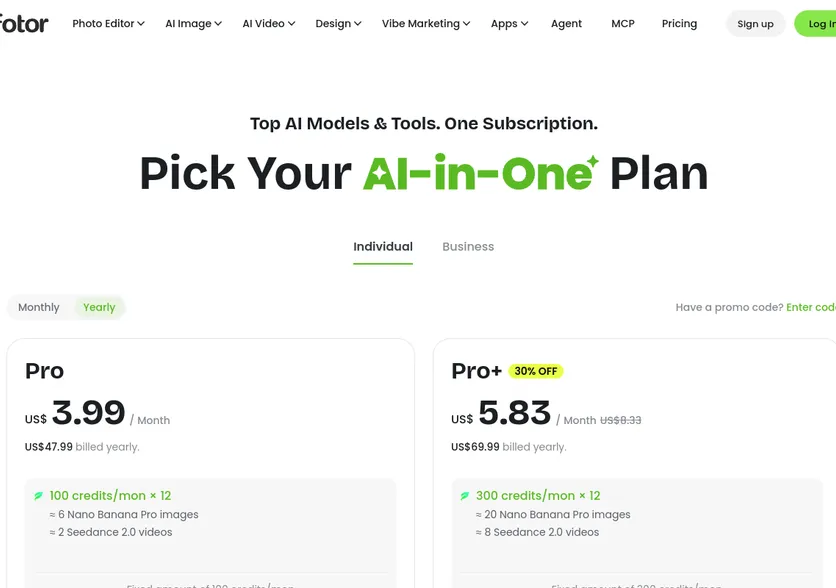
Paid tool Starting price: $8.99/month · Eight dollars and ninety-nine cents a month on monthly billing for the Pro plan, with an annual plan offered at a lower monthly equivalent
Free plan: Free plan available
Fotor is the photo editor a brand buys to make social posts from images, with templates, filters and a free plan underneath. This Fotor Pro plan costs eight dollars and ninety-nine cents a month on monthly billing, with an annual plan offered at a lower monthly equivalent. A team that needs a post from a photo gets an editor and a template library in one login, with a free plan to start.
What we like
- Photo editor and templates in one login
- Free plan available to start
- Filters and AI tools built into the editor
Watch out for
- The brand kit is lighter than Canva Pro's
- The annual equivalent price is not published as a single figure
How to try it
- Open the Fotor site and start with the free plan
- Upload a photo and test the editor and the filters
- Upgrade to Pro and make a branded post from the photo
7. Pixlr
Best for: Brands that work in the browser and want an editor that opens in a tab
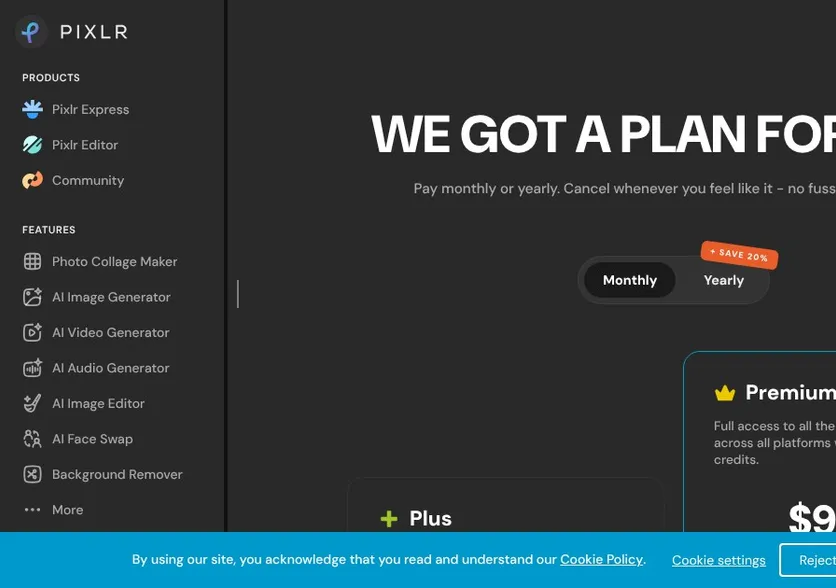
Paid tool Starting price: $7.99/month · Seven dollars and ninety-nine cents a month billed annually for the Premium plan; nine dollars and ninety-nine cents a month on monthly billing and Plus costs two dollars and forty-nine cents a month
Free plan: Free plan; 7-day free trial
Pixlr is the browser editor a brand buys to make social posts without installing anything, with templates, AI tools and a free plan underneath. This Pixlr Premium plan costs seven dollars and ninety-nine cents a month billed annually, with nine dollars and ninety-nine cents a month on monthly billing and Plus at two dollars and forty-nine cents a month. A team that works in the browser gets an editor that opens in a tab, with no download needed.
What we like
- No install, the editor opens in a browser tab
- Free plan with a seven-day Premium trial
- AI tools built into the editor
Watch out for
- No scheduler, so posting needs a separate tool
- The brand kit is lighter than Canva Pro's
How to try it
- Open the Pixlr site and start with the free plan
- Pick a template and edit it in the browser
- Upgrade to Premium and test the AI tools with a real post
8. Kittl
Best for: Brands that want social posts with a distinct look, not a template everyone uses
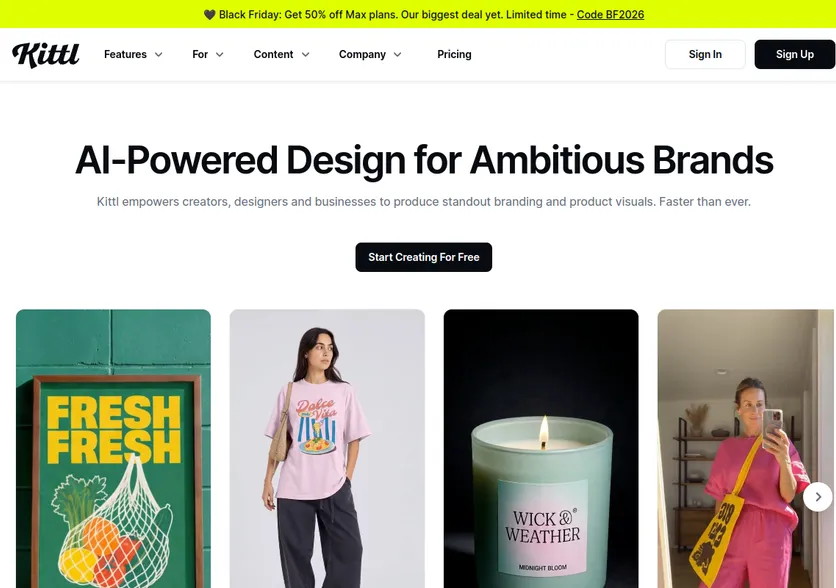
Paid tool Starting price: $14/month · Fourteen dollars a month billed annually for the Pro plan; nineteen dollars a month on monthly billing and Expert costs thirty-four dollars a month billed annually
Free plan: Free plan with 5 projects
Kittl is the design platform a brand buys to make social posts with a distinct look, with illustration tools, templates and a brand kit in one login. This Kittl Pro plan costs fourteen dollars a month billed annually, with nineteen dollars a month on monthly billing and Expert at thirty-four dollars a month. A team that wants posts that do not look like everyone else's gets illustration tools and a template library that stands out.
What we like
- Illustration tools that make posts stand out
- Brand kit in the Pro plan
- Free plan with five projects to start
Watch out for
- The template library is smaller than Canva Pro's
- No scheduler, so posting needs a separate tool
How to try it
- Open the Kittl site and start with the free plan
- Pick a template and test the illustration tools
- Upgrade to Pro and set up the brand kit
Prices above were checked on each vendor’s own website on Nov 27, 2026 and can change — the vendor’s page is the final word. Vendor links are editorial: nobody paid to be listed or ranked here. Vendors who want a featured listing can see how it works on our Get listed page.
What branded social design software costs in 2026
Design software charges one monthly subscription per user, and the headline price is only the whole price when the brand kit, the templates and the scheduler are inside it. The cheapest plan here costs seven dollars and ninety-nine cents a month, while the most expensive costs fourteen dollars a month. A one-seat plan for a team of five costs five times the headline price, so count the seats before you count the saving.
Start with a trial on two tools and make three real posts in each one. Set up the brand kit, resize the post for every feed and schedule it, then watch how many steps each job takes. Pick the tool whose post looks like the brand without a designer in the room, because a branded post that needs a designer is a branded post that never ships.
Before you buy
- Check whether a brand kit is included, because a design tool without one cannot keep posts on brand.
- Confirm templates are sized for every feed, because a post cropped for the wrong size looks amateur.
- Ask how many seats the plan covers, because a team of five on a one-seat plan pays five times.
- Test the scheduler with a real post, because a design tool that cannot publish is only half a tool.
- Check the export terms before you sign, because a design tool that locks your templates behind a fee costs more later.
Official websites
Official websites of the products reviewed above. Features and prices were checked against these sites when this guide was written, and they can change, so confirm on the vendor site before you buy.
Frequently asked questions
Which design software is best for branded social posts in 2026?
Canva Pro is the best overall pick at twelve dollars a month, because it has the deepest template library and a brand kit that locks the logo, colours and fonts. VistaCreate is the best pick for small teams at ten dollars a month, with a brand kit, a scheduler and up to ten seats on one flat price. PicMonkey is the best budget pick at seven dollars and ninety-nine cents a month, with photo touch-up and templates in one place.
How much does design software for branded social posts cost?
Prices in this list run from seven dollars and ninety-nine cents a month for PicMonkey Basic and Pixlr Premium to fourteen dollars a month for Kittl Pro, with most tools landing between eight and twelve dollars a month. Add the seat count and the scheduler to the subscription before you compare totals, because a one-seat plan for a team of five costs five times the headline price.
What design features matter most for branded social posts?
A brand kit matters most, because a design tool without one cannot keep the logo, the colours and the fonts the same across every post. Templates sized for every feed matter next, because a post cropped for the wrong size looks amateur. A scheduler matters too, because a design tool that cannot publish is only half a tool, and a team that designs in one place and posts in another wastes time.
Can a brand try design software for free?
Yes, and the free plans here are real: Canva, Adobe Express, VistaCreate, Snappa, Fotor, Pixlr and Kittl all offer a free plan, while PicMonkey gives a seven-day trial. Use the free plan with the real brand kit, not demo colours, because a design tool only proves itself when the post looks like the brand. Make three posts, schedule one and check the export before you pay.
Can a brand switch design software without losing its templates?
Yes, and the move is usually a matter of exporting the brand kit and the templates, then rebuilding them in the new tool, because design tools do not share a common format. Start with one feed, rebuild the brand kit in the new tool and make three posts, then only switch the whole brand once the new tool has proven itself on real posts.
Need everyday business help too? Try Toolsvine's free business tools right in your browser.
Browse Business Tools tools