On this page
Cloudflare gives away generous free DNS, so any paid alternative has to earn its price with speed, features or simplicity. Amazon Route 53 leads this list for AWS teams, with routing policies and health checks that go far beyond basic records. This guide compares eight DNS management alternatives to Cloudflare with live 2026 prices, from $0.20 a zone to $29.95 a year, plus free tiers and trials, so you can pick by speed, price and ecosystem.
How we researched this
We checked the pricing page of every DNS service on this list on November 26, 2026, and kept only services that publish a real dollar price for zones or plans. Each service had to manage DNS records with an API and support DNSSEC, and we compared entry prices, free tiers, query costs and failover features.
Compare the tools
| Name | Best for | Starting price | Free plan | |
|---|---|---|---|---|
 Amazon Route 53 | AWS teams that want DNS inside the cloud they already run | $0.50/hosted zone/month | No free tier; pay per zone and per query | Visit |
 Google Cloud DNS | Google Cloud teams that want simple, fast DNS | $0.20/managed zone/month | No free tier; pay per zone and per query | Visit |
 Azure DNS | Microsoft shops that want DNS inside Azure | $0.50/zone/month | No free tier; pay per zone and per query | Visit |
 DNS Made Easy | Small businesses that want fast DNS with a simple yearly bill | $29.95/year | 30-day free trial | Visit |
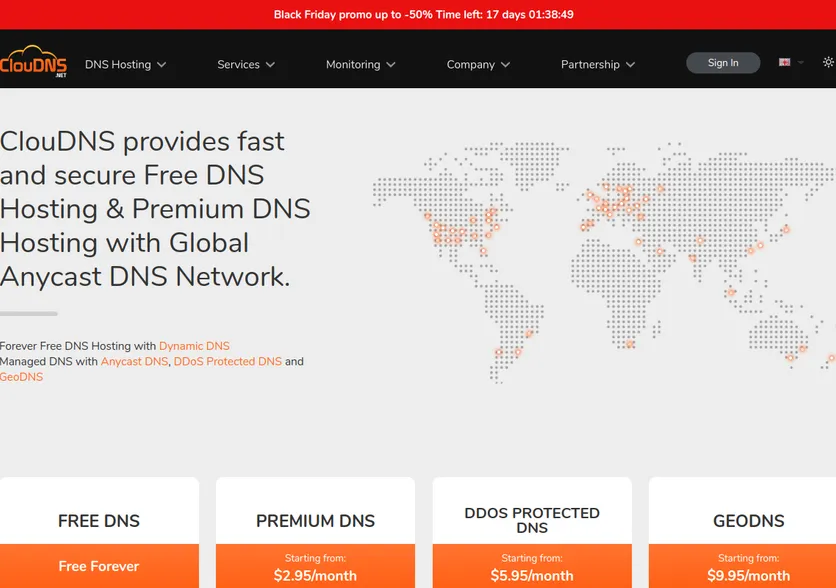
 ClouDNS | Users who want cheap premium DNS with anycast included | $2.95/month | Free tier with 1 zone and 500,000 queries a month | Visit |
 EasyDNS | Small sites that want reliable DNS with strong support | $19.95/year | No free tier; yearly plans only | Visit |
 Namecheap PremiumDNS | Namecheap customers who want faster DNS on their domains | $9.98/year | No free tier; first year $4.88 | Visit |
 GoDaddy Premium DNS | GoDaddy customers who want DNSSEC and faster resolution | $5.99/month | No free tier; monthly or yearly billing | Visit |
The DNS alternatives to Cloudflare, compared
1. Amazon Route 53
Best for: AWS teams that want DNS inside the cloud they already run
Paid tool Starting price: $0.50/hosted zone/month · First 25 hosted zones; $0.10 a zone after that; queries cost $0.40 per million for the first billion
Free plan: No free tier; pay per zone and per query
Amazon Route 53 is the DNS service for teams already running on AWS, with routing policies that go far beyond simple records. This Amazon Route 53 service covers latency-based routing, health checks with automatic failover and tight links to the rest of AWS. It is the pick for AWS teams that want DNS and cloud in one bill.
What we like
- Latency-based routing included
- Health checks with automatic failover
- Deep integration with AWS
Watch out for
- No free tier at all
- Costs grow with zones and queries
How to try it
- Open the Route 53 console in your AWS account
- Create a hosted zone for your domain
- Copy the records from your current provider and update the nameservers
2. Google Cloud DNS
Best for: Google Cloud teams that want simple, fast DNS
Paid tool Starting price: $0.20/managed zone/month · First 25 managed zones; $0.10 a zone for zones 25 to 10,000; queries cost $0.40 per million
Free plan: No free tier; pay per zone and per query
Google Cloud DNS runs on the same anycast network as Google Search, so lookups resolve fast from almost anywhere on earth. This Google Cloud DNS service covers DNSSEC, private zones for internal networks and a simple API for automation. It is the pick for Google Cloud teams that want DNS that just works.
What we like
- Cheapest per-zone price here
- Runs on Google's global anycast network
- Private zones for internal networks
Watch out for
- No free tier at all
- Fewer routing policies than Route 53
How to try it
- Open the Cloud DNS console in your Google Cloud project
- Create a managed zone for your domain
- Add your records and point the nameservers at Google
3. Azure DNS
Best for: Microsoft shops that want DNS inside Azure
Paid tool Starting price: $0.50/zone/month · First 25 zones; $0.10 a zone after that; queries cost $0.40 per million
Free plan: No free tier; pay per zone and per query
Azure DNS is the native choice for Microsoft shops, with private zones that resolve internal names without touching the public internet. This Azure DNS service covers DNSSEC, alias records for Azure resources and role-based access through Azure access controls. It is the pick for teams that already manage everything in Azure.
What we like
- Private zones for internal networks
- Alias records for Azure resources
- Role-based access built in
Watch out for
- No free tier at all
- Tied to the Azure ecosystem
How to try it
- Open the Azure portal and create a DNS zone
- Add your records and alias records for Azure resources
- Update the nameservers at your registrar
4. DNS Made Easy
Best for: Small businesses that want fast DNS with a simple yearly bill
Paid tool Starting price: $29.95/year · Small Business plan with 10 domains and 5 million queries a month; Business is $59.95 a year. Some sources list a newer $50 a month Basic tier under DigiCert, so confirm on the pricing page.
Free plan: 30-day free trial
DNS Made Easy is a dedicated DNS provider with a long record of fast resolution and simple yearly pricing. This DNS Made Easy service covers anycast routing, automatic failover and real-time analytics on query traffic. It is the pick for small businesses that want dedicated DNS without a cloud bill.
What we like
- Simple flat yearly pricing
- Fast resolution in independent tests
- Real-time query analytics included
Watch out for
- Price may have changed under DigiCert
- Fewer cloud integrations than rivals
How to try it
- Open the DNS Made Easy site and start the free trial
- Create a domain and import your existing records
- Update the nameservers and watch the analytics
5. ClouDNS
Best for: Users who want cheap premium DNS with anycast included
Paid tool Starting price: $2.95/month · Premium S plan with 5 zones, 200 records and 5 million queries; Premium M is $4.95 and L is $14.95 a month
Free plan: Free tier with 1 zone and 500,000 queries a month
ClouDNS is the budget pick here, with premium DNS features at a price that undercuts every cloud provider on this list. This ClouDNS service covers anycast routing, DNSSEC, dynamic DNS and failover monitoring on the Premium plans. It is the pick for users who want real premium DNS for the price of a coffee.
What we like
- Cheapest premium DNS here
- Anycast and DNSSEC on Premium S
- Free tier for a single zone
Watch out for
- Interface looks dated
- Support is slower than the big clouds
How to try it
- Open the ClouDNS premium page and pick Premium S
- Create a zone and add your DNS records
- Enable DNSSEC and failover monitoring
6. EasyDNS
Best for: Small sites that want reliable DNS with strong support
Paid tool Starting price: $19.95/year · DNS Standard plan without domain registration; Pro is $39.95 a year and Enterprise $14.95 a month
Free plan: No free tier; yearly plans only
EasyDNS has run DNS since the early days of the web, with a reputation for strong support and straightforward yearly plans. This EasyDNS service covers anycast DNS, DNSSEC, email forwarding and a control panel that stays out of your way. It is the pick for small sites that want a steady provider with humans on support.
What we like
- Running DNS since the early web
- Strong human support
- Straightforward yearly billing
Watch out for
- No free tier at all
- Fewer advanced routing options
How to try it
- Open the EasyDNS site and pick the DNS Standard plan
- Add your domain and import the records
- Update the nameservers at your registrar
7. Namecheap PremiumDNS
Best for: Namecheap customers who want faster DNS on their domains
Paid tool Starting price: $9.98/year · Renewal price as the list price; the first year is $4.88 and Black Friday pricing showed $2.98 a year, both excluded as promos
Free plan: No free tier; first year $4.88
Namecheap PremiumDNS upgrades the free DNS that comes with a Namecheap domain, adding faster resolution and DNSSEC. This Namecheap PremiumDNS service covers anycast routing, DNSSEC signing and a 100 percent uptime guarantee on the paid plans. It is the pick for Namecheap customers who want better DNS without moving registrars.
What we like
- One-click upgrade for Namecheap domains
- DNSSEC included
- 100 percent uptime guarantee
Watch out for
- Only works for Namecheap domains
- Renewal price is double the intro price
How to try it
- Open the PremiumDNS page and add it to your domain
- Turn on DNSSEC in the domain settings
- Check the resolution speed against your old DNS
8. GoDaddy Premium DNS
Best for: GoDaddy customers who want DNSSEC and faster resolution
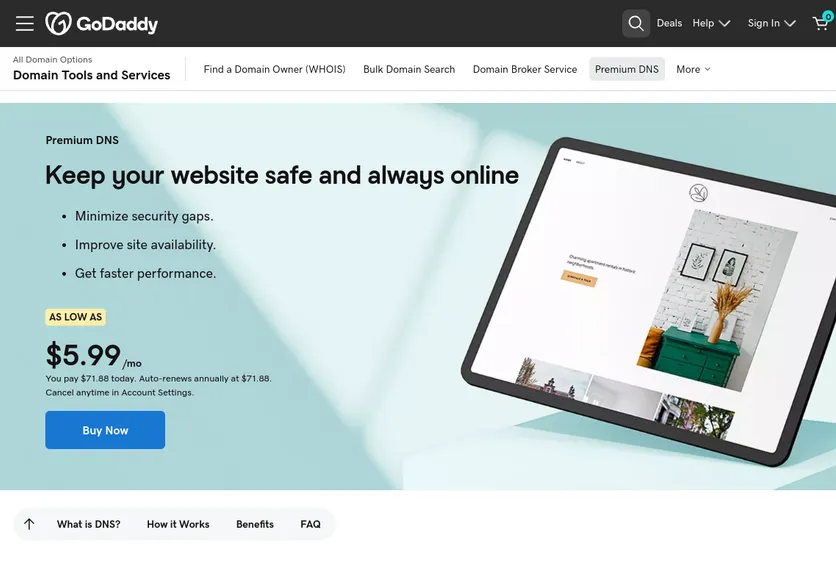
Paid tool Starting price: $5.99/month · $71.88 a year, auto-renews at $71.88; DNSSEC for up to 5 domains
Free plan: No free tier; monthly or yearly billing
GoDaddy Premium DNS adds DNSSEC and faster resolution to domains registered at the world's largest registrar. This GoDaddy Premium DNS service covers DNSSEC for up to five domains, secondary DNS and a 100 percent uptime guarantee. It is the pick for GoDaddy customers who want premium DNS on the domains they already own.
What we like
- DNSSEC for up to five domains
- Secondary DNS included
- 100 percent uptime guarantee
Watch out for
- Most expensive per year here
- Only makes sense for GoDaddy domains
How to try it
- Open the GoDaddy Premium DNS page and pick a plan
- Add your domains and turn on DNSSEC
- Verify the DNSSEC chain with an online checker
Prices above were checked on each vendor’s own website on Nov 26, 2026 and can change — the vendor’s page is the final word. Vendor links are editorial: nobody paid to be listed or ranked here. Vendors who want a featured listing can see how it works on our Get listed page.
How to read DNS prices before you switch
DNS pricing looks tiny until you count zones and queries. Cloud providers charge per zone per month plus per million queries, while dedicated providers charge a flat yearly fee, so the cheapest option flips with volume. A site with two zones and light traffic pays less on a cloud provider, while a portfolio of fifty domains pays less on a flat yearly plan.
Switching DNS is low risk if you do it right. Lower the TTL on every record a day before the move, copy the records exactly, and keep the old provider active for a week after the switch. If a record goes missing, the old provider still answers until the TTL expires, which gives you time to fix it.
Before you buy
- Count your zones and monthly queries first, since cloud pricing scales with both numbers.
- Confirm the plan includes DNSSEC, because unsigned zones are easier to spoof.
- Check whether failover and health checks are included or cost extra on your plan.
- Lower the TTL on every record a day before moving, so a mistake clears fast.
- Keep the old DNS provider active for a week after the switch as a safety net.
Official websites
Official websites of the products reviewed above. Features and prices were checked against these sites when this guide was written, and they can change, so confirm on the vendor site before you buy.
Frequently asked questions
What is the cheapest Cloudflare DNS alternative?
Google Cloud DNS is the cheapest per zone at $0.20 a month for the first 25 zones, with queries at $0.40 per million. ClouDNS Premium S costs $2.95 a month and covers five zones with five million queries, which is cheaper for several domains. The cheapest pick depends on how many zones you run.
Is there a free alternative to Cloudflare DNS?
Cloudflare itself has a generous free tier, which is why most of these alternatives charge. ClouDNS offers a free tier with one zone and 500,000 queries a month, and the cloud providers give no free zones. If you need free DNS, the Cloudflare free tier is still the best deal available.
Which DNS provider is fastest?
Route 53, Google Cloud DNS and Azure DNS all run on global anycast networks and resolve in milliseconds from most locations. DNS Made Easy also ranks highly in independent speed tests. In practice, anycast DNS from any of these providers is fast enough that features and price matter more than raw speed.
Do I need DNSSEC?
DNSSEC protects your visitors from spoofed DNS answers, and every service on this list supports it. Google and the cloud providers include it at no extra cost, and the dedicated providers include it on paid plans. Turn it on whenever your provider supports it, since the setup takes minutes.
Can I move my DNS without downtime?
Yes, if you lower the TTL on every record a day before the move and copy the records exactly. The old provider keeps answering until the cached records expire, so visitors see no gap. Keep both providers active for a week after the switch, then remove the old one.
Need more network help? Try free network and IP tools on Toolsvine, from DNS lookups to IP checks, right in your browser.
Browse Network & IP Tools tools