On this page
A startup warehouse cannot afford a dispatcher who only answers the phone, yet that is what happens when trucks arrive without appointments. The seven tools below give an operation carrier self-booking from day one, with prices that start free and stay under two hundred dollars a month. Every price was checked on the vendor site on November 27, 2026, and the list runs from five dollars a month to one hundred seventy-five dollars a month. SimpleDock is our first pick — the dock scheduler that stays free for your first location and only charges when you grow.
How we researched this
We started with the dock scheduling tools a young warehouse can actually buy, then read each price on the vendor pricing page or the vendor guide on November 27, 2026 and noted the trial each plan carries. We judged them for a startup with one or two dock doors that needs carriers to book their own slots without a big implementation. We dropped C3 Reservations, Transporeon and DataDocks because none of them publishes a list price on its own site, so a startup cannot budget them without a sales call.
Compare the tools
| Name | Best for | Starting price | Free plan | |
|---|---|---|---|---|
| SimpleDock | Startups that want dock scheduling free for their first location | $49/location/month | Free plan for one location | Visit |
| LoadingCalendar | Startups that want unlimited docks and carriers for one flat monthly price | $99/month | No free plan; 14-day free trial | Visit |
| GoRamp | Startups that plan to add yard management once dock scheduling is working | $175/month | No free plan; free trial available | Visit |
| Conduit | Startups supplying retailers where each facility pays for its own modules | $149/facility/month | No free plan; demo available | Visit |
 Calendly | Startups that book meetings and dock appointments from the same scheduling habit | $10/seat/month | Free plan with one event type | Visit |
 Acuity Scheduling | Startups that charge carriers or take deposits when an appointment is booked | $16/month | No free plan; 7-day free trial | Visit |
 Setmore | Startups that want the cheapest paid scheduling start in this list | $5/user/month | Free plan for up to 4 users | Visit |
The dock scheduling software for startups, compared
1. SimpleDock
Best for: Startups that want dock scheduling free for their first location
Paid tool Starting price: $49/location/month · Forty-nine dollars per location a month for the Pro plan, with volume discounts at ten or more locations; the first location is free forever
Free plan: Free plan for one location
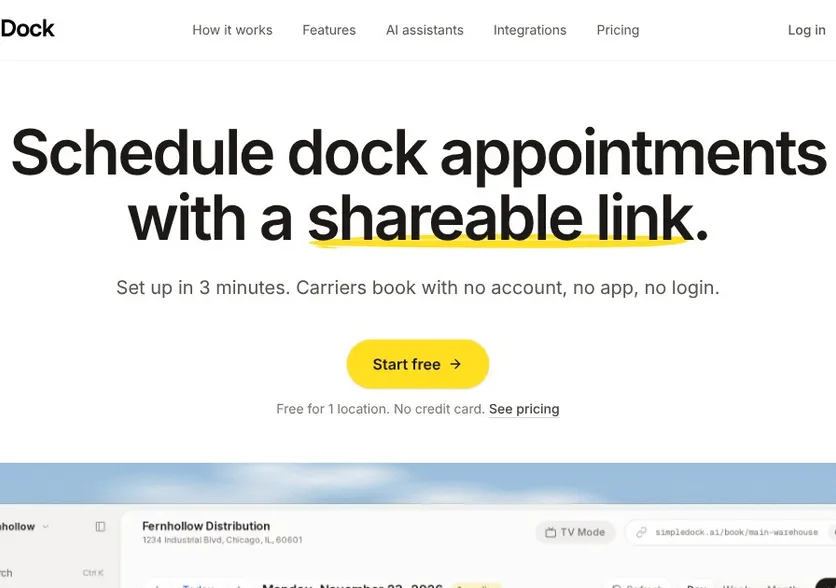
SimpleDock starts free for one location, which makes it the easiest dock scheduler for a startup to try without a budget meeting. This SimpleDock Pro plan costs forty-nine dollars per location a month once the operation grows past a single site. A young warehouse gets the whole product on day one, then pays only when it opens a second location.
What we like
- Free forever for a single location
- No credit card and no contract to start
- Volume discounts as the location count grows
Watch out for
- Every extra location adds another monthly fee
- Advanced connections sit on the paid plan
How to try it
- Open the SimpleDock site and create a free account for one location
- Set up your dock doors and share the carrier booking page
- Upgrade to Pro when you add a second location
2. LoadingCalendar
Best for: Startups that want unlimited docks and carriers for one flat monthly price
Paid tool Starting price: $99/month · Ninety-nine dollars a month flat for the Premium plan with unlimited warehouses, docks, users, carriers and appointments; Enterprise is custom-priced and adds Cargoson integration
Free plan: No free plan; 14-day free trial
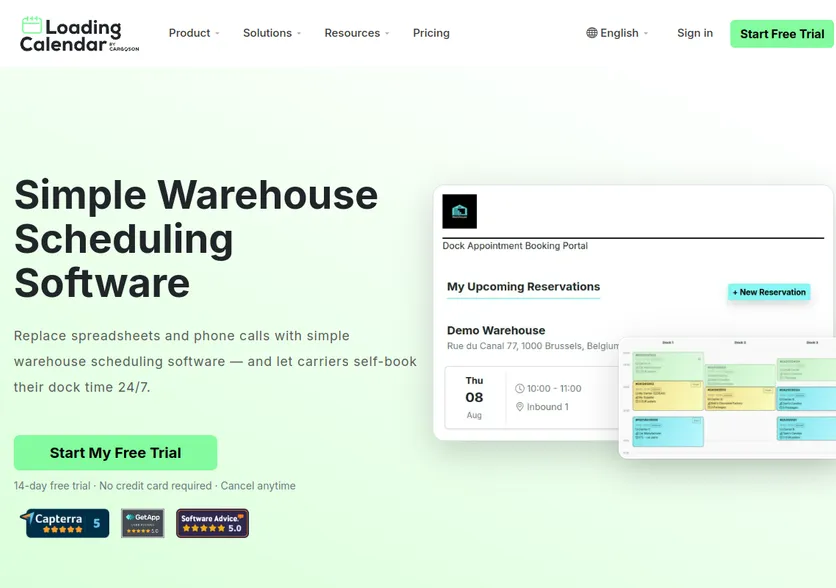
LoadingCalendar charges one flat monthly price no matter how many docks, users or carriers a startup adds, so the bill never surprises a small team. This LoadingCalendar Premium plan costs ninety-nine dollars a month with unlimited warehouses, docks, users, carriers and appointments. A startup that is growing fast gets a carrier self-service portal and a live status board without counting seats as it hires.
What we like
- One flat price that never grows with headcount
- Unlimited docks, users, carriers and appointments
- Set up in minutes with no implementation project
Watch out for
- No free plan, so the trial is the only way to test it
- Enterprise features need a custom quote
How to try it
- Open the LoadingCalendar site and start the 14-day free trial
- Add your dock doors and set the booking rules
- Send carriers the booking link and watch the status board
3. GoRamp
Best for: Startups that plan to add yard management once dock scheduling is working
Paid tool Starting price: $175/month · One hundred and seventy-five dollars a month for the Basic plan on a usage-based subscription, with a free trial; the full yard suite costs more
Free plan: No free plan; free trial available
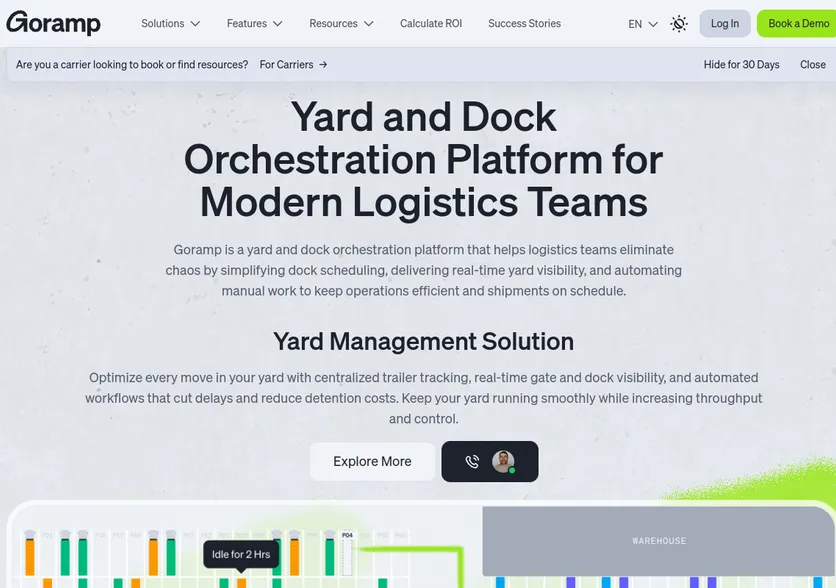
GoRamp grows with a startup, starting with dock scheduling and adding yard management when the operation is ready for it. This GoRamp Basic plan starts at one hundred and seventy-five dollars a month on a usage-based subscription. A young logistics team gets time-slot rules, carrier registration and real-time yard visibility on one platform instead of buying a second tool later.
What we like
- Dock scheduling and yard management in one platform
- Published starting price with a free trial
- Scales from one facility to many without switching tools
Watch out for
- The bill grows with docks, facilities and modules
- Full yard rollout needs a guided setup
How to try it
- Open the GoRamp site and start a free trial
- Configure time-slot rules for your dock doors
- Invite carriers to register and book their own slots
4. Conduit
Best for: Startups supplying retailers where each facility pays for its own modules
Paid tool Starting price: $149/facility/month · One hundred and forty-nine dollars per facility a month per module at the small-volume tier, covering dock scheduling, load and unload, or driver sign-in; yard management is quote-only
Free plan: No free plan; demo available
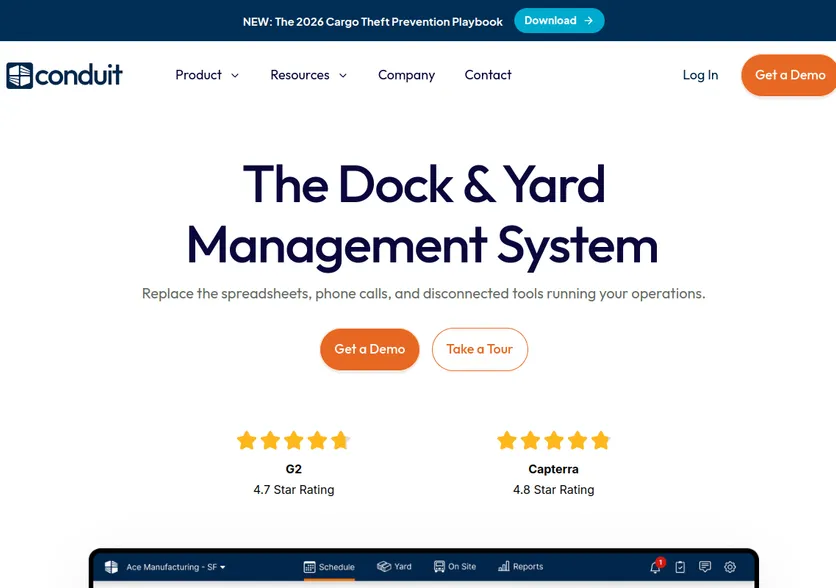
Conduit lets a startup buy dock scheduling as one module per facility, so a small site pays for scheduling alone and skips the rest. This Conduit dock scheduling module starts at one hundred and forty-nine dollars per facility a month at the small-volume tier. A startup shipping to retailers with strict delivery windows gets order-linked appointments that tie each slot to the purchase order behind it.
What we like
- Buy only the module you need today
- Appointments tied to orders for chargeback defense
- Published per-module prices with no hidden tiers
Watch out for
- Each module bills separately, so three modules cost more
- Yard management has no published price
How to try it
- Open the Conduit site and book a product demo
- Pick the dock scheduling module for your first facility
- Connect your orders so appointments link to purchase orders
5. Calendly
Best for: Startups that book meetings and dock appointments from the same scheduling habit
Paid tool Starting price: $10/seat/month · Standard costs ten dollars per seat a month billed annually, or twelve dollars billed monthly; Teams costs sixteen dollars per seat a month billed annually
Free plan: Free plan with one event type
Calendly is the meeting scheduler most startups already use, and its booking links work just as well for dock appointments at a small site. This Calendly Standard plan costs ten dollars per seat a month billed annually and adds unlimited event types, multiple calendars and payment links. A startup with one or two dock doors gets carrier booking without teaching anyone a new logistics tool.

What we like
- The booking link habit your team already knows
- Free plan covers one event type and one calendar
- Unlimited event types on the paid Standard plan
Watch out for
- It is a meeting scheduler, not a purpose-built dock tool
- No dock board, yard view or check-in tracking
How to try it
- Open the Calendly site and create a free account
- Build one event type per dock door with your available hours
- Share the booking link with carriers instead of taking calls
6. Acuity Scheduling
Best for: Startups that charge carriers or take deposits when an appointment is booked
Paid tool Starting price: $16/month · Starter costs sixteen dollars a month billed annually, or twenty dollars billed monthly, for one calendar; Standard costs twenty-seven dollars and Premium fifty-five dollars a month billed annually
Free plan: No free plan; 7-day free trial
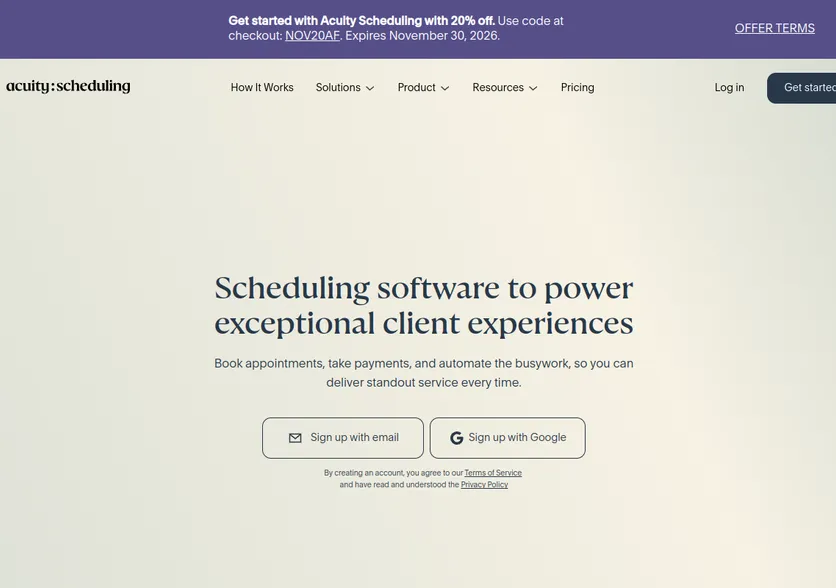
Acuity Scheduling is built for businesses that sell time, so it pairs appointment booking with intake forms and payment collection in one flow. This Acuity Scheduling Starter plan costs sixteen dollars a month billed annually and covers one calendar with email reminders and payments. A startup that needs deposits or intake details with every dock booking gets the payment step built into the slot.
What we like
- Payments and intake forms inside the booking flow
- Flat per-account pricing by calendar count
- Automatic time zone conversion for carriers
Watch out for
- No free plan, so the seven-day trial is the only test
- It is built for service bookings, not dock operations
How to try it
- Open the Acuity Scheduling site and start the 7-day free trial
- Create one calendar per dock door with your available hours
- Connect Stripe or PayPal so carriers pay when they book
7. Setmore
Best for: Startups that want the cheapest paid scheduling start in this list
Paid tool Starting price: $5/user/month · Pro costs five dollars per user a month billed annually, or twelve dollars billed monthly; the free plan covers up to four users with two hundred appointments a month
Free plan: Free plan for up to 4 users
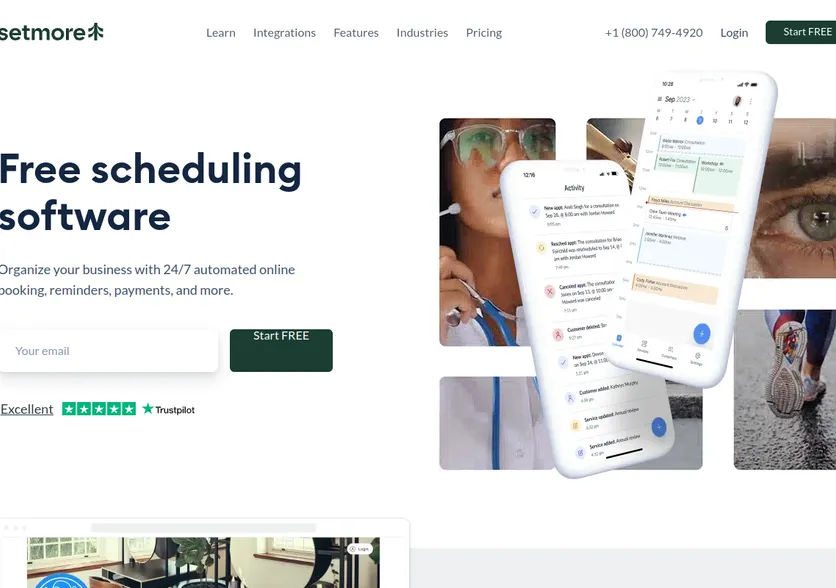
Setmore is the lowest-cost paid scheduler here, with a free plan for up to four users and a Pro plan that stays cheap as the team grows. This Setmore Pro plan costs five dollars per user a month billed annually and covers unlimited users and appointments. A startup watching every dollar gets a booking page, email reminders and payment links for less than a lunch per user.
What we like
- Cheapest paid plan in this comparison
- Free plan for up to four users
- Unlimited appointments on the Pro plan
Watch out for
- It is a general scheduler with no dock-specific features
- The free plan caps appointments at two hundred a month
How to try it
- Open the Setmore site and create a free account
- Set up a booking page for each dock door
- Upgrade to Pro when you need unlimited appointments
Prices above were checked on each vendor’s own website on Nov 27, 2026 and can change — the vendor’s page is the final word. Vendor links are editorial: nobody paid to be listed or ranked here. Vendors who want a featured listing can see how it works on our Get listed page.
What a startup pays for dock scheduling in 2026
A startup pays for dock scheduling in one of three ways, per location, per seat or flat for the whole site, and the unit decides how the bill grows. A per-location price suits a single warehouse, while a flat monthly fee suits a team that hires fast. The cheapest paid plan here costs five dollars per user a month, while the most expensive purpose-built dock tool costs one hundred and seventy-five dollars a month.
Start with the free tier on two tools and book a real week of trucks through each one. Let a carrier book a slot, watch how the calendar handles a late arrival, and check how long it takes a new driver to find the booking page. Pick the tool a carrier can use without calling you, because a booking page that needs a phone call to explain it has already failed.
Before you buy
- Check whether the free tier covers your real volume, because a free plan capped at one location stops helping the week you expand.
- Confirm the price unit before you compare, because per-seat, per-location and per-calendar pricing punish different kinds of growth.
- Test carrier self-booking with a real driver, because a portal carriers will not use leaves you back on the phone.
- Ask what happens when a truck runs late, because a startup schedule needs rules for delays from day one.
- Check the trial length before you sign, because a seven-day trial is too short to load a real week of appointments.
Official websites
Official websites of the products reviewed above. Features and prices were checked against these sites when this guide was written, and they can change, so confirm on the vendor site before you buy.
Frequently asked questions
Which dock scheduling software is best for startups in 2026?
SimpleDock is the best pick for startups because the first location is free forever, then forty-nine dollars a month per location. LoadingCalendar is the best flat-rate pick at ninety-nine dollars a month with unlimited docks, users and carriers. Setmore is the cheapest paid scheduler at five dollars per user a month for teams that only need booking links.
How much does dock scheduling software cost for a startup?
Prices in this list run from five dollars per user a month for Setmore to one hundred and seventy-five dollars a month for GoRamp, with purpose-built dock tools landing between forty-nine and one hundred and forty-nine dollars a month. General schedulers cost less because they lack dock boards and check-in tracking. A startup should price the dock-specific features it will actually use before chasing the lowest number.
Can a startup use dock scheduling software for free?
Yes, because SimpleDock gives the first location away free and Setmore gives up to four users a free plan. A startup with one dock door and a handful of trucks a week can run on a free plan for months. The moment a second location or a second calendar appears, budget for the paid tier instead of stretching the free one.
Can a startup use a general scheduler for dock appointments?
Yes, and Calendly is the proof, because its booking links work for dock appointments at a small site with one or two doors. The trade-off is depth, because a meeting scheduler has no dock board, no check-in tracking and no yard view. A startup that outgrows links should move to LoadingCalendar or SimpleDock before the phone calls return.
What is the difference between dock scheduling and yard management?
Dock scheduling books the time slot at a specific door, while yard management tracks trailers, gates and spotter moves across the whole site. A startup needs the dock schedule first, because that is where the phone calls and the waiting happen. Yard management becomes worth paying for once trailers start queuing outside the gate.
Need everyday business help too? Try Toolsvine's free business tools right in your browser.
Browse Business Tools tools