On this page
An ebook or PDF that anyone can copy is a product you cannot protect, and a leaked file costs more than the protection. The seven tools lock PDFs and ebooks to buyers, watermark each copy and revoke access after a licence ends. Prices run from ten dollars a user a month to one hundred and fifty dollars a month, with one editor near one hundred thirty dollars a year. Every price was checked on the vendor site on November 27, 2026. Adobe Acrobat Pro is our first pick — the PDF editor with password and permission controls readers know.
How we researched this
We started with the DRM tools ebook and PDF sellers actually buy, then read each price on the vendor pricing page on November 27, 2026 and noted the free plan or trial each plan carries. We judged them for a seller who needs to lock a file to a real buyer, watermark every copy and revoke access when a licence ends. We dropped Locklizard, Vitrium, FileOpen and PallyCon because none of them publishes a list price a buyer can verify, so a buyer cannot compare them without a sales call.
Compare the tools
| Name | Best for | Starting price | Free plan | |
|---|---|---|---|---|
 Adobe Acrobat Pro | Sellers who want PDF locks inside the editor most readers already use | $19.99/user/month | No free plan; 7-day free trial | Visit |
| Digify | Sellers who share sensitive ebooks and PDFs with expiring links | $150/month | No free plan; free trial available | Visit |
| EditionGuard | Ebook sellers who need real Adobe DRM for bookstore distribution | $95/month | No free plan; 14-day free trial | Visit |
 Foxit PDF Editor | Sellers who want PDF protection at a lower price than Adobe | $129.99/user/year | No free plan; free trial available | Visit |
 Nitro PDF Pro | Sellers who want PDF protection plus e-signatures in one editor | $15/user/month | No free plan; free trial available | Visit |
 DocSend | Sellers who want tracked links and revocation without a DRM server | $10/user/month | No free plan; 14-day free trial | Visit |
| HelpRange | Sellers who want watermarking plus per-page reading analytics | $39/team/month | Free plan with 30 views a month | Visit |
The DRM software for ebooks and PDFs, compared
1. Adobe Acrobat Pro
Best for: Sellers who want PDF locks inside the editor most readers already use
Paid tool Starting price: $19.99/user/month · Nineteen dollars and ninety-nine cents a user a month on an annual plan billed monthly, or about two hundred and forty dollars a year prepaid; Standard costs fourteen dollars and ninety-nine cents a user a month
Free plan: No free plan; 7-day free trial
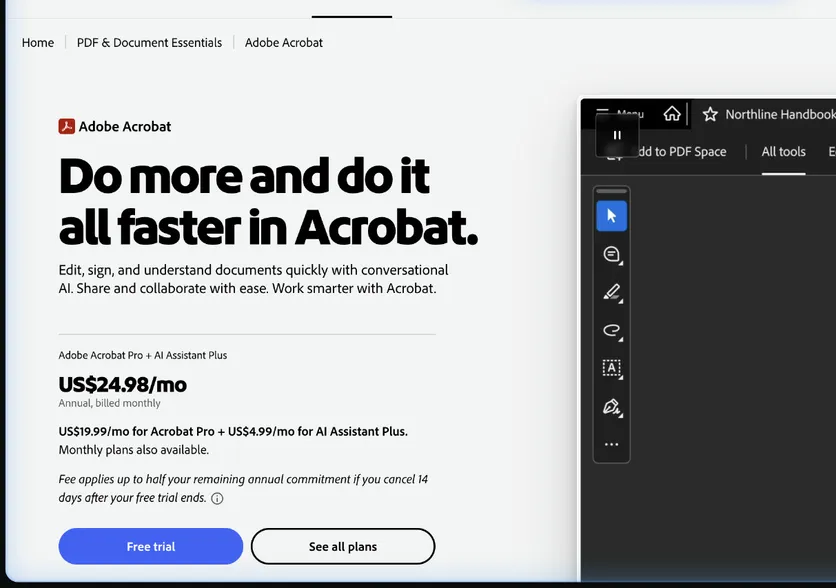
Adobe Acrobat Pro is the PDF editor that most readers already use, adding password protection, permission controls and redaction to everyday PDF work. This Adobe Acrobat Pro plan costs nineteen dollars and ninety-nine cents a user a month on an annual plan billed monthly. A seller who needs to lock a PDF against copying and printing gets the controls inside the editor their buyers already open.
What we like
- Password and permission controls built into the editor
- Redaction that removes sensitive text for good
- The PDF tool most buyers already have installed
Watch out for
- No dynamic watermarking or licence revocation built in
- The full price is nearly double the Standard plan
How to try it
- Open the Adobe site and start the 7-day free trial
- Open a PDF and set a password with copy and print limits
- Send the protected file and check the permissions hold
2. Digify
Best for: Sellers who share sensitive ebooks and PDFs with expiring links
Paid tool Starting price: $150/month · One hundred and fifty dollars a month billed annually for the Pro plan, or two hundred dollars month to month; Team costs three hundred and seventy-five dollars and Business costs one thousand five hundred dollars a month
Free plan: No free plan; free trial available
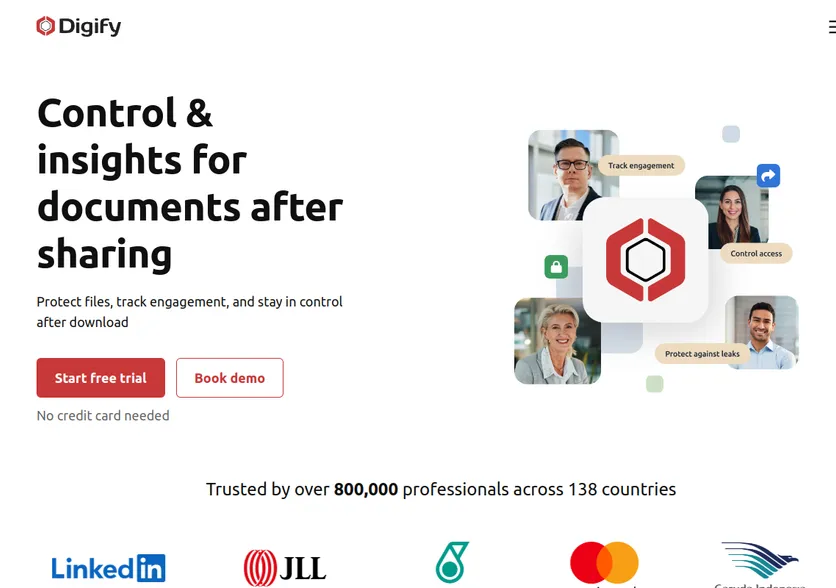
Digify is the document security platform that sellers use to share ebooks and PDFs with expiring links, watermarks and access revocation. This Digify Pro plan costs one hundred and fifty dollars a month billed annually for one user and three data rooms. A seller who shares sensitive files with buyers gets control over who opens the file and for how long.
What we like
- Expiring links with dynamic watermarks
- Access revocation after a file is sent
- Data rooms that keep each buyer separate
Watch out for
- The entry plan covers only one user
- Team and Business plans cost far more than Pro
How to try it
- Open the Digify site and start a free trial
- Upload an ebook and set an expiry date and watermark
- Send the secure link and revoke access when needed
3. EditionGuard
Best for: Ebook sellers who need real Adobe DRM for bookstore distribution
Paid tool Starting price: $95/month · Ninety-five dollars a month billed annually for the Starter plan with fifty download credits a month; higher tiers cost one hundred and ninety-one, three hundred and eighty-three and nine hundred and fifty-nine dollars a month
Free plan: No free plan; 14-day free trial
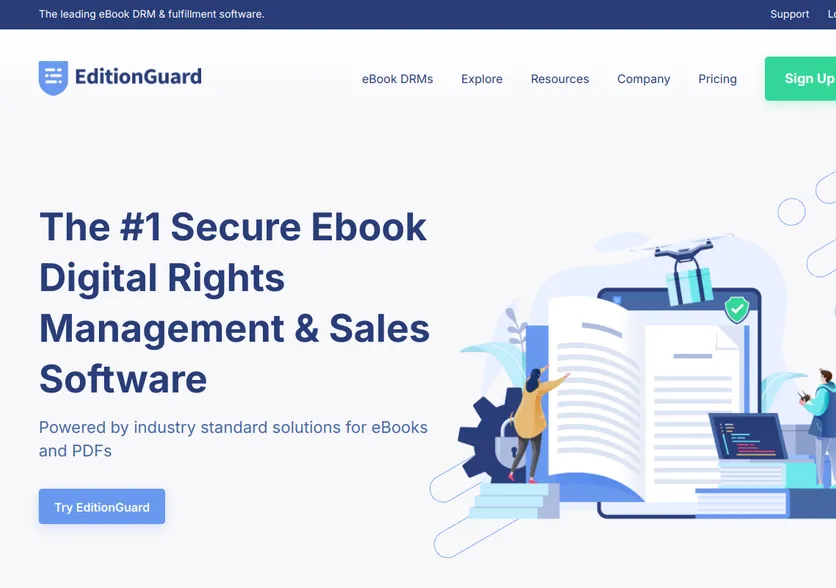
EditionGuard is the ebook DRM service that protects files with Adobe DRM, so a book opens only in an authorised reader app. This EditionGuard Starter plan costs ninety-five dollars a month billed annually with fifty download credits a month. An ebook seller who distributes through bookstores gets real Adobe DRM without building a protection system.
What we like
- Real Adobe DRM that bookstores accept
- Download credits that scale with sales
- Simple setup for a small ebook catalogue
Watch out for
- The Starter plan allows only fifty downloads a month
- Adobe DRM needs a compatible reader app on the buyer side
How to try it
- Open the EditionGuard site and start the 14-day free trial
- Upload an ebook and protect it with Adobe DRM
- Distribute the protected file through your bookstore channels
4. Foxit PDF Editor
Best for: Sellers who want PDF protection at a lower price than Adobe
Paid tool Starting price: $129.99/user/year · One hundred and twenty-nine dollars and ninety-nine cents a user a year for the Editor plan, or about ten dollars and ninety-nine cents a month billed annually; Editor Plus costs one hundred and fifty-nine dollars and ninety-nine cents a year
Free plan: No free plan; free trial available
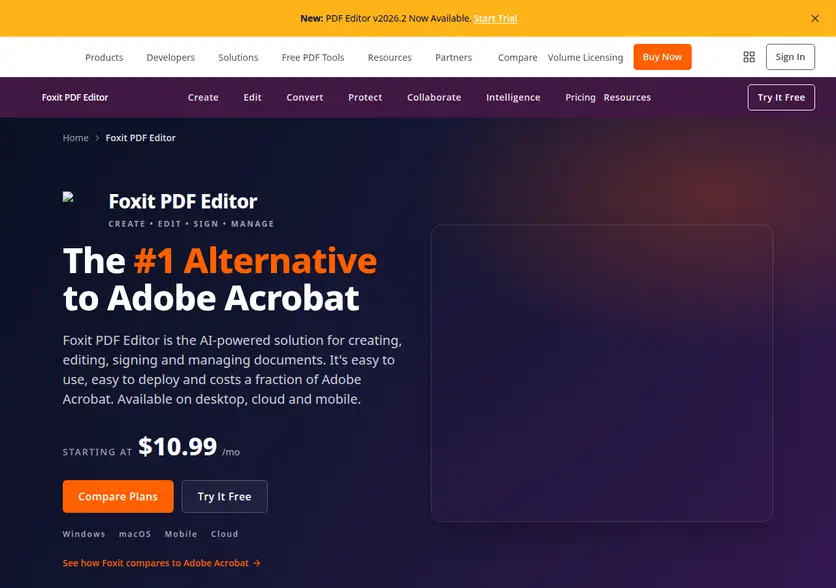
Foxit PDF Editor is the lower-cost PDF editor that adds password protection, redaction and permission controls to everyday document work. This Foxit PDF Editor plan costs one hundred and twenty-nine dollars and ninety-nine cents a user a year, or about ten dollars and ninety-nine cents a month billed annually. A seller who wants Adobe-style protection at a lower price gets the same locks without the Adobe bill.
What we like
- Cheapest yearly PDF editor in this comparison
- Password, redaction and permission controls included
- Perpetual licence available for one payment
Watch out for
- No dynamic watermarking or licence revocation built in
- The Plus plan costs more for advanced features
How to try it
- Open the Foxit site and start a free trial
- Open a PDF and set a password with copy limits
- Save the protected file and test it in a reader app
5. Nitro PDF Pro
Best for: Sellers who want PDF protection plus e-signatures in one editor
Paid tool Starting price: $15/user/month · Fifteen dollars a user a month billed annually for the Standard plan, or one hundred and eighty dollars a year; Plus is priced by quote and Classic costs two hundred and seventy dollars one time for three years on Windows
Free plan: No free plan; free trial available
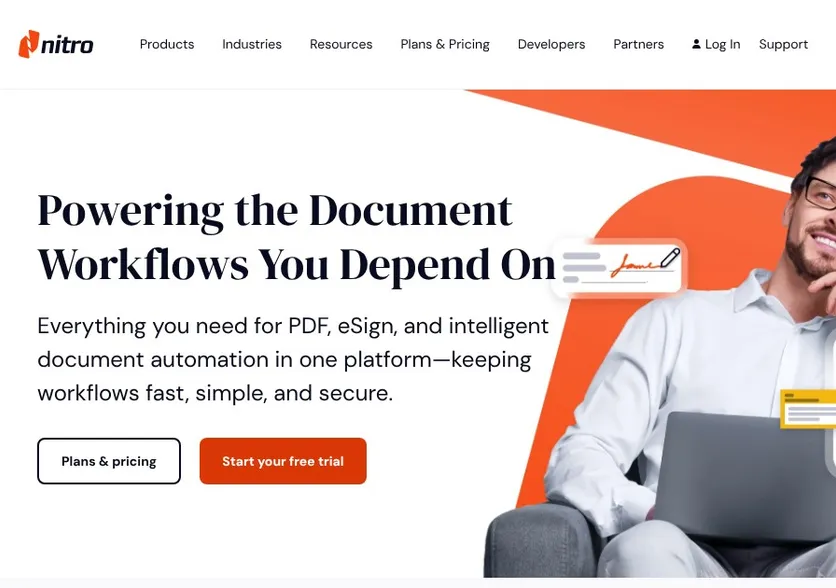
Nitro PDF Pro is the business PDF editor that adds password protection, redaction and e-signatures to document workflows. This Nitro PDF Pro Standard plan costs fifteen dollars a user a month billed annually. A seller who needs to lock PDFs and collect signatures gets both in one editor for less than the Adobe price.
What we like
- Password protection and e-signatures in one editor
- Lower monthly price than Adobe Acrobat Pro
- Clean interface that teams learn fast
Watch out for
- The Plus plan is priced by quote only
- No dynamic watermarking or licence revocation built in
How to try it
- Open the Nitro site and start a free trial
- Open a PDF and set a password with print limits
- Send the protected file for e-signature in the same tool
6. DocSend
Best for: Sellers who want tracked links and revocation without a DRM server
Paid tool Starting price: $10/user/month · Ten dollars a user a month billed annually for the Personal plan, or fifteen dollars month to month; Standard costs forty-five dollars a user a month and Advanced costs one hundred and fifty dollars a month for three users
Free plan: No free plan; 14-day free trial
DocSend is the document sharing tool that sellers use to send ebooks and PDFs through tracked links with expiry dates and download controls. This DocSend Personal plan costs ten dollars a user a month billed annually with link tracking and access controls. A seller who wants to know who opened a file and when gets read receipts and revocation without a DRM server.
What we like
- Link tracking that shows every open and download
- Expiry dates and download controls on every link
- Cheapest link-based protection in this comparison
Watch out for
- The Personal plan is for a single user only
- Real DRM encryption needs the Advanced plans
How to try it
- Open the DocSend site and start the 14-day free trial
- Upload a PDF and create a tracked link with an expiry date
- Send the link and check who opened the file
7. HelpRange
Best for: Sellers who want watermarking plus per-page reading analytics
Paid tool Starting price: $39/team/month · Thirty-nine dollars a team a month for the Pro plan, or thirty-one dollars a month billed yearly; Max costs eighty-seven dollars and Unlimited costs one hundred and seventy-four dollars a team a month
Free plan: Free plan with 30 views a month
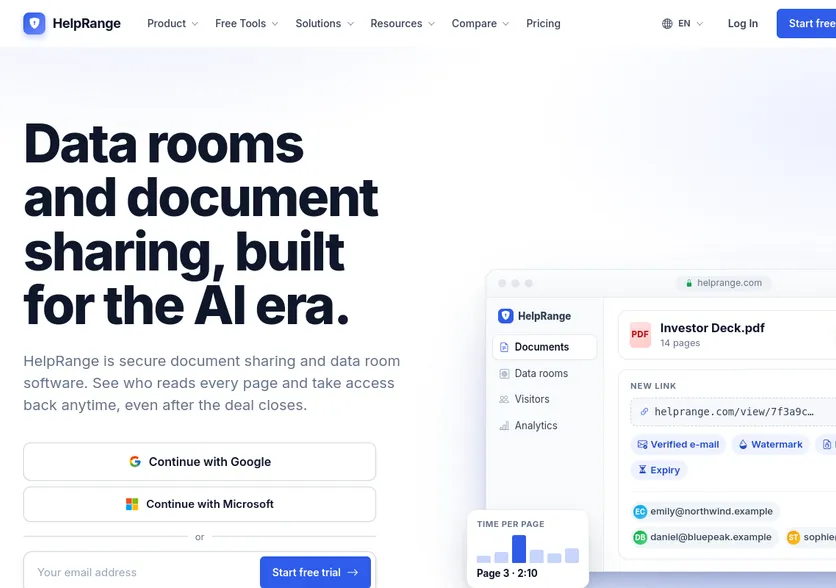
HelpRange is the document sharing platform that sellers use to protect PDFs and ebooks with watermarks, expiry dates and view analytics. This HelpRange Pro plan costs thirty-nine dollars a team a month, or thirty-one dollars a month billed yearly. A seller who wants to see exactly how buyers read a file gets per-page analytics with protection built in.
What we like
- Dynamic watermarks on every shared file
- Per-page analytics that show how buyers read
- Free plan that covers a small catalogue
Watch out for
- The Pro plan is priced per team, not per user
- A one-time Deal Room Pass costs two hundred and ninety-nine dollars
How to try it
- Open the HelpRange site and start the free plan
- Upload a PDF and turn on watermarking and expiry
- Send the link and review the per-page reading analytics
Prices above were checked on each vendor’s own website on Nov 27, 2026 and can change — the vendor’s page is the final word. Vendor links are editorial: nobody paid to be listed or ranked here. Vendors who want a featured listing can see how it works on our Get listed page.
What DRM software costs for ebooks and PDFs
A DRM tool charges per user, per team or per month, and the protection type decides whether the price is worth it. Password locks suit a seller who only needs to stop casual copying, while real DRM suits a seller whose files sell through bookstores. The cheapest plan here costs ten dollars a user a month, while the dearest costs one hundred and fifty dollars a month before higher tiers.
Start with a trial on two tools and protect the same file in each one. Open it in a reader app, try to copy text, print it and share the link with a second device. Pick the tool whose lock actually holds, because a protection layer that a buyer can bypass in a minute is just a polite request.
Before you buy
- Check whether the tool uses real DRM or only a password, because a password cannot stop a determined copier.
- Confirm watermarks are dynamic, because a static watermark can be cropped out of a PDF.
- Test the file in the reader app your buyers use, because Adobe DRM needs a compatible reader.
- Ask whether access can be revoked after sending, because a leaked link without revocation stays live forever.
- Check the download or view cap before you sign, because fifty credits a month runs out fast at launch.
Official websites
Official websites of the products reviewed above. Features and prices were checked against these sites when this guide was written, and they can change, so confirm on the vendor site before you buy.
Frequently asked questions
Which DRM software is best for ebooks and PDFs in 2026?
Adobe Acrobat Pro is the best overall pick at nineteen dollars and ninety-nine cents a user a month, with password and permission controls in the editor most readers already use. DocSend is the best link-tracking pick at ten dollars a user a month, with expiry dates and revocation. Foxit PDF Editor is the best budget pick at about ten dollars and ninety-nine cents a month billed annually.
How much does DRM software cost?
Prices in this list run from ten dollars a user a month for DocSend to one hundred and fifty dollars a month for Digify, with most tools between fifteen and ninety-five dollars a month. Add higher-tier and per-user costs to the subscription before you compare totals, because a one-user plan can triple when the team grows. A small seller should budget between ten and one hundred and fifty dollars a month.
Can DRM stop someone from copying an ebook?
Real DRM can stop casual copying, because the file opens only in an authorised reader app and blocks copy, print and sharing. No protection is perfect, because a determined reader can photograph the screen, but DRM raises the effort far above a free download. Pair DRM with watermarking so a leaked copy still points back to the buyer who shared it.
Do ebook sellers need Adobe DRM, or is a password enough?
A password is enough when you sell directly to readers who trust you and only need a light lock against casual sharing. Adobe DRM is needed when you distribute through bookstores, because the stores require it before they list your book. Start with a password lock for direct sales and move to Adobe DRM when a bookstore asks for it.
What is the difference between DRM and a PDF password?
A PDF password locks the file itself and works in any reader, but anyone with the password can share the file and the password together. DRM ties the file to a buyer account and a reader app, so sharing the file alone does not open it, and the seller can revoke access later. A seller who needs control after the sale should buy DRM, while a seller who only needs a light lock can use a password.
Need everyday business help too? Try Toolsvine's free business tools right in your browser.
Browse Business Tools tools