
On this page
Remote teams run edge AI on hardware they may never touch: sensors on distant sites, cameras at far-flung gates, controllers in buildings across the country. The eight platforms below let one team manage that fleet from anywhere, with remote updates, offline inference and dashboards the whole team can read. Losant is our first pick, the low-code platform that lets operations staff manage devices without waiting for engineers. Prices run from cents per device a month to thousands per GPU a year, so the right choice follows your sites, your hardware and your connectivity.
How we researched this
We started with edge AI platforms that publish a real dollar price and work for teams that rarely touch their own hardware. We read each price on the vendor site or a corroborating listing on November 26, 2026 and judged them for a remote team that needs over-the-air updates, offline inference and dashboards anyone can read. We kept only platforms a distributed team can buy without a sales call, and dropped a dozen well-known names, including ZEDEDA, Avassa and SiMa, because none of them publishes a price.
Compare the tools
| Name | Best for | Starting price | Free plan | |
|---|---|---|---|---|
| Losant | Remote teams that need to manage devices without site visits | $250/month | Free Developer Sandbox (10 devices) | Visit |
| AWS IoT Greengrass | Remote teams already running on AWS | $0.16/device/month | First 3 Core devices free for 1 year | Visit |
| Azure IoT Hub | Remote teams standardised on Microsoft tools | $25/unit/month | Free tier (8,000 messages a day) | Visit |
| Roboflow | Remote teams adding vision to cameras at distant sites | $39/month | Free tier (10 credits a month) | Visit |
| HiveMQ Cloud | Remote teams moving sensor data over unreliable links | $0.34/hour | No free tier — Starter starts at $0.34 an hour | Visit |
| balenaCloud | Remote teams updating Linux devices without site visits | $159/month | Free tier for small fleets | Visit |
| Latent AI | Remote teams shrinking models for low-power field hardware | $99/month | Free trial available | Visit |
| NVIDIA AI Enterprise | Remote teams with GPU hardware at distant sites | $4,500/GPU/year | 90-day evaluation licence | Visit |
The edge AI platforms, compared
1. Losant
Best for: Remote teams that need to manage devices without site visits
Paid tool Starting price: $250/month · Launch plan with 100,000 payloads a month and 90-day retention; Growth is $1,000 a month and Enterprise is custom
Free plan: Free Developer Sandbox (10 devices)
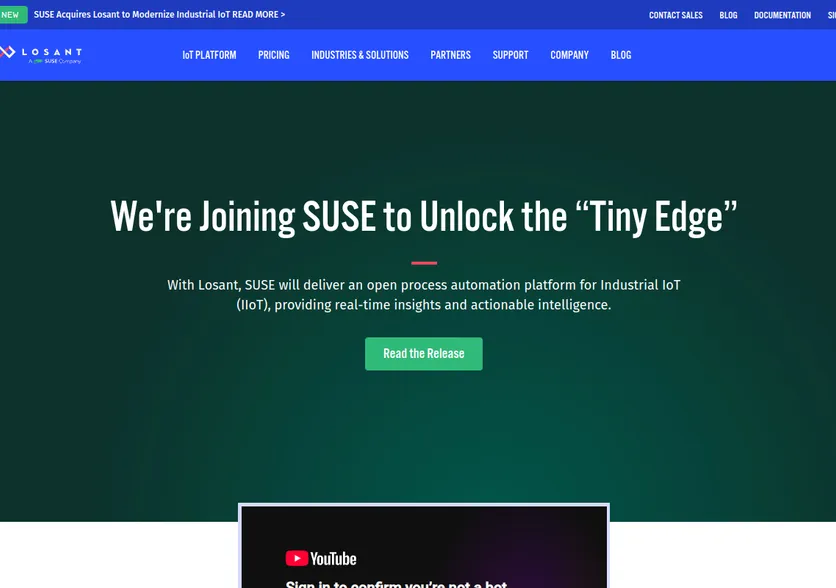
Losant gives a remote team one place to watch every device, build alerts and push changes without driving to a site. This Losant Launch plan covers one hundred thousand payloads a month, and the low-code workflow builder lets operations staff set up a new alert or dashboard in an afternoon. For a team spread across time zones, the shared dashboard matters as much as the device connection: everyone sees the same fleet health, the same alerts and the same history.
What we like
- Low-code workflows the operations team can edit
- One dashboard for the whole distributed team
- Payload pricing is easy to forecast
Watch out for
- Payload limits can bite as fleets grow
- Owned by SUSE since February 2026, so roadmap may shift
How to try it
- Connect your field devices to the Losant sandbox
- Build a workflow that alerts the on-call engineer when a sensor fails
- Share a live dashboard with the whole remote team
2. AWS IoT Greengrass
Best for: Remote teams already running on AWS
Paid tool Starting price: $0.16/device/month · Per active Core device per month, or $1.49 per device per year on annual billing; first 3 devices free for 1 year
Free plan: First 3 Core devices free for 1 year
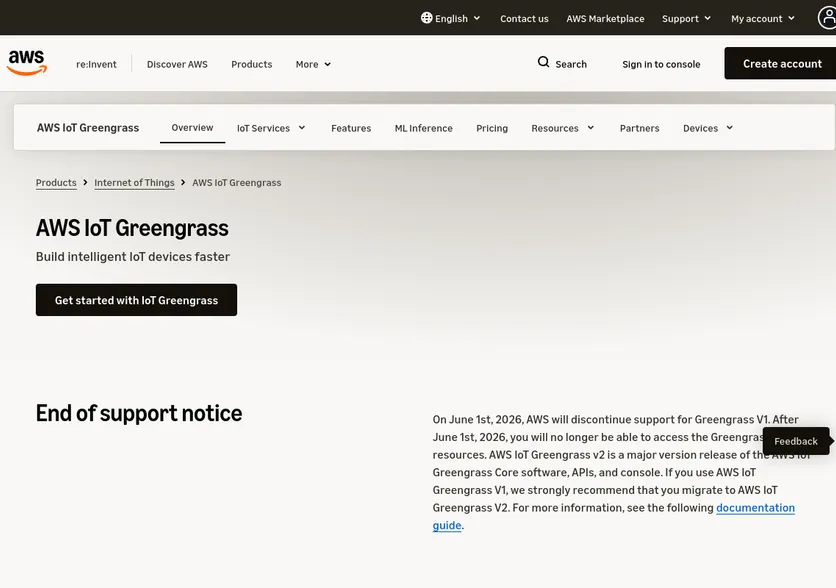
AWS IoT Greengrass keeps remote devices working when the connection drops, because Lambda functions and machine learning models run on the device itself. This AWS IoT Greengrass runtime bills per active Core device, so a remote team can start with three free devices for a year and add sites one at a time. Telemetry still lands in CloudWatch when the link returns, so a team in another time zone sees the full history of a site it has never visited.
What we like
- Runs offline, so remote sites survive outages
- Bills per device, which keeps pilots cheap
- CloudWatch gives the remote team full history
Watch out for
- Learning curve is steep for teams new to AWS
- Costs can creep up with message volume
How to try it
- Create a Greengrass Core device group for each remote site
- Deploy your model or Lambda function to the group
- Watch device health and logs in CloudWatch from anywhere
3. Azure IoT Hub
Best for: Remote teams standardised on Microsoft tools
Paid tool Starting price: $25/unit/month · S1 tier per unit per month; Basic B1 is $10 a month and S3 is $2,500 a month
Free plan: Free tier (8,000 messages a day)
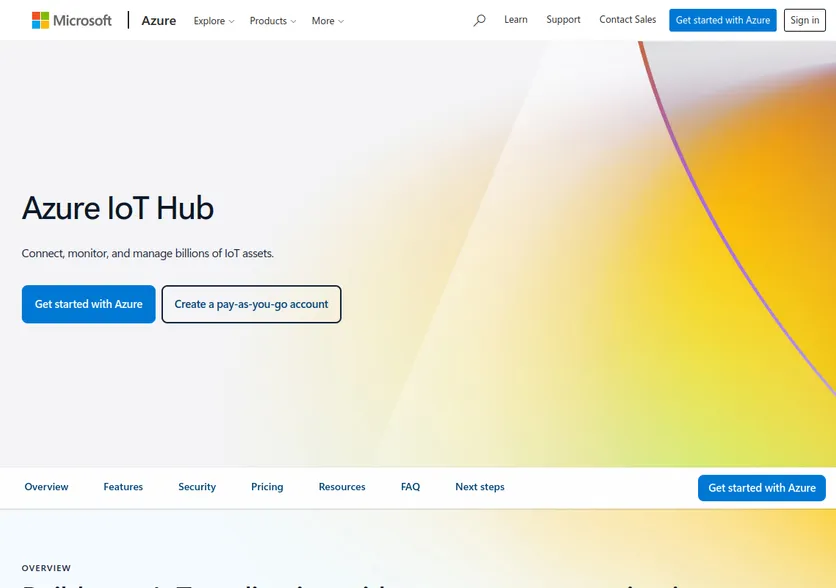
Azure IoT Hub gives a distributed team a single control plane for devices it may never touch in person, with device twins that show the live state of every unit. This Azure IoT Hub S1 tier adds cloud-to-device messaging, so an engineer in one country can change a setting on a device in another without a site visit. The edge runtime is free, which keeps the bill tied to hub capacity rather than the number of sensors in the field.
What we like
- Device twins show live state from anywhere
- Cloud-to-device messaging replaces site visits
- Edge runtime is free, you pay for hub units only
Watch out for
- Unit pricing is confusing until you model message volume
- Best value only inside a wider Azure estate
How to try it
- Create an IoT Hub and register devices at each remote site
- Use device twins to check the live state of every unit
- Send cloud-to-device commands to change settings remotely
4. Roboflow
Best for: Remote teams adding vision to cameras at distant sites
Paid tool Starting price: $39/month · Core plan billed monthly with 20 credits a month; annual billing lowers the per-month cost
Free plan: Free tier (10 credits a month)
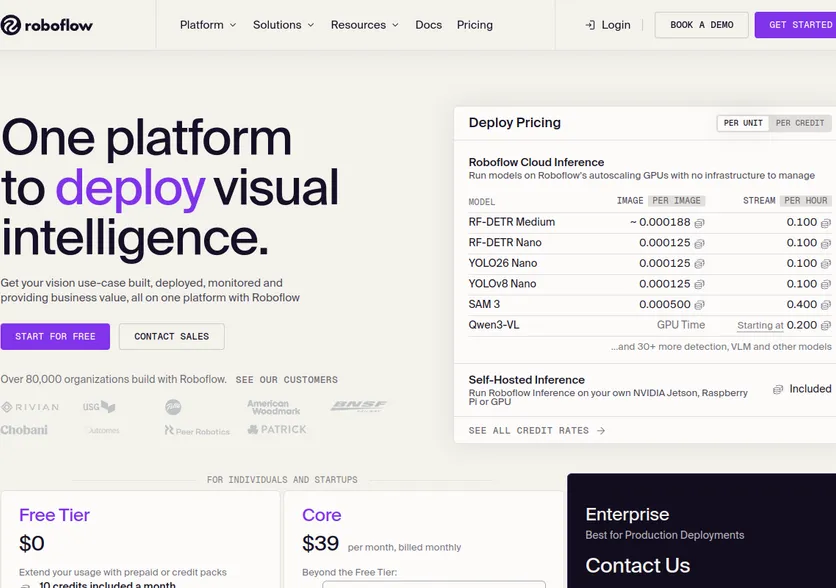
Roboflow lets a remote team train a vision model centrally and deploy it to cameras at sites nobody on the team has visited. This Roboflow Core plan includes twenty credits a month, enough to run a pilot that inspects products, counts vehicles or watches a gate from thousands of miles away. Because the model runs on the camera, a site with a flaky connection still gets answers in real time, and the team reviews the results from the cloud dashboard.
What we like
- Train centrally, deploy to any remote camera
- Models run on the device, so flaky links do not matter
- Free tier proves a vision use case first
Watch out for
- Credit limits can throttle a busy pilot
- Vision only — no general-purpose edge runtime
How to try it
- Upload site images and label them in the workspace
- Train a detection model and check its accuracy
- Deploy the model to cameras at each remote site
5. HiveMQ Cloud
Best for: Remote teams moving sensor data over unreliable links
Paid tool Starting price: $0.34/hour · Starter plan from $0.34 an hour, about $248 a month, plus $0.80 per million messages; self-managed Launch is $299 a month
Free plan: No free tier — Starter starts at $0.34 an hour
HiveMQ Cloud carries MQTT messages between remote devices and the cloud, with persistence that holds data until the connection returns. This HiveMQ Cloud Starter plan bills by the hour and by the message, so a remote deployment that reports in bursts pays for what it uses. For a team managing pumps, meters or vehicles across a region, a managed broker means nobody has to babysit the messaging layer from a home office.
What we like
- Persistence holds messages until links return
- Hourly billing matches bursty remote traffic
- Managed broker needs no babysitting
Watch out for
- Message charges add up on chatty fleets
- It is a broker, not a full application platform
How to try it
- Create a HiveMQ Cloud cluster for your region
- Point remote devices at the broker with TLS enabled
- Turn on persistence so messages survive outages
6. balenaCloud
Best for: Remote teams updating Linux devices without site visits
Paid tool Starting price: $159/month · Prototype plan for 30 devices; larger fleets move to custom pricing
Free plan: Free tier for small fleets
balenaCloud is how a remote team updates Linux devices it will never see in person, with container releases that roll out fleet-wide and roll back if anything breaks. This balenaCloud Prototype plan covers thirty devices, enough for several remote sites, and the dashboard shows the health, logs and software version of every unit from any browser. It turns a fleet spread across a country into something one engineer can manage from a laptop.
What we like
- Fleet-wide updates with one-click rollback
- Dashboard shows every device from any browser
- Works on Pi boards and industrial gateways alike
Watch out for
- Price confirmed by third-party listings, not the vendor page
- Prototype tier caps at thirty devices
How to try it
- Flash balenaOS onto devices before shipping them to site
- Push your containerised AI app to the fleet
- Roll out updates in stages and watch the dashboard
7. Latent AI
Best for: Remote teams shrinking models for low-power field hardware
Paid tool Starting price: $99/month · Premium plan per developer per month
Free plan: Free trial available
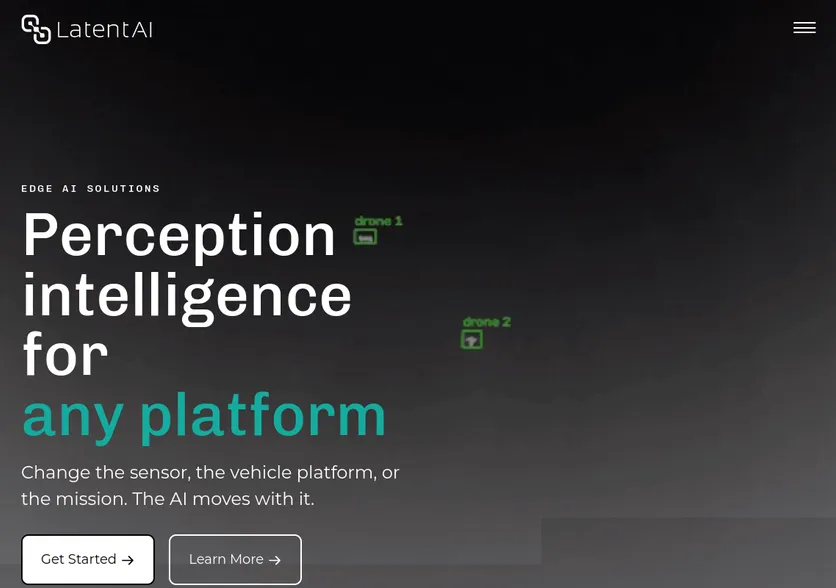
Latent AI compresses models so they run on the small, low-power chips inside field cameras, drones and controllers that a remote team cannot easily swap. This Latent AI Premium plan gives each developer the tooling to quantise and prune a model, then ship it to devices in the field with the runtime included. It matters most where the hardware is already installed and the only way to improve it is better software.
What we like
- Shrinks models to fit low-power field chips
- Per-developer pricing is simple to budget
- Runtime is included, not a separate purchase
Watch out for
- Smaller vendor with a narrower ecosystem
- Price confirmed by third-party listings, not the vendor page
How to try it
- Import your trained model into the workspace
- Compress and quantise it for your field hardware
- Deploy the runtime to devices without a site visit
8. NVIDIA AI Enterprise
Best for: Remote teams with GPU hardware at distant sites
Paid tool Starting price: $4,500/GPU/year · 1-year subscription per GPU; 2-year is $9,000, 3-year $13,500, 5-year $18,000; education pricing is $1,125 per GPU
Free plan: 90-day evaluation licence
NVIDIA AI Enterprise brings managed GPU inference to sites a team reaches only rarely, with a software stack that includes the inference runtime, model management and security patching. This NVIDIA AI Enterprise licence covers NIM microservices that deploy models in minutes, so a remote site can run a private model fleet without a local specialist. It is the dearest option here, and it makes sense where the models are large and the sites are far apart.
What we like
- Managed GPU stack for sites with no local specialist
- NIM microservices deploy models in minutes
- Enterprise support and security patching included
Watch out for
- Per-GPU price adds up fast across a fleet
- Needs NVIDIA hardware, so it locks in the vendor
How to try it
- Pick the NVIDIA-certified systems for each remote site
- Install the AI Enterprise stack and deploy a NIM microservice
- Set up remote monitoring and a patching schedule
Prices above were checked on each vendor’s own website on Nov 26, 2026 and can change — the vendor’s page is the final word. Vendor links are editorial: nobody paid to be listed or ranked here. Vendors who want a featured listing can see how it works on our Get listed page.
What remote edge AI costs in 2026
Remote work adds one cost the office never sees: the site visit. A platform that needs hands on the device costs far more than its licence once you count travel, so weight remote updates and remote diagnostics as heavily as the monthly price. Model the message volume honestly, because a chatty sensor fleet can double the bill, and check support hours across your time zones. Pilot on one real site for a month, measure the true bill and the true failure rate, and only then roll out to the rest of the fleet.
Before you buy
- Confirm remote updates and diagnostics work over the connections your field sites actually have
- Check that dashboards and alerts are usable by non-engineers on the operations team
- Verify offline behaviour, because remote sites lose connectivity more often than offices
- Ask how the bill scales with device count and message volume before the fleet doubles
- Read the support hours across time zones, since a remote site outage rarely happens at noon
Official websites
Official websites of the products reviewed above. Features and prices were checked against these sites when this guide was written, and they can change, so confirm on the vendor site before you buy.
Frequently asked questions
Which edge AI platform is best for a remote team?
Losant is the best fit for a remote team, because its low-code workflows and shared dashboards let operations staff manage devices without engineering help. AWS IoT Greengrass is the pick when the team already runs on AWS and needs devices that keep working offline. balenaCloud wins when the fleet is Linux devices that must update without anyone visiting the site.
How do remote teams choose edge AI platforms?
Start with connectivity. Map every site: which ones have reliable broadband, which ones drop out daily, and which ones are offline for hours. Choose platforms that run inference on the device and sync when the link returns, rather than ones that need a constant connection. Then pilot on one site for a month before rolling out to the rest.
Can a remote team update AI models on devices it never visits?
Yes. balenaCloud rolls container updates out to thousands of devices and rolls them back fleet-wide if a release misbehaves, all from a browser. AWS IoT Greengrass and Azure IoT Hub also deploy new models remotely. The rule is to test every update on a small group first, because a bad release pushed everywhere at once is the one failure a remote team cannot fix quickly.
Do remote edge devices need a constant internet connection?
Most do, and that is the point of edge AI. Greengrass runs Lambda functions and models on the device, Roboflow models run on the camera, and balenaCloud devices run containers offline. The cloud is for management, training and dashboards. The decision itself happens on the device, so a site keeps working through an outage and syncs its results later.
How should a remote team budget for edge AI?
Count devices, messages per device per day, and the support level you need across time zones. Then run a pilot on the cheapest tier that covers your hardware for a month and measure the real bill, because message volume is the number most teams get wrong. Add a buffer for growth, and check whether annual billing or a higher tier actually saves money at your volume.
Keep every remote device working from anywhere — browse the full set of AI tools, free and running on your device.
Browse AI Tools (In-Browser, No API) tools


