On this page
Small businesses lose keys in spreadsheets, shared drives and chat messages, and every lost key is a locked database or a failed deployment away. A key management service stores encryption keys and secrets in one guarded place, rotates them on a schedule and records who used each one. We compared seven tools on published price, ease of setup and how well they fit a team without a dedicated security engineer. Doppler is our first pick — its flat per-user price and simple dashboard make secret management feel like any other small-business app.
How we researched this
We started with key managers a small business can run without a security team, then read each price on the vendor site on November 27, 2026 and noted the free tier or trial each plan carries. We judged them for a team that stores API keys, database passwords and certificates for a handful of apps and needs rotation and audit logs without enterprise complexity. We dropped quote-only enterprise platforms and single-purpose password vaults because a small business needs published prices and real key lifecycle controls.
Compare the tools
| Name | Best for | Starting price | Free plan | |
|---|---|---|---|---|
| Doppler | Small teams that want secret management without cloud-console complexity | $21/user/month | Free Developer plan for up to 3 users | Visit |
| AWS Key Management Service | Small businesses already running apps on Amazon Web Services | $1/key/month | No free plan; 20,000 free requests a month | Visit |
| Azure Key Vault | Small businesses already paying for Microsoft 365 or Azure | $0.03/10,000 operations | No free plan; pay per operation | Visit |
| Google Cloud Key Management Service | Small teams with a handful of keys on Google Cloud | $0.06/key version/month | No free plan; pay per key version | Visit |
| Infisical | Developer teams whose apps and servers outnumber their people | $20/identity/month | Free plan available | Visit |
| HashiCorp Vault | Small teams that want enterprise secret patterns at a low price | $0.50/secret/month | Free tier: 25 secrets on HCP Vault Secrets | Visit |
| AWS Secrets Manager | Amazon Web Services teams that want passwords rotated automatically | $0.40/secret/month | No free plan; 30-day free trial | Visit |
The encryption key management software for small business, compared
1. Doppler
Best for: Small teams that want secret management without cloud-console complexity
Paid tool Starting price: $21/user/month · Twenty-one dollars per user a month for the Team plan; the Developer plan is free for three users and then eight dollars per user a month
Free plan: Free Developer plan for up to 3 users
This Doppler dashboard lists every secret for every project on one screen, which is the closest thing in this comparison to a password manager for developers. Secrets sync to apps and servers automatically, so nobody pastes a key into a chat message or a config file again. The flat per-user price makes the monthly bill easy to predict, and the free Developer plan covers a three-person team before you pay anything.

What we like
- Flat per-user price with no per-secret meter
- Secrets sync to apps and servers automatically
- Free Developer plan covers a three-person team
Watch out for
- No hardware security module option for regulated keys
- Advanced audit and access controls wait for higher plans
How to try it
- Create a Doppler project for each app you run
- Import your existing secrets from environment files
- Connect the sync integration for your hosting platform
2. AWS Key Management Service
Best for: Small businesses already running apps on Amazon Web Services
Paid tool Starting price: $1/key/month · One dollar per customer managed key a month, plus three cents per ten thousand requests with twenty thousand requests free each month; keys stored in hardware security modules cost one dollar per key a month
Free plan: No free plan; 20,000 free requests a month
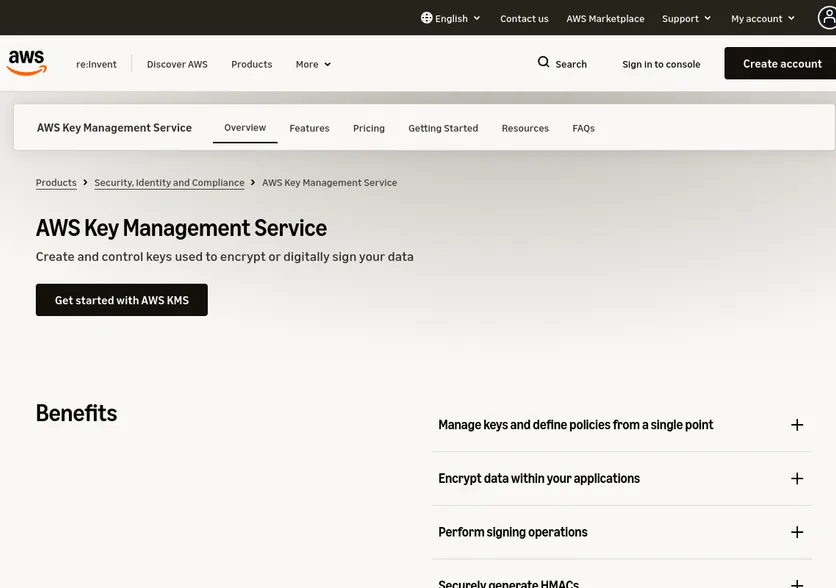
This AWS Key Management Service plan charges one dollar per managed key a month, which makes it the cheapest way to guard encryption keys if your apps already run on Amazon Web Services. Keys never leave the service in usable form, and every use is written to the audit log so you can see exactly who decrypted what and when. The free allowance covers twenty thousand requests a month, so a small business pays mostly for the keys it holds and very little for using them.
What we like
- Cheapest per-key price in this comparison
- Every key use is written to the audit log
- Keys never leave the service in usable form
Watch out for
- Console assumes you already know Amazon Web Services
- Request charges add up if an app decrypts constantly
How to try it
- Open the Key Management Service console in your Amazon account
- Create one customer managed key for each app or database
- Point your app at the key and check the audit log after a day
3. Azure Key Vault
Best for: Small businesses already paying for Microsoft 365 or Azure
Paid tool Starting price: $0.03/10,000 operations · Three cents per ten thousand operations on both tiers; premium hardware security module keys cost one dollar per key a month, and certificates and managed storage accounts are billed separately
Free plan: No free plan; pay per operation
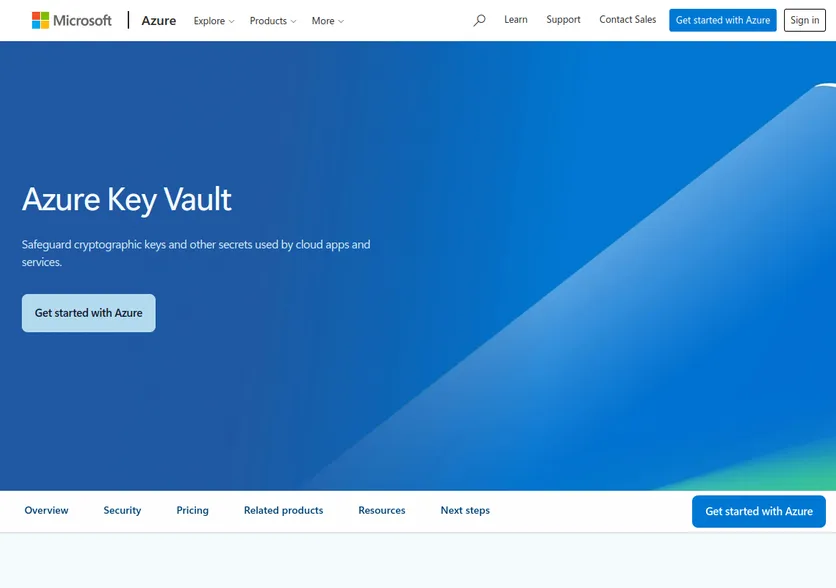
This Azure Key Vault service stores keys, secrets and certificates behind one address, which suits a small business that already pays for Microsoft 365 or Azure. The standard tier bills three cents per ten thousand operations, so a quiet app costs almost nothing and a busy one scales with use. Managed identities let your Azure apps read secrets without storing any password at all, which removes the most common leak in small teams.
What we like
- Near-zero cost for quiet apps on the standard tier
- Managed identities remove stored passwords entirely
- Keys, secrets and certificates live behind one address
Watch out for
- Hardware keys need the premium tier at one dollar per key
- Setup assumes some comfort with the Azure portal
How to try it
- Create a vault in the Azure portal for your team
- Move one database password into the vault first
- Give your app a managed identity instead of a stored password
4. Google Cloud Key Management Service
Best for: Small teams with a handful of keys on Google Cloud
Paid tool Starting price: $0.06/key version/month · Six cents per active software key version a month; hardware security module key versions cost one dollar a month and externally managed keys cost three dollars a month
Free plan: No free plan; pay per key version
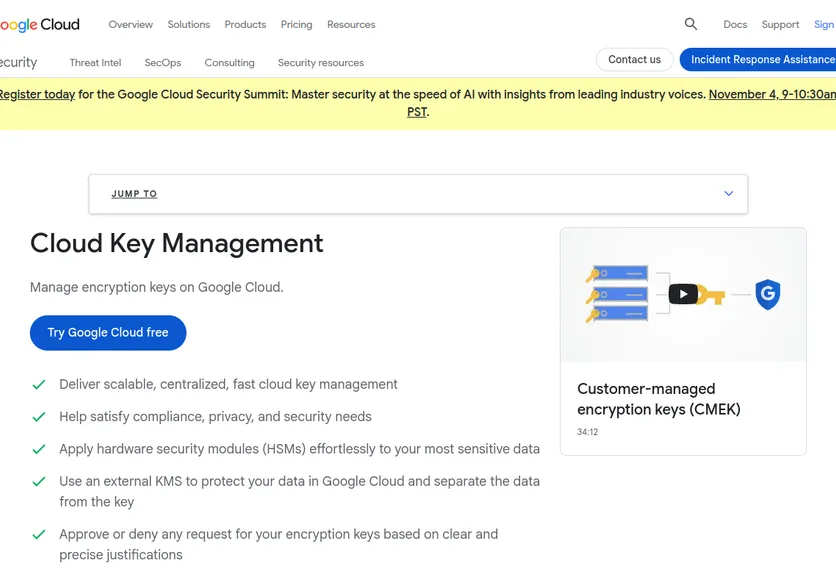
This Google Cloud Key Management Service plan charges six cents per active software key version a month, the lowest per-key figure in this comparison for a team with only a few keys. Rotation schedules, key versions and destruction dates are all set from one page, so a small team can prove an old key is gone instead of guessing. The service plugs straight into Google Cloud storage and databases, which keeps the setup short when your apps already live there.
What we like
- Lowest per-key price here for a small key count
- Rotation and destruction dates are set from one page
- Plugs straight into Google Cloud storage and databases
Watch out for
- Externally managed keys cost three dollars a month each
- Secret storage is a separate product with its own meter
How to try it
- Open Cloud Key Management Service in your Google Cloud project
- Create a key ring and one key for each app
- Set a rotation schedule before you store any live data
5. Infisical
Best for: Developer teams whose apps and servers outnumber their people
Paid tool Starting price: $20/identity/month · Twenty dollars per machine identity a month billed annually for the Pro plan, or twenty-three dollars billed monthly; the Advanced plan costs forty dollars per identity a month
Free plan: Free plan available
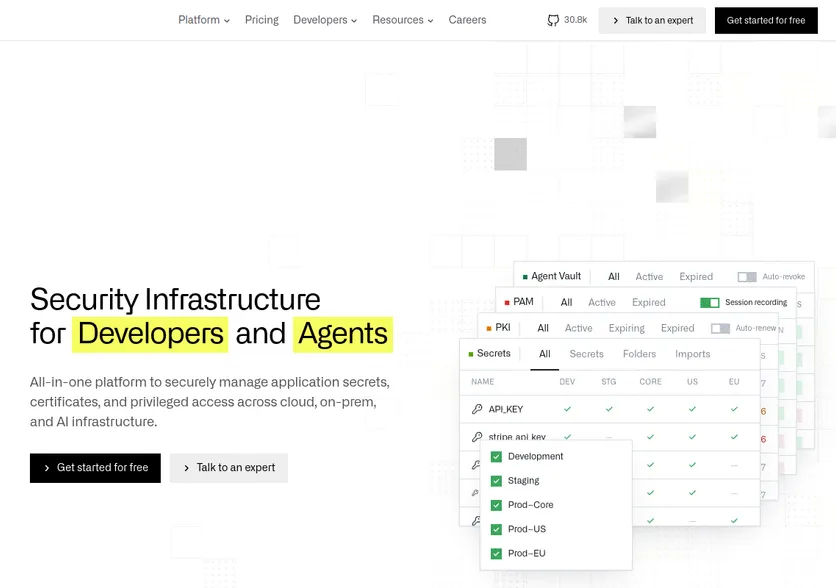
This Infisical platform prices by machine identity instead of by secret, which fits a team whose apps and servers outnumber its people. Secrets sync to every environment from one dashboard, and dynamic secrets are created on demand and expire on their own, so a leaked password stops working within minutes. The open-source core means you can self-host it if you would rather keep secrets on your own servers than in a vendor cloud.
What we like
- Identity pricing fits teams with many apps and servers
- Dynamic secrets expire on their own after use
- Open-source core can be self-hosted on your own servers
Watch out for
- Per-identity billing is hard to forecast as apps multiply
- Hardware key storage is not part of the platform
How to try it
- Create an Infisical project for each environment you run
- Add your secrets and set an expiry for the sensitive ones
- Connect the sync integration for your deployment platform
6. HashiCorp Vault
Best for: Small teams that want enterprise secret patterns at a low price
Paid tool Starting price: $0.50/secret/month · Fifty cents per secret a month for HCP Vault Secrets with twenty-five secrets free; HCP Vault Dedicated is a separate product priced by the hour and per client
Free plan: Free tier: 25 secrets on HCP Vault Secrets
This HashiCorp Vault cloud service stores secrets centrally and hands them to apps only when they ask, which is the pattern larger teams use and small teams can now buy cheaply. Twenty-five secrets are free, so a small business can cover its first apps for nothing and pay fifty cents a month per secret after that. Dynamic secrets and automatic rotation are built in, so database passwords change on a schedule without anyone touching a config file.
What we like
- Twenty-five secrets free before you pay anything
- Dynamic secrets and rotation are built in
- Secrets are handed to apps only when they ask
Watch out for
- Vault Dedicated is a separate, far pricier product
- Full Vault needs more setup skill than the simpler rivals here
How to try it
- Sign up for HCP Vault Secrets and claim the free tier
- Store your first database password as a secret
- Point your app at Vault instead of a config file
7. AWS Secrets Manager
Best for: Amazon Web Services teams that want passwords rotated automatically
Paid tool Starting price: $0.40/secret/month · Forty cents per secret a month plus five cents per ten thousand API calls; secrets rotated on a schedule and replicas in other regions are billed separately
Free plan: No free plan; 30-day free trial
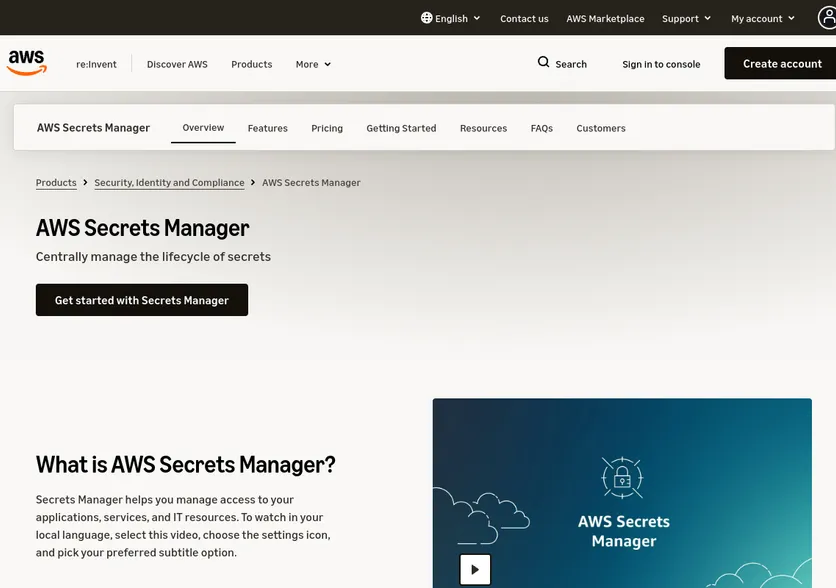
This AWS Secrets Manager service stores database passwords and API keys and rotates them on a schedule you set, which removes the manual chore that small teams usually skip. Apps fetch the current password through the Amazon API instead of reading a file, so a leaked config file no longer hands over the database. At forty cents per secret a month, a team with twenty secrets pays eight dollars a month, which is cheaper than the time spent rotating passwords by hand.
What we like
- Automatic rotation removes a chore small teams skip
- Apps fetch passwords through the API, not from files
- Forty cents per secret keeps a small estate cheap
Watch out for
- API call charges add up for apps that fetch constantly
- Only useful if your apps already run on Amazon Web Services
How to try it
- Open Secrets Manager in your Amazon account
- Store one database password and turn on rotation
- Update your app to fetch the secret through the API
Prices above were checked on each vendor’s own website on Nov 27, 2026 and can change — the vendor’s page is the final word. Vendor links are editorial: nobody paid to be listed or ranked here. Vendors who want a featured listing can see how it works on our Get listed page.
How a small business should manage encryption keys
Start by listing every place a key or secret lives today: the database password in a config file, the API key pasted into a deployment script, the certificate on the web server and the shared login in a team chat. Move them into one manager before you buy anything else, because a secret you cannot find is a secret you cannot rotate. Give each app its own key instead of sharing one across services, so a leak in one place does not open every door. Turn on automatic rotation for database passwords and API keys, and set a calendar reminder to check the rotation actually happened.
Keep the keys separate from the data they protect, and keep the manager itself behind strong authentication with a second factor for every admin. Check the billing meter before you commit: cloud key managers charge per key or per secret, so count the keys you actually hold and add a margin for the ones each app will create. Read the audit log once a month and confirm who accessed which key, because a log nobody reads is the same as no log at all.
Before you buy
- Count every key and secret before you pick a plan, because cloud managers bill per key
- Turn on automatic rotation and check the log to confirm it actually ran
- Give each app its own key so one leak cannot open every service
- Put a second factor on every admin account that can read keys
- Read the audit log monthly and remove keys for apps you retired
Official websites
Official websites of the products reviewed above. Features and prices were checked against these sites when this guide was written, and they can change, so confirm on the vendor site before you buy.
Frequently asked questions
What is the cheapest key management tool for a small business?
AWS Key Management Service costs one dollar per managed key a month, plus three cents per ten thousand requests, so a business with ten keys pays ten dollars a month before request charges. Google Cloud Key Management Service charges six cents per key version a month, which can be cheaper for a handful of keys. Doppler costs twenty-one dollars per user a month and is simpler to run, so the cheapest option depends on whether you count keys or people.
Do small businesses need a key manager or is a password vault enough?
A password vault stores logins for people, while a key manager stores the keys and secrets that apps use to talk to each other. Apps need API keys, database passwords and certificates that rotate on a schedule, and a vault built for humans cannot rotate them or hand them to a server automatically. If your team runs one web app with a database, a key manager is the right tool, and Doppler or AWS Key Management Service covers it cheaply.
What is the difference between AWS KMS and AWS Secrets Manager?
AWS Key Management Service creates and guards the encryption keys that lock your data, while AWS Secrets Manager stores the passwords and API keys your apps need and rotates them for you. Use both together: KMS protects the data at rest, and Secrets Manager hands the database password to the app when it starts. Secrets Manager costs forty cents per secret a month, while KMS costs one dollar per key a month, so the pair stays cheap.
Should we use hardware security modules for our keys?
Hardware security modules keep keys inside tamper-proof hardware so they can never be copied out, which matters for regulated industries and payment data. For most small businesses the software tier is enough, because the bigger risks are lost keys, shared passwords and nobody watching the audit log. Google Cloud charges one dollar a month for a hardware key version and Azure charges the same for a premium hardware key, so you can move only the sensitive keys to hardware later.
How do we move existing keys into a key manager safely?
List every key and secret first, then import them one app at a time and test that the app still starts before you delete the old copy. Change each key as you import it, because the old value may already live in a chat log, a backup or a former employee laptop. Keep the old keys for a week after the move, then delete them and check the audit log to confirm nothing still calls the old values.
Compare the seven tools above, then start with a free trial on a test project before you move production keys.
Browse Security & Privacy tools