On this page
Remote laptops hold the only copy of more work than most teams admit: drafts, downloads, local files and the photos that never made it to the cloud. A laptop that is lost, stolen or dropped takes all of that with it, and the cloud apps it runs cannot bring back what was never uploaded. We compared seven endpoint backup tools on published price, ease of setup and how well they run on a laptop nobody babysits. Backblaze Business Backup is our first pick — unlimited data for a flat per-computer price, with backups that run on their own.
How we researched this
We started with backup tools that protect laptops rather than servers, then read each price on the vendor site on November 27, 2026 and noted the free tier or trial each plan carries. We judged them for a remote team whose laptops hold drafts, downloads and local files that never reach the cloud, and whose owners will never open a backup app on their own. We dropped quote-only enterprise platforms and server-only backup products because a remote team needs published prices and a client that runs quietly on a laptop.
Compare the tools
| Name | Best for | Starting price | Free plan | |
|---|---|---|---|---|
 Backblaze Business Backup | Remote teams that want unlimited backup for a flat per-laptop price | $99/computer/year | No free plan; 15-day free trial | Visit |
 IDrive Team | Small remote teams that want several computers covered under one plan | $119.88/year | Free plan: 10 GB; 30-day trial | Visit |
 CrashPlan for Small Business | Remote teams that want set-and-forget backup with version history | $10/device/month | No free plan; 30-day free trial | Visit |
 Acronis True Image | Remote workers who want a full disk image they can restore anywhere | $49.99/year | No free plan; 30-day free trial | Visit |
 Carbonite Safe | Remote teams that want a simple set-and-forget backup for Windows and Mac | $95.99/year | No free plan; 15-day free trial | Visit |
 MSP360 Managed Backup | Remote teams that want backups stored in their own cloud account | $2.50/workload/month | No free plan; 15-day free trial | Visit |
 NAKIVO Backup and Replication | Remote teams that also back up office servers and shared drives | $2.50/workload/month | Free edition available; 15-day trial | Visit |
The endpoint backup software for laptops in remote teams, compared
1. Backblaze Business Backup
Best for: Remote teams that want unlimited backup for a flat per-laptop price
Paid tool Starting price: $99/computer/year · Ninety-nine dollars per computer a year, or nine dollars a month, with unlimited backup data and no storage cap
Free plan: No free plan; 15-day free trial
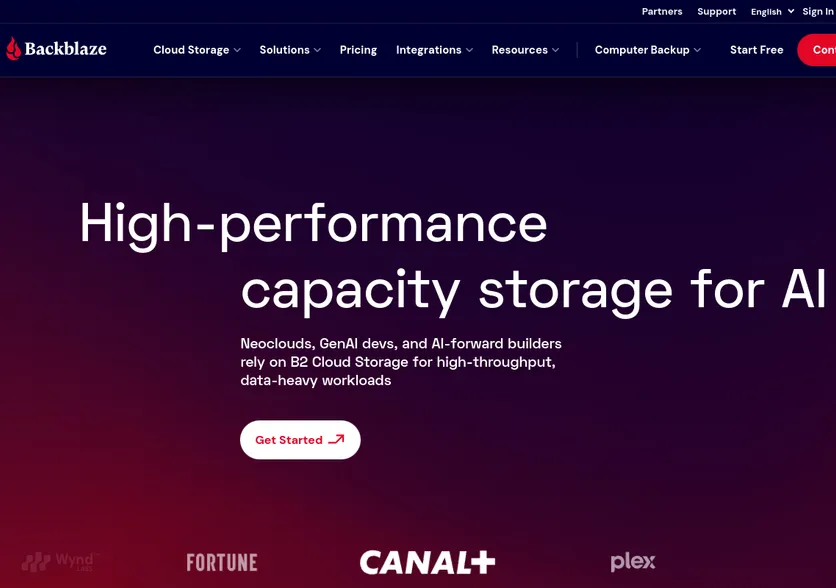
This Backblaze Business Backup plan charges ninety-nine dollars per computer a year with no storage cap, which makes the bill easy to forecast when a remote team keeps growing. Backups run continuously in the background, so a laptop that is closed all weekend catches up on its own the next time it opens. Files can be restored from the web, by download or by a drive shipped to your door, which covers the laptop that was stolen along with its owner.
What we like
- Unlimited backup data for a flat per-computer price
- Backups run continuously without user action
- Restore by download or by a drive shipped to you
Watch out for
- No central admin console on the basic business plan
- Restoring by shipped drive costs extra
How to try it
- Open the Backblaze business page and start the trial
- Install the app on two laptops and let the first backup finish
- Test a file restore from the web before you enrol the team
2. IDrive Team
Best for: Small remote teams that want several computers covered under one plan
Paid tool Starting price: $119.88/year · One hundred and nineteen dollars and eighty-eight cents a year for five users, five computers and five terabytes, billed annually at nine dollars and ninety-nine cents a month; the first-year price of eighty-three dollars and eighty-eight cents is a promotion, not the list price
Free plan: Free plan: 10 GB; 30-day trial
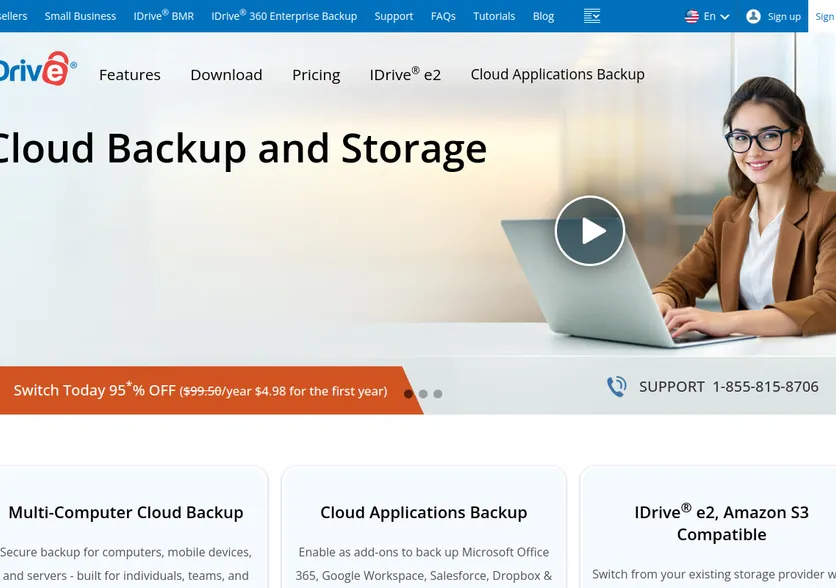
This IDrive Team plan covers five users, five computers and five terabytes for one hundred and nineteen dollars and eighty-eight cents a year, which is the cheapest way to protect a small remote team under one bill. Every device backs up to the same account, so the owner can see which laptop is behind without asking each person. The plan also covers phones and tablets, which matters when the team works from whatever device is in hand.
What we like
- Five users and five computers under one low price
- Phones and tablets are covered in the same plan
- One dashboard shows which device is behind
Watch out for
- Five terabytes is shared across the whole team
- First-year promotion hides the higher renewal price
How to try it
- Open the IDrive pricing page and pick the Team plan
- Install IDrive on each laptop and phone in the team
- Set a backup schedule and check the dashboard after a week
3. CrashPlan for Small Business
Best for: Remote teams that want set-and-forget backup with version history
Paid tool Starting price: $10/device/month · Ten dollars per device a month for the Small Business plan; the Professional plan costs fifteen dollars per device a month
Free plan: No free plan; 30-day free trial
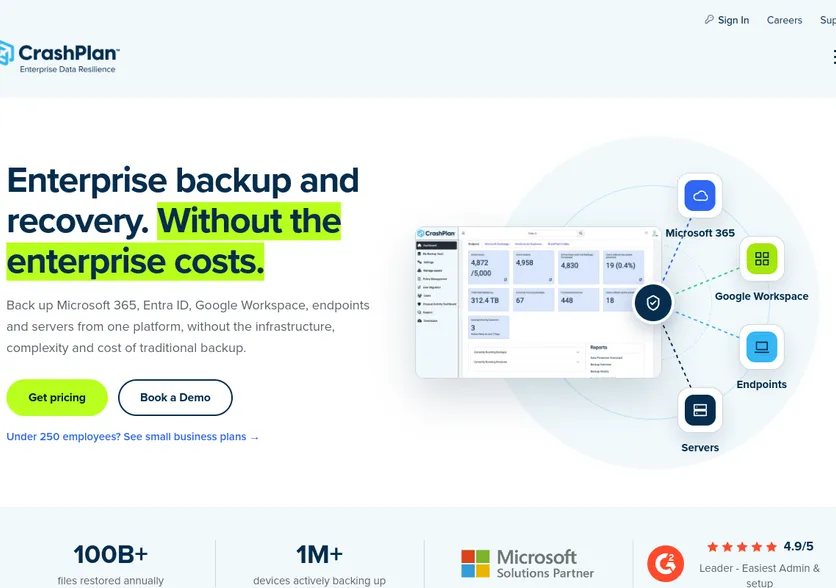
This CrashPlan for Small Business plan backs up every file version automatically, so a laptop owner can pull back the document as it looked last Tuesday instead of only the latest copy. The app runs silently once it is installed, which suits remote staff who will never open a backup app on their own. Deleted files stay recoverable, and the admin console shows which laptops have not backed up recently.
What we like
- Every file version is kept and restorable
- Runs silently once installed, with no user action
- Admin console flags laptops that stopped backing up
Watch out for
- No bundled cloud storage beyond the backup itself
- Per-device price adds up fast on a large team
How to try it
- Open the CrashPlan pricing page and start the trial
- Install the app on a test laptop and let it finish
- Restore an old file version to check the history works
4. Acronis True Image
Best for: Remote workers who want a full disk image they can restore anywhere
Paid tool Starting price: $49.99/year · Forty-nine dollars and ninety-nine cents a year for one computer on the Essentials plan; Advanced with fifty gigabytes of cloud storage costs seventy-two dollars and ninety-nine cents and Premium with one terabyte costs one hundred and twenty-four dollars and ninety-nine cents
Free plan: No free plan; 30-day free trial
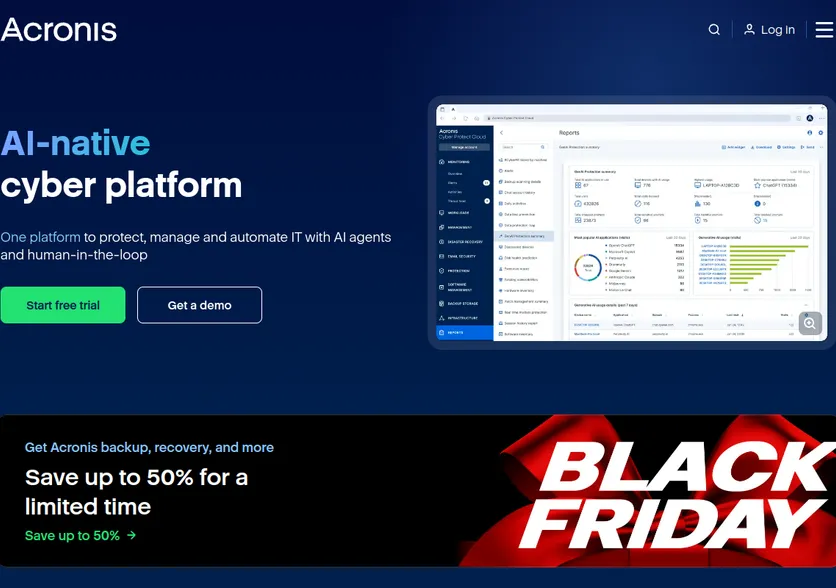
This Acronis True Image plan makes a complete image of the laptop, so a dead hard drive can be restored to a new machine with apps and settings intact instead of just the files. The Essentials plan covers one computer for forty-nine dollars and ninety-nine cents a year, and higher plans add cloud storage and antivirus. Local backup to an external drive works alongside the cloud copy, which gives the laptop two ways home.
What we like
- Full disk image restores apps and settings, not just files
- Local and cloud copies work side by side
- Higher plans add cloud storage and antivirus
Watch out for
- Essentials covers only one computer per licence
- Cloud storage is limited unless you step up a plan
How to try it
- Open the Acronis True Image page and pick Essentials
- Install it and run a full image backup on one laptop
- Test booting the image on a spare machine before you rely on it
5. Carbonite Safe
Best for: Remote teams that want a simple set-and-forget backup for Windows and Mac
Paid tool Starting price: $95.99/year · Ninety-five dollars and ninety-nine cents a year for the Basic plan at the list price; the first year is seventy-one dollars and ninety-nine cents as a promotion, and Plus costs one hundred and thirty-one dollars and ninety-nine cents a year
Free plan: No free plan; 15-day free trial
This Carbonite Safe plan backs up files automatically once it is installed, with no settings to tune and no schedule to manage. The Basic plan covers one computer for ninety-five dollars and ninety-nine cents a year at the list price, and the higher plans add external drive backup and automatic video backup. Remote restore works from any browser, so a laptop left at home does not stop anyone from reaching a file.
What we like
- Fully automatic once installed, with nothing to tune
- Remote restore works from any browser
- Higher plans add external drive and video backup
Watch out for
- Basic plan covers only one computer per licence
- First-year promotion hides the higher renewal price
How to try it
- Open the Carbonite Safe page and start the trial
- Install Carbonite on one laptop and let it finish
- Restore a file from a browser to check remote access
6. MSP360 Managed Backup
Best for: Remote teams that want backups stored in their own cloud account
Paid tool Starting price: $2.50/workload/month · Two dollars and fifty cents per workload a month with a twenty-five dollar monthly minimum; storage is billed separately to your own Amazon, Backblaze or Azure account
Free plan: No free plan; 15-day free trial
This MSP360 Managed Backup plan costs two dollars and fifty cents per workload a month and writes backups to storage you already own, such as Amazon, Backblaze or Azure. That split keeps the backup software cheap and the storage bill separate, which suits a team that already pays for cloud storage. A central console manages every laptop from one screen, with alerts when a backup fails so nobody discovers the gap during a crisis.
What we like
- Backups live in storage you already own
- Central console manages every laptop at once
- Alerts flag failed backups before a crisis
Watch out for
- Storage is a separate bill you must budget for
- Setup assumes some comfort with cloud storage accounts
How to try it
- Open the MSP360 pricing page and start the trial
- Connect your own cloud storage account to the console
- Enrol one laptop and confirm its first backup completes
7. NAKIVO Backup and Replication
Best for: Remote teams that also back up office servers and shared drives
Paid tool Starting price: $2.50/workload/month · Two dollars and fifty cents per workload a month on the Pro Essentials subscription billed annually; a perpetual licence starts at two hundred and twenty-nine dollars per CPU socket
Free plan: Free edition available; 15-day trial
This NAKIVO Backup and Replication plan starts at two dollars and fifty cents per workload a month, the lowest published per-unit price in this comparison. It covers physical laptops and workstations alongside virtual machines and network file shares, so one licence can protect the laptop fleet and the office server together. Instant recovery brings a failed machine back in minutes, and immutable backup copies stop ransomware from rewriting the backup itself.
What we like
- Lowest published per-workload price in this comparison
- Covers laptops, servers and file shares in one licence
- Immutable copies stop ransomware rewriting backups
Watch out for
- Console assumes server knowledge from the admin
- Built for servers first, so laptop setup takes more clicks
How to try it
- Open the NAKIVO pricing page and start the trial
- Add one laptop and one server to a backup job
- Test an instant recovery on a spare machine
Prices above were checked on each vendor’s own website on Nov 27, 2026 and can change — the vendor’s page is the final word. Vendor links are editorial: nobody paid to be listed or ranked here. Vendors who want a featured listing can see how it works on our Get listed page.
How a remote team should back up its laptops
Start with the laptops that hold work no one else can replace: the draft that lives only on the disk, the photos from a client visit and the local files that never reached the shared drive. Install the backup app before you worry about settings, because a laptop with a half-finished first backup is still safer than a laptop with no backup at all. Give the first backup a fast connection and a full night, then let the daily changes trickle up on their own.
Check the admin console once a week and chase any laptop that has not backed up in three days, because most failures are a closed lid or a dead battery rather than a broken product. Test a restore twice a year on a spare machine, and time how long a full recovery takes, so the first real restore is not a surprise. Keep one copy of the most important files outside the backup tool as well, because a single system should never be the only copy of anything.
Before you buy
- Count every laptop before you buy, because most plans bill per device
- Check whether the plan covers phones and tablets as well as laptops
- Make sure backups run when the laptop lid is closed or the user is offline
- Ask how fast a full restore runs before you need it in a crisis
- Check the renewal price, because first-year discounts hide the real cost
Official websites
Official websites of the products reviewed above. Features and prices were checked against these sites when this guide was written, and they can change, so confirm on the vendor site before you buy.
Frequently asked questions
What is the cheapest endpoint backup for remote team laptops?
Backblaze Business Backup costs ninety-nine dollars per computer a year with unlimited data, the simplest bill here. IDrive Team covers five users and five computers for one hundred and nineteen dollars and eighty-eight cents a year, which is cheaper per device for a small team. NAKIVO and MSP360 both start at two dollars and fifty cents per workload a month, but storage or server knowledge adds cost, so Backblaze or IDrive is the cheapest honest pick for laptops alone.
Do remote workers really need laptop backup if everything is in the cloud?
Yes, because a laptop that leaves the office is the device most likely to be lost, stolen or dropped, and it holds the only copy of work that was never saved to the cloud. Cloud apps protect what lives on their servers, but drafts, downloads and local files exist only on the laptop. A backup that runs in the background covers all of it without asking the owner to remember anything.
How long does the first backup take on a remote laptop?
Unlimited backup means there is no storage cap, but the first backup still takes as long as your upload speed allows, so a laptop with a slow connection may need days to finish. Backblaze and CrashPlan both run continuously in the background and resume after interruptions, which is the right behaviour for a remote worker. Start the first backup on a fast connection, then let the daily changes trickle up on their own.
What is the difference between file backup and disk image backup?
A file backup copies documents, photos and downloads, while a disk image copies the whole drive, including the operating system, apps and settings. Acronis True Image makes a full image, so a dead laptop can be restored to a new machine and keep working. Backblaze, IDrive and CrashPlan back up files, which is enough when the apps live in the cloud and only the documents matter.
How do we know a remote laptop actually backed up?
Open the admin console once a week and look for laptops that have not backed up in three days, then message the owner to open the laptop and connect to power. Most failures are a closed lid, a dead battery or a paused app, not a broken product. Pick a tool with email alerts for failed backups, such as MSP360, so the warning arrives without anyone checking the console.
Compare the seven tools above, then trial your pick on two laptops before you roll it out to the whole remote team.
Browse Security & Privacy tools