On this page
Remote teams lose hours to the same tasks every week: drafting the same emails, summarising the same meetings and researching the same questions from different time zones. An enterprise AI assistant takes the first pass at those jobs, but only if it respects your data, works where your team already works and costs a price you can budget. We compared seven assistants on published price, admin control and how well they fit a distributed team. ChatGPT Business is our first pick — twenty dollars a user a month with the controls a remote team needs.
How we researched this
We started with AI assistants that sell a business plan with admin controls and a data policy, then read each price on the vendor site on November 27, 2026 and noted the trial or demo each plan carries. We judged them for a remote team that writes, researches and meets across time zones, and that needs the assistant to respect company data. We dropped consumer chatbots and quote-only enterprise platforms because a remote team needs published prices, team controls and a clear statement that its data is not used for training.
Compare the tools
| Name | Best for | Starting price | Free plan | |
|---|---|---|---|---|
| ChatGPT Business | Remote teams that want a general AI assistant with admin controls | $20/user/month | No free plan; demo available | Visit |
| Microsoft 365 Copilot | Remote teams already paying for Microsoft 365 | $30/user/month | No free plan; trial available | Visit |
 Claude Team | Remote teams that write long documents and need careful reasoning | $20/user/month | No free plan; demo available | Visit |
| Gemini Enterprise | Google Workspace teams that want an agent platform, not just a chatbot | $21/seat/month | No free plan; demo available | Visit |
| Perplexity Enterprise Pro | Remote teams that need cited answers from live web sources | $40/seat/month | No free plan; demo available | Visit |
 Jasper Pro | Marketing teams that need on-brand copy at scale | $59/seat/month | No free plan; 7-day free trial | Visit |
 Writer Team | Remote teams that need consistent, compliant writing across the company | $18/user/month | No free plan; 14-day free trial | Visit |
The enterprise AI assistants software for remote teams, compared
1. ChatGPT Business
Best for: Remote teams that want a general AI assistant with admin controls
Paid tool Starting price: $20/user/month · Twenty dollars per user a month billed annually for the Standard plan, or twenty-five dollars billed monthly, with a two-seat minimum; Premium costs one hundred dollars a month billed annually or one hundred and twenty-five dollars monthly
Free plan: No free plan; demo available
This ChatGPT Business plan gives every team member a shared workspace with admin controls, data controls and single sign-on, which is the baseline a remote team needs before it hands an AI tool to everyone. The Standard plan costs twenty dollars per user a month billed annually, with a two-seat minimum, and team data is not used to train the model. Shared projects, custom assistants and longer context make it the most flexible general assistant in this comparison.
What we like
- Team data is not used to train the model
- Admin controls, single sign-on and shared projects included
- Most flexible general assistant in this comparison
Watch out for
- Usage limits apply on the Standard plan
- Premium price jumps to one hundred dollars a month
How to try it
- Open the ChatGPT pricing page and pick the Business plan
- Set up your team workspace and turn on admin controls
- Create one shared project for the team to test together
2. Microsoft 365 Copilot
Best for: Remote teams already paying for Microsoft 365
Paid tool Starting price: $30/user/month · Thirty dollars per user a month billed annually for the enterprise add-on; Copilot Business costs twenty-one dollars a month with a promotion at eighteen dollars through March 31, 2026, and monthly billing adds five percent; a qualifying Microsoft 365 licence is needed until December 1, 2026
Free plan: No free plan; trial available
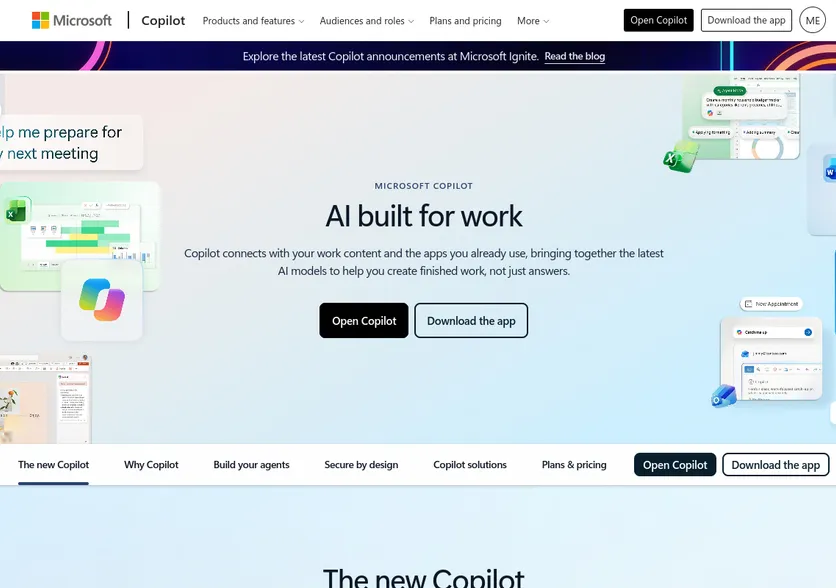
This Microsoft 365 Copilot assistant lives inside Word, Excel, Outlook and Teams, so a remote team meets it where the work already happens instead of opening another app. The enterprise add-on costs thirty dollars per user a month billed annually and reads your files, emails and meetings to draft, summarise and answer with your own context. A qualifying Microsoft 365 licence is needed until December 1, 2026, after which the add-on stands on its own.
What we like
- Lives inside Word, Excel, Outlook and Teams
- Reads your own files, emails and meetings
- Enterprise-grade security and compliance built in
Watch out for
- Needs a qualifying Microsoft 365 licence until December 2026
- Most expensive of the three general assistants here
How to try it
- Open the Microsoft 365 Copilot page and check your licence
- Turn on Copilot for a pilot group of five users
- Test meeting summaries and email drafts for two weeks
3. Claude Team
Best for: Remote teams that write long documents and need careful reasoning
Paid tool Starting price: $20/user/month · Twenty dollars per user a month billed annually for the Team Standard plan, or twenty-five dollars billed monthly, for two to one hundred and fifty seats; Premium costs one hundred dollars a month billed annually or one hundred and twenty-five dollars monthly
Free plan: No free plan; demo available
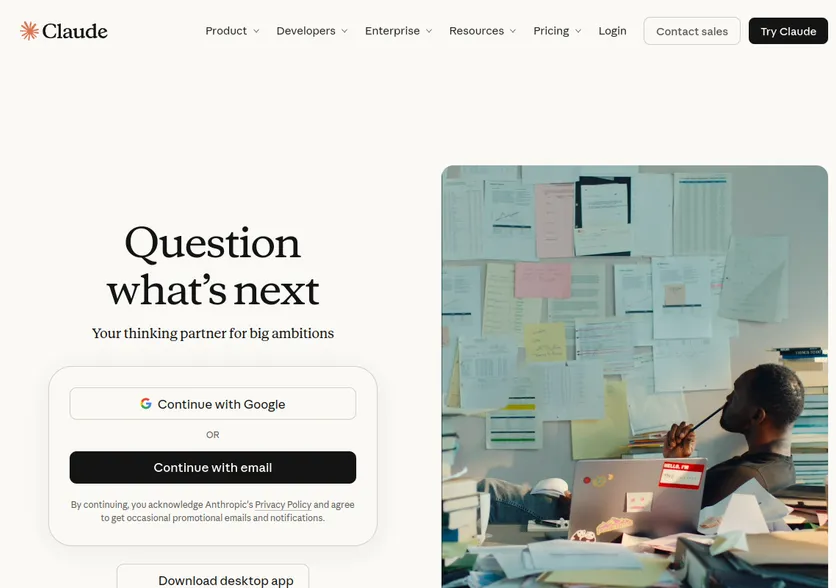
This Claude Team plan gives a remote team a shared workspace with long-context reasoning that handles big documents, codebases and research without losing the thread. The Standard plan costs twenty dollars per user a month billed annually for two to one hundred and fifty seats, and team data is not used to train the model. Projects keep files, instructions and chat history together, so a distributed team can pick up where a colleague left off.
What we like
- Long context handles big documents and codebases
- Team data is not used to train the model
- Projects keep files, instructions and history together
Watch out for
- Fewer native app integrations than the Microsoft assistant
- Premium price jumps to one hundred dollars a month
How to try it
- Open the Claude pricing page and pick the Team plan
- Create a project for your biggest shared document set
- Test the long-context answers on a real report before rollout
4. Gemini Enterprise
Best for: Google Workspace teams that want an agent platform, not just a chatbot
Paid tool Starting price: $21/seat/month · From twenty-one dollars per seat a month for the Business edition, or thirty dollars for Standard and Plus; the old twenty-dollar Gemini for Workspace add-on was discontinued in March 2025 and Gemini is now bundled into Workspace plans
Free plan: No free plan; demo available
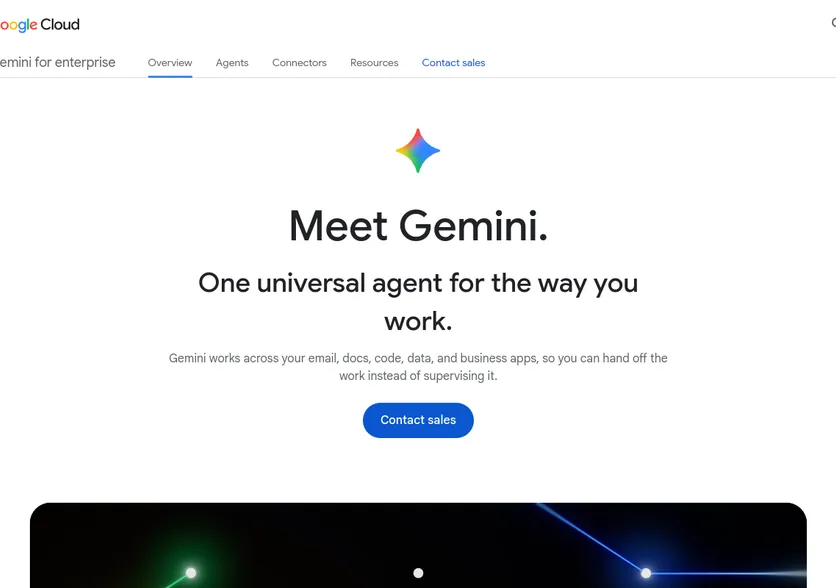
This Gemini Enterprise platform is a standalone agent platform for enterprises, built from what Google used to call Agentspace, and it starts from twenty-one dollars per seat a month for the Business edition. Agents can search your documents, run multi-step tasks and work inside Google Workspace, which suits a remote team that already lives in Gmail and Drive. The old twenty-dollar Gemini for Workspace add-on was discontinued in March 2025, so check the current editions rather than quoting the old price.
What we like
- Agents run multi-step tasks, not just single answers
- Works inside Google Workspace documents and mail
- Business edition starts from twenty-one dollars a seat
Watch out for
- Agent setup takes more work than a plain chatbot
- Old Workspace add-on pricing still circulates online
How to try it
- Open the Gemini Enterprise page and check the Business edition
- Connect your Google Workspace documents to the platform
- Build one agent for the task your team repeats most
5. Perplexity Enterprise Pro
Best for: Remote teams that need cited answers from live web sources
Paid tool Starting price: $40/seat/month · Forty dollars per seat a month for Enterprise Pro, or thirty-four dollars billed annually; Enterprise Max costs three hundred and twenty-five dollars a month or two hundred and seventy-one dollars billed annually
Free plan: No free plan; demo available
This Perplexity Enterprise Pro plan answers with citations from live web sources, which suits a remote team that researches markets, competitors and regulations and needs to check every claim. Enterprise Pro costs forty dollars per seat a month, or thirty-four dollars billed annually, and team data is not used to train the model. Spaces let the team share sources and threads, so research done by one person is reusable by everyone else.
What we like
- Every answer carries citations you can check
- Team data is not used to train the model
- Spaces make research reusable across the team
Watch out for
- Most expensive per-seat plan in this comparison
- Built for research, not for drafting long documents
How to try it
- Open the Perplexity Enterprise pricing page and pick Pro
- Create a Space for the research your team repeats
- Test one cited answer against the source before you trust it
6. Jasper Pro
Best for: Marketing teams that need on-brand copy at scale
Paid tool Starting price: $59/seat/month · Fifty-nine dollars per seat a month billed yearly for the Pro plan, or sixty-nine dollars billed monthly, for one seat only; the Business plan is priced by quote
Free plan: No free plan; 7-day free trial
This Jasper Pro plan is built for marketing teams that produce on-brand copy at volume, with a brand voice that keeps every draft sounding like the same company. The Pro plan costs fifty-nine dollars per seat a month billed yearly for one seat, and it includes the writing assistant, templates and browser extension that remote marketers use daily. The Business plan is priced by quote and adds the admin controls and security a larger team needs.

What we like
- Brand voice keeps every draft on-brand
- Templates and browser extension speed daily writing
- Built for marketing teams, not general chat
Watch out for
- Pro covers only one seat, so teams pay per person
- Business plan is priced by quote only
How to try it
- Open the Jasper pricing page and start the trial
- Train the brand voice on your best existing copy
- Write one real campaign draft and check it against the voice
7. Writer Team
Best for: Remote teams that need consistent, compliant writing across the company
Paid tool Starting price: $18/user/month · Eighteen dollars per user a month billed annually for the Team plan, with a five-seat minimum; the Enterprise plan is priced by quote
Free plan: No free plan; 14-day free trial
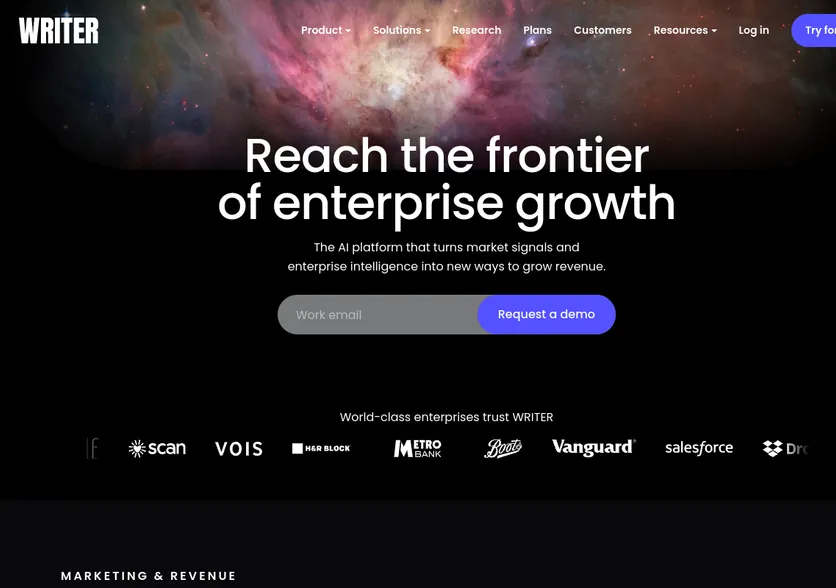
This Writer Team plan gives a remote team an AI writing assistant with style rules, terminology and compliance checks that keep every document consistent. The Team plan costs eighteen dollars per user a month billed annually, the cheapest per-user price in this comparison, with a five-seat minimum. Guardrails flag claims, check facts against your own knowledge base and stop off-brand language before it reaches a client.
What we like
- Cheapest per-user price in this comparison
- Style rules and terminology keep writing consistent
- Guardrails check claims against your knowledge base
Watch out for
- Five-seat minimum before the Team plan starts
- Enterprise plan is priced by quote only
How to try it
- Open the Writer pricing page and start the trial
- Set your style rules and terminology in the workspace
- Test the guardrails on one real client document
Prices above were checked on each vendor’s own website on Nov 27, 2026 and can change — the vendor’s page is the final word. Vendor links are editorial: nobody paid to be listed or ranked here. Vendors who want a featured listing can see how it works on our Get listed page.
How a remote team should adopt an AI assistant
Start with one team and one repeatable task, such as meeting summaries, first drafts or research briefs, and measure the time saved for two weeks before you roll it out further. Write a short policy for what the team may paste into the assistant, and turn on the admin controls before anyone invites an outside guest. Pick the tool whose data policy your legal team approves, because a cheap assistant that leaks client data is the most expensive mistake here.
Count the seats before you buy, because most plans bill per user and the minimum seat count changes the real price for a small team. Check which apps the assistant can actually read and write in, since a tool that cannot reach your documents is a chatbot, not an assistant. Test the answers against a real task for two weeks, and keep the human in the loop for anything that goes to a client.
Before you buy
- Count the seats before you buy, because most plans bill per user
- Check whether your data trains the model or stays private
- Ask which apps the assistant can actually read and write in
- Test the admin controls for who can share what outside the team
- Check the renewal price and the minimum seat count before you commit
Official websites
Official websites of the products reviewed above. Features and prices were checked against these sites when this guide was written, and they can change, so confirm on the vendor site before you buy.
Frequently asked questions
What is the cheapest enterprise AI assistant for a remote team?
Writer Team costs eighteen dollars per user a month billed annually, which is the cheapest per-user price in this comparison. ChatGPT Business and Claude Team both cost twenty dollars per user a month billed annually, and Gemini Enterprise starts from twenty-one dollars per seat a month. Microsoft 365 Copilot costs thirty dollars per user a month, so the cheapest pick depends on whether your team already pays for Microsoft 365 or Google Workspace.
Is our company data safe with an enterprise AI assistant?
Check the vendor data policy before you buy, because the answer differs by tool. ChatGPT Business, Claude Team and Perplexity Enterprise all state that team data is not used to train their models, and Microsoft 365 Copilot keeps your data inside your Microsoft 365 boundary. Never paste client data into a free consumer chatbot, because the free tier may use it for training, and keep a written policy for what the team may share.
Should we choose Microsoft 365 Copilot or ChatGPT Business?
Microsoft 365 Copilot lives inside Word, Excel, Outlook and Teams and reads your files, emails and meetings, so it is the natural pick for a team already paying for Microsoft 365. ChatGPT Business and Claude Team are standalone assistants that work with any stack and cost twenty dollars per user a month. Pick Copilot when your work already happens in Microsoft apps, and pick ChatGPT or Claude when you want a general assistant that is not tied to one suite.
What happened to the Gemini for Workspace add-on price?
Gemini Enterprise is a standalone agent platform that runs multi-step tasks, searches your documents and works inside Google Workspace, starting from twenty-one dollars per seat a month. The old Gemini for Workspace add-on at twenty dollars a month was discontinued in March 2025, and Gemini is now bundled into Workspace plans from seven to twenty-two dollars a user a month. Check the current editions on the vendor page rather than quoting the old add-on price.
How do we roll out an AI assistant to a remote team safely?
Start with one team and one repeatable task, such as meeting summaries, first drafts or research briefs, and measure the time saved for two weeks before you roll it out further. Write a short policy for what the team may paste into the assistant, and turn on the admin controls before anyone invites an outside guest. Pick the tool whose data policy your legal team approves, because a cheap assistant that leaks client data is the most expensive mistake here.
Compare the seven tools above, then trial your pick with one remote team before you roll it out company-wide.
Browse AI Tools (In-Browser, No API) tools