On this page
Remote workers install their own apps, on their own devices, in their own homes, and every unapproved install is a security gap the office never sees. An enterprise app store fixes that by giving the team one managed catalogue: approved apps install themselves, policies keep devices compliant and a lost laptop can be locked from anywhere. We compared seven tools on published price, device coverage and how well they work without an IT person on site. Hexnode Pro is our first pick — full device management for two dollars and twenty cents a device a month.
How we researched this
We started with device management tools that run an app catalogue for remote workers, then read each price on the vendor site on November 27, 2026 and noted the free tier or trial each plan carries. We judged them for a remote team whose devices sit in different homes, whose workers install apps themselves and whose IT person is never in the same room. We dropped Kandji because it rebranded to Iru in October 2025 and no longer publishes prices, and we dropped quote-only enterprise platforms because a remote team needs a published price it can budget around.
Compare the tools
| Name | Best for | Starting price | Free plan | |
|---|---|---|---|---|
 Hexnode Pro | Remote teams that want full device management at a low per-device price | $2.20/device/month | No free plan; 14-day free trial | Visit |
 Jamf for Mac | Remote teams that run on Macs and need a proper app store | $12.50/device/month | No free plan; free trial available | Visit |
 Microsoft Intune Plan 1 | Remote teams already paying for Microsoft 365 | $8/user/month | No free plan; 30-day free trial | Visit |
 Mosyle Business Premium | Apple-heavy remote teams that want the cheapest paid plan | $1/device/month | Free for up to 30 devices | Visit |
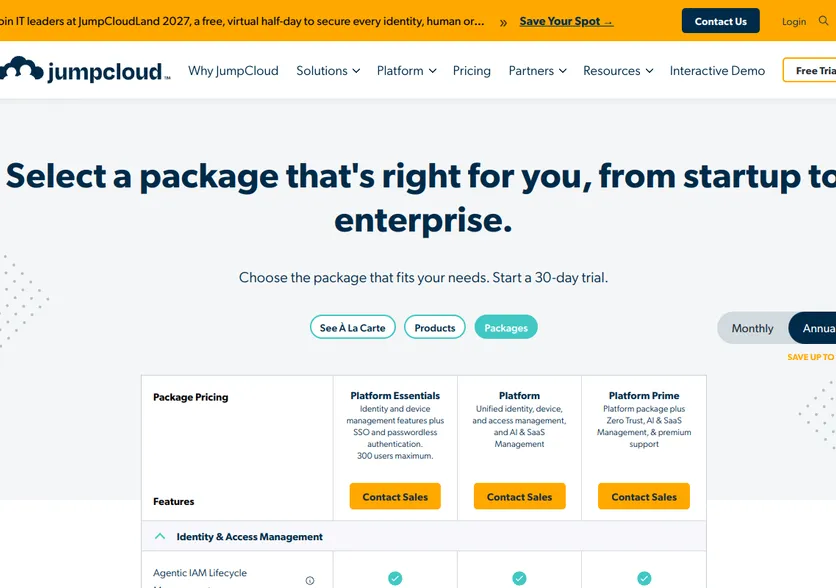
 JumpCloud Device Management | Remote teams that want identity and device management in one place | $9/user/month | No free plan; free trial available | Visit |
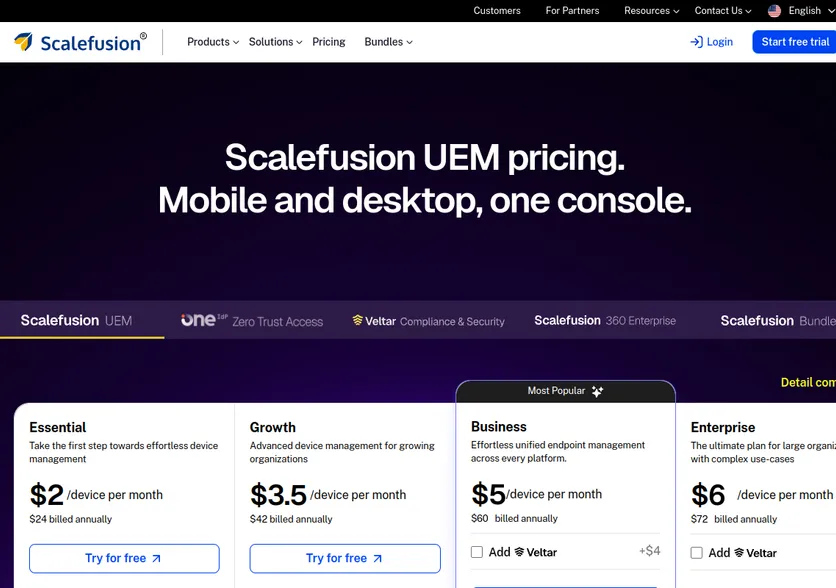
 Scalefusion Essential | Remote teams that want simple per-device pricing on every platform | $2/device/month | No free plan; 14-day free trial | Visit |
| ManageEngine Mobile Device Manager Plus | Remote teams that want a free start and a low per-device price | $1.28/device/month | Free for up to 25 devices | Visit |
The enterprise app store software for remote teams, compared
1. Hexnode Pro
Best for: Remote teams that want full device management at a low per-device price
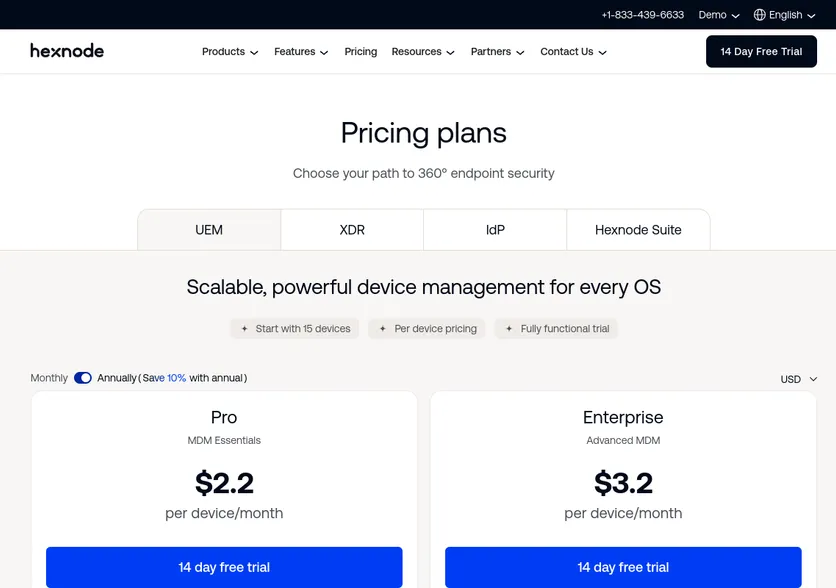
Paid tool Starting price: $2.20/device/month · Two dollars and twenty cents per device a month billed annually for the Pro plan, or two dollars and forty cents billed monthly; Enterprise costs three dollars and twenty cents and Ultimate costs four dollars and seventy cents, with a fifteen-device minimum
Free plan: No free plan; 14-day free trial
This Hexnode Pro plan manages phones, tablets, laptops and desktops from one console, with app distribution, policies and remote actions for every device the team owns. The Pro plan costs two dollars and twenty cents per device a month billed annually, which is the lowest full-featured price in this comparison. Apps can be pushed silently to devices anywhere, so a remote worker gets the tools they need without a visit from IT.
What we like
- Lowest full-featured per-device price in this comparison
- Covers phones, tablets, laptops and desktops in one console
- Apps push silently to devices anywhere
Watch out for
- Fifteen-device minimum before the paid plans start
- Advanced automation waits for the higher tiers
How to try it
- Open the Hexnode pricing page and start the trial
- Enrol one device from each platform your team uses
- Push one app silently and check it arrives without user action
2. Jamf for Mac
Best for: Remote teams that run on Macs and need a proper app store
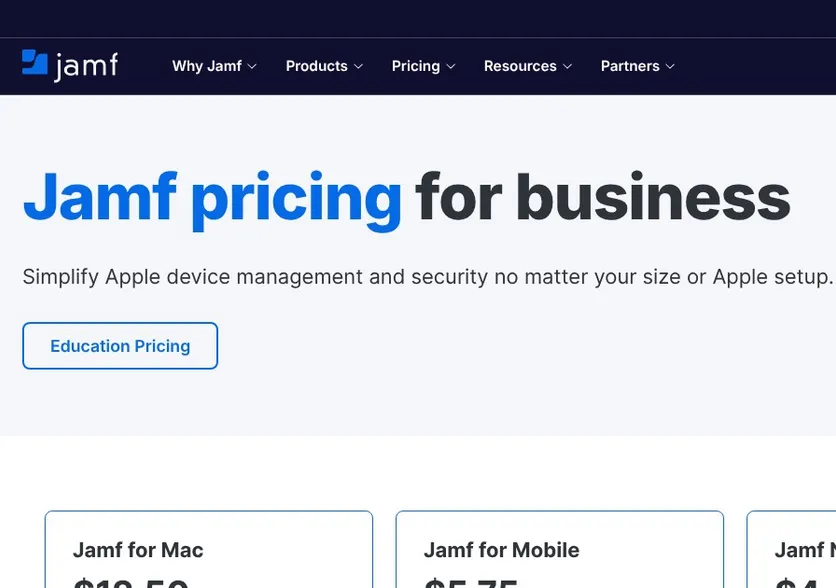
Paid tool Starting price: $12.50/device/month · Twelve dollars and fifty cents per device a month billed annually for Jamf for Mac, with a twenty-five device minimum; Jamf for Mobile costs five dollars and seventy-five cents and Jamf Now costs four dollars a month
Free plan: No free plan; free trial available
This Jamf for Mac plan is the standard way to run a fleet of Apple devices, with an app catalogue, self-service portal and policies that keep every Mac compliant. The plan costs twelve dollars and fifty cents per device a month billed annually, with a twenty-five device minimum, which makes it the priciest tool in this comparison. Remote workers install approved apps from the self-service portal themselves, so IT stops being the bottleneck for every new tool.
What we like
- The standard choice for managing Apple fleets
- Self-service portal lets workers install approved apps
- Policies keep every Mac compliant automatically
Watch out for
- Priciest plan in this comparison by a wide margin
- Twenty-five device minimum before the paid plan starts
How to try it
- Open the Jamf pricing page and check the device minimum
- Enrol one Mac and open the self-service portal
- Publish one approved app and test the install
3. Microsoft Intune Plan 1
Best for: Remote teams already paying for Microsoft 365
Paid tool Starting price: $8/user/month · Eight dollars per user a month for Plan 1 billed annually as a standalone plan, and it is included in Microsoft 365 E3, E5 and Business Premium; Plan 2 costs four dollars a month as an add-on and the Intune Suite costs ten dollars
Free plan: No free plan; 30-day free trial
This Microsoft Intune Plan 1 manages Windows, Mac, iOS and Android devices from the same console that handles Microsoft 365, which suits a team already paying for the suite. The standalone plan costs eight dollars per user a month billed annually, and it is included in Microsoft 365 E3, E5 and Business Premium, so many teams already own it. Apps, policies and compliance checks push to devices anywhere, and conditional access can block a device that falls out of compliance.
What we like
- Included in Microsoft 365 E3, E5 and Business Premium
- Covers Windows, Mac, iOS and Android in one console
- Conditional access blocks devices that fall out of compliance
Watch out for
- Per-user pricing adds up on a large team
- Advanced features need the Suite at ten dollars a month
How to try it
- Check whether your Microsoft 365 plan already includes Intune
- Enrol one Windows laptop and one phone
- Push one app and set a compliance policy for both
4. Mosyle Business Premium
Best for: Apple-heavy remote teams that want the cheapest paid plan
Paid tool Starting price: $1/device/month · One dollar per device a month billed annually for Business Premium, with a thirty-licence minimum and free cover for up to thirty devices; Fuse for macOS costs three dollars and Fuse for iOS, iPadOS and visionOS costs one dollar and fifty cents
Free plan: Free for up to 30 devices
This Mosyle Business Premium plan manages Apple devices for one dollar per device a month billed annually, the lowest paid price in this comparison, with free cover for up to thirty devices. The plan covers Macs, iPhones, iPads and Vision Pro, with app distribution, policies and security controls built in. A thirty-licence minimum applies to paid plans, so a team under thirty devices can run the free tier and pay nothing.
What we like
- Lowest paid price in this comparison at one dollar a device
- Free for up to thirty devices before you pay anything
- Covers Mac, iPhone, iPad and Vision Pro in one plan
Watch out for
- Apple devices only, with no Windows or Android cover
- Thirty-licence minimum on the paid plan
How to try it
- Open the Mosyle business page and claim the free tier
- Enrol your Apple devices and check the free limit
- Move to Business Premium when you pass thirty devices
5. JumpCloud Device Management
Best for: Remote teams that want identity and device management in one place
Paid tool Starting price: $9/user/month · Nine dollars per user a month billed annually for Device Management, or eleven dollars billed monthly; single sign-on costs eleven dollars and Device Identity Management costs thirteen dollars, while mobile device management alone costs five dollars
Free plan: No free plan; free trial available
This JumpCloud Device Management plan combines device management with identity, so one login and one policy cover the person and every device they use. The Device Management plan costs nine dollars per user a month billed annually, and it includes single sign-on, directory services and mobile device management in the same platform. Remote workers sign in once and get their apps, their policies and their access, which cuts the password resets that eat a remote team.
What we like
- Identity and device management in one platform
- Single sign-on covers the person and every device
- Directory, apps and policies managed together
Watch out for
- Per-user pricing adds up on a large team
- Full identity features need the higher tiers
How to try it
- Open the JumpCloud pricing page and start the trial
- Connect your directory and import your team
- Enrol one device per person and test single sign-on
6. Scalefusion Essential
Best for: Remote teams that want simple per-device pricing on every platform
Paid tool Starting price: $2/device/month · Two dollars per device a month billed annually for the Essential plan; Growth costs three dollars and fifty cents, Business costs five dollars and Enterprise costs six dollars, with a ten-device minimum and annual billing only
Free plan: No free plan; 14-day free trial
This Scalefusion Essential plan manages Android, iOS, macOS and Windows devices from one dashboard for two dollars per device a month billed annually. The plan covers app distribution, policies, remote actions and kiosk mode, which suits a remote team that hands devices to staff and needs them locked down. A ten-device minimum applies, and billing is annual only, so a small team should check the yearly total before it commits.
What we like
- Two dollars a device across every major platform
- Kiosk mode and remote actions included in Essential
- One dashboard for Android, iOS, macOS and Windows
Watch out for
- Ten-device minimum and annual billing only
- Advanced features wait for the higher tiers
How to try it
- Open the Scalefusion pricing page and start the trial
- Enrol one device from each platform your team uses
- Push one app and set a kiosk policy on a test device
7. ManageEngine Mobile Device Manager Plus
Best for: Remote teams that want a free start and a low per-device price
Paid tool Starting price: $1.28/device/month · From one dollar and twenty-eight cents per device a month for the cloud Standard plan, or two dollars and thirty-eight cents for Professional; the smallest paid cloud band is fifty devices at six hundred and forty-five dollars a year for Standard, and up to twenty-five devices are free
Free plan: Free for up to 25 devices
This ManageEngine Mobile Device Manager Plus cloud plan manages phones, tablets and laptops with app distribution, policies and security controls from one console. The cloud Standard plan starts from one dollar and twenty-eight cents per device a month, and up to twenty-five devices are free, so a small remote team can start without paying anything. The smallest paid cloud band is fifty devices at six hundred and forty-five dollars a year for Standard, which keeps the bill low as the team grows.
What we like
- Free for up to twenty-five devices before you pay
- Cloud Standard starts from one dollar and twenty-eight cents
- One console for phones, tablets and laptops
Watch out for
- Smallest paid band jumps straight to fifty devices
- On-premises pricing is a separate, higher figure
How to try it
- Open the ManageEngine MDM page and claim the free tier
- Enrol up to twenty-five devices and push one app
- Move to the paid fifty-device band when the team grows
Prices above were checked on each vendor’s own website on Nov 27, 2026 and can change — the vendor’s page is the final word. Vendor links are editorial: nobody paid to be listed or ranked here. Vendors who want a featured listing can see how it works on our Get listed page.
How a remote team should run its app store
Start by listing the apps the team actually needs, then publish only those to the catalogue and block the rest, because a store that lists everything is the same as no store at all. Enrol a small pilot group first and push one app to confirm it arrives without user action, then check that a lost device can be locked or wiped from the console. Let workers install approved apps themselves from the self-service portal, so IT stops being the bottleneck for every new tool.
Count the devices before you buy, because most plans bill per device and the minimum seat count changes the real price for a small team. Check the platforms as well, since a tool that covers only Apple devices leaves the Windows laptops unmanaged. Test the compliance policy on one device and confirm it blocks access when the device falls out of date, because a policy that nobody enforces is only a document.
Before you buy
- Count every device the team owns, because most plans bill per device
- Check the device minimum, since some plans start at ten or thirty devices
- Make sure the tool covers the platforms your team actually uses
- Test app deployment on one device before you enrol the whole team
- Check whether the price covers all platforms or only one operating system
Official websites
Official websites of the products reviewed above. Features and prices were checked against these sites when this guide was written, and they can change, so confirm on the vendor site before you buy.
Frequently asked questions
What is the cheapest enterprise app store software for remote teams?
Mosyle Business Premium costs one dollar per device a month billed annually, with free cover for up to thirty devices, which is the cheapest paid plan here. ManageEngine Mobile Device Manager Plus starts from one dollar and twenty-eight cents per device a month and is free for up to twenty-five devices. Hexnode Pro costs two dollars and twenty cents per device a month and covers every platform, so it is the cheapest full-featured pick for a mixed-device team.
What does enterprise app store software actually do?
An enterprise app store is the managed catalogue that decides which apps a remote worker can install, and it pushes approved apps to devices without anyone visiting an office. Jamf, Hexnode, Intune and the other tools in this comparison all run that catalogue, with policies that keep devices compliant and a self-service portal for workers. Without one, every app install becomes a support ticket and every device drifts out of compliance.
Should we choose Jamf or Mosyle for Apple devices?
Jamf is the standard choice for Apple fleets, with a self-service portal and deep macOS and iOS controls, but it costs twelve dollars and fifty cents per device a month with a twenty-five device minimum. Mosyle covers Apple devices for one dollar per device a month and is free up to thirty devices. Pick Jamf when the fleet is large and Apple-only, and pick Mosyle when the team is small and the budget is tight.
Is Microsoft Intune included in Microsoft 365?
Microsoft Intune Plan 1 costs eight dollars per user a month standalone and is included in Microsoft 365 E3, E5 and Business Premium, so many teams already own it. It covers Windows, Mac, iOS and Android from one console, with conditional access that blocks devices that fall out of compliance. If your team already pays for Microsoft 365 Business Premium, Intune is the cheapest honest pick because the price is already in the bill.
How do we roll out device management to a remote team safely?
Enrol a small group first, push one approved app and confirm it arrives without user action, then check that a lost device can be locked or wiped from the console. Test the self-service portal from a worker device, because that is where remote staff will install apps. Roll out to the rest of the team only after the pilot group has worked for a week without a support ticket.
Compare the seven tools above, then trial your pick on a small group of devices before you enrol the whole remote team.
Browse Business Tools tools