On this page
Small teams lose hours to scattered chats, email threads and hallway updates that nobody can find later. Enterprise social networking software gives a small business one shared space for announcements, project chatter and quick questions, without the cost of an enterprise suite. We compared eight tools on published price, free plans and how much setup they demand. Slack is our first pick: the familiar channel layout, a free plan for trying it out, and a Pro plan at seven dollars and twenty-five cents per user a month on annual billing.
How we researched this
We started with the team chat and company network tools a small business can run without an IT department, then read each price on the vendor site on November 27, 2026 and noted the free plan or trial each one carries. We judged them for a team of five to fifty people that needs shared channels, searchable history and simple administration. We dropped quote-only collaboration suites and consumer chat apps because a business needs a published price, an admin console and a plan it can budget around.
Compare the tools
| Name | Best for | Starting price | Free plan | |
|---|---|---|---|---|
 Slack | Small businesses that want the most familiar channel-based team chat | $7.25/user/month | Free plan available | Visit |
 Google Workspace | Small businesses that want email, storage, meetings and chat in one subscription | $7/user/month | No free plan; 14-day free trial | Visit |
 Microsoft Teams | Small businesses that want chat plus long video meetings at the lowest price | $4/user/month | Free plan available | Visit |
| Zoho Connect | Small businesses on a tight budget, especially teams already using Zoho | $0.34/user/month | Free plan available | Visit |
 Bitrix24 | Small businesses that want chat, CRM and tasks in one workspace | $49/month | Free plan available | Visit |
 Connecteam | Deskless teams that need a mobile-first company feed and chat | $29/month | Free Small Business plan for up to 10 users | Visit |
| Mattermost | Small businesses that want an open-source chat platform they can self-host | $10/user/month | Free Starter plan, self-hosted | Visit |
| Rocket.Chat | Small businesses that want open-source chat with strong privacy controls | $8/user/month | Free Starter plan for up to 50 users, self-hosted | Visit |
The enterprise social networking software for small business, compared
1. Slack
Best for: Small businesses that want the most familiar channel-based team chat
Paid tool Starting price: $7.25/user/month · Seven dollars and twenty-five cents per user a month billed annually on Pro, or eight dollars and seventy-five cents billed monthly; Business Plus costs twelve dollars and fifty cents per user a month on annual billing; a fifty percent discount on monthly billing runs for the first three months only
Free plan: Free plan available
This Slack workspace organises team talk into channels, so project chatter, announcements and quick questions stay searchable instead of sinking in email. Pro removes the ninety-day message history limit, adds unlimited app integrations and group huddles, and raises file storage. The interface is the one most new hires already know, which keeps training close to zero.

What we like
- The channel layout most new hires already know
- Huge app directory for connecting the tools you already use
- Unlimited message history on the Pro plan
Watch out for
- Per-user billing adds up fast past twenty people
- The free plan keeps only ninety days of message history
How to try it
- Start on the free plan and create one channel per team or project
- Invite the whole team and pin the rules for each channel
- Upgrade to Pro once you need full message history
2. Google Workspace
Best for: Small businesses that want email, storage, meetings and chat in one subscription
Paid tool Starting price: $7/user/month · Seven dollars per user a month on the annual plan for Business Starter, or eight dollars and forty cents on the flexible monthly plan; Business Standard costs fourteen dollars and Business Plus twenty-two dollars on annual billing; new customers may see a fifty percent discount on the first three months
Free plan: No free plan; 14-day free trial
This Google Workspace subscription bundles Gmail on your own domain with Drive storage, Docs, Meet video calls and Chat in one login. Business Starter gives each user thirty gigabytes of pooled storage and meetings for up to one hundred participants, with the Gemini assistant included in Gmail. It suits a small business that wants email, files and chat from one vendor instead of three.

What we like
- Email, files, meetings and chat under one login
- Thirty gigabytes of pooled storage per user on Starter
- Gemini assistant included in Gmail on every business plan
Watch out for
- No free plan, only a fourteen-day trial
- Business plans cap at three hundred users
How to try it
- Start the fourteen-day trial and connect your business domain
- Move your shared files into Drive and set the pooled storage rules
- Create a Chat space for each team before you switch off old tools
3. Microsoft Teams
Best for: Small businesses that want chat plus long video meetings at the lowest price
Paid tool Starting price: $4/user/month · Four dollars per user a month billed annually for Teams Essentials, or four dollars and eighty cents billed monthly; Teams Enterprise costs eight dollars and fifty-five cents per user a month; Copilot is a paid add-on and is not included in the four-dollar price
Free plan: Free plan available
This Microsoft Teams plan is the cheapest paid route to business chat and video meetings in this comparison, at four dollars per user a month on annual billing. Essentials covers unlimited chat, meetings up to thirty hours with three hundred participants, and ten gigabytes of storage per user. It is the only standalone paid plan, so you do not need the full Microsoft 365 suite to use it.

What we like
- Cheapest paid plan here for chat plus video meetings
- Thirty-hour meetings with up to three hundred participants
- No Microsoft 365 suite purchase needed for Essentials
Watch out for
- No desktop Office apps included in Essentials
- Copilot costs extra as a paid add-on
How to try it
- Start with the free plan to test chat and meetings
- Upgrade to Essentials when you need thirty-hour meetings
- Set up one team per department and pin the meeting links
4. Zoho Connect
Best for: Small businesses on a tight budget, especially teams already using Zoho
Paid tool Starting price: $0.34/user/month · Thirty-four cents per user a month billed annually on Starter; Enterprise costs eighty-four cents and Ultimate two dollars and fifty cents per user a month on annual billing; monthly billing costs more per user
Free plan: Free plan available
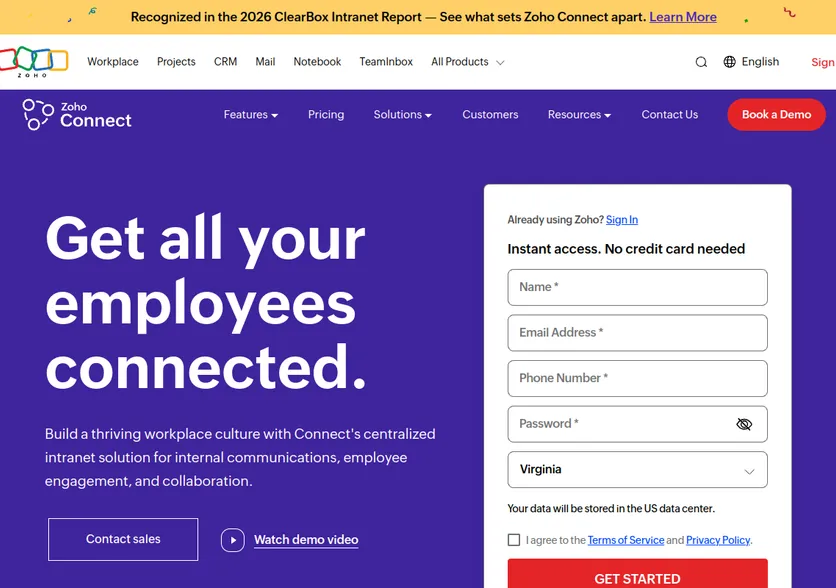
This Zoho Connect network gives a small business a company feed, groups, channels and a shared manual at a price most teams can ignore on the budget. Starter costs thirty-four cents per user a month on annual billing, and the higher tiers add automation, advanced analytics and more storage. It suits a business already using Zoho apps, since the same login carries across the suite.
What we like
- Lowest paid price in this comparison by a wide margin
- Company feed, groups and channels in one place
- Same login carries across the Zoho suite
Watch out for
- Smaller app ecosystem than Slack or Teams
- Advanced analytics wait for the higher tiers
How to try it
- Start on the free plan and build your company feed
- Create a group for each team and post the first announcement
- Upgrade to Starter when you need more storage and automation
5. Bitrix24
Best for: Small businesses that want chat, CRM and tasks in one workspace
Paid tool Starting price: $49/month · Forty-nine dollars a month flat for Basic on annual billing, covering five users; Standard costs ninety-nine dollars for fifty users and Professional one hundred and ninety-nine dollars for one hundred users; Enterprise starts at three hundred and ninety-nine dollars a month
Free plan: Free plan available
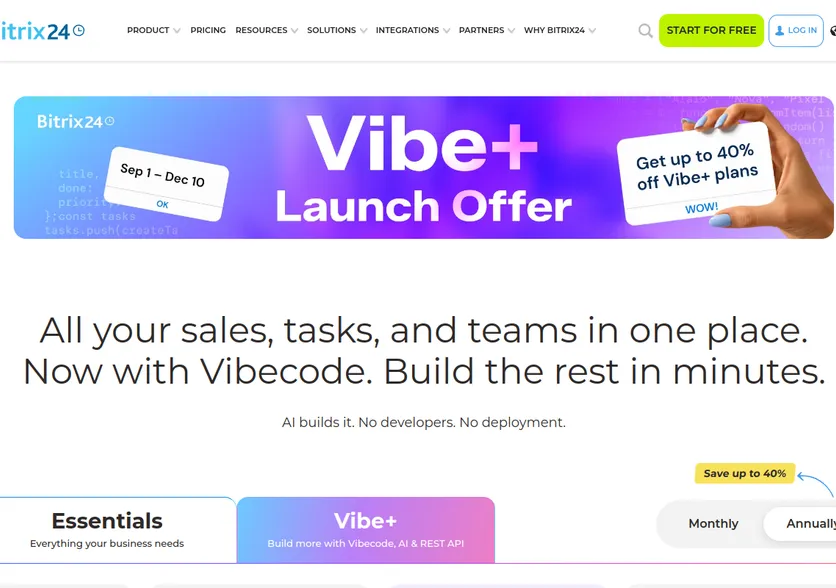
This Bitrix24 workspace combines a company social network with chat, tasks, CRM and document storage, so a small business can run internal communication and customer work in one place. Basic costs forty-nine dollars a month flat for five users, and the price does not rise per seat inside each tier. The free plan covers the basics for a very small team that wants to test the full workspace first.
What we like
- Chat, tasks, CRM and storage in a single workspace
- Flat monthly price per tier instead of per-user billing
- Free plan covers the basics for a very small team
Watch out for
- Basic covers only five users before you must step up
- The interface packs in a lot and takes time to learn
How to try it
- Start on the free plan and set up your company feed
- Add the CRM and task boards once the team uses chat daily
- Move to Basic when you pass five users
6. Connecteam
Best for: Deskless teams that need a mobile-first company feed and chat
Paid tool Starting price: $29/month · Twenty-nine dollars a month per hub for the first thirty users on annual billing for Basic, or thirty-five dollars billed monthly; Advanced costs forty-nine dollars and Expert ninety-nine dollars a month per hub on annual billing; the Small Business plan is free for up to ten users
Free plan: Free Small Business plan for up to 10 users
This Connecteam app is built for deskless teams, with a mobile-first company feed, chat, forms and scheduling that field staff can use from a phone. Basic costs twenty-nine dollars a month per hub for the first thirty users on annual billing, and each hub covers one area such as communication, operations or HR. The free Small Business plan covers up to ten users, which is enough for a small crew to run on it for real.

What we like
- Built mobile-first for staff who never sit at a desk
- Free plan covers a real ten-person crew
- Per-hub pricing lets you buy only the areas you need
Watch out for
- You pay per hub, so costs rise as you add areas
- Advanced reporting waits for the higher tiers
How to try it
- Start on the free Small Business plan with up to ten users
- Turn on the communication hub and post the first company update
- Add the operations hub when you need forms and scheduling
7. Mattermost
Best for: Small businesses that want an open-source chat platform they can self-host
Paid tool Starting price: $10/user/month · Ten dollars per user a month billed annually for Professional, which is one hundred and twenty dollars per user a year; the Starter plan is free for self-hosted use and Enterprise is priced by quote
Free plan: Free Starter plan, self-hosted
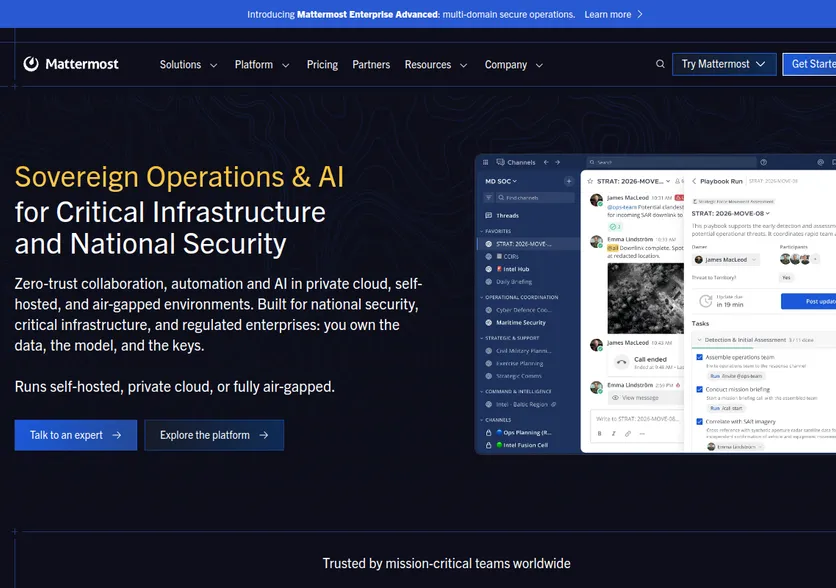
This Mattermost platform is the open-source option in this comparison, with channels, threads, file sharing and integrations you can host on your own servers. Professional costs ten dollars per user a month on annual billing and adds advanced permissions, compliance tools and priority support. It suits a small business that wants full control over its data and the freedom to self-host.
What we like
- Open source with the freedom to self-host
- Full control over where your messages and files live
- Strong security and compliance features on Professional
Watch out for
- Self-hosting needs someone to run the server
- Smaller app directory than Slack or Teams
How to try it
- Try the free Starter plan on your own server or in the cloud
- Set up channels for each team and connect your existing tools
- Upgrade to Professional when you need compliance controls
8. Rocket.Chat
Best for: Small businesses that want open-source chat with strong privacy controls
Paid tool Starting price: $8/user/month · Eight dollars per user a month billed annually for Pro, covering up to five hundred users; the Starter plan is free for up to fifty users on self-managed hosting and Enterprise is priced by quote
Free plan: Free Starter plan for up to 50 users, self-hosted
This Rocket.Chat platform is another open-source team chat option, with channels, video calls, end-to-end encryption and data controls for privacy-minded teams. Pro costs eight dollars per user a month on annual billing and adds advanced hosting, white-label rights and standard support. The free Starter plan covers up to fifty users on self-managed hosting, which is generous for a small business testing the waters.
What we like
- Open source with end-to-end encryption available
- Free Starter plan covers up to fifty users
- White-label rights on the Pro plan
Watch out for
- Self-managed hosting needs technical setup
- Enterprise pricing is by quote only
How to try it
- Start on the free Starter plan with up to fifty users
- Set up your channels and turn on end-to-end encryption
- Move to Pro when you need managed hosting and support
Prices above were checked on each vendor’s own website on Nov 27, 2026 and can change — the vendor’s page is the final word. Vendor links are editorial: nobody paid to be listed or ranked here. Vendors who want a featured listing can see how it works on our Get listed page.
How a small business should pick its team network
Start with how your team already talks. If most work happens in one or two group chats, a channel-based tool keeps that habit and adds search, files and threads. If your crew is mostly deskless, pick a tool with a strong mobile app and a way to reach people who never open a laptop. The cheapest plan is rarely the deciding factor: a tool your team ignores costs more than a slightly pricier one they actually use every day.
Check the free plan limits before you roll a tool out. Message history caps, storage limits and guest access rules decide whether the free tier is a real home or just a demo. Count every person who needs a seat, including part-timers and contractors, and confirm the price at your headcount, because per-user billing adds up fast past twenty people.
Before you buy
- Count part-timers and contractors when you work out the per-user monthly cost
- Check how much message history the free plan keeps before you commit
- Make sure the mobile app works well for staff who never open a laptop
- Confirm guest access rules if clients or suppliers need to join a channel
- Test the search before you buy, because finding old decisions is the point
Official websites
Official websites of the products reviewed above. Features and prices were checked against these sites when this guide was written, and they can change, so confirm on the vendor site before you buy.
Frequently asked questions
What is the cheapest enterprise social networking software for a small business?
Zoho Connect Starter costs thirty-four cents per user a month on annual billing, the lowest paid rate in this comparison, and it also has a free plan. Microsoft Teams Essentials costs four dollars per user a month, and Google Workspace Business Starter costs seven dollars. For a ten-person team, Zoho Connect costs about three dollars and forty cents a month, while Slack Pro costs seventy-two dollars and fifty cents.
Is Slack or Microsoft Teams better for a small business?
Slack wins on ease of use and its huge app directory, which suits teams that already live in channels and want the simplest setup. Teams wins on price at four dollars per user a month, and it bundles meetings, file storage and chat in one licence. Pick Slack if your team values the interface and integrations, and pick Teams if you want the lowest bill for chat plus video meetings.
Do we need enterprise social networking software if we already use email?
Email works for one-to-one messages and formal records, but it hides group decisions in reply-all threads that new hires can never find. A team network keeps announcements, project chatter and files searchable in one place, so a new starter can catch up without asking the same questions twice. Small teams feel the difference once they pass about ten people and email threads start multiplying.
Can deskless staff use these tools without a company laptop?
Yes, and this is where the mobile app matters most. Slack, Teams, Connecteam and Bitrix24 all run on phones, so shop-floor, delivery and field staff can read announcements and reply without a desk. Connecteam is built for deskless teams in particular, with a free plan for up to ten users. Check the mobile app reviews before you commit, because a weak phone app means half your team never sees anything.
What is the difference between Slack free and Slack Pro?
The free plan covers unlimited users with a ninety-day message history limit and ten app integrations, which is enough to test the tool with a real team. Pro costs seven dollars and twenty-five cents per user a month on annual billing and removes the history limit, adds unlimited integrations and group huddles, and raises file storage. A small team that relies on search to find old decisions will outgrow the free plan within a few months.
Compare the eight tools above, then start with a free plan on the tool your team will actually open every day.
Browse Social Media Tools tools