On this page
Enterprise websites look dead when their social feeds live somewhere else, and a social wall fixes that by pulling posts from every network into one live display. The nine tools below collect Instagram, TikTok, X, LinkedIn and reviews into feeds a company can embed on its site, show at an event or run on a lobby screen. Juicer leads on value at nineteen dollars a month with a free plan that never expires, and the rest are ranked on how much control they give a large team over what the public sees.
How we researched this
We checked every price on the vendor pricing page on November 28, 2026, and only included tools with a published US dollar list price. Quote-only enterprise wall vendors publish no prices, so they are not in this list. Prices change, so confirm the current figure on the vendor site before you buy.
Compare the tools
| Name | Best for | Starting price | Free plan | |
|---|---|---|---|---|
| Juicer | Enterprises that want the most platforms for the least money | $19/month | Free plan | Visit |
| Walls.io | Event teams that need a real-time wall for a live crowd | $270/month | 14-day free trial | Visit |
| Flockler | E-commerce teams that want shoppable social proof | $129/month | Free trial | Visit |
| EmbedSocial | Enterprises that need reviews and social feeds together | $24/month | Free plan; 7-day free trial | Visit |
| Taggbox | Brands that want shoppable feeds at a small-business price | $19/month | Free plan | Visit |
| Curator.io | Teams that want a fast, search-friendly social feed | $25/month | Free plan | Visit |
| Tagembed | Teams that embed feeds across many different websites | $19/month | Free plan | Visit |
| SociableKIT | Teams that embed one or two feeds and want the lowest bill | $10/month | Free plan | Visit |
| Elfsight | Enterprises that need many small widgets from one vendor | $5/month | Free plan | Visit |
The social media aggregators software for enterprise, compared
1. Juicer
Best for: Enterprises that want the most platforms for the least money
Paid tool Starting price: $19/month · Nineteen dollars a month on Lite, $15 a month billed yearly, for 3 sources and hourly refresh; Starter is $29 a month and Pro is $99; Enterprise starts from $199 a month; free plan never expires
Free plan: Free plan
Enterprises that want the most platforms for the least money should start here, because this Juicer plan costs nineteen dollars a month for three sources and hourly refresh. It pulls from more than fifteen platforms into one feed, including TikTok, YouTube and Google Reviews on the free plan, and moderation keeps the wall clean. The free plan never expires, so a team can test a real feed before paying.

What we like
- More than 15 platforms in one feed
- Free plan never expires, with TikTok and YouTube included
- Moderation and custom CSS on the paid plans
Watch out for
- Only three sources on the entry plan
- Hourly refresh is slow for a live event wall
How to try it
- Create a feed and connect the first three sources
- Set moderation rules and pick a layout
- Embed the feed on the website or event page
2. Walls.io
Best for: Event teams that need a real-time wall for a live crowd
Paid tool Starting price: $270/month · Two hundred and seventy dollars a month on Professional; $215 a month billed annually per one recent read; Event Pass is also $270 one time; Custom starts at $2,500; older listings show $199 a month, which appears stale; 14-day free trial
Free plan: 14-day free trial
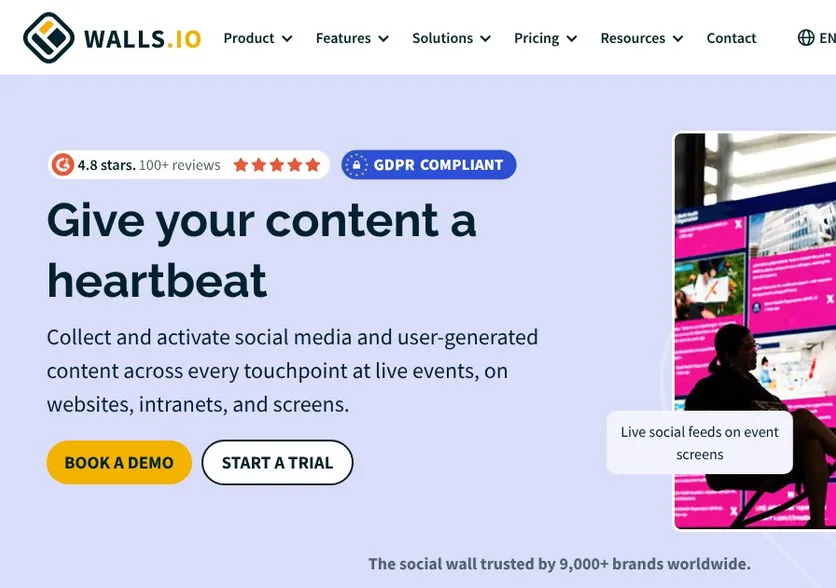
Event teams that need a wall to update in real time while a crowd watches will find it here, because this Walls.io plan costs two hundred and seventy dollars a month on Professional. It collects from fourteen platforms, moderates posts before they appear, and runs on websites, event screens and digital signage. The Event Pass covers a single event for the same money, which suits one-off conferences.
What we like
- Real-time updates for live events and signage
- Moderation keeps the public wall clean
- Event Pass covers a single event for one payment
Watch out for
- Older listings still show a stale lower price
- The entry price is high for a simple website feed
How to try it
- Create a wall and connect the event hashtag and accounts
- Set moderation rules and assign a moderator
- Display the wall on screens and embed it on the site
3. Flockler
Best for: E-commerce teams that want shoppable social proof
Paid tool Starting price: $129/month · One hundred and twenty-nine dollars a month on Basic billed monthly, $110 a month billed annually; Business is $229 a month and Pro is $379; G2 lists the Basic tier at 115 euros a month, so the currency shown varies by source; no free plan, free trial only
Free plan: Free trial
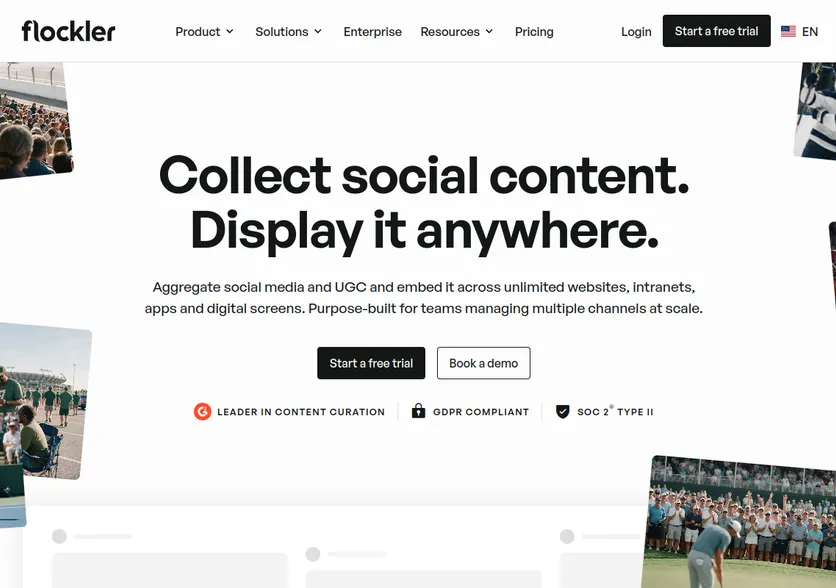
Marketing teams that want shoppable feeds beside their social walls will like this one, because this Flockler plan costs one hundred and twenty-nine dollars a month on Basic. It aggregates user-generated content from Instagram, Facebook, X and YouTube into walls, galleries and shoppable feeds, with unlimited layouts and page views. It suits e-commerce teams that want social proof to sell, not just to decorate.
What we like
- Shoppable galleries turn social posts into sales
- Unlimited layouts, posts and page views
- Eight auto-updating sources on the entry plan
Watch out for
- No free plan, only a free trial
- G2 lists the entry tier in euros, so confirm the currency
How to try it
- Connect social accounts and pick the sources
- Build a wall or shoppable gallery layout
- Embed the feed on product and landing pages
4. EmbedSocial
Best for: Enterprises that need reviews and social feeds together
Paid tool Starting price: $24/month · Twenty-four dollars a month on Pro billed yearly; $29 month to month; Pro Plus is $40 a month billed yearly and Premium is $80; free plan with 1 source and 500 views a month; 7-day free trial of paid plans
Free plan: Free plan; 7-day free trial
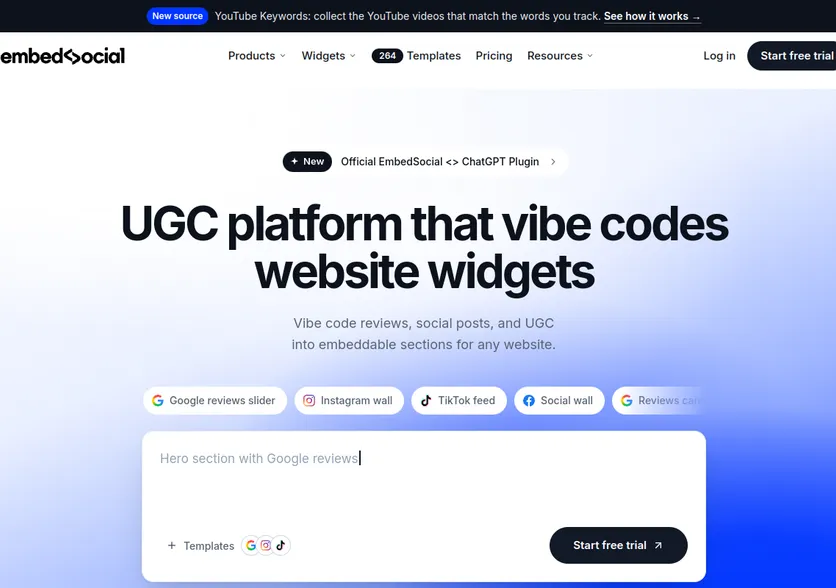
Enterprises that need reviews and social feeds from the same vendor should look here, because this EmbedSocial plan costs twenty-four dollars a month billed yearly for three sources and five thousand views. The same account covers Google reviews, social feeds and social listening, so one subscription serves the website, the review pages and the marketing team. It is the best pick when reviews matter as much as posts.
What we like
- Reviews, feeds and listening in one subscription
- Unlimited widgets on every plan
- Free plan with one source to start
Watch out for
- Widgets stop showing once the monthly view limit is hit
- Each Google location counts as a source, so chains pay more
How to try it
- Connect a Google location and the main social accounts
- Build widgets for reviews and social feeds
- Embed the widgets and watch the view limits
5. Taggbox
Best for: Brands that want shoppable feeds at a small-business price
Paid tool Starting price: $19/month · Nineteen dollars a month on Starter for 2 feeds and 10,000 views; Growth is $29 a month billed yearly and Advanced is $79; free plan with 1 feed and 300 views a month; event walls are priced separately
Free plan: Free plan
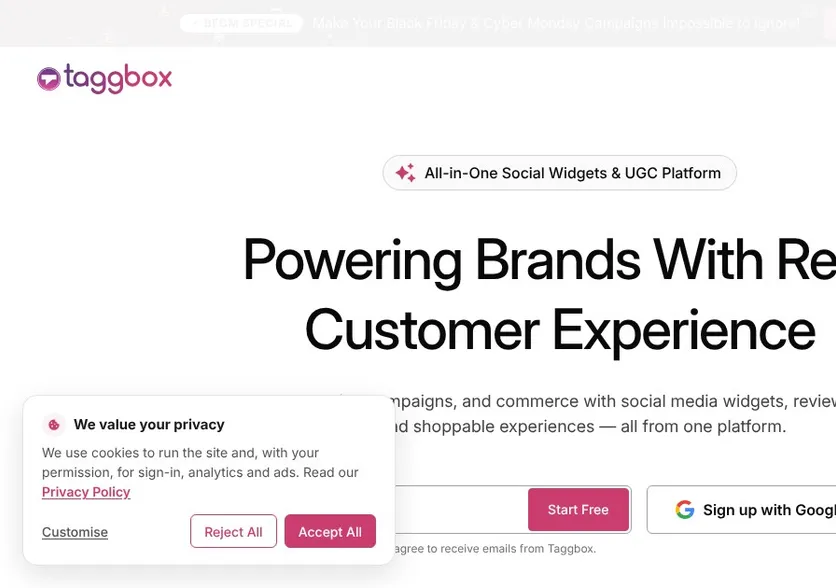
Brands that want shoppable feeds and AI moderation without paying enterprise prices will find it here, because this Taggbox plan costs nineteen dollars a month for two feeds and ten thousand views. It collects from more than fifteen platforms, moderates automatically, and turns posts into shoppable galleries from the Growth tier. It suits marketing teams that want the full UGC toolkit at a small-business price.
What we like
- Shoppable feeds from the Growth tier
- AI moderation on the Advanced tier
- Ten thousand views on the entry plan
Watch out for
- Event walls are priced separately from website widgets
- Monthly plans are not refundable
How to try it
- Create a feed and connect social accounts
- Set moderation rules and add product tags
- Embed the feed on the website or store
6. Curator.io
Best for: Teams that want a fast, search-friendly social feed
Paid tool Starting price: $25/month · Twenty-five dollars a month on Pro, $23 a month billed annually, for 5 sources and hourly updates; Business is $59 a month for 15 sources and API access; Event is $200 a month; free plan with 3 sources and 2,000 views
Free plan: Free plan
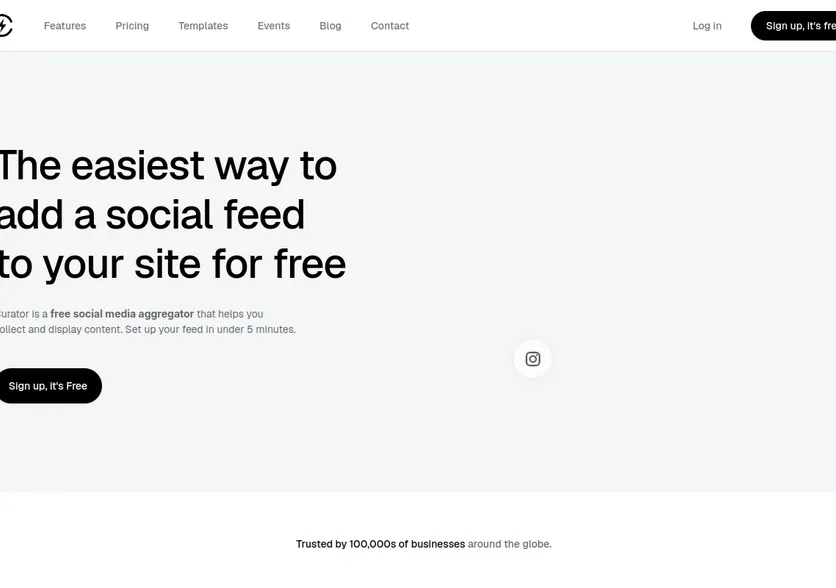
Teams that want a clean, fast feed without a long setup will like this one, because this Curator.io plan costs twenty-five dollars a month for five sources and hourly updates. The JavaScript embed renders the feed in the page rather than an iframe, so search engines can read what the wall shows. Premium sources such as X, LinkedIn and TikTok sit on the Business tier, so check the source list before buying.
What we like
- JavaScript embed that search engines can read
- Free plan with three sources to start
- Clean layouts with no branding on paid plans
Watch out for
- Premium sources such as X and TikTok need the Business tier
- Moderation is lighter than on the dearer rivals
How to try it
- Create a feed and connect up to five sources
- Pick a layout and remove the branding
- Embed the JavaScript snippet on the website
7. Tagembed
Best for: Teams that embed feeds across many different websites
Paid tool Starting price: $19/month · Nineteen dollars a month on Starter billed monthly, with no yearly option; Growth is $29 a month billed yearly and Advanced is $79; free plan with 1 feed and 300 views a month; prices match Taggbox widget plans
Free plan: Free plan
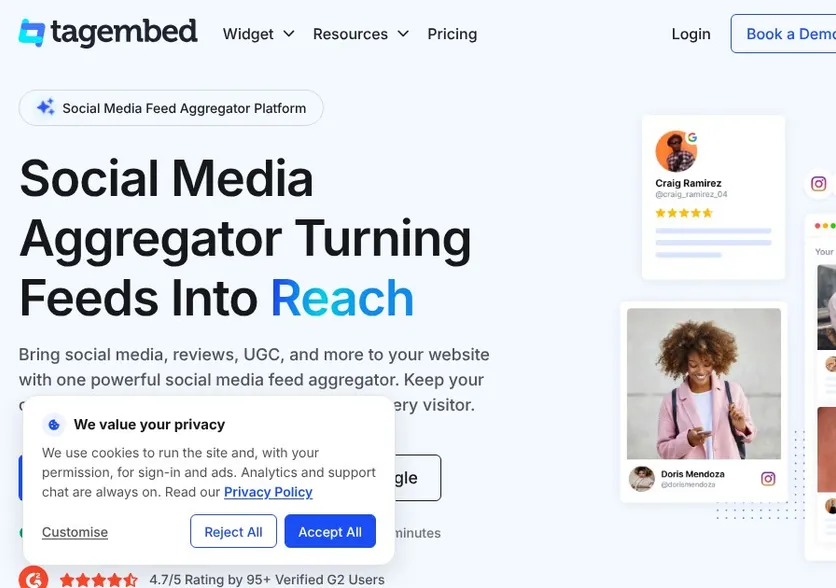
Enterprises that run on WordPress, Wix, Shopify or Squarespace will find a feed that fits everywhere, because this Tagembed plan costs nineteen dollars a month for two feeds and ten thousand views. It covers more than twenty networks, updates every two hours on Starter, and the same widget plans as its sister product Taggbox keep pricing simple. It is a solid pick for teams that embed feeds across many sites.
What we like
- More than 20 networks in one feed
- Works across WordPress, Wix, Shopify and Squarespace
- Ten thousand views on the entry plan
Watch out for
- Starter has no yearly billing option
- Free plan caps at three hundred views a month
How to try it
- Create a feed and connect the social sources
- Pick a theme and set the two-hour refresh
- Embed the widget on every site that needs it
8. SociableKIT
Best for: Teams that embed one or two feeds and want the lowest bill
Paid tool Starting price: $10/month · Ten dollars a month on Pro, $110 a year; Business is $40 a month for 10 sources; Enterprise is $500 a month; some vendor comparison pages still show Pro at $20 a month, which appears stale against the vendor helpdesk and Pro plan page; free plan included
Free plan: Free plan
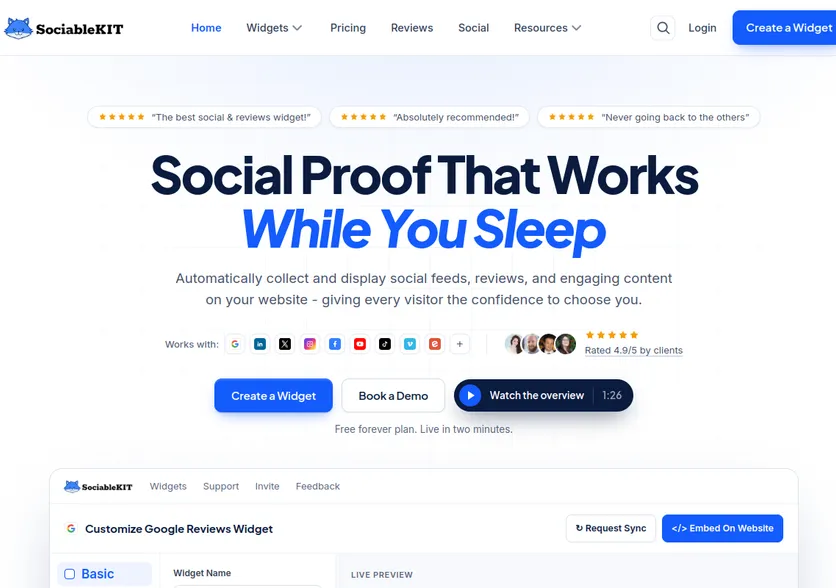
Small enterprise teams that only need one source done well will save money here, because this SociableKIT plan costs ten dollars a month for one source with unlimited widgets, views and reviews. Extra sources cost five dollars a month each, so the bill grows with the feed rather than jumping a tier. It suits a team that embeds one or two feeds and wants the lowest possible bill.
What we like
- Lowest entry price in this list
- Unlimited widgets, views and reviews on Pro
- Extra sources cost five dollars a month each
Watch out for
- Some vendor comparison pages still show a stale higher price
- One source on Pro, so many feeds need Business
How to try it
- Pick the source and create the first widget
- Customise the design and embed it on the site
- Add extra sources for five dollars a month each
9. Elfsight
Best for: Enterprises that need many small widgets from one vendor
Paid tool Starting price: $5/month · Five dollars a month on Basic billed yearly for one app, $6 month to month, with 3 widgets and 5,000 views; Pro is $10 a month and Premium is $20; the All Apps Pack starts at $15 a month billed yearly; free plan with 1 widget and 200 views
Free plan: Free plan
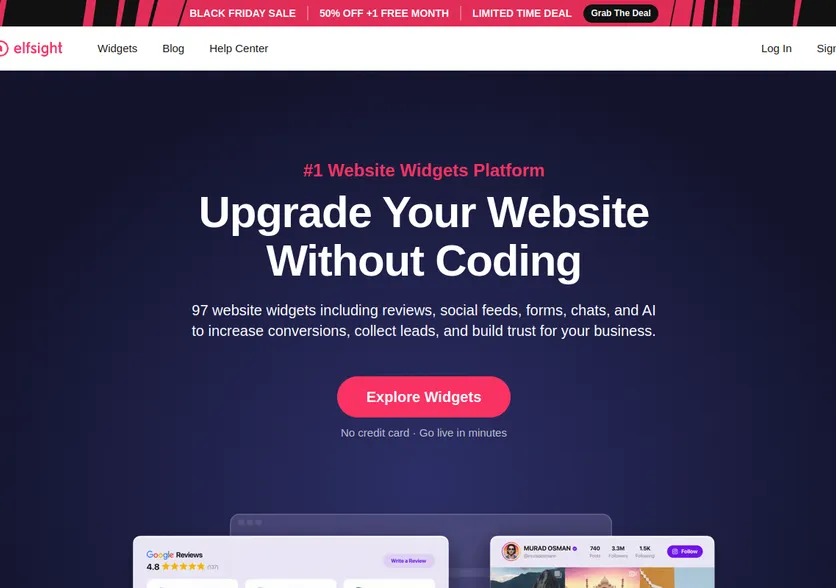
Enterprises that need one social feed plus a dozen other small widgets will save money here, because this Elfsight plan costs five dollars a month billed yearly for one app with three widgets and five thousand views. The catalogue covers more than ninety widget types, from Instagram feeds to forms and popups, and the All Apps Pack bundles them all from fifteen dollars a month. It is the cheapest entry in this list, with a catch on view limits.
What we like
- Cheapest entry price in this list
- More than 90 widget types under one account
- All Apps Pack bundles every widget from $15 a month
Watch out for
- A widget switches off when its view limit is hit
- Each widget type is a separate app unless the pack is bought
How to try it
- Pick the social feed app and create a widget
- Connect the social accounts and set the layout
- Embed the widget and watch the view limit
Prices above were checked on each vendor’s own website on Nov 28, 2026 and can change — the vendor’s page is the final word. Vendor links are editorial: nobody paid to be listed or ranked here. Vendors who want a featured listing can see how it works on our Get listed page.
How to run a social wall that never embarrasses the brand
Moderate every post before it reaches the public wall, because a live feed with no filter will eventually show a complaint, a competitor or something worse in the middle of a conference. Pick sources the team actually controls, and leave personal accounts out of the mix, since an employee's weekend post has no place on the company homepage. Set the refresh rate to match the moment: hourly is fine for a website, but a live event needs minutes, not hours. Check the view limits every month, because several tools switch the widget off when the cap is hit.
Before you buy
- Confirm moderation happens before posts appear, not after, since a public wall has no undo button
- Check which networks are included on the entry plan, because premium sources often sit on dearer tiers
- Ask what happens when the monthly view limit is hit, since some tools switch the widget off
- Test the embed on the real website before buying, because iframe and JavaScript feeds behave differently
- Make sure the wall can be styled to match the brand, or it will look like an advert for the vendor
Official websites
Official websites of the products reviewed above. Features and prices were checked against these sites when this guide was written, and they can change, so confirm on the vendor site before you buy.
Frequently asked questions
What is social media aggregator software for enterprise?
It is software that collects posts from Instagram, TikTok, X, LinkedIn, Facebook and review sites into one feed, then displays that feed on a company website, at an event or on a screen. It moderates the posts, styles the layout to match the brand, and refreshes the feed automatically. Enterprises use it to show social proof, run hashtag walls at events and keep their websites looking alive.
How much does social media aggregator software cost?
Prices in this list run from five dollars a month for one Elfsight app to two hundred and seventy dollars a month for Walls.io Professional. Most tools start between nineteen and twenty-five dollars a month, with free plans on Juicer, Taggbox, Curator.io, Tagembed, SociableKIT and Elfsight. The real cost depends on sources, views and whether the wall runs at live events.
What is the difference between Taggbox and Tagembed?
Taggbox and Tagembed are sister products with the same website widget plans and prices, starting at nineteen dollars a month for two feeds and ten thousand views. Taggbox also sells event walls and display tools as separate products, while Tagembed focuses on the website widgets across WordPress, Wix, Shopify and Squarespace. For a plain website feed, the two are effectively the same price and feature set.
Can I use a social media aggregator for free?
Yes, Juicer, Taggbox, Curator.io, Tagembed, SociableKIT, Elfsight and EmbedSocial all offer free plans, usually with one to three sources, a few hundred to a few thousand views a month and the vendor branding shown. Free plans suit a small website feed well, but a busy site or a live event will need a paid plan for more views, faster refresh and moderation.
Which social media aggregator is best for enterprise?
Juicer is the best value at nineteen dollars a month with more than fifteen platforms and a free plan that never expires. Walls.io is the best pick for live events, with real-time updates and an Event Pass for one-off conferences. EmbedSocial is the best choice when the enterprise also needs Google reviews and social listening from the same subscription.
Compare the nine tools above, then start with a free plan on the one that covers the networks the brand actually uses, and test moderation on real posts before the wall goes public.
Browse Social Media Tools tools