On this page
Going live on social media means juggling cameras, comments and destinations at once, and the wrong tool turns a simple broadcast into a technical rehearsal. The seven tools below cover that job for creators of every size, from a phone-only host to a studio with multiple cameras. StreamYard leads the list because it runs entirely in the browser, costs fourteen dollars and ninety-nine cents a month on annual billing, and streams to several platforms at once without extra software.
How we researched this
We checked every price on the vendor pricing page on November 28, 2026, and only included tools with a published US dollar list price. StreamYard changed its pricing in 2026, so the old Basic and Pro tiers are retired and the new Essential, Core and Advanced tiers are what we list here. Prices change, so confirm the current figure on the vendor site before you buy.
Compare the tools
| Name | Best for | Starting price | Free plan | |
|---|---|---|---|---|
 StreamYard | Creators who want browser-based streaming with guests and branding | $14.99/month | Free plan | Visit |
 Restream | Streamers who simulcast to several social platforms | $16/month | Free plan | Visit |
| OBS Studio | Creators who want a free encoder with full control | $0 | Free and open source | Visit |
 Ecamm Live | Mac creators who stream interviews and solo shows | $16/month | No free plan; 14-day free trial | Visit |
 vMix | Small studios that want a PC-based production switcher | $60 one-time | No free plan; 60-day free trial | Visit |
 Wirecast | Producers who want a polished studio encoder | $34/month | Free trial | Visit |
 XSplit Broadcaster | Windows streamers who want drag-and-drop scenes | $14.99/month | Free trial | Visit |
The live streaming software for social media, compared
1. StreamYard
Best for: Creators who want browser-based streaming with guests and branding
Paid tool Starting price: $14.99/month · Fourteen dollars and ninety-nine cents per month billed annually on Essential ($18.99 month to month); Core is $35.99 per month billed annually and Advanced is $68.99; the old Basic $25 and Pro $49 tiers are retired
Free plan: Free plan
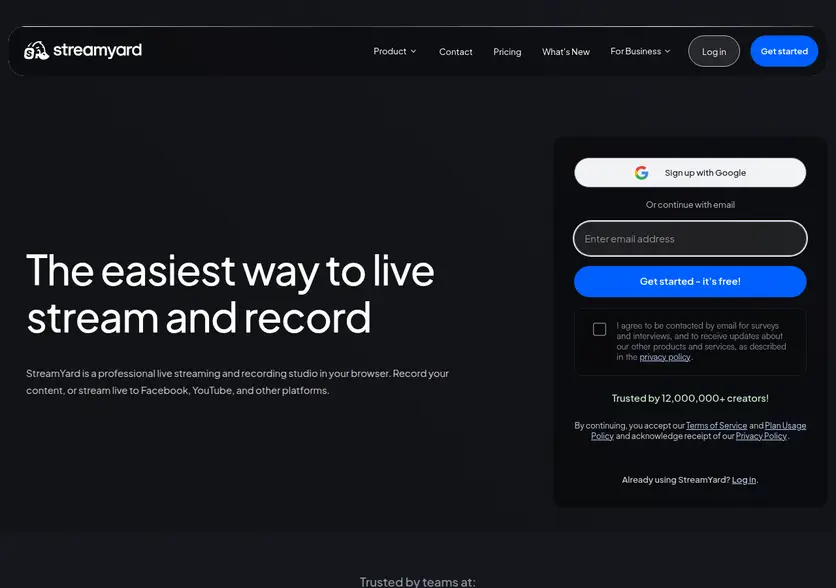
This StreamYard plan costs fourteen dollars and ninety-nine cents a month on annual billing, and it runs entirely in the browser with no software to install. A host can invite guests with a link, brand the stream with logos and overlays, and push the same broadcast to Facebook, YouTube, LinkedIn and Twitch at once. The free plan covers occasional streams, while the paid tiers add longer recordings, more destinations and full HD output.
What we like
- Runs in the browser with no install
- Guest links make interviews easy
- Streams to several platforms at once
Watch out for
- The free plan adds StreamYard branding
- Advanced layouts need the higher tiers
How to try it
- Open StreamYard in the browser and create a broadcast
- Add your social destinations and invite guests by link
- Go live and watch comments from every platform in one feed
2. Restream
Best for: Streamers who simulcast to several social platforms
Paid tool Starting price: $16/month · Sixteen dollars per month billed annually on Standard ($19 month to month); Pro is $39 per month billed annually and Business is $199
Free plan: Free plan
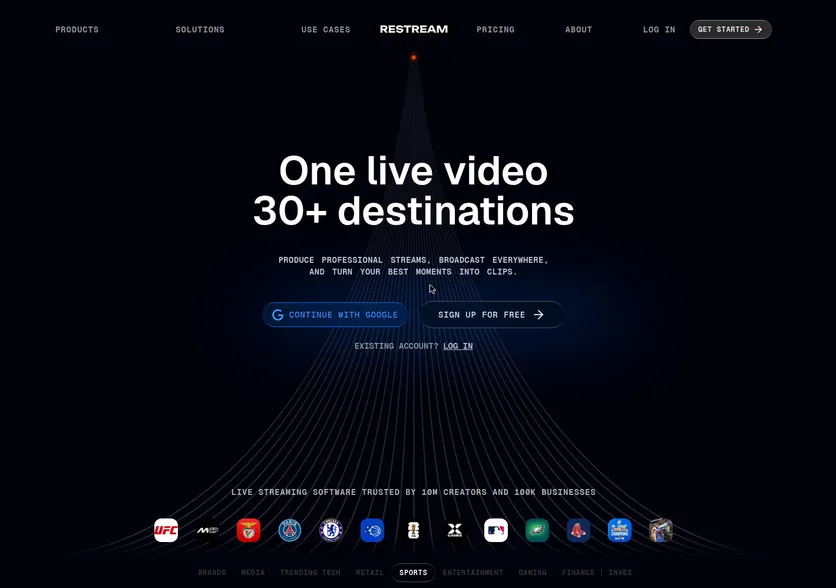
This Restream plan costs sixteen dollars a month on annual billing, and it sends one live feed to many social channels at once. It pairs with OBS, StreamYard or a phone, adds chat from every destination in a single window, and records a separate audio track for each guest. The free plan allows two channels, while the paid tiers raise the limit and add full HD and custom branding.
What we like
- Multistreaming to many platforms from one feed
- Unified chat from every destination
- Works with OBS and other encoders
Watch out for
- The free plan covers only two channels
- Full HD streaming needs a paid tier
How to try it
- Connect your social accounts to Restream
- Set the title and pick the channels to stream to
- Start the stream and answer chat from one window
3. OBS Studio
Best for: Creators who want a free encoder with full control
Paid tool Starting price: $0 · Zero dollars: OBS Studio is free open-source software with no paid tier and no subscription
Free plan: Free and open source
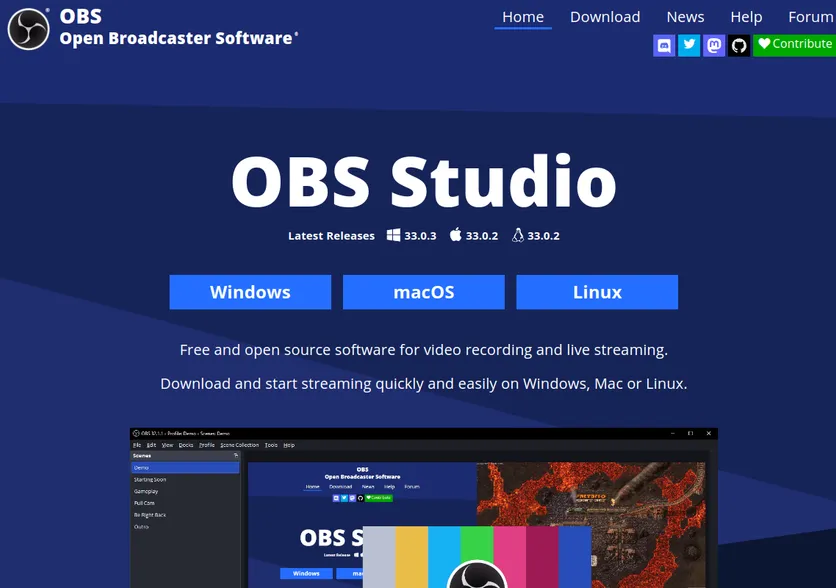
This OBS Studio download costs nothing at all, and it is the free open-source encoder behind countless live streams. It mixes cameras, screens, images and audio into scenes, supports plugins for almost any workflow, and streams to any platform that accepts a standard feed. The trade-off is the learning curve, since there is no hosted dashboard and every setting lives on the broadcaster's own computer.
What we like
- Free and open source with no subscription
- Scene mixing with unlimited sources and plugins
- Streams to any platform that takes a standard feed
Watch out for
- No hosted dashboard or cloud recording
- Setup takes longer than on browser tools
How to try it
- Download OBS Studio and add your camera and microphone
- Build scenes with your sources, overlays and audio mix
- Connect your streaming key and start the broadcast
4. Ecamm Live
Best for: Mac creators who stream interviews and solo shows
Paid tool Starting price: $16/month · Sixteen dollars per month billed annually on Standard ($20 month to month); Pro is $32 per month billed annually; a 40 percent off annual sale ran November 24 to 30, 2026 and is a promotion, not the list price
Free plan: No free plan; 14-day free trial
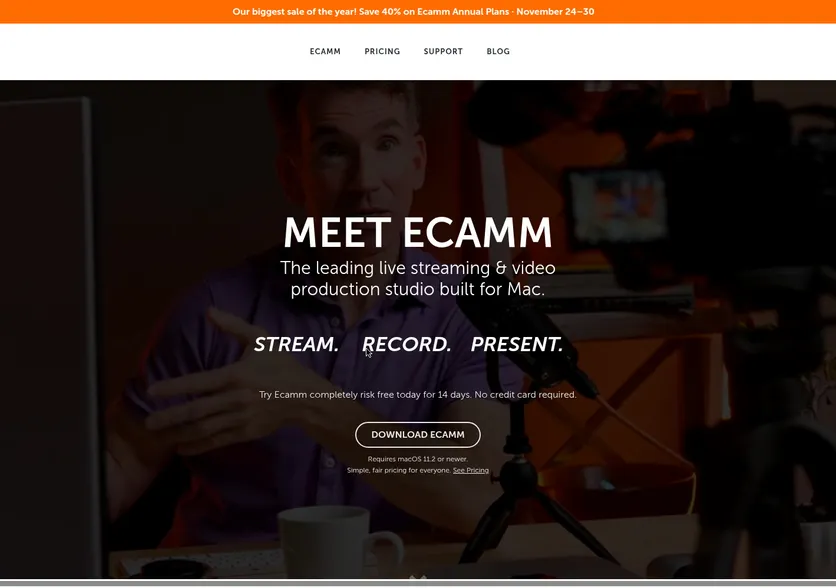
This Ecamm Live plan costs sixteen dollars a month on annual billing, and it is built for Mac creators who stream to Facebook, YouTube and LinkedIn. It brings camera switching, on-screen graphics, guest interviews and recording into one Mac app, with a clean interface that suits solo hosts. The Pro tier adds 4K video, isolated audio recordings and more camera options for creators who need them.
What we like
- Built for Mac with a clean, fast interface
- Guest interviews with isolated recordings on Pro
- Graphics, overlays and camera switching in one app
Watch out for
- Mac only, with no Windows version
- The entry tier caps recording and output options
How to try it
- Install Ecamm Live on your Mac and connect your camera
- Add scenes, overlays and your streaming destinations
- Invite guests and go live from the app
5. vMix
Best for: Small studios that want a PC-based production switcher
Paid tool Starting price: $60 one-time · Sixty dollars once for Basic HD; HD is $350, 4K is $700 and Pro is $1,200, all one-time; MAX is $50 per month
Free plan: No free plan; 60-day free trial
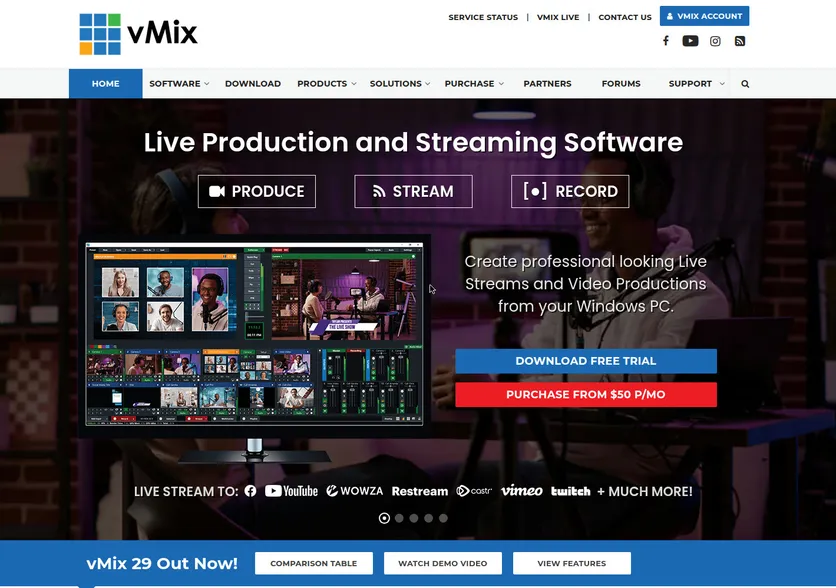
This vMix licence costs sixty dollars once for the Basic HD edition, and it turns a Windows PC into a full live production switcher. It handles multiple cameras, instant replay, virtual sets and streaming to several destinations, which is why churches, schools and small studios use it as a budget broadcast desk. Higher editions add 4K, more inputs and extra streaming outputs, and there is also a monthly MAX plan for renters.
What we like
- One-time licence with no monthly fee on Basic HD
- Multi-camera switching with virtual sets and replay
- Streams to several destinations at once
Watch out for
- Windows only, with no Mac version
- The Basic edition caps inputs and outputs
How to try it
- Install vMix on a Windows PC and add your cameras
- Build inputs, scenes and overlays for the show
- Start streaming and switch cameras live
6. Wirecast
Best for: Producers who want a polished studio encoder
Paid tool Starting price: $34/month · Thirty-four dollars per month billed annually on Studio ($59 month to month); Pro is $42 per month billed annually ($79 month to month)
Free plan: Free trial
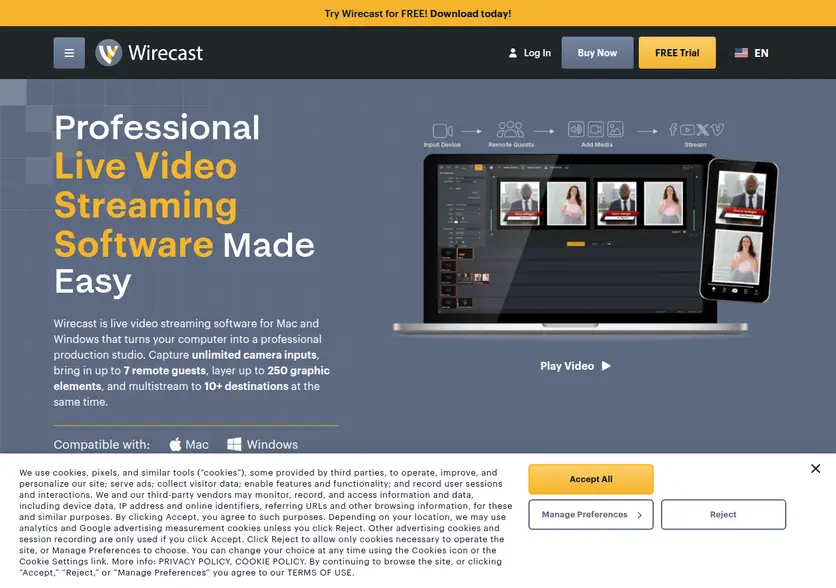
This Wirecast plan costs thirty-four dollars a month on annual billing, and it is a long-running studio encoder for professional-looking streams. It mixes cameras, graphics, titles and remote guests, records the program feed, and streams to Facebook, YouTube and LinkedIn from one window. The Pro tier adds more guests, 4K output and extra destinations for larger productions.
What we like
- Mature encoder with graphics, titles and guest slots
- Records the program feed while streaming live
- Works on Mac and Windows
Watch out for
- The monthly price adds up over a year
- The interface shows its age next to browser tools
How to try it
- Install Wirecast and add your cameras and graphics
- Set up shots, titles and your streaming destinations
- Go live and switch shots during the show
7. XSplit Broadcaster
Best for: Windows streamers who want drag-and-drop scenes
Paid tool Starting price: $14.99/month · Fourteen dollars and ninety-nine cents per month, or $59.99 per year; the lifetime licence is listed at $119.99 in some places and $199.99 in others, so it is not headlined
Free plan: Free trial
This XSplit Broadcaster plan costs fourteen dollars and ninety-nine cents a month, and it mixes scenes, sources and chat overlays for game and talk streams. It offers a drag-and-drop scene builder, built-in alerts and a plugin store, and it streams to Twitch, YouTube and Facebook from a Windows PC. The yearly plan costs fifty-nine dollars and ninety-nine cents, and third-party listings disagree on the lifetime price, so the monthly figure is the one to trust.
What we like
- Drag-and-drop scene builder with alerts built in
- Plugin store for extra sources and effects
- Streams to the big platforms from Windows
Watch out for
- Windows only, with no Mac version
- Lifetime pricing is reported inconsistently by resellers
How to try it
- Install XSplit Broadcaster on Windows and add sources
- Build scenes with overlays, alerts and chat
- Connect your platform and start streaming
Prices above were checked on each vendor’s own website on Nov 28, 2026 and can change — the vendor’s page is the final word. Vendor links are editorial: nobody paid to be listed or ranked here. Vendors who want a featured listing can see how it works on our Get listed page.
How to pick a live streaming tool for social media
Start with where your audience already watches, because a tool that cannot reach that platform is the wrong tool no matter how good its studio looks. Browser tools suit solo hosts and interviews, while a PC encoder suits multi-camera shows with graphics and switching. Check the guest workflow before you pay, since inviting a guest by link is very different from asking them to install software. Test the free plan or trial with a real rehearsal, watch the recording quality, and read the chat window while you stream. Finally, confirm the monthly cost on annual billing, because the headline price is usually the annual figure and month-to-month costs more.
Before you buy
- Confirm the tool streams to the social platforms your audience actually uses
- Check whether the free plan adds branding or caps stream length and quality
- Test guest invites with a real person before your first live show
- Ask if recordings are saved in full quality and how long they are kept
- Compare the annual-billed price with the month-to-month price before you commit
Official websites
Official websites of the products reviewed above. Features and prices were checked against these sites when this guide was written, and they can change, so confirm on the vendor site before you buy.
Frequently asked questions
What is the best live streaming software for social media?
StreamYard leads this list for most creators because it runs in the browser, needs no install, and streams to several platforms at once for fourteen dollars and ninety-nine cents a month on annual billing. OBS Studio is the best free option if you want full control and do not mind setup. Restream is the strongest pick when multistreaming to many channels is the main job.
How much does StreamYard cost in 2026?
Essential costs fourteen dollars and ninety-nine cents a month billed annually, or eighteen dollars and ninety-nine cents month to month. Core costs thirty-five dollars and ninety-nine cents a month billed annually, and Advanced costs sixty-eight dollars and ninety-nine cents. The old Basic and Pro tiers are retired, so older price lists showing twenty-five and forty-nine dollars are out of date.
Can I stream live for free?
Yes, with OBS Studio, which costs nothing and streams to any platform that accepts a standard feed. StreamYard and Restream both offer free plans, though they add branding and limit destinations. Free plans suit testing and occasional streams, while regular broadcasters usually pay for full HD, more destinations and recording.
Which tool is best for streaming to several platforms at once?
Restream is built for exactly that job, sending one feed to many social channels with unified chat for sixteen dollars a month on annual billing. StreamYard also multistreams and adds guest interviews in the browser. OBS Studio can multistream too, but it needs a plugin or a second service, so it takes more setup than either of the hosted tools.
Do I need a PC encoder or a browser tool?
A browser tool suits solo hosts and interviews because there is nothing to install and guests join by link. A PC encoder such as OBS Studio, vMix or Wirecast suits multi-camera shows, custom graphics and switching, but it needs a capable computer and more setup time. Most creators start in the browser and move to an encoder only when the show outgrows it.
Compare the seven tools above, then start with a free plan or trial on the tool that matches how you already stream before you pay for a full year.
Browse Social Media Tools tools