On this page
Small businesses lose files to ransomware, phishing and lost laptops more often than to any other single cause, so the right file security software is not a luxury. We compared eight paid tools that protect the files themselves, from endpoint protection to password vaults and managed detection, against live vendor pricing pages on November 27, 2026. Microsoft Defender for Business leads our list for teams already on Microsoft 365, because it delivers enterprise-grade endpoint protection at three dollars per user a month. Read on for the full comparison, including per-device pricing and free trials.
How we researched this
We checked every price on the vendor's own pricing page or a published list price, and we only included tools that sell a named business plan with a published per-user or per-device rate. Each tool had to protect business files directly, through endpoint security, encryption, password management or managed detection, and to offer a free trial so a small team can test it before paying. Products that publish no price or sell only by quote were left out.
Compare the tools
| Name | Best for | Starting price | Free plan | |
|---|---|---|---|---|
| Microsoft Defender for Business | Small teams already using Microsoft 365 | $3/user/month | 30-day free trial | Visit |
 Bitdefender GravityZone | Small teams wanting strong ransomware protection per device | $38.50/device/year | 30-day free trial | Visit |
 Kaspersky Small Office Security | Very small teams wanting antivirus plus password management | $230/year | 30-day free trial | Visit |
 Norton Small Business | Tiny teams protecting a handful of devices | $99.99/year | 30-day money-back guarantee | Visit |
| Webroot | Small businesses wanting lightweight, set-and-forget antivirus | $30/endpoint/year | 14-day free trial | Visit |
 Keeper Business | Teams ending shared-password spreadsheets | $2/user/month | 14-day free trial | Visit |
 Huntress Managed EDR | Teams that want experts watching alerts around the clock | $8.99/endpoint/month | Free trial available | Visit |
| CrowdStrike Falcon Go | Teams wanting dedicated endpoint detection and response | $59.99/device/year | 15-day free trial, no card required | Visit |
The best file security software for businesses in 2026
1. Microsoft Defender for Business
Best for: Small teams already using Microsoft 365
Paid tool Starting price: $3/user/month · Three dollars per user a month, billed per user with no minimum seat count published. Microsoft 365 Business Premium includes it at twenty-two dollars per user a month. A thirty-day free trial is available.
Free plan: 30-day free trial
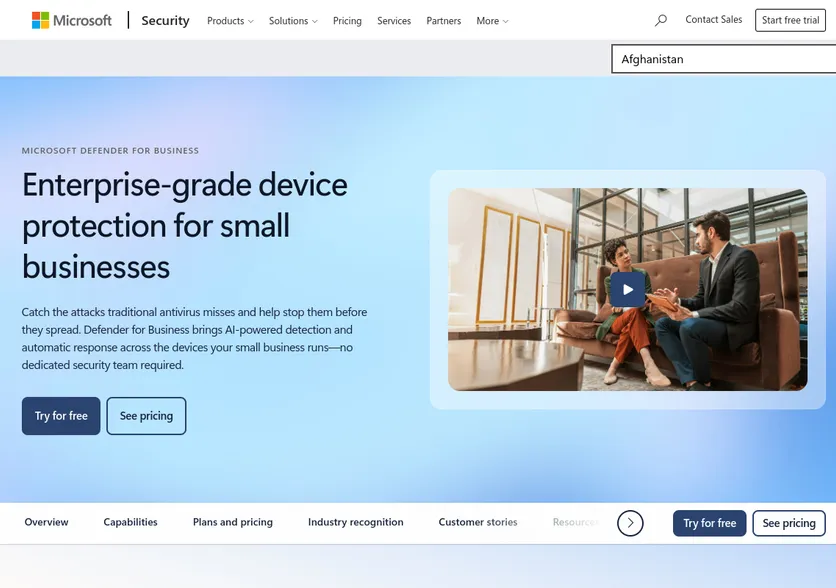
Microsoft Defender for Business gives small teams the same endpoint protection Microsoft sells to enterprises, minus the security-team headcount. The service blocks ransomware and malware across Windows, macOS and mobile devices, and it plugs straight into Microsoft 365 Business Premium, so policies and alerts live in the same admin console as email and files. A thirty-day free trial is included, and the standalone list price is three dollars per user a month.
What we like
- Enterprise-grade detection at three dollars per user a month
- Policies and alerts live in the same Microsoft 365 admin console
- Covers Windows, Mac, iOS and Android from one plan
Watch out for
- No built-in password manager, so teams still need a vault
- Works best inside Microsoft 365; standalone setup is less polished
How to try it
- Start the thirty-day trial from the Microsoft 365 admin center
- Onboard each device with the Defender agent and confirm it reports healthy
- Turn on attack-surface reduction rules and review alerts weekly
2. Bitdefender GravityZone
Best for: Small teams wanting strong ransomware protection per device
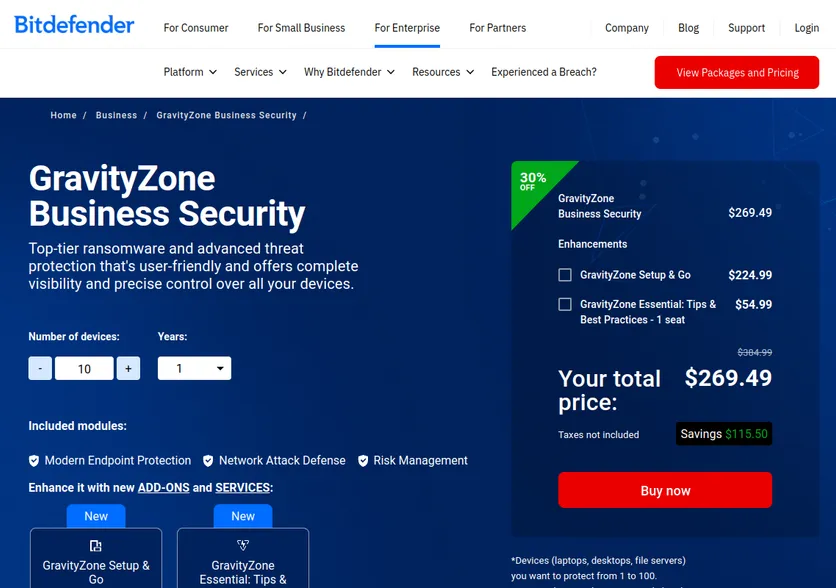
Paid tool Starting price: $38.50/device/year · Thirty-eight dollars and fifty cents per device a year for the Small Business Security package, covering three to one hundred users. A thirty-day free trial is included, and patch management is available as a paid add-on.
Free plan: 30-day free trial
Bitdefender GravityZone is a cloud-managed endpoint platform that protects Windows, Mac and Linux devices from a single console. Its layered defenses include ransomware mitigation, behavioral detection and a patch-management add-on, and the Small Business Security package bundles it for teams of three to one hundred users. The list price is thirty-eight dollars and fifty cents per device a year, with a thirty-day free trial.
What we like
- Ransomware mitigation can roll back encrypted files
- One cloud console manages Windows, Mac and Linux devices
- Per-device pricing is simple to forecast for small teams
Watch out for
- Patch management costs extra as an add-on
- The three-user minimum rules out one-person businesses
How to try it
- Start the thirty-day trial and create your cloud console
- Install the agent on every device and run a full scan
- Set the ransomware mitigation policy and test a restore
3. Kaspersky Small Office Security
Best for: Very small teams wanting antivirus plus password management
Paid tool Starting price: $230/year · Two hundred and thirty dollars a year at renewal, with the first year listed at two hundred and five dollars. The plan covers five to twenty-five users and includes a password manager and file shredder.
Free plan: 30-day free trial
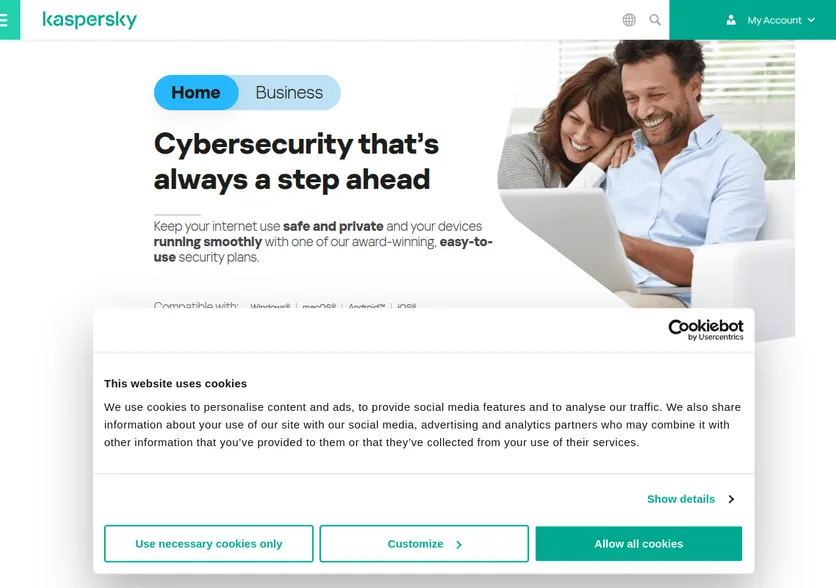
Kaspersky Small Office Security is built for teams of five to twenty-five people who need antivirus, firewall and password protection without an IT department. It covers Windows, Mac and mobile devices, adds anti-phishing and payment protection, and includes a password manager and file shredder. The first year costs two hundred and five dollars, renewing at two hundred and thirty dollars a year.
What we like
- Bundles antivirus, firewall and a password manager in one plan
- Payment protection guards online banking and card details
- File shredder deletes sensitive files beyond recovery
Watch out for
- Renewal price is higher than the first-year price
- The plan caps at twenty-five users, so growing teams outgrow it
How to try it
- Buy the plan for your user count and download the installer
- Add each device and enable the password manager for the team
- Turn on payment protection before the next online purchase
4. Norton Small Business
Best for: Tiny teams protecting a handful of devices
Paid tool Starting price: $99.99/year · Ninety-nine dollars and ninety-nine cents a year, covering up to five devices. The plan includes a smart firewall and dark-web monitoring, with a thirty-day money-back guarantee.
Free plan: 30-day money-back guarantee
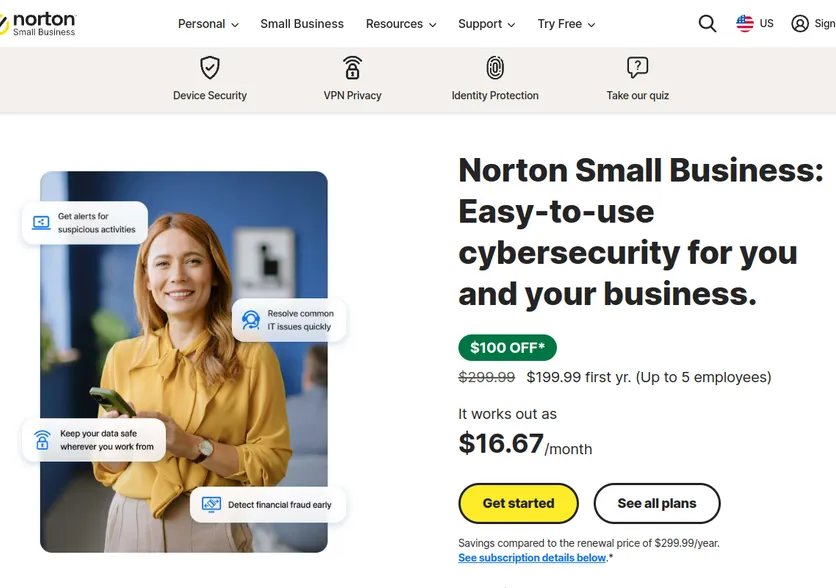
Norton Small Business protects up to five devices with antivirus, a smart firewall and dark-web monitoring for the owner's email addresses. The plan suits very small teams that want one subscription covering the office computers and the owner's phone, and it includes a thirty-day money-back guarantee. The list price is ninety-nine dollars and ninety-nine cents a year.
What we like
- Dark-web monitoring alerts you if your email appears in a breach
- Smart firewall and antivirus cover five devices on one plan
- Thirty-day money-back guarantee gives a risk-free test
Watch out for
- Five devices may be too few once phones and tablets count
- No business admin console for managing a team
How to try it
- Buy the plan and install Norton on each device
- Add your email addresses to dark-web monitoring
- Check the security dashboard weekly for alerts
5. Webroot
Best for: Small businesses wanting lightweight, set-and-forget antivirus
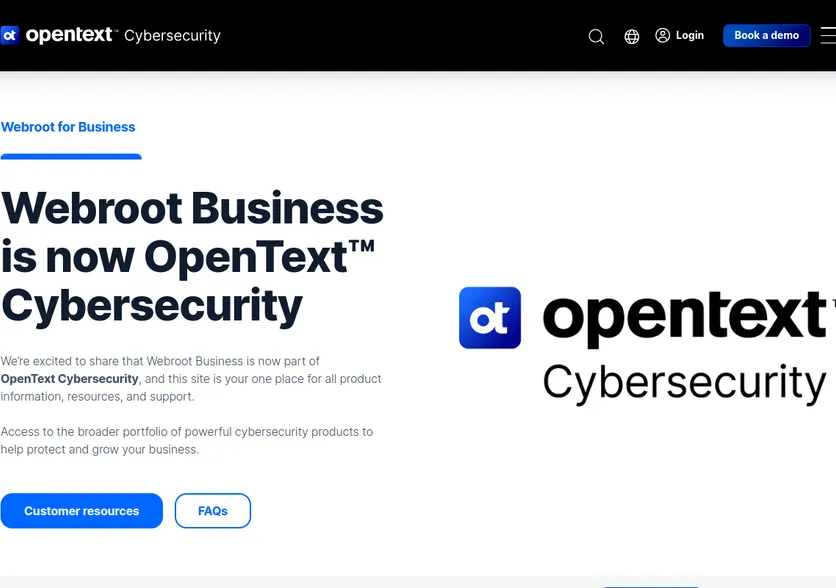
Paid tool Starting price: $30/endpoint/year · Thirty dollars per endpoint a year, with a five-endpoint minimum. Webroot is now sold by OpenText as Core Endpoint Protection, and a fourteen-day free trial is available.
Free plan: 14-day free trial
Webroot, now sold by OpenText as Core Endpoint Protection, is a cloud-based antivirus that uses a tiny agent and real-time threat intelligence instead of large signature downloads. It scans fast, updates in seconds and suits small businesses that want set-and-forget protection on up to five endpoints. The list price is thirty dollars per endpoint a year, with a fourteen-day free trial.
What we like
- Tiny agent installs fast and scans in seconds
- Cloud threat intelligence updates in real time, not daily
- Low system impact keeps older office computers responsive
Watch out for
- Five-endpoint minimum means solo users pay for seats they do not use
- Fewer advanced controls than full endpoint platforms
How to try it
- Start the fourteen-day trial from the OpenText Webroot page
- Deploy the agent to each endpoint from the cloud console
- Review the threat dashboard after the first week
6. Keeper Business
Best for: Teams ending shared-password spreadsheets
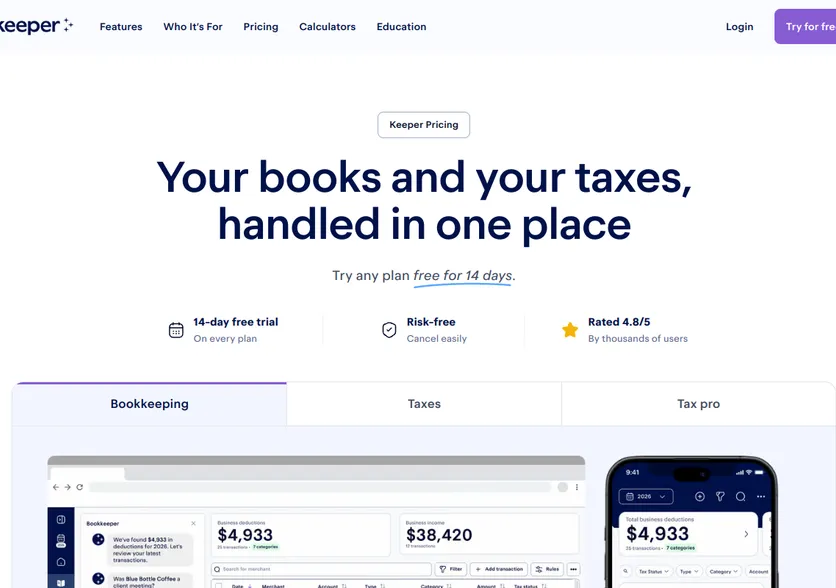
Paid tool Starting price: $2/user/month · Two dollars per user a month, billed annually. The plan includes a business vault, secure folder sharing and admin controls, with a fourteen-day free trial.
Free plan: 14-day free trial
Keeper Business is a zero-knowledge password manager and encrypted vault that helps small teams stop credential reuse and shared-password spreadsheets. Admins can enforce policies, share folders securely and audit password strength, while every employee gets a private vault plus a business vault. The list price is two dollars per user a month, with a fourteen-day free trial.
What we like
- Zero-knowledge encryption means even Keeper cannot read your vaults
- Admins can enforce policies and audit password strength across the team
- Secure folder sharing ends password spreadsheets and chat messages
Watch out for
- No endpoint antivirus, so it must pair with a security tool
- The cheapest plan bills annually, with no monthly option published
How to try it
- Start the fourteen-day trial and invite your team
- Import existing passwords and run the strength audit
- Create shared folders for each department and revoke leavers' access
7. Huntress Managed EDR
Best for: Teams that want experts watching alerts around the clock
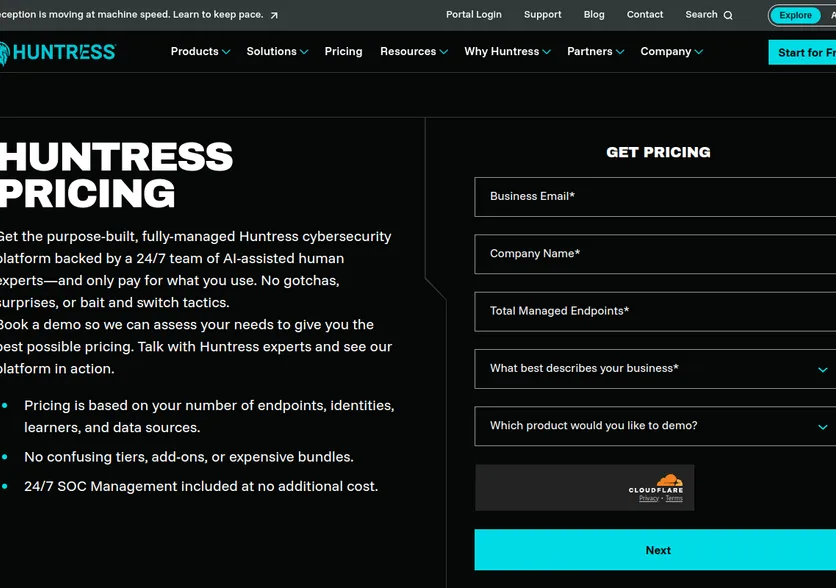
Paid tool Starting price: $8.99/endpoint/month · Eight dollars and ninety-nine cents per endpoint a month. The price includes a 24/7 human security team that investigates alerts, and a free trial is available.
Free plan: Free trial available
Huntress Managed EDR pairs lightweight endpoint agents with a 24/7 human security team that investigates alerts and writes up exactly what happened. It focuses on the attacks that slip past antivirus — persistence mechanisms, credential theft and living-off-the-land techniques — and it integrates with Microsoft Defender to add a managed layer. The list price is eight dollars and ninety-nine cents per endpoint a month, with a free trial.
What we like
- A human team investigates alerts around the clock
- Catches persistence and credential theft that antivirus misses
- Clear incident reports explain exactly what happened
Watch out for
- Costs more per endpoint than antivirus alone
- Needs Microsoft Defender or another antivirus alongside it
How to try it
- Book the free trial and deploy the agent to endpoints
- Connect your Microsoft 365 tenant so alerts flow in
- Review the first incident report with your team
8. CrowdStrike Falcon Go
Best for: Teams wanting dedicated endpoint detection and response
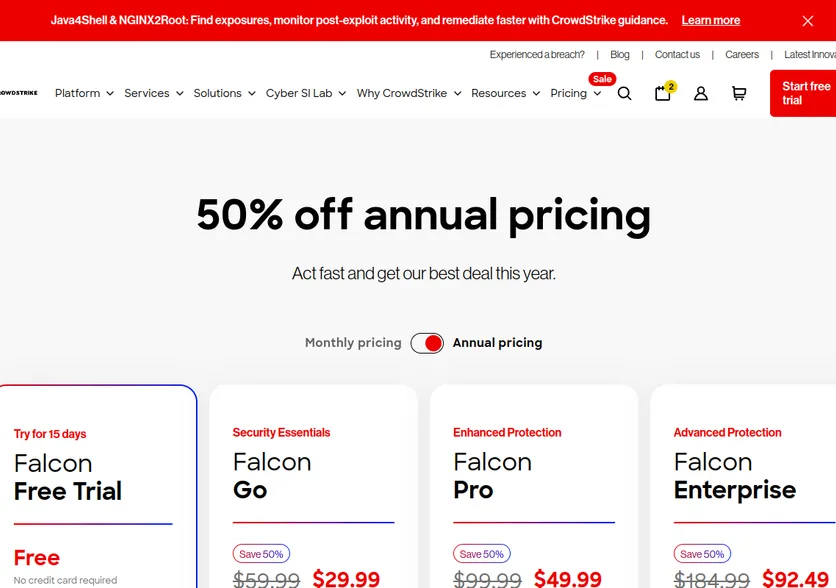
Paid tool Starting price: $59.99/device/year · Fifty-nine dollars and ninety-nine cents per device a year, with a maximum of one hundred devices. A fifty-percent first-year promotion, valid from November 23 to December 4, 2026, cut the first year to twenty-nine dollars and ninety-nine cents; the standard list price applies on renewal. A fifteen-day free trial needs no credit card.
Free plan: 15-day free trial, no card required
CrowdStrike Falcon Go is the entry-level edition of the Falcon platform, bringing cloud-native endpoint detection and response to teams of up to one hundred devices. It blocks malware with artificial intelligence, adds USB device control, and includes a fifteen-day free trial that needs no credit card. The list price is fifty-nine dollars and ninety-nine cents per device a year, with higher tiers at ninety-nine dollars and ninety-nine cents and one hundred and eighty-four dollars and ninety-nine cents.
What we like
- Artificial intelligence blocking stops new malware without signatures
- USB device control prevents data leaving on a flash drive
- Fifteen-day trial needs no credit card
Watch out for
- One-hundred-device cap means larger teams need a higher tier
- Priced per device, so shared workstations cost more than per-user plans
How to try it
- Start the fifteen-day trial and install the Falcon sensor
- Set the prevention policy to block mode after a test period
- Review detections weekly and tune USB control for your office
Prices above were checked on each vendor’s own website on Nov 27, 2026 and can change — the vendor’s page is the final word. Vendor links are editorial: nobody paid to be listed or ranked here. Vendors who want a featured listing can see how it works on our Get listed page.
How to secure business files without an IT team
Start with the two controls that stop most incidents: patch everything, and turn on multi-factor authentication for every account that touches company files. Next, map where your files actually live — shared drives, laptops, cloud folders and email attachments — and pick one tool that covers all of them rather than three that each cover one.
Give every employee a password manager and a personal vault, and make shared credentials the exception, not the rule. Test your restore process before you need it: a backup you have never restored is a hope, not a plan. Finally, run a short monthly check — who still has access, which devices are missing updates, and whether any alerts went unanswered — and fix the gaps the same week.
Before you buy
- Check the minimum seat count and the per-device cap before you buy, because both change the real cost for small teams.
- Confirm whether the price covers every operating system your team uses, including Mac and mobile devices.
- Ask what happens after the free trial ends, and whether the trial converts automatically into a paid plan.
- Look for ransomware rollback or file recovery, not just blocking, since no scanner catches everything.
- Make sure the admin console lets you see alerts, device health and user access in one place.
Official websites
Official websites of the products reviewed above. Features and prices were checked against these sites when this guide was written, and they can change, so confirm on the vendor site before you buy.
Frequently asked questions
What is file security software for a small business?
File security software protects the documents, spreadsheets and media a business depends on from ransomware, malware, theft and accidental loss. It usually combines endpoint antivirus with encryption, access controls and backup or rollback features, so a single infected laptop cannot encrypt the whole shared drive. For a small business, the practical goal is simple: stop the attack, limit the damage, and restore files quickly if something gets through.
How much should a small business pay for file security software?
Most small businesses spend between two and nine dollars per user or device a month for endpoint protection, which works out to roughly twenty-five to one hundred dollars per device a year. Password managers cost about two dollars per user a month on top of that. The cheapest credible option in this comparison is Microsoft Defender for Business at three dollars per user a month, while managed detection services such as Huntress start higher but add a human team.
Is Microsoft Defender enough for a small business?
For many small teams, yes — Defender for Business includes ransomware protection, attack-surface reduction and centralized management, and it is the same detection engine Microsoft sells to large enterprises. It works best when the team already uses Microsoft 365, because policies and alerts live in one console. Teams that want a human security team watching alerts around the clock should add a managed service such as Huntress instead.
Do these tools protect Macs and phones as well as Windows?
Most of the tools in this list cover Windows, macOS, iOS and Android, but the coverage is not identical. Bitdefender and Kaspersky protect all four, while some plans limit mobile features or charge extra for them. Before you buy, check the vendor's plan page for the exact operating systems included, and test the mobile app with one device so you know what it actually blocks.
What is the difference between antivirus and managed detection?
Antivirus blocks known malware on a device, while managed detection and response watches for the subtle signs of an attack that is already inside — stolen credentials, unusual logins and persistence tricks — and has people investigate them. Antivirus is cheaper and suits teams with good hygiene; managed detection suits teams that handle sensitive client data or have no one watching alerts after hours.
Compare security and privacy tools for your business and pick the file protection plan that fits your team.
Browse Security & Privacy tools