On this page
A media production runs on files that are too big for email and too precious to lose: raw footage, project archives and finished masters. We compared eight paid file sharing tools against live vendor pricing pages on November 27, 2026, judging them on review workflows, streaming, transfer speed and price. Frame.io Pro leads our list for media production, because its timecoded comments and approvals are built for the way video teams actually work. Read on for the full comparison, including the cheapest way to deliver a finished master.
How we researched this
We checked every price on the vendor's own pricing page, and we only included tools with a published per-member, per-user or pay-as-you-go rate. Each tool had to serve a real media workflow — review and approval, remote editing, or delivery of large masters — and to handle the file sizes video production demands. General storage tools that cap files at a few gigabytes or publish no price were left out.
Compare the tools
| Name | Best for | Starting price | Free plan | |
|---|---|---|---|---|
| Frame.io Pro | Video teams that review cuts with clients | $13/member/month | Free plan available | Visit |
| LucidLink | Remote editors working on cloud-stored footage | $7/member/month | Free trial available | Visit |
| Filestage | Agencies approving mixed media for clients | $199/month | Free trial available | Visit |
 Dropbox Business | Media teams wanting sync plus built-in review | $15/user/month | 30-day free trial | Visit |
 Box Business | Media teams needing governed storage and watermarking | $15/user/month | 14-day free trial | Visit |
 Google Workspace Business Starter | Small media teams on a tight budget | $7/user/month | 14-day free trial | Visit |
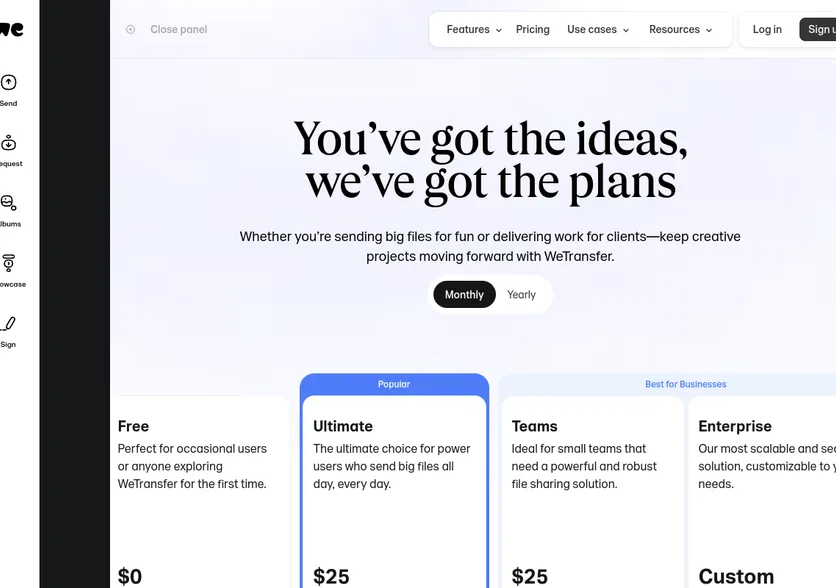
| WeTransfer Ultimate | Delivering finished masters to clients | $19/month | 7-day free trial | Visit |
| MASV | Delivering huge masters and raw footage on demand | $0.25/GB | 15 GB free every month | Visit |
The best file sharing software for media production in 2026
1. Frame.io Pro
Best for: Video teams that review cuts with clients
Paid tool Starting price: $13/member/month · Thirteen dollars per member a month billed annually, or fifteen dollars per member a month billed monthly. The Pro plan is priced per member, so the cost scales with the team rather than the footage.
Free plan: Free plan available
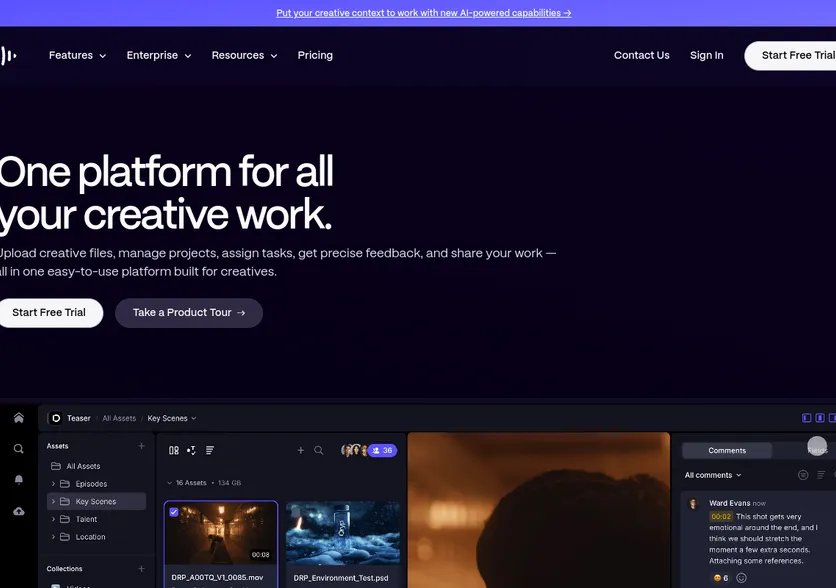
Frame.io Pro is the review platform most video teams already know, built around timecoded comments on the frame itself. Editors upload a cut, clients and producers comment at exact moments, and approvals move forward without a single email thread. The Pro plan costs thirteen dollars per member a month billed annually, or fifteen dollars per member a month billed monthly.
What we like
- Timecoded comments pin notes to the exact frame
- Integrates with Premiere Pro, DaVinci Resolve and After Effects
- Approvals and version stacks keep the latest cut obvious
Watch out for
- Priced per member, so client reviewers need seats or guest access
- Storage is limited on the Pro plan compared with general cloud drives
How to try it
- Create a project and upload your first cut
- Invite reviewers and ask them to comment on the frame
- Mark the approved version and archive the older cuts
2. LucidLink
Best for: Remote editors working on cloud-stored footage
Paid tool Starting price: $7/member/month · Seven dollars per member a month for the Starter plan. Business costs twenty-seven dollars per member a month billed annually, or thirty-two dollars billed monthly, with extra storage from seven dollars per one hundred gigabytes.
Free plan: Free trial available
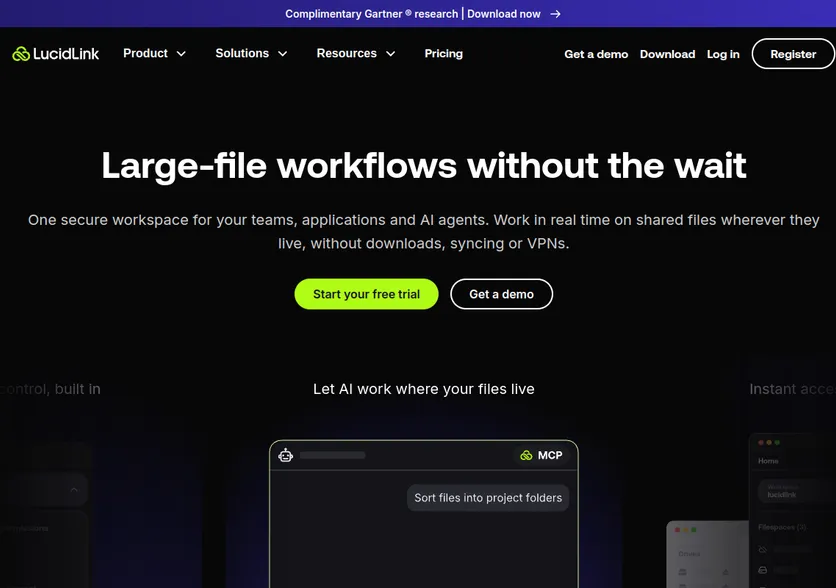
LucidLink turns cloud storage into a local drive, so editors can open and play footage straight from the cloud without downloading it first. The Filespaces system streams only the parts of a file you need, which makes remote editing over a normal connection feel local. The Starter plan costs seven dollars per member a month, while Business costs twenty-seven dollars per member a month billed annually, or thirty-two dollars billed monthly.
What we like
- Cloud storage behaves like a local drive for editors
- Streams only the parts of a file you need, saving bandwidth
- No downloading means remote editors start work instantly
Watch out for
- Starter plan is limited for teams with heavy storage needs
- Performance depends on a stable internet connection
How to try it
- Create a Filespace and connect your cloud storage
- Mount the Filespace as a local drive on each editor's machine
- Open the project file directly and edit without downloading
3. Filestage
Best for: Agencies approving mixed media for clients
Paid tool Starting price: $199/month · One hundred and ninety-nine dollars a month billed annually, or two hundred and forty-nine dollars billed monthly. The Starter plan includes ten seats.
Free plan: Free trial available
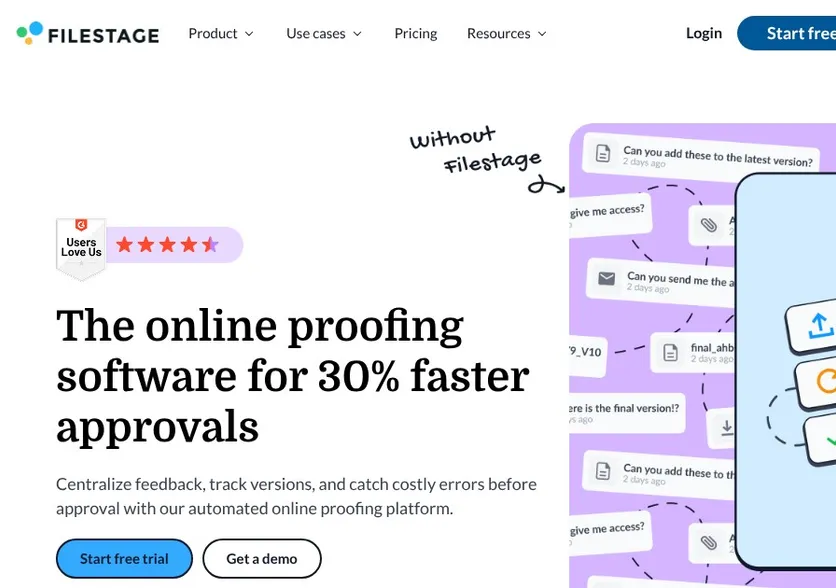
Filestage is a review and approval platform for video, design and documents, built for teams that send work to clients for sign-off. Reviewers comment directly on the file, approvals are tracked in one place, and every version stays attached to the same project. The Starter plan costs one hundred and ninety-nine dollars a month billed annually, or two hundred and forty-nine dollars billed monthly, and includes ten seats.
What we like
- Review and approval for video, design and documents in one place
- Every version stays attached to the same project
- Clear approval tracking replaces email sign-off chains
Watch out for
- Starter plan is priced for teams, not solo creators
- Ten seats may be tight for agencies with many reviewers
How to try it
- Create a project and upload the files for review
- Invite reviewers and set the approval workflow
- Track approvals and export the audit trail for the client
4. Dropbox Business
Best for: Media teams wanting sync plus built-in review
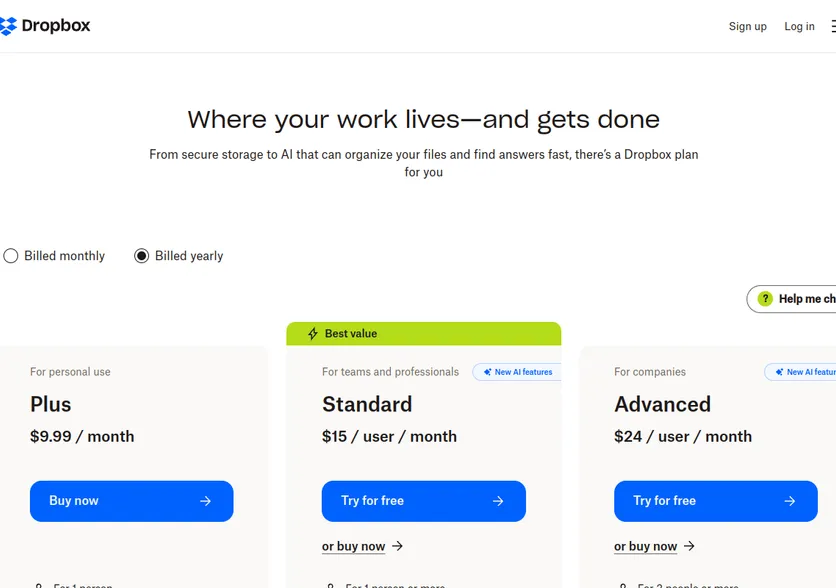
Paid tool Starting price: $15/user/month · Fifteen dollars per user a month billed annually, or eighteen dollars per user a month billed monthly. The Standard plan includes three terabytes of pooled storage and a three-user minimum, with a thirty-day free trial.
Free plan: 30-day free trial
Dropbox Business earns its place on a media team through fast sync, frame-accurate video previews and Replay, its built-in review tool. Editors share a cut, clients leave timecoded comments, and the approved version stays in the same folder as the project files. The Standard plan costs fifteen dollars per user a month billed annually, with three terabytes of pooled storage.
What we like
- Replay adds timecoded review comments to shared video
- Fast sync and frame-accurate video previews
- Three terabytes of pooled storage for project files
Watch out for
- Review features are basic compared with Frame.io
- Three-user minimum adds cost for solo editors
How to try it
- Start the thirty-day trial and install the desktop app
- Share a video link and enable Replay comments
- Move the approved master into the project archive folder
5. Box Business
Best for: Media teams needing governed storage and watermarking
Paid tool Starting price: $15/user/month · Fifteen dollars per user a month billed annually, or twenty dollars per user a month billed monthly. The Business plan requires a three-user minimum and caps individual files at five gigabytes.
Free plan: 14-day free trial
Box Business gives media teams governed storage with watermarking, preview support for hundreds of file types, and integrations with Adobe Creative Cloud. Producers can lock a folder once a cut is approved, and audit logs show exactly who opened each file. The Business plan costs fifteen dollars per user a month billed annually, with unlimited storage.

What we like
- Watermarking and preview support for hundreds of file types
- Audit logs show who opened each file and when
- Adobe Creative Cloud integrations for designers
Watch out for
- Five-gigabyte per-file cap blocks large raw footage
- Review tools are lighter than dedicated review platforms
How to try it
- Start the fourteen-day trial and set up your team
- Upload project files and set folder permissions
- Lock the folder once a cut is approved
6. Google Workspace Business Starter
Best for: Small media teams on a tight budget
Paid tool Starting price: $7/user/month · Seven dollars per user a month billed annually, or eight dollars and forty cents per user a month on the flexible plan. Each user gets thirty gigabytes of pooled storage, and a fourteen-day free trial is included.
Free plan: 14-day free trial
Google Workspace Business Starter is the cheapest way to give a media team shared Drive storage, Gmail and Meet in one plan. Drive previews video and images in the browser, and editors can comment on files without a separate review tool, although heavy video teams will outgrow the thirty gigabytes per user. The list price is seven dollars per user a month billed annually.

What we like
- Drive previews video and images in the browser
- Seven dollars a month covers storage, email and meetings
- Commenting on files needs no separate review tool
Watch out for
- Thirty gigabytes per user is tight for video-heavy teams
- No timecoded review or approval workflow
How to try it
- Start the fourteen-day trial and add your team
- Upload footage to a shared Drive folder
- Share a view link with clients and collect comments
7. WeTransfer Ultimate
Best for: Delivering finished masters to clients
Paid tool Starting price: $19/month · Nineteen dollars a month billed annually, or twenty-five dollars a month billed monthly. WeTransfer raised its prices on November 7, 2026, so older reviews showing twenty-three dollars a month are out of date. A seven-day free trial is included.
Free plan: 7-day free trial
WeTransfer Ultimate is the delivery tool of choice for finished masters, sending huge files to clients who have no account and no patience for a login screen. The Ultimate plan lifts the per-transfer limit to hundreds of gigabytes, adds portals for repeat clients, and keeps files available for a year. The list price is nineteen dollars a month billed annually.
What we like
- Clients download finished masters with no account
- Portals give repeat clients a branded drop-off page
- Files stay available for a year on the Ultimate plan
Watch out for
- No review or versioning, so it is delivery only
- Price rose in November 2026, so older reviews show the old rate
How to try it
- Start the seven-day trial and create your first transfer
- Upload the finished master and copy the link
- Set up a portal for clients who receive files every week
8. MASV
Best for: Delivering huge masters and raw footage on demand
Paid tool Starting price: $0.25/GB · Twenty-five cents per gigabyte transferred, with no subscription required. Fifteen gigabytes are free every month, storage costs seven cents per gigabyte a month after five free days, and subscriptions or pre-buy plans cut up to twenty-four percent off the pay-as-you-go rate.
Free plan: 15 GB free every month
MASV is the transfer service media teams reach for when a finished master, a raw camera dump or a full project archive has to move now. It charges per gigabyte with no subscription, moves files over accelerated transfer with no per-file cap, and verifies every chunk on arrival. The list price is twenty-five cents per gigabyte transferred, with fifteen gigabytes free every month.
What we like
- No per-file size cap for masters and raw dumps
- Accelerated transfer with automatic resume and verification
- Pay per gigabyte with no monthly subscription
Watch out for
- Costs add up fast for teams that transfer daily
- No review, sync or collaborative editing
How to try it
- Create a free account and claim the fifteen free gigabytes
- Upload the master and send the download link
- Set up a portal if clients send you footage regularly
Prices above were checked on each vendor’s own website on Nov 27, 2026 and can change — the vendor’s page is the final word. Vendor links are editorial: nobody paid to be listed or ranked here. Vendors who want a featured listing can see how it works on our Get listed page.
How to run a media review without losing files
Agree on one place for the master files before the shoot starts, and name folders by project, date and version so nobody guesses which cut is current. Send review links, not files: reviewers should comment on a timecoded frame, not download a copy and reply by email. Keep the raw footage and the project files in the same system as the review links, so the editor can find the source of a note in seconds.
Archive finished masters in two places — the cloud and a local drive — and check the archive once a quarter by opening a random file. Finally, set an expiry date on every external link, because a review link that lives forever is a leak waiting to happen.
Before you buy
- Check whether review and timecoded comments are included, or whether they need a higher plan or an add-on.
- Ask how the tool handles proxies and playback, because editors need smooth preview, not just storage.
- Confirm the per-file size limit for uploads, since raw footage regularly exceeds five gigabytes.
- Look for version history that keeps every cut, so a client can always go back to the approved version.
- Make sure external reviewers can comment without a paid seat, or the cost doubles with every client.
Official websites
Official websites of the products reviewed above. Features and prices were checked against these sites when this guide was written, and they can change, so confirm on the vendor site before you buy.
Frequently asked questions
What is the best file sharing software for video production?
Frame.io leads for most video teams because it combines storage with timecoded review comments and approvals, and it integrates with Premiere Pro and DaVinci Resolve. LucidLink is the better pick when editors must work remotely on cloud-stored footage, because it streams files like a local drive. For delivery of finished masters, MASV charges per gigabyte with no subscription, which suits teams that send large files only a few times a month.
How do media teams review video without emailing files?
They send a review link instead of a file. Tools such as Frame.io and Filestage let reviewers watch the cut in a browser and leave comments pinned to an exact frame and timecode, so the editor sees every note in context. Approvals are tracked in the same place, which replaces the email thread that used to say which version was final.
How much does file sharing for media production cost?
Review platforms start at thirteen dollars per member a month for Frame.io Pro and seven dollars for LucidLink Starter, while Filestage Starter costs one hundred and ninety-nine dollars a month for ten seats. General storage is cheaper: Google Workspace costs seven dollars per user a month and Dropbox fifteen. Delivery is priced per gigabyte with MASV at twenty-five cents, or nineteen dollars a month for WeTransfer Ultimate.
Can editors work on cloud files without downloading them?
Yes, with the right tool. LucidLink streams only the parts of a file you need, so an editor can open and play footage from cloud storage as if it were on a local drive. Frame.io and Dropbox also offer proxy workflows and browser previews, but they are built for review rather than editing. For full-resolution editing, a fast local cache or a LucidLink Filespace is still the practical choice.
What is the difference between Frame.io and Filestage?
Frame.io is built for video teams: timecoded comments, version stacks and deep editor integrations are its core. Filestage covers a wider range of media, including design files and documents, and tracks approvals across many file types in one dashboard. Video-first teams usually prefer Frame.io, while agencies that review mixed deliverables for many clients often pick Filestage.
Explore video tools for your production team and pick the file sharing plan that fits your next project.
Browse Video Tools tools