On this page
A photographer needs more than storage: clients expect a beautiful gallery, a way to buy prints, and a download link that works the first time. We compared eight paid file sharing tools against live vendor pricing pages on November 27, 2026, judging them on galleries, print sales, storage and price. SmugMug leads our list for photographers, because it combines client galleries, print fulfillment and a portfolio in one subscription. Read on for the full comparison, including the cheapest gallery and store options.
How we researched this
We checked every price on the vendor's own pricing page, and we only included tools with a published monthly or annual rate. Each tool had to serve a real photography workflow — client galleries, print sales, or delivery of full-resolution files — and to handle the large raw and export files photographers produce. Tools that publish no price, sell only by quote, or cap uploads at a few gigabytes were left out.
Compare the tools
| Name | Best for | Starting price | Free plan | |
|---|---|---|---|---|
 SmugMug | Working photographers wanting galleries, prints and a portfolio | $20/month | 14-day free trial | Visit |
 Pixieset | Portrait and wedding photographers on a budget | $8/month | Free plan available | Visit |
 ShootProof | Portrait and event photographers selling prints | $8.33/month | Free trial available | Visit |
 Zenfolio | Photographers wanting a website, gallery and store in one | $7/month | 14-day free trial | Visit |
 Pic-Time | Photographers wanting beautiful galleries with print sales | $7/month | Free trial available | Visit |
 Dropbox Business | Photographers delivering full-resolution files fast | $15/user/month | 30-day free trial | Visit |
 Google Workspace Business Starter | Photographers wanting cheap storage and professional email | $7/user/month | 14-day free trial | Visit |
| WeTransfer Ultimate | Sending finished galleries as a single download link | $19/month | 7-day free trial | Visit |
The best file sharing software for photographers in 2026
1. SmugMug
Best for: Working photographers wanting galleries, prints and a portfolio
Paid tool Starting price: $20/month · Twenty dollars a month billed annually, or twenty-nine dollars billed monthly. Portfolio costs twenty-three dollars and fifty cents a month billed annually, and Pro costs thirty-seven dollars.
Free plan: 14-day free trial
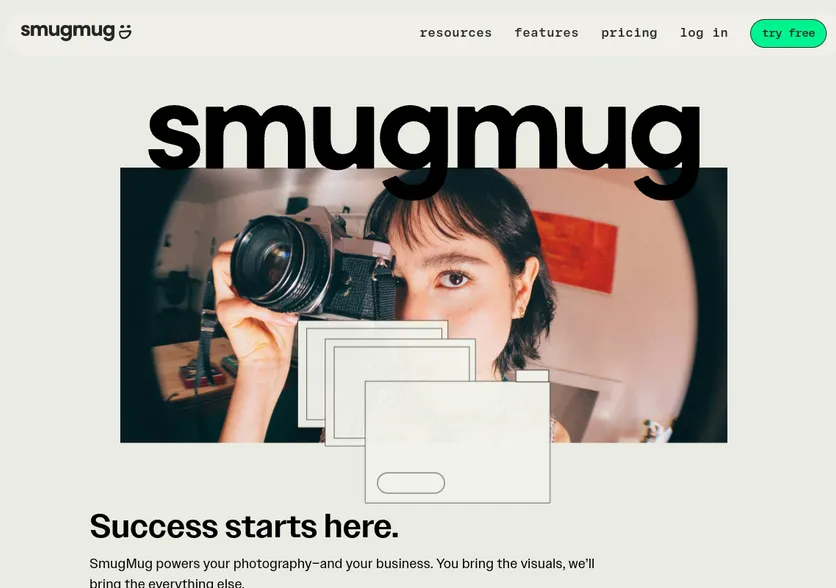
SmugMug Direct is the gallery platform working photographers use to deliver photos, sell prints and run a portfolio from one place. Clients get a clean, password-protected gallery, and the photographer keeps control over downloads, watermarks and print pricing. The Direct plan costs twenty dollars a month billed annually, or twenty-nine dollars billed monthly, with Portfolio at twenty-three dollars and fifty cents and Pro at thirty-seven dollars.
What we like
- Client galleries, print sales and portfolio in one subscription
- No commission on print sales
- Password protection and download controls on every gallery
Watch out for
- Direct plan costs more than Pixieset or Zenfolio
- No free plan, only a fourteen-day trial
How to try it
- Start the fourteen-day trial and upload a recent shoot
- Create a client gallery with download controls
- Set print prices and connect your fulfillment lab
2. Pixieset
Best for: Portrait and wedding photographers on a budget
Paid tool Starting price: $8/month · Eight dollars a month billed annually, or ten dollars billed monthly. The Basic plan includes ten gigabytes of storage.
Free plan: Free plan available
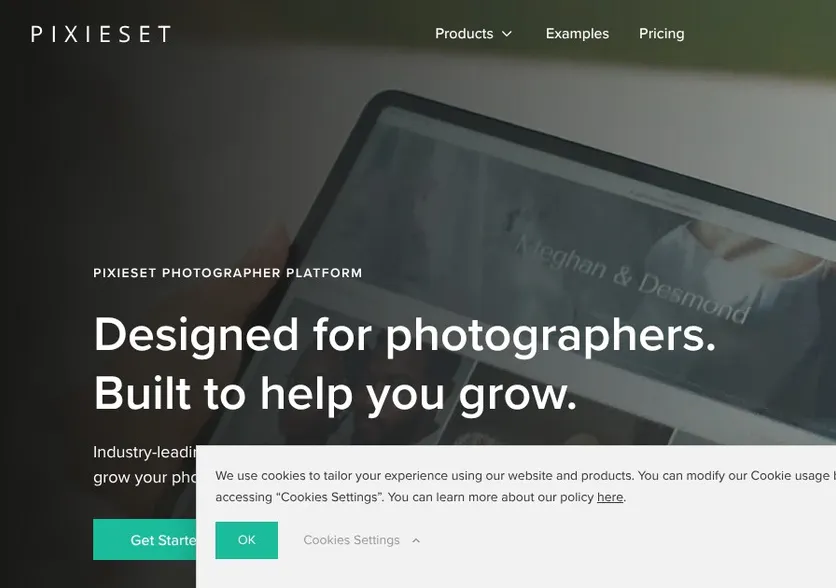
Pixieset Basic pairs client galleries with a simple online store, so photographers can deliver a wedding or portrait set and sell prints from the same link. The gallery tools include password protection, download controls and a mobile app for clients, while the store handles print fulfillment through partner labs. The Basic plan costs eight dollars a month billed annually, or ten dollars billed monthly, and includes ten gigabytes of storage.
What we like
- Galleries and a print store from eight dollars a month
- Clients can favorite images and order prints from one link
- Mobile app lets clients view galleries on the go
Watch out for
- Basic plan includes only ten gigabytes of storage
- No built-in portfolio website on the Basic plan
How to try it
- Create a free account and upload a gallery
- Set download permissions and print prices
- Send the gallery link to your client
3. ShootProof
Best for: Portrait and event photographers selling prints
Paid tool Starting price: $8.33/month · Eight dollars and thirty-three cents a month billed annually, or nine dollars and ninety-nine cents billed monthly. A fifty-percent first-year promotion was running through December 1, 2026; the standard list price applies after the first year.
Free plan: Free trial available
ShootProof Starter is built for portrait and event photographers who sell prints and digital downloads from their galleries. Clients can favorite images, order prints through integrated labs, and sign contracts and invoices in the same account. The Starter plan costs eight dollars and thirty-three cents a month billed annually, or nine dollars and ninety-nine cents billed monthly.
What we like
- Contracts, invoices and print sales in one account
- Clients favorite images and order through integrated labs
- Galleries are clean and easy for non-technical clients
Watch out for
- No portfolio website included
- First-year promotion hides the renewal price
How to try it
- Start a trial and upload a portrait set
- Enable print ordering and set your prices
- Send the contract and invoice from the same account
4. Zenfolio
Best for: Photographers wanting a website, gallery and store in one
Paid tool Starting price: $7/month · Seven dollars a month billed annually, or nine dollars billed monthly. Professional costs eleven dollars and fifty cents a month billed annually, and Advanced costs twenty dollars.
Free plan: 14-day free trial
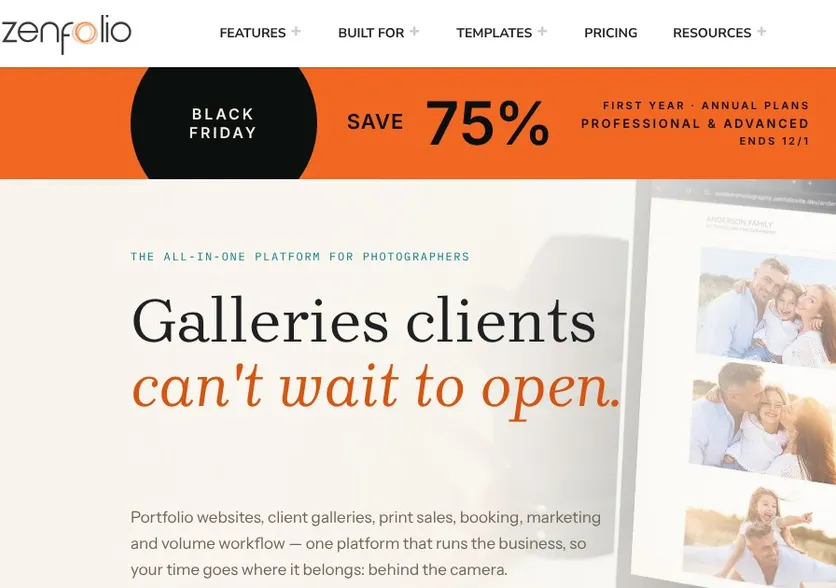
Zenfolio Basic combines a portfolio website, client galleries and a print store in one subscription, with no commission on sales. Photographers can build a branded site, deliver galleries with download controls, and sell through partner labs or self-fulfillment. The Basic plan costs seven dollars a month billed annually, or nine dollars billed monthly, with Professional at eleven dollars and fifty cents and Advanced at twenty dollars.
What we like
- Website, galleries and store in one seven-dollar plan
- No commission on print sales
- Self-fulfillment option for photographers who print themselves
Watch out for
- Basic plan is the most limited of the three tiers
- Templates are less modern than SmugMug or Pixieset
How to try it
- Start the fourteen-day trial and pick a website template
- Upload a gallery and set download controls
- Connect a lab or set up self-fulfillment for print orders
5. Pic-Time
Best for: Photographers wanting beautiful galleries with print sales
Paid tool Starting price: $7/month · Seven dollars a month billed annually, or eight dollars billed monthly. The Beginner plan includes twenty gigabytes of storage.
Free plan: Free trial available
Pic-Time Beginner is a gallery and storefront platform for photographers who want beautiful client galleries with built-in print sales. The galleries support slideshows, favorite lists and automated marketing, and the store connects to professional labs for print and album orders. The Beginner plan costs seven dollars a month billed annually, or eight dollars billed monthly, and includes twenty gigabytes of storage.
What we like
- Beautiful galleries with slideshows and favorite lists
- Automated marketing keeps clients coming back
- Print and album sales through professional labs
Watch out for
- Beginner plan includes only twenty gigabytes of storage
- No portfolio website on the Beginner plan
How to try it
- Start a trial and upload a recent shoot
- Create a gallery with a slideshow and favorite list
- Set print prices and send the gallery link
6. Dropbox Business
Best for: Photographers delivering full-resolution files fast
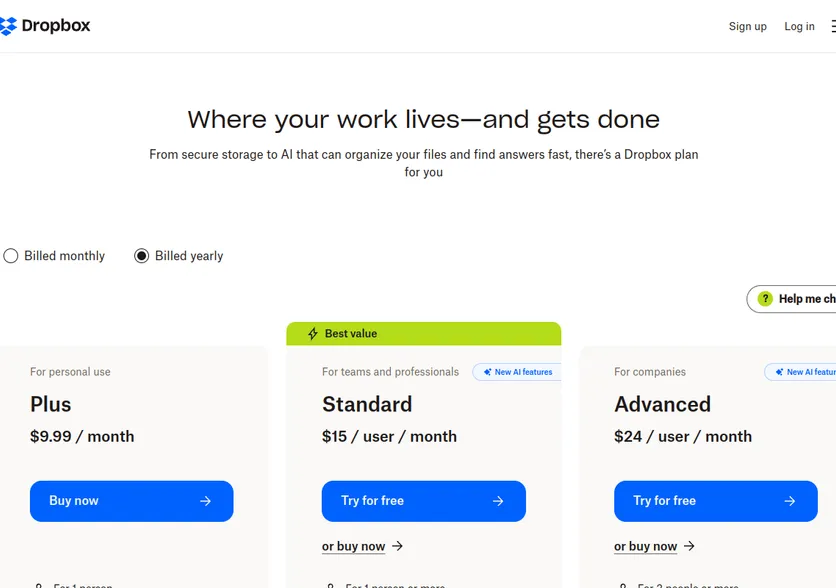
Paid tool Starting price: $15/user/month · Fifteen dollars per user a month billed annually, or eighteen dollars per user a month billed monthly. The Standard plan includes three terabytes of pooled storage and a three-user minimum, with a thirty-day free trial.
Free plan: 30-day free trial
Dropbox Business works for photographers who need fast delivery of full-resolution files without a gallery platform. The desktop app syncs raw files and exports of any size, shared folders give clients direct access, and version history protects against overwritten edits. The Standard plan costs fifteen dollars per user a month billed annually, with three terabytes of pooled storage.
What we like
- Syncs raw files and exports of any size
- Shared folders give clients direct access to files
- Version history protects against overwritten edits
Watch out for
- No gallery, print store or client-facing presentation
- Three-user minimum adds cost for solo photographers
How to try it
- Start the thirty-day trial and install the desktop app
- Create a shared folder for the client shoot
- Send the folder link with download permissions
7. Google Workspace Business Starter
Best for: Photographers wanting cheap storage and professional email
Paid tool Starting price: $7/user/month · Seven dollars per user a month billed annually, or eight dollars and forty cents per user a month on the flexible plan. Each user gets thirty gigabytes of pooled storage, and a fourteen-day free trial is included.
Free plan: 14-day free trial
Google Workspace Business Starter is the cheapest way for a photographer to get shared Drive storage, Gmail and a professional email address in one plan. Drive stores raw files and exports, shared folders deliver client sets, and the desktop app accepts files up to five terabytes. The list price is seven dollars per user a month billed annually.

What we like
- Seven dollars a month covers storage, email and meetings
- Drive accepts files up to five terabytes via the desktop app
- Shared folders deliver client sets with no extra tool
Watch out for
- Thirty gigabytes per user fills fast with raw files
- No gallery, print sales or client presentation
How to try it
- Start the fourteen-day trial and add your business email
- Upload the shoot to a shared Drive folder
- Send the folder link with the right permissions
8. WeTransfer Ultimate
Best for: Sending finished galleries as a single download link
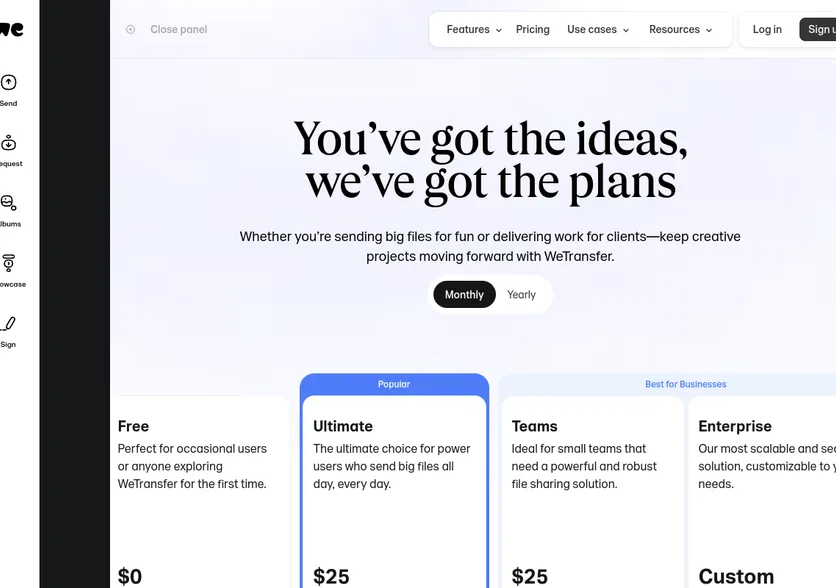
Paid tool Starting price: $19/month · Nineteen dollars a month billed annually, or twenty-five dollars a month billed monthly. WeTransfer raised its prices on November 7, 2026, so older reviews showing twenty-three dollars a month are out of date. A seven-day free trial is included.
Free plan: 7-day free trial
WeTransfer Ultimate is the delivery tool for photographers who send finished galleries as a single download link. Clients need no account, the transfer link just works, and portals give repeat clients a branded page for sending and receiving files. The list price is nineteen dollars a month billed annually.
What we like
- Clients download galleries with no account
- Portals give repeat clients a branded page
- Files stay available for a year on the Ultimate plan
Watch out for
- No gallery view, print sales or favorites
- Price rose in November 2026, so older reviews show the old rate
How to try it
- Start the seven-day trial and create your first transfer
- Upload the finished gallery and copy the link
- Set up a portal for clients who receive files every week
Prices above were checked on each vendor’s own website on Nov 27, 2026 and can change — the vendor’s page is the final word. Vendor links are editorial: nobody paid to be listed or ranked here. Vendors who want a featured listing can see how it works on our Get listed page.
How to deliver photos clients actually open
Send a gallery link, not a zip file: clients open a gallery on their phone and favorite the images they love, while a zip file sits unopened in a downloads folder. Set download controls before you share — full resolution for the client, web resolution for everyone else — and add a watermark to any gallery that is public. Price your prints before the shoot, not after, so the store is live the moment the gallery goes out.
Back up every shoot in two places, and keep the raw files even after delivery, because a client who asks for a re-edit in six months is a client who comes back.
Before you buy
- Check whether print sales are included or need a higher plan, and whether the platform takes a commission.
- Ask how much storage the plan includes, because raw files fill a small plan in a few shoots.
- Confirm clients can download full-resolution files without creating an account.
- Look for password protection and watermarking, so galleries stay private until you choose otherwise.
- Make sure the gallery works well on phones, since most clients open it on mobile first.
Official websites
Official websites of the products reviewed above. Features and prices were checked against these sites when this guide was written, and they can change, so confirm on the vendor site before you buy.
Frequently asked questions
What is the best file sharing software for photographers?
SmugMug leads for most working photographers because it combines client galleries, print fulfillment and a portfolio website in one subscription. Pixieset is the best value for portrait and wedding photographers at eight dollars a month, while Zenfolio is the cheapest full bundle at seven dollars. Photographers who only need to deliver files can use Dropbox or Google Drive instead, and skip the gallery tools entirely.
How much does photo gallery software cost?
Client gallery platforms start at seven dollars a month for Zenfolio Basic and Pic-Time Beginner, eight dollars for Pixieset Basic, and twenty dollars for SmugMug Direct. Annual billing saves roughly twenty to thirty percent on every plan. Photographers who only need file delivery can pay seven dollars a month for Google Workspace or fifteen dollars for Dropbox Business instead.
Do these tools sell prints for me?
SmugMug, Pixieset, Zenfolio and Pic-Time all include print stores that connect to professional labs, so clients order prints and the lab fulfills them. SmugMug and Zenfolio take no commission on sales, while Pixieset and Pic-Time charge no commission on the plan itself but the labs set their own prices. Dropbox, Google Drive and WeTransfer do not sell prints at all — they only deliver the files.
Can clients download full-resolution photos?
Yes — every tool in this list can deliver full-resolution files, but the controls differ. Gallery platforms let you choose per-gallery whether clients can download originals, web-size copies or nothing at all. Dropbox and Google Drive share the original file directly, and WeTransfer sends a download link for the full file. Always test the download yourself before sending the gallery to a client.
What is the difference between SmugMug and Pixieset?
SmugMug is the fuller platform: galleries, print sales and a portfolio website in one subscription, with unlimited storage on higher plans. Pixieset is lighter and cheaper, focusing on galleries and a print store with ten gigabytes of storage on the Basic plan. Wedding and portrait photographers who want a simple, beautiful gallery often pick Pixieset, while photographers who want a website too usually pick SmugMug.
Browse image tools for your photography work and pick the gallery and sharing plan that fits your clients.
Browse Image Tools tools