On this page
File sync is the quiet backbone of a small business: when it works, every device has the latest file, and when it fails, two people edit different versions of the same document. We compared eight paid file sync tools against live vendor pricing pages on November 27, 2026, judging them on speed, reliability, security and price. Dropbox Business leads our list for small businesses, because its sync is the fastest and most reliable in this group. Read on for the full comparison, including the cheapest terabyte and the most private options.
How we researched this
We checked every price on the vendor's own pricing page, and we only included tools with a published per-user rate. Each tool had to sync files across desktop and mobile, handle real business workloads, and offer a free trial or free allowance. Tools that publish no price, sell only by quote, or sync only a single folder were left out.
Compare the tools
| Name | Best for | Starting price | Free plan | |
|---|---|---|---|---|
 Dropbox Business | Small teams wanting the fastest, most reliable sync | $15/user/month | 30-day free trial | Visit |
 Google Workspace Business Starter | Teams already using Gmail and Google Drive | $7/user/month | 14-day free trial | Visit |
 Box Business | Teams needing governed sync with admin controls | $15/user/month | 14-day free trial | Visit |
 Sync.com Teams Standard | Privacy-conscious teams wanting zero-knowledge encryption | $6/user/month | 30-day free trial | Visit |
| pCloud Business | Teams wanting a terabyte per user at a low price | $7.99/user/month | 30-day free trial | Visit |
 Tresorit Business Standard | Teams handling sensitive client files | $14.50/user/month | 14-day free trial | Visit |
 Egnyte Team | Teams that still keep a local file server | $10/user/month | Free trial available | Visit |
| OneDrive for Business | Microsoft 365 teams wanting the cheapest terabyte | $5/user/month | Free personal account with 5 GB | Visit |
The best file sync software for small businesses in 2026
1. Dropbox Business
Best for: Small teams wanting the fastest, most reliable sync
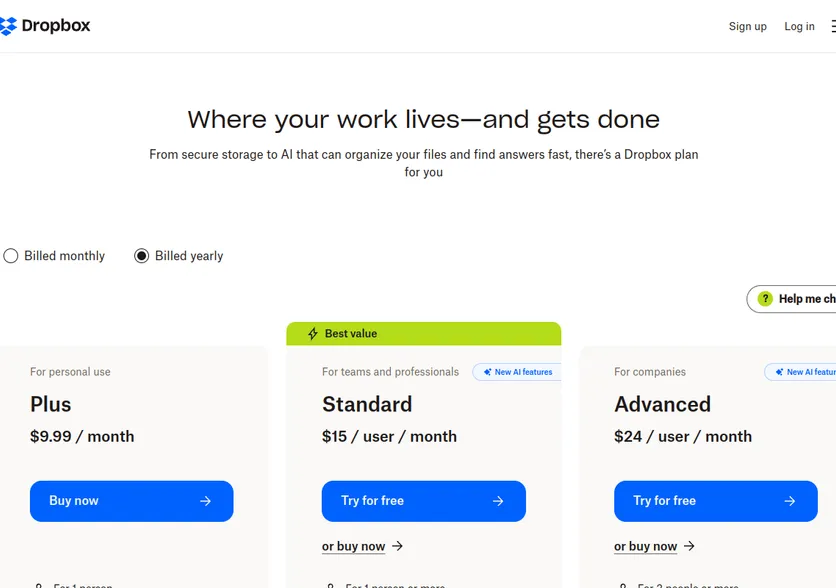
Paid tool Starting price: $15/user/month · Fifteen dollars per user a month billed annually, or eighteen dollars per user a month billed monthly. The Standard plan includes three terabytes of pooled storage and a three-user minimum, with a thirty-day free trial.
Free plan: 30-day free trial
Dropbox Business is the sync standard small teams measure everything else against, because files appear on every device within seconds and conflicts are handled cleanly. Selective sync keeps big folders off small laptops, Smart Sync shows cloud files without downloading them, and version history covers every change for 180 days. The Standard plan costs fifteen dollars per user a month billed annually, with three terabytes of pooled storage.
What we like
- Sync is fast and conflicts are handled cleanly
- Smart Sync shows cloud files without downloading them
- 180 days of version history on the Standard plan
Watch out for
- Three-user minimum means solo users pay for three seats
- Advanced security features need the higher Advanced plan
How to try it
- Start the thirty-day trial and install the desktop app
- Turn on selective sync for the folders you need
- Check version history by restoring an older file version
2. Google Workspace Business Starter
Best for: Teams already using Gmail and Google Drive
Paid tool Starting price: $7/user/month · Seven dollars per user a month billed annually, or eight dollars and forty cents per user a month on the flexible plan. Each user gets thirty gigabytes of pooled storage, and a fourteen-day free trial is included.
Free plan: 14-day free trial
Google Workspace Business Starter syncs files through Drive for desktop, which mounts your Drive as a local folder and streams files on demand. Team members edit Docs, Sheets and Slides together in real time, and shared drives give the whole team one place for project files. The list price is seven dollars per user a month billed annually, with thirty gigabytes of pooled storage per user.

What we like
- Drive mounts as a local folder and streams files on demand
- Real-time co-editing in Docs, Sheets and Slides
- Seven dollars a month covers email, storage and meetings
Watch out for
- Thirty gigabytes per user is tight for file-heavy teams
- Offline access needs setup and works best in Chrome
How to try it
- Start the fourteen-day trial and add your team
- Install Drive for desktop and choose streaming mode
- Create a shared drive for each project team
3. Box Business
Best for: Teams needing governed sync with admin controls
Paid tool Starting price: $15/user/month · Fifteen dollars per user a month billed annually, or twenty dollars per user a month billed monthly. The Business plan requires a three-user minimum and caps individual files at five gigabytes.
Free plan: 14-day free trial
Box Business syncs files across Windows, Mac and mobile with Box Drive, which streams files on demand instead of filling the hard drive. Admins get granular permissions, retention policies and audit logs, and the plan includes unlimited storage for the team. The Business plan costs fifteen dollars per user a month billed annually, with a three-user minimum.

What we like
- Box Drive streams files on demand without filling the hard drive
- Granular permissions and audit logs for every folder
- Unlimited storage on the Business plan
Watch out for
- Three-user minimum adds cost for one-person teams
- Sync is slower than Dropbox for very large folders
How to try it
- Start the fourteen-day trial and install Box Drive
- Set permissions for each team folder
- Turn on version history and retention policies
4. Sync.com Teams Standard
Best for: Privacy-conscious teams wanting zero-knowledge encryption
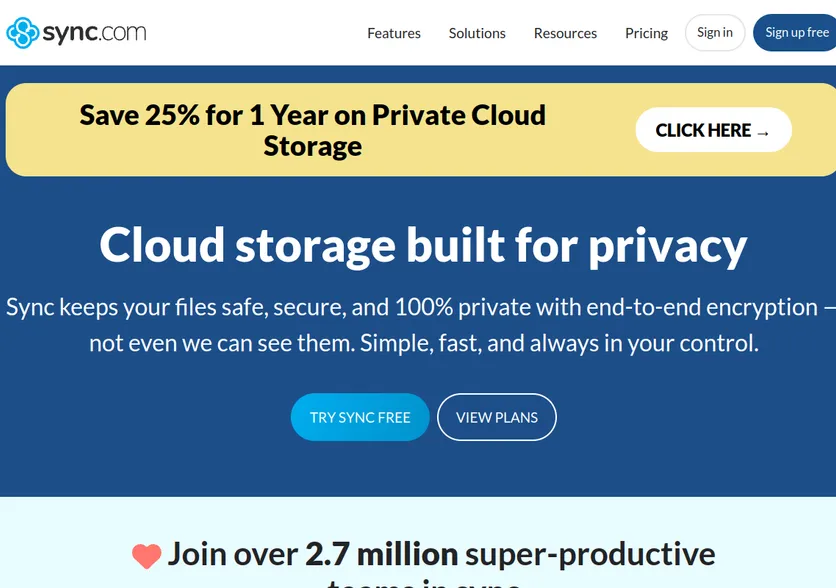
Paid tool Starting price: $6/user/month · Six dollars per user a month billed annually, or eight dollars per user a month billed monthly. The Teams Standard plan requires a three-user minimum and gives one terabyte per user, with a thirty-day free trial.
Free plan: 30-day free trial
Sync.com Teams Standard syncs files with zero-knowledge encryption, so files are encrypted before they leave your devices and even Sync cannot read them. The Standard plan gives one terabyte per user, unlimited file sizes, and vaults for files that should never sync to every device. The list price is six dollars per user a month billed annually, with a thirty-day free trial.
What we like
- Zero-knowledge encryption means Sync cannot read your files
- One terabyte per user with unlimited file sizes
- Vaults keep sensitive files off every device
Watch out for
- Sync is slower than Dropbox for very large folders
- Three-user minimum rules out solo users
How to try it
- Start the thirty-day trial and install the desktop app
- Create a vault for sensitive files
- Set link expiry dates on every external share
5. pCloud Business
Best for: Teams wanting a terabyte per user at a low price
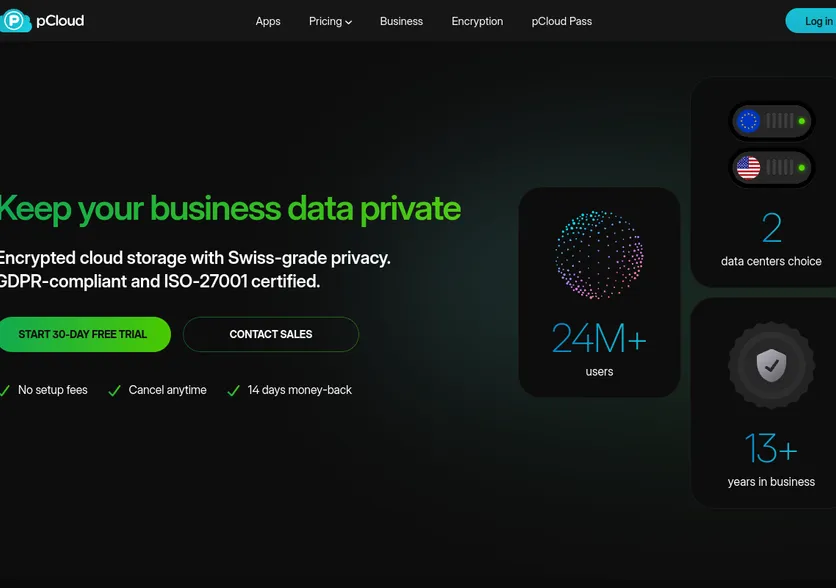
Paid tool Starting price: $7.99/user/month · Seven dollars and ninety-nine cents per user a month billed annually, or nine dollars and ninety-nine cents per user a month billed monthly. The Business plan requires a three-user minimum and gives one terabyte per user, with a thirty-day free trial.
Free plan: 30-day free trial
pCloud Business syncs files through pCloud Drive, which mounts your cloud storage as a local drive and keeps files off the hard drive until you need them. Each user gets one terabyte, uploads have no file-size limit, and the built-in media player streams audio and video directly from the cloud. The list price is seven dollars and ninety-nine cents per user a month billed annually.
What we like
- pCloud Drive mounts cloud storage as a local drive
- One terabyte per user with no file-size limit
- Built-in media player streams audio and video
Watch out for
- Client-side encryption costs extra as a paid add-on
- Fewer third-party integrations than Dropbox or Google Drive
How to try it
- Start the thirty-day trial and install pCloud Drive
- Choose which folders to sync and which to keep online only
- Share a folder with a client and set an expiry date
6. Tresorit Business Standard
Best for: Teams handling sensitive client files
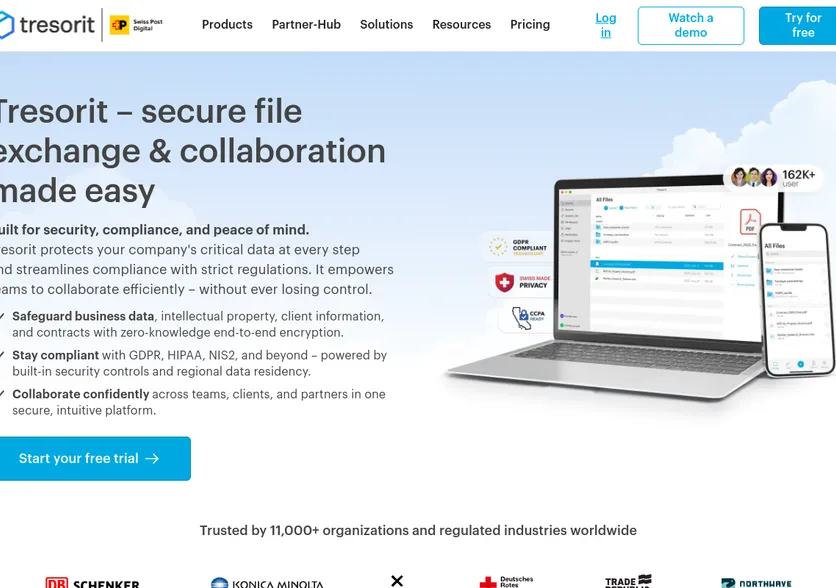
Paid tool Starting price: $14.50/user/month · Fourteen dollars and fifty cents per user a month billed annually, or eighteen dollars per user a month billed monthly. The Business Standard plan requires a three-user minimum and gives one terabyte per user, with a fourteen-day free trial.
Free plan: 14-day free trial
Tresorit Business Standard is the sync service for teams that handle sensitive client files, with end-to-end encryption on every file and granular access controls. Admins can set data residency, enforce policies and wipe a lost device remotely, while users sync normally across Windows, Mac and mobile. The list price is fourteen dollars and fifty cents per user a month billed annually, with a fourteen-day free trial.
What we like
- End-to-end encryption on every file, with data residency controls
- Remote wipe protects files on a lost device
- Granular access controls for sensitive client work
Watch out for
- Costs more per user than Dropbox or OneDrive
- Three-user minimum rules out solo users
How to try it
- Start the fourteen-day trial and invite your team
- Create encrypted rooms for each client project
- Set policies for device access and remote wipe
7. Egnyte Team
Best for: Teams that still keep a local file server
Paid tool Starting price: $10/user/month · Ten dollars per user a month paid annually. The Team plan covers one to ten users, and no monthly-billed price is published.
Free plan: Free trial available
Egnyte Team syncs files between the cloud and local folders, so teams that still keep a file server can work from both. The plan adds ransomware detection, content classification and granular permissions that most sync tools charge far more for. The Team plan covers one to ten users and costs ten dollars per user a month paid annually.

What we like
- Syncs between the cloud and local folders
- Ransomware detection and content classification included
- Granular permissions for small teams
Watch out for
- Team plan caps at ten users
- No monthly-billed price is published
How to try it
- Book a trial and connect your existing folders
- Set permissions for each team folder
- Turn on ransomware detection and review alerts weekly
8. OneDrive for Business
Best for: Microsoft 365 teams wanting the cheapest terabyte
Paid tool Starting price: $5/user/month · Five dollars per user a month for Plan 1, with one terabyte of storage per user and no minimum user count. Plan 2 costs ten dollars per user a month with unlimited storage. OneDrive is also included in every Microsoft 365 Business plan.
Free plan: Free personal account with 5 GB
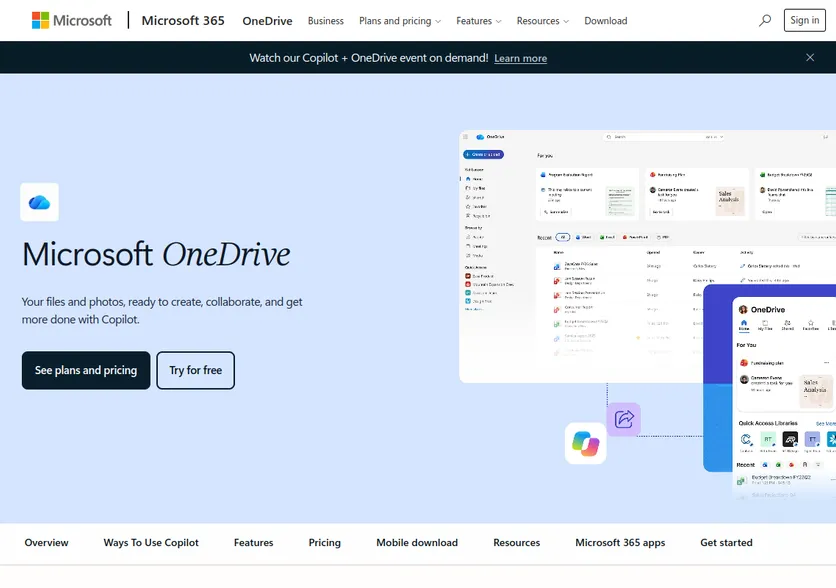
OneDrive for Business Plan 1 is the cheapest way into one terabyte of sync storage per user, and it is already included in every Microsoft 365 plan. Files sync across Windows, Mac and mobile, Office files open for co-editing in the browser, and the personal vault adds an extra layer for sensitive documents. The list price is five dollars per user a month, with no minimum user count.
What we like
- Cheapest terabyte per user at five dollars a month
- No minimum user count, unlike most rivals
- Office files open for co-editing in the browser
Watch out for
- Sync on Mac has historically been less reliable than on Windows
- Plan 1 is storage only, with no Office apps or mailbox
How to try it
- Sign up for Plan 1 or use your existing Microsoft 365 account
- Install OneDrive and choose the folders to sync
- Turn on Files On-Demand to keep the hard drive free
Prices above were checked on each vendor’s own website on Nov 27, 2026 and can change — the vendor’s page is the final word. Vendor links are editorial: nobody paid to be listed or ranked here. Vendors who want a featured listing can see how it works on our Get listed page.
How to set up file sync that never loses work
Start with selective sync: put the active projects on every laptop and leave the archives in the cloud, so a full hard drive never stops a sync. Agree on one folder structure for the whole team, and never let anyone rename a shared folder without telling the group, because a rename looks like a deletion to the sync engine. Turn on version history and check that it actually covers your plan — some plans keep versions for thirty days and others for six months.
Test the offline case once: disconnect, edit a file, reconnect, and confirm the changes merge cleanly. Finally, remove leavers the same day they leave, because a synced laptop keeps working long after the employee is gone.
Before you buy
- Check whether storage is pooled across the team or allocated per user, since pooled storage suits uneven teams.
- Ask how long version history lasts, because thirty days and six months are very different safety nets.
- Confirm the sync client works on every operating system your team uses, including Mac and Linux.
- Look for selective sync, so large folders do not fill small laptop drives.
- Make sure you can wipe a lost device remotely and revoke access the same day someone leaves.
Official websites
Official websites of the products reviewed above. Features and prices were checked against these sites when this guide was written, and they can change, so confirm on the vendor site before you buy.
Frequently asked questions
What is the best file sync software for a small business?
Dropbox Business leads for most small businesses because its sync is fast, reliable and handles conflicts cleanly, with three terabytes of pooled storage at fifteen dollars per user a month. OneDrive for Business is the cheapest option at five dollars per user a month for one terabyte, and it suits teams already on Microsoft 365. Sync.com is the best pick for privacy, with zero-knowledge encryption at six dollars per user a month.
How much does file sync software cost for a small business?
Paid sync plans start at five dollars per user a month for OneDrive for Business and six dollars for Sync.com, while Google Workspace costs seven dollars and pCloud Business seven dollars and ninety-nine cents. Dropbox and Box cost fifteen dollars per user a month, and Tresorit costs fourteen dollars and fifty cents. A five-person team usually spends between twenty-five and seventy-five dollars a month.
What is the difference between file sync and file backup?
Sync keeps the same files current on every device, so a change on one laptop appears everywhere within seconds. Backup keeps copies of files at points in time, so you can restore a file from last week even if it was deleted everywhere. Sync is not backup: if a file is deleted on one synced device, the deletion syncs too. Use version history or a real backup alongside sync for safety.
Is OneDrive or Dropbox better for a small business?
Dropbox syncs faster and handles conflicts more gracefully, and its desktop app is the standard other tools are judged against. OneDrive costs a third as much at five dollars per user a month and is already included in Microsoft 365, with strong Office integration. Teams that live in Office should pick OneDrive; teams that want the most reliable sync and the best third-party integrations should pick Dropbox.
Can I sync files without the cloud?
Yes — peer-to-peer sync tools move files directly between devices with no cloud server, which keeps data fully private. The trade-off is that there is no central backup, no web access and no admin console, so a lost device can mean lost files. Most small businesses are better served by a cloud sync service with version history.
Browse business tools for your team and pick the file sync plan that keeps everyone on the same file.
Browse Business Tools tools