On this page
A blog form has one job: turn a reader into a subscriber, a customer or a reply, without friction. The best builder for a blogger is the one that fits where the blog lives and how many responses it gets. Jotform leads this comparison because its template library covers almost every form a blog needs, but a WordPress blogger may do better on a plugin that keeps data on the site.
How we researched this
We checked every price on the vendor pricing page or a November 2026 vendor read, and only included tools with a published US dollar list price. We ranked each tool on what a blogger pays in practice, including response and submission caps, the free plan, and whether the form lives on the blog or on a third-party server. Quote-only builders were left out, so every price below can be verified.
Compare the tools
| Name | Best for | Starting price | Free plan | |
|---|---|---|---|---|
 Jotform | Bloggers who want a template for every kind of form | $34/mo | Free Starter plan with 5 forms and 100 submissions a month | Visit |
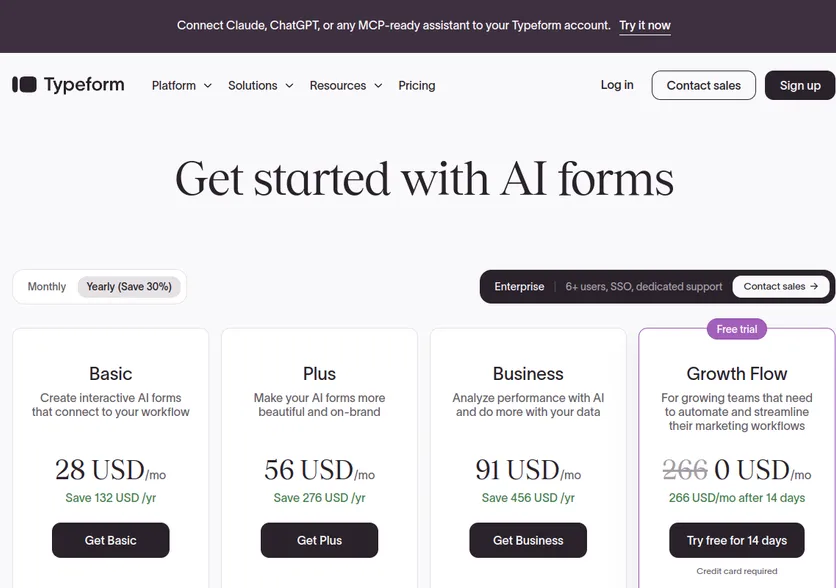
 Typeform | Bloggers who want beautiful conversational forms readers finish | $28/mo | Free plan with a limited number of responses a month | Visit |
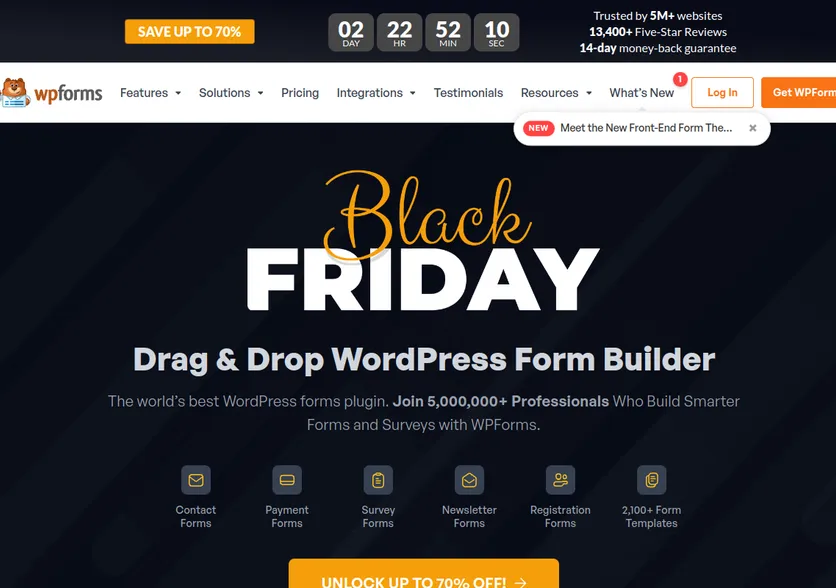
| WPForms | WordPress bloggers who want forms without code | $99/yr | Free Lite plugin with basic forms | Visit |
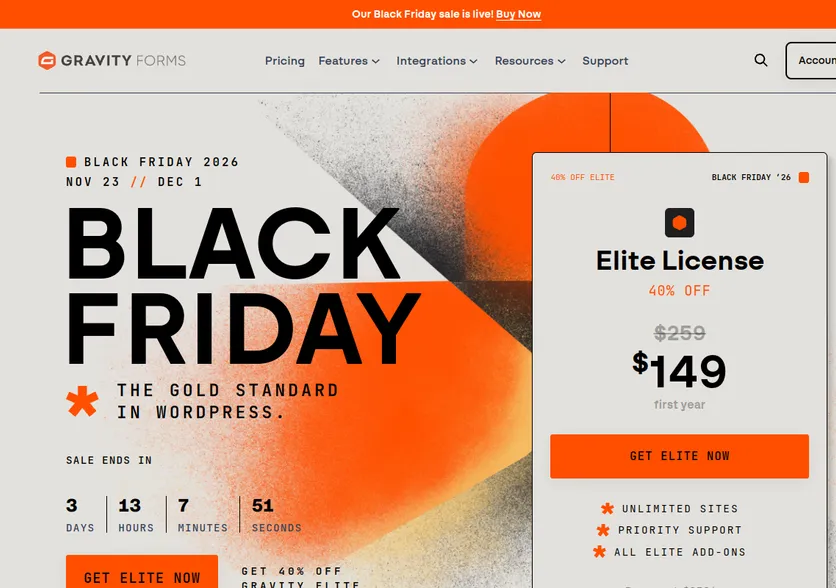
| Gravity Forms | WordPress bloggers who want deep logic and add-ons | $59/yr | No free plan; demo available | Visit |
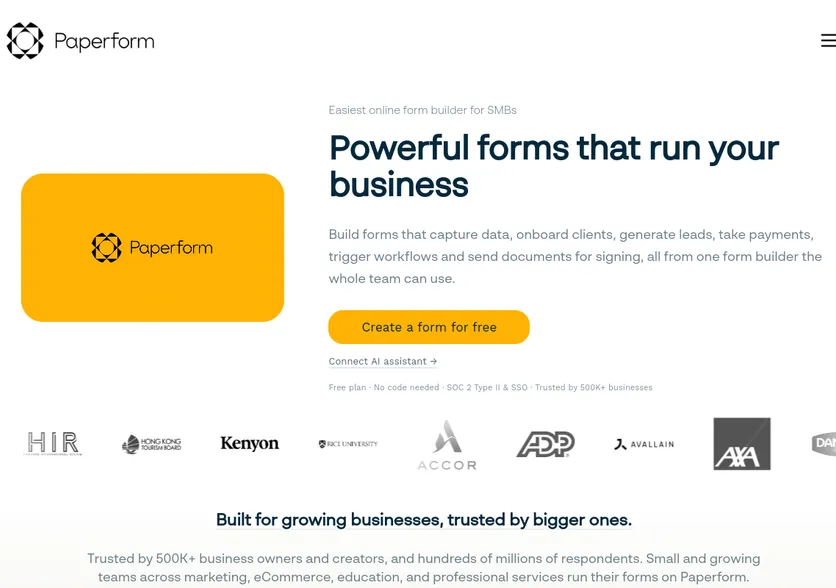
 Paperform | Bloggers who want forms that read like a web page | $49/mo | Free plan with 30 submissions a month | Visit |
| Tally | Bloggers who want unlimited free forms with no budget | $24/mo | Free plan with unlimited forms and submissions under fair use | Visit |
| Fillout | Bloggers whose answers go to Airtable or Notion | $15/mo | Free plan with 1,000 responses a month | Visit |
| Zoho Forms | Bloggers inside the Zoho ecosystem who want the cheapest paid plan | $10/mo | Free plan with 3 forms and 500 submissions a month | Visit |
The form builder software for bloggers, compared
1. Jotform
Best for: Bloggers who want a template for every kind of form
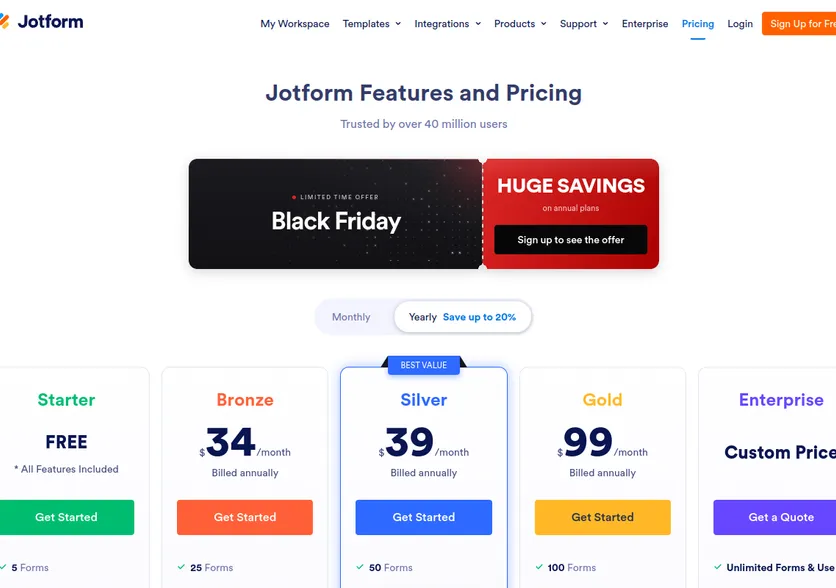
Paid tool Starting price: $34/mo · Thirty-four dollars a month for Bronze billed annually, or thirty-nine dollars monthly; Silver is thirty-nine dollars annually, Gold is ninety-nine dollars annually, and Enterprise is by quote
Free plan: Free Starter plan with 5 forms and 100 submissions a month
This Jotform Bronze plan costs thirty-four dollars a month billed annually, and it is the widest form builder in this list. It offers more than ten thousand templates, so a blogger can start from a contact form, a reader survey or a payment form instead of a blank page. It supports more than thirty payment processors, though every standard plan covers only one user.
What we like
- Largest template library of any form builder
- Payments through more than thirty processors
- Conditional logic and quiz forms included
Watch out for
- Only one user per account on standard plans
- Interface gets cluttered at higher volumes
How to try it
- Pick a template for the blog form needed
- Edit the fields and connect a payment processor
- Embed the form in the blog post or sidebar
2. Typeform
Best for: Bloggers who want beautiful conversational forms readers finish
Paid tool Starting price: $28/mo · Twenty-eight dollars a month for Basic billed annually, or thirty-nine dollars monthly; Plus is fifty-six dollars annually, Business is ninety-one dollars annually, and Enterprise is by quote
Free plan: Free plan with a limited number of responses a month
This Typeform Basic plan costs twenty-eight dollars a month billed annually, and it is the design pick for bloggers who care how a form feels. Its one-question-at-a-time format lifts completion rates on reader surveys and lead magnets, and it adds AI follow-up questions on higher tiers. The catch is the response cap: Basic allows only one hundred responses a month.
What we like
- Conversational format readers actually finish
- Strong design and branding controls
- AI form creation and follow-up questions
Watch out for
- Basic allows only one hundred responses a month
- Typeform branding stays until the Plus plan
How to try it
- Create the form with the AI builder or a template
- Set the questions one at a time
- Embed it in the blog post and watch responses
3. WPForms
Best for: WordPress bloggers who want forms without code
Paid tool Starting price: $99/yr · Ninety-nine dollars a year for the Basic license, with forty-nine dollars fifty for the first year; Pro is one hundred ninety-nine dollars a year, Elite is two hundred ninety-nine dollars a year, and a free Lite plugin covers basic forms
Free plan: Free Lite plugin with basic forms
This WPForms Basic license costs ninety-nine dollars a year, and it is the easiest form builder for a WordPress blog. It is a drag-and-drop plugin, so forms live inside the site and responses stay in the site database instead of a third-party server. The first year costs forty-nine dollars fifty, so the renewal price is the one to budget for.
What we like
- Easiest drag-and-drop builder for WordPress
- Responses stay in the site database
- No submission limits on any plan
Watch out for
- First-year price is half the renewal price
- Payment and CRM add-ons need higher tiers
How to try it
- Install the WPForms plugin on the blog
- Build the form with the drag-and-drop editor
- Place the form with a block or shortcode
4. Gravity Forms
Best for: WordPress bloggers who want deep logic and add-ons
Paid tool Starting price: $59/yr · Fifty-nine dollars a year for the Basic license for one site; Pro is one hundred fifty-nine dollars a year for three sites and Elite is two hundred fifty-nine dollars a year for unlimited sites
Free plan: No free plan; demo available
This Gravity Forms Basic license costs fifty-nine dollars a year for one site, and it is the cheapest paid WordPress form plugin in this list. It offers more than thirty field types, deep conditional logic and a large add-on library, so a blogger can build anything from a simple contact form to a paid membership signup. There is no free plan, so the fifty-nine dollars is the price of entry.
What we like
- Cheapest paid WordPress form plugin at fifty-nine dollars
- Deep conditional logic and thirty-plus field types
- Large add-on library for payments and automation
Watch out for
- No free plan or free trial on the main site
- Payment add-ons need the Pro license
How to try it
- Install Gravity Forms on the WordPress site
- Build the form with the field editor
- Connect the add-ons needed for payments or email
5. Paperform
Best for: Bloggers who want forms that read like a web page
Paid tool Starting price: $49/mo · Forty-nine dollars a month for the Pro plan billed annually, or fifty-nine dollars monthly; Business is one hundred twenty-four dollars a month billed annually, with unlimited submissions and unlimited seats
Free plan: Free plan with 30 submissions a month
This Paperform Pro plan costs forty-nine dollars a month billed annually, and it is the prettiest form builder in this list. Its forms read like a web page, with images, video and rich text between the fields, so a lead magnet or product page feels designed rather than assembled. It includes unlimited submissions and unlimited seats, which few rivals offer at this price.
What we like
- Forms that read like designed web pages
- Unlimited submissions and unlimited seats
- Five payment processors built in
Watch out for
- Submission caps are quoted per year, which hides how tight they are
- Smaller template library than Jotform
How to try it
- Start from a blank page or a template
- Add images and text between the form fields
- Publish the page and share the link
6. Tally
Best for: Bloggers who want unlimited free forms with no budget
Paid tool Starting price: $24/mo · Twenty-four dollars a month for Pro billed annually, or twenty-nine dollars month to month; Business is seventy-four dollars a month, and the free plan covers unlimited forms and submissions under fair use
Free plan: Free plan with unlimited forms and submissions under fair use
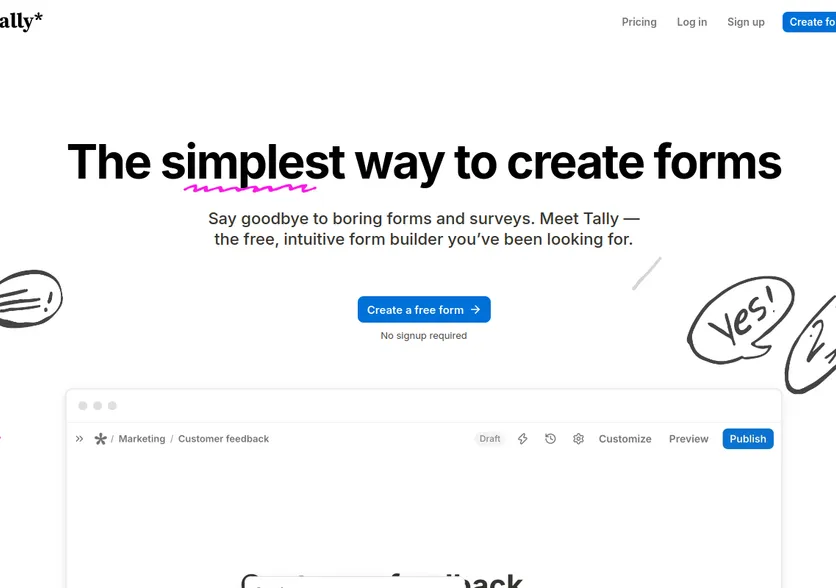
This Tally Pro plan costs twenty-four dollars a month billed annually, and it is the best free-first form builder in this list. The free plan includes unlimited forms, unlimited submissions, payments, signatures, uploads and conditional logic, which no rival matches. Pro adds unlimited team members, custom domains, partial submissions and a thirty-day version history.
What we like
- Free plan with unlimited forms and submissions
- Payments and logic included for free
- Notion-style editor that is fast to learn
Watch out for
- Fair use policy caps sustained volume at fifty thousand a month
- Fewer integrations than Jotform or Typeform
How to try it
- Write the form in the document-style editor
- Add logic and payment fields as needed
- Embed it or share the link on the blog
7. Fillout
Best for: Bloggers whose answers go to Airtable or Notion
Paid tool Starting price: $15/mo · Fifteen dollars a month for Starter billed annually, with two thousand responses; Pro is forty dollars a month for five thousand responses and Business is seventy-five dollars with no response cap, all with unlimited seats
Free plan: Free plan with 1,000 responses a month
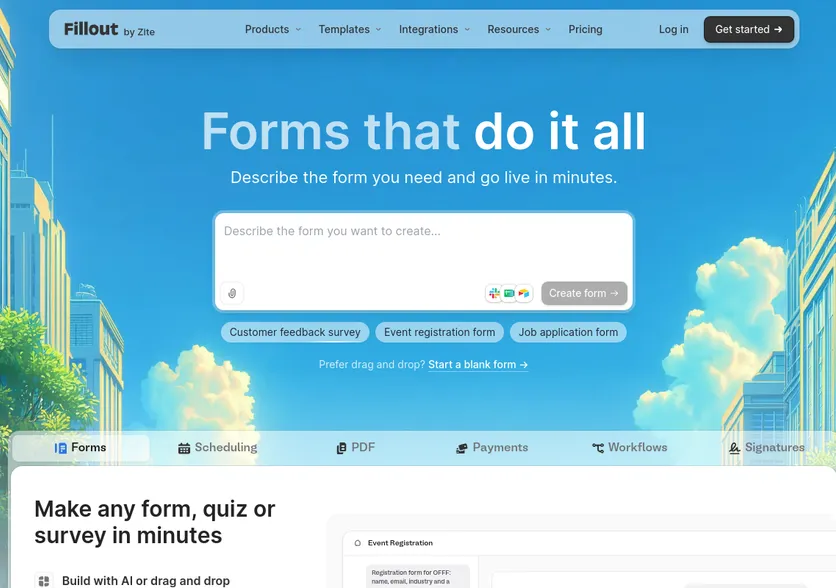
This Fillout Starter plan costs fifteen dollars a month billed annually, and it is the pick for bloggers whose answers live in Airtable or Notion. It sends responses straight into a database, supports deep logic, calculations and AI fields, and includes unlimited seats on every plan. The importer can even bring past Typeform responses across, which makes switching painless.
What we like
- Sends answers straight into Airtable or Notion
- Unlimited seats on every plan
- Importer for Typeform, Jotform and SurveyMonkey
Watch out for
- Starter allows only two thousand responses a month
- Smaller template library than the big names
How to try it
- Connect Airtable, Notion or Google Sheets
- Build the form with logic and calculations
- Publish it and watch responses land in the database
8. Zoho Forms
Best for: Bloggers inside the Zoho ecosystem who want the cheapest paid plan
Paid tool Starting price: $10/mo · Ten dollars a month for Basic billed annually, or twelve dollars monthly; the free plan covers three forms, five hundred submissions a month and ten payment submissions, with branding removed on any paid plan
Free plan: Free plan with 3 forms and 500 submissions a month
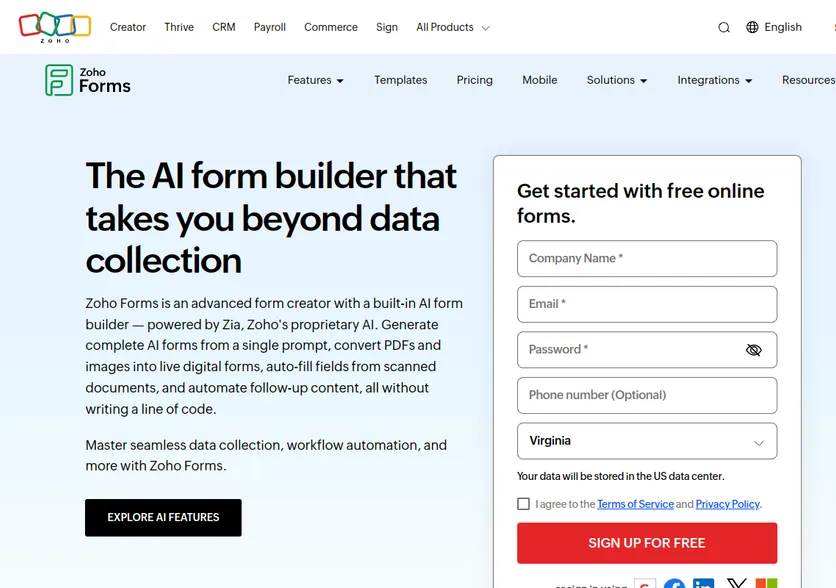
This Zoho Forms Basic plan costs ten dollars a month billed annually, and it is the cheapest paid form builder in this list. It includes conditional rules, quiz forms with scoring, and AI form building from a prompt, and it connects naturally to Zoho CRM. The design is traditional rather than beautiful, so a blogger who wants a striking form should look at Typeform or Paperform.
What we like
- Cheapest paid plan in this list at ten dollars
- Connects naturally to Zoho CRM
- Quiz forms with answer keys and scoring
Watch out for
- Design is traditional rather than striking
- Best value sits inside the Zoho ecosystem
How to try it
- Create the form from a prompt or a template
- Add conditional rules and quiz scoring
- Connect it to Zoho CRM or email
Prices above were checked on each vendor’s own website on Nov 27, 2026 and can change — the vendor’s page is the final word. Vendor links are editorial: nobody paid to be listed or ranked here. Vendors who want a featured listing can see how it works on our Get listed page.
How to pick a form builder for a blog
Start with where the blog lives, because a WordPress blog suits a plugin while a hosted blog suits a hosted builder. Count the monthly responses, since caps decide the real cost: Typeform Basic allows one hundred a month while Tally allows unlimited. Check whether the free plan covers payments, logic and branding removal, because the gaps decide when the paid plan becomes necessary. Confirm where responses are stored, and test the form on a phone before publishing, since most readers arrive on mobile. Finally, check the export options, because a blogger who cannot take their responses with them is locked into the tool.
Before you buy
- Match the builder to the blog platform, WordPress plugin or hosted form
- Count monthly responses first, because caps decide the real cost
- Check whether the free plan covers payments, logic and branding removal
- Confirm where responses are stored, on the site or a third-party server
- Test the form on a phone before publishing it to readers
Official websites
Official websites of the products reviewed above. Features and prices were checked against these sites when this guide was written, and they can change, so confirm on the vendor site before you buy.
Frequently asked questions
What is the best free form builder for bloggers?
Tally has the best free plan, with unlimited forms and unlimited submissions under a fair use policy, plus payments, signatures, uploads and conditional logic at no cost. Fillout follows with a free plan covering one thousand responses a month, and Jotform offers five forms and one hundred submissions a month free. A blogger with steady traffic should check the fair use cap, since sustained volume above fifty thousand submissions a month prompts a custom quote.
Should bloggers use WPForms or Gravity Forms?
WPForms is the easier choice, with a drag-and-drop editor and a free Lite plugin, while Gravity Forms is the deeper choice, with stronger conditional logic and a larger add-on library. WPForms Basic costs ninety-nine dollars a year after a forty-nine-dollar-fifty first year, and Gravity Forms Basic costs fifty-nine dollars a year. A blogger who wants the simplest setup should pick WPForms, while one building paid forms should pick Gravity Forms.
How many responses does Typeform Basic allow?
Typeform Basic allows one hundred responses a month for twenty-eight dollars a month billed annually, which is the tightest cap in this list. Plus raises the limit to one thousand responses for fifty-six dollars a month, and Business allows ten thousand for ninety-one dollars. A blogger whose survey or lead magnet gets more than a hundred responses a month should budget for Plus or pick Tally, which has no response cap on its free plan.
Do form builders charge extra for payments?
Most do not charge their own fee on paid plans, though the payment processor still takes its cut. Jotform charges no additional transaction fee, while Cognito Forms adds its own two percent fee on the free plan and one percent on Pro. WPForms adds a three percent fee below the Pro plan. A blogger selling through a form should check both the builder fee and the processor fee before choosing.
Where should blog form responses be stored?
WordPress plugins such as WPForms and Gravity Forms store responses in the site database, so the blogger owns the data and it never leaves the site. Hosted builders such as Jotform, Typeform and Tally store responses on their own servers, which is simpler but means the data sits with a third party. A blogger who wants full control should pick a plugin, while one who wants the simplest setup should pick a hosted builder.
Compare the eight tools above, then start on the free plan and upgrade only when the response cap bites.
Browse Document & File Converters tools