On this page
How we researched this
We compared eight graphic design tools that fit a church team's real work, using each vendor's published list price from November 2026 and checking templates, brand kits and ease of use for volunteers. Affinity Designer and Affinity Photo were excluded because they are now free for individuals, so they have no paid price to compare. Every price below is one you can verify on the vendor's own site.
Compare the tools
| Name | Best for | Starting price | Free plan | |
|---|---|---|---|---|
 Canva Pro | Churches that need sermon graphics, flyers and social posts fast | $12/month | Free plan with basic design tools | Visit |
 Adobe Photoshop | Churches with a skilled designer who needs full photo editing | $22.99/month | No free plan; seven-day free trial | Visit |
 Adobe Illustrator | Churches that need a logo, vector art and scalable graphics | $22.99/month | No free plan; seven-day free trial | Visit |
 CorelDRAW | Churches that want vector and layout tools without a monthly subscription | $269/year | No free plan; fifteen-day free trial | Visit |
 VistaCreate | Churches that want Canva-style templates at a lower price | $10/month | Free plan with basic templates | Visit |
 Snappa | Churches that need quick social graphics with stock photos | $10/month | Free plan with three downloads a month | Visit |
 PicMonkey | Churches that want photo editing and design in one cheap tool | $7.99/month | No permanent free plan; seven-day free trial | Visit |
 Procreate | Churches with an iPad and an artist for custom illustrations | $12.99 one-time | No free plan; one-time purchase only | Visit |
The graphic design software for churches, compared
1. Canva Pro
Best for: Churches that need sermon graphics, flyers and social posts fast
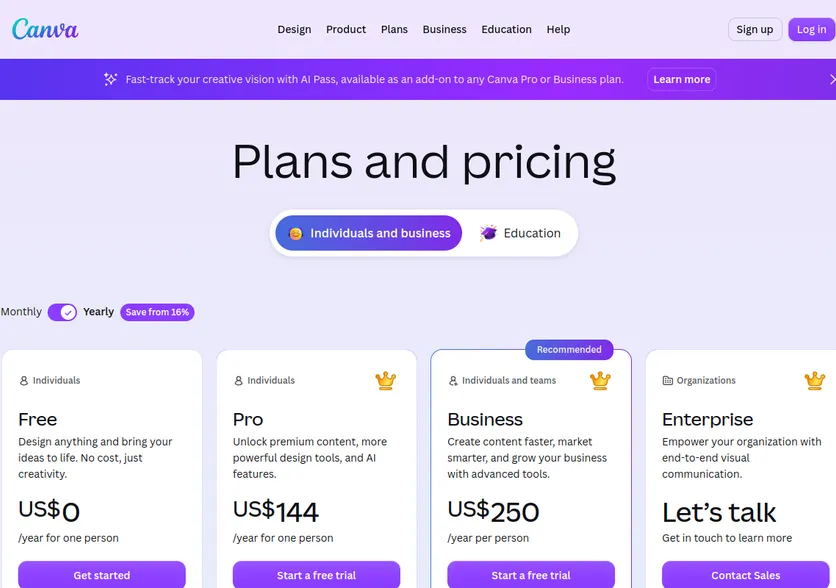
Paid tool Starting price: $12/month · Pro at twelve dollars a month on annual billing, one hundred forty-four dollars a year; eighteen dollars a month on monthly billing; free plan available
Free plan: Free plan with basic design tools
The easiest way for a church team to produce sermon graphics, event flyers and social posts every week, Canva Pro offers templates, a brand kit for church colors and fonts, and a background remover from twelve dollars a month on annual billing. Volunteers with no design training can resize a graphic for every platform in one click, and the Magic Resize and scheduling tools save hours. Note the price: Pro now costs one hundred forty-four dollars a year, up from one hundred twenty dollars.
What we like
- Templates for every church need
- Brand kit keeps designs consistent
- Easy enough for any volunteer
Watch out for
- Price rose to one hundred forty-four dollars a year
- Less control than professional design apps
How to try it
- Set up a brand kit with church colors
- Build a sermon series template
- Schedule social posts for the week
2. Adobe Photoshop
Best for: Churches with a skilled designer who needs full photo editing
Paid tool Starting price: $22.99/month · Twenty-two dollars ninety-nine cents a month on annual billing, billed monthly; includes one hundred gigabytes of cloud storage
Free plan: No free plan; seven-day free trial
When a church has a designer who needs full control over photos, Adobe Photoshop is still the standard, with layers, masks, retouching and color tools no template app can match. It handles photo restoration for church archives, composite images for sermon series and print-ready flyers at twenty-two dollars ninety-nine cents a month on annual billing. The learning curve is real, so it suits a church with a trained volunteer or staff designer.
What we like
- Full professional photo editing
- Best retouching and compositing tools
- Print-ready output for bulletins
Watch out for
- Steep learning curve for volunteers
- Subscription cost adds up per seat
How to try it
- Set up templates for sermon graphics
- Use adjustment layers for photo fixes
- Export print and web versions together
3. Adobe Illustrator
Best for: Churches that need a logo, vector art and scalable graphics
Paid tool Starting price: $22.99/month · Twenty-two dollars ninety-nine cents a month on annual billing, billed monthly
Free plan: No free plan; seven-day free trial
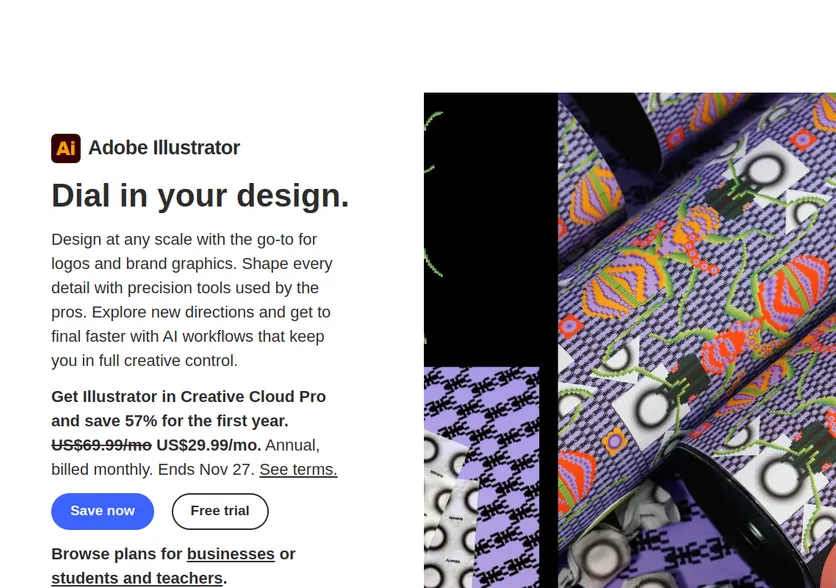
For the church logo, vector illustrations and graphics that must scale from a bulletin to a banner, Adobe Illustrator is the professional choice at twenty-two dollars ninety-nine cents a month on annual billing. Vector art stays sharp at any size, and the pen and shape tools build custom illustrations that no template library offers. It is the right tool when the church wants a visual identity that lasts for years rather than a one-off flyer.
What we like
- Vector graphics scale to any size
- Best tool for logos and custom art
- Professional output for print
Watch out for
- Steep learning curve for volunteers
- Overkill for simple social posts
How to try it
- Redraw the church logo as vector art
- Build a reusable icon set
- Export SVG for the website and print
4. CorelDRAW
Best for: Churches that want vector and layout tools without a monthly subscription
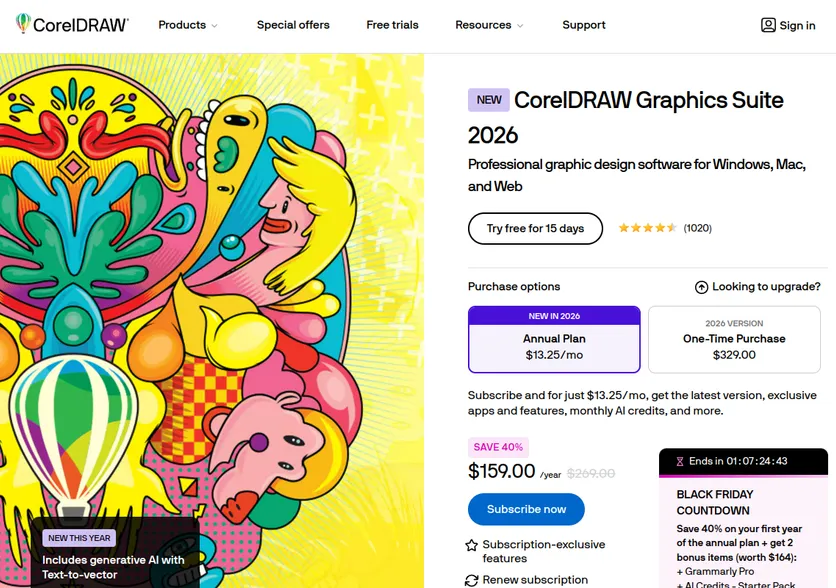
Paid tool Starting price: $269/year · Two hundred sixty-nine dollars a year on the annual subscription; one-time purchase at five hundred forty-nine dollars; monthly plan at thirty-nine dollars a month; first-year discounts are not the list price
Free plan: No free plan; fifteen-day free trial
For a church that would rather own its software than rent it monthly, CorelDRAW covers vector illustration, page layout and photo editing in one suite, with a one-time purchase option at five hundred forty-nine dollars. The annual subscription lists at two hundred sixty-nine dollars a year, and the suite handles bulletins, banners and signage that template tools cannot. Beware the first-year discount on the vendor site: it is not the list price.
What we like
- Vector, layout and photo tools in one suite
- One-time purchase option available
- Strong for print and signage
Watch out for
- Highest upfront cost in this list
- Smaller template library than Canva
How to try it
- Design the weekly bulletin layout
- Build vector art for signage
- Use the one-time purchase for a fixed budget
5. VistaCreate
Best for: Churches that want Canva-style templates at a lower price
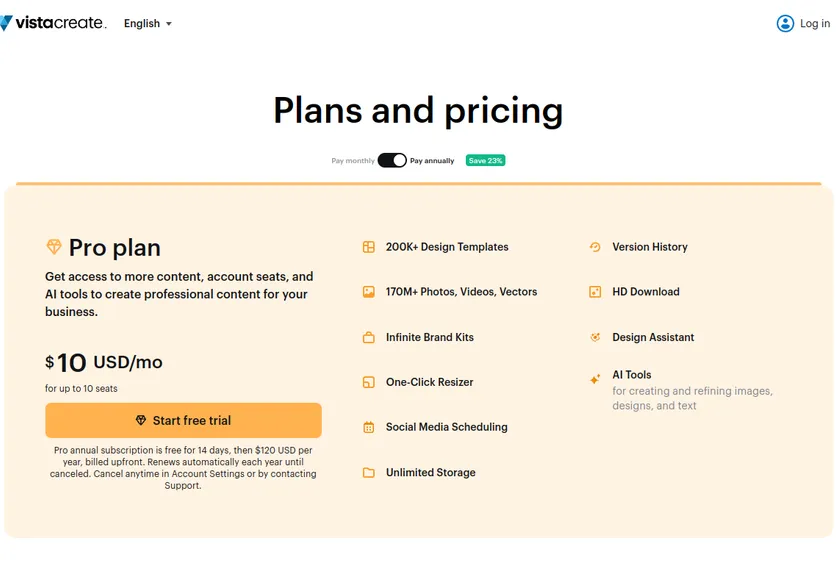
Paid tool Starting price: $10/month · Pro at ten dollars a month on annual billing, thirteen dollars on monthly billing
Free plan: Free plan with basic templates
A church that likes the Canva approach but wants a lower bill will find VistaCreate familiar, with templates for social posts, flyers and presentations from ten dollars a month on annual billing. It includes a background remover, a sticker library and brand kits, and the interface is simple enough for volunteers. At two dollars a month less than Canva Pro on annual billing, it is the value pick for a church on a tight budget.
What we like
- Cheaper than Canva Pro on annual billing
- Simple interface for volunteers
- Good template and sticker library
Watch out for
- Smaller community and fewer integrations
- Less advanced than Adobe tools
How to try it
- Set up a brand kit for the church
- Build templates for weekly events
- Resize graphics for every platform
6. Snappa
Best for: Churches that need quick social graphics with stock photos
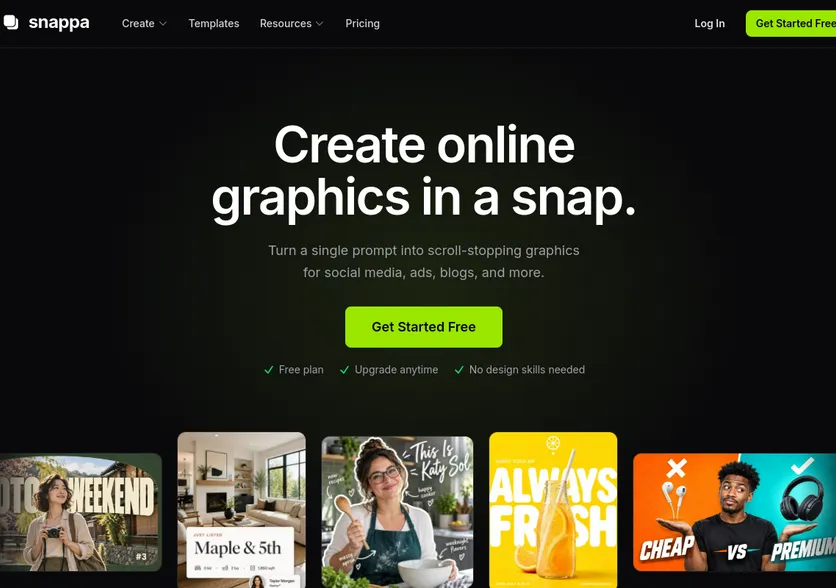
Paid tool Starting price: $10/month · Pro at ten dollars a month on annual billing, fifteen dollars on monthly billing
Free plan: Free plan with three downloads a month
When the church social team needs a graphic in ten minutes, Snappa is built for speed, with templates, stock photos and a one-click resizer from ten dollars a month on annual billing. There are no layers or complex menus to learn, so a volunteer can produce a Sunday announcement graphic before the service starts. The free plan allows three downloads a month, which is enough to test it on a real week of posts.
What we like
- Fastest editor in this comparison
- Stock photos built in
- Simple enough for any volunteer
Watch out for
- No layers or advanced editing
- Free plan limited to three downloads
How to try it
- Pick a template for Sunday announcements
- Resize for each social platform
- Save brand colors for repeat use
7. PicMonkey
Best for: Churches that want photo editing and design in one cheap tool
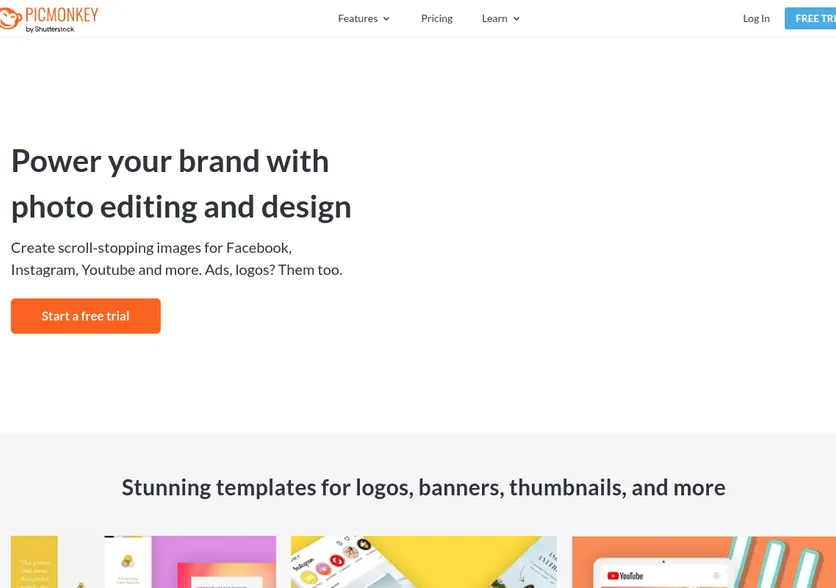
Paid tool Starting price: $7.99/month · Basic at seven dollars ninety-nine cents a month; Pro at twelve dollars ninety-nine cents a month
Free plan: No permanent free plan; seven-day free trial
For a church that edits photos as often as it designs flyers, PicMonkey combines a photo editor with design templates from seven dollars ninety-nine cents a month for Basic. Touch-up tools fix lighting and color in event photos, collage tools build recap posts, and the Pro plan adds brand kits and more storage. It is the cheapest paid design tool in this comparison for a church that needs both photo and design work.
What we like
- Photo editing and design in one tool
- Cheapest paid plan in this list
- Good collage and touch-up tools
Watch out for
- No permanent free plan
- Less powerful than Photoshop
How to try it
- Fix event photos with touch-up tools
- Build collage recaps after services
- Save templates for weekly announcements
8. Procreate
Best for: Churches with an iPad and an artist for custom illustrations
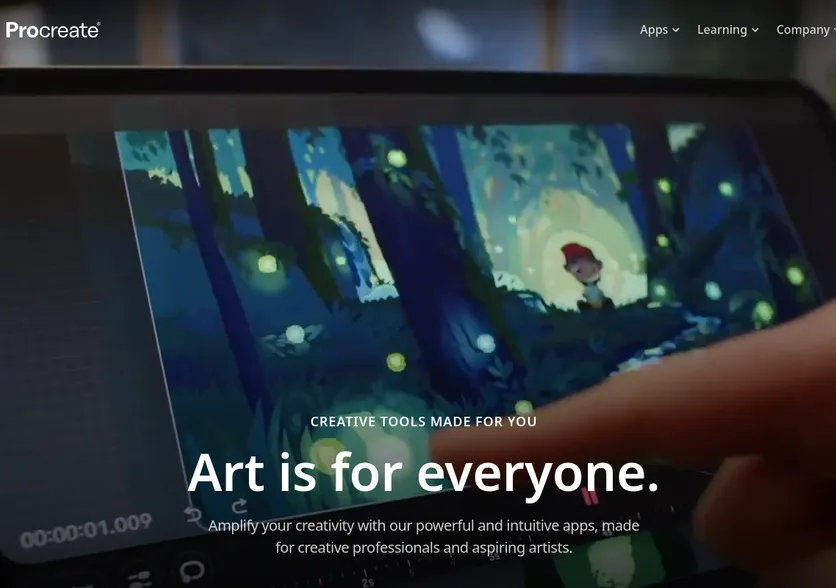
Paid tool Starting price: $12.99 one-time · Twelve dollars ninety-nine cents one time for iPad; no subscription; Procreate Dreams is a separate app at nineteen dollars ninety-nine cents one time
Free plan: No free plan; one-time purchase only
The only one-time purchase in this comparison, Procreate costs twelve dollars ninety-nine cents once for iPad, with no subscription ever. It is a drawing and illustration app with hundreds of brushes, layers and animation assist, which makes it ideal for a church artist creating custom sermon art, kids' ministry illustrations or hand-lettered scripture graphics. The catch is the hardware: it needs an iPad and an Apple Pencil to shine.
What we like
- One-time purchase, no subscription
- Best brush engine for illustration
- Great for custom sermon art
Watch out for
- iPad only, needs an Apple Pencil
- Not a layout or template tool
How to try it
- Sketch sermon art on the iPad
- Build a kids' ministry illustration set
- Export art for slides and print
Prices above were checked on each vendor’s own website on Nov 27, 2026 and can change — the vendor’s page is the final word. Vendor links are editorial: nobody paid to be listed or ranked here. Vendors who want a featured listing can see how it works on our Get listed page.
How a church team should set up its design workflow
Start with a brand kit: the church colors, fonts and logo in one place, so every volunteer produces work that looks like it came from the same team. Build templates for the repeating jobs first, the Sunday announcement, the sermon series and the event flyer, because templates save more time than any new feature. Assign one person to own the design library, so old files do not pile up and nobody recreates the same graphic twice.
Keep the workflow simple enough for a volunteer to finish a graphic in fifteen minutes, because a tool that needs training will sit unused. Export every design for both print and social at the same time, and keep the original files in one shared folder. Review the week's graphics together on Friday, so the team catches mistakes before Sunday morning.
Before you buy
- Confirm the plan includes a brand kit before you pay for anything
- Check whether templates cover sermon graphics, flyers and social posts
- Make sure volunteers can use the tool without training
- Ask whether files export for both print and social media
- Test the free plan on one real week of church graphics first
Official websites
Official websites of the products reviewed above. Features and prices were checked against these sites when this guide was written, and they can change, so confirm on the vendor site before you buy.
Frequently asked questions
What is the best graphic design software for a church?
Canva Pro is the best all-rounder for most churches because its templates, brand kit and scheduling tools cover sermon graphics, flyers and social posts from twelve dollars a month on annual billing. VistaCreate is the value pick at ten dollars a month, while Photoshop and Illustrator suit churches with a trained designer. The best choice depends on whether the team is volunteers or professionals.
What is the cheapest graphic design software for churches?
PicMonkey is the cheapest paid tool at seven dollars ninety-nine cents a month for Basic, followed by VistaCreate and Snappa at ten dollars a month on annual billing. Procreate costs twelve dollars ninety-nine cents once with no subscription, which is the cheapest long-term option for a church with an iPad. Canva Pro costs twelve dollars a month on annual billing, or one hundred forty-four dollars a year.
Can volunteers use these design tools without training?
Yes, Canva Pro, VistaCreate and Snappa are all built for non-designers, with templates and drag-and-drop editing that a volunteer learns in an afternoon. PicMonkey is also simple, with touch-up tools that fix photos automatically. Photoshop, Illustrator and CorelDRAW need real training, so they suit a church with a skilled designer rather than a rotating volunteer team.
Is Canva Pro still twelve dollars a month?
Yes, Canva Pro costs twelve dollars a month on annual billing, which is one hundred forty-four dollars a year, and eighteen dollars a month on monthly billing. The annual price rose from one hundred twenty dollars to one hundred forty-four dollars during 2026, so older articles still show the old price. Always check the vendor's own pricing page, because the list price is the one that matters.
Do churches need Adobe software or is Canva enough?
Most churches are fine with Canva Pro or VistaCreate, because templates cover sermon graphics, flyers and social posts, and volunteers can use them without training. Adobe Photoshop and Illustrator matter when the church needs a custom logo, vector art or print-ready output that templates cannot provide. Start with Canva Pro, and add Adobe only when a trained designer joins the team.
Compare the eight tools above, then start with a free plan on one real week of church graphics before you pay for a design tool.
Browse Image Tools tools