On this page
Platform engineers write infrastructure the way developers write software: in code, in version control, with reviews before anything changes. The tools below run that workflow, from storing state and applying changes to catching drift and enforcing policy. HCP Terraform leads the list because it is the managed home of the Terraform workflow most teams already use, and the other six tools are ranked on the same practical test: how much of the platform workflow they automate for the price.
How we researched this
We checked every price on the vendor pricing page on November 28, 2026, and only included tools with a published US dollar list price. env0 was left out because its published prices conflict across sources, and Digger, now OpenTaco, was left out because it publishes no paid price. Prices change, so confirm the current figure on the vendor site before you buy.
Compare the tools
| Name | Best for | Starting price | Free plan | |
|---|---|---|---|---|
| HCP Terraform | Platform teams that want the industry-standard Terraform workflow | $0.47/resource/month | Free plan up to 500 resources | Visit |
| Pulumi | Teams that want to write infrastructure in a real programming language | $40/month | Free plan | Visit |
 Spacelift | Platform teams that run many Terraform and OpenTofu stacks | $399/month | Free plan for 2 users | Visit |
| Scalr | Teams that want pay-per-run pricing with no monthly seat cost | $0.99/run | Free plan up to 50 runs a month | Visit |
| Terramate | Platform teams that manage Terraform across many repositories | $449/month | Free CLI | Visit |
| Firefly | Platform teams that need to find and fix cloud drift automatically | $2,499/month | 14-day free trial | Visit |
| Brainboard | Engineers who want to design infrastructure visually before writing code | $99/user/month | Free plan | Visit |
The infrastructure as code software for platform engineers, compared
1. HCP Terraform
Best for: Platform teams that want the industry-standard Terraform workflow
Paid tool Starting price: $0.47/resource/month · Forty-seven cents per resource per month on the Standard plan, or $0.00064 per resource per hour; Essentials is $0.10 per resource per month and Premium is $0.99, and the free plan covers up to 500 resources
Free plan: Free plan up to 500 resources
This HCP Terraform plan costs forty-seven cents per resource per month, and it is the managed home for Terraform code. It stores state, runs plans and applies in a shared workspace, and adds policy checks and drift detection on top of the open-source tool. A platform team that already writes Terraform will find the smallest learning curve here, because the language and the workflow stay exactly the same.
What we like
- The standard Terraform workflow, now managed and shared
- State storage, run history and policy checks built in
- A free tier that covers up to five hundred resources
Watch out for
- Costs scale with resource count, so large estates get expensive
- Some features need the Premium tier
How to try it
- Connect HCP Terraform to your version control repository
- Write or import your Terraform configuration into a workspace
- Run a plan, review the changes and apply them from the dashboard
2. Pulumi
Best for: Teams that want to write infrastructure in a real programming language
Paid tool Starting price: $40/month · Forty dollars per month on the Essentials plan, with unlimited users, 500 resources and 40 credits; Pro is $400 per month, and the older $50 per user per month Team pricing is no longer published
Free plan: Free plan
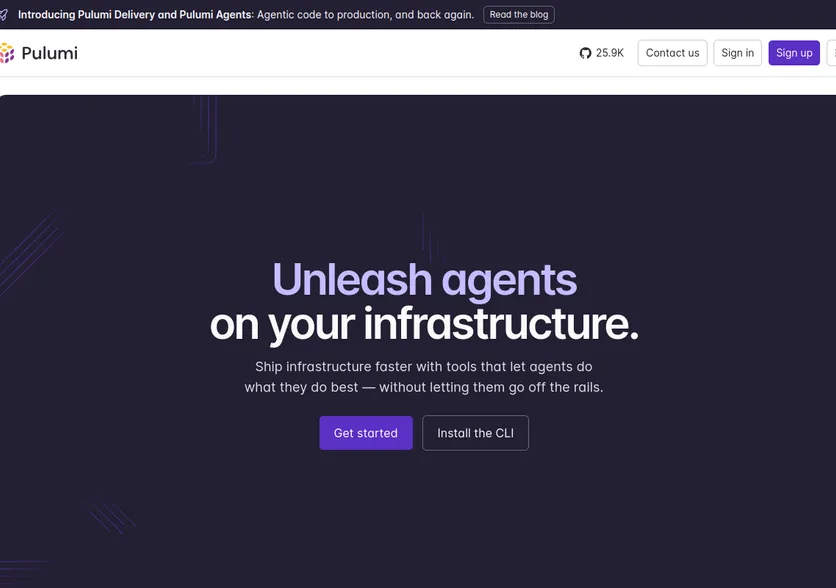
This Pulumi plan costs forty dollars a month, and it lets engineers define cloud infrastructure in TypeScript, Python, Go or C#. It covers unlimited users, five hundred resources and forty credits, which is enough for a small platform team to run real workloads. A team that dislikes Terraform's configuration language will find Pulumi's code-first approach more natural to test, review and reuse.
What we like
- Real programming languages with tests, loops and libraries
- Unlimited users on the paid plan
- State and secrets management included in the cloud service
Watch out for
- Smaller community than Terraform for module examples
- The credit system takes time to understand and budget
How to try it
- Install the Pulumi CLI and pick your programming language
- Write your infrastructure as code and preview the changes
- Deploy with Pulumi Cloud and track state in the dashboard
3. Spacelift
Best for: Platform teams that run many Terraform and OpenTofu stacks
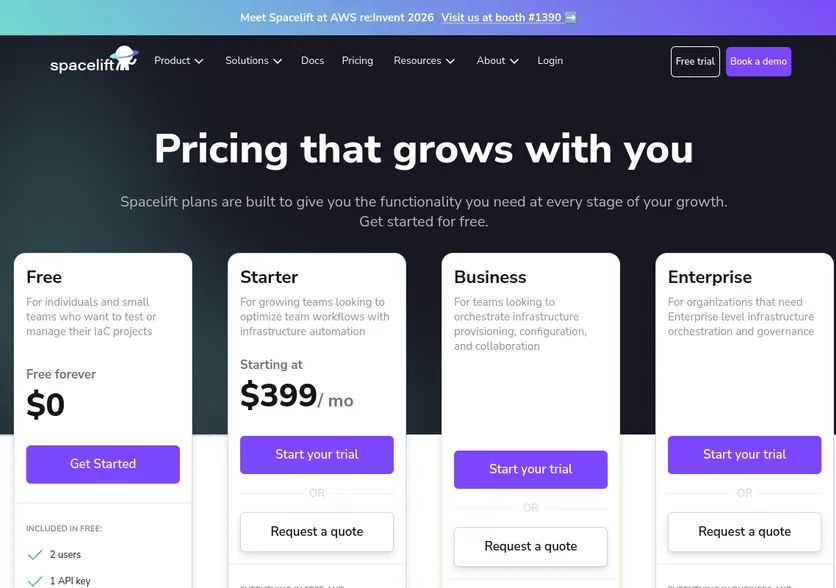
Paid tool Starting price: $399/month · Three hundred and ninety-nine dollars per month billed annually on the Starter plan, covering ten users and two public workers; Business and Enterprise are quoted, and the free plan covers two users
Free plan: Free plan for 2 users
This Spacelift plan costs three hundred and ninety-nine dollars a month on annual billing, and it is built to run Terraform and OpenTofu at scale. It adds policy as code, drift detection, private module registries and stack dependencies on top of the open-source workflow. A platform team managing dozens of stacks will spend less time on plumbing here than in a generic CI pipeline.
What we like
- Policy as code and drift detection built in
- Private module registry and stack dependencies
- Designed for many stacks, not just one
Watch out for
- The entry price is high for a team with one stack
- Some features need the Business or Enterprise tiers
How to try it
- Connect Spacelift to your repositories and create stacks
- Add policies and set up drift detection schedules
- Run plans and applies from the dashboard or the CLI
4. Scalr
Best for: Teams that want pay-per-run pricing with no monthly seat cost
Paid tool Starting price: $0.99/run · Ninety-nine cents per run on the Business plan; the free tier covers up to 50 runs a month, and 100 runs a month costs $99, with volume discounts available
Free plan: Free plan up to 50 runs a month
This Scalr plan costs ninety-nine cents per run, and it charges only when infrastructure actually changes. A team that runs Terraform occasionally pays almost nothing, while a busy team can predict the bill from its run count: one hundred runs a month costs ninety-nine dollars. The free tier covers fifty runs a month, which is enough to test the workflow before spending anything.
What we like
- Pay per run, with no per-user or per-resource charge
- A free tier that covers fifty runs a month
- Policy checks and run history included
Watch out for
- Costs grow with every run, including failed ones
- Fewer integrations than HCP Terraform or Spacelift
How to try it
- Connect Scalr to your version control and create a workspace
- Run a plan and review the changes in the dashboard
- Apply the run and watch the cost counted per run
5. Terramate
Best for: Platform teams that manage Terraform across many repositories
Paid tool Starting price: $449/month · From $449 per month for Terramate Cloud, per the vendor's published pricing; the command-line tool is free
Free plan: Free CLI
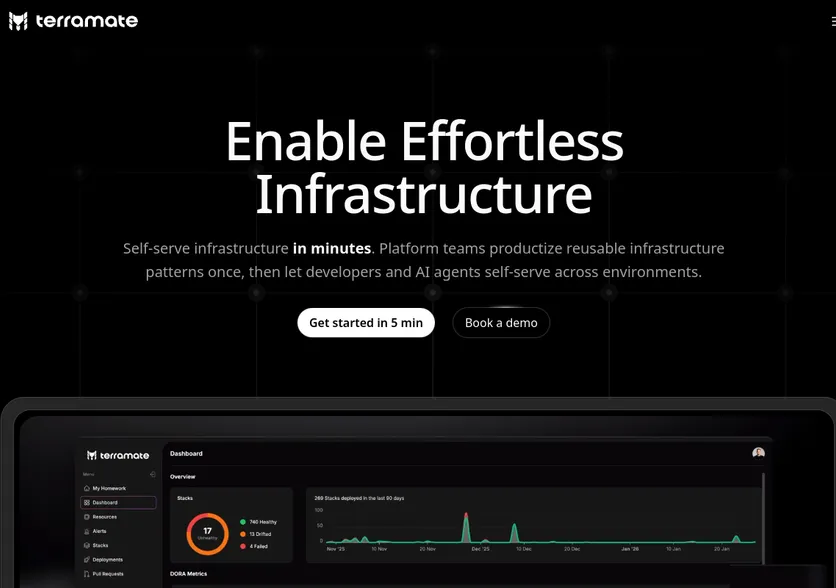
This Terramate plan costs from four hundred and forty-nine dollars a month, and it adds orchestration on top of Terraform. It manages stacks across repositories, runs changes in dependency order and tracks drift, which suits a platform team with dozens of modules to keep in sync. The command-line tool itself is free, so a team can adopt the workflow before paying for the cloud service.
What we like
- Stack orchestration across many repositories
- Change detection that only runs what actually changed
- The CLI is free, so the workflow costs nothing to try
Watch out for
- The cloud price is high for a small team
- A newer tool with a smaller community than Terraform
How to try it
- Install the Terramate CLI and define your stacks
- Run changes across repositories in dependency order
- Connect Terramate Cloud for drift detection and team workflows
6. Firefly
Best for: Platform teams that need to find and fix cloud drift automatically
Paid tool Starting price: $2,499/month · Two thousand four hundred and ninety-nine dollars per month billed annually on the Essential plan, covering up to 10,000 assets; Scale is $5,499 per month, with a 14-day free trial
Free plan: 14-day free trial
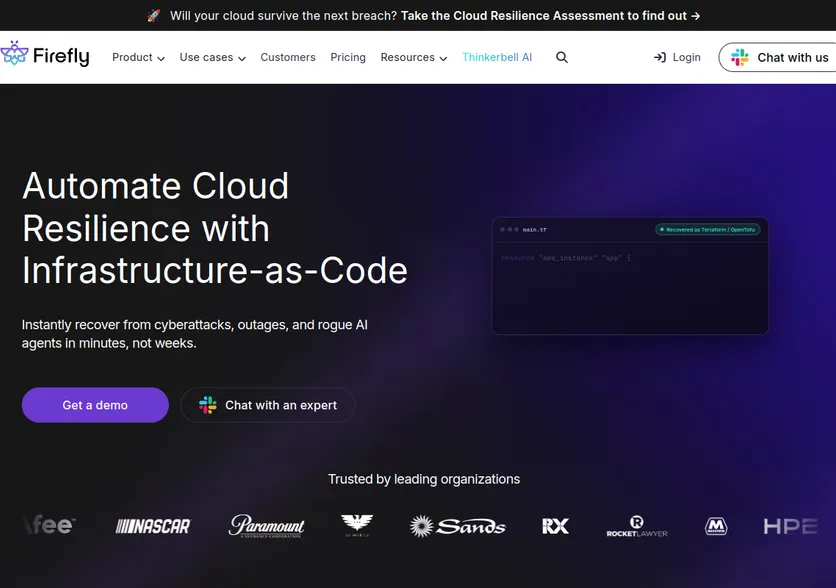
This Firefly plan costs two thousand four hundred and ninety-nine dollars a month on annual billing, and it discovers every cloud asset, then maps it back to the code that created it. When a resource drifts from its Terraform definition, Firefly flags it and can generate the code to bring it back in line. A platform team with a large, messy estate will find more value in that discovery than in another runner for applies.
What we like
- Discovers cloud assets and maps them to code
- Drift detection with code generation to fix it
- Covers up to ten thousand assets on the entry plan
Watch out for
- The entry price is the highest in this list
- Overkill for a team with a small, clean estate
How to try it
- Connect Firefly to your cloud accounts
- Let it discover assets and map them to your code
- Review drift alerts and generate code to fix them
7. Brainboard
Best for: Engineers who want to design infrastructure visually before writing code
Paid tool Starting price: $99/user/month · Ninety-nine dollars per user per month on the Pro plan, or $999 per user a year billed annually; the free plan includes unlimited architectures and code generation, and Enterprise is quoted
Free plan: Free plan
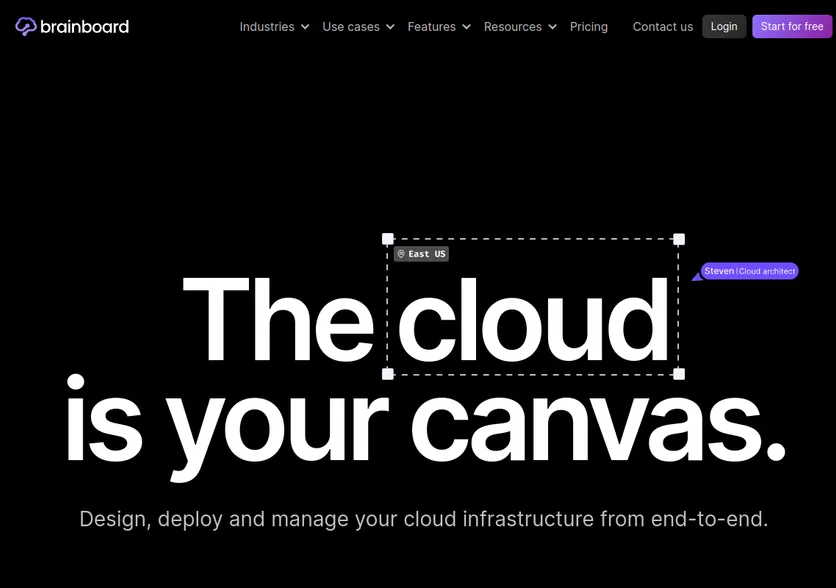
This Brainboard plan costs ninety-nine dollars per user per month, and it lets engineers draw infrastructure on a canvas and generate the Terraform code from the drawing. A platform team can design an architecture together, review it visually, and then export working code instead of writing it by hand. The free plan covers unlimited architectures and code generation, so a team can test the approach before paying.
What we like
- Visual design that makes architecture reviews easier
- Generates working Terraform code from the canvas
- A free plan with unlimited architectures and code generation
Watch out for
- The pricing display is ambiguous, so confirm the terms in writing
- Visual design suits new architectures more than existing code
How to try it
- Draw your architecture on the visual canvas
- Review the design with your team before generating code
- Export the Terraform code and deploy it with your usual tools
Prices above were checked on each vendor’s own website on Nov 28, 2026 and can change — the vendor’s page is the final word. Vendor links are editorial: nobody paid to be listed or ranked here. Vendors who want a featured listing can see how it works on our Get listed page.
How platform engineers should pick an infrastructure as code tool
Start with the language your team already writes, because retraining a team on a new language costs more than any subscription. Count your resources and your runs before you compare prices, since per-resource, per-run and per-user billing behave very differently at scale. Make state storage and drift detection non-negotiable, because a tool without them leaves you guessing about the real cloud. Finally, test the tool on one real stack end to end, from a pull request to an apply, before you migrate the rest of your estate.
Before you buy
- Count your resources first, because per-resource pricing grows with your cloud footprint
- Check whether the tool supports Terraform, Pulumi or both, since switching languages is expensive
- Confirm the free tier covers your real usage, including runs and state storage
- Look for policy checks and drift detection before you commit, not after
- Test the tool on one real stack with a real apply before you migrate everything
Official websites
Official websites of the products reviewed above. Features and prices were checked against these sites when this guide was written, and they can change, so confirm on the vendor site before you buy.
Frequently asked questions
What is infrastructure as code software?
It is software that lets a platform team define cloud infrastructure in code, store it in version control, and apply it through a shared workflow. The tools in this list manage Terraform or Pulumi code, run plans and applies, store state, check policies and detect drift. Without one, every engineer applies changes from a laptop, and nobody knows the true state of the cloud.
How much does HCP Terraform cost?
HCP Terraform Standard costs forty-seven cents per resource per month, or $0.00064 per resource per hour. Essentials is ten cents per resource per month and Premium is ninety-nine cents. The free plan covers up to five hundred resources. A team with one thousand resources on Standard pays about $470 a month.
Which infrastructure as code tool is best for a platform team?
HCP Terraform is the best pick for most platform teams, because it is the standard workflow for Terraform code and starts with a free tier. Pulumi at forty dollars a month is the best pick for a team that prefers writing infrastructure in a real programming language. Spacelift at $399 a month is the best pick for a team running many stacks.
Can I manage infrastructure as code for free?
Yes, with Scalr, whose free tier covers fifty runs a month, and with Brainboard, whose free plan includes unlimited architectures and code generation. HCP Terraform also has a free plan for up to five hundred resources, and Pulumi has a free plan too. For a small team, a free tier is usually enough to run real workloads before paying.
What is drift, and which tools detect it?
Drift is when the real cloud no longer matches the code that defined it, usually because someone changed a resource by hand in the console. HCP Terraform, Spacelift, Terramate and Firefly all detect drift and report it. Firefly goes further by generating the code to fix it, which saves the manual work of reconciling the two.
Compare the seven tools above, then start with a free trial on the tool that matches your stack before you pay for a full year.
Browse Developer Tools tools