On this page
A solo consultant sells hours and advice, and the invoice is where the work turns into money, so it has to be fast, professional and hard to ignore. The tools below track time, turn it into an invoice, send it with a payment link, and chase it politely until it is paid. Harvest leads the list because time tracking and invoicing start at $9 per user a month billed annually with a free plan underneath it, and the other seven tools are ranked on the same practical test: how fast a finished engagement turns into paid money.
How we researched this
We checked every price on the vendor pricing page on November 28, 2026, and only included tools with a published US dollar list price. Prices change, so confirm the current figure on the vendor site before you buy.
Compare the tools
| Name | Best for | Starting price | Free plan | |
|---|---|---|---|---|
 Harvest | Solo consultants who bill by the hour and need time turned into invoices | $9/user/month | Free plan for one seat and two projects | Visit |
 Indy | Solo consultants starting out who want proposals, contracts and invoices free | $18.75/month | Free plan for 3 invoices a month | Visit |
 Bonsai | Solo consultants who want proposals, contracts and invoicing in one subscription | $19/user/month | Free trial | Visit |
 FreshBooks | Solo consultants who want clean, simple invoicing with time tracking | $23/month | Free trial | Visit |
 Wave | Solo consultants who want invoicing and accounting for free | $19/month | Free plan for accounting and invoicing | Visit |
 QuickBooks Online | Solo consultants who need invoicing tied to full accounting | $38/month | Free trial | Visit |
 Xero | Solo consultants who want invoicing with strong bank feeds and a low entry price | $27/month | Free trial | Visit |
 HoneyBook | Solo consultants who sell packages and need the client journey in one place | $29/month | Free trial | Visit |
The invoicing software for solo consultants, compared
1. Harvest
Best for: Solo consultants who bill by the hour and need time turned into invoices
Paid tool Starting price: $9/user/month · Nine dollars per user a month billed annually for the Teams plan, or $11 billed monthly; Enterprise is $14 a month billed annually, and usage-based charges for extra invoices, projects, clients and tasks apply on top of the seat price
Free plan: Free plan for one seat and two projects
For Solo consultants, this Harvest plan costs nine dollars per user a month billed annually, and it pairs time tracking with invoicing, expenses and reporting. A consultant tracks hours against a project, turns them into a professional invoice in a few clicks, and sends it with an online payment link, with a free plan for one seat and two projects underneath. The catch is usage billing: extra invoices, projects, clients and tasks carry charges on top of the seat price, and the rates are not published.

What we like
- Time tracking turns hours into invoices directly
- Free plan for one seat and two projects
- Expenses and reporting in the same system
Watch out for
- Usage charges apply on top of the seat price
- Rates for extra invoices and projects are not published
How to try it
- Track hours against each client project as you work
- Turn tracked time into an invoice with expenses attached
- Send the invoice with a payment link and watch it get paid
2. Indy
Best for: Solo consultants starting out who want proposals, contracts and invoices free
Paid tool Starting price: $18.75/month · Eighteen dollars and seventy-five cents a month billed annually for the Pro plan, or $25 billed monthly; prepaying two years brings the rate to $12.50 a month, and the free plan covers 3 proposals, 3 contracts and 3 invoices a month
Free plan: Free plan for 3 invoices a month
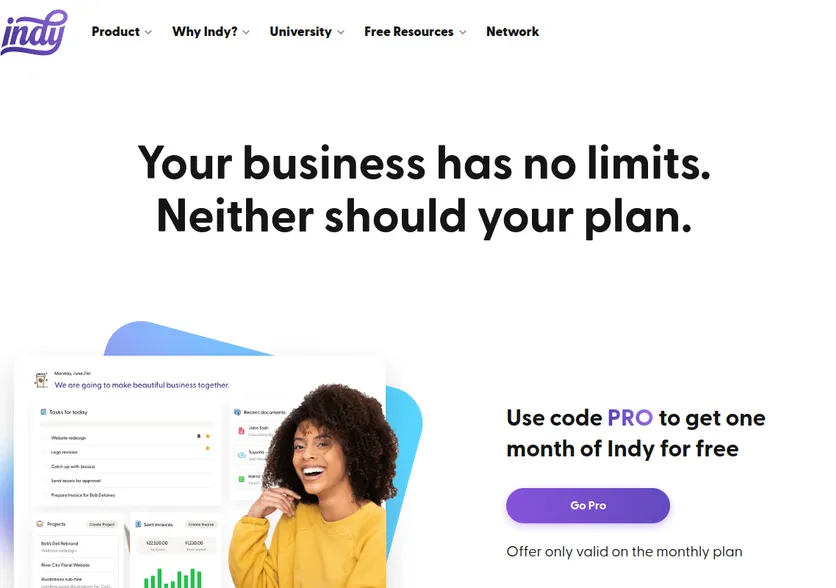
For Solo consultants, this Indy plan costs eighteen dollars and seventy-five cents a month billed annually, and it covers proposals, contracts, invoices, time tracking, tasks and a client portal in one all-in-one tool. The free plan covers three proposals, three contracts and three invoices a month, so a new consultant can run a side practice without paying, then move to Pro for unlimited documents, recurring invoices and white labelling. Paid subscriptions are non-refundable, so run the trial first.
What we like
- Free plan covers 3 invoices a month
- Proposals, contracts and invoices in one tool
- Recurring invoices and a branded client portal on Pro
Watch out for
- Paid subscriptions are non-refundable
- Cheapest rate needs a two-year prepay
How to try it
- Send a proposal and turn it into a signed contract
- Track time and turn it into an invoice with one click
- Set recurring invoices for retainer clients
3. Bonsai
Best for: Solo consultants who want proposals, contracts and invoicing in one subscription
Paid tool Starting price: $19/user/month · Nineteen dollars per user a month billed annually for the Essentials plan, or $25 billed monthly; Basic is $9, Premium is $29 and Elite is $49 a month billed annually, and invoicing with payments starts on Essentials, not Basic
Free plan: Free trial
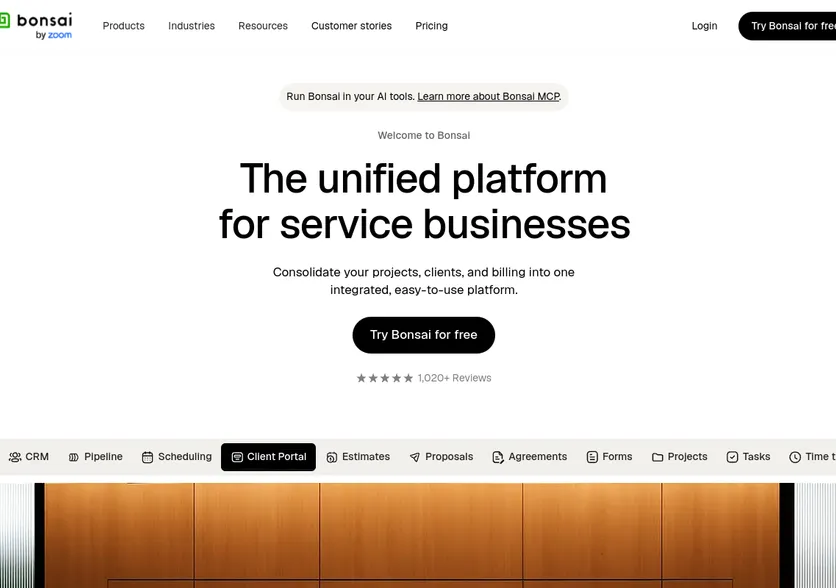
For Solo consultants, this Bonsai plan costs nineteen dollars per user a month billed annually, and it covers invoices and payments, proposals and contracts, forms, scheduling and a client portal. A consultant sends the proposal, gets it signed as a contract, tracks the time, and collects the invoice payment in the same workflow, with tax tools for US consultants on top. Invoicing starts on Essentials, not on the cheaper Basic plan, so budget on the $19 figure.
What we like
- Proposals, contracts and invoicing in one workflow
- Client portal and scheduling built in
- US tax tools for quarterly estimates
Watch out for
- Invoicing needs the Essentials plan, not Basic
- Priced per user, so a team costs more
How to try it
- Send a proposal and get it signed as a contract
- Track time and expenses against the project
- Send the invoice and take the payment online
4. FreshBooks
Best for: Solo consultants who want clean, simple invoicing with time tracking
Paid tool Starting price: $23/month · Twenty-three dollars a month for the Lite plan; Plus is $43 and Premium is $70 a month, and higher plans add more billable clients, team members and automation
Free plan: Free trial
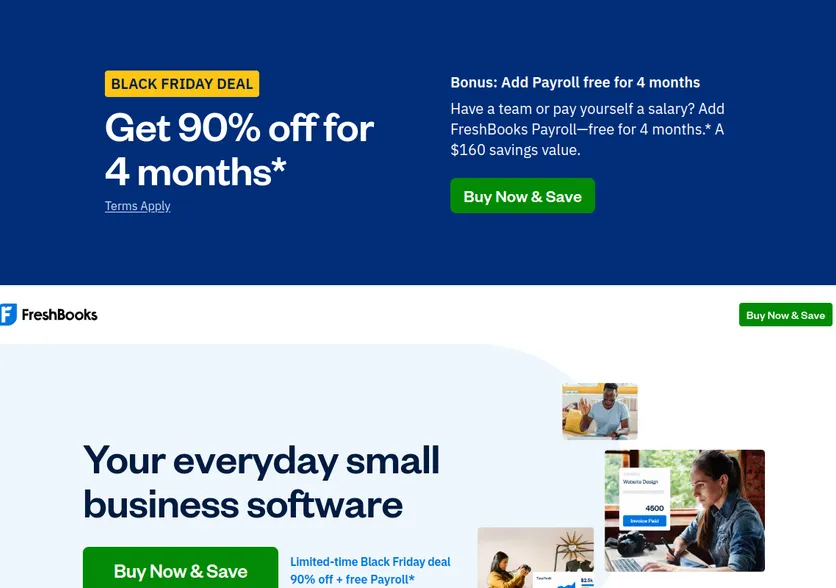
For Solo consultants, this FreshBooks plan costs twenty-three dollars a month, and it covers invoicing, expenses, time tracking and estimates for a small business. A consultant tracks hours on the engagement, turns them into an invoice in a few clicks, and sends payment reminders automatically, with online payments built in. It is a general invoicing tool rather than a consultancy system, so contracts and proposals need a separate tool.
What we like
- Clean invoices with automatic reminders
- Time tracking turns hours into invoices
- Expenses and estimates in the same system
Watch out for
- No contracts or proposals built in
- Billable client limits rise only on higher plans
How to try it
- Track hours and expenses against the engagement
- Turn tracked time into a professional invoice
- Send automatic payment reminders and take card payments online
5. Wave
Best for: Solo consultants who want invoicing and accounting for free
Paid tool Starting price: $19/month · Nineteen dollars a month for the Pro plan; accounting and invoicing are free on the base plan, and Pro adds receipt scanning, unlimited users and priority support
Free plan: Free plan for accounting and invoicing
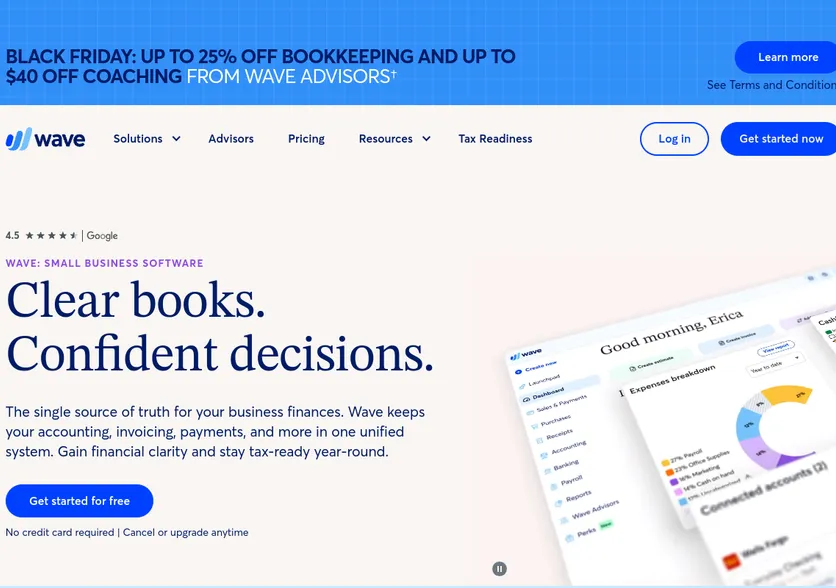
For Solo consultants, this Wave plan costs nineteen dollars a month, and its accounting and invoicing are free on the base plan, with Pro adding receipt scanning, unlimited users and priority support. A solo consultant sends unlimited invoices, records payments and keeps the books without a subscription, then pays only for payroll or payment processing if needed. The trade-off is depth: it invoices well, but time tracking and contracts need separate tools.
What we like
- Accounting and invoicing free on the base plan
- Unlimited invoices with no monthly fee
- Simple enough to run from the phone
Watch out for
- No time tracking built in
- Payroll and payment processing cost extra
How to try it
- Send unlimited invoices from the free plan
- Record payments and reconcile the bank feed
- Add Pro for receipt scanning and unlimited users
6. QuickBooks Online
Best for: Solo consultants who need invoicing tied to full accounting
Paid tool Starting price: $38/month · Thirty-eight dollars a month for the Simple Start plan; Essentials is $75, Plus is $140 and Advanced is $340 a month, and higher plans add more users, bill management and project tracking
Free plan: Free trial
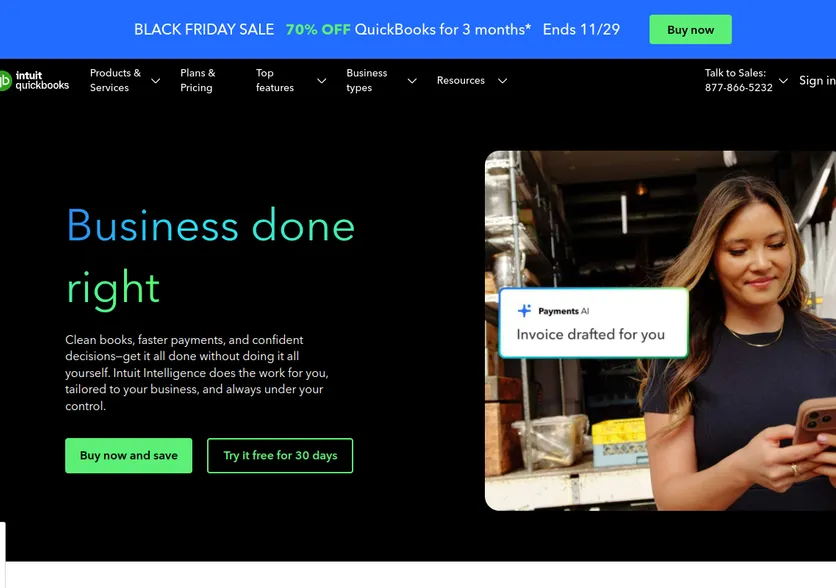
For Solo consultants, this QuickBooks Online plan costs thirty-eight dollars a month, and it covers invoicing, expenses, bank feeds and reporting for one user. A consultant sends the invoice, records the payment, and sees profit and loss without a second system, while higher plans add bill management, project tracking and more users. It is the accounting-first choice: the invoice is one part of the books, not a separate tool.
What we like
- Invoicing tied directly to the books
- Bank feeds and reporting built in
- Project tracking on higher plans
Watch out for
- No contracts or proposals built in
- Priced per month with no free plan
How to try it
- Send the invoice and record the payment in the same system
- Track project costs against the engagement
- Reconcile the bank feed and see profit per client
7. Xero
Best for: Solo consultants who want invoicing with strong bank feeds and a low entry price
Paid tool Starting price: $27/month · Twenty-seven dollars a month for the Starter plan; Standard is $59 and Premium is $97 a month, and higher plans add more users, bills and project tracking
Free plan: Free trial
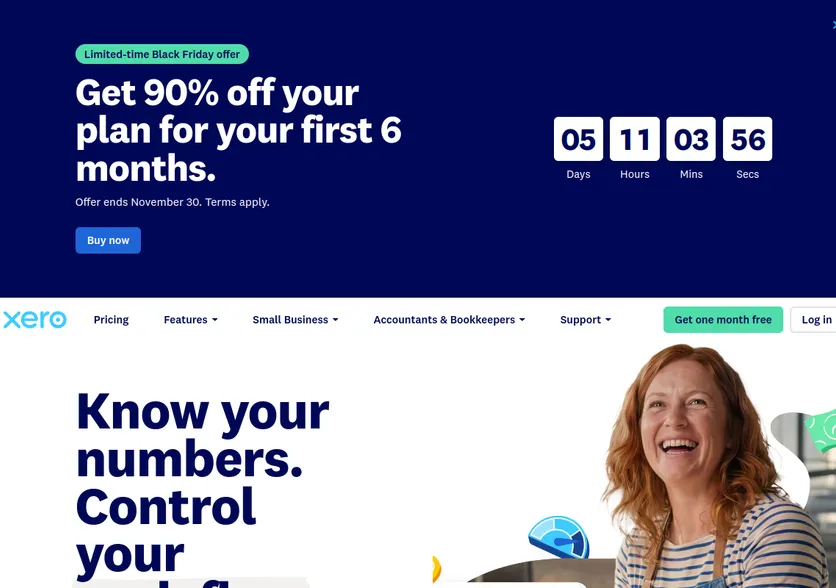
For Solo consultants, this Xero plan costs twenty-seven dollars a month, and it covers invoicing, bank reconciliation, expenses and reporting. A consultant sends the invoice, the client pays online, and the bank feed reconciles the payment automatically, with project tracking on higher plans. It suits a consultant who already banks online and wants the books to look after themselves between engagements.
What we like
- Bank feeds reconcile payments automatically
- Clean invoicing with online payment links
- Strong mobile app for client work
Watch out for
- Project tracking needs a higher plan
- No contracts or proposals built in
How to try it
- Send the invoice with online payment links
- Let the bank feed reconcile payments automatically
- Track expenses against each client as they happen
8. HoneyBook
Best for: Solo consultants who sell packages and need the client journey in one place
Paid tool Starting price: $29/month · Twenty-nine dollars a month billed annually for the Starter plan, or $36 billed monthly; Essentials is $39 and Premium is $79 a month billed annually, and higher plans add more automation and scheduling
Free plan: Free trial
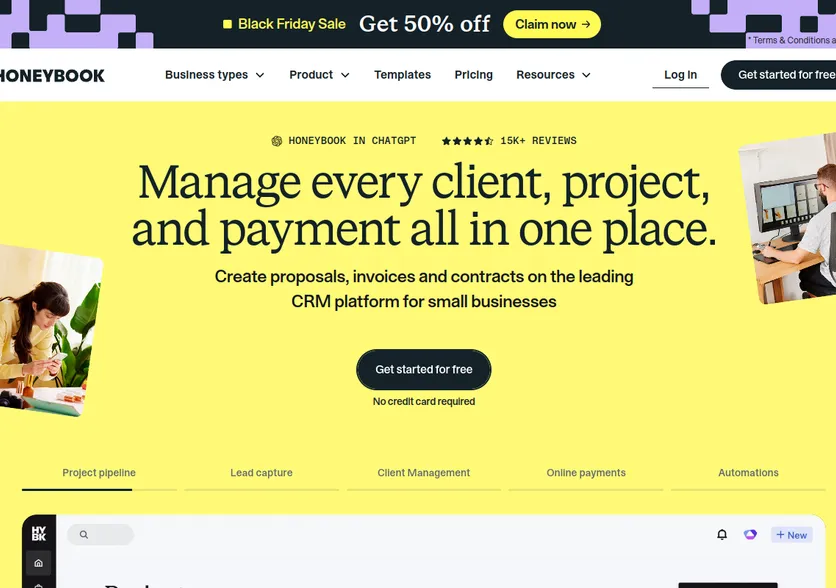
For Solo consultants, this HoneyBook plan costs twenty-nine dollars a month billed annually, and it covers client intake, proposals, contracts, invoicing, payments and scheduling in one workflow. A consultant books the discovery call, sends the proposal, gets the contract signed and collects the invoice payment without leaving the system, with automation on higher plans. It suits consultants who sell packages, not hours, because the journey is the product.
What we like
- Proposals, contracts and invoicing in one workflow
- Client intake and scheduling built in
- Automation and templates on higher plans
Watch out for
- Built for packages, not hourly billing
- Monthly billing costs more than the annual rate
How to try it
- Send the proposal and get the contract signed online
- Schedule the work and track it to completion
- Invoice the package and take the payment in the same workflow
Prices above were checked on each vendor’s own website on Nov 28, 2026 and can change — the vendor’s page is the final word. Vendor links are editorial: nobody paid to be listed or ranked here. Vendors who want a featured listing can see how it works on our Get listed page.
How a solo consultant should run invoicing
Start with the agreement, not the invoice. Send the proposal, get the contract signed, and agree the payment schedule before the work starts, so the invoice at each stage matches what the client already approved. Track time as you go, even on fixed-fee work, because the record proves the value and settles the dispute before it starts. Finally, send the invoice the day the stage finishes and take the payment online, because a consultant who waits a week to invoice waits a month to get paid.
Before you buy
- Check that proposals and contracts are included in the price, not only on a higher plan
- Confirm whether time tracking turns hours into invoices directly
- Ask how the price changes if you add a subcontractor or assistant
- Count card processing fees separately from the monthly subscription before you compare
- Run a trial with one real engagement, from proposal to paid invoice, before you commit
Official websites
Official websites of the products reviewed above. Features and prices were checked against these sites when this guide was written, and they can change, so confirm on the vendor site before you buy.
Frequently asked questions
What is invoicing software for solo consultants?
It is software that tracks time, turns it into a professional invoice, sends it with a payment link, and chases it until it is paid, often with proposals and contracts in the same workflow. The tools in this list do that through time tracking, all-in-one client management or accounting. None of them replaces your contract, but they turn finished work into paid money faster and with fewer awkward follow-ups.
Which tool is cheapest for a solo consultant?
Wave is cheapest, with accounting and invoicing free on the base plan and Pro at nineteen dollars a month. Harvest follows at nine dollars per user a month billed annually, though usage charges apply on top, and Indy offers a free plan for three invoices a month with Pro at eighteen dollars and seventy-five cents a month billed annually. Compare the full bill, including usage fees and processing charges.
What does Harvest cost for a solo consultant?
Harvest costs nine dollars per user a month billed annually for the Teams plan, or eleven dollars billed monthly, with a free plan for one seat and two projects underneath. Enterprise is fourteen dollars a month billed annually. Usage-based charges for extra invoices, projects, clients and tasks apply on top of the seat price, and the rates are not published on the pricing page.
Do these tools include contracts and proposals?
Indy, Bonsai and HoneyBook include proposals and contracts in the same workflow as invoicing, so the client signs before the work starts. FreshBooks, Wave, QuickBooks and Xero invoice well but need a separate tool for contracts, while Harvest tracks time and invoices without proposals. If signed agreements are part of every engagement, pick an all-in-one tool rather than a pure invoicing one.
Can these tools handle retainer clients?
Yes, most of them do. Indy and HoneyBook support recurring invoices for retainers, FreshBooks and QuickBooks handle recurring billing, and Harvest turns tracked retainer hours into a monthly invoice. Wave covers recurring invoices on its free plan too. Check whether recurring billing sits on the plan you would actually buy, because it is a higher-plan feature on some tools.
Compare the eight tools above, then start with a free trial on the tool that fits how you already sell your time.
Browse Business Tools tools