On this page
A development team lives or dies by what it can see: a slow API endpoint, an error spike after a deploy, or a website that went down at two in the morning. The right tools turn that guesswork into a dashboard and an alert. Datadog leads this list because it pulls metrics, logs and traces into one view for fifteen dollars per host per month, and the other seven tools are judged on the same practical test: how fast a developer finds out what broke.
How we researched this
We checked every price on the vendor pricing page on November 28, 2026, and only included tools with a published US dollar list price and a free plan or free trial. Prices change, so confirm the current figure on the vendor site before you buy. Usage-based tools can cost far more than the headline price, so check what counts as a billable unit before you commit.
Compare the tools
| Name | Best for | Starting price | Free plan | |
|---|---|---|---|---|
 Datadog | Development teams that want metrics, logs and traces in one observability platform | $15/host per month | Free tier for 5 hosts | Visit |
 New Relic | Engineering teams that need to find the root cause of production incidents fast | $99/full platform user per month | Free Basic plan with unlimited Basic users | Visit |
 Sentry | Development teams that want to catch and fix application errors before users report them | $26/month | Free Developer plan for 1 user | Visit |
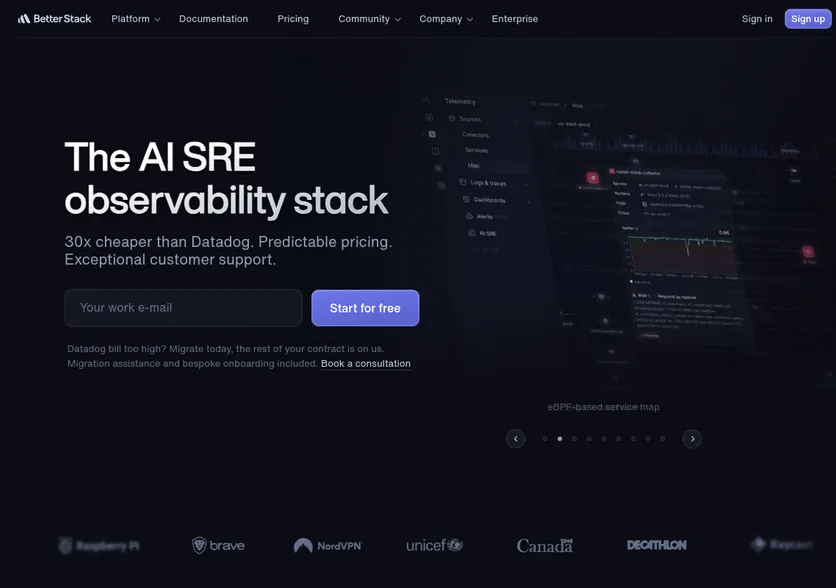
 Better Stack | Small teams that want uptime monitoring, status pages and incident alerts in one tool | $29/responder per month | Free plan for 10 monitors | Visit |
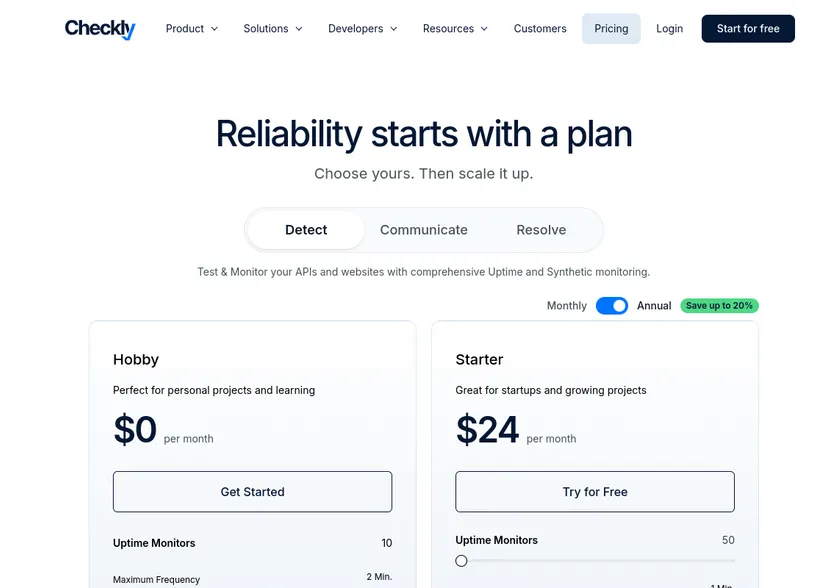
 Checkly | Teams that want to test APIs and websites continuously from many locations | $24/month | Free Hobby plan | Visit |
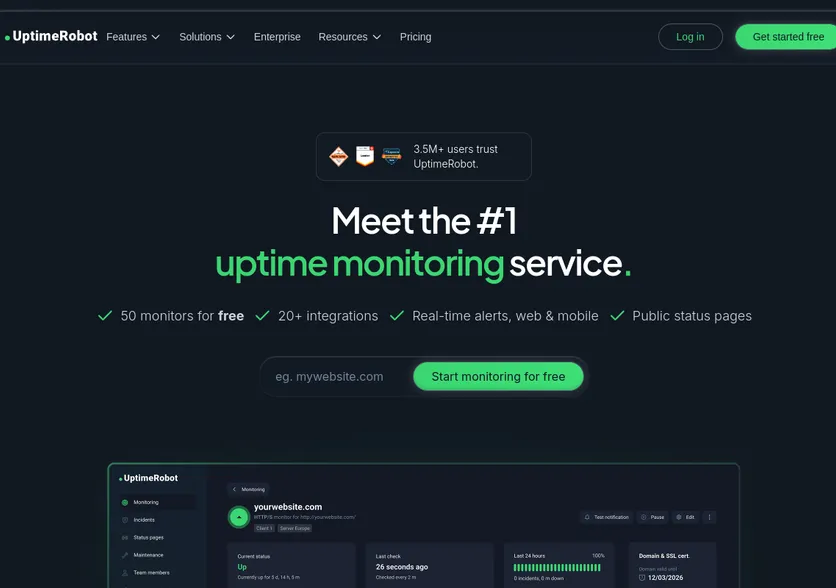
 UptimeRobot | Small teams that want simple uptime monitoring at the lowest price | $12/month | Free plan for 50 monitors | Visit |
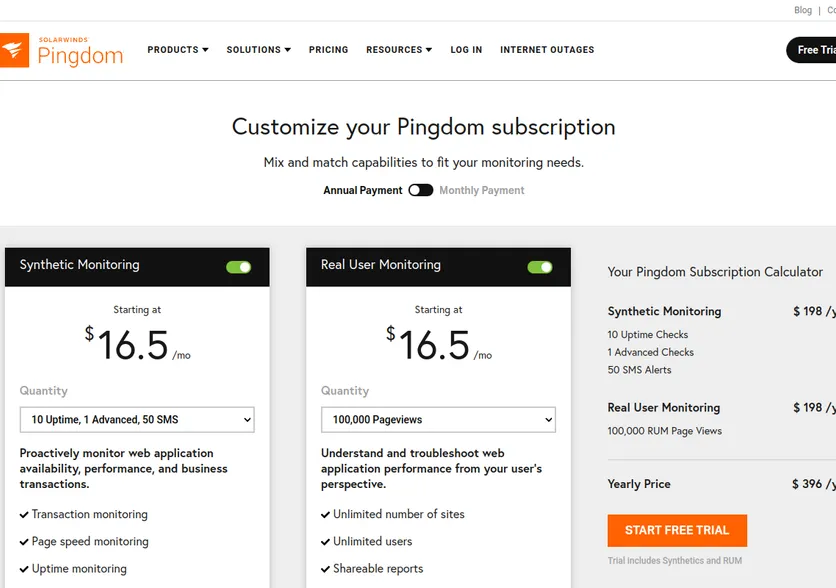
| Pingdom | Teams that need synthetic monitoring with real user data on the side | $16.50/month | No free plan; 30-day free trial | Visit |
 Site24x7 | Teams that want website, server and application monitoring in one affordable tool | $9/month | Free plan | Visit |
The IT management software for software developers, compared
1. Datadog
Best for: Development teams that want metrics, logs and traces in one observability platform
Paid tool Starting price: $15/host per month · Fifteen dollars per host per month billed annually on the Infrastructure Pro plan (eighteen dollars on demand); Enterprise is twenty-three dollars, and application performance monitoring is thirty-one dollars per APM host per month. A free tier covers five hosts
Free plan: Free tier for 5 hosts
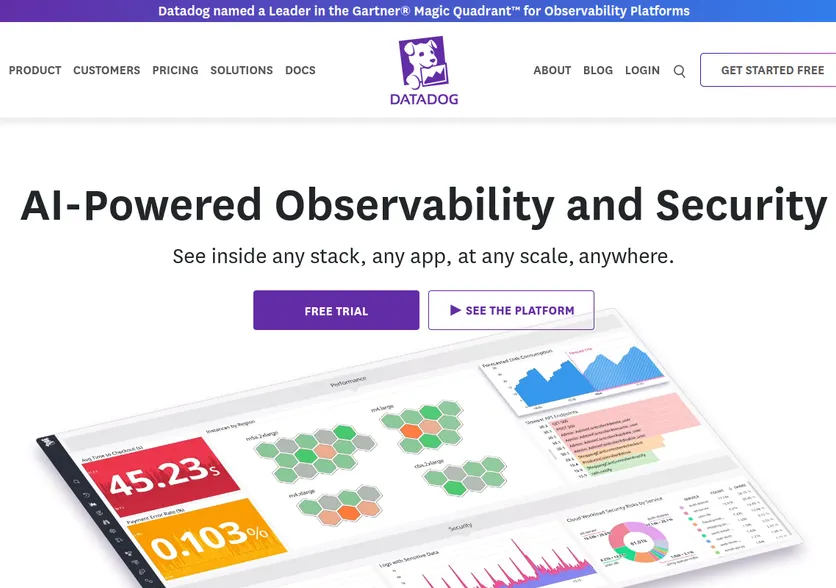
This Datadog plan costs fifteen dollars per host per month billed annually on the Infrastructure Pro plan, and it pulls metrics from every application, tool and service into one view. A developer can follow a slow request from the load balancer through the application to the database without switching tools, and alerts fire on the same data the dashboards show. The free tier covers five hosts, which is enough to watch a small service before paying.
What we like
- Metrics, logs and traces share one platform
- Hundreds of integrations cover most stacks out of the box
- Free tier covers five hosts for a real trial
Watch out for
- The bill grows with every host, container and custom metric
- Application monitoring is a separate charge on top of infrastructure
How to try it
- Install the Datadog agent on every host and container
- Build dashboards for the services your team owns
- Set up monitors that alert on error rates and latency, not just uptime
2. New Relic
Best for: Engineering teams that need to find the root cause of production incidents fast
Paid tool Starting price: $99/full platform user per month · Ninety-nine dollars per full platform user per month on the Standard plan, with the first full platform user at ten dollars; Pro is three hundred and forty-nine dollars per full platform user per month billed annually. Data costs forty cents per gigabyte after one hundred gigabytes free each month
Free plan: Free Basic plan with unlimited Basic users
This New Relic plan costs ninety-nine dollars per full platform user per month on the Standard plan, and it correlates telemetry across the whole stack so a team can isolate a root cause in minutes. The first full platform user costs ten dollars, which makes the entry point cheap, but every additional user pays the full rate. Pro costs three hundred and forty-nine dollars per full platform user per month and adds deeper analytics and longer retention.
What we like
- Correlates telemetry across the whole stack for fast diagnosis
- AI assistance points at the likely root cause
- Free Basic plan with unlimited Basic users
Watch out for
- Only the first user is ten dollars, every other user pays ninety-nine
- Data overage charges can grow fast on busy services
How to try it
- Install the New Relic agent on every application and host
- Set up the service map to see how services depend on each other
- Build alerts on error rates and response times for key transactions
3. Sentry
Best for: Development teams that want to catch and fix application errors before users report them
Paid tool Starting price: $26/month · Twenty-six dollars a month billed annually on the Team plan (twenty-nine dollars on monthly billing); Business is eighty dollars a month billed annually. Both plans include fifty thousand errors, five million spans and fifty session replays a month, with extra usage billed pay as you go
Free plan: Free Developer plan for 1 user
This Sentry plan costs twenty-six dollars a month billed annually on the Team plan, and it tracks every error, crash and slow transaction in the application. A developer gets the stack trace, the release and the user affected in one report, instead of digging through logs after a customer complains. Both paid plans include fifty thousand errors, five million spans and fifty session replays a month, with extra usage billed as it happens.
What we like
- Stack traces, releases and affected users in one report
- Unlimited users on every paid plan
- Session replays show what happened before the error
Watch out for
- The bill grows with error volume above the included quota
- Business charges two to three times more for extra data than Team
How to try it
- Install the Sentry SDK in the application and set the release version
- Connect alerts to the team chat channel for new errors
- Use session replays to see what the user did before the crash
4. Better Stack
Best for: Small teams that want uptime monitoring, status pages and incident alerts in one tool
Paid tool Starting price: $29/responder per month · Twenty-nine dollars per responder per month billed annually (thirty-four dollars on monthly billing); the first paid step includes ten monitors, ten heartbeats and one status page, with extra packs of fifty monitors at twenty-one dollars a month billed annually. The free plan covers ten monitors
Free plan: Free plan for 10 monitors
This Better Stack plan costs twenty-nine dollars per responder per month billed annually, and it is the first paid step for a team that needs real alerting. Ten monitors, ten heartbeats and one status page are included, with extra monitors available in packs of fifty. The free plan covers ten monitors, so a small team can watch its main services for nothing and pay only when it needs paging and on-call schedules.
What we like
- Uptime monitoring, status pages and incident alerts in one tool
- Free plan covers ten monitors for a real trial
- Clear responder pricing without per-host charges
Watch out for
- Incident communication and resolution are separate paid modules
- The responder model charges per person on call, not per monitor
How to try it
- Add uptime monitors for every public service and API
- Set up a status page that customers can check during an outage
- Connect alerts to the on-call schedule for the team
5. Checkly
Best for: Teams that want to test APIs and websites continuously from many locations
Paid tool Starting price: $24/month · Twenty-four dollars a month billed annually on the Starter plan (twenty-nine dollars on monthly billing); Team is sixty-four dollars a month billed annually and Enterprise is by quote. Communicate and Resolve are separate paid modules
Free plan: Free Hobby plan
This Checkly plan costs twenty-four dollars a month billed annually on the Starter plan, and it runs synthetic checks against APIs and websites from locations around the world. A team can catch a broken checkout or a slow endpoint before users do, and the same checks can run on every deploy as part of the delivery pipeline. Team costs sixty-four dollars a month billed annually and adds more checks and collaborators, while Enterprise is by quote.
What we like
- Synthetic checks run from many locations worldwide
- Checks can run on every deploy in the pipeline
- Simple pricing with a genuinely useful free plan
Watch out for
- Incident communication and resolution cost extra as separate modules
- The Starter plan caps the number of checks and collaborators
How to try it
- Write synthetic checks for the most important API endpoints
- Run the checks on every deploy as part of the pipeline
- Set up alerts that page the on-call developer when a check fails
6. UptimeRobot
Best for: Small teams that want simple uptime monitoring at the lowest price
Paid tool Starting price: $12/month · Twelve dollars a month billed annually on the Solo plan (thirteen dollars on monthly billing); Team is thirty-nine dollars and Scale is seventy-nine dollars a month billed annually. The free plan covers fifty monitors with five-minute checks
Free plan: Free plan for 50 monitors
This UptimeRobot plan costs twelve dollars a month billed annually on the Solo plan, and it is the cheapest paid uptime monitor in this list. Fifty monitors are free with five-minute checks, and the paid plans add faster checks, more monitors and alert integrations. It does one job and does it well, which suits a team that already has error tracking elsewhere and just needs to know the moment a service goes down.
What we like
- Cheapest paid uptime monitoring in this list
- Free plan covers fifty monitors with five-minute checks
- Simple setup with no learning curve
Watch out for
- Uptime only, with no error tracking or performance data
- The free plan checks every five minutes, not every minute
How to try it
- Add a monitor for every public website and API endpoint
- Set up alerts by email, chat or SMS for downtime
- Shorten the check interval on the services that matter most
7. Pingdom
Best for: Teams that need synthetic monitoring with real user data on the side
Paid tool Starting price: $16.50/month · Sixteen dollars and fifty cents a month billed annually for Synthetic Monitoring with ten uptime checks, one advanced check and fifty SMS messages (eighteen dollars on monthly billing); fifty checks cost seventy-one dollars and fifty cents a month billed annually. Real user monitoring is separate
Free plan: No free plan; 30-day free trial
This Pingdom plan costs sixteen dollars and fifty cents a month billed annually for Synthetic Monitoring, covering ten uptime checks, one advanced check and fifty SMS messages. It is one of the oldest names in uptime monitoring, and its reports are easy to share with managers and clients who want proof that a service stayed up. Real user monitoring is sold separately, starting at the same monthly figure for a hundred thousand pageviews.
What we like
- Long-established uptime monitoring with clear reports
- Advanced checks cover logins and multi-step flows
- Reports are easy to share with managers and clients
Watch out for
- No free plan, only a thirty-day trial
- Real user monitoring is a separate charge
How to try it
- Add uptime checks for every public service and API
- Set up advanced checks for logins and multi-step transactions
- Share the monthly uptime report with the team and clients
8. Site24x7
Best for: Teams that want website, server and application monitoring in one affordable tool
Paid tool Starting price: $9/month · Nine dollars a month billed annually on the Starter plan, covering ten websites or servers and one synthetic transaction; Pro is thirty-five dollars and Classic is eighty-nine dollars a month. A free plan is included
Free plan: Free plan
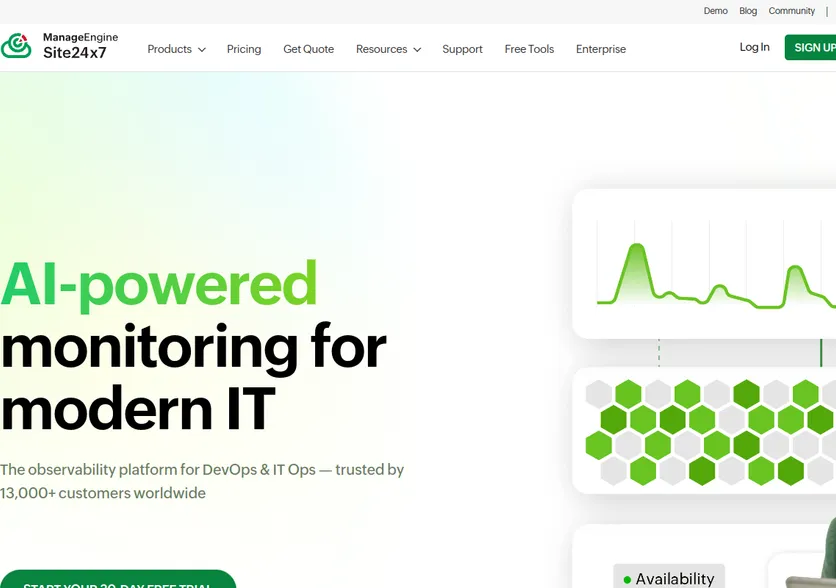
This Site24x7 plan costs nine dollars a month billed annually on the Starter plan, covering ten websites or servers and one synthetic transaction. It watches websites, servers, applications and networks from one dashboard, which suits a team that wants one tool instead of three. Pro costs thirty-five dollars a month and Classic is eighty-nine dollars, and a free plan is included for the smallest setups.
What we like
- Websites, servers and applications in one dashboard
- Lowest entry price for full infrastructure monitoring
- Free plan included for the smallest setups
Watch out for
- The Starter plan covers only ten websites or servers
- The dashboard can feel dense for teams that only need uptime
How to try it
- Add monitors for every website, server and application
- Set up synthetic transactions for key user flows like checkout
- Connect alerts to the team chat channel for downtime
Prices above were checked on each vendor’s own website on Nov 28, 2026 and can change — the vendor’s page is the final word. Vendor links are editorial: nobody paid to be listed or ranked here. Vendors who want a featured listing can see how it works on our Get listed page.
How a development team should pick monitoring tools
Start with the job, not the vendor: error tracking catches bugs in the code, uptime monitoring catches dead services, and observability finds the root cause when the other two disagree. Most teams need one tool per job, and three tools that each do one job well beat one platform that does all three badly. Next, work out the billable unit before you commit, since hosts, users, errors and monitors all price differently, and an incident can push a usage-based bill far above the headline price. Finally, trial the tool on a real service with live traffic, because a dashboard that looks good on a demo can fall apart on a busy production system.
Before you buy
- Check what counts as a billable unit, since hosts, users and monitors all price differently
- Confirm the free tier covers your real usage, not just a demo-sized workload
- Ask how overage charges work, since usage-based bills can grow fast after an incident
- Count the alerts and status pages you need before you compare entry-level plans
- Run a trial on a real service with live traffic before you point it at production
Official websites
Official websites of the products reviewed above. Features and prices were checked against these sites when this guide was written, and they can change, so confirm on the vendor site before you buy.
Frequently asked questions
What is IT management software for software developers?
It is software that keeps a development team's services running and tells the team the moment something breaks. The tools in this list cover observability for finding root causes, error tracking for catching bugs, and uptime monitoring for knowing when a service is down. A dev team needs all three, because a slow API, a crashing release and a dead website are three different problems with three different fixes.
Which tool is cheapest for a small development team?
UptimeRobot is the cheapest paid start at twelve dollars a month billed annually, and its free plan covers fifty monitors. Site24x7 follows at nine dollars a month, which is cheaper still for infrastructure monitoring. For error tracking, Sentry Team costs twenty-six dollars a month and covers fifty thousand errors, which is enough for most small teams.
How much does Datadog cost for developers?
Datadog Infrastructure Pro costs fifteen dollars per host per month billed annually, or eighteen dollars on demand. Enterprise is twenty-three dollars per host per month, and application performance monitoring is thirty-one dollars per APM host per month. A free tier covers five hosts, which is enough to watch a small service before paying.
Can these tools work together?
Yes, and most teams run two or three together. Sentry catches application errors, UptimeRobot or Better Stack watches uptime, and Datadog or New Relic correlates the telemetry to find the root cause. The trick is to pick one tool per job and let each one do it well, rather than paying for three tools that all try to do everything.
Why are GitHub, GitLab and PagerDuty missing from this list?
GitHub, GitLab and PagerDuty are the names most developers expect here, and they were left out because this list focuses on monitoring and observability rather than code hosting and incident paging. GitHub Team costs four dollars per user per month and GitLab Premium is twenty-nine dollars, while PagerDuty Professional is twenty-one dollars. They are strong tools, but they solve a different problem than the eight above.
Compare the eight tools above, then start with a free trial on the tool that matches how your team already watches production before you pay for a full year.
Browse Business Tools tools