
On this page
Good documentation is the difference between a tool developers adopt and one they abandon, and the seven tools below cover both kinds: wikis for teams and API docs for engineers. Every one of them has a free plan or a free trial to try first. Prices run from $7.15 to $44 a month, and each tool below was checked on its vendor site on November 26, 2026. GitBook Pro is our first pick — the fastest way from Markdown files to a polished docs site.
How we researched this
We started with the documentation tools developers actually pay for, then read each price on the vendor pricing page on November 26, 2026 and noted the free plan or trial each one carries. We judged them for daily docs work: writing, publishing, search and API references, with ease of use and export options as the tie-breakers. We kept the list to tools with a published monthly price and a real free plan or trial, and we dropped any tool whose price we could not verify.
Compare the tools
| Name | Best for | Starting price | Free plan | |
|---|---|---|---|---|
| GitBook Pro | Teams that want a polished public docs site from Markdown files | $12/user/month | Free plan | Visit |
 Notion Plus | Teams that want docs, wikis and project notes in one workspace | $10/month | Free plan | Visit |
| Confluence | Large teams that need a wiki with permissions and structure | $7.15/user/month | Free plan | Visit |
| Slite | Remote teams that want a clean wiki with AI search | $10/user/month | Free trial | Visit |
 Postman | Teams that already test APIs in Postman and want docs in the same place | $19/user/month | Free plan | Visit |
 Stoplight | API teams that design first and build second | $44/month | Free plan | Visit |
 SwaggerHub | OpenAPI teams that want the standard editor | $22.80/user/month | Free plan | Visit |
The software documentation tools, compared
1. GitBook Pro
Best for: Teams that want a polished public docs site from Markdown files
Paid tool Starting price: $12/user/month · Pro plan, $12 per user a month billed annually; Enterprise custom
Free plan: Free plan
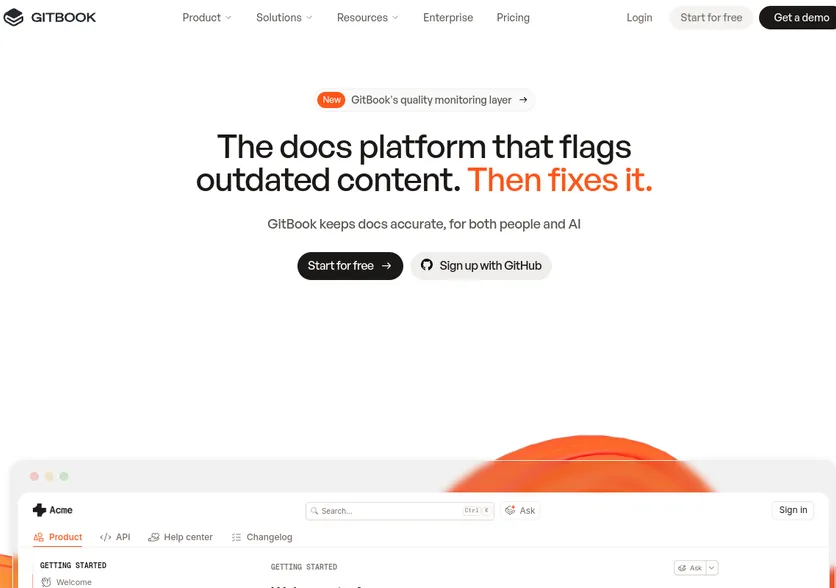
GitBook Pro costs $12 a month, and it turns Markdown files into a polished docs site without a build step or a designer. This GitBook Pro plan adds custom domains, unlimited spaces, AI search, analytics and version history, with Git sync for teams that write in code. It is the pick when your docs are public and need to look professional, and the free plan covers small teams getting started.
What we like
- Fastest path from Markdown to a live docs site
- Git sync for teams that write in code
- AI search that answers from your docs
Watch out for
- Less flexible than Notion for internal wikis
- Custom domains need the Pro tier
How to try it
- Open the GitBook pricing page and start Pro
- Import your Markdown files or write in the editor
- Connect a custom domain and publish the site
2. Notion Plus
Best for: Teams that want docs, wikis and project notes in one workspace
Paid tool Starting price: $10/month · Plus plan, $10 per user a month billed annually; Business $20 a month billed annually
Free plan: Free plan
Notion Plus costs $10 a month, and it is the most flexible docs tool here, because a page can be a note, a wiki or a database. This Notion Plus plan adds unlimited file uploads, 30-day page history, custom domains for sites and automation, plus AI features on a trial basis. It is the pick when your docs live next to your tasks and projects, and the free plan covers personal use with unlimited pages.

What we like
- One workspace for docs, tasks and notes
- Flexible databases for any structure
- Free plan covers personal use well
Watch out for
- Takes setup work before it feels fast
- AI features cost extra on top of Plus
How to try it
- Open the Notion pricing page and start Plus
- Build a wiki page with linked sub-pages
- Share it with your team and try the database views
3. Confluence
Best for: Large teams that need a wiki with permissions and structure
Paid tool Starting price: $7.15/user/month · Standard plan, $7.15 per user a month on monthly billing for teams up to 100 users; $720 a year for up to 10 users on annual billing; Premium $14.10 a month
Free plan: Free plan
Confluence Standard costs $7.15 a month, and it is the wiki most large teams already know, with spaces, page trees and permissions built for scale. This Confluence plan adds space and page permissions, guest access, public links, audit logs, 250 GB of storage and 100 automation steps per user. It is the pick when your docs need structure and access control more than speed, and the free plan covers up to ten users.

What we like
- Cheapest paid plan here at $7.15 a month
- Permissions and structure built for large teams
- Free plan covers up to ten users
Watch out for
- Per-user price drops only past 100 users
- The interface feels heavier than Notion or Slite
How to try it
- Open the Confluence pricing page and start Standard
- Create a space and build your page tree
- Set permissions so only the right people can edit
4. Slite
Best for: Remote teams that want a clean wiki with AI search
Paid tool Starting price: $10/user/month · Standard plan, $10 per user a month; Knowledge Suite $20 a month billed annually
Free plan: Free trial
Slite Standard costs $10 a month, and it is the cleanest wiki on this list, with AI search that answers questions from your docs instead of just matching keywords. This Slite plan adds unlimited docs, AI Ask with 30 questions a month per user, document verification, analytics and integrations. It is the pick when your team is remote and needs answers fast without digging through folders, and the 14-day free trial covers the full product.

What we like
- AI search answers questions from your docs
- Cleanest wiki interface on this list
- Document verification keeps docs current
Watch out for
- AI answers cap at 30 a month per user on Standard
- No permanent free plan, only a 14-day trial
How to try it
- Open the Slite pricing page and start the 14-day trial
- Import your docs and let AI index them
- Ask a question and check the answer against the source
5. Postman
Best for: Teams that already test APIs in Postman and want docs in the same place
Paid tool Starting price: $19/user/month · Team plan, $19 per user a month billed annually; $23 a month month-to-month; Basic $14 is closed to new customers
Free plan: Free plan
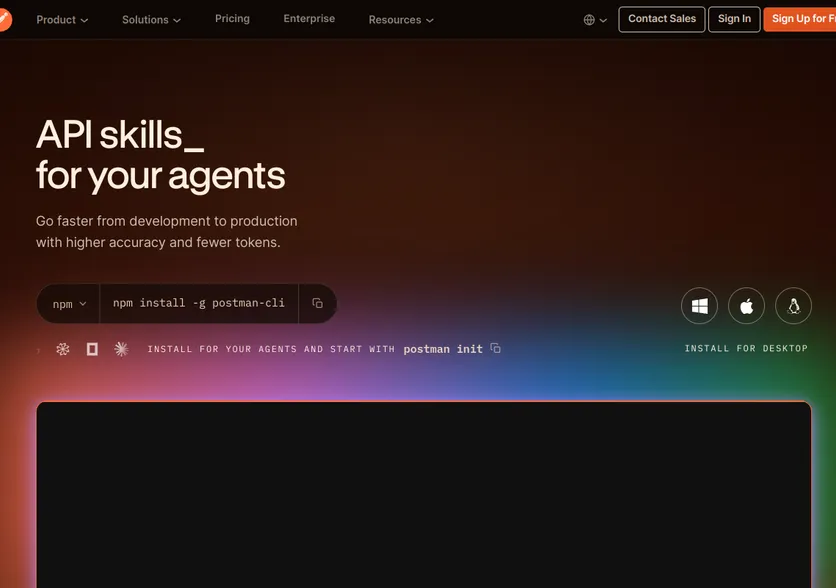
Postman Team costs $19 a month, and it is where most developers already test APIs, so publishing docs from the same workspace is natural. This Postman plan adds team workspaces, version control, increased monitoring and mock server limits, plus SDK generation and unlimited viewers. It is the pick when your API docs should stay in sync with the collections your team already maintains, and the free plan covers up to three users.
What we like
- Docs publish from the collections you already keep
- Team workspaces and version control included
- Free plan covers up to three users
Watch out for
- Basic at $14 is closed to new customers
- SSO needs a $6 add-on per user
How to try it
- Open the Postman pricing page and start Team
- Open a collection and publish its documentation
- Share the docs link and check it stays in sync
6. Stoplight
Best for: API teams that design first and build second
Paid tool Starting price: $44/month · Basic plan, $44 a month billed annually ($528 a year); $56 a month month-to-month; first 3 users free; Startup $113 a month billed annually
Free plan: Free plan
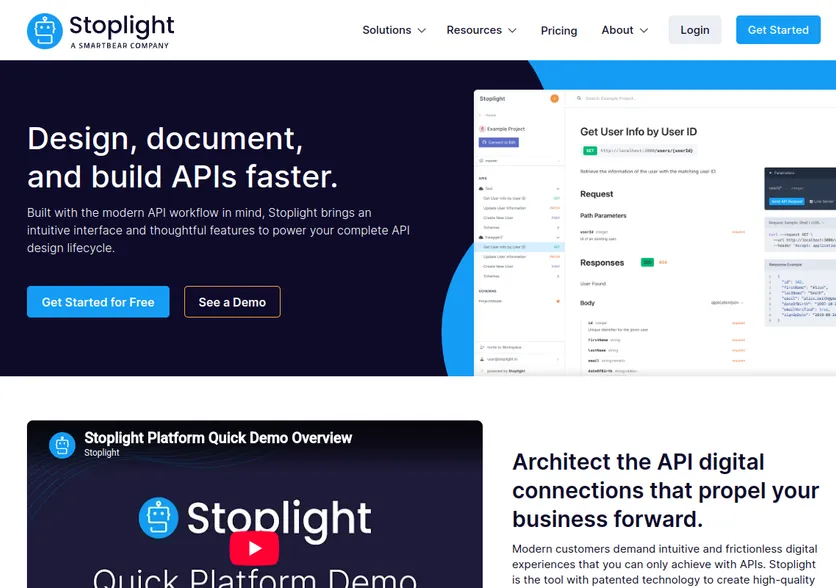
Stoplight Basic costs $44 a month, and it designs APIs on a canvas before a line of code exists, with the OpenAPI spec generated from the design. This Stoplight plan adds a visual OpenAPI designer, interactive docs, instant mock servers and Git-backed collaboration, with the first three users free. It is the pick when your APIs need design review before development starts, and the free plan covers one user and one project.
What we like
- Visual API design before any code
- Mock servers from the same definition
- First three users free on Basic
Watch out for
- Private projects need Startup at $113 a month
- Most expensive tool on this list
How to try it
- Open the Stoplight pricing page and start Basic
- Model an API on the visual canvas
- Generate the docs and spin up a mock server
7. SwaggerHub
Best for: OpenAPI teams that want the standard editor
Paid tool Starting price: $22.80/user/month · Individual plan, $22.80 per user a month billed annually; $30 a month month-to-month; Team $34.44 a month billed annually
Free plan: Free plan
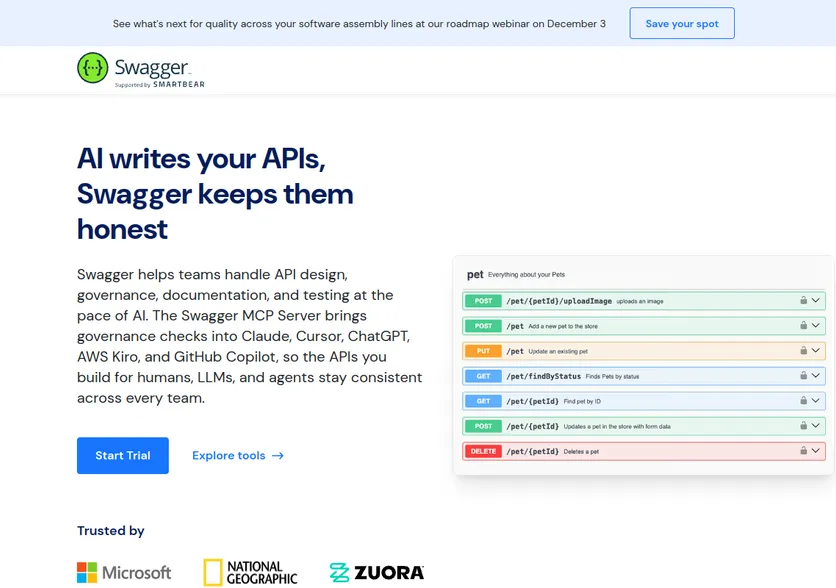
SwaggerHub Individual costs $22.80 a month, and it is the home of the OpenAPI standard, so its editor speaks the format natively. This SwaggerHub plan adds API design in a visual or form editor, reusable domains, code generation and source control sync, with ten APIs and one public portal product. It is the pick when your team writes OpenAPI specs every day and wants the reference editor, and the free plan covers one user and three hosted APIs.
What we like
- The reference editor for OpenAPI specs
- Code generation for clients and servers
- Source control sync built in
Watch out for
- Portal Pro costs $28.80 extra per user a month
- Free plan covers only one user and three APIs
How to try it
- Open the SwaggerHub pricing page and start Individual
- Design an API in the visual editor
- Generate client code and sync it to GitHub
Prices above were checked on each vendor’s own website on Nov 26, 2026 and can change — the vendor’s page is the final word. Vendor links are editorial: nobody paid to be listed or ranked here. Vendors who want a featured listing can see how it works on our Get listed page.
What software documentation costs in 2026
Prices here run from $7.15 to $44 a month, and the spread splits the list into two kinds of tool. Confluence Standard at $7.15, Notion Plus at $10 and Slite Standard at $10 are wikis and workspaces priced per user, so a ten-person team pays ten times the sticker price. GitBook Pro at $12 sits in the middle and publishes docs sites rather than internal wikis. Postman Team at $19, SwaggerHub Individual at $22.80 and Stoplight Basic at $44 are API tools priced for engineers, and their value depends on how many APIs you ship. Start on a free plan, publish one real doc set through two tools, and keep the one your readers actually find answers in.
Before you buy
- Count your writers first, then multiply: most tools here charge per user, so ten writers on Confluence costs about $72 a month.
- Pick the tool that fits your docs: GitBook for public sites, Confluence for internal wikis, Postman for API references.
- Compare the annual price too: Stoplight Basic drops to $44 a month and SwaggerHub Individual to $22.80, while Confluence stays $7.15.
- Test search on your own docs first: Slite answers questions from the text, while Confluence search needs good page titles.
- Try the free plan with real docs first: every tool here offers one, and a week of real writing beats any feature list.
Official websites
Official websites of the products reviewed above. Features and prices were checked against these sites when this guide was written, and they can change, so confirm on the vendor site before you buy.
Frequently asked questions
Which documentation tool is best for developers in 2026?
GitBook Pro, at $12 a month, is the best overall pick because it turns Markdown into a polished docs site with the least setup. Notion Plus is better for internal wikis, Confluence wins for large teams, and Postman Team is the natural pick for API docs. Pick by the docs you ship: public sites, internal wikis or API references.
What is the cheapest documentation tool?
Confluence Standard, at $7.15 per user a month, is the cheapest paid plan here, and its free plan covers up to ten users. Notion Plus and Slite Standard are next at $10 a month. Every tool on this list also has a free plan or a free trial, so you can start without paying and upgrade only when the free limits slow you down.
Can I use these documentation tools for free?
Yes, GitBook, Notion, Confluence, Postman, Stoplight and SwaggerHub all offer a free plan, and Slite offers a 14-day free trial. The free plans cover small teams and basic docs, but custom domains, SSO and advanced analytics usually need a paid tier. The free options are good for testing, but a growing docs site will hit the caps.
Which tool is best for API documentation?
Postman Team, at $19 a month, is the best pick for API docs if your team already tests APIs in Postman, because docs publish from the same workspace. Stoplight Basic at $44 a month is better for designing APIs before they are built, and SwaggerHub Individual at $22.80 a month is the home of the OpenAPI standard. Pick by where your APIs start: testing, design or the spec itself.
Do these tools work without a developer?
Yes, GitBook, Notion, Confluence and Slite are all built for non-developers too, with visual editors and no code needed to publish. Postman, Stoplight and SwaggerHub are made for engineers and expect some API knowledge. If your writers are not developers, start with GitBook or Notion and keep the API tools for the engineering team.
Want more developer help in the browser? Try Toolsvine's free developer tools — formatters, encoders and generators without installing anything.
Browse Developer Tools tools


