On this page
Documentation is the part of the product nobody wants to write and everybody needs to read. When it is wrong, support tickets pile up and new developers lose days; when it is right, the product sells itself. Mintlify leads this list because its AI agent writes, updates and answers from the docs, and Pro costs four hundred and fifty dollars per month. The other seven tools are ranked on the same test: how well documentation stays accurate, searchable and in step with the code.
How we researched this
We checked every price on the vendor pricing page on November 28, 2026, and only included tools with a published US dollar list price and a free plan or free trial. Every tool here fits developer documentation: versioning, API references or Git sync, and a published site developers trust. Prices change, so confirm the current figure on the vendor site before you buy.
Compare the tools
| Name | Best for | Starting price | Free plan | |
|---|---|---|---|---|
 Mintlify | Teams that want AI to write and maintain developer documentation | $450/month | Free Starter plan for up to 5 editors | Visit |
 ReadMe | API teams that need a reference developers can test in place | $250/month | Free Starter plan for 1 project and 1 admin | Visit |
 GitBook | Teams that write documentation in Markdown beside the code | $65/site/month + $12/user/month | Free plan for public docs | Visit |
| ClickHelp | Technical writing teams that need version control and single-sourcing | $194/month | Free trial; no free plan | Visit |
 Loom | Teams that explain complex features with short videos | $15/user/month | Free Starter plan for up to 25 videos per person | Visit |
 Slite | Remote developer teams that want simple, verified team docs | $10/user/month | 14-day free trial; no free plan | Visit |
 Archbee | Small product teams that need a docs portal with versioning | $49/month | 14-day free trial; no free plan | Visit |
| Document360 | Teams that serve developers and end users from one knowledge base | $149/project/month | 14-day free trial; no free plan | Visit |
The knowledge base software for developer documentation, compared
1. Mintlify
Best for: Teams that want AI to write and maintain developer documentation
Paid tool Starting price: $450/month · Four hundred and fifty dollars per month billed annually on the Pro plan (five hundred and forty dollars on monthly billing) with unlimited editors and ten thousand AI credits per month; extra credits cost one cent each. Startups get fifty percent off Pro for twelve months through the startup program
Free plan: Free Starter plan for up to 5 editors
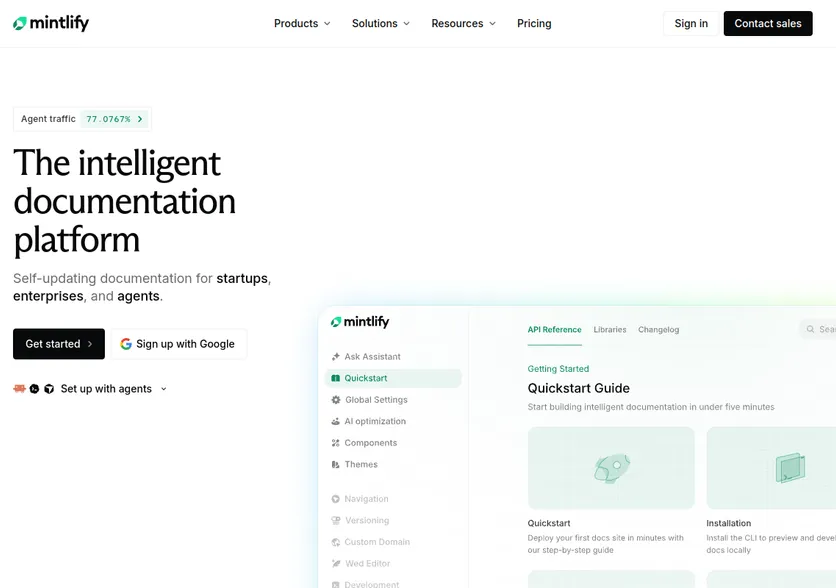
At four hundred and fifty dollars per month billed annually, Mintlify Pro is the most AI-driven documentation tool in this list. The agent drafts pages, updates them as the code changes and answers developer questions straight from the docs, while unlimited editors mean the whole team can write without counting seats. The published site is fast and modern, which suits an API-first team whose docs are the first thing a new developer sees.
What we like
- The AI agent drafts and maintains docs automatically
- Unlimited editors on the Pro plan
- The published site is fast and modern
Watch out for
- The price jumps steeply from the free plan
- AI credits are metered beyond the included ten thousand
How to try it
- Connect the repo and let Mintlify generate the docs site
- Ask the AI assistant to draft the missing pages from the code
- Review the drafts weekly and publish the ones that read true
2. ReadMe
Best for: API teams that need a reference developers can test in place
Paid tool Starting price: $250/month · Two hundred and fifty dollars per month billed annually on the Pro plan for one project and up to five admins (twenty dollars per month per extra admin); Enterprise is custom, and the Ask AI add-on is one hundred and fifty dollars per month
Free plan: Free Starter plan for 1 project and 1 admin
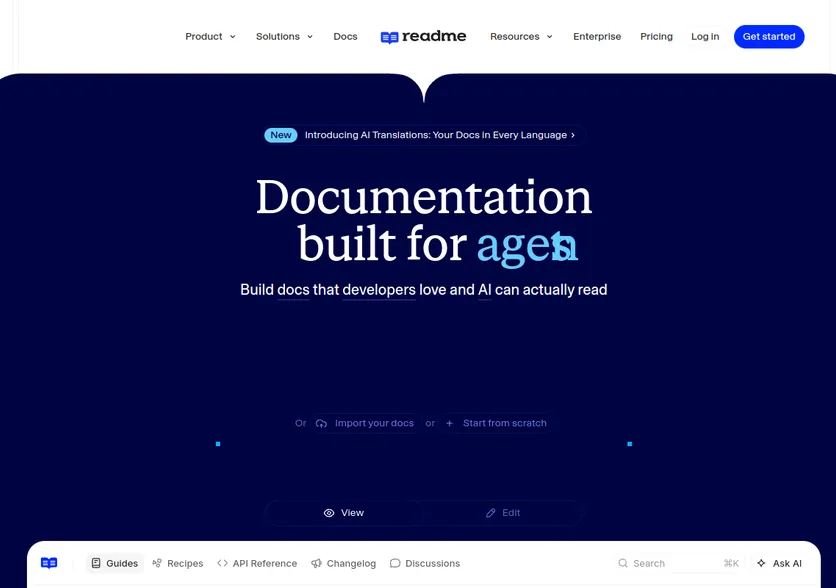
At two hundred and fifty dollars per month billed annually, ReadMe Pro puts the API reference at the center of the documentation. The reference builds from the OpenAPI spec, the playground lets developers run real calls without leaving the page, and guides sit beside the reference so the how and the what never split apart. Metrics show which endpoints developers actually use, which tells the team what to document next.
What we like
- The reference builds from the OpenAPI spec
- The playground runs real calls in the docs
- Metrics show which endpoints developers use most
Watch out for
- The price is high for a small API
- AI answers are a paid add-on
How to try it
- Import the OpenAPI spec to build the reference
- Write the quickstart guide beside the reference
- Check the metrics to see which endpoints need better docs
3. GitBook
Best for: Teams that write documentation in Markdown beside the code
Paid tool Starting price: $65/site/month + $12/user/month · Sixty-five dollars per site per month plus twelve dollars per user per month on the Essential plan billed annually; Ultimate is two hundred and forty-nine dollars per site per month plus twelve dollars per user per month. Monthly billing is seventy-nine dollars per site plus fifteen dollars per user
Free plan: Free plan for public docs
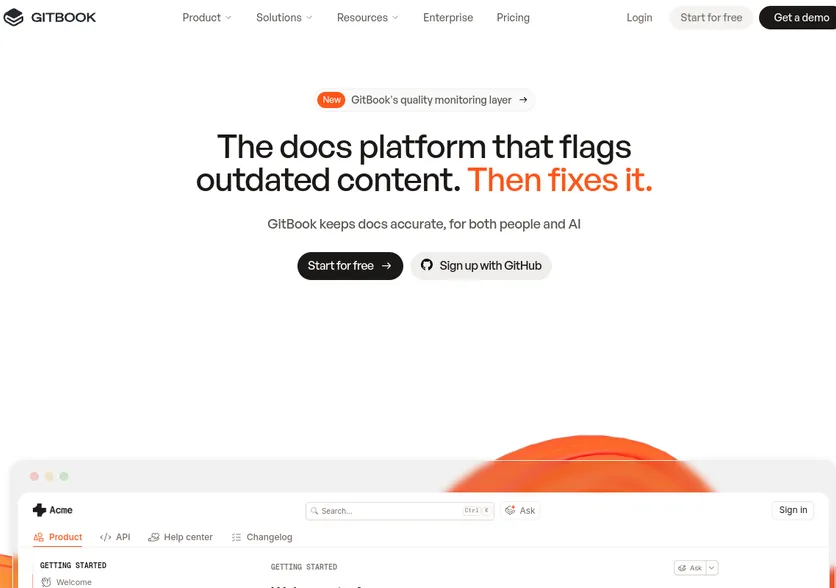
At sixty-five dollars per site per month plus twelve dollars per user per month, GitBook Essential turns a Markdown folder into a polished documentation site. Git sync means the docs change in the same pull request as the code, the AI drafts the first version of a page, and the published site carries search, feedback and analytics. That workflow suits teams who treat documentation as part of shipping, not as a chore after it.
What we like
- Git sync ties docs to code changes
- AI drafts the first version of a page
- The published site is fast with strong search
Watch out for
- The per-site plus per-user price adds up fast
- Advanced permissions need the Ultimate plan
How to try it
- Sync the docs folder from the Git repo
- Let the AI draft the first version of each new page
- Publish and read the search analytics to find the gaps
4. ClickHelp
Best for: Technical writing teams that need version control and single-sourcing
Paid tool Starting price: $194/month · One hundred and ninety-four dollars per month billed annually on the Starter plan for two contributors; Growth is three hundred and twenty-five dollars and Professional is six hundred and forty dollars per month. Older one hundred and seventy-five dollar figures are stale
Free plan: Free trial; no free plan
At one hundred and ninety-four dollars per month billed annually, ClickHelp Starter is built for professional technical writers. Single-sourcing lets one topic appear in many guides, version control tracks every change, and the workflow routes drafts through review before they publish. Unlimited projects and reader accounts mean a team can run many doc sets from one subscription without counting readers.
What we like
- Single-sourcing reuses one topic across many guides
- Version control and review workflows are built in
- Unlimited projects and reader accounts are included
Watch out for
- No free plan, only a free trial
- Single sign-on is a paid add-on
How to try it
- Create the documentation site and import the existing topics
- Set up the review workflow so drafts pass an editor before publishing
- Reuse topics across guides with single-sourcing
5. Loom
Best for: Teams that explain complex features with short videos
Paid tool Starting price: $15/user/month · Fifteen dollars per user per month billed annually on the Business plan (eighteen dollars on monthly billing); Business plus AI is twenty dollars per user per month billed annually. Loom raised Business from twelve dollars and fifty cents in June 2025
Free plan: Free Starter plan for up to 25 videos per person
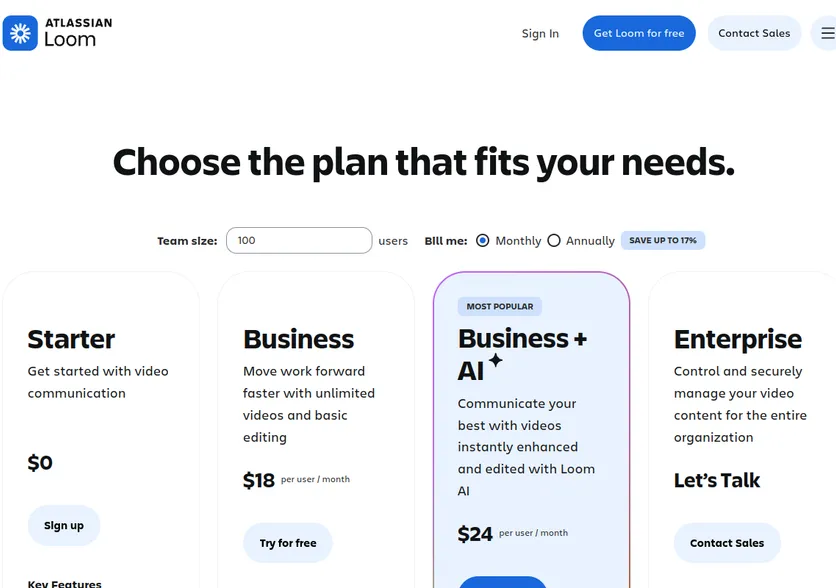
At fifteen dollars per user per month billed annually, Loom Business adds video to documentation that text alone cannot carry. A developer records the screen, walks through the feature once, and the video sits beside the written guide for everyone who learns by watching. The AI writes titles, summaries and chapters, so the video is searchable instead of a black box, and the price rose from twelve dollars and fifty cents in June 2025.
What we like
- Video explains what text alone cannot carry
- AI titles and chapters make videos searchable
- Recordings are quick to make and easy to share
Watch out for
- Video needs the written guide beside it to stay searchable
- The free plan caps each person at twenty-five videos
How to try it
- Record the walkthrough with screen and camera
- Let the AI write the title, summary and chapters
- Embed the video beside the written guide in your docs
6. Slite
Best for: Remote developer teams that want simple, verified team docs
Paid tool Starting price: $10/user/month · Ten dollars per user per month billed annually on the Basic plan; Pro is twenty dollars per user per month and Enterprise is custom. Slite removed its free plan in 2026
Free plan: 14-day free trial; no free plan
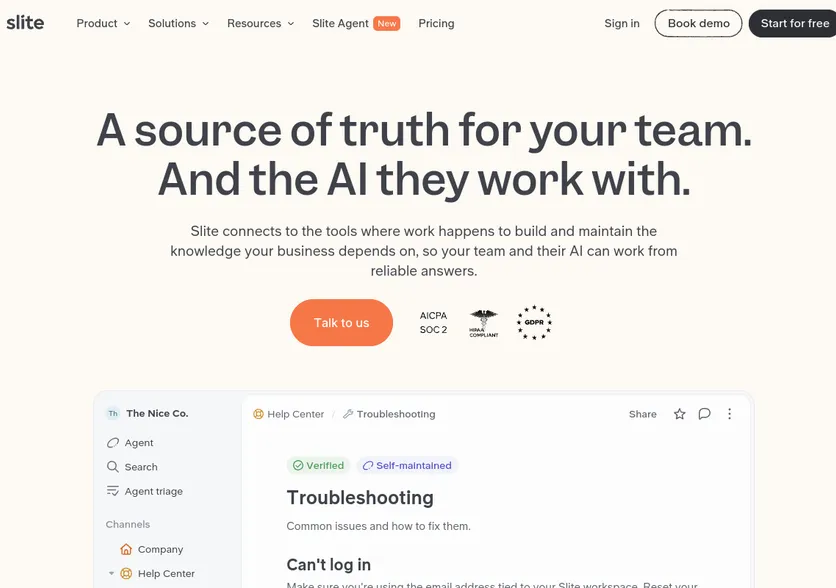
At ten dollars per user per month billed annually, Slite Basic gives a remote developer team a docs home that stays organized without effort. Collections group pages by product, verification keeps owners honest, and the editor is simple enough that writing feels quick rather than formal. That suits teams whose documentation is mostly internal: runbooks, decisions and onboarding guides that the whole team reads.
What we like
- Collections keep the docs organized by product
- Verification keeps pages accurate
- The editor is fast and simple to use
Watch out for
- No free plan since the June 2026 relaunch
- Public API docs are weaker than GitBook or Mintlify
How to try it
- Create a collection per product and move the docs in
- Set verification on the runbooks that change most
- Use the AI to draft the first version of a new page
7. Archbee
Best for: Small product teams that need a docs portal with versioning
Paid tool Starting price: $49/month · Forty-nine dollars per month billed annually on the Growing plan (fifty-nine dollars on monthly billing) with one editor seat included; Scaling is one hundred and ninety-nine dollars per month and adds versioning, reviews and localization. AI and analytics are paid add-ons
Free plan: 14-day free trial; no free plan
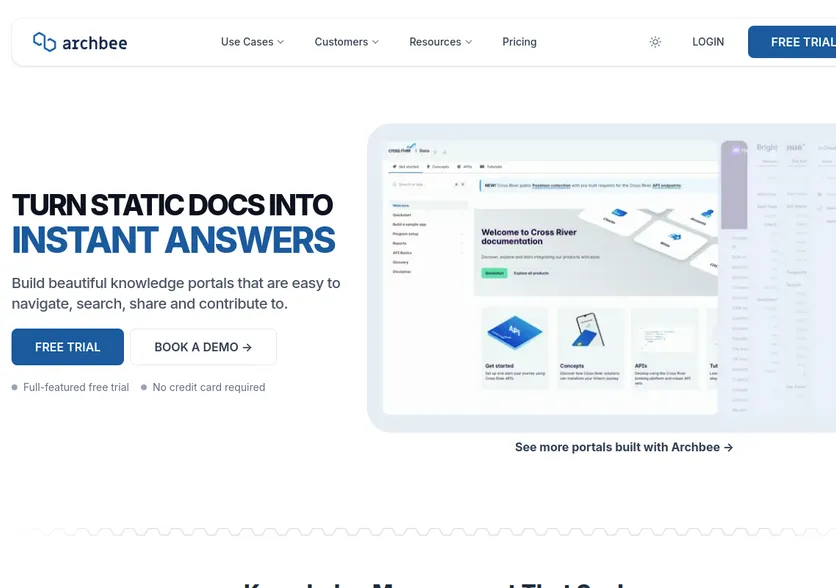
At forty-nine dollars per month billed annually, Archbee Growing gives a small product team a documentation portal that scales with releases. The block editor writes clean pages, OpenAPI support builds the reference, and versioning keeps each release on its own docs. One editor seat is included, so the entry cost stays low while the docs grow with the product.
What we like
- Versioning keeps docs in step with releases
- OpenAPI support builds the reference
- The entry price is low for a small team
Watch out for
- Only one editor seat is included in the base price
- AI and analytics cost extra as add-ons
How to try it
- Import the OpenAPI spec to build the reference
- Write the guides in the block editor
- Turn on versioning so each release keeps its own docs
8. Document360
Best for: Teams that serve developers and end users from one knowledge base
Paid tool Starting price: $149/project/month · One hundred and forty-nine dollars per project per month on the Standard plan; Professional is two hundred and ninety-nine dollars per project per month, and higher tiers add single sign-on and advanced analytics
Free plan: 14-day free trial; no free plan
At one hundred and forty-nine dollars per project per month, Document360 Standard runs a knowledge base that answers both audiences. The AI assistant answers from the docs library, categories and workflows keep a large set organized, and analytics show which searches fail so the team writes the missing pages. That breadth suits a team whose documentation must serve developers, support agents and customers from a single system.

What we like
- One system serves developers and customers
- The AI assistant answers from the docs library
- Analytics show which searches fail
Watch out for
- No free plan, only a fourteen-day trial
- Single sign-on needs a higher tier
How to try it
- Organize the docs into categories for each audience
- Turn on the AI assistant and connect it to the library
- Read the failed-search report each week and fill the gaps
Prices above were checked on each vendor’s own website on Nov 28, 2026 and can change — the vendor’s page is the final word. Vendor links are editorial: nobody paid to be listed or ranked here. Vendors who want a featured listing can see how it works on our Get listed page.
How a team should write documentation developers actually read
Write for the developer who arrived with a problem, not for the one who already knows the answer. Open with the exact error message or the exact task, give the fix in the first paragraph, and keep the page to one job. Version every page with the release it describes, because a correct answer for version two is a wrong answer for version three. Review documentation in the same pull request as the code change, so the docs cannot lag behind a release. And measure the docs like a product: track which pages get read, which searches fail and which guides end in a support ticket, then fix the worst three every month. Documentation that is measured gets better; documentation that is merely written goes stale.
Before you buy
- Check that the docs site supports versioning, so each release keeps its own pages
- Confirm the API reference generates from your spec instead of being typed by hand
- Ask whether the search finds error messages and code terms, not only page titles
- Test the editor with a real technical writer, because a slow editor kills docs output
- Publish one complete guide on the trial and measure how fast a developer finds the answer
Official websites
Official websites of the products reviewed above. Features and prices were checked against these sites when this guide was written, and they can change, so confirm on the vendor site before you buy.
Frequently asked questions
What is the best knowledge base software for developer documentation?
Mintlify is the best pick for teams that want AI to write and maintain the docs, at four hundred and fifty dollars per month billed annually with unlimited editors. GitBook is the best value at sixty-five dollars per site plus twelve dollars per user per month, and ReadMe is best when the API reference is the product. The right choice depends on whether AI, price or the API playground matters most.
How much does knowledge base software for developer documentation cost?
Paid plans in this list start at ten dollars per user per month for Slite Basic and fifteen dollars for Loom Business, both billed annually. Archbee Growing is forty-nine dollars per month flat, GitBook Essential is sixty-five dollars per site plus twelve dollars per user, and Document360 Standard is one hundred and forty-nine dollars per project per month. ReadMe Pro is two hundred and fifty dollars and Mintlify Pro is four hundred and fifty dollars per month.
Can a developer team document for free?
Yes. Mintlify is free for up to five editors, GitBook is free for public docs, and Slite had a free plan until the June 2026 relaunch removed it. The limits show up in private docs, custom domains and AI features, so a free plan is a good place to start writing. Move to a paid plan when the documentation becomes the product's front door.
What features matter most for developer documentation?
Versioning matters most, because each release needs its own docs and old answers must not mislead new users. A generated API reference matters next, since a hand-written reference goes stale within a release. And search that handles error messages matters always, because developers arrive with the exact string they saw on screen and expect the fix in the first result.
Is Mintlify or GitBook better for developer documentation?
Mintlify is better when the team wants AI to draft, update and answer from the docs, with unlimited editors on one flat price. GitBook is better when the team wants Git sync and a lower entry price, with docs that change in the same pull request as the code. A team that writes mostly in Markdown usually picks GitBook, while a team that wants AI to carry the writing picks Mintlify.
Choose the tool that matches how your team writes and ships, then publish one complete guide on the trial before you pay.
Browse Developer Tools tools