On this page
Estate planning runs on documents that must be exactly right, and most of them start as spoken words: a client explaining their wishes, an attorney dictating a trust clause, a meeting that becomes a will. The tools below turn those words into usable text, and the gap between them is accuracy on legal language. Otter leads the list because it transcribes live from eight dollars and thirty-three cents a user a month, and the other seven tools are ranked on the same practical test: how clean the transcript is when it reaches your document.
How we researched this
We checked every price on the vendor pricing page on November 27, 2026, and only included tools with a published US dollar list price and a free trial or free plan. Dragon Legal Anywhere is included with a warning because its end of sale is announced for December 2026, and no tool here is recommended without that warning. Prices change, so confirm the current figure before you buy.
Compare the tools
| Name | Best for | Starting price | Free plan | |
|---|---|---|---|---|
 Otter | Estate planning firms that want the lowest price per user | $8.33/user/month | Free Basic plan with 300 minutes a month | Visit |
| Dragon Legal Anywhere | Estate planning firms that want dictation built for legal language | $65/user/month | Free demo | Visit |
| Philips SpeechLive | Estate planning firms that want dictation with legal workflows | $47.80/user/month | Free trial | Visit |
 Rev | Firms that want human transcription when accuracy matters most | $25.49/seat/month | Free plan | Visit |
 Trint | Firms that want fast transcription with collaboration | $52/seat/month | Free 7-day trial | Visit |
 Notta | Firms that want cheap transcription with a generous free plan | $8.17/month | Free plan | Visit |
 Sonix | Firms that transcribe long recordings by the hour | $16.50/user/month | Free trial with 30 minutes | Visit |
 Descript | Firms that want to edit audio and text together | $24/person/month | Free plan | Visit |
The legal dictation software for estate planning firms, compared
1. Otter
Best for: Estate planning firms that want the lowest price per user
Paid tool Starting price: $8.33/user/month · Eight dollars and thirty-three cents per user a month billed annually on the Pro plan, or sixteen dollars and ninety-nine cents on monthly billing; Business is nineteen dollars and ninety-nine cents a user a month billed annually, and a free Basic plan covers three hundred minutes a month
Free plan: Free Basic plan with 300 minutes a month
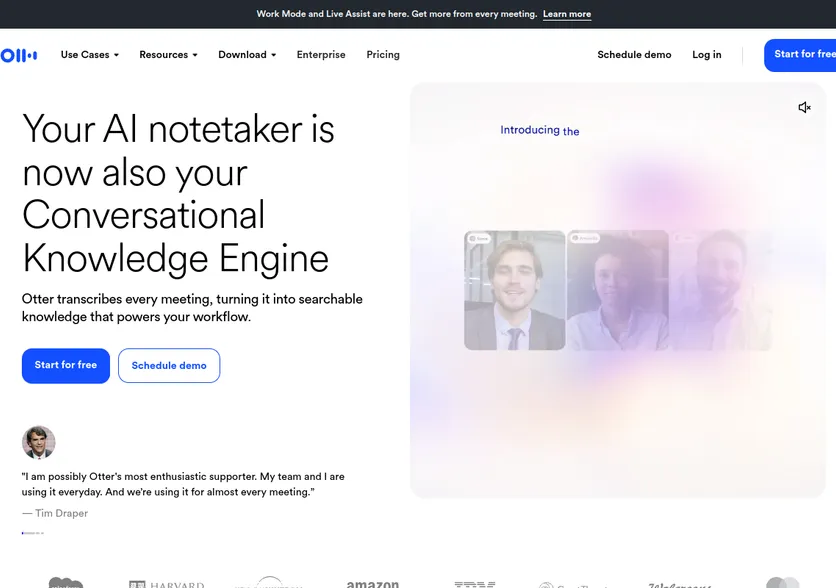
This Otter plan costs eight dollars and thirty-three cents per user a month billed annually on Pro, and it is the cheapest way to turn spoken words into usable text. Otter transcribes meetings, calls and dictation live, identifies speakers, and lets you search the transcript later for a name or a clause. It is not built for law specifically, so legal terms need correcting at first, but at this price a firm can put it on every desk without thinking twice.
What we like
- Cheapest plan in this list at eight dollars and thirty-three cents a month
- Live transcription with speaker identification
- Searchable transcripts make finding a clause fast
Watch out for
- Not built for law, so legal terms need correcting at first
- Monthly billing nearly doubles the price to sixteen dollars and ninety-nine cents
How to try it
- Record a client meeting or dictate a clause and let Otter transcribe it live
- Search the transcript for names, dates and key terms when you draft
- Export the text into your document template for final editing
2. Dragon Legal Anywhere
Best for: Estate planning firms that want dictation built for legal language
Paid tool Starting price: $65/user/month · Sixty-five dollars per user a month on a twelve-month term, or seven hundred and eighty dollars a year, with a one hundred and seventy-five dollar setup fee at some sellers; Nuance publishes no list price, so this figure comes from authorized resellers. Dragon Legal version 16 is also sold as a one-time licence around seven hundred and ninety-nine dollars and ninety-nine cents
Free plan: Free demo
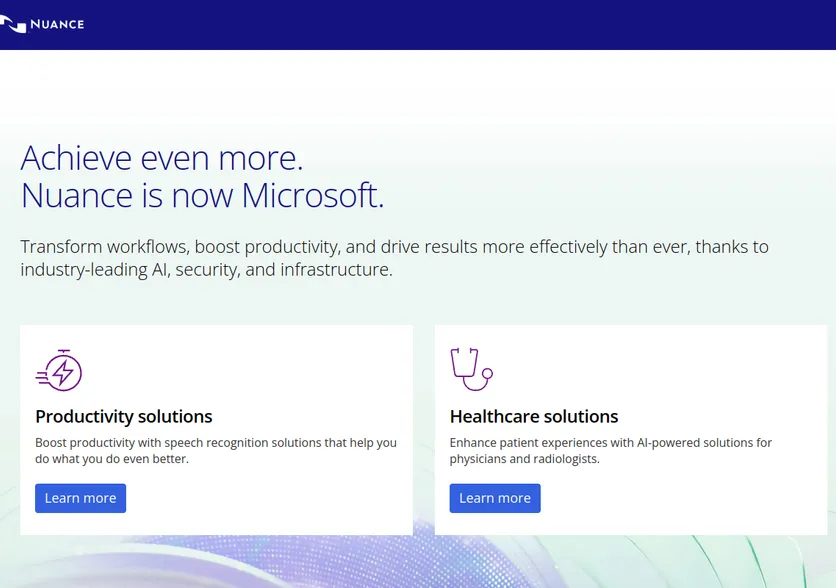
This Dragon Legal Anywhere plan costs sixty-five dollars per user a month on a twelve-month term, and it is the only tool in this list built specifically for legal dictation. It understands legal vocabulary, formats citations and clauses as you speak, and is designed for the long documents estate planning produces. Nuance publishes no list price, so the figure comes from authorized resellers, and partners have announced end of sale on December 31, 2026, with end of life a year later.
What we like
- Built for legal vocabulary, citations and long documents
- Cloud-based, so dictation works from any device
- Accuracy improves as it learns your voice and phrases
Watch out for
- End of sale is announced for December 31, 2026, with end of life a year later
- No list price is published by Nuance itself
How to try it
- Train Dragon on your voice and your firm's common legal phrases
- Dictate wills, trusts and powers of attorney directly into Word
- Correct the transcript as you go so the vocabulary keeps improving
3. Philips SpeechLive
Best for: Estate planning firms that want dictation with legal workflows
Paid tool Starting price: $47.80/user/month · Forty-seven dollars and eighty cents per user a month billed annually excluding tax on the Legal Direct plan; the Workflow plan is twenty-one dollars and ninety cents, and the Legal AI Assistant is fifty-four dollars as a 2026 introductory price, rising to seventy-six dollars and eighty cents from 2027
Free plan: Free trial
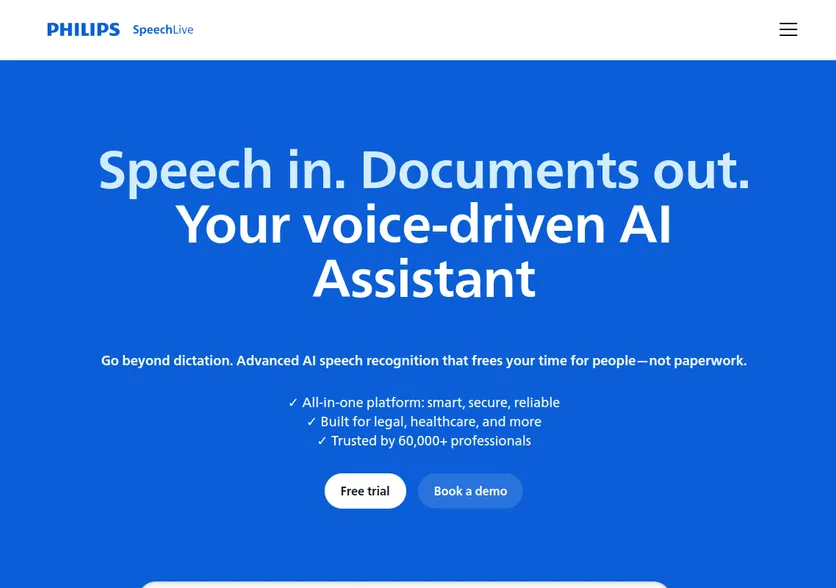
This Philips SpeechLive plan costs forty-seven dollars and eighty cents per user a month billed annually excluding tax on Legal Direct, and it is built around how law firms actually dictate: record on a phone or recorder, send the audio to a typist or to speech recognition, and get the document back. Legal Direct adds legal vocabulary and workflows, while the Legal AI Assistant at fifty-four dollars as a 2026 introductory price adds AI transcription that rises to seventy-six dollars and eighty cents from 2027.
What we like
- Built around real law firm dictation workflows
- Legal Direct adds legal vocabulary and document routing
- Works with phones, recorders and desktop microphones
Watch out for
- Prices exclude tax, so the real cost is higher
- The AI Assistant price rises sharply from 2027
How to try it
- Record dictation on your phone or a Philips recorder
- Send the audio to your typist or to the speech recognition workflow
- Review the returned document and file it to the matter
4. Rev
Best for: Firms that want human transcription when accuracy matters most
Paid tool Starting price: $25.49/seat/month · Twenty-five dollars and forty-nine cents per seat a month billed annually on the Essentials plan, or twenty-nine dollars and ninety-nine cents on monthly billing; Pro is forty-seven dollars and ninety-nine cents a seat a month billed annually, and human transcription costs one dollar and ninety-nine cents a minute
Free plan: Free plan
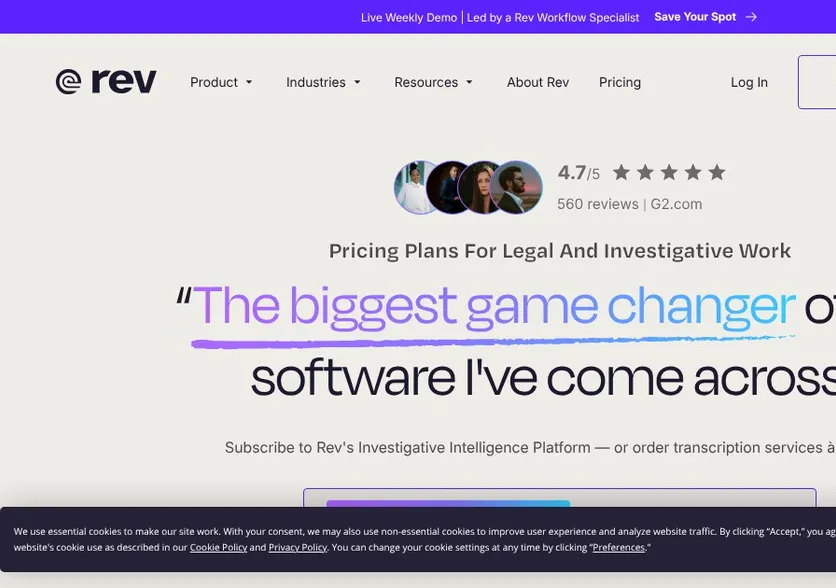
This Rev plan costs twenty-five dollars and forty-nine cents per seat a month billed annually on Essentials, and it pairs AI transcription with human transcription at one dollar and ninety-nine cents a minute when accuracy cannot be compromised. For estate planning, that split matters: AI handles routine meeting notes, while a human transcribes the deposition or the client instruction that becomes a will. Pro at forty-seven dollars and ninety-nine cents a seat a month billed annually adds more AI minutes and team controls.
What we like
- Human transcription available when accuracy cannot be compromised
- AI and human options share one platform
- Pay-as-you-go AI transcription at twenty-five cents a minute
Watch out for
- Human transcription at one dollar and ninety-nine cents a minute adds up fast
- Essentials caps AI transcription minutes per seat
How to try it
- Upload meeting audio for AI transcription on the Essentials plan
- Send critical recordings to human transcription at one dollar and ninety-nine cents a minute
- Edit the transcript in Rev and export it to your document system
5. Trint
Best for: Firms that want fast transcription with collaboration
Paid tool Starting price: $52/seat/month · Fifty-two dollars per seat a month billed annually on the Starter plan, or eighty dollars on monthly billing; Advanced is sixty dollars a seat a month billed annually, and Starter is capped at seven files a month
Free plan: Free 7-day trial
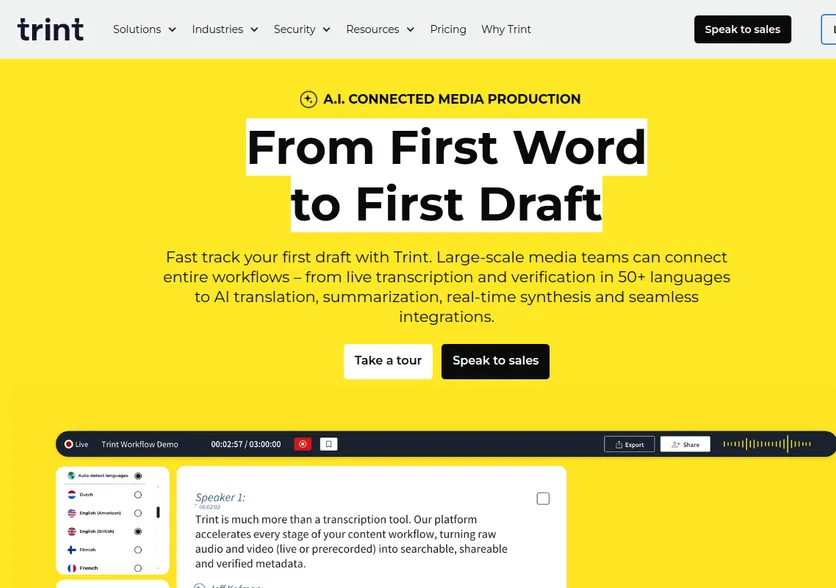
This Trint plan costs fifty-two dollars per seat a month billed annually on Starter, and it is built for teams that transcribe and edit together: the transcript appears in minutes, multiple people can edit and comment, and the editor works like a word processor. Starter is capped at seven files a month, which suits a firm that transcribes selectively, while Advanced at sixty dollars a seat a month billed annually raises the cap. There is no free plan, only a seven-day trial.
What we like
- Fast transcription with a word-processor style editor
- Team editing and comments are built in
- Clean export into document templates
Watch out for
- Starter is capped at seven files a month
- No free plan, only a seven-day trial
How to try it
- Upload the recording and let Trint transcribe it in minutes
- Edit the transcript in the built-in editor with your team
- Export the finished text into your will or trust template
6. Notta
Best for: Firms that want cheap transcription with a generous free plan
Paid tool Starting price: $8.17/month · Eight dollars and seventeen cents a month billed annually on the Pro plan, or thirteen dollars and forty-nine cents on monthly billing; Business is sixteen dollars and sixty-seven cents per seat a month billed annually
Free plan: Free plan
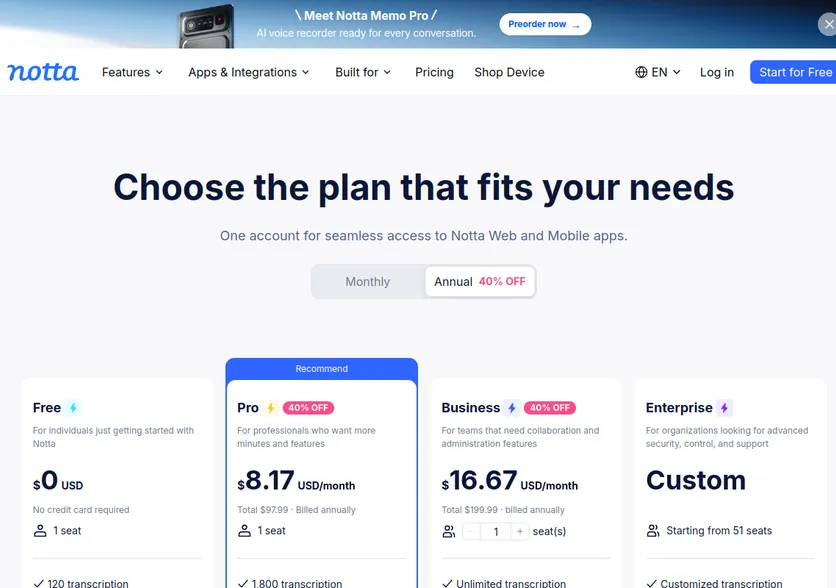
This Notta plan costs eight dollars and seventeen cents a month billed annually on Pro, and it is the second cheapest tool here after Otter. Notta transcribes meetings and dictation in real time, supports multiple languages, and keeps transcripts searchable by keyword. Business at sixteen dollars and sixty-seven cents per seat a month billed annually adds team controls for a firm with several attorneys dictating every day.
What we like
- Second cheapest plan here at eight dollars and seventeen cents a month
- Real-time transcription with keyword search
- Multi-language support for diverse client bases
Watch out for
- Not built for law, so legal terms need correcting
- Monthly billing raises the price to thirteen dollars and forty-nine cents
How to try it
- Record a client meeting or dictate directly into Notta
- Let the AI transcribe in real time and highlight key moments
- Search the transcript later for a name, date or instruction
7. Sonix
Best for: Firms that transcribe long recordings by the hour
Paid tool Starting price: $16.50/user/month · Sixteen dollars and fifty cents per user a month billed annually on the Premium plan, or twenty-two dollars on monthly billing, plus five dollars per audio hour; a pay-as-you-go Standard plan costs ten dollars per audio hour
Free plan: Free trial with 30 minutes
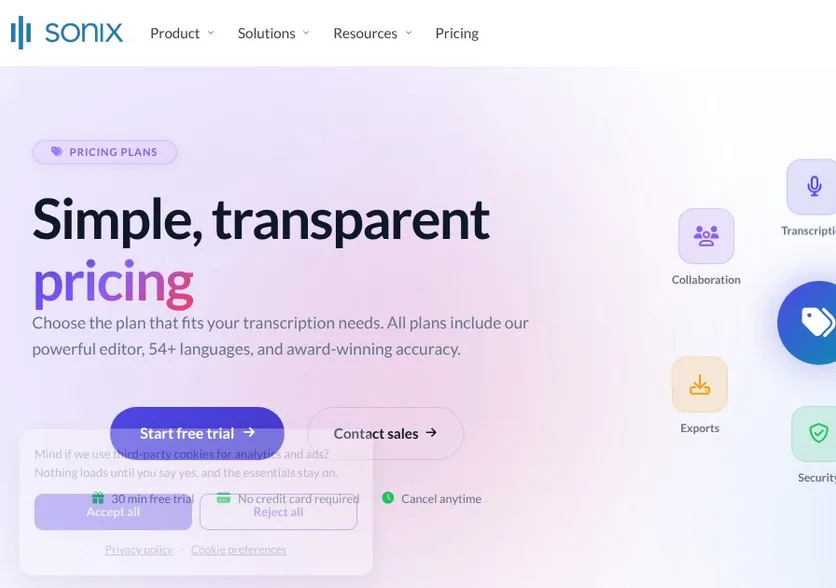
This Sonix plan costs sixteen dollars and fifty cents per user a month billed annually on Premium, plus five dollars per audio hour. Sonix is built for long recordings: upload hours of client meetings or depositions, get an accurate transcript with timestamps, and search across every file. A pay-as-you-go Standard plan at ten dollars per audio hour suits a firm that transcribes rarely, while Premium suits a firm that transcribes every week.
What we like
- Built for long recordings with timestamps throughout
- Search works across every transcript in the account
- Pay-as-you-go option suits firms that transcribe rarely
Watch out for
- Audio hours cost five dollars extra on top of the subscription
- Not built for law, so legal terms need correcting
How to try it
- Upload a long recording and let Sonix transcribe it with timestamps
- Search across all transcripts for a name or a clause
- Export the transcript with timestamps for the case file
8. Descript
Best for: Firms that want to edit audio and text together
Paid tool Starting price: $24/person/month · Twenty-four dollars per person a month billed annually on the Creator plan, or thirty-five dollars on monthly billing; Hobbyist is sixteen dollars a person a month billed annually and Business is fifty dollars
Free plan: Free plan
This Descript plan costs twenty-four dollars per person a month billed annually on Creator, and its trick is that the transcript is the editor: delete a word in the text and the audio is cut too. For an estate planning firm that records client instructions and turns them into documents, that makes cleanup fast. Hobbyist at sixteen dollars a person a month billed annually covers light use, while Business at fifty dollars adds team features and more transcription hours.

What we like
- Editing the transcript edits the audio too
- Fast cleanup of recorded client instructions
- Free plan lets a firm test the workflow first
Watch out for
- Transcription hours are capped per plan
- More of an editor than a pure dictation tool
How to try it
- Record a client instruction session in Descript
- Edit the transcript like a document to cut mistakes and pauses
- Export the cleaned text into your drafting template
Prices above were checked on each vendor’s own website on Nov 28, 2026 and can change — the vendor’s page is the final word. Vendor links are editorial: nobody paid to be listed or ranked here. Vendors who want a featured listing can see how it works on our Get listed page.
How an estate planning firm should use dictation software
Start by dictating the document, not the meeting. A will or trust clause dictated straight into your template saves more time than transcribing a whole meeting and cutting it down later. Speak names, numbers and dates slowly and spell them when they are unusual, because a misheard beneficiary name is the most expensive error in this work. Correct the transcript the same day, while you still remember what was said, and add the corrected terms to the tool's vocabulary. Finally, keep a human check on anything that becomes a signed document, because no transcription tool is accurate enough to skip proofreading.
Before you buy
- Check that the tool learns legal terms and client names, not just general speech
- Confirm whether dictation works offline or needs an internet connection
- Ask how accurate the transcript is on long estate planning documents, not short samples
- Make sure transcripts export into your document and case systems without reformatting
- Run a trial by dictating a real will or trust clause before you commit
Official websites
Official websites of the products reviewed above. Features and prices were checked against these sites when this guide was written, and they can change, so confirm on the vendor site before you buy.
Frequently asked questions
What is legal dictation software for estate planning firms?
It is software that turns spoken words into written text for estate planning work: dictating wills, trusts and powers of attorney, transcribing client meetings, and capturing instructions that become documents. The tools in this list cost eight to sixty-five dollars per user a month, and the legal-specific ones understand vocabulary that general tools miss. Accuracy matters most here, because a misheard name or number can change a will.
Is Dragon Legal Anywhere still available?
Dragon Legal Anywhere is still sold, but its future is short. Nuance partners have announced end of sale on December 31, 2026, with end of life a year later, and Nuance publishes no list price, so the sixty-five dollar figure comes from authorized resellers. A firm buying now should plan to move to another tool within a year, and Philips SpeechLive is the closest legal-specific alternative.
How much does Otter cost?
Otter costs eight dollars and thirty-three cents per user a month billed annually on the Pro plan, or sixteen dollars and ninety-nine cents on monthly billing. Business is nineteen dollars and ninety-nine cents per user a month billed annually. A free Basic plan covers three hundred minutes a month, which is enough to test live transcription on real client meetings before you pay.
Can dictation software handle legal terms and client names?
Legal-specific tools like Dragon Legal Anywhere and Philips SpeechLive Legal Direct are trained on legal vocabulary, so they handle terms, citations and clause formats better. General tools like Otter and Notta learn over time as you correct them, and most let you add custom vocabulary. Test any tool by dictating a real trust clause with names and numbers, not a short generic sample, before you buy.
Which dictation tool is best for estate planning documents?
For a firm that dictates every day, Dragon Legal Anywhere is the most accurate legal-specific option, though its end of sale in December 2026 means planning a move. Philips SpeechLive Legal Direct is the closest long-term alternative at forty-seven dollars and eighty cents a month. For a firm that mostly transcribes meetings, Otter at eight dollars and thirty-three cents a month is the best value.
Compare the eight tools above, then start with a free trial on the tool that matches how your firm already drafts documents before you pay for a full year.
Browse Business Tools tools