On this page
Every solo attorney has opened a contract, found a changed clause, and wondered what else moved. Comparison software answers that question in seconds instead of an hour of reading side by side. The tools below compare Word, PDF and scanned documents, and the gap between them is whether the output is a legal redline or just a highlight. Kaleidoscope leads the list because it costs eight dollars a month on Mac, and the other seven tools are ranked on the same practical test: how fast you can trust what changed.
How we researched this
We checked every price on the vendor pricing page on November 27, 2026, and only included tools with a published US dollar list price and a free trial or free tier. CompareDocs is not in this list because its vendor now redirects to Litera, which publishes no prices. Prices change, so confirm the current figure before you buy.
Compare the tools
| Name | Best for | Starting price | Free plan | |
|---|---|---|---|---|
| Kaleidoscope | Solo attorneys on a Mac who want the cheapest comparison | $8/month | Free 7-day trial | Visit |
| Draftable Legal | Solo attorneys who need legal-grade Word and PDF comparison | $21.75/user/month | Free 5-day trial | Visit |
 Adobe Acrobat Pro | Solo attorneys who want comparison plus full PDF editing | $19.99/month | Free 7-day trial | Visit |
| Diffchecker Legal | Solo attorneys who want legal comparison with iManage integration | $20/user/month | Free Basic tier | Visit |
| Beyond Compare | Solo attorneys who want a one-time purchase, not a subscription | $35 one-time | Free 30-day trial | Visit |
| Araxis Merge | Solo attorneys who compare folders and documents in bulk | $129 one-time | Free 30-day trial | Visit |
 Foxit PDF Editor | Solo attorneys who want a full PDF editor with comparison | $129.99/user/year | Free trial | Visit |
 Nitro PDF Pro | Solo attorneys who want comparison inside a PDF suite | $15/user/month | Free trial | Visit |
The document comparison software for solo attorneys, compared
1. Kaleidoscope
Best for: Solo attorneys on a Mac who want the cheapest comparison
Paid tool Starting price: $8/month · Eight dollars a month billed yearly, or ninety-six dollars a year, for the individual plan, or fourteen dollars on monthly billing; Team is ten dollars per user a month billed annually. Kaleidoscope runs on Mac only, and older one-time prices from the Kaleidoscope 3 era no longer apply
Free plan: Free 7-day trial
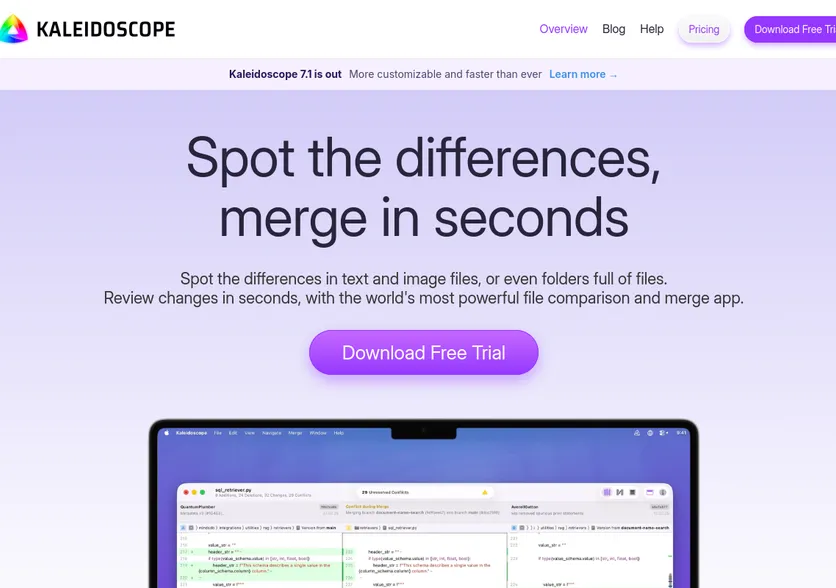
This Kaleidoscope plan costs eight dollars a month billed yearly, or ninety-six dollars a year, and it is the cheapest tool in this list by a wide margin. It compares text, images and folders side by side with a clean interface that a solo attorney learns in minutes. Team is ten dollars per user a month billed annually for firms that share comparisons. The catch is the platform: Kaleidoscope runs on Mac only, so Windows users need another tool here.
What we like
- Cheapest tool in this list at eight dollars a month
- Clean side-by-side comparison that is fast to learn
- Compares text, images and folders in one tool
Watch out for
- Mac only, so Windows users need another tool
- No legal-specific features like redline export to Word
How to try it
- Open two versions of a document side by side in Kaleidoscope
- Review the highlighted differences and jump between changes
- Export the comparison or save it for the client file
2. Draftable Legal
Best for: Solo attorneys who need legal-grade Word and PDF comparison
Paid tool Starting price: $21.75/user/month · Twenty-one dollars and seventy-five cents per user a month, or two hundred and sixty-one dollars per user a year, on the Legal plan; the Basic plan for non-legal use is one hundred and twenty-nine dollars per user a year. Subscriptions run for twelve months, and a free five-day trial is available
Free plan: Free 5-day trial
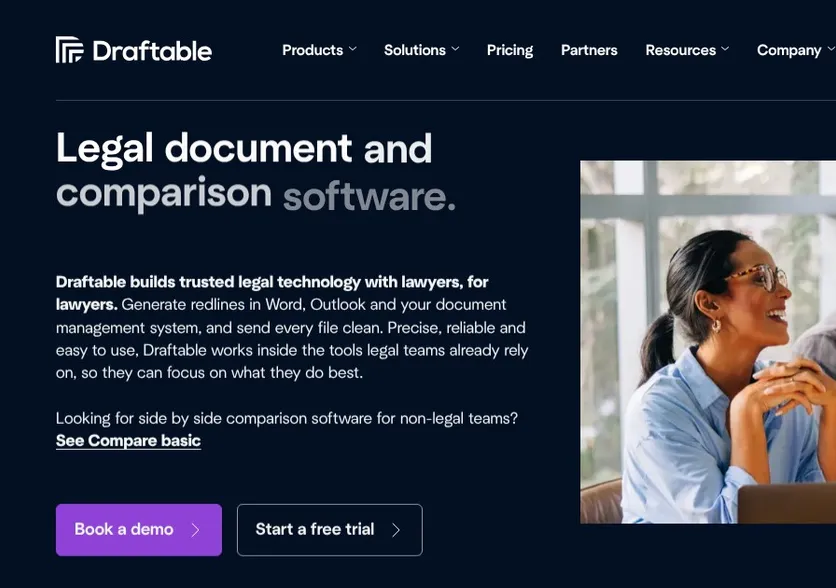
This Draftable Legal plan costs twenty-one dollars and seventy-five cents per user a month, or two hundred and sixty-one dollars per user a year, and it is the legal-grade tool in this list. It compares Word, PDF, PowerPoint and Excel side by side or as redlines, handles scanned PDFs with OCR, and integrates with iManage, NetDocuments, SharePoint and Worldox. The Basic plan for non-legal use is one hundred and twenty-nine dollars per user a year, and subscriptions run for twelve months.
What we like
- Legal-grade comparison with redline output for Word and PDF
- Handles scanned PDFs with OCR
- Integrates with iManage, NetDocuments and SharePoint
Watch out for
- Twelve-month subscriptions with no monthly option
- No Mac support until late 2027
How to try it
- Open the two document versions in Draftable Compare
- Choose side-by-side view or redline output for the comparison
- Export the redline as Word, PDF or tracked changes for the client
3. Adobe Acrobat Pro
Best for: Solo attorneys who want comparison plus full PDF editing
Paid tool Starting price: $19.99/month · Nineteen dollars and ninety-nine cents a month billed annually, or two hundred and thirty-nine dollars and eighty-eight cents a year; month-to-month billing is twenty-nine dollars and ninety-nine cents, and the Teams plan is twenty-three dollars and ninety-nine cents per seat a month billed annually
Free plan: Free 7-day trial
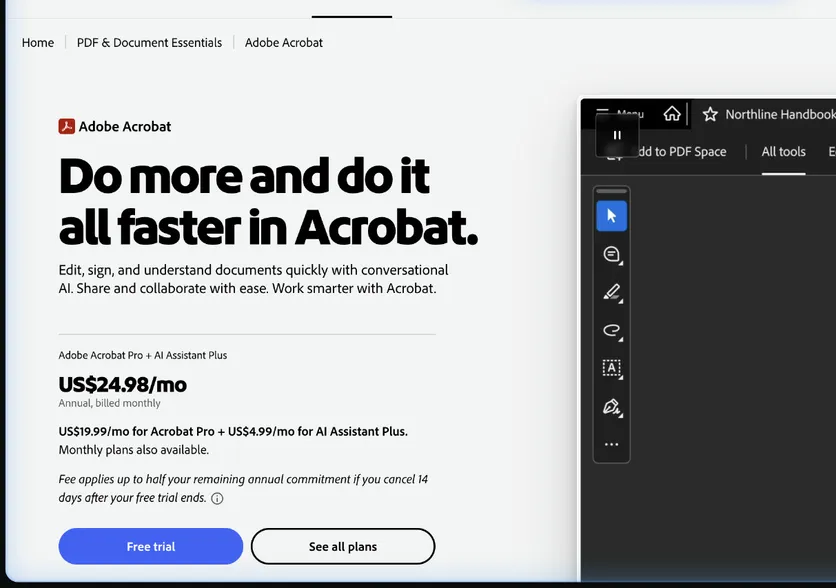
This Adobe Acrobat Pro plan costs nineteen dollars and ninety-nine cents a month billed annually, and it is the all-rounder in this list: compare PDFs, edit them, add e-signatures and fill forms in one tool. The comparison highlights changes between two PDF versions and exports the result, while the rest of Acrobat handles everything else a solo attorney does with documents. Teams is twenty-three dollars and ninety-nine cents per seat a month billed annually for firms that need admin controls.
What we like
- Comparison plus full PDF editing and e-signature in one tool
- The PDF standard that clients and courts already accept
- Compare, edit and sign without switching applications
Watch out for
- Comparison is PDF-focused, so Word redlines need another tool
- Month-to-month billing jumps to twenty-nine dollars and ninety-nine cents
How to try it
- Open the two PDF versions and run the Compare Files tool
- Review the highlighted changes side by side
- Export the comparison summary for the client file
4. Diffchecker Legal
Best for: Solo attorneys who want legal comparison with iManage integration
Paid tool Starting price: $20/user/month · Twenty dollars per user a month for Diffchecker Legal, which adds iManage integration and comparison profiles to Pro plus Desktop; Pro plus Desktop itself is fifteen dollars per user a month and Enterprise is forty dollars, billed annually only. A free Basic tier exists
Free plan: Free Basic tier
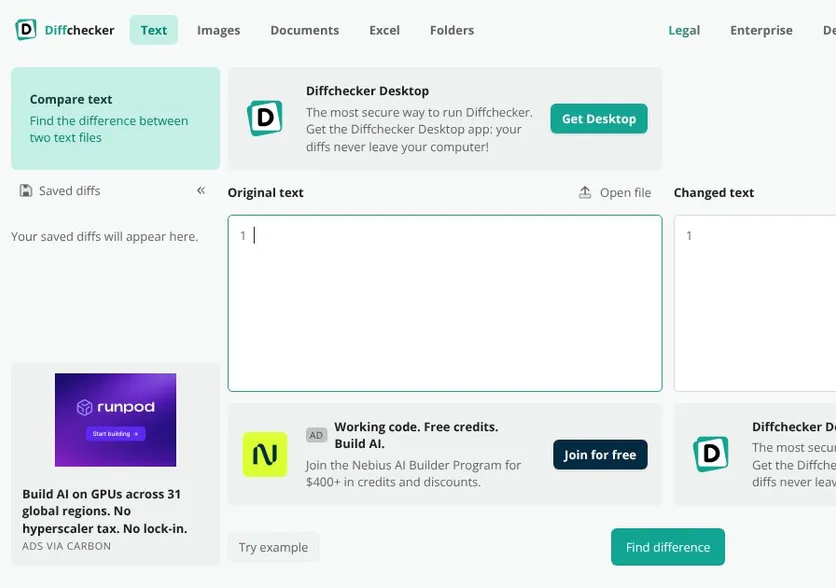
This Diffchecker Legal plan costs twenty dollars per user a month, and it adds iManage integration and comparison profiles to the Pro plus Desktop plan. The desktop app compares files fully offline, so client documents never leave your device, and the redline output exports to PDF, Word or tracked changes. Pro plus Desktop itself is fifteen dollars per user a month, while Enterprise at forty dollars is billed annually only and adds SSO and dedicated support.
What we like
- Desktop app compares files fully offline for confidentiality
- iManage integration on the Legal plan
- Redline output exports to PDF, Word or tracked changes
Watch out for
- Legal plan is twenty dollars, five dollars more than Pro plus Desktop
- Enterprise is annual billing only
How to try it
- Open the desktop app and compare two files offline
- Use profiles to save comparison settings for contracts or pleadings
- Export the redline as PDF or Word for the client file
5. Beyond Compare
Best for: Solo attorneys who want a one-time purchase, not a subscription
Paid tool Starting price: $35 one-time · Thirty-five dollars per user one time for a perpetual Standard licence, or seventy dollars for Pro, for one to four users; volume pricing falls to fifteen dollars and seventy-five cents per user at one hundred users and above, and major version upgrades are generally half price
Free plan: Free 30-day trial
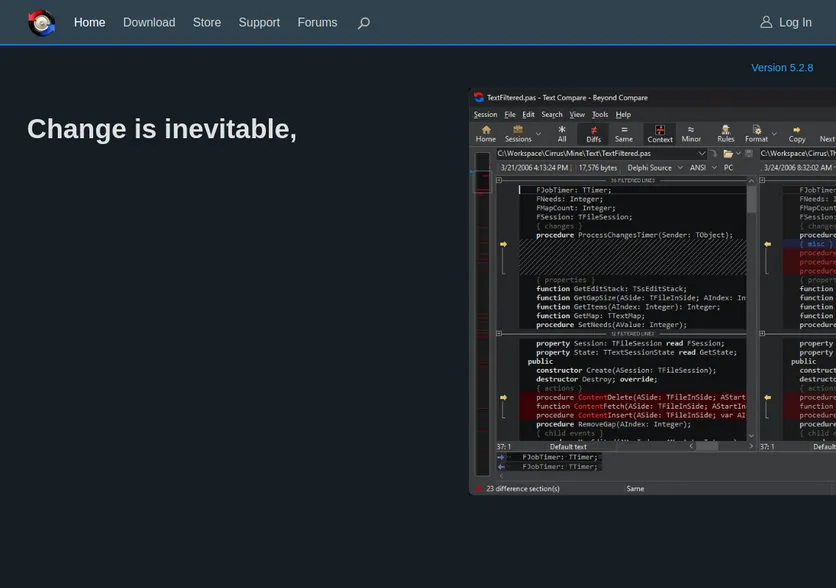
This Beyond Compare Standard licence costs thirty-five dollars per user one time, and it never asks for a subscription: one purchase covers the licence forever, with minor updates free and major upgrades generally at half price. It compares text, folders, images and binary files with a three-way merge on Pro at seventy dollars. Volume pricing falls to fifteen dollars and seventy-five cents per user at one hundred users, though a solo attorney buys at the one-to-four-user price.
What we like
- One-time purchase with no subscription to renew
- Compares text, folders, images and binary files
- Major upgrades are generally half price, minor updates free
Watch out for
- Older directories still list thirty dollars, so the current price is thirty-five
- No legal-specific redline features for Word documents
How to try it
- Open two files or folders side by side in Beyond Compare
- Review the highlighted differences and merge the changes you want
- Save the comparison or export the merged result
6. Araxis Merge
Best for: Solo attorneys who compare folders and documents in bulk
Paid tool Starting price: $129 one-time · One hundred and twenty-nine dollars one time for a perpetual Standard licence covering Windows and macOS, with one year of upgrades included; Professional is two hundred and sixty-nine dollars, and the upgrade and support entitlement renews at twenty-nine dollars a year for Standard and forty-nine dollars for Professional
Free plan: Free 30-day trial
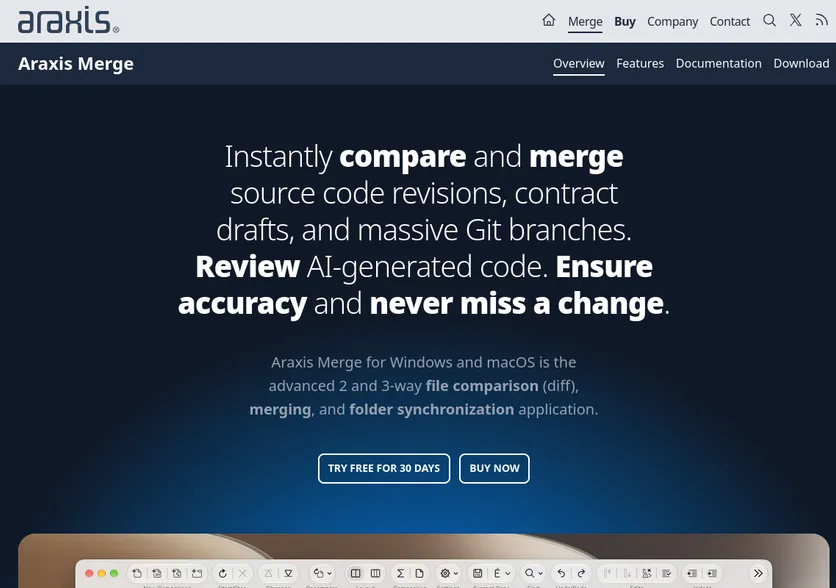
This Araxis Merge Standard licence costs one hundred and twenty-nine dollars one time for a perpetual licence covering Windows and macOS. It compares and merges text files, images and binary files, synchronizes folders, and reads text from PDFs and office documents. Professional at two hundred and sixty-nine dollars adds three-way comparison and merging. One year of upgrades is included, and the upgrade and support entitlement renews at twenty-nine dollars a year for Standard.
What we like
- Perpetual licence with no subscription
- Compares files and synchronizes whole folders
- Reads text from PDFs and office documents
Watch out for
- Most expensive one-time purchase in this list
- Three-way merging needs the two hundred and sixty-nine dollar Professional edition
How to try it
- Compare two files or synchronize two folders in Araxis Merge
- Merge the changes you want and ignore the rest
- Export the merged document or the comparison report
7. Foxit PDF Editor
Best for: Solo attorneys who want a full PDF editor with comparison
Paid tool Starting price: $129.99/user/year · One hundred and twenty-nine dollars and ninety-nine cents per user a year, or ten dollars and ninety-nine cents a month billed annually, for PDF Editor; Editor Plus is one hundred and fifty-nine dollars and ninety-nine cents a year, and a perpetual PDF Editor 14 licence is two hundred and nine dollars and ninety-nine cents one time. Some directories list one hundred and nine dollars or one hundred and thirty-nine dollars, so confirm the current price before buying
Free plan: Free trial
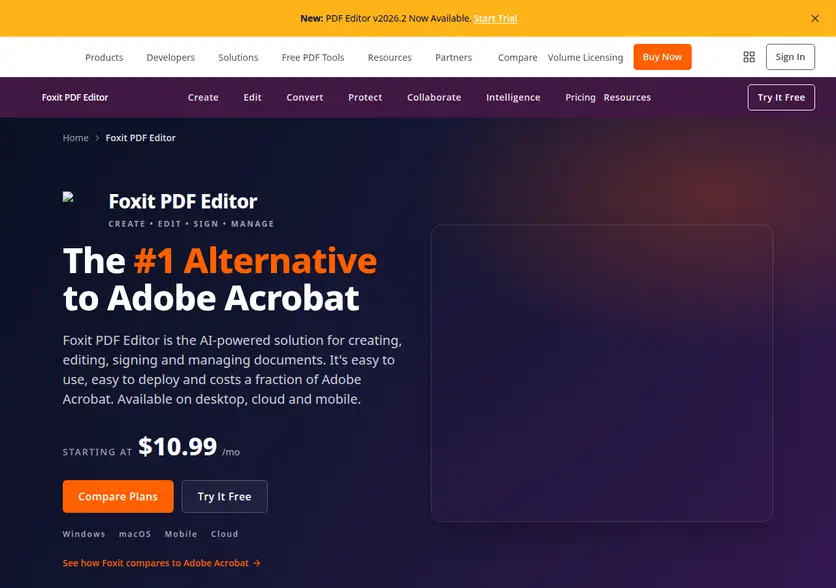
This Foxit PDF Editor plan costs one hundred and twenty-nine dollars and ninety-nine cents per user a year, or ten dollars and ninety-nine cents a month billed annually. It is a full PDF editor with comparison built in, plus e-signature and form tools, which makes it a cheaper Acrobat alternative for a solo practice. Editor Plus at one hundred and fifty-nine dollars and ninety-nine cents a year adds more features, and a perpetual PDF Editor 14 licence is two hundred and nine dollars and ninety-nine cents one time.
What we like
- Full PDF editor with comparison built in
- Cheaper than Acrobat Pro for the same core work
- Perpetual licence available for two hundred and nine dollars and ninety-nine cents
Watch out for
- Some directories list different prices, so confirm the current figure
- Comparison is PDF-focused, like Acrobat
How to try it
- Open the two PDF versions and run the comparison
- Review the differences and edit the PDF in the same tool
- Sign or share the finished document from Foxit
8. Nitro PDF Pro
Best for: Solo attorneys who want comparison inside a PDF suite
Paid tool Starting price: $15/user/month · Fifteen dollars per user a month billed annually, or one hundred and eighty dollars a year, for Nitro PDF Pro Standard; Classic is two hundred and seventy dollars one time for three years of Windows use, and Plus is priced on request. The old one hundred and seventy-nine dollar and ninety-nine cent perpetual licence is no longer sold
Free plan: Free trial
This Nitro PDF Pro Standard plan costs fifteen dollars per user a month billed annually, or one hundred and eighty dollars a year. It pairs PDF comparison with editing, e-signature and conversion in one suite, so a solo attorney can compare two versions, edit the result and send it for signature without leaving the tool. Classic at two hundred and seventy dollars one time covers three years of Windows use, and Plus is priced on request.
What we like
- Comparison, editing and e-signature in one suite
- Fifteen dollars a month is cheaper than Acrobat Pro
- Classic one-time licence covers three years of Windows use
Watch out for
- Classic one-time licence covers Windows only
- Plus tier is priced on request, not published
How to try it
- Open the two PDF versions and compare them in Nitro
- Edit the result and add your signature or annotations
- Send the finished document for e-signature from the same tool
Prices above were checked on each vendor’s own website on Nov 28, 2026 and can change — the vendor’s page is the final word. Vendor links are editorial: nobody paid to be listed or ranked here. Vendors who want a featured listing can see how it works on our Get listed page.
How a solo attorney should compare documents
Start with the file types you actually compare. If every document is a PDF, buy a PDF tool like Acrobat or Foxit; if Word redlines are your daily work, buy Draftable or Diffchecker Legal instead. Compare before you sign, not after, and save the comparison output with the matter file so you can prove what changed later. Check confidentiality before you upload: a desktop tool that compares offline keeps client documents on your machine, while a web tool sends them to a server. Finally, run a real comparison during the trial with two versions of a contract you already know, because you will spot accuracy problems faster on a familiar document.
Before you buy
- Check that the tool compares your actual file types, Word, PDF and scanned pages, not just text
- Confirm whether redline output is included or locked behind a higher tier
- Ask if files are compared locally or uploaded to a server, which matters for client confidentiality
- Make sure the comparison works with your document system or at least exports cleanly
- Run a trial by comparing two real versions of a contract before you commit
Official websites
Official websites of the products reviewed above. Features and prices were checked against these sites when this guide was written, and they can change, so confirm on the vendor site before you buy.
Frequently asked questions
What is legal document comparison software for solo attorneys?
It is software that shows exactly what changed between two versions of a document: added words, deleted clauses, moved paragraphs and changed numbers. Solo attorneys use it to check opposing counsel's redlines, compare a filed version against a draft, and prove what changed in a contract. The tools in this list cost eight dollars a month to one hundred and twenty-nine dollars one time.
Do I need a legal-specific comparison tool or is a general one enough?
A legal-specific tool like Draftable or Diffchecker Legal wins when you need redline output for Word, scanned PDF support with OCR, or integration with a document system like iManage. A general tool like Kaleidoscope or Beyond Compare is enough when you mostly compare text or folders and want a lower price. For a solo attorney, the legal tools cost about twenty dollars a month, which is close to the general tools.
How much does Kaleidoscope cost?
Kaleidoscope costs eight dollars a month billed yearly, or ninety-six dollars a year, for the individual plan, or fourteen dollars on monthly billing. Team is ten dollars per user a month billed annually. A free seven-day trial is available, but Kaleidoscope runs on Mac only, so Windows users need another tool.
Which comparison tool is best for PDFs?
Adobe Acrobat Pro and Foxit PDF Editor are the strongest PDF tools here: both compare PDFs, edit them and add e-signatures in one application. Acrobat Pro costs nineteen dollars and ninety-nine cents a month billed annually, while Foxit is ten dollars and ninety-nine cents a month billed annually. Nitro PDF Pro at fifteen dollars a month is the middle option with comparison, editing and e-signature in one suite.
What is the cheapest document comparison tool for a solo attorney?
Kaleidoscope is the cheapest subscription at eight dollars a month billed yearly, and Beyond Compare is the cheapest one-time purchase at thirty-five dollars per user. Over three years, Beyond Compare costs thirty-five dollars total while Kaleidoscope costs two hundred and eighty-eight dollars, so a one-time licence wins if you compare documents for years without needing new features.
Compare the eight tools above, then start with a free trial on the tool that matches the documents you compare most before you pay for a full year.
Browse Business Tools tools