On this page
A live shopping show lets a small business demo a product, answer questions in the chat and take orders in real time, all in one video. The nine tools below were checked on price and fit for small businesses, from a free plan to a full selling platform, and every one of them can put a buy link in front of viewers. StreamYard leads because it runs a polished show straight from the browser with no software to install, and every other tool is judged on the same test: how many viewers it turns into buyers for the price.
How we researched this
We checked every price on the vendor pricing page on November 28, 2026, and only included tools with a published US dollar list price. CommentSold was left out because its pricing page returns an error and its listed prices conflict, and Bambuser, Firework and Livescale sell by quote, so they are not in this list. Prices change, so confirm the current figure on the vendor site before you buy.
Compare the tools
| Name | Best for | Starting price | Free plan | |
|---|---|---|---|---|
 StreamYard | Small businesses that want a browser-based studio with no software to install | $18.99/month | Free plan | Visit |
 Restream | Small businesses that want one show on every channel at once | $19/month | Free plan | Visit |
 Ecamm Live | Mac-based sellers that want a full studio with scenes and guests | $16/month | 14-day free trial | Visit |
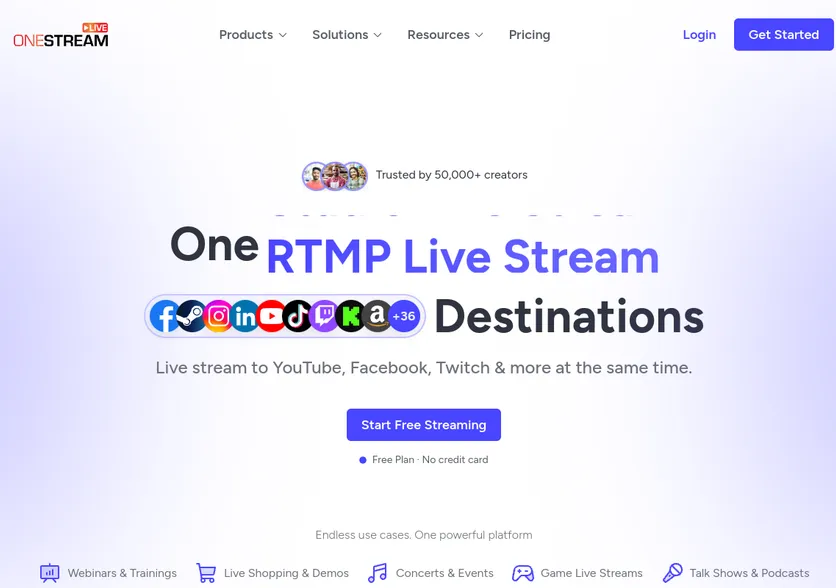
| OneStream Live | Small businesses that want to schedule pre-recorded videos as live shows | $15/month | Free plan | Visit |
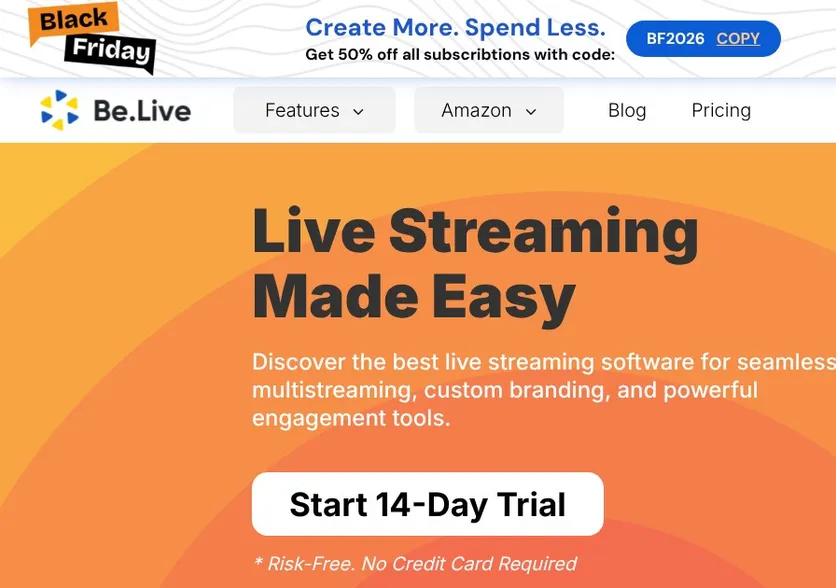
| Be.Live | Small businesses that want on-screen product cards with a buy button | $14.16/month | Free plan | Visit |
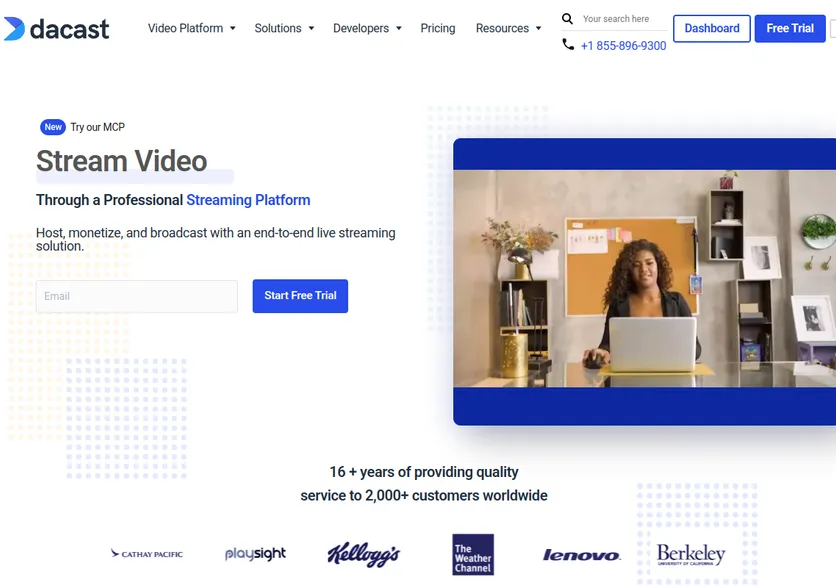
| Dacast | Small businesses that want a platform built for selling with paywalls | $39/month | 14-day free trial | Visit |
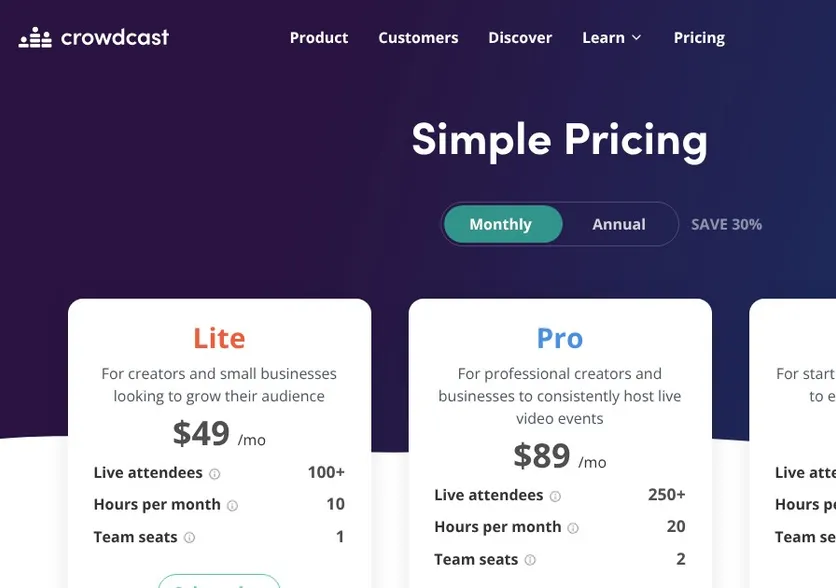
 Crowdcast | Small businesses that want ticketing and polls in their live shows | $49/month | No free plan | Visit |
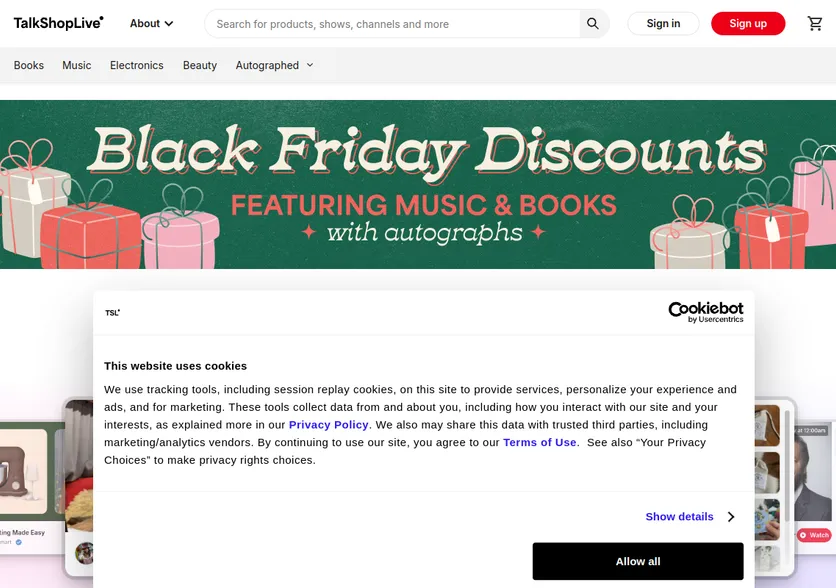
| TalkShopLive | Small businesses that want to start selling live with no monthly bill | $0/month | Free plan | Visit |
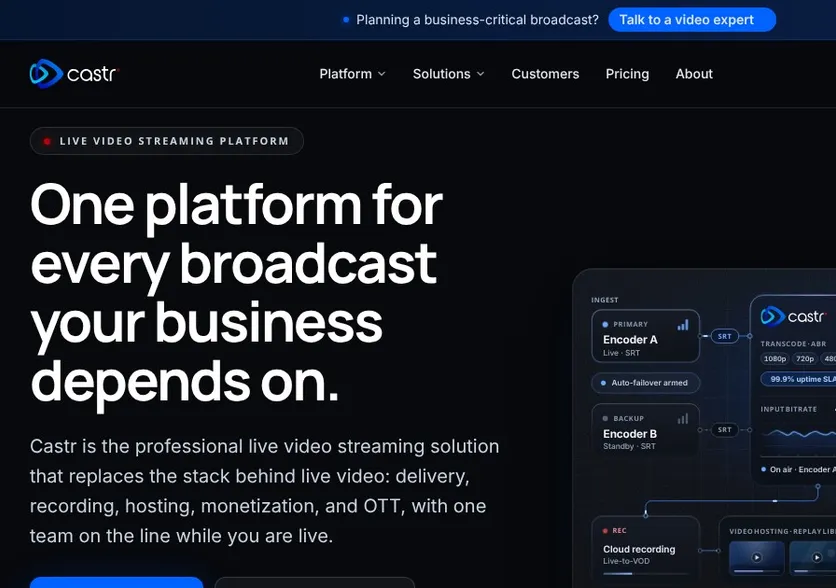
| Castr | Small businesses that want reliable multistreaming with a chat overlay | $19.99/month | 7-day free trial | Visit |
The live commerce software for small business, compared
1. StreamYard
Best for: Small businesses that want a browser-based studio with no software to install
Paid tool Starting price: $18.99/month · Eighteen dollars and ninety-nine cents per month on the Essential plan ($14.99 billed annually); Core is $44.99 per month ($35.99 billed annually) and Advanced is $88.99 per month ($68.99 billed annually). The older Basic $25 and Professional $49 plans are retired
Free plan: Free plan
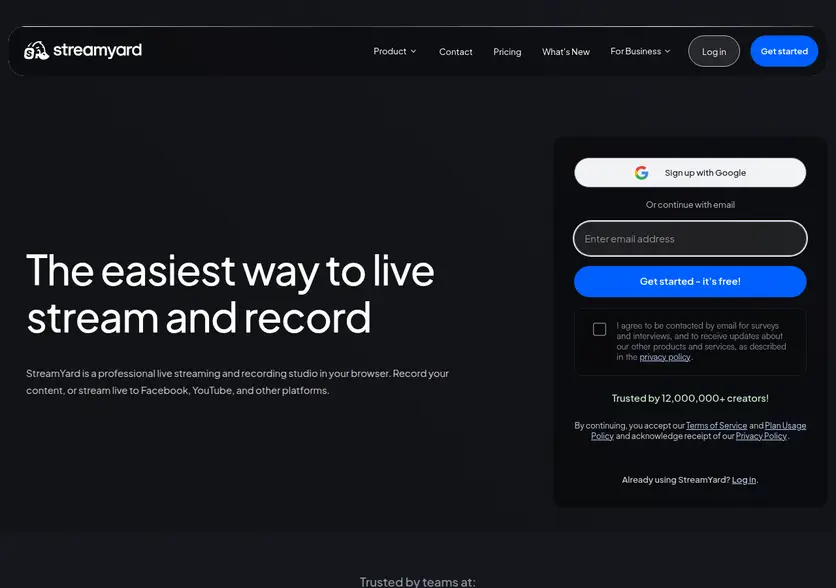
For a small business, this StreamYard plan costs eighteen dollars and ninety-nine cents a month, and it runs live shopping shows straight from the browser with no software to install. A seller can go live on Facebook, YouTube and Instagram at once, show products on screen and pin a buy link for viewers. It is the easiest way for a small business to start selling live.
What we like
- Runs in the browser with no software to install
- Streams to Facebook, YouTube and Instagram at once
- On-screen banners and buy links built in
Watch out for
- The Essential plan caps streams at 720p
- Multi-streaming to more than three channels needs a higher plan
How to try it
- Open StreamYard in your browser and connect your channels
- Add your logo and a buy link as an on-screen banner
- Invite a guest and go live on every channel at once
2. Restream
Best for: Small businesses that want one show on every channel at once
Paid tool Starting price: $19/month · Nineteen dollars per month on the Standard plan ($16 billed annually); Professional is $49 per month ($39 billed annually) and Business is $239 per month ($199 billed annually)
Free plan: Free plan
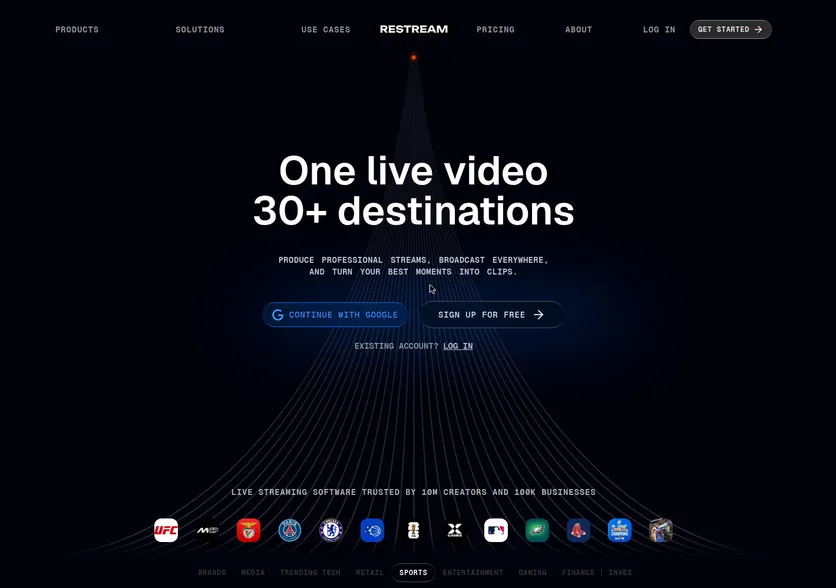
This Restream plan costs nineteen dollars a month, and it sends one live shopping show to every channel at once, from Facebook to YouTube to Twitch. A small business can reach buyers wherever they watch, read every comment in one chat window, and add a title and call to action that stays on screen. It is the simplest way to be everywhere without running three shows.
What we like
- One show goes to every channel at once
- All comments from every channel in one window
- Titles and calls to action built into the stream
Watch out for
- The Standard plan caps at three channels
- Full HD streaming needs the Professional plan
How to try it
- Connect your Facebook, YouTube and Twitch accounts
- Add a title and a buy link to your stream
- Go live and answer comments from one chat window
3. Ecamm Live
Best for: Mac-based sellers that want a full studio with scenes and guests
Paid tool Starting price: $16/month · Sixteen dollars per month on the Standard plan billed annually ($20 billed monthly); Pro is $32 per month billed annually ($40 billed monthly). A 40 percent Black Friday discount on the first year is a promotion, not the list price
Free plan: 14-day free trial
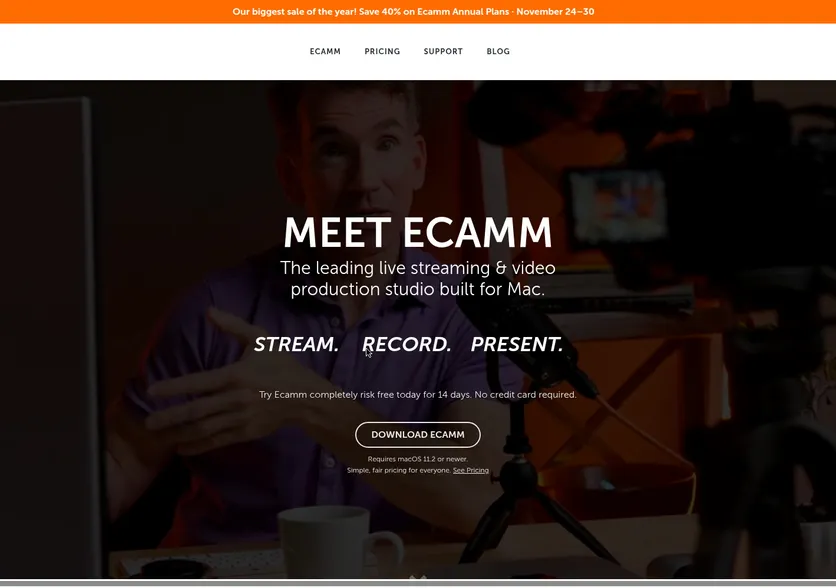
At sixteen dollars a month on annual billing, this Ecamm Live plan turns a Mac into a live shopping studio, with scenes, overlays and guest interviews built in. A seller can switch between a product close-up and a guest camera, add lower-third banners with prices, and stream to Facebook, YouTube and Instagram. It is the most polished studio in this list, and it only runs on a Mac.
What we like
- Scenes, overlays and guest interviews built in
- Streams to Facebook, YouTube and Instagram
- Polished look with no extra software needed
Watch out for
- Mac only, no Windows version
- The Standard plan caps at 720p streaming
How to try it
- Install Ecamm Live on your Mac and connect your channels
- Build scenes for the product close-up and the guest camera
- Add price banners and go live on every channel
4. OneStream Live
Best for: Small businesses that want to schedule pre-recorded videos as live shows
Paid tool Starting price: $15/month · Fifteen dollars per month on the Basic plan ($12 billed annually); Standard is $39 per month ($32 billed annually) and Professional is $49 per month ($39 billed annually). Older listings that show $10 per month are stale
Free plan: Free plan
This OneStream Live plan costs fifteen dollars a month, and it lets a small business schedule pre-recorded videos as live shopping shows. A seller can record a product demo once, then play it as a live event on Facebook, YouTube and Instagram at the best time for buyers. It is the pick for a seller who wants the reach of live without the stress of going live.
What we like
- Pre-recorded videos play as scheduled live events
- Streams to more than forty platforms at once
- No need to be on camera during the show
Watch out for
- Pre-recorded shows cannot react to live comments in the video itself
- The Basic plan caps at five scheduled streams a month
How to try it
- Upload a recorded product demo to OneStream Live
- Schedule it as a live event on your channels
- Answer comments live while the video plays
5. Be.Live
Best for: Small businesses that want on-screen product cards with a buy button
Paid tool Starting price: $14.16/month · Fourteen dollars and sixteen cents per month on the Starter plan billed annually ($170 per year; the monthly price is shown as $15.83 to $17 in different listings); Pro is $24.16 per month billed annually and Growth is $38.33 per month billed annually
Free plan: Free plan
At fourteen dollars and sixteen cents a month billed annually, this Be.Live plan runs live shopping shows with on-screen product cards and a buy button. A seller can show a product, add a price card and a link, and let viewers buy without leaving the stream. The free plan covers three streams a month, so a small business can test live selling before paying anything.
What we like
- On-screen product cards with prices and buy links
- Runs in the browser with no software to install
- Free plan covers three streams a month
Watch out for
- The Starter plan caps at ten guests per show
- Video quality is capped at 720p on the lower plans
How to try it
- Open Be.Live in your browser and connect your channels
- Add product cards with prices and buy links
- Go live and pin the product card on screen
6. Dacast
Best for: Small businesses that want a platform built for selling with paywalls
Paid tool Starting price: $39/month · Thirty-nine dollars per month on the Starter plan billed annually; Event is $63 and Scale is $165 per month billed annually. A $19 per month Plus tier covers video on demand only and has no live streaming
Free plan: 14-day free trial
This Dacast plan costs thirty-nine dollars a month billed annually, and it is the live streaming platform in this list built for selling, with paywalls and video on demand included. A seller can charge for access to a live show, sell the recording afterwards, and stream to a website or app with no ads. It is the pick for a business that treats the show itself as the product.
What we like
- Paywalls and video on demand built in
- Ad-free player you can put on your own site
- Streams in full HD on every plan
Watch out for
- No free plan, only a 14-day trial
- The Starter plan caps storage at 500 GB
How to try it
- Create a live channel and set your paywall price
- Add the player to your website or app
- Go live and sell the recording afterwards
7. Crowdcast
Best for: Small businesses that want ticketing and polls in their live shows
Paid tool Starting price: $49/month · Forty-nine dollars per month on the Lite plan ($34.30 billed annually); Pro is $89 per month ($62.30 billed annually) and Business is $195 per month ($136.50 billed annually). A 5 percent ticket fee applies on Lite and Pro, and 2 percent on Business
Free plan: No free plan
At forty-nine dollars a month, this Crowdcast plan runs live shopping events with ticketing, polls and a chat that keeps buyers engaged. A seller can charge for a ticket, run a poll to pick the next product, and let buyers ask questions in a chat that stays on screen. It is the pick for a business that runs events, not just streams.
What we like
- Ticketing built in for paid live events
- Polls and Q and A keep buyers engaged
- All events get a replay page automatically
Watch out for
- No free plan at all
- Ticket fees add up on paid events
How to try it
- Create an event and set your ticket price
- Add polls and a chat for buyer questions
- Go live and let buyers ask questions on screen
8. TalkShopLive
Best for: Small businesses that want to start selling live with no monthly bill
Paid tool Starting price: $0/month · Zero dollars per month on the Basic plan, plus 10.25 percent of order value and $0.30 per item sold. There is no monthly subscription on the entry plan, so the cost is zero until a sale happens
Free plan: Free plan
This TalkShopLive plan costs zero dollars a month, and it takes ten and a quarter percent of order value plus thirty cents per item sold instead of a subscription. A small business can start selling live with no monthly bill, stream on its own storefront and on Facebook, and only pay when a buyer actually buys. It is the pick for a seller who wants to test live shopping with no fixed cost.
What we like
- No monthly bill, you only pay when you sell
- Live storefront with shoppable product pins
- Streams to Facebook and your own site at once
Watch out for
- The revenue share is high on big orders
- Fewer channels than a dedicated multistreaming tool
How to try it
- Create a TalkShopLive storefront and connect your shop
- Schedule a live show and share the link
- Go live and pin products on screen as you talk
9. Castr
Best for: Small businesses that want reliable multistreaming with a chat overlay
Paid tool Starting price: $19.99/month · Nineteen dollars and ninety-nine cents per month on the Starter plan ($16.67 billed annually); Standard is $49.99 per month ($41.67 billed annually) and Premium is $199.99 per month ($166.67 billed annually)
Free plan: 7-day free trial
This Castr plan costs nineteen dollars and ninety-nine cents a month, and it sends one live shopping show to every channel at once with a built-in chat overlay. A small business can stream to Facebook, YouTube and Twitch, see every comment in one place, and keep the chat visible on screen. It is the pick for a seller who wants multistreaming without paying for a full studio.
What we like
- Reliable multistreaming to every channel at once
- Chat overlay keeps comments visible on screen
- Simple setup with no software to install
Watch out for
- No free plan, only a 7-day trial
- The Starter plan caps at two channels
How to try it
- Connect your Facebook, YouTube and Twitch accounts
- Add the chat overlay to your stream layout
- Go live and answer comments from one window
Prices above were checked on each vendor’s own website on Nov 28, 2026 and can change — the vendor’s page is the final word. Vendor links are editorial: nobody paid to be listed or ranked here. Vendors who want a featured listing can see how it works on our Get listed page.
How to run your first live shopping show
Pick one product and one channel for the first show, then add more channels once the setup works. Test the sound and the lighting with a short private stream, because bad audio loses viewers faster than any missing feature. Put the buy link on screen from the first minute and say it out loud every few minutes, since most viewers join late. Answer questions in the chat as you go, and pin the product card when you demo it. Save the recording and share it as a shoppable video, because the replay often sells more than the live show.
Before you buy
- Check the tool can stream to the channels where your buyers already watch, not just one
- Confirm the buy link stays pinned on screen during the whole show
- Make sure the tool can handle comments and questions from every channel in one place
- Ask whether recordings can be replayed as shoppable videos after the live show ends
- Test the setup with a phone and a laptop before your first real show, not during it
Official websites
Official websites of the products reviewed above. Features and prices were checked against these sites when this guide was written, and they can change, so confirm on the vendor site before you buy.
Frequently asked questions
What is live commerce software?
Live commerce means selling during a live video show, with the product on screen and a buy link pinned for viewers. A small business can demo a product, answer questions in the chat and take orders in real time, which turns a social audience into buyers. The best tools in this list stream to every channel at once, keep the buy link visible, and let the seller replay the show as a shoppable video afterwards.
How much does StreamYard cost for a small business?
StreamYard costs eighteen dollars and ninety-nine cents a month on the Essential plan, or fourteen dollars and ninety-nine cents billed annually. Core is forty-four dollars and ninety-nine cents a month and Advanced is eighty-eight dollars and ninety-nine cents a month. The older Basic plan at twenty-five dollars and the Professional plan at forty-nine dollars are retired, so older price lists will look different.
Can a small business start live selling for free?
Yes, with TalkShopLive, which costs zero dollars a month and only takes a share of sales, and with Be.Live, which has a free plan for three streams a month. StreamYard and Restream also have free plans. A free plan is enough to run a first test show, but a business that sells every week will need a paid plan for more channels and better video quality.
Which tool is cheapest for live selling?
TalkShopLive is the strongest fit when you want no monthly bill at all, because it costs zero dollars a month and only takes ten and a quarter percent of order value plus thirty cents per item sold. Be.Live is the cheapest subscription at fourteen dollars and sixteen cents a month billed annually. OneStream Live is the cheapest monthly subscription at fifteen dollars a month for a seller who prefers scheduled shows.
How do I know if a live shopping show is working?
Watch the number of viewers, the share of viewers who click the buy link, and the share of clicks that become orders. A show that gets questions in the chat and orders during the stream is working, even if the viewer count is small. If viewers watch but never click, the buy link is too hard to find or the price is not on screen.
Pick the tool that fits your budget and your channels, then run a short test show for friends first and fix the sound and lighting before you sell to real buyers.
Browse Business Tools tools