On this page
A member who cannot attend in person still wants to worship with the church, and a live stream lets them join from home, hospital or another town. The eight tools below were checked on price and fit for churches, from a free browser studio to a professional switcher, and every one of them can put the Sunday service in front of members. StreamYard leads because it runs a polished service straight from the browser with no software to install, and every other tool is judged on the same test: how reliably it reaches members for the price.
How we researched this
We checked every price on the vendor pricing page on November 28, 2026, and only included tools with a published US dollar list price. Resi, ChurchStreaming and Sermon were left out because their prices could not be verified from more than one source. Prices change, so confirm the current figure on the vendor site before you buy.
Compare the tools
| Name | Best for | Starting price | Free plan | |
|---|---|---|---|---|
 StreamYard | Churches that want a browser-based studio with no software to install | $18.99/month | Free plan | Visit |
 Restream | Churches that want one service on every channel at once | $19/month | Free plan | Visit |
 Ecamm Live | Mac-based churches that want a full studio with scenes and guests | $16/month | 14-day free trial | Visit |
 vMix | Churches that want a full production switcher they buy once | $60 one-time | 60-day free trial | Visit |
 Wirecast | Churches that want a professional studio for Mac and Windows | $34/month | Free trial | Visit |
| Dacast | Churches that want an ad-free stream on their own website | $39/month | 14-day free trial | Visit |
| BoxCast | Churches that want the simplest encoder and automatic archiving | $109/month | Free trial | Visit |
| OneStream Live | Churches that want to schedule a pre-recorded service as a live stream | $15/month | Free plan | Visit |
The live streaming software for churches, compared
1. StreamYard
Best for: Churches that want a browser-based studio with no software to install
Paid tool Starting price: $18.99/month · Eighteen dollars and ninety-nine cents per month on the Essential plan ($14.99 billed annually); Core is $44.99 per month ($35.99 billed annually) and Advanced is $88.99 per month ($68.99 billed annually). The older Basic $25 and Professional $49 plans are retired
Free plan: Free plan
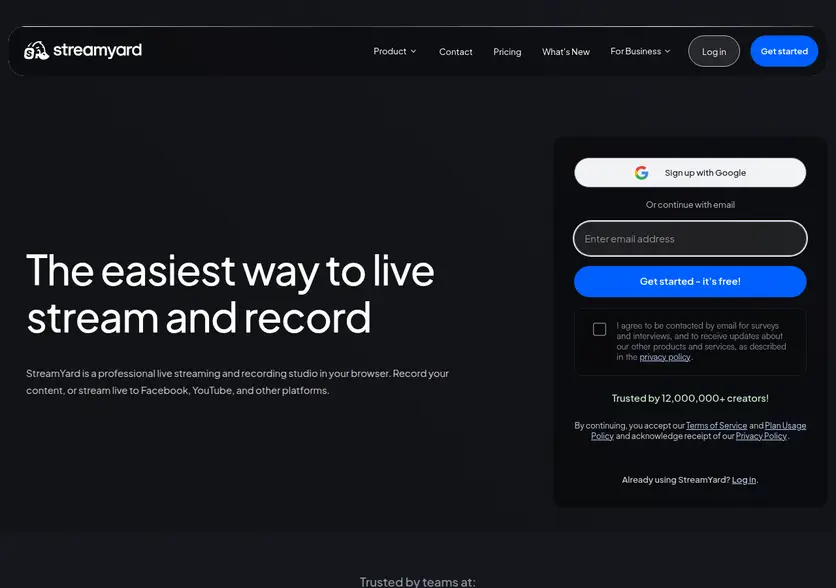
For a church, this StreamYard plan costs eighteen dollars and ninety-nine cents a month, and it runs the Sunday service straight from the browser with no software to install. A volunteer can bring in the pastor, the worship leader and a remote guest, add lower-third banners with scripture, and stream to Facebook, YouTube and the church website at once. It is the easiest way for a small church to start streaming.
What we like
- Runs in the browser with no software to install
- Streams to Facebook, YouTube and the church website at once
- On-screen banners and guest interviews built in
Watch out for
- The Essential plan caps streams at 720p
- Multi-streaming to more than three channels needs a higher plan
How to try it
- Open StreamYard in your browser and connect your channels
- Add banners with the service order and scripture
- Invite the pastor and go live on every channel at once
2. Restream
Best for: Churches that want one service on every channel at once
Paid tool Starting price: $19/month · Nineteen dollars per month on the Standard plan ($16 billed annually); Professional is $49 per month ($39 billed annually) and Business is $239 per month ($199 billed annually)
Free plan: Free plan
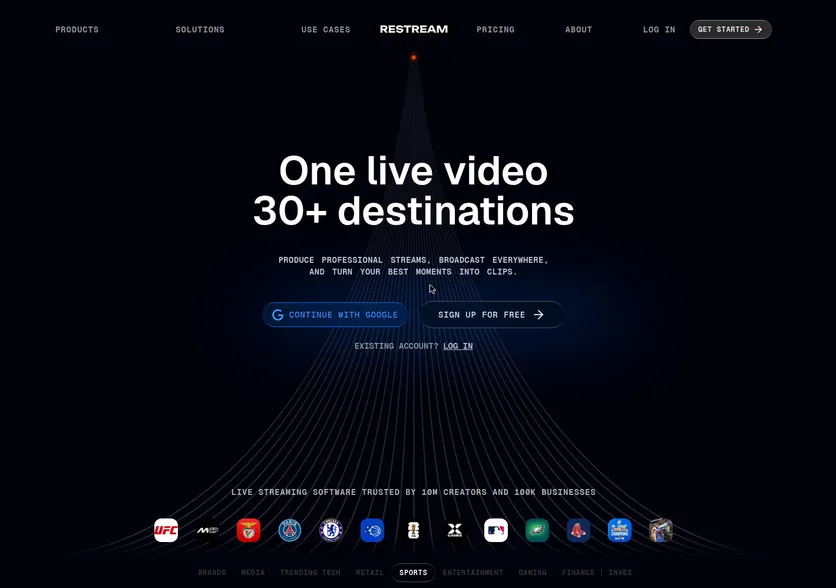
At nineteen dollars a month, this Restream plan sends one church service to every channel at once, from Facebook to YouTube to the church website. A church can reach members wherever they watch, read every comment in one chat window, and add a title and call to action that stays on screen. It is the simplest way to be everywhere without running three streams.
What we like
- One service goes to every channel at once
- All comments from every channel in one window
- Titles and calls to action built into the stream
Watch out for
- The Standard plan caps at three channels
- Full HD streaming needs the Professional plan
How to try it
- Connect your Facebook, YouTube and website accounts
- Add a title and a giving link to your stream
- Go live and answer comments from one chat window
3. Ecamm Live
Best for: Mac-based churches that want a full studio with scenes and guests
Paid tool Starting price: $16/month · Sixteen dollars per month on the Standard plan billed annually ($20 billed monthly); Pro is $32 per month billed annually ($40 billed monthly). A 40 percent Black Friday discount on the first year is a promotion, not the list price
Free plan: 14-day free trial
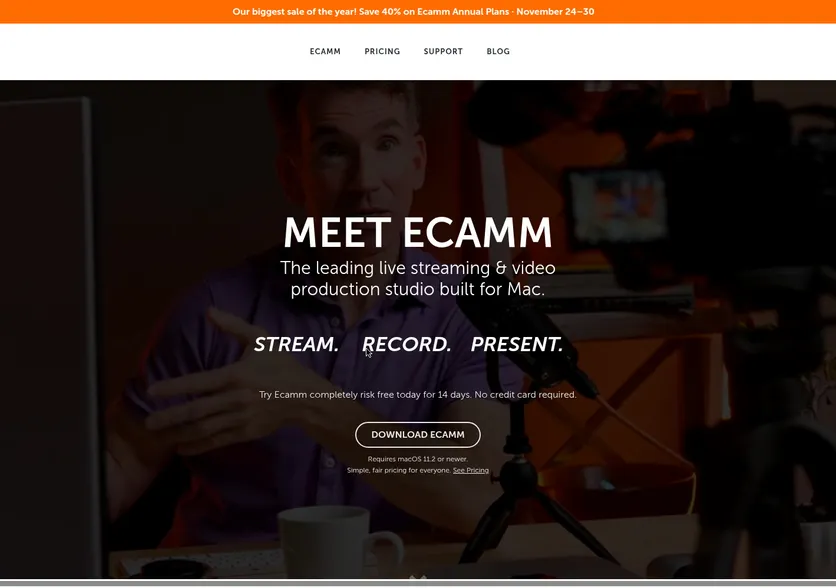
For a church on a Mac, this Ecamm Live plan costs sixteen dollars a month on annual billing, and it turns the computer into a service studio with scenes, overlays and guest interviews. A volunteer can switch between the pulpit camera and the worship band, add lower-third banners with scripture, and stream to Facebook, YouTube and Instagram. It is the most polished studio in this list, and it only runs on a Mac.
What we like
- Scenes, overlays and guest interviews built in
- Streams to Facebook, YouTube and Instagram
- Polished look with no extra software needed
Watch out for
- Mac only, no Windows version
- The Standard plan caps at 720p streaming
How to try it
- Install Ecamm Live on your Mac and connect your channels
- Build scenes for the pulpit and the worship band
- Add scripture banners and go live on every channel
4. vMix
Best for: Churches that want a full production switcher they buy once
Paid tool Starting price: $60 one-time · Sixty dollars once on the Basic HD plan; HD is $350, 4K is $700 and Pro is $1,200 once, and MAX is $50 per month as a subscription. The license includes 12 months of updates, and a further year costs $60
Free plan: 60-day free trial
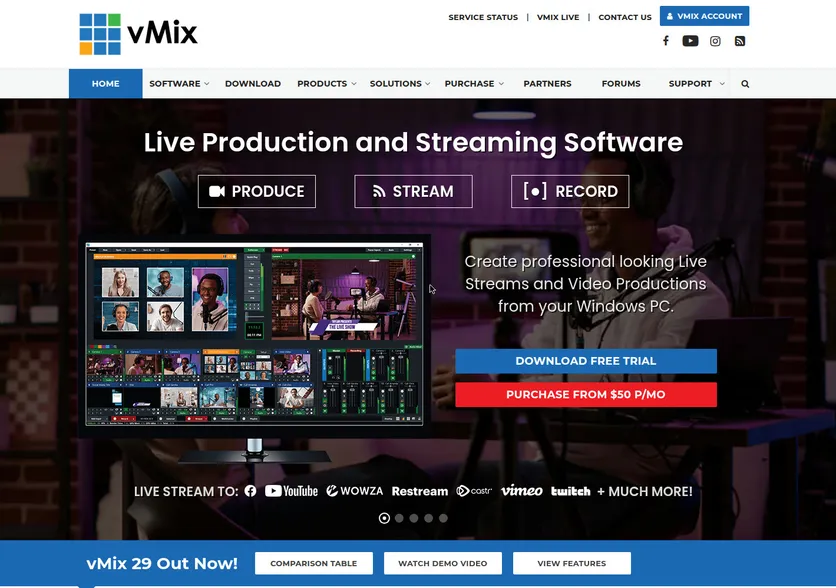
This vMix plan costs sixty dollars once, and it is the only tool in this list you buy instead of rent. A church gets a full live production switcher for Windows, with multiple cameras, instant replay and lower-third graphics, and the license includes twelve months of updates. It is the pick for a church that wants professional production without a monthly bill.
What we like
- One-time price with no monthly bill
- Multiple cameras, replay and graphics built in
- Full HD and 4K on the higher one-time tiers
Watch out for
- Windows only, no Mac version
- The learning curve is steep for new volunteers
How to try it
- Install vMix on a Windows computer and add your cameras
- Build a layout for the pulpit, the band and the slides
- Set up lower thirds and go live on Sunday
5. Wirecast
Best for: Churches that want a professional studio for Mac and Windows
Paid tool Starting price: $34/month · Thirty-four dollars per month on the Studio plan billed annually ($59 billed monthly); Pro is $42 per month billed annually ($79 billed monthly). Older listings that show $29.08 per month for Studio are stale
Free plan: Free trial
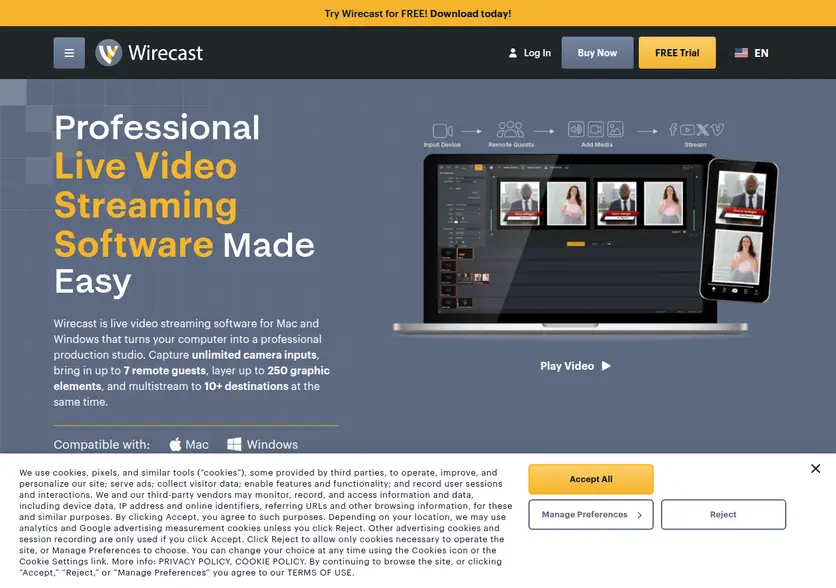
At thirty-four dollars a month on annual billing, this Wirecast plan gives a church a professional live production studio for Mac and Windows. A volunteer can switch between cameras, add slides and lower thirds, and stream to Facebook, YouTube and the church website. It is the pick for a church that outgrew browser tools and wants a real switcher without paying enterprise prices.
What we like
- Professional switching for Mac and Windows
- Slides, graphics and lower thirds built in
- Streams to Facebook, YouTube and your website
Watch out for
- The interface is complex for first-time volunteers
- Full HD output needs the Pro plan
How to try it
- Install Wirecast on your Mac or Windows computer
- Add your cameras and slides as sources
- Set up lower thirds and go live on Sunday
6. Dacast
Best for: Churches that want an ad-free stream on their own website
Paid tool Starting price: $39/month · Thirty-nine dollars per month on the Starter plan billed annually; Event is $63 and Scale is $165 per month billed annually. A $19 per month Plus tier covers video on demand only and has no live streaming
Free plan: 14-day free trial
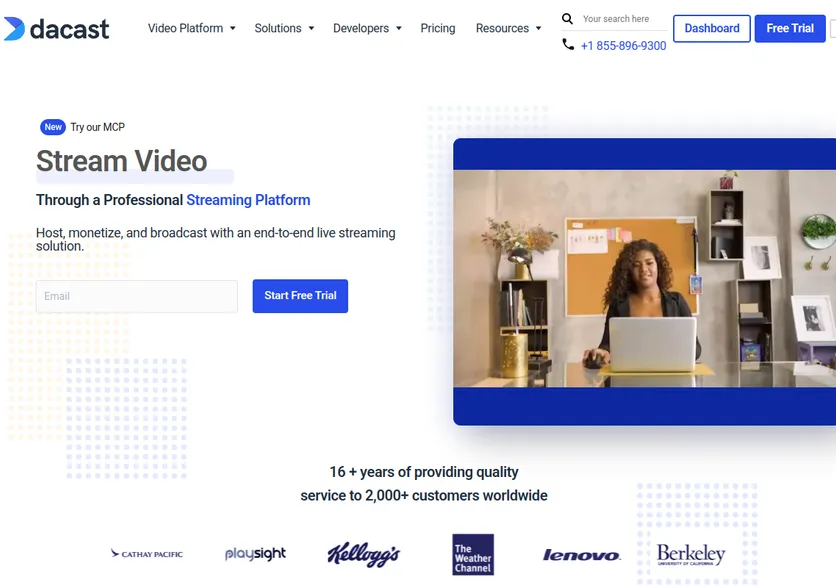
For a church, this Dacast plan costs thirty-nine dollars a month billed annually, and it streams the service to the church website with no ads and no social feed distractions. A church can embed an ad-free player, archive every sermon as video on demand, and charge for special events if it wants. It is the pick for a church that wants members watching on its own site, not on Facebook.
What we like
- Ad-free player you can put on your own site
- Paywalls and video on demand built in
- Streams in full HD on every plan
Watch out for
- No free plan, only a 14-day trial
- The Starter plan caps storage at 500 GB
How to try it
- Create a live channel and embed the player on your website
- Set up automatic recording for every service
- Share the sermon archive with members afterwards
7. BoxCast
Best for: Churches that want the simplest encoder and automatic archiving
Paid tool Starting price: $109/month · One hundred and nine dollars per month on the Standard plan billed annually ($119 billed monthly); Deluxe is $169, Advanced is $249 and 4K is $449 per month. Storage is 90 days on Standard, then $0.49 per broadcast hour per month
Free plan: Free trial
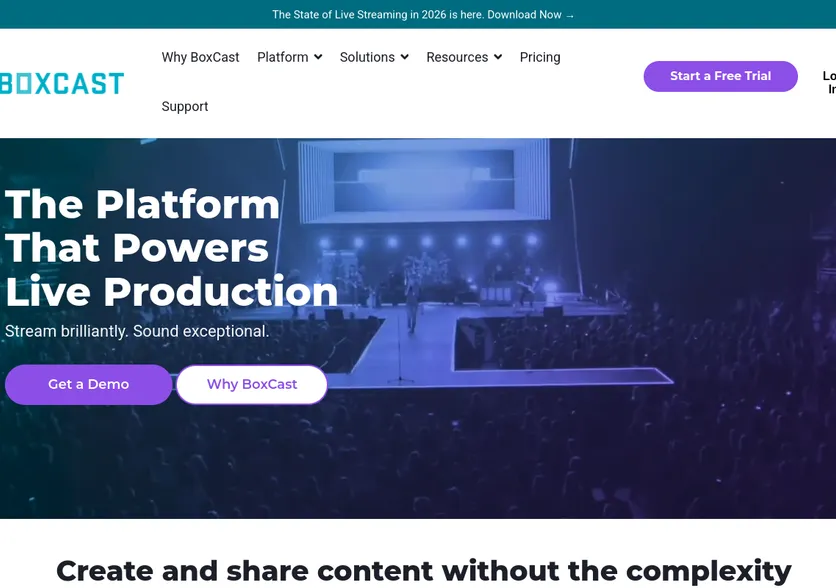
This BoxCast plan costs one hundred and nine dollars a month on annual billing, and it is the tool in this list built for churches and sports, with a simple encoder and automatic archiving. A volunteer plugs in the BoxCaster, presses one button and the service streams to the website, Facebook and YouTube, then archives itself for members who missed it. It is the pick for a church that wants streaming to just work.
What we like
- One-button streaming a volunteer can run
- Automatic archiving of every service
- Streams to your website, Facebook and YouTube
Watch out for
- The most expensive entry price in this list
- Storage is only 90 days on the Standard plan
How to try it
- Connect the BoxCaster to your camera and the internet
- Embed the player on your church website
- Press one button on Sunday and let it archive itself
8. OneStream Live
Best for: Churches that want to schedule a pre-recorded service as a live stream
Paid tool Starting price: $15/month · Fifteen dollars per month on the Basic plan ($12 billed annually); Standard is $39 per month ($32 billed annually) and Professional is $49 per month ($39 billed annually). Older listings that show $10 per month are stale
Free plan: Free plan
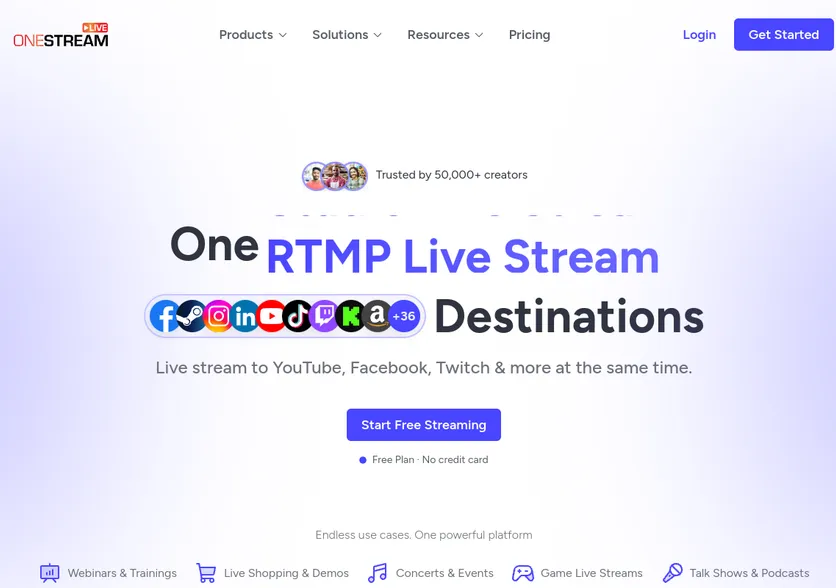
For a church, this OneStream Live plan costs fifteen dollars a month, and it lets the team schedule a pre-recorded service as a live stream. A church can record the sermon once, then play it as a live event on Facebook, YouTube and Instagram at the best time for members. It is the pick for a small church with no live production team.
What we like
- Pre-recorded services play as scheduled live events
- Streams to more than forty platforms at once
- No live production team needed on Sunday
Watch out for
- Pre-recorded services cannot react to live comments in the video itself
- The Basic plan caps at five scheduled streams a month
How to try it
- Upload a recorded sermon to OneStream Live
- Schedule it as a live event on your channels
- Answer comments live while the service plays
Prices above were checked on each vendor’s own website on Nov 28, 2026 and can change — the vendor’s page is the final word. Vendor links are editorial: nobody paid to be listed or ranked here. Vendors who want a featured listing can see how it works on our Get listed page.
How to stream your Sunday service without a production team
Start with one camera and one microphone, because good audio matters more than a second camera angle. Test the stream with a short private broadcast on a weekday, and check the sound with the worship band and the sermon microphone, not just with a voice. Put the player on the church website as well as on Facebook, since older members often watch there and never open social media. Assign one volunteer to watch the chat and the comments during the service, so prayer requests never go unanswered. Record every service and share the replay link by email, because the replay often reaches more members than the live stream.
Before you buy
- Check the tool can stream to your church website, not just to social media
- Confirm a volunteer can run the whole setup with one click on a Sunday morning
- Make sure the service is recorded and archived automatically for members who missed it
- Ask whether the stream stays up when the internet drops briefly, or starts over
- Test the audio with the worship band and the sermon microphone before the first service
Official websites
Official websites of the products reviewed above. Features and prices were checked against these sites when this guide was written, and they can change, so confirm on the vendor site before you buy.
Frequently asked questions
Why does live streaming matter for a church?
Members who cannot attend in person still want to worship with the church, and a live stream lets them join from home, hospital or another town. A stream on the church website reaches members who never use Facebook, while a stream on Facebook and YouTube reaches visitors who might come in person one day. The best tools in this list record every service automatically, so the sermon stays available all week.
How much does StreamYard cost for a church?
StreamYard costs eighteen dollars and ninety-nine cents a month on the Essential plan, or fourteen dollars and ninety-nine cents billed annually. Core is forty-four dollars and ninety-nine cents a month and Advanced is eighty-eight dollars and ninety-nine cents a month. The older Basic plan at twenty-five dollars and the Professional plan at forty-nine dollars are retired, so older price lists will look different.
Can a small church start live streaming for free?
Yes, with StreamYard, which has a free plan, and with Restream, which also has a free plan. OneStream Live has a free plan too. A free plan is enough to run a first test service, but a church that streams every week will need a paid plan for better video quality, more channels and longer streams.
Which tool is simplest for volunteers to run?
BoxCast is the strongest fit when you want one-button streaming a volunteer can run, at one hundred and nine dollars a month billed annually. StreamYard is the best fit for a browser studio at eighteen dollars and ninety-nine cents a month. vMix is the best fit when you want a professional switcher with a one-time price of sixty dollars.
How do I know if the stream is reaching members?
Watch the number of live viewers, the number of people who watch the replay during the week, and the comments and prayer requests that come in during the service. A stream that gets viewers on Sunday and replays all week is working, even if the live count is small. If the audio is bad, fix the microphone first, because viewers forgive a plain picture but not bad sound.
Pick the tool that fits your team size and your budget, then run a full rehearsal stream on a weekday and fix the sound before the congregation watches on Sunday.
Browse Video Tools tools