On this page
An enterprise that needs a mobile app usually faces a hard choice: wait months for developers or ship something fast with a low-code builder. The eight tools below cover that choice for different teams, from Microsoft shops building internal apps to founders shipping a native product to the stores. Microsoft Power Apps leads the list because it turns Microsoft 365 into an app platform for twenty dollars per user a month, and the other seven tools are ranked on the same practical test: how much real app you get for the price.
How we researched this
We checked every price on the vendor pricing page on November 28, 2026, and only included tools with a published US dollar list price. OutSystems and Mendix sell by quote with no public entry price, so they are not in this list. Prices change, so confirm the current figure on the vendor site before you buy.
Compare the tools
| Name | Best for | Starting price | Free plan | |
|---|---|---|---|---|
 Microsoft Power Apps | Enterprises already running Microsoft 365 that need internal mobile apps | $20/user/month | Free Developer plan | Visit |
 Bubble | Teams building full web and mobile apps without writing code | $32/month | Free plan | Visit |
 FlutterFlow | Enterprises that want native apps with exportable Flutter code | $39/month | Free plan | Visit |
 Adalo | Enterprises that want a simple native app at a flat price | $65/month | Free plan | Visit |
 Zoho Creator | Companies already on Zoho that need low-cost internal apps | $8/user/month | Free trial | Visit |
 AppSheet | Google Workspace teams building field and inventory apps from sheets | $5/user/month | Free for prototyping | Visit |
 Retool | Engineering teams building internal admin tools on live databases | $10/builder/month | Free plan | Visit |
 Glide | Operators turning a spreadsheet into a polished business app fast | $25/month | Free plan | Visit |
The low code mobile app builder software for enterprise, compared
1. Microsoft Power Apps
Best for: Enterprises already running Microsoft 365 that need internal mobile apps
Paid tool Starting price: $20/user/month · Twenty dollars per user a month billed annually on the Premium plan, for unlimited custom apps; the cheaper per-app plan was pulled from the vendor pricing page in January 2026, so confirm licensing before buying
Free plan: Free Developer plan
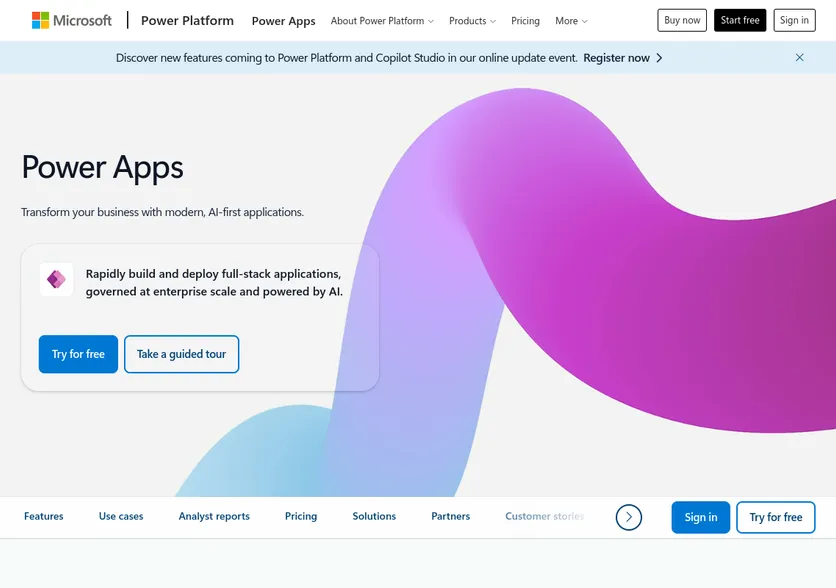
This Microsoft Power Apps plan costs twenty dollars per user a month billed annually and lets licensed users build and run unlimited custom apps. It ties deeply into Dataverse, Teams, SharePoint and Azure, with enterprise security and governance built in. An organization already on Microsoft 365 gets a low-code builder that fits its existing licenses and login system.
What we like
- Deep ties to Dataverse, Teams, SharePoint and Azure
- Enterprise security and governance built in
- Unlimited custom apps for each licensed user
Watch out for
- Licensing is famously confusing to scope correctly
- Little value outside the Microsoft stack
How to try it
- Start from a template or a Dataverse table in Power Apps Studio
- Add screens, forms and logic with the visual builder
- Publish the app to phones and desktops for licensed users
2. Bubble
Best for: Teams building full web and mobile apps without writing code
Paid tool Starting price: $32/month · Thirty-two dollars a month billed annually on the Starter plan for a web-only app, or thirty-nine dollars billed monthly; Starter with web plus mobile is fifty-nine dollars a month billed annually, Growth is one hundred and nineteen dollars and Team is three hundred and forty-nine dollars. Some listings still show twenty-nine dollars a month, which is the older Starter figure
Free plan: Free plan
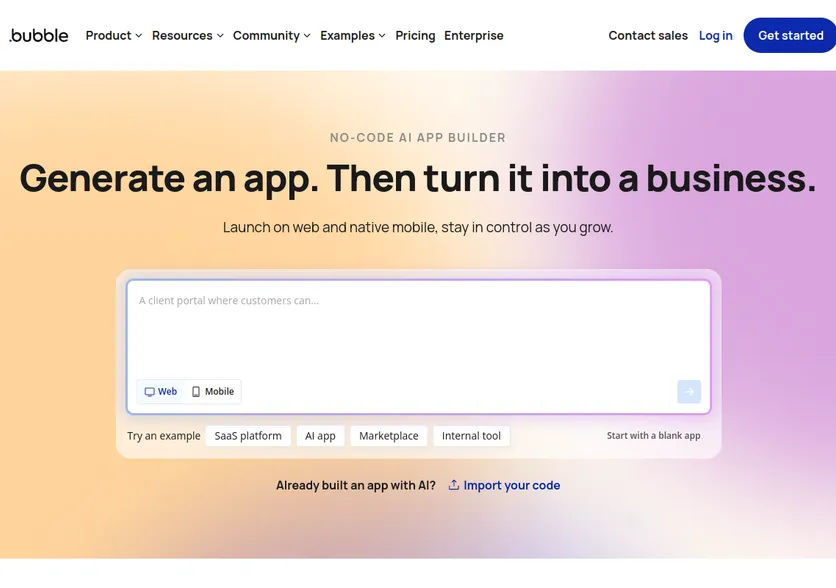
This Bubble plan costs thirty-two dollars a month billed annually and covers a web-only app with a visual editor, built-in database, hosting and deployment. It offers the deepest visual logic and relational database of any no-code builder in this list, so a team can ship a real product with workflows, user accounts and payments. A startup that wants a production app without hiring developers gets the most capable builder here.
What we like
- The deepest visual logic and database of any no-code builder
- Hosting, database and deployment in one subscription
- A large plugin marketplace and active community
Watch out for
- Workload-based pricing takes real effort to predict
- You cannot export the full source code
How to try it
- Design your app screens with the visual editor
- Build the database and set up workflows for key actions
- Deploy the app and connect a custom domain
3. FlutterFlow
Best for: Enterprises that want native apps with exportable Flutter code
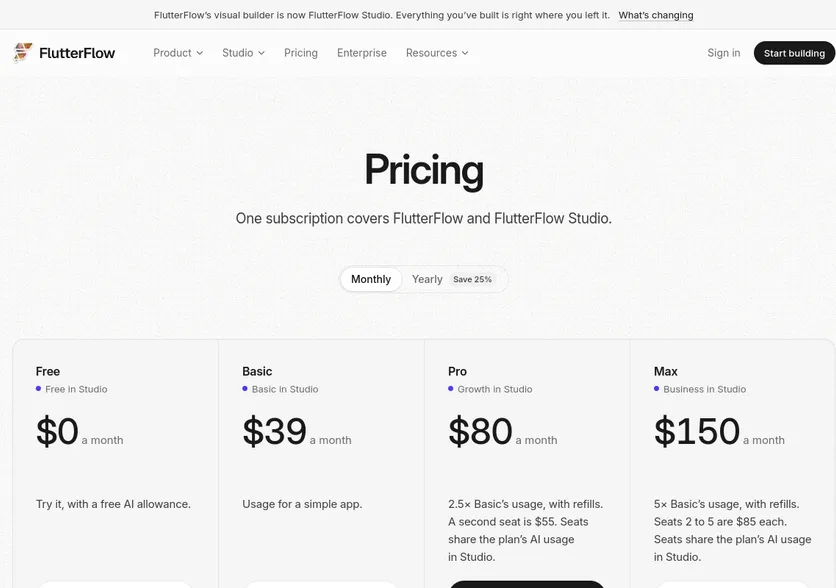
Paid tool Starting price: $39/month · Thirty-nine dollars a month on the Basic plan, adding source-code and APK downloads, custom domains and one-click store deployment; Pro is seventy dollars a month. Older listings show a thirty-dollar Standard plan, which is the previous plan naming
Free plan: Free plan
This FlutterFlow plan costs thirty-nine dollars a month and adds source-code and APK downloads, custom domains and one-click store deployment. It builds native iOS and Android apps visually on Google's Flutter framework, with Firebase and Supabase integrations and GitHub sync. A team that wants speed now and the option to hand real code to engineers later gets both.
What we like
- Exports real Flutter code with no black-box lock-in
- Native iOS and Android apps from one visual builder
- Firebase and Supabase integrations built in
Watch out for
- Per-seat team pricing adds up past two builders
- Backend and deployment decisions still need real planning
How to try it
- Design screens visually and connect Firebase or Supabase
- Add logic, animations and API calls in the builder
- Download the Flutter source or deploy straight to the stores
4. Adalo
Best for: Enterprises that want a simple native app at a flat price
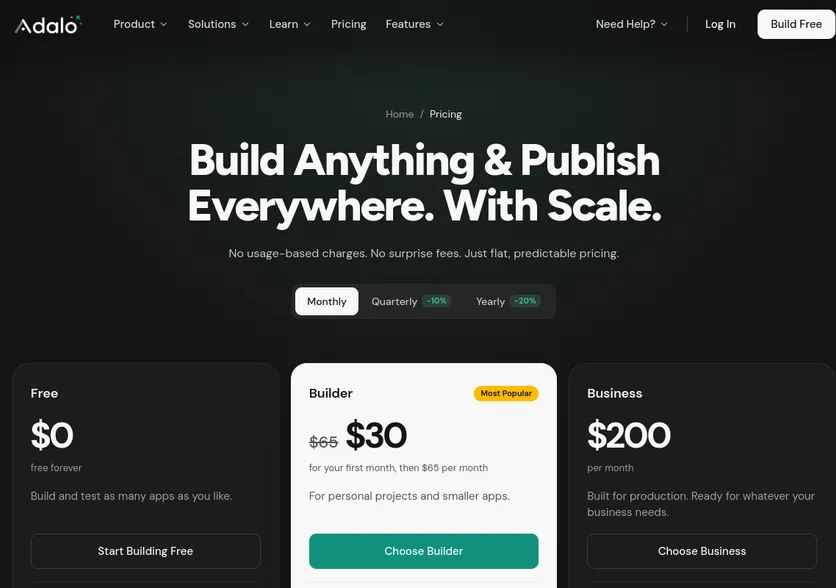
Paid tool Starting price: $65/month · Sixty-five dollars a month on the Builder plan, covering app store and web publishing for two published apps; the older Starter plan at thirty-six dollars a month no longer appears on the vendor pricing page, and Apple and Google developer fees are extra
Free plan: Free plan
This Adalo plan costs sixty-five dollars a month and covers app store and web publishing for two published apps. It is a drag-and-drop builder for native iOS and Android apps with mobile-first templates and a built-in database, and every paid tier includes unlimited actions. A team that wants to publish an MVP to the stores without metering every tap gets a flat price it can budget.
What we like
- Native app store publishing with a flat monthly price
- Unlimited actions on every paid tier
- Mobile-first templates that look good on phones
Watch out for
- The free plan cannot publish a single app
- Fewer advanced features than Bubble or FlutterFlow
How to try it
- Pick a mobile template and shape it with the drag-and-drop builder
- Add your database, screens and user accounts
- Publish to the App Store and Google Play from Adalo
5. Zoho Creator
Best for: Companies already on Zoho that need low-cost internal apps
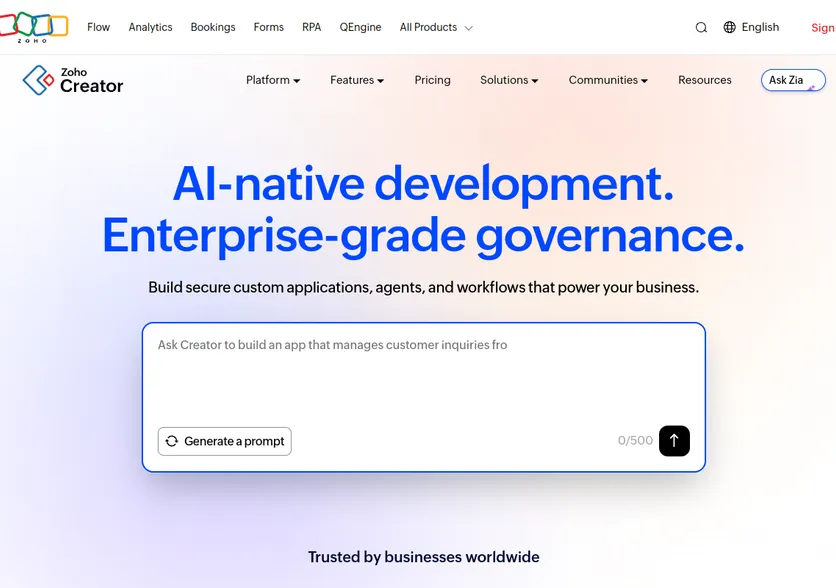
Paid tool Starting price: $8/user/month · Eight dollars per user a month billed annually on the Standard plan, or twelve dollars billed monthly; Professional is twenty dollars a user a month billed annually and Enterprise is twenty-five dollars. No permanent free tier was confirmed on the pricing page checked
Free plan: Free trial
This Zoho Creator plan costs eight dollars per user a month billed annually and builds forms, reports, workflows and portals. It gives native, real-time access to the rest of the Zoho suite, so an app can read CRM records, trigger Books invoices and feed Analytics without custom plumbing. A company already running Zoho gets the cheapest entry price in this list for real business apps.
What we like
- The cheapest entry price in this list at eight dollars a user
- Native access to the whole Zoho suite in real time
- Forms, reports, workflows and portals in one builder
Watch out for
- The public pricing page does not render its own price table
- Most value sits inside the Zoho ecosystem
How to try it
- Start from a template or build forms from scratch
- Add workflows that move data between Zoho apps automatically
- Publish the app to web and mobile for your team
6. AppSheet
Best for: Google Workspace teams building field and inventory apps from sheets
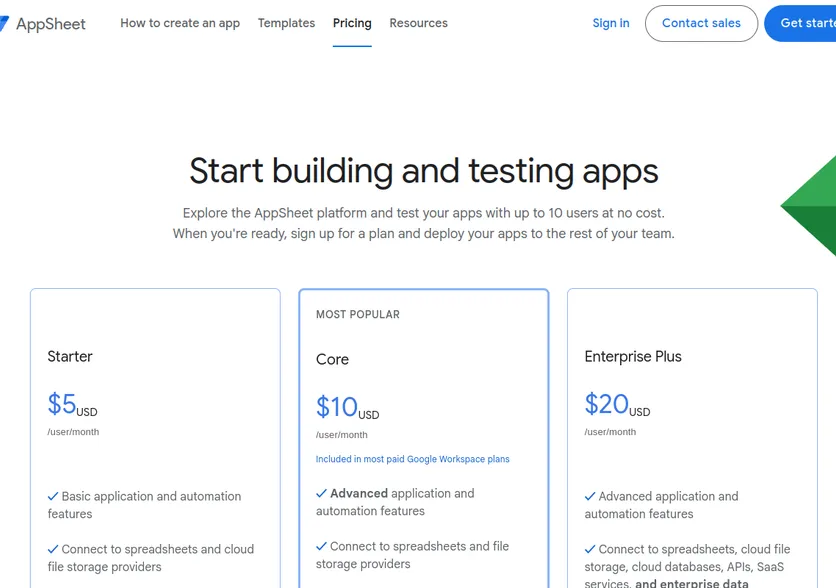
Paid tool Starting price: $5/user/month · Five dollars per user a month on the Starter plan, with five AppSheet databases; Core is ten dollars per user a month and Enterprise Plus is twenty dollars. Core is included with most paid Google Workspace plans
Free plan: Free for prototyping
This AppSheet plan costs five dollars per user a month and turns a live Google Sheet into a working mobile app. It handles offline sync, AI app generation and templates, and it sits inside Google Workspace, so the data your team already keeps becomes the app. A field team that tracks inventory, inspections or approvals in a spreadsheet gets a real app in an afternoon.
What we like
- Turns a spreadsheet into a mobile app in an afternoon
- Offline sync for field teams with weak signal
- Included with most paid Google Workspace plans
Watch out for
- Per-user pricing scales against you as the team grows
- Tied to the Google ecosystem for its best features
How to try it
- Connect a Google Sheet or Excel file as the data source
- Let AppSheet generate the app screens from your columns
- Add offline sync and publish the app to your team
7. Retool
Best for: Engineering teams building internal admin tools on live databases
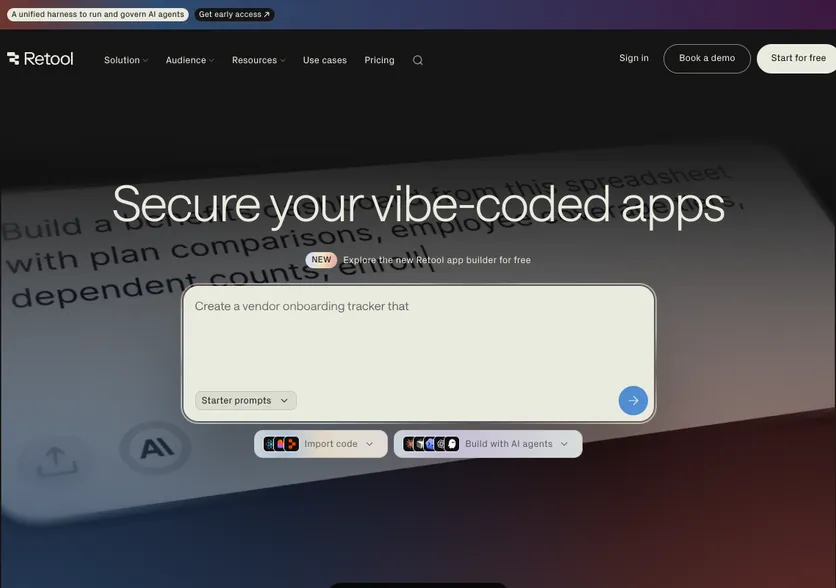
Paid tool Starting price: $10/builder/month · Ten dollars per builder a month, plus five dollars per end user; the free plan covers up to five users with five hundred workflow runs a month
Free plan: Free plan
This Retool plan costs ten dollars per builder a month, plus five dollars per end user, and builds internal tools on your real data. Engineers drag components onto a canvas and wire them to Postgres, MySQL, REST and GraphQL with SQL and JavaScript, with cloud or self-hosted deployment. A team that needs admin panels and dashboards on a production database gets them without building a frontend from scratch.
What we like
- Connects to Postgres, MySQL, REST and GraphQL out of the box
- Cloud or self-hosted deployment for strict security teams
- A free plan for up to five users
Watch out for
- Needs a technical owner to build anything serious
- Not built for consumer-facing mobile apps
How to try it
- Connect Retool to your database or API
- Drag tables, forms and charts onto a canvas
- Add SQL queries and publish the tool to your team
8. Glide
Best for: Operators turning a spreadsheet into a polished business app fast
Paid tool Starting price: $25/month · Twenty-five dollars a month on the Basic plan; Plus is fifty dollars a month. Note that two Glide pricing pages disagree on plan details, so confirm the current figure on the vendor page before buying
Free plan: Free plan
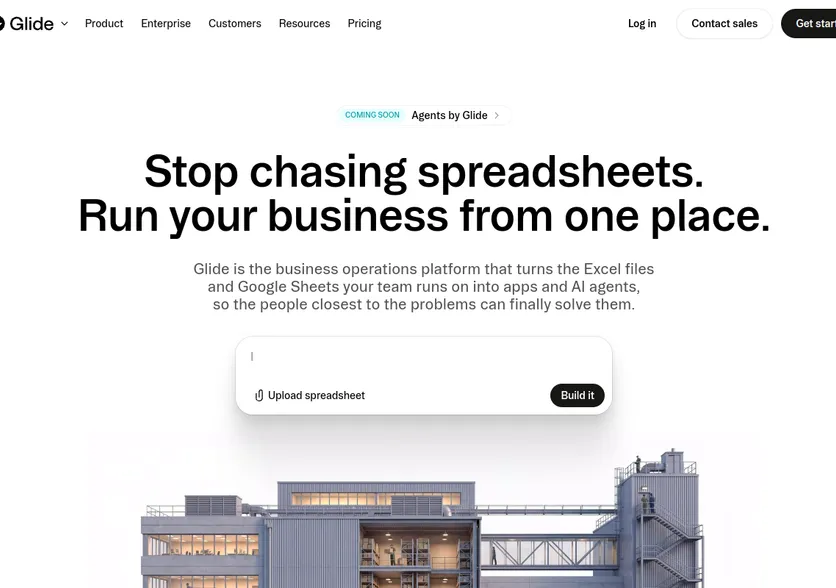
This Glide plan costs twenty-five dollars a month and turns Google Sheets, Excel, Airtable or SQL data into a polished business app. It includes AI columns, workflows and role-based access, and it has the fastest table-to-app build time in this list. An operator who needs a working app today, not a six-week project, gets one before lunch.
What we like
- The fastest spreadsheet-to-app build in this list
- AI columns and workflows built into every app
- Polished apps that look good on phones and desktops
Watch out for
- Mid-migration to GlideOS, so plan details shift
- Not a native-first workflow for store publishing
How to try it
- Connect a spreadsheet or database as the data source
- Pick a layout and let Glide generate the app screens
- Add workflows and publish the app to your team
Prices above were checked on each vendor’s own website on Nov 28, 2026 and can change — the vendor’s page is the final word. Vendor links are editorial: nobody paid to be listed or ranked here. Vendors who want a featured listing can see how it works on our Get listed page.
How to ship an enterprise mobile app without regret
Start with the smallest app that proves the workflow, not the flagship product. A simple approvals app or field checklist shows you how the builder handles real users, real data and real phones, and it surfaces pricing surprises before they matter. Test the finished app on the cheapest phone your team actually uses, because a builder demo on a flagship hides performance problems. Lock down the data rules early, including who can see what and where data lives, since retrofitting security onto a shipped app is painful. Finally, keep an exit plan: export the code or at least the data on a schedule, so the builder stays a choice rather than a trap.
Before you buy
- Confirm the tool publishes real native apps to the App Store and Google Play, not just web wrappers
- Check whether you can export the code, so a vendor change never traps your product
- Ask how pricing scales with users or workload, because app bills grow quietly
- Make sure the tool meets your security needs, including SSO and data residency
- Test the app on a real phone before you commit, because builders look different on desktop
Official websites
Official websites of the products reviewed above. Features and prices were checked against these sites when this guide was written, and they can change, so confirm on the vendor site before you buy.
Frequently asked questions
What is a low code mobile app builder for enterprise?
It is a visual builder that lets a team create a mobile app without writing most of the code, using drag-and-drop screens, a built-in database and ready-made integrations. Enterprise teams use them for internal apps, field tools and customer-facing products where speed matters more than custom engineering. The tools in this list differ in whether they publish native apps, export code, or charge per user.
How much does Microsoft Power Apps cost?
Microsoft Power Apps Premium costs twenty dollars per user a month billed annually, and it lets a licensed user build and run unlimited custom apps. The cheaper per-app plan was pulled from the vendor pricing page in January 2026, so twenty dollars is now the entry point. A free Developer plan covers building and testing only.
Can I build a mobile app for free?
Yes, with Bubble, FlutterFlow, Adalo, AppSheet, Retool and Glide, which all offer free plans, and with Power Apps, which offers a free Developer plan for building and testing. Free plans are thin: Bubble only lets you build, Adalo cannot publish a single app for free, and Glide cannot publish at all without paying. Treat free as a way to test the builder, not to ship.
Which low code app builder is cheapest for enterprise?
Zoho Creator is the cheapest paid option at eight dollars per user a month billed annually, and it suits internal business apps inside the Zoho suite. AppSheet is next at five dollars per user a month for spreadsheet-driven field apps. Power Apps is the best pick for a Microsoft shop at twenty dollars per user a month, with enterprise security included.
What should an enterprise check before choosing a low code app builder?
First, check whether the tool publishes a real native app to the stores, because some builders only ship a web wrapper. Then confirm you can export the code or the data, so a vendor change never traps your product. Finally, model the bill at your real user count, because per-user pricing that looks cheap for five people can triple at fifty.
Compare the eight tools above, then start with a free plan of the one that matches your stack before you build the real app.
Browse Developer Tools tools