On this page
Accessibility is not a widget you bolt on and forget: it is the difference between a site everyone can use and one that turns away customers and invites legal trouble. The seven tools below cover the job from different angles, from widgets that adjust a site instantly to scanners that hand developers a fix list. accessiBe leads because fifty-nine dollars a month buys the fastest install in the list, and the rest are judged on the same test: how much of a startup's site and documents they actually make usable.
How we researched this
We checked every price on the vendor pricing page on November 28, 2026, and only included tools with a published US dollar list price. Level Access and Siteimprove publish no prices, so they are not in this list, and axes4 is priced in euros only. Prices change, so confirm the current figure on the vendor site before you buy.
Compare the tools
| Name | Best for | Starting price | Free plan | |
|---|---|---|---|---|
 UserWay | Startups that want monitoring plus a widget | $490/year | Free plan | Visit |
 accessiBe | Startups that want the fastest widget install | $59/month | 7-day free trial | Visit |
 Adobe Acrobat Pro | Startups whose accessibility work is mostly PDFs | $19.99/month | 7-day free trial | Visit |
| axe DevTools | Startups with developers who fix issues as they build | $40/user/month | Free plan | Visit |
 AudioEye | Startups that want automation plus human testing | $49/month | Free trial | Visit |
 EqualWeb | Startups that want a widget plus human remediation | $39/month | 7-day free trial | Visit |
 Pope Tech | Startups that want a ranked fix list, not a widget | $25/month | Free plan | Visit |
The media and document accessibility software for startups, compared
1. UserWay
Best for: Startups that want monitoring plus a widget
Paid tool Starting price: $490/year · Four hundred ninety dollars a year for Pro, or forty-nine dollars a month, covering up to one hundred thousand pageviews a month; Pro Plus is one thousand one hundred ninety dollars a year, Medium is one thousand four hundred ninety dollars and Ultimate is two thousand four hundred ninety dollars. UserWay is now part of Level Access
Free plan: Free plan
UserWay Pro costs four hundred ninety dollars a year, and it pairs an accessibility widget with a monitor that scans a site continuously instead of once. A startup can fix the issues the scanner finds, publish an accessibility statement and show visitors the site is being maintained. The pageview cap is the limit to watch, because a growing site can outgrow the Pro tier faster than expected.
What we like
- Continuous monitoring that catches new issues
- A widget visitors can use to adjust the site
- An accessibility statement generator included
Watch out for
- Pageview caps force upgrades as traffic grows
- A widget alone does not make a site compliant
How to try it
- Install the widget and run the first scan
- Fix the highest-severity issues first
- Publish the accessibility statement on the site
2. accessiBe
Best for: Startups that want the fastest widget install
Paid tool Starting price: $59/month · Fifty-nine dollars a month for Micro, or four hundred ninety dollars a year, covering up to five thousand visits; Growth is one hundred seventy-nine dollars a month and Scale is four hundred seventy-nine dollars. The US Federal Trade Commission ordered accessiBe to pay one million dollars in 2025 over claims about what its widget does
Free plan: 7-day free trial
accessiBe Micro is fifty-nine dollars a month, or four hundred ninety dollars a year, and it adds an AI widget that adjusts a site for visitors with disabilities. The widget is quick to install, which suits a startup with no accessibility specialist on staff. Buyers should know the regulator's history here: the Federal Trade Commission ordered the company to pay one million dollars in 2025 over claims about what the widget does.
What we like
- Installs in minutes with no code changes
- AI adjustments for visitors with disabilities
- A low entry price for small sites
Watch out for
- The regulator fined its marketing claims in 2025
- The Micro plan covers only five thousand visits
How to try it
- Add the widget code to the site
- Run the audit and review the findings
- Fix the issues the widget cannot handle
3. Adobe Acrobat Pro
Best for: Startups whose accessibility work is mostly PDFs
Paid tool Starting price: $19.99/month · Nineteen dollars and ninety-nine cents a month on annual billing, or two hundred thirty-nine dollars and eighty-eight cents prepaid for the year; month-to-month billing is twenty-nine dollars and ninety-nine cents and Teams is twenty-three dollars and ninety-nine cents per seat
Free plan: 7-day free trial
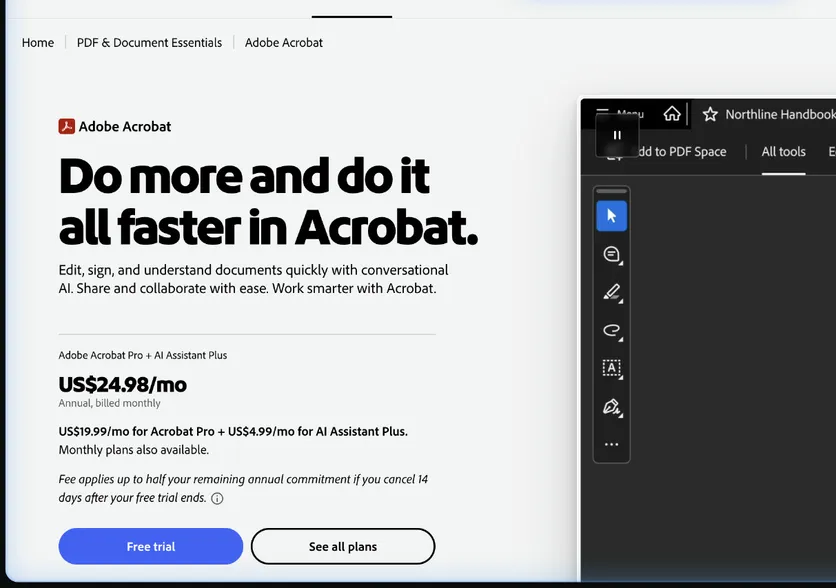
Adobe Acrobat Pro is nineteen dollars and ninety-nine cents a month on annual billing, and it is the PDF editor most workplaces already expect. Its accessibility checker, tagging tools and reading-order fixes turn a plain document into one a screen reader can follow. For a startup whose accessibility work is mostly documents, it is the practical pick before buying a dedicated platform.
What we like
- The PDF editor most teams already know
- Built-in accessibility checker and tagging
- Reading-order and alt-text tools included
Watch out for
- It fixes documents, not websites
- The subscription never ends, so costs compound
How to try it
- Open the document and run the accessibility checker
- Add tags and alt text to images
- Set the reading order and save the fixed file
4. axe DevTools
Best for: Startups with developers who fix issues as they build
Paid tool Starting price: $40/user/month · Forty dollars per user a month for axe DevTools Pro; the browser extension and axe-core library are free and Enterprise is quoted. One April 2026 read showed forty-five dollars a month, so confirm the current figure
Free plan: Free plan
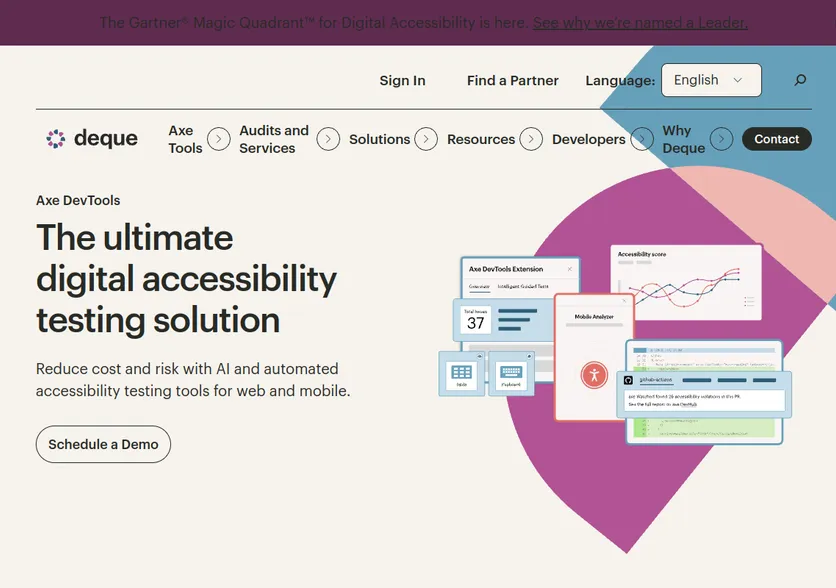
axe DevTools Pro costs forty dollars per user a month, and it puts accessibility testing inside the browser where developers already work. The extension finds issues while a page is being built, which is far cheaper than fixing them after launch. The free extension covers the basics, so a startup can start there and pay only when the team needs the Pro reporting and rules.
What we like
- Testing inside the browser during development
- A free extension for the basics
- Finds issues before launch, when fixes are cheap
Watch out for
- It needs a developer to act on the findings
- One read showed forty-five dollars, so confirm the price
How to try it
- Install the free browser extension
- Scan the key pages and fix the failures
- Add Pro when the team needs shared reporting
5. AudioEye
Best for: Startups that want automation plus human testing
Paid tool Starting price: $49/month · Forty-nine dollars a month for the Automated plan, according to third-party directories in October 2026; the vendor page does not publish a figure for Self-Managed or Managed plans, and other directories quote ninety-nine to seven hundred ninety-nine dollars for managed tiers
Free plan: Free trial
AudioEye Automated is forty-nine dollars a month according to third-party directories, and it pairs automated fixes with human testing so issues the software misses still get caught. That combination suits a startup that wants more than a widget but cannot hire a specialist. The price needs care, because the vendor page publishes no figure and directories disagree widely on the managed tiers.
What we like
- Automated fixes plus real human testers
- Catches issues software alone misses
- A low entry price for the Automated plan
Watch out for
- The vendor publishes no price for higher tiers
- Directories disagree on managed-tier pricing
How to try it
- Run the automated scan on the site
- Review the human-tested findings
- Fix the issues flagged and rescan monthly
6. EqualWeb
Best for: Startups that want a widget plus human remediation
Paid tool Starting price: $39/month · Thirty-nine dollars a month for Small on monthly billing, or thirty-two dollars and fifty cents billed annually; Medium is forty-nine dollars, Large is one hundred nine dollars and Huge is one hundred sixty-nine dollars, with Managed plans quoted
Free plan: 7-day free trial
EqualWeb Small is thirty-nine dollars a month on monthly billing, or thirty-two dollars and fifty cents billed annually, and it combines an AI widget with human-led remediation. A startup gets both the quick widget fix and a team that works through the deeper issues the widget cannot reach. It is the cheapest entry point in this list for that combination, which suits a small team with real compliance pressure.
What we like
- AI widget plus human-led fixes
- The cheapest widget-plus-remediation entry here
- A seven-day trial to test the workflow
Watch out for
- Managed plans are quoted, not published
- The Small plan fits only small sites
How to try it
- Install the widget and run the audit
- Let the remediation team work the issue list
- Recheck the site after each fix batch
7. Pope Tech
Best for: Startups that want a ranked fix list, not a widget
Paid tool Starting price: $25/month · Twenty-five dollars a month for Team on annual billing, or thirty dollars month to month, for fifty pages; the free plan covers twenty-five pages, Business Plus starts at two hundred twenty-five dollars a year and Professional starts at four hundred dollars
Free plan: Free plan
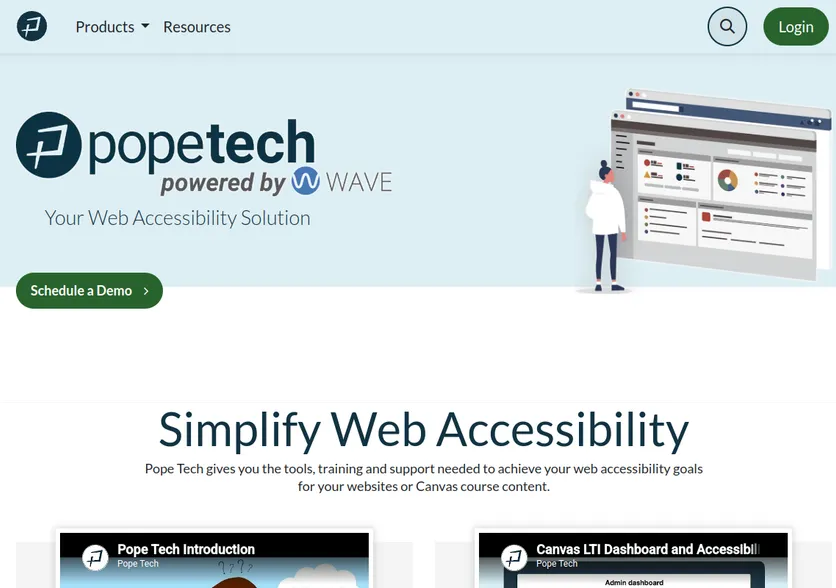
Pope Tech Team is twenty-five dollars a month on annual billing, and it scans a website for accessibility errors and hands the team a clear fix list ranked by severity. The free plan covers twenty-five pages, so a small startup site can start without paying. It is a scanner and guide rather than an automatic fixer, which suits teams that prefer to fix issues properly themselves.
What we like
- Clear fix lists ranked by severity
- A free plan covering twenty-five pages
- Designed for teams that fix issues themselves
Watch out for
- It finds issues but does not fix them automatically
- The Team plan covers only fifty pages
How to try it
- Scan the site on the free plan
- Work through the highest-severity fixes
- Rescan after each fix round to track progress
Prices above were checked on each vendor’s own website on Nov 28, 2026 and can change — the vendor’s page is the final word. Vendor links are editorial: nobody paid to be listed or ranked here. Vendors who want a featured listing can see how it works on our Get listed page.
How to make a startup site usable for everyone without hiring a specialist
Start with a scan, not a widget. A widget can adjust a site for visitors, but it cannot fix broken headings, missing labels or untagged PDFs, so run a scanner first and see what is actually wrong. Fix the top issues by severity, because a handful of errors usually block most visitors, and the long tail can wait. Check documents as well as pages, since a startup's PDFs, menus and forms exclude people just as surely as a bad homepage. Finally, rescan after every release, because a new feature can undo a month of fixes in one deploy.
Before you buy
- Confirm whether the tool fixes issues or only flags them, because the two cost very different amounts
- Check the pageview or page cap against the site's real size before choosing a tier
- Ask if documents and PDFs are covered, or only web pages
- Make sure the tool works with the site's platform and does not break the layout
- Test the result with a screen reader, not just the tool's own score
Official websites
Official websites of the products reviewed above. Features and prices were checked against these sites when this guide was written, and they can change, so confirm on the vendor site before you buy.
Frequently asked questions
What is media and document accessibility software?
It is software that helps make websites, media and documents usable by people with disabilities, including screen reader users and people who navigate by keyboard. Some tools add a widget that adjusts the site for visitors, others scan for errors and hand developers a fix list, and a few fix documents such as PDFs. A startup usually needs a mix: a scanner for the site and a checker for the documents it publishes.
How much does accessibility software cost for a startup?
Entry prices in this list run from zero dollars for Pope Tech's free plan and UserWay's free widget to fifty-nine dollars a month for accessiBe Micro. Most startups land between twenty-five and forty-nine dollars a month: Pope Tech Team is twenty-five dollars, EqualWeb Small is thirty-nine dollars and AudioEye Automated is forty-nine dollars. UserWay Pro is four hundred ninety dollars a year.
Does an accessibility widget make a site compliant?
No, not on its own. A widget helps visitors adjust a site, but it cannot fix broken headings, missing form labels or untagged PDFs, which are the issues that actually block people and draw legal claims. The Federal Trade Commission fined accessiBe one million dollars in 2025 over claims about what its widget does. Use a widget alongside scanning and real fixes, never instead of them.
Which accessibility tool is best for a startup with no specialist?
accessiBe is the fastest start, because fifty-nine dollars a month buys a widget that installs in minutes with no code changes. Pope Tech is the best free start, with a ranked fix list for twenty-five pages at no cost. EqualWeb suits a startup that wants both a widget and human-led fixes, starting at thirty-nine dollars a month for the Small plan.
Can I check accessibility for free?
Yes. Pope Tech scans twenty-five pages free, UserWay offers a free widget, and axe DevTools has a free browser extension that finds issues while developers work. Adobe Acrobat Pro offers a seven-day trial for PDF checking. Free tools find the problems, but fixing them still takes developer time, so budget for that as well as the subscription.
Compare the seven tools above, then start with a free trial or the free plan on the tool that matches the site's size before you pay for a full year.
Browse Document & File Converters tools