
On this page
A chatbot is only as smart as the data it learns from, and messaging analytics shows exactly where conversations succeed or fall apart. The seven tools below run from eighteen dollars a month to two hundred ninety-nine dollars a month, and every price was checked on the vendor site on November 26, 2026. Most connect to the chatbot you already run, so compare the analytics depth rather than the price alone. Chatbase is our first pick — the clearest analytics for a support bot.
How we researched this
We started with the analytics tools chatbot teams actually buy, then read each price on the vendor pricing page on November 26, 2026 and noted the free plan or trial each one carries. We judged them for a team that needs to see why conversations fail, which intents miss, and where the bot hands off to a human, and we kept only tools with a published price. We left out quote-only platforms, because a team cannot budget for a price it cannot see.
Compare the tools
| Name | Best for | Starting price | Free plan | |
|---|---|---|---|---|
 Chatbase | Small teams that want a support bot trained on their own content with clear analytics | $32/month | No free plan; 7-day free trial on paid plans | Visit |
 Botpress | Developers who want an open-source chatbot with full conversation analytics | $150/month | Free plan with 100 conversations a month | Visit |
 ManyChat | Brands that run chatbots on Instagram, Facebook and WhatsApp | $29/month | Free plan with 25 active contacts a month | Visit |
 Chatfuel | Small businesses that want a no-code bot on WhatsApp and Instagram | $18/month | No free plan; 7-day free trial with $15 of AI credits | Visit |
 Kommunicate | Support teams that want bot and human conversations measured together | $34/month | No free plan; 30-day free trial with no credit card | Visit |
 Tidio | Small shops that want a chatbot plus live chat in one inbox | $29/month | Free plan with 50 conversations a month | Visit |
 Dimension Labs | Large teams that need enterprise chatbot analytics across channels | $299/month | No free plan; 14-day free trial | Visit |
The messaging analytics software for chatbots, compared
1. Chatbase
Best for: Small teams that want a support bot trained on their own content with clear analytics
Paid tool Starting price: $32/month · Hobby plan, $32 a month billed annually or $40 billed monthly; Basic $120 and Business $400 a month billed annually
Free plan: No free plan; 7-day free trial on paid plans
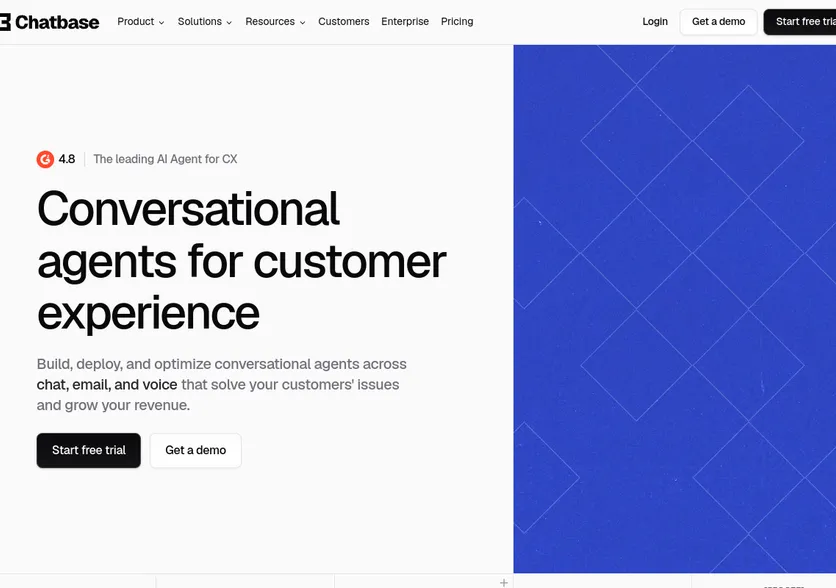
Chatbase turns your own website, documents and help pages into an AI agent, then shows which questions the agent answers well and which ones it misses. This Chatbase Hobby plan covers seven hundred message credits a month, so a small team can put a support bot on its site and watch the analytics from day one. A team that wants the clearest view of bot performance will find the analytics panel more useful than the chat widget itself.
What we like
- Trains on your own website and documents
- Analytics show which questions the bot misses
- Helpdesk and voice tools on higher plans
Watch out for
- Every plan includes only one agent
- Extra agents and credits cost more
How to try it
- Open the Chatbase pricing page and start the 7-day trial
- Train the agent on your website and help pages
- Watch the analytics for missed questions each week
2. Botpress
Best for: Developers who want an open-source chatbot with full conversation analytics
Paid tool Starting price: $150/month · Plus plan, $150 a month billed annually or $189 billed monthly, with 250 conversations a month; Team $750 a month billed annually
Free plan: Free plan with 100 conversations a month
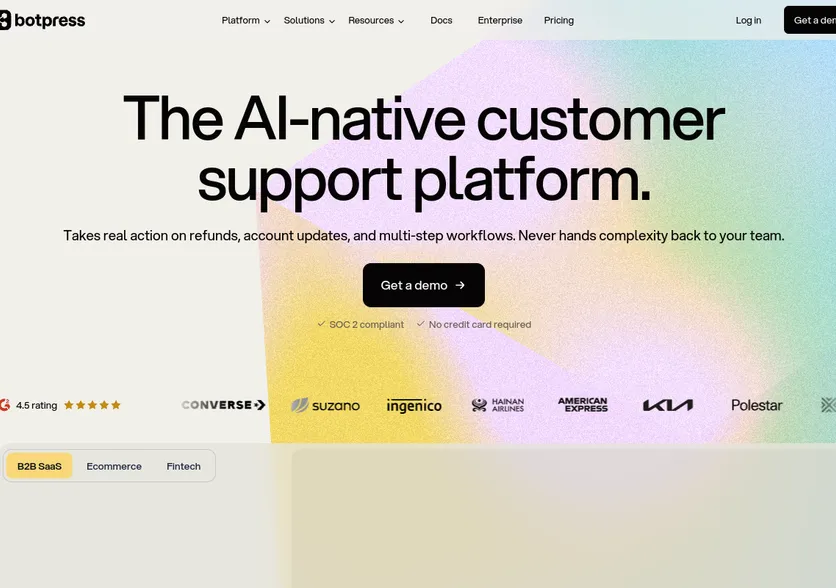
Botpress is the open-source chatbot builder of this list, with a visual flow editor and analytics that track every conversation. This Botpress Plus plan covers two hundred fifty conversations a month, so a growing team can run a real support bot and measure its performance. A developer who wants to own the bot and its data will like the open platform underneath the analytics.
What we like
- Open-source platform with a visual flow editor
- Analytics track every conversation in detail
- Free plan covers one hundred conversations a month
Watch out for
- Conversation limits cap how much the bot can serve
- Advanced features need the higher Team plan
How to try it
- Open the Botpress pricing page and start with the free plan
- Build a bot with the visual flow editor
- Review the conversation analytics and fix the weak flows
3. ManyChat
Best for: Brands that run chatbots on Instagram, Facebook and WhatsApp
Paid tool Starting price: $29/month · Pro plan, $29 a month billed annually or $39 billed monthly, for 2,500 active contacts; Essential $14 a month billed annually
Free plan: Free plan with 25 active contacts a month
ManyChat is the automation tool of this list, built for Instagram, Facebook and WhatsApp conversations that start from comments and clicks. This ManyChat Pro plan covers two thousand five hundred active contacts a month with AI included, so a creator can answer comments and DMs automatically and see which flows convert. A brand that lives on social messaging will get the most useful analytics from the tool built for those channels.
What we like
- Built for Instagram, Facebook and WhatsApp
- AI replies included in the Pro plan
- Free plan covers twenty-five active contacts
Watch out for
- Pricing rises with the number of active contacts
- Analytics focus on social flows, not support tickets
How to try it
- Open the ManyChat pricing page and start with the free plan
- Build a flow that replies to comments and DMs
- Check the flow analytics to see what converts
4. Chatfuel
Best for: Small businesses that want a no-code bot on WhatsApp and Instagram
Paid tool Starting price: $18/month · Business S plan, $18 a month billed annually or $20 billed monthly, with twenty dollars of AI credits a month
Free plan: No free plan; 7-day free trial with $15 of AI credits
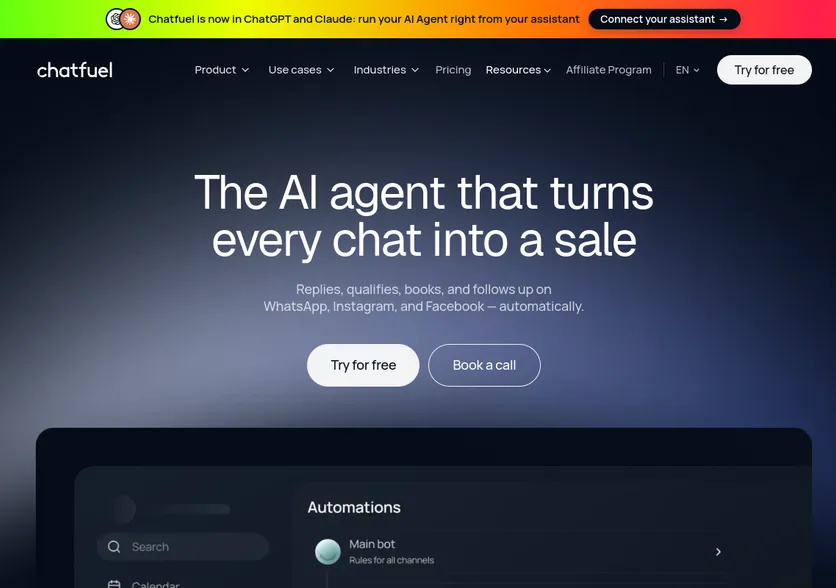
Chatfuel is the no-code chatbot builder of this list, aimed at teams that want a bot running on WhatsApp and Instagram without writing code. This Chatfuel Business S plan includes twenty dollars of AI credits a month, so a small business can automate replies and measure what the bot handles. A team that needs a bot live this week will find the templates and the analytics panel enough to start.
What we like
- No-code builder with ready templates
- AI credits included in the monthly price
- Seven-day trial to test the bot
Watch out for
- Cheapest plan has only twenty dollars of AI credits
- Analytics are simpler than dedicated platforms
How to try it
- Open the Chatfuel pricing page and start the 7-day trial
- Build a bot from a template for your channel
- Review the analytics to see what the bot answers
5. Kommunicate
Best for: Support teams that want bot and human conversations measured together
Paid tool Starting price: $34/month · Starter plan, $34 a month billed annually or $40 billed monthly, with 250 conversations a month; Professional $167 a month billed annually
Free plan: No free plan; 30-day free trial with no credit card
Kommunicate is the support inbox of this list, combining a chatbot with a shared inbox where humans take over when the bot cannot help. This Kommunicate Starter plan covers two hundred fifty conversations a month, so a small team can automate the easy questions and hand the rest to a person. A support team that measures bot and human work together will find the combined analytics the most honest view.
What we like
- Chatbot plus a shared human inbox in one tool
- Analytics cover bot and human conversations together
- Thirty-day trial needs no credit card
Watch out for
- Starter plan covers only two hundred fifty conversations
- Professional plan costs far more than Starter
How to try it
- Open the Kommunicate pricing page and start the 30-day trial
- Connect the chatbot to your website or app
- Review the analytics for bot and human handoffs
6. Tidio
Best for: Small shops that want a chatbot plus live chat in one inbox
Paid tool Starting price: $29/month · Starter plan, $29 a month billed monthly; annual billing gives two months free, which works out to about twenty-four dollars a month
Free plan: Free plan with 50 conversations a month
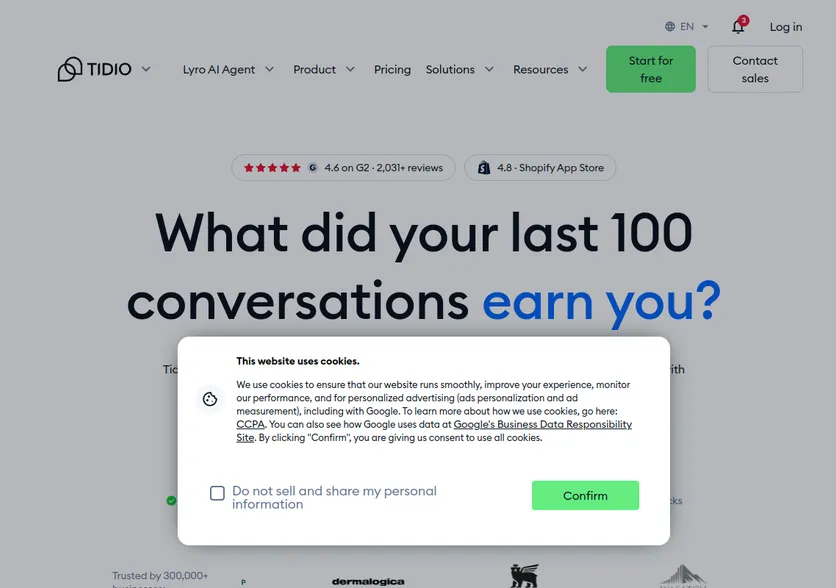
Tidio is the live-chat tool of this list, pairing a chatbot with a live inbox for the shops and sites that need both. This Tidio Starter plan covers the essentials for a small team, with AI replies and analytics that show which conversations the bot resolves. A small shop that answers the same questions every day will save hours by letting the bot handle the first reply.
What we like
- Chatbot plus live chat in one inbox
- Free plan covers fifty conversations a month
- Annual billing gives two months free
Watch out for
- Conversation limits cap the free and Starter plans
- Advanced AI features need the Growth plan
How to try it
- Open the Tidio pricing page and start with the free plan
- Set up the chatbot with your common questions
- Check the analytics to see what the bot resolves
7. Dimension Labs
Best for: Large teams that need enterprise chatbot analytics across channels
Paid tool Starting price: $299/month · Explore plan, $299 a month billed monthly with no contract; Discover $999, Prove $2,999 and Scale $6,999 a month
Free plan: No free plan; 14-day free trial
Dimension Labs is the enterprise analytics platform of this list, built from the Dashbot team for brands that run chatbots at scale. This Dimension Labs Explore plan starts at two hundred ninety-nine dollars a month with no contract, and it tracks conversations across every channel the bot serves. A large team that needs to prove the bot saves money will find the reporting the most complete in this comparison.
What we like
- Analytics across every channel the bot serves
- No contract on the entry plan
- Built by the team behind the original Dashbot
Watch out for
- Two hundred ninety-nine dollars a month is the dearest price here
- Entry plan has no free tier, only a trial
How to try it
- Open the Dimension Labs pricing page and start the 14-day trial
- Connect your chatbot channels to the platform
- Review the conversation reports to find the weak spots
Prices above were checked on each vendor’s own website on Nov 26, 2026 and can change — the vendor’s page is the final word. Vendor links are editorial: nobody paid to be listed or ranked here. Vendors who want a featured listing can see how it works on our Get listed page.
What messaging analytics software costs in 2026
Messaging analytics software for chatbots runs from eighteen dollars a month to two hundred ninety-nine dollars a month, and the billing unit is what matters most. Chatbase, Botpress and Kommunicate charge by message credits or conversations, so a busy bot costs more than a quiet one, while ManyChat charges by active contacts. The headline plan each vendor shows on its own pricing page is the number in the table above, checked on November 26, 2026.
Start with the free plan or trial on two tools and run your real conversations through both, because demo data never shows the weak spots. Compare which questions each bot misses, how the analytics explain the miss, and whether the handoff to a human is clean. Pick the tool whose reports you actually read, because analytics nobody opens cannot improve a bot.
Before you buy
- Count the conversations first, because Botpress and Kommunicate cap how many the bot can serve each month.
- Check the billing unit, because credits, conversations and active contacts are three different ways to charge.
- Try the free plan or trial first, because every tool here offers one.
- Compare the analytics depth, because a report that shows missed questions is worth more than a chat log.
- Confirm the handoff, because a bot that cannot pass a hard question to a human frustrates customers.
Official websites
Official websites of the products reviewed above. Features and prices were checked against these sites when this guide was written, and they can change, so confirm on the vendor site before you buy.
Frequently asked questions
Which messaging analytics software is best for chatbots in 2026?
Chatbase, at thirty-two dollars a month billed annually, is the safest default because it trains on your own content and shows which questions the bot misses. Botpress suits developers who want an open platform with full conversation tracking, while ManyChat is the pick for brands that live on Instagram and WhatsApp. Dimension Labs wins for large teams that must prove the bot saves money.
How much does messaging analytics software cost?
Paid plans in this list run from eighteen dollars a month for Chatfuel to two hundred ninety-nine dollars a month for Dimension Labs, with most tools between twenty-nine and one hundred fifty dollars a month. Chatbase starts at thirty-two dollars a month billed annually, Botpress at one hundred fifty dollars a month, and ManyChat at twenty-nine dollars a month. Expect the bill to rise as conversations grow, because most tools charge by volume.
Is there a free messaging analytics tool for chatbots?
Yes, three tools here have free plans. Botpress covers one hundred conversations a month for free, ManyChat covers twenty-five active contacts, and Tidio covers fifty conversations. Chatbase, Chatfuel, Kommunicate and Dimension Labs offer free trials instead, from seven to thirty days. Start free, then pay once the bot proves its worth.
What is the difference between chatbot analytics and live chat?
Chatbot analytics measure what the bot does on its own, such as which questions it answers, where it fails, and how many conversations it resolves without a human. Live chat measures the human team, such as response times and customer satisfaction. Tools like Tidio and Kommunicate cover both, so one report shows the whole conversation from bot greeting to human handoff.
Do I need analytics if my chatbot already works?
Yes, because a bot that seems to work can still miss the questions that matter most. Analytics show which intents fail, which answers confuse customers, and where people give up and leave. Fixing the top three missed questions often lifts resolution rates more than adding new features, and the data proves the bot is worth its monthly price.
Need more AI help too? Try Toolsvine's free AI tools right in your browser.
Browse AI Tools (In-Browser, No API) tools


