On this page
Enterprise field teams fill in forms on phones in warehouses, on construction sites and in customers homes, often with no signal at all. The eight tools below build mobile forms that work offline, capture photos and signatures, and feed the data straight into company systems. Jotform leads because it is the most flexible form builder at a fair price, and the rest are ranked on the same test: how well a form survives a real day in the field.
How we researched this
We checked every price on the vendor pricing page on November 28, 2026, and only included tools with a published US dollar list price. Device Magic no longer publishes prices, and TrueContext shows conflicting figures from fifteen to twenty-five dollars per user a month, so neither is in this list. Prices change, so confirm the current figure on the vendor site before you buy.
Compare the tools
| Name | Best for | Starting price | Free plan | |
|---|---|---|---|---|
| Kizeo Forms | Enterprise field teams that work where there is no signal | $18/user/month | 14-day free trial | Visit |
| Appenate | Enterprise teams that need forms with logic and lookups | $20/user/month | Free plan | Visit |
| FastField | Enterprise teams running inspections and audits in the field | $24/user/month | 14-day free trial | Visit |
 SafetyCulture | Enterprise teams running safety audits across many sites | $24/user/month | Free plan (up to 10 users) | Visit |
| GoFormz | Enterprise teams that must keep their existing paper form layouts | $24/user/month | Free plan (Basic) | Visit |
| GoCanvas | Enterprise teams that need polished PDF reports after every job | $29/user/month | Free trial | Visit |
 Jotform | Enterprise teams that need many kinds of forms in one place | $34/month | Free plan (Starter) | Visit |
| Formstack | Enterprise teams that need forms to trigger approvals and workflows | $83/month | 14-day free trial | Visit |
The mobile forms automation software for enterprise, compared
1. Kizeo Forms
Best for: Enterprise field teams that work where there is no signal
Paid tool Starting price: $18/user/month · Eighteen dollars per user a month billed annually on the Smart plan, or twenty-five dollars month to month; Business is $28 a month billed annually, or forty dollars month to month
Free plan: 14-day free trial
This Kizeo Forms plan costs eighteen dollars per user a month on annual billing, and it is the cheapest enterprise-grade field form tool in this list. It builds mobile forms that work offline, capture photos, signatures and GPS locations, and sync when the device finds a signal again. A team that works in basements, rural sites or dead zones will value the offline mode more than any other feature.
What we like
- The lowest entry price in this list
- Full offline forms with photos, signatures and GPS
- Simple form builder that field staff learn fast
Watch out for
- No permanent free plan, only a 14-day trial
- Fewer integrations than Jotform or Formstack
How to try it
- Start a trial and build the form the field team uses most
- Test the form offline with photos and a signature
- Connect the form to the system where the data must land
2. Appenate
Best for: Enterprise teams that need forms with logic and lookups
Paid tool Starting price: $20/user/month · Twenty dollars per user a month billed annually on the Standard plan, or twenty-five dollars month to month, with a five-user minimum; Premium is $28 a month and Pro is $36 a month. Older listings show $9.90 or $11.90 a month, which the vendor no longer lists
Free plan: Free plan
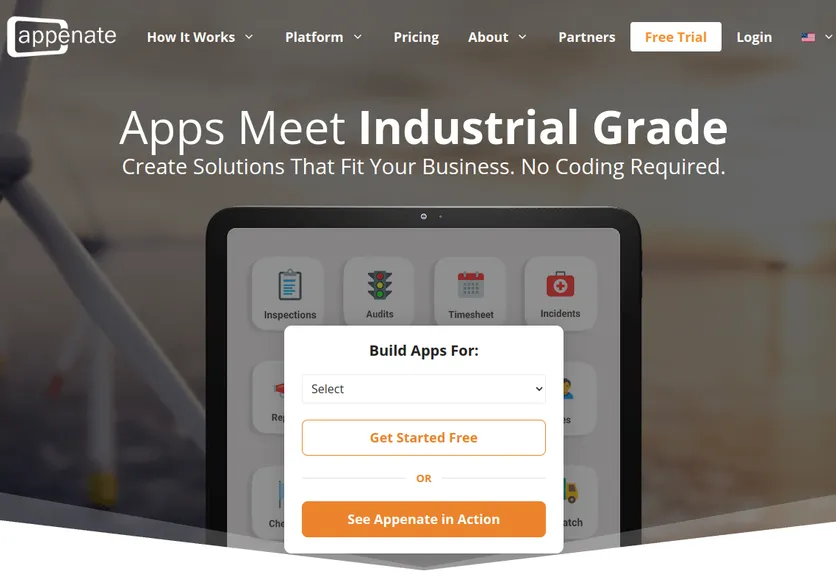
This Appenate plan costs twenty dollars per user a month on annual billing, and it builds mobile forms that double as small apps. It captures data offline, pulls in lookup lists and calculations, and pushes results into the systems a company already runs. A team that needs forms with logic and lookups, not just blank fields, will get more from Appenate than from a simple form builder.
What we like
- Forms with calculations, lookups and conditional logic
- Full offline capture with photos and signatures
- A free plan for trying the tool
Watch out for
- The five-user minimum raises the starting bill
- The interface takes longer to learn than simpler rivals
How to try it
- Sign up for the free plan and build one field form
- Add calculations and lookup lists the team relies on
- Test the form offline, then connect it to company systems
3. FastField
Best for: Enterprise teams running inspections and audits in the field
Paid tool Starting price: $24/user/month · Twenty-four dollars per user a month billed annually on the Core plan, or thirty dollars month to month according to vendor-supplied listings; Pro is $45 a month. FastField is now owned by Quickbase, and the $24 figure is the annual-equivalent price
Free plan: 14-day free trial
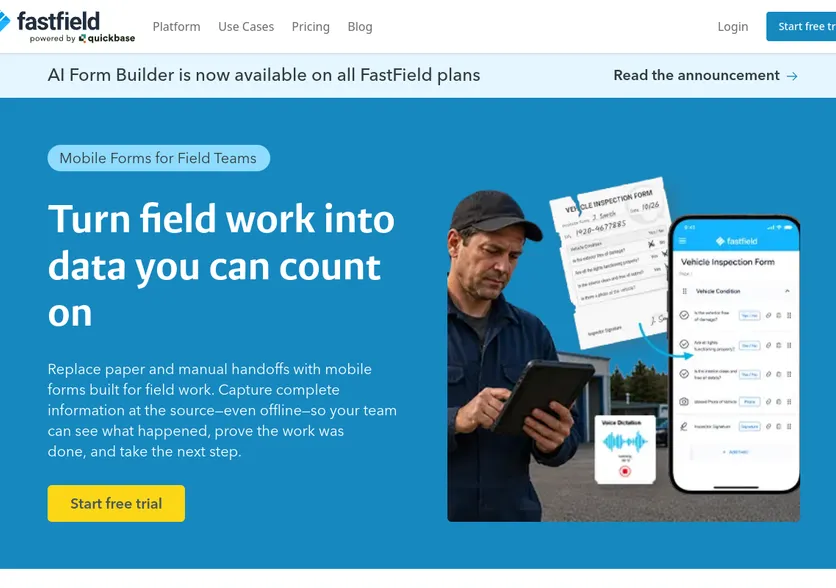
This FastField plan costs twenty-four dollars per user a month on annual billing, and it is built for inspections and audits in the field. It turns paper checklists into mobile forms with photos, signatures and GPS, and it works fully offline until the device reconnects. A team that inspects sites, equipment or properties will find the form builder matches the way inspections actually work.
What we like
- Built for inspections with photos, signatures and GPS
- Full offline mode for sites with no signal
- Now part of Quickbase, with strong platform backing
Watch out for
- No permanent free plan, only a 14-day trial
- Listings disagree on the monthly price, so confirm at checkout
How to try it
- Start a trial and rebuild the inspection form the team uses most
- Test the form offline with photos and a signature
- Set up the report the office needs from each submission
4. SafetyCulture
Best for: Enterprise teams running safety audits across many sites
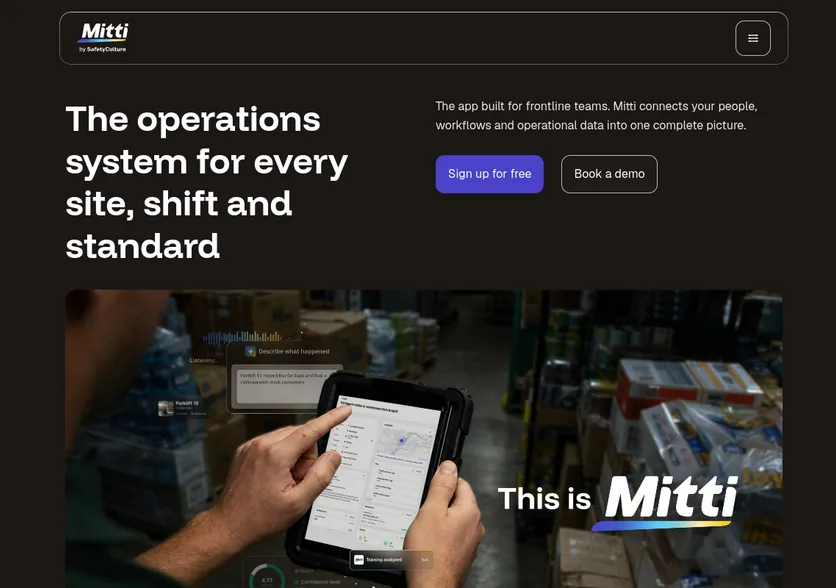
Paid tool Starting price: $24/user/month · Twenty-four dollars per user a month billed annually on the Premium plan, or twenty-nine dollars month to month; Enterprise is quoted. The free plan covers up to 10 users. SafetyCulture rebranded to Mitti in August 2026, and safetyculture.com now leads to the new brand
Free plan: Free plan (up to 10 users)
This SafetyCulture plan costs twenty-four dollars per user a month on annual billing, and it is the strongest safety and inspection platform in this list. It turns checklists into mobile forms, flags hazards with photos, and tracks corrective actions until they are closed. A company that runs safety audits across many sites gets a full system, not just a form builder.
What we like
- Free for up to 10 users
- Full inspection workflow with corrective actions
- Strong reporting across sites and teams
Watch out for
- The rebrand to Mitti may confuse buyers
- The full power needs the paid plan and some setup
How to try it
- Sign up for the free plan and build one safety checklist
- Run an inspection in the field with photos and notes
- Track the corrective actions until every issue is closed
5. GoFormz
Best for: Enterprise teams that must keep their existing paper form layouts
Paid tool Starting price: $24/user/month · Twenty-four dollars per user a month billed annually on the Team plan, or thirty dollars month to month; Advanced is $48 a month, Basic is free, and Enterprise is quoted
Free plan: Free plan (Basic)
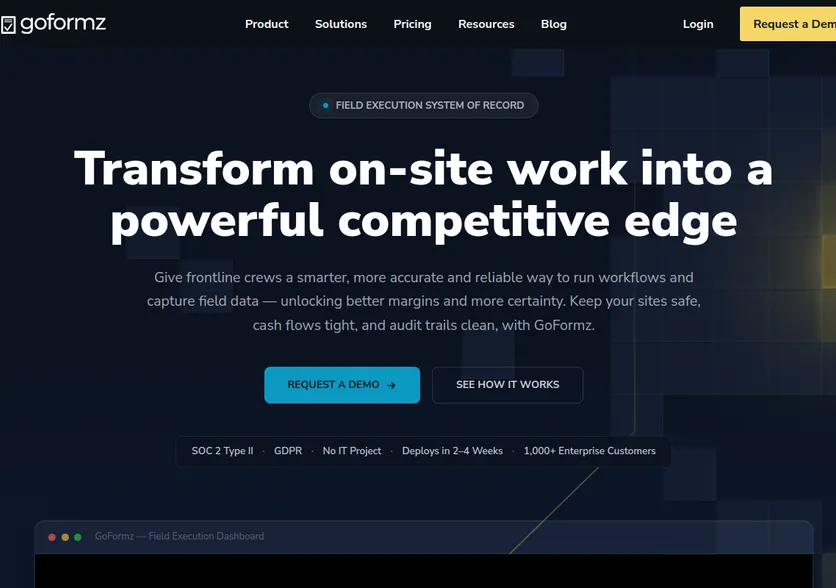
This GoFormz plan costs twenty-four dollars per user a month on annual billing, and it digitizes the exact paper forms a company already uses. It keeps the look of the original form, adds photos, signatures and GPS, and works offline in the field. A team that cannot change its forms because clients or regulators expect a familiar layout will prefer GoFormz over builders that force a new design.
What we like
- Keeps the look of the original paper form
- Offline capture with photos, signatures and GPS
- A free Basic plan for trying the tool
Watch out for
- Less flexible for building new forms from scratch
- Advanced features need the $48 a month tier
How to try it
- Sign up and upload the paper form the team uses most
- Add digital fields, photos and signature capture
- Test the form offline and connect it to company systems
6. GoCanvas
Best for: Enterprise teams that need polished PDF reports after every job
Paid tool Starting price: $29/user/month · Twenty-nine dollars per user a month billed annually on the Essentials plan, with a three-user minimum; Pro is $39 a month and Max is $49 a month. GoCanvas has been part of the Nemetschek Group since July 2024
Free plan: Free trial
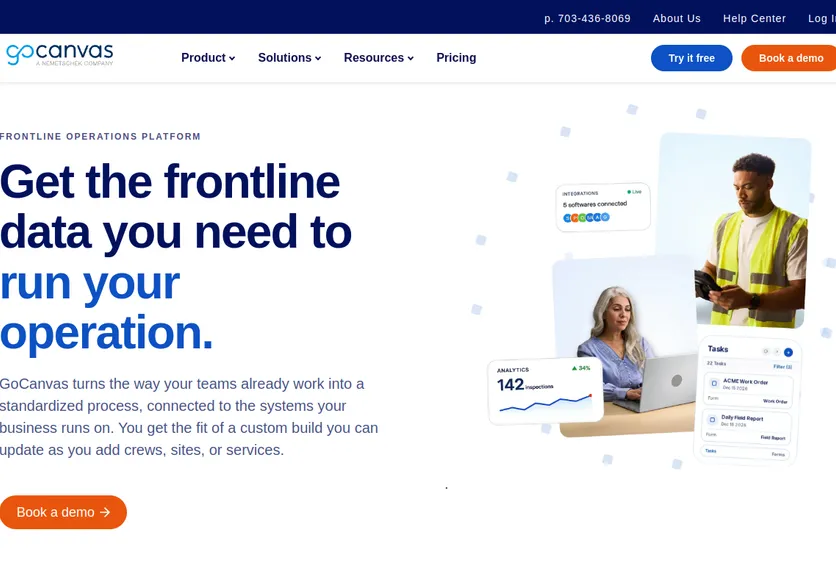
This GoCanvas plan costs twenty-nine dollars per user a month on annual billing, and it is a full mobile business platform built around forms. It captures data offline, generates branded PDF reports automatically and pushes results into the systems a company runs. A team that needs a polished report after every job, not just raw data, will value the automatic PDF output.
What we like
- Automatic branded PDF reports from every submission
- Full offline capture with photos and signatures
- Strong integrations with business systems
Watch out for
- No permanent free plan, only a free trial
- The three-user minimum raises the starting bill
How to try it
- Start a trial and rebuild the form the team uses most
- Design the PDF report the office needs from each job
- Test the form offline and connect it to company systems
7. Jotform
Best for: Enterprise teams that need many kinds of forms in one place
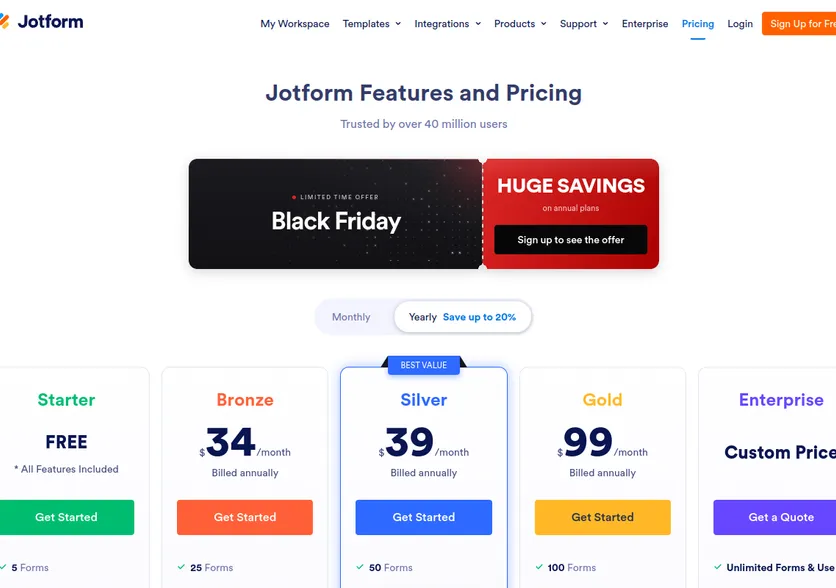
Paid tool Starting price: $34/month · Thirty-four dollars a month billed annually on the Bronze plan, or thirty-nine dollars month to month; Silver is $39 a month billed annually, Gold is $99 a month billed annually, and Enterprise is quoted. A 50 percent first-year promotion is not the list price, so do not treat it as one
Free plan: Free plan (Starter)
This Jotform plan costs thirty-four dollars a month on annual billing, and it is the most flexible form builder in this list. It offers thousands of templates, a drag-and-drop builder, mobile apps for field work and integrations with almost every business tool. A team that needs forms for inspections, sign-ups, orders and surveys in one place will find Jotform covers them all.
What we like
- Thousands of templates and a drag-and-drop builder
- Mobile apps with offline capture for field work
- Integrations with almost every business tool
Watch out for
- The price is per account, not per user, so heavy teams pay more
- The 50 percent first-year promotion is not the list price
How to try it
- Sign up for the free Starter plan and pick a template
- Build the form the team needs and test it on a phone
- Connect the form to the system where the data must land
8. Formstack
Best for: Enterprise teams that need forms to trigger approvals and workflows
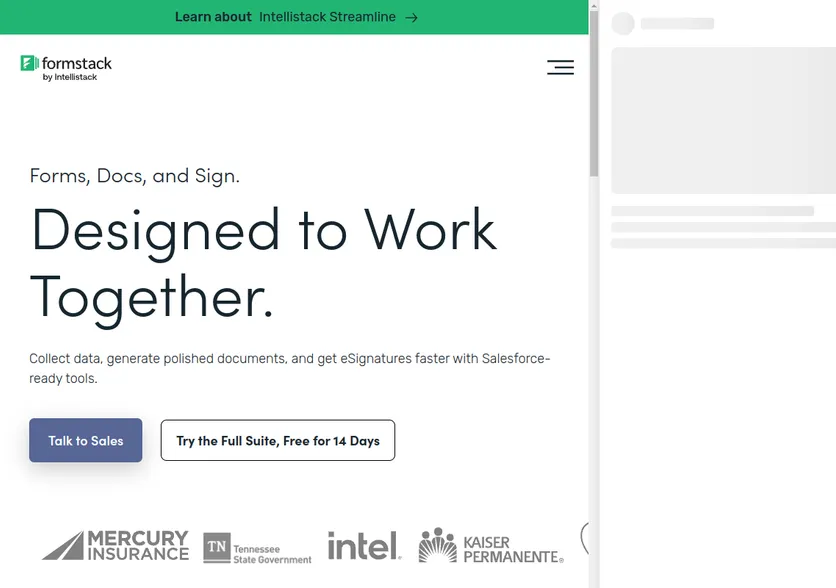
Paid tool Starting price: $83/month · Eighty-three dollars a month billed annually on the Forms plan, or ninety-nine dollars month to month, with one builder user and 25 forms; Suite is $250 a month billed annually. The company rebranded to Intellistack in June 2025, while the product is still called Formstack
Free plan: 14-day free trial
This Formstack plan costs eighty-three dollars a month on annual billing, and it is the most workflow-heavy form tool in this list. It builds forms with logic and approvals, routes submissions to the right people and connects to the systems a large company already runs. A team that needs forms to trigger a process, not just collect data, will use Formstack as a workflow engine.
What we like
- Forms with logic, approvals and routing built in
- Strong integrations with enterprise systems
- The Suite adds documents and e-signatures in one place
Watch out for
- The highest entry price in this list
- One builder user and 25 forms on the entry plan
How to try it
- Start a trial and build the form that triggers the most work
- Add approval steps and route submissions to the right people
- Connect the form to the systems the company already runs
Prices above were checked on each vendor’s own website on Nov 28, 2026 and can change — the vendor’s page is the final word. Vendor links are editorial: nobody paid to be listed or ranked here. Vendors who want a featured listing can see how it works on our Get listed page.
How to move field forms off paper without breaking the workflow
Start with the form the field team uses most, not the easiest one, because the hard form is where the pain lives. Rebuild it exactly as it works on paper first, then add photos, signatures and GPS once the team trusts the digital version. Test it offline in a real dead zone, because a form that fails without signal will be abandoned by the second week. Agree where the data goes before launch, so submissions land in the system the office uses instead of piling up in an inbox. Finally, train one person per site as the local expert, since a remote team cannot call IT every time a form misbehaves.
Before you buy
- Rebuild the most-used field form first, exactly as it works on paper
- Test every form offline in a real dead zone before launch
- Confirm photos, signatures and GPS capture work on the team's phones
- Agree where submissions land before the first form goes live
- Train one person per site as the local forms expert
Official websites
Official websites of the products reviewed above. Features and prices were checked against these sites when this guide was written, and they can change, so confirm on the vendor site before you buy.
Frequently asked questions
What is mobile forms automation software for enterprise?
It is software that builds mobile forms for field teams, captures data offline, and sends the results into company systems automatically. A worker can fill in an inspection, work order or survey on a phone, add photos and a signature, and sync when the device finds a signal. The tools in this list cover inspections, safety audits, work orders and general forms, and the best fit depends on which forms the team uses most.
How much does enterprise mobile forms software cost?
Entry prices in this list run from eighteen dollars per user a month on Kizeo Forms to eighty-three dollars a month on Formstack, both billed annually. Most tools charge per user, while Jotform and Formstack charge per account, which changes the maths for large teams. Free plans exist on SafetyCulture, GoFormz, Appenate and Jotform, so a team can test before paying.
Do these forms work without an internet connection?
Yes, every tool in this list offers offline capture, so a form can be filled in with no signal and synced later. Photos, signatures and GPS locations are stored on the device and uploaded when it reconnects. Test the offline mode in a real dead zone before launch, because the way each tool handles a failed sync is different and matters in the field.
Can I keep the look of my existing paper forms?
GoFormz is built for exactly that, digitizing the paper form while keeping its layout, logos and fields. Most other tools rebuild the form in their own style, which is faster but changes what the team sees. If clients or regulators expect a familiar layout, pick GoFormz; if the team is happy to redesign, any tool in this list will work.
Which tool is best for safety inspections?
SafetyCulture is the best fit, because it was built for safety audits and tracks corrective actions until every issue is closed. FastField is a strong second for inspections and audits, with a form builder that matches how inspectors work. Both cost twenty-four dollars per user a month billed annually, and SafetyCulture offers a free plan for up to 10 users.
Compare the eight tools above, then start with the free plan or trial on the tool that matches the forms the field team uses most before you pay for a full year.
Browse Business Tools tools