On this page
An indie studio cannot afford a motion capture stage, so it films an actor with a phone and turns the video into animation. The seven tools below do exactly that, with prices a small team can afford and free tiers to learn on. Rokoko Studio leads because it pairs a free tier with affordable paid plans and a real hardware option, and the rest are ranked on the same test: how good the animation looks for the money.
How we researched this
We checked every price on the vendor pricing page on November 28, 2026, and only included tools with a published US dollar list price. Kinetix shows conflicting prices from nineteen to sixty dollars a month with pay-per-use options, so it is not in this list. Prices change, so confirm the current figure on the vendor site before you buy.
Compare the tools
| Name | Best for | Starting price | Free plan | |
|---|---|---|---|---|
| Cascadeur | Indie studios that animate by hand as well as by capture | $8/month | Free plan (non-commercial) | Visit |
| DeepMotion Animate 3D | Indie studios that want the easiest video-to-animation start | $9/month | Free plan (25 credits a month) | Visit |
| Rokoko Studio | Indie studios that want to grow from video to a real suit | $10/month | Free plan (Starter) | Visit |
| Move.ai | Indie studios that want multi-camera capture quality | $18/month | Free plan (30 one-time credits) | Visit |
| Plask | Indie studios that want capture and cleanup in the browser | $18/month | Free plan (Freemium, 15 seconds a day) | Visit |
| Uthana | Indie studios that capture motion rarely and want pay-as-you-go | $0.06/second | Free credit ($5 for new accounts) | Visit |
| iPi Mocap Studio | Indie studios that want to own their capture tool outright | $195 one-time | No free plan; 30-day free trial | Visit |
The motion capture software for indie studios, compared
1. Cascadeur
Best for: Indie studios that animate by hand as well as by capture
Paid tool Starting price: $8/month · Eight dollars a month billed annually on the Indie plan, or nineteen dollars month to month; Pro is $33 a month billed annually, or forty-nine dollars month to month. The free plan is non-commercial and exports only the vendor format. Indie and Pro yearly plans convert to a perpetual licence. Some listings show $150 or $620, which the vendor pricing page does not support
Free plan: Free plan (non-commercial)
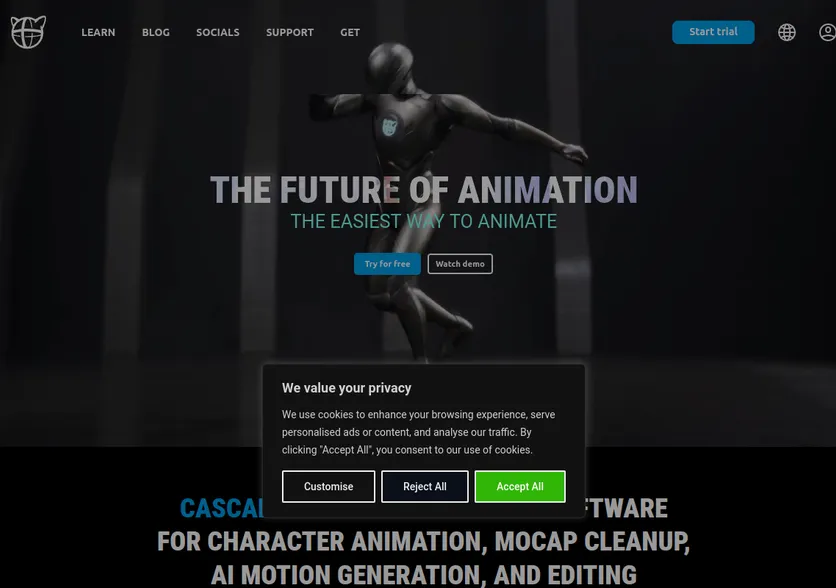
This Cascadeur plan costs eight dollars a month on annual billing, and it is the best animation tool in this list for making movement look real. It uses physics to help an animator pose characters, balance weight and clean up motion capture data, which is why indie studios use it alongside their capture tool. A team that animates by hand as well as by capture will get the most from Cascadeur.
What we like
- Physics-based tools that make movement look real
- The cheapest paid plan in this list
- Yearly plans convert to a perpetual licence
Watch out for
- The free plan is non-commercial and exports only one format
- Some listings show prices the vendor page does not support
How to try it
- Sign up for the free plan and import a character
- Pose the character and let the physics tools balance the movement
- Clean up a motion capture clip and export the result
2. DeepMotion Animate 3D
Best for: Indie studios that want the easiest video-to-animation start
Paid tool Starting price: $9/month · Nine dollars a month billed annually on the Starter plan, or fifteen dollars month to month; Innovator is $17 a month, Professional is $39 a month and Studio is $83 a month. The free tier gives 25 credits a month for non-commercial use, and one credit equals one second of animation, plus half a credit for face and hand capture
Free plan: Free plan (25 credits a month)
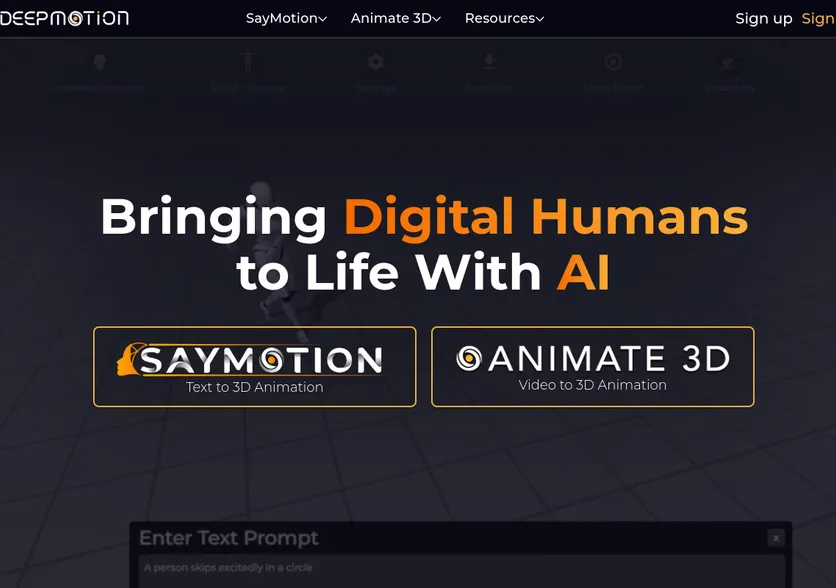
This DeepMotion Animate 3D plan costs nine dollars a month on annual billing, and it turns video of a person into 3D animation in the cloud. It needs no suit and no special camera, just a video clip, which makes it the easiest capture tool for a beginner to try. A studio that wants to test video-to-animation without buying hardware should start here.
What we like
- Video-to-animation with no suit or special camera
- A free tier with 25 credits a month to learn on
- Face and hand capture included in the credit system
Watch out for
- Credits limit how much animation the plan produces
- Older listings show prices the vendor no longer lists
How to try it
- Sign up for the free plan and upload a short video clip
- Generate the animation and check how the movement looks
- Upgrade to Starter when the free credits run out
3. Rokoko Studio
Best for: Indie studios that want to grow from video to a real suit
Paid tool Starting price: $10/month · Ten dollars a month billed annually on the Basic plan, or twelve dollars month to month; Plus is $20 a month and Pro is $50 a month, with Starter free. The vendor page summary block shows different figures from the plan table, so the plan table is used here. The motion capture suit is sold separately and costs four figures
Free plan: Free plan (Starter)
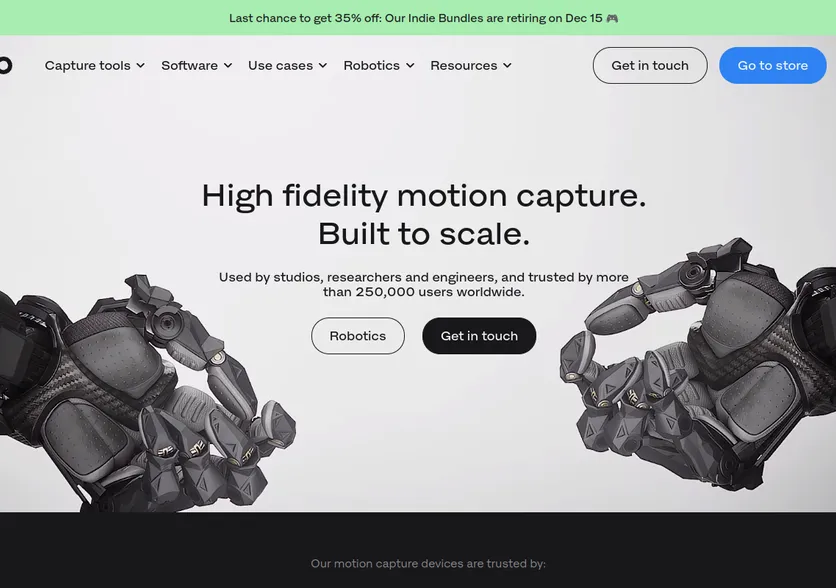
This Rokoko Studio plan costs ten dollars a month on annual billing, and it is the most complete capture system in this list. It works with the Rokoko suit for full-body capture, supports video-based capture and exports to the game engines and animation tools a studio already uses. A team that wants to grow from video capture to a real suit without switching software will choose Rokoko.
What we like
- A free Starter plan to learn the tool
- Works with the Rokoko suit for full-body capture
- Exports to game engines and animation tools
Watch out for
- The suit is sold separately and costs four figures
- The vendor page shows conflicting prices in different places
How to try it
- Sign up for the free Starter plan and try a capture
- Test the export to the game engine or animation tool used
- Upgrade to Basic when the team needs more capture time
4. Move.ai
Best for: Indie studios that want multi-camera capture quality
Paid tool Starting price: $18/month · Eighteen dollars a month on the Starter plan, or fourteen dollars a month per user on annual billing; Standard is $48 a month, and the free plan gives 30 one-time credits for non-commercial use. Prices are shown plus VAT. Older Personal figures of $15 or $10.50 a month are no longer listed, and the Move Pro trial costs $995 for 30 days
Free plan: Free plan (30 one-time credits)
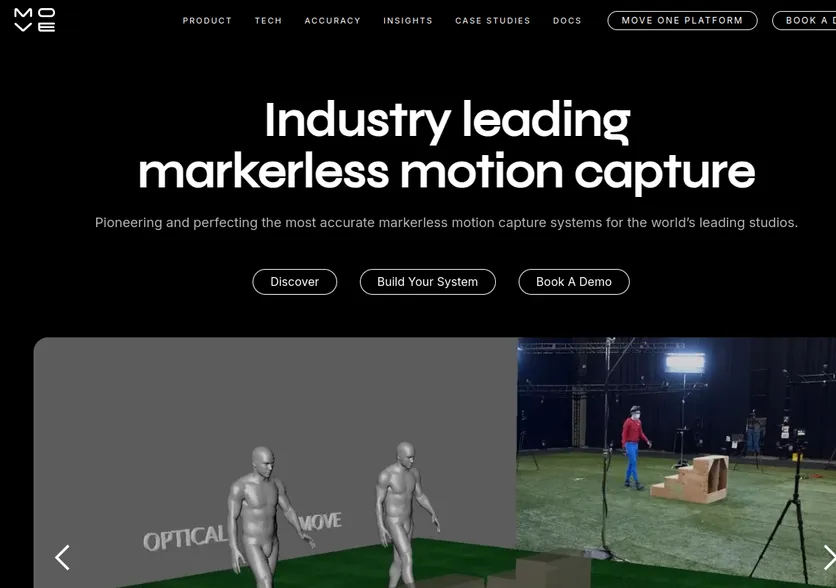
This Move AI plan costs eighteen dollars a month, and it turns video from ordinary cameras into motion capture data. It supports multi-camera capture for better accuracy, which suits a studio that can set up two or three cameras in a room. A team that wants higher-quality capture than a single phone video gives will find Move AI worth the step up.
What we like
- Multi-camera capture for better accuracy
- Video-to-animation with no suit needed
- A free plan with 30 credits to try the tool
Watch out for
- Prices are shown plus VAT, so the bill is higher
- The Move Pro trial costs $995 for 30 days
How to try it
- Sign up for the free plan and film a short clip
- Generate the capture and check the movement quality
- Add a second camera and compare the accuracy
5. Plask
Best for: Indie studios that want capture and cleanup in the browser
Paid tool Starting price: $18/month · Eighteen dollars a month billed annually on the Standard plan, or forty dollars month to month; Pro is $50 a month billed annually, or one hundred and forty dollars month to month. The Freemium plan gives 15 seconds a day. One listing describes Pro as $140 a month for unlimited capture, which confuses the monthly and annual figures
Free plan: Free plan (Freemium, 15 seconds a day)
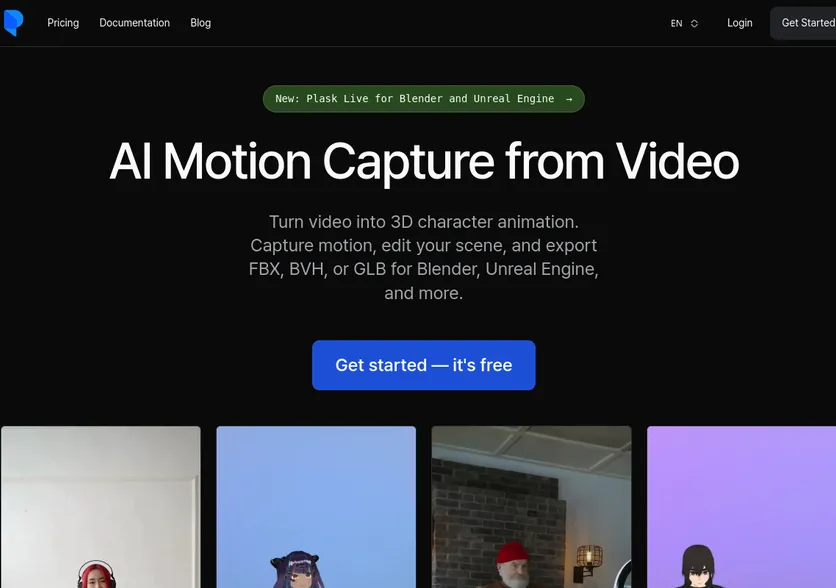
This Plask plan costs eighteen dollars a month on annual billing, and it turns video into animation with an editor built in. It captures movement from a video clip, lets the animator clean it up in the browser and exports to the tools a studio already uses. A team that wants capture and cleanup in one place, without installing software, will like working in the browser.
What we like
- Capture and cleanup in one browser tool
- A free plan with 15 seconds a day to try it
- Exports to the animation tools studios already use
Watch out for
- The monthly price is more than double the annual price
- One listing confuses the Pro monthly and annual figures
How to try it
- Sign up for the free plan and upload a short video clip
- Generate the capture and clean it up in the browser editor
- Export the result to the animation tool the studio uses
6. Uthana
Best for: Indie studios that capture motion rarely and want pay-as-you-go
Paid tool Starting price: $0.06/second · Six cents per second for Video-to-Motion 3.0, and five cents per second for versions 2.0 and 2.1; auto-rigging costs fifteen cents per rig, and new accounts get $5 of free credit. Uthana stopped selling subscriptions in August 2026, so there is no monthly plan to buy. Older listings show a $16 a month Starter subscription that no longer exists
Free plan: Free credit ($5 for new accounts)
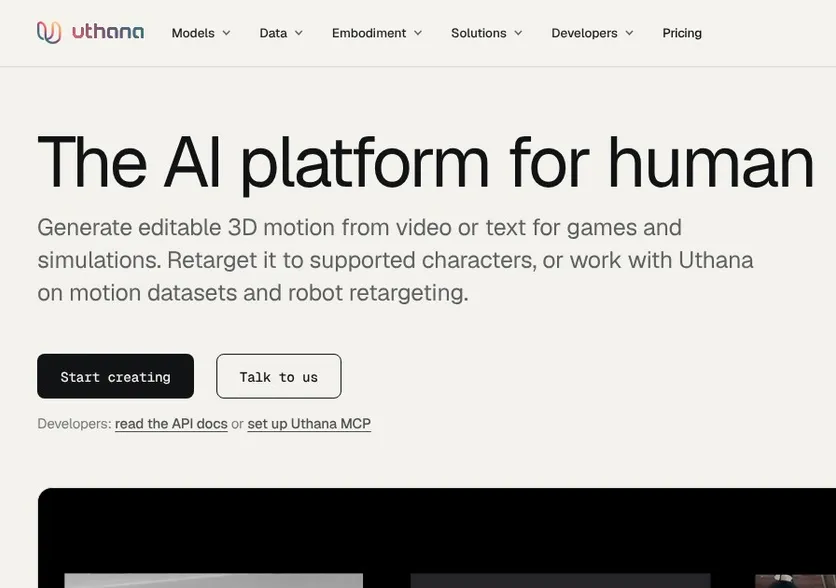
This Uthana plan costs six cents per second of output motion, and it is the only pay-as-you-go tool in this list. It turns video into animation and auto-rigs characters, so a studio pays only for the seconds it actually generates. A team that captures motion rarely will spend less here than on any monthly plan.
What we like
- Pay only for the seconds of motion generated
- Auto-rigging included at fifteen cents per rig
- Five dollars of free credit for new accounts
Watch out for
- No monthly plan, so heavy users pay more than a subscription
- Older listings show a subscription that no longer exists
How to try it
- Sign up and claim the five dollars of free credit
- Upload a video clip and generate the motion
- Auto-rig the character and export the animation
7. iPi Mocap Studio
Best for: Indie studios that want to own their capture tool outright
Paid tool Starting price: $195 one-time · One hundred and ninety-five dollars paid once for the Express edition, a perpetual licence; Basic is $345 a year to rent or $695 perpetual, and Pro is $995 a year or $1,995 perpetual. There is no free plan, only a 30-day free trial
Free plan: No free plan; 30-day free trial
This iPi Mocap Studio plan costs one hundred and ninety-five dollars paid once, and it is the only perpetual licence in this list. It turns video from consumer cameras into motion capture data, with no subscription and no credits to track. A studio that dislikes monthly bills and wants to own its tool outright will prefer iPi over every subscription in this list.
What we like
- A perpetual licence with no subscription or credits
- Works with ordinary consumer cameras
- A 30-day free trial to test the tool
Watch out for
- No free plan, only a 30-day trial
- The interface is older than cloud-based rivals
How to try it
- Start the 30-day trial and film a short clip
- Generate the capture and check the movement quality
- Buy the Express licence if the tool fits the workflow
Prices above were checked on each vendor’s own website on Nov 28, 2026 and can change — the vendor’s page is the final word. Vendor links are editorial: nobody paid to be listed or ranked here. Vendors who want a featured listing can see how it works on our Get listed page.
How an indie studio captures motion without a capture stage
Start with the camera the studio already owns, because a phone and good light produce better capture than an expensive camera in a dark room. Film in a clear space with the actor in tight, plain clothing, so the software can track joints without guessing. Capture short takes and check the animation the same day, since a bad take found a week later cannot be reshot with the same actor in the same clothes. Keep the motion simple at first, because walking, sitting and reaching will look right long before a fight scene does. Finally, budget for cleanup time, since no capture tool produces finished animation without an animator fixing the rough edges.
Before you buy
- Film in a clear space with the actor in tight, plain clothing
- Check the animation the same day so bad takes can be reshot
- Start with simple movement before attempting complex scenes
- Budget time for cleanup, since no capture is finished as-is
- Try the free tier first and pay only when capture becomes regular
Official websites
Official websites of the products reviewed above. Features and prices were checked against these sites when this guide was written, and they can change, so confirm on the vendor site before you buy.
Frequently asked questions
What is motion capture software for indie studios?
It is software that turns video of a person moving into 3D animation, so a small studio can animate characters without a motion capture stage. Most tools in this list need only a phone or a camera, while Rokoko also sells a suit for full-body capture. The best fit depends on budget, how often the studio captures motion and whether it wants to pay per month, per second or once.
How much does motion capture software cost for an indie studio?
Entry prices in this list run from eight dollars a month on Cascadeur to eighteen dollars a month on Move.ai and Plask, both billed annually. Uthana charges six cents per second with no subscription, and iPi Mocap Studio costs one hundred and ninety-five dollars paid once. Free tiers exist on five tools, so a studio can learn capture before paying.
Do I need a motion capture suit?
No, most tools in this list turn ordinary video into animation with no suit at all. DeepMotion, Move.ai, Plask, Uthana and iPi all work from video, while Cascadeur is an animation tool rather than a capture tool. Rokoko is the only tool here that sells a suit, and the suit costs four figures, so a studio should start with video capture and buy a suit only when the work demands it.
What is the difference between pay-as-you-go and subscription capture?
A subscription charges a flat monthly fee for a set amount of capture, while pay-as-you-go charges per second of motion generated. Uthana is the only pay-as-you-go tool here, at six cents per second, which suits a studio that captures rarely. A studio that captures every week will spend less on a subscription such as DeepMotion at nine dollars a month or Rokoko at ten dollars a month.
Which tool is best for a beginner indie studio?
DeepMotion is the best start, because it costs nine dollars a month and offers a free tier with 25 credits a month to learn on. Rokoko is the best start for a studio that wants to grow, since it pairs a free tier with a suit option later. Cascadeur is the best companion tool, because its physics-based animation makes any captured movement look more real.
Compare the seven tools above, then start with the free tier or trial on the tool that matches how often the studio captures motion before you pay for a full year.
Browse Business Tools tools