On this page
Making a first song should feel like playing, not like reading a manual. The eight tools below record, arrange and mix music for a beginner, from free apps that come with the computer to full workstations that cost less than a guitar pedal. GarageBand leads the list because it is free on every Mac and turns a first idea into a finished song in an afternoon, and the other seven are ranked on the same practical test: how quickly a beginner finishes a song they are proud of.
How we researched this
We checked every price on the vendor pricing page on November 28, 2026, and only included tools with a published US dollar list price. The subscription-only suites that hide their prices behind sales pages, and the hardware-bundled apps with no standalone price, are not in this list. Prices change, so confirm the current figure on the vendor site before you buy.
Compare the tools
| Name | Best for | Starting price | Free plan | |
|---|---|---|---|---|
| GarageBand | Mac owners making their first song for free | $0 | Free plan | Visit |
| Audacity | Beginners who want free recording and editing on any computer | $0 | Free plan | Visit |
 REAPER | Beginners who want a full workstation for sixty dollars | $60 one-time | 60-day free evaluation | Visit |
 FL Studio | Beginners who want to make beats first | $99 one-time | Free trial, no time limit | Visit |
| Ableton Live | Beginners making electronic music or playing live | $99 one-time | 30-day free trial | Visit |
| Cubase | Beginners who want MIDI, scoring and recording together | $99.99 one-time | 30-day free trial | Visit |
| Pro Tools | Beginners who want to learn the studio-standard workflow | $99/year | Free Pro Tools Intro | Visit |
 Logic Pro | Mac owners who want a full studio for one price | $199.99 one-time | Free trial | Visit |
The music production software for beginners, compared
1. GarageBand
Best for: Mac owners making their first song for free
Paid tool Starting price: $0 · Zero dollars, free with every Mac, iPhone and iPad; there is no paid tier, and the upgrade path is Logic Pro at one hundred and ninety-nine dollars and ninety-nine cents one-time
Free plan: Free plan
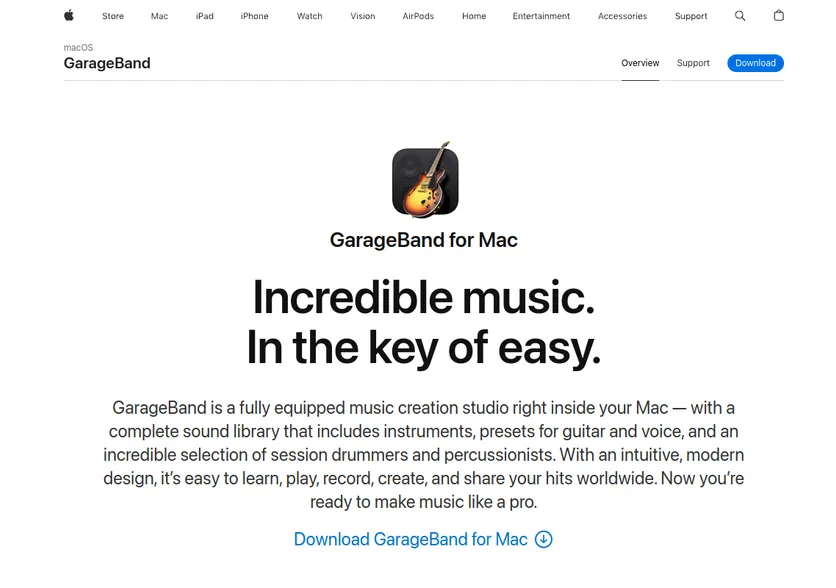
The best first step for a Mac owner, GarageBand costs nothing at all, and it is already on the computer. It teaches recording, loops, MIDI and mixing with touch instruments, live loops and a library of sounds that make a first song sound finished. A beginner can record a guitar, add drums and export a track in an afternoon, then move to Logic Pro when the projects outgrow it.
What we like
- Free with every Mac, iPhone and iPad
- Live loops and touch instruments make a first song fast
- Clean upgrade path to Logic Pro
Watch out for
- Mac, iPhone and iPad only, no Windows version
- Fewer mixing tools than a full workstation
How to try it
- Open GarageBand and pick a live loops template
- Record one track and add a drum loop
- Export the first song and share it
2. Audacity
Best for: Beginners who want free recording and editing on any computer
Paid tool Starting price: $0 · Zero dollars, free and open source on Windows, Mac and Linux; there is no paid tier, and donations keep the project running
Free plan: Free plan
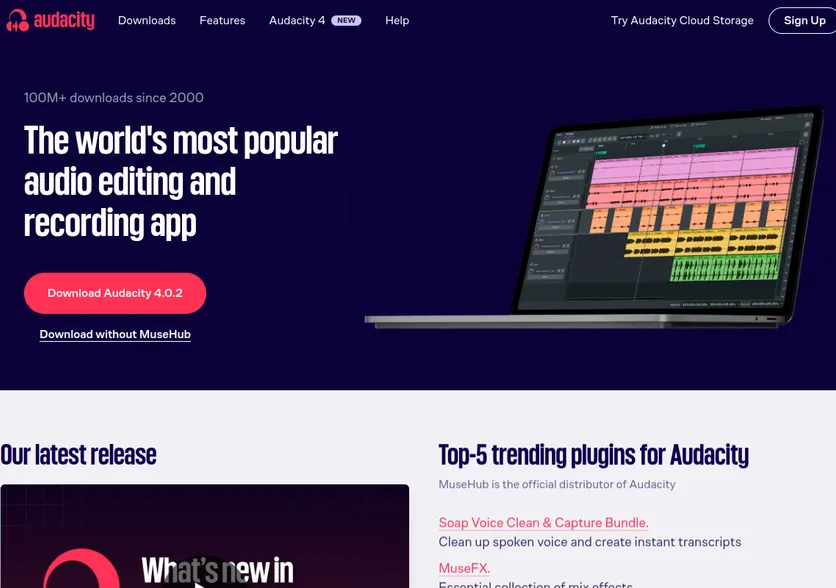
The free way to learn recording, Audacity costs nothing on Windows, Mac or Linux, and it records, edits and mixes audio with effects and plugins. It is an audio editor rather than a full workstation, so it suits a beginner who wants to record a voice or instrument, cut the mistakes and export a clean file. Its simplicity is the point: there is no instrument library to learn before the first recording.
What we like
- Free and open source on every platform
- Simple recording, cutting and mixing
- Effects and plugin support included
Watch out for
- An audio editor, not a full workstation with instruments
- No built-in instrument library or loops
How to try it
- Download Audacity and plug in a microphone
- Record a first take and cut the mistakes
- Add an effect and export the finished file
3. REAPER
Best for: Beginners who want a full workstation for sixty dollars
Paid tool Starting price: $60 one-time · Sixty dollars for a discounted license, or two hundred and twenty-five dollars for a commercial license; either covers updates through version 8.99, and the sixty-day evaluation is fully functional
Free plan: 60-day free evaluation
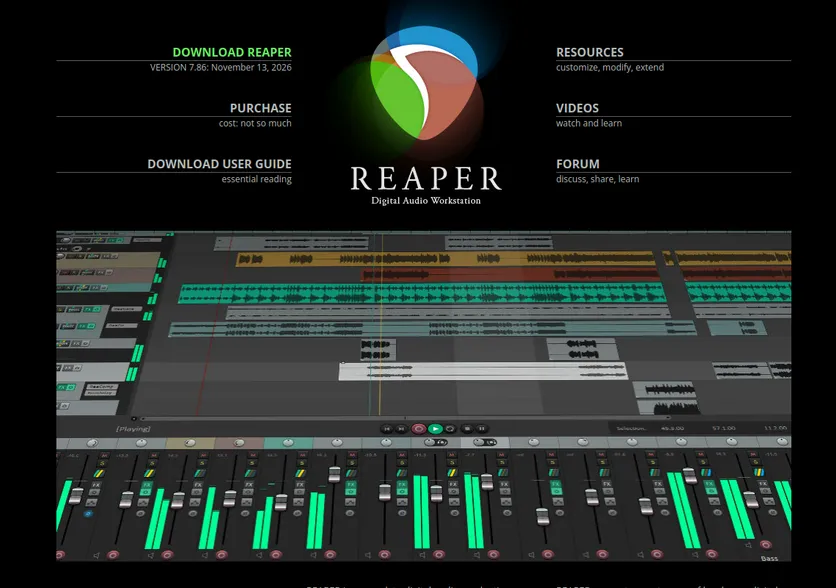
The best value in music software, REAPER costs sixty dollars for a discounted license, and it is a complete workstation for recording, editing, mixing and mastering. It runs on Windows, Mac and Linux, installs in minutes and runs well on an average laptop, with flexible routing and custom actions that grow with the user. The sixty-day evaluation is fully functional, so a beginner can finish real songs before paying anything.
What we like
- Complete workstation for sixty dollars
- Runs on Windows, Mac and Linux
- Sixty-day fully functional evaluation
Watch out for
- Sparser stock sound library than the bigger suites
- Setup takes longer than the simpler apps
How to try it
- Download the evaluation and open a new project
- Record a track and add an effect
- Mix the song and export it before the trial ends
4. FL Studio
Best for: Beginners who want to make beats first
Paid tool Starting price: $99 one-time · Ninety-nine dollars one-time for the Fruity Edition; Producer is one hundred and seventy-nine dollars, Signature Bundle is two hundred and sixty-nine dollars and All Plugins is four hundred and forty-nine dollars; every edition includes free lifetime updates
Free plan: Free trial, no time limit
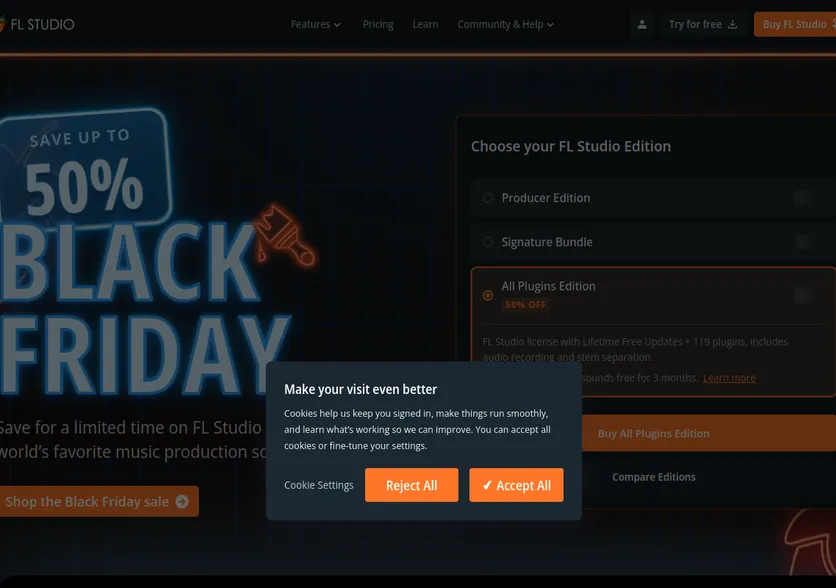
The beat maker's favourite, FL Studio costs ninety-nine dollars one-time for the Fruity Edition, and its step sequencer and piano roll make beats faster than any other tool here. It ships with more than eighty instruments and effects, and every edition includes free lifetime updates, so the price never repeats. The Fruity Edition has no audio recording, so a beginner who wants to record vocals should start at Producer.
What we like
- Step sequencer and piano roll built for beats
- Free lifetime updates on every edition
- More than eighty instruments and effects included
Watch out for
- Fruity Edition cannot record audio
- The pattern workflow feels odd to linear recordists
How to try it
- Try the free trial and build a beat in the step sequencer
- Add a bass line in the piano roll
- Export the beat and share it
5. Ableton Live
Best for: Beginners making electronic music or playing live
Paid tool Starting price: $99 one-time · Ninety-nine dollars one-time for Live Intro; Standard is three hundred and forty-nine dollars and Suite is seven hundred and forty-nine dollars; a Live 12 license bought now registers Live 13 automatically when it releases in early 2027
Free plan: 30-day free trial
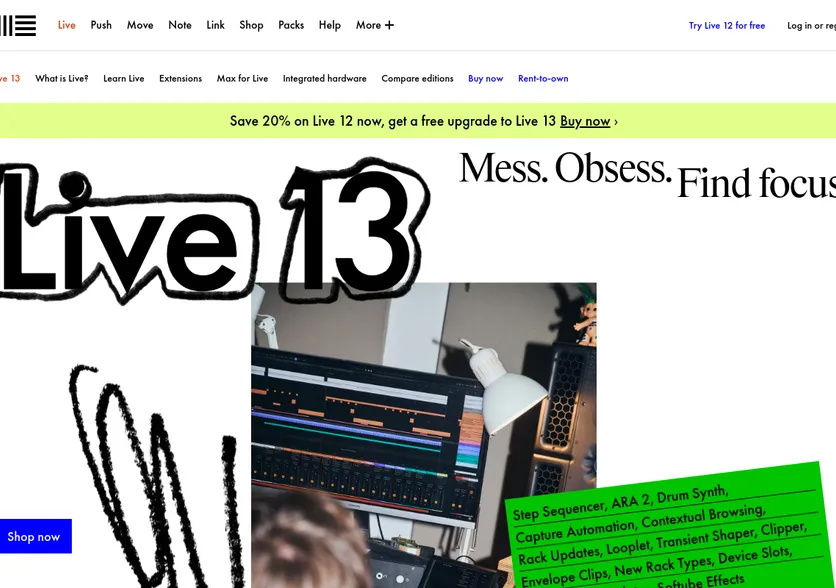
For electronic music and live performance, Ableton Live costs ninety-nine dollars one-time for Intro, and it builds songs from clips that can launch in any order. Intro gives sixteen audio and MIDI tracks, eight instruments and twenty-seven effects with more than five gigabytes of sounds, which is enough for a first electronic track. The same session view doubles as a stage tool, so a beginner can play the song live when it is finished.
What we like
- Clip launching makes arranging fast and fun
- Doubles as a live performance tool
- Thirty-day free trial of the full Suite
Watch out for
- Intro caps tracks at sixteen
- Stem separation is Suite-only
How to try it
- Start the thirty-day Suite trial
- Build a track from clips in session view
- Arrange the clips into a finished song
6. Cubase
Best for: Beginners who want MIDI, scoring and recording together
Paid tool Starting price: $99.99 one-time · Ninety-nine dollars and ninety-nine cents one-time for Cubase Elements; Artist is two hundred and ninety-nine dollars and ninety-nine cents and Pro is five hundred and seventy-nine dollars and ninety-nine cents, all one-time licenses
Free plan: 30-day free trial
The all-rounder for composers, Cubase costs ninety-nine dollars and ninety-nine cents one-time for Elements, and it is strongest on MIDI, composing and recording in one place. Cubase 16 runs on Windows and Mac with a thirty-day trial, and the score editor, chord tools and key editor give a beginner the notation side that beat apps skip. It is the longest-running workstation in this list, and its workflow scales all the way to a professional studio.
What we like
- Strongest MIDI and scoring tools at this price
- One-time license with a thirty-day trial
- Scales from first song to professional studio
Watch out for
- No Audio Unit plugin support
- AI stem separation is Pro-only
How to try it
- Start the thirty-day trial and open a template
- Write a melody in the key editor
- Record an audio track and mix the song
7. Pro Tools
Best for: Beginners who want to learn the studio-standard workflow
Paid tool Starting price: $99/year · Ninety-nine dollars a year for the Artist plan at the regular price, currently on sale for seventy-nine dollars a year for the first year; Studio is two hundred and ninety-nine dollars a year and Ultimate is five hundred and ninety-nine dollars a year
Free plan: Free Pro Tools Intro
The studio standard, Pro Tools costs ninety-nine dollars a year for Artist, and it is the workstation that commercial studios expect a session to arrive in. Artist covers thirty-two audio tracks with the core recording and mixing tools, while the free Intro tier lets a beginner learn the workflow before paying. The trade-off is the subscription: the price repeats every year, unlike the one-time licenses in this list.
What we like
- The workstation commercial studios expect
- Free Intro tier to learn the workflow
- Strong recording and editing tools
Watch out for
- Subscription price repeats every year
- Artist caps audio tracks at thirty-two
How to try it
- Download Pro Tools Intro and open a session
- Record a track and learn the edit tools
- Upgrade to Artist when the track count runs out
8. Logic Pro
Best for: Mac owners who want a full studio for one price
Paid tool Starting price: $199.99 one-time · One hundred and ninety-nine dollars and ninety-nine cents one-time on the Mac App Store; it is also inside Apple Creator Studio at twelve dollars and ninety-nine cents a month or one hundred and twenty-nine dollars a year
Free plan: Free trial
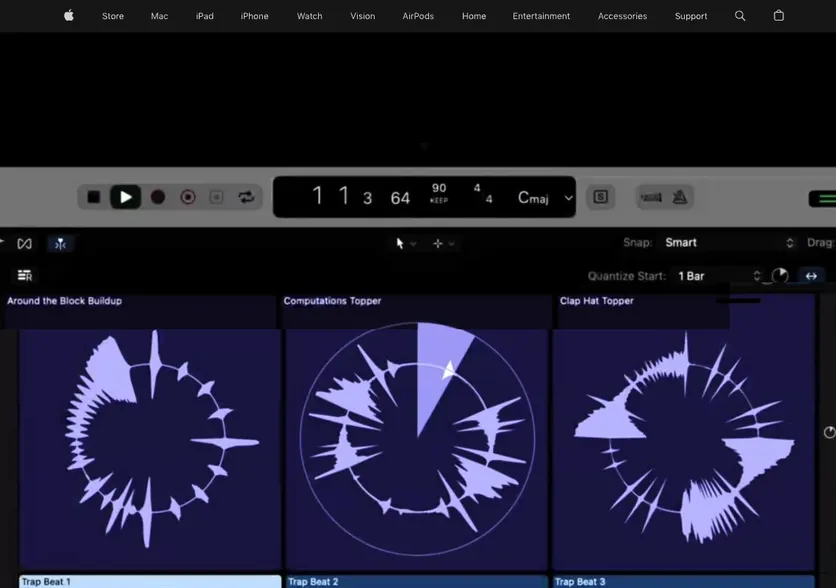
The best value for a Mac owner, Logic Pro costs one hundred and ninety-nine dollars and ninety-nine cents one-time, and it bundles a huge sound library with Stem Splitter, Mastering Assistant and Dolby Atmos tools. One price covers the full Mac app with no higher edition to buy later, which makes it the cheapest complete studio a Mac owner can own. It is also inside Apple Creator Studio, but the one-time purchase is the better deal for most beginners.
What we like
- Huge sound library with no higher edition to buy
- Stem Splitter and Mastering Assistant included
- One price covers the full Mac app
Watch out for
- Mac only, no Windows version
- Apple silicon only on newer versions
How to try it
- Start the free trial and open a template
- Record a track and try the Stem Splitter
- Master the song with the Mastering Assistant
Prices above were checked on each vendor’s own website on Nov 28, 2026 and can change — the vendor’s page is the final word. Vendor links are editorial: nobody paid to be listed or ranked here. Vendors who want a featured listing can see how it works on our Get listed page.
How to finish your first song without getting stuck
Start with the free option on the computer you already own. A Mac owner should open GarageBand, a Windows owner should try Audacity or the REAPER evaluation, and either way the first song should be finished before any money changes hands. Pick the tool that matches the music: FL Studio for beats, Ableton Live for electronic tracks, Cubase for songs with notation, and Logic Pro for a Mac owner who wants everything in one price. Then finish the song, because a finished rough track teaches more than a perfect eight bars that never become a song.
Before you buy
- Start with the free app on the computer you already own
- Match the tool to the music: beats, electronic, notation or recording
- Check the trial limits, especially FL Studio's missing audio recording on Fruity
- Finish one whole song before buying a bigger edition
- Confirm the price is one-time or a subscription that repeats every year
Official websites
Official websites of the products reviewed above. Features and prices were checked against these sites when this guide was written, and they can change, so confirm on the vendor site before you buy.
Frequently asked questions
What is the best music production software for beginners?
GarageBand is the best start for a Mac owner, because it is free and turns a first idea into a finished song in an afternoon. On Windows, REAPER is the best value at sixty dollars one-time with a sixty-day evaluation, and FL Studio is the best pick for beats at ninety-nine dollars one-time. The best tool is the one that matches the music: beats, electronic tracks or recorded songs.
Can I make music for free as a beginner?
Yes. GarageBand is free on every Mac, iPhone and iPad, and Audacity is free and open source on Windows, Mac and Linux. REAPER offers a sixty-day fully functional evaluation, Pro Tools Intro is free, and FL Studio has a trial with no time limit. A beginner can finish real songs on every one of these before paying anything.
How much does FL Studio cost for a beginner?
FL Studio Fruity Edition costs ninety-nine dollars one-time, and Producer costs one hundred and seventy-nine dollars. Fruity has no audio recording and caps audio clips at eight, so a beginner who wants to record vocals should start at Producer. Every edition includes free lifetime updates, so the price never repeats.
Is a one-time license or a subscription better for beginners?
A one-time license is usually better for a beginner, because the price is paid once and the tool keeps working. REAPER at sixty dollars, FL Studio at ninety-nine dollars and Logic Pro at one hundred and ninety-nine dollars and ninety-nine cents are all one-time purchases. Pro Tools Artist at ninety-nine dollars a year is the subscription in this list, and it suits a beginner who plans to work in commercial studios.
Which DAW should I learn first on Windows?
REAPER is the strongest first workstation on Windows at sixty dollars one-time, with a sixty-day evaluation and a complete feature set. FL Studio suits a beginner who makes beats, from ninety-nine dollars one-time, and Ableton Live Intro at the same price suits electronic music. Audacity is free and teaches recording basics before a workstation is needed.
Compare the eight tools above, then start with the free app on your computer and finish one whole song before you pay for a full workstation.
Browse Audio Tools tools