On this page
A video game score is not one song: it is combat music, exploration music, menu music and stingers that must crossfade without a seam. The eight tools below write, arrange and mix those layers, from cheap workstations that score a whole jam to notation software that hands parts to live players. REAPER leads the list because it scores to picture, edits and mixes for sixty dollars one-time, and the other seven are ranked on the same practical test: how much of a game score they cover for the price.
How we researched this
We checked every price on the vendor pricing page on November 28, 2026, and only included tools with a published US dollar list price. The sample libraries and middleware that sell by quote, and the hardware-bundled apps with no standalone price, are not in this list. Prices change, so confirm the current figure on the vendor site before you buy.
Compare the tools
| Name | Best for | Starting price | Free plan | |
|---|---|---|---|---|
 REAPER | Composers who want a cheap, scriptable scoring workstation | $60 one-time | 60-day free evaluation | Visit |
 Logic Pro | Mac composers who want a deep library for one price | $199.99 one-time | Free trial | Visit |
| Pro Tools | Composers delivering stems to a mix engineer | $299/year | Free Pro Tools Intro | Visit |
| Bitwig Studio | Composers who design their own sounds and instruments | $399 one-time | 30-day free trial | Visit |
 FL Studio | Composers scoring synth-heavy and electronic games | $449 one-time | Free trial, no time limit | Visit |
| Cubase | Composers who write orchestral scores with MIDI and notation | $579.99 one-time | 30-day free trial | Visit |
| Dorico | Composers who write scores for live players | $579.99 one-time | Free trial | Visit |
| Ableton Live | Composers building interactive and electronic game music | $749 one-time | 30-day free trial | Visit |
The music production software for video game composers, compared
1. REAPER
Best for: Composers who want a cheap, scriptable scoring workstation
Paid tool Starting price: $60 one-time · Sixty dollars for a discounted license, or two hundred and twenty-five dollars for a commercial license; either covers updates through version 8.99, and the sixty-day evaluation is fully functional
Free plan: 60-day free evaluation
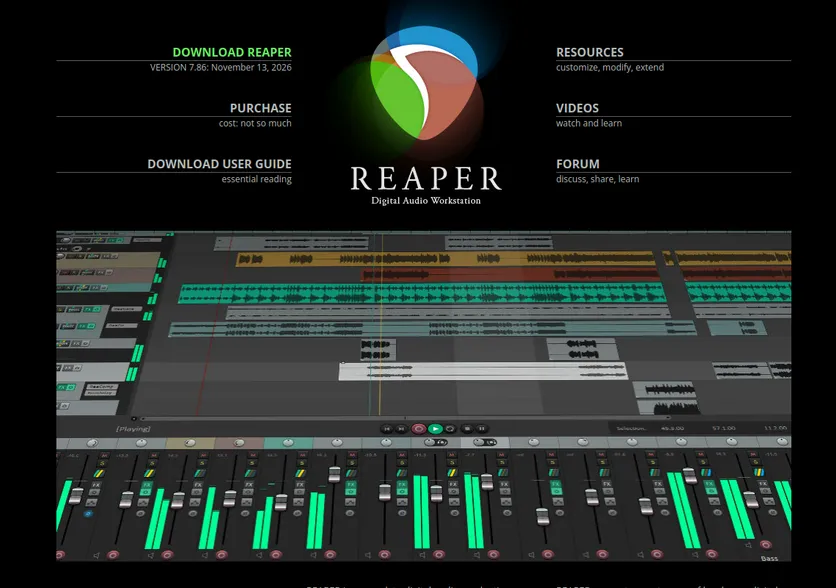
The cheapest way into a scoring rig, REAPER costs sixty dollars for a discounted license, and it handles the unglamorous half of game audio: recording, editing, mixing and mastering to picture. It runs on Windows, Mac and Linux, opens video for scoring to picture, and its flexible routing and custom actions fit a composer who builds a template once and reuses it across levels. The sixty-day evaluation is fully functional, so a composer can score a whole game jam before paying.
What we like
- Complete workstation for sixty dollars
- Video support for scoring to picture
- Custom actions and routing for big templates
Watch out for
- No built-in orchestral library, it must be bought separately
- Sparser stock sounds than the bigger suites
How to try it
- Download the evaluation and open a video file
- Build a template with the sample libraries
- Score the first level and mix to picture
2. Logic Pro
Best for: Mac composers who want a deep library for one price
Paid tool Starting price: $199.99 one-time · One hundred and ninety-nine dollars and ninety-nine cents one-time on the Mac App Store; it is also inside Apple Creator Studio at twelve dollars and ninety-nine cents a month or one hundred and twenty-nine dollars a year
Free plan: Free trial
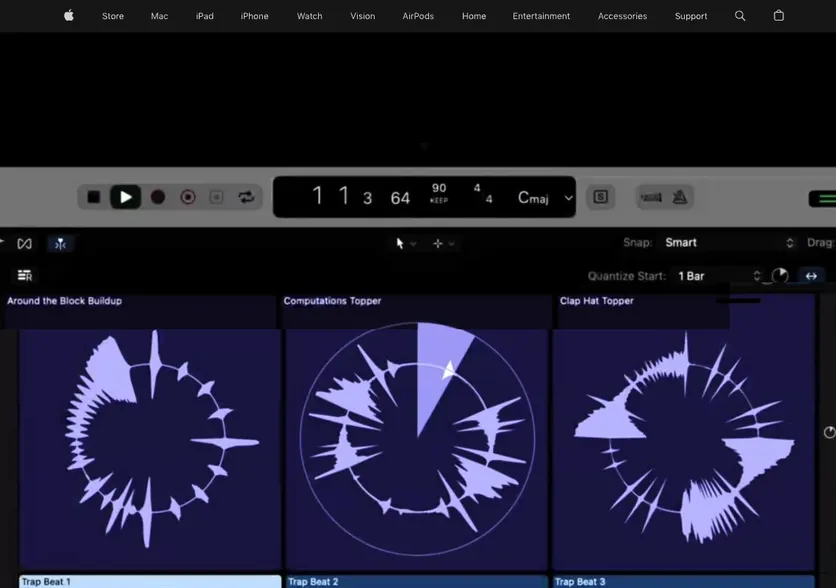
For a Mac composer, Logic Pro costs one hundred and ninety-nine dollars and ninety-nine cents one-time, and its sound library covers the orchestral, electronic and ambient palettes a game score needs. Alchemy alone is a deep synth for pads and textures, and the score editor turns a MIDI performance into readable notation for live players. One price covers the full app, which makes it the cheapest complete scoring studio a Mac owner can own.
What we like
- Huge library covering orchestral and electronic palettes
- Alchemy synth for pads and textures
- Score editor for live players
Watch out for
- Mac only, no Windows version
- Apple silicon only on newer versions
How to try it
- Start the free trial and open a scoring template
- Sketch the theme with Alchemy pads
- Export stems for the game engine
3. Pro Tools
Best for: Composers delivering stems to a mix engineer
Paid tool Starting price: $299/year · Two hundred and ninety-nine dollars a year for the Studio plan at the regular price, currently on sale for one hundred and ninety-nine dollars a year for the first year; Artist is ninety-nine dollars a year and Ultimate is five hundred and ninety-nine dollars a year
Free plan: Free Pro Tools Intro
The mix stage standard, Pro Tools Studio costs two hundred and ninety-nine dollars a year, and it is the workstation a game score arrives in when it goes to mix. Studio covers five hundred and twelve audio tracks, immersive mixing and a video track, with the editing precision that dialogue, effects and music stems demand. A composer who delivers stems to a mix engineer will find the session opens exactly as expected.
What we like
- Five hundred and twelve audio tracks on Studio
- Immersive mixing for game audio
- The session format mix engineers expect
Watch out for
- Subscription price repeats every year
- AAX-only plugin format limits the plugin choice
How to try it
- Download Pro Tools Intro and learn the edit tools
- Import the score stems into a Studio session
- Mix to picture and export the stems
4. Bitwig Studio
Best for: Composers who design their own sounds and instruments
Paid tool Starting price: $399 one-time · Three hundred and ninety-nine dollars one-time for Bitwig Studio; Essentials is ninety-nine dollars and Producer is one hundred and ninety-nine dollars; updates are included for twelve months, then a renewal is needed for newer versions
Free plan: 30-day free trial
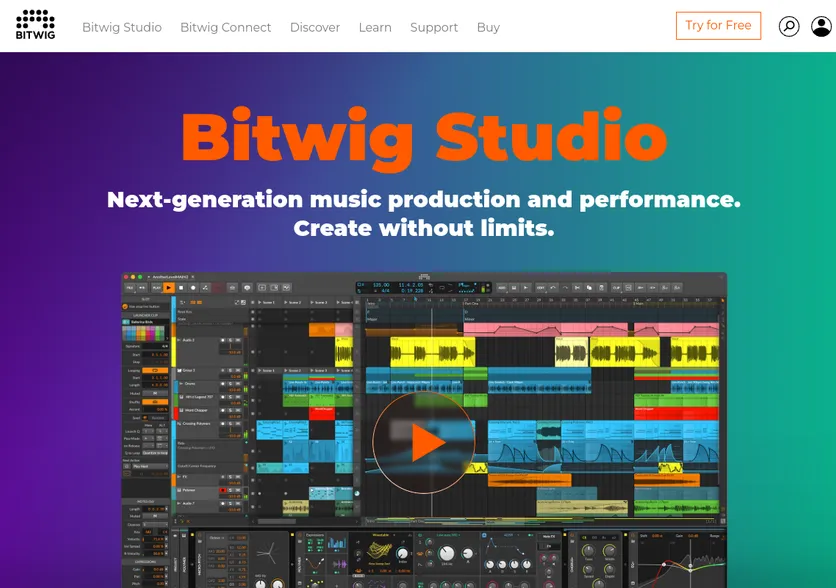
The sound designer's workstation, Bitwig Studio costs three hundred and ninety-nine dollars one-time, and its modulation system and The Grid turn it into an instrument builder as well as a DAW. A game composer can design creature voices, UI sounds and evolving pads that no sample library sells, then automate every parameter across a level. It runs on Windows, Mac and Linux, which suits a team that does not standardize on one platform.
What we like
- Modulation system and The Grid for custom instruments
- Runs on Windows, Mac and Linux
- Clip launching for interactive music sketches
Watch out for
- No Audio Unit plugin support
- Updates end after twelve months unless renewed
How to try it
- Start the thirty-day trial and open The Grid
- Build a pad that evolves over a minute
- Automate the parameters across a level
5. FL Studio
Best for: Composers scoring synth-heavy and electronic games
Paid tool Starting price: $449 one-time · Four hundred and forty-nine dollars one-time for the All Plugins Edition; Fruity is ninety-nine dollars, Producer is one hundred and seventy-nine dollars and Signature Bundle is two hundred and sixty-nine dollars; every edition includes free lifetime updates
Free plan: Free trial, no time limit
For electronic game scores, FL Studio All Plugins costs four hundred and forty-nine dollars one-time, and it bundles every instrument and effect Image-Line sells. The step sequencer and piano roll make loop-based themes fast, and the lifetime updates mean the price never repeats even as the game ships. A composer who scores a synth-heavy indie game gets the full sound set in one purchase.
What we like
- Every Image-Line instrument and effect in one purchase
- Free lifetime updates on every edition
- Piano roll built for fast melodic work
Watch out for
- Pattern workflow feels odd for linear scoring to picture
- No built-in video scoring tools
How to try it
- Try the free trial and build a loop-based theme
- Layer the synths into a full arrangement
- Export loops and stems for the game engine
6. Cubase
Best for: Composers who write orchestral scores with MIDI and notation
Paid tool Starting price: $579.99 one-time · Five hundred and seventy-nine dollars and ninety-nine cents one-time for Cubase Pro; Artist is two hundred and ninety-nine dollars and ninety-nine cents and Elements is ninety-nine dollars and ninety-nine cents, all one-time licenses
Free plan: 30-day free trial
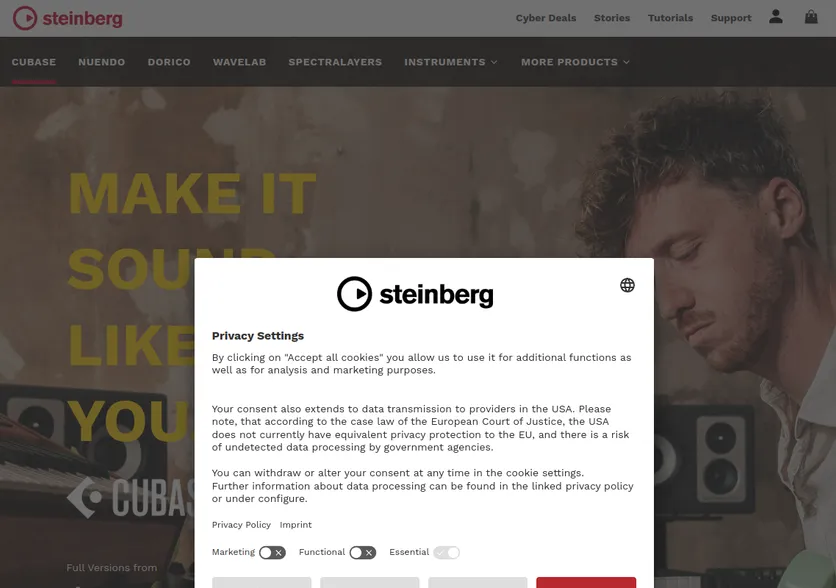
The composer's workhorse, Cubase Pro costs five hundred and seventy-nine dollars and ninety-nine cents one-time, and it is the deepest MIDI and scoring workstation in this list. Expression maps drive orchestral libraries articulation by articulation, the score editor prints parts for live players, and the chord track keeps harmony consistent across a long score. It is the long-time choice for composers who write with notation and MIDI together.
What we like
- Expression maps for orchestral libraries
- Score editor that prints parts for players
- Deepest MIDI editing in this list
Watch out for
- No Audio Unit plugin support
- AI stem separation is Pro-only
How to try it
- Start the thirty-day trial and open a scoring template
- Set expression maps for the orchestral library
- Write the theme and print the parts
7. Dorico
Best for: Composers who write scores for live players
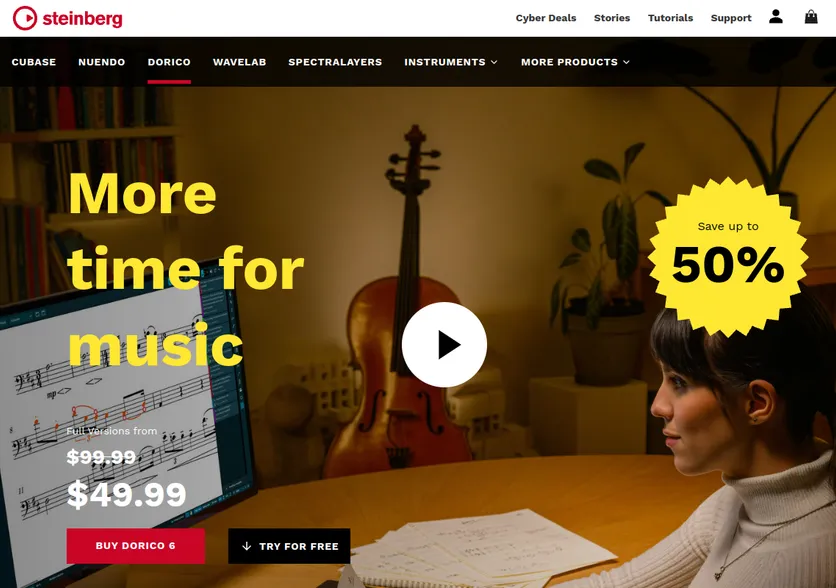
Paid tool Starting price: $579.99 one-time · Five hundred and seventy-nine dollars and ninety-nine cents one-time for Dorico Pro 6 at the regular price, currently half price at two hundred and eighty-nine dollars and ninety-nine cents in the November 2026 sale; Elements is ninety-nine dollars and ninety-nine cents
Free plan: Free trial
The notation specialist, Dorico Pro costs five hundred and seventy-nine dollars and ninety-nine cents one-time, and it engraves a game score beautifully enough to hand to live players. It handles condensing, divisi and complex meters without workarounds, and its playback with orchestral libraries lets a composer hear the score before the session. A composer who records live strings or brass for a game will find the parts ready to play.
What we like
- Best notation engraving in this list
- Condensing and divisi handled automatically
- Playback that previews the score with real libraries
Watch out for
- A notation tool, not a full DAW for mixing
- Regular price is high outside the sale
How to try it
- Start the trial and enter the first theme
- Set the condensing for the string section
- Export parts and a playback mockup
8. Ableton Live
Best for: Composers building interactive and electronic game music
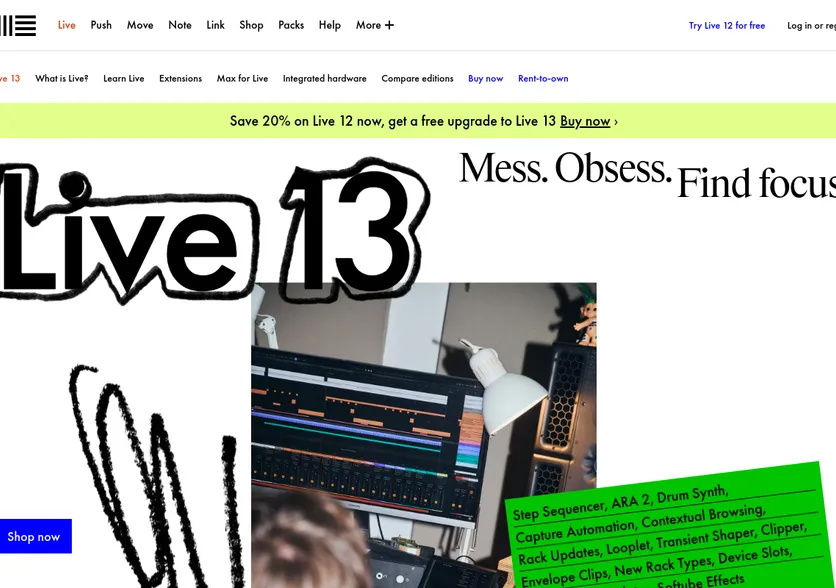
Paid tool Starting price: $749 one-time · Seven hundred and forty-nine dollars one-time for Live Suite; Intro is ninety-nine dollars and Standard is three hundred and forty-nine dollars; a Live 12 license bought now registers Live 13 automatically when it releases in early 2027
Free plan: 30-day free trial
For interactive and electronic game music, Ableton Live Suite costs seven hundred and forty-nine dollars one-time, and its session view maps naturally onto game states. A composer can sketch combat, exploration and menu music as separate clip scenes, then test how they crossfade before the engine ever plays them. Max for Live extends it further, letting a composer build generative music systems that respond to gameplay.
What we like
- Session view maps onto game states
- Max for Live for generative music systems
- Seventy-plus instruments and effects in Suite
Watch out for
- Highest price in this list
- Stem separation is Suite-only
How to try it
- Start the thirty-day Suite trial
- Sketch combat and exploration scenes as clips
- Test the crossfades between scenes
Prices above were checked on each vendor’s own website on Nov 28, 2026 and can change — the vendor’s page is the final word. Vendor links are editorial: nobody paid to be listed or ranked here. Vendors who want a featured listing can see how it works on our Get listed page.
How to score a game without blowing the audio budget
Start with the music the game actually needs. An orchestral score wants Cubase or Dorico, an electronic score wants Ableton Live or FL Studio, and a sound-design score wants Bitwig, while REAPER covers the recording and mixing for all of them. Check the video support before you buy, because scoring to picture is the difference between music that fits the level and music that fights it. Then count the real cost: a sixty-dollar workstation plus a sample library often beats a seven-hundred-dollar suite with no sounds. Finally, export stems early and test them in the engine, because a theme that sounds great alone can fall apart under gameplay.
Before you buy
- Match the tool to the score: orchestral, electronic or sound design
- Check video support for scoring to picture before you buy
- Count the sample library cost on top of the workstation price
- Export stems early and test them inside the game engine
- Confirm the price is one-time or a subscription that repeats every year
Official websites
Official websites of the products reviewed above. Features and prices were checked against these sites when this guide was written, and they can change, so confirm on the vendor site before you buy.
Frequently asked questions
What is the best music production software for video game composers?
Cubase Pro is the strongest all-round choice for orchestral game scores, from five hundred and seventy-nine dollars and ninety-nine cents one-time, with expression maps and a score editor. REAPER is the best value at sixty dollars one-time for scoring to picture and mixing. Ableton Live Suite suits interactive electronic music, and Dorico Pro suits scores written for live players.
How much does Cubase Pro cost for game scoring?
Cubase Pro costs five hundred and seventy-nine dollars and ninety-nine cents one-time, with Artist at two hundred and ninety-nine dollars and ninety-nine cents and Elements at ninety-nine dollars and ninety-nine cents. All three are one-time licenses with a thirty-day trial. The Pro tier adds the full MIDI tools, expression maps and AI stem separation that a game score needs.
Can I score a game with REAPER?
Yes. REAPER costs sixty dollars for a discounted license and handles recording, editing, mixing and mastering to picture, with video support for scoring against gameplay footage. It has no built-in orchestral library, so a composer must add sample libraries separately. The sixty-day fully functional evaluation covers a whole game jam before any payment.
Do I need notation software to compose for games?
Not always, but it matters when live players record the score. Dorico Pro engraves parts, handles condensing and divisi, and plays back with orchestral libraries, from five hundred and seventy-nine dollars and ninety-nine cents one-time. A composer who works only with samples can stay inside Cubase or REAPER and never print a part.
What is the cheapest way to start composing for games?
REAPER at sixty dollars one-time with a sixty-day evaluation is the cheapest complete start, and it scores to picture. GarageBand is free on a Mac for first sketches, and Audacity is free for recording and editing. The workstation is the cheap half: the sample libraries for an orchestral score often cost more than the software itself, so budget for both.
Compare the eight tools above, then start with the REAPER evaluation and score one level end to end before you pay for a full scoring suite.
Browse Audio Tools tools