On this page
A small office NAS holds the files, the invoices and the photos, and when its drives fail the business stops. The eight tools below back up the NAS itself, the PCs around it and the cloud accounts on top, so a dead drive becomes a restore instead of a disaster. Synology Active Backup leads the list because it is free with the NAS the office already owns, and the other seven are ranked on the same practical test: how much of the office they protect for the price.
How we researched this
We checked every price on the vendor pricing page on November 28, 2026, and only included tools with a published US dollar list price. The enterprise backup platforms that sell by quote, including Veeam Data Platform and Rubrik, publish no list price a small office can budget from, so they are not in this list. Prices change, so confirm the current figure on the vendor site before you buy.
Compare the tools
| Name | Best for | Starting price | Free plan | |
|---|---|---|---|---|
| Synology Active Backup | Offices that already own a Synology NAS | $0 | Free plan | Visit |
 NAKIVO Backup & Replication | Small offices backing up VMs, servers and NAS shares | $2.45/workload/month | Free Edition up to 10 workloads | Visit |
 EaseUS Todo Backup | Small offices that want cheap disk imaging per PC | $39.95/year | Free edition | Visit |
| Acronis Cyber Protect Home Office | Offices that want backup and antivirus in one agent | $49.99/year | 30-day free trial | Visit |
 Macrium Reflect | Offices that want the best disk imaging per PC | $49.99/year | No free plan | Visit |
 Carbonite Safe | Offices that want automatic unlimited backup for one PC | $95.99/year | 15-day free trial | Visit |
 Backblaze Computer Backup | Offices that want simple unlimited backup for one PC | $99/year | 15-day free trial | Visit |
 IDrive | Offices with many devices sharing one storage pool | $99.50/year | Free plan up to 10 GB | Visit |
The nas backup software for small offices, compared
1. Synology Active Backup
Best for: Offices that already own a Synology NAS
Paid tool Starting price: $0 · Zero dollars, included free with Synology DiskStation Manager on a compatible NAS; there is no paid tier, and the only cost is the NAS hardware itself
Free plan: Free plan
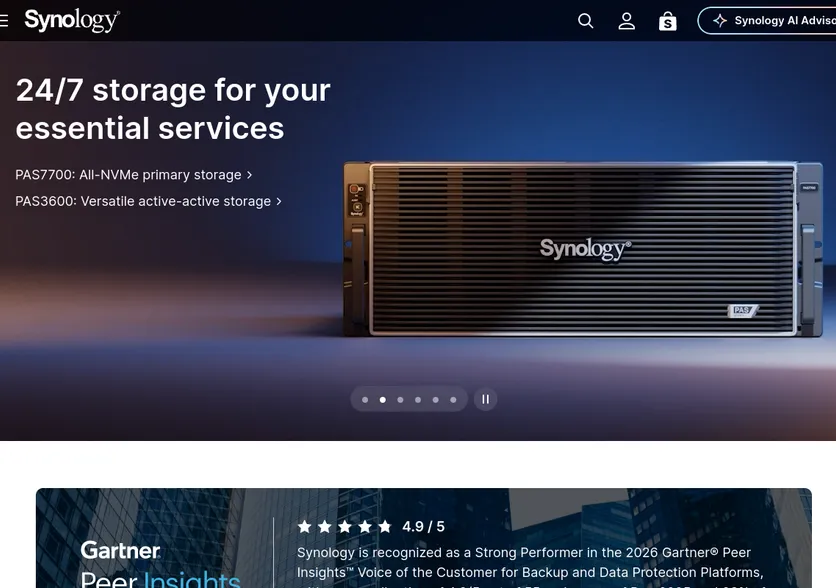
The cheapest backup in this list, Synology Active Backup costs nothing at all beyond the NAS it runs on. It backs up PCs, servers, virtual machines and Microsoft 365 accounts to the office NAS with bare-metal restore, deduplication and versioning, all managed from the DiskStation interface. A small office that already owns a Synology NAS gets business backup without another subscription.
What we like
- Free with DiskStation Manager, no subscription
- Backs up PCs, servers, VMs and Microsoft 365
- Bare-metal restore with deduplication
Watch out for
- Needs a Synology NAS, it does not run elsewhere
- No off-site copy unless a second NAS is added
How to try it
- Open Package Center and install Active Backup for Business
- Add the office PCs and servers as backup tasks
- Run a test restore of one PC
2. NAKIVO Backup & Replication
Best for: Small offices backing up VMs, servers and NAS shares
Paid tool Starting price: $2.45/workload/month · Two dollars and forty-five cents per workload a month on the Pro Essentials subscription for a one-year term, or one dollar and ninety-five cents on a three-year term; Enterprise Essentials is three dollars and twenty cents; perpetual licenses start at two hundred and twenty-nine dollars per CPU socket
Free plan: Free Edition up to 10 workloads
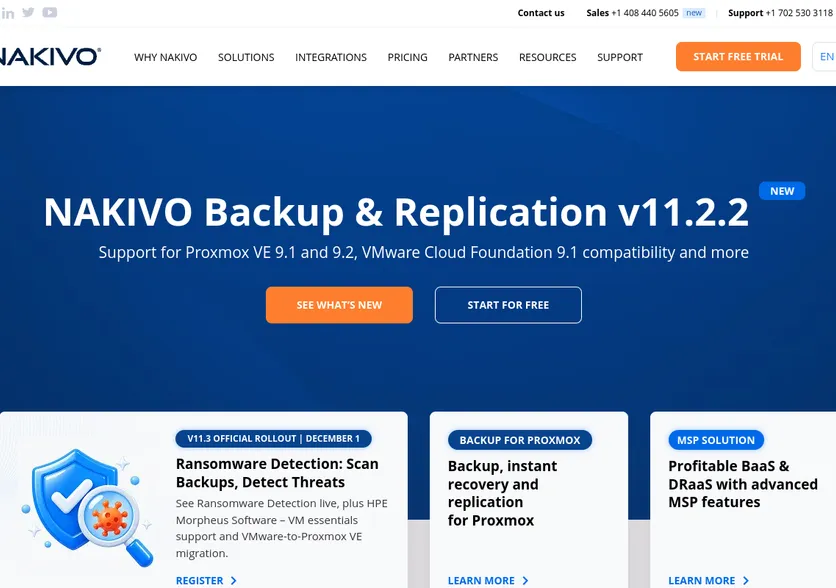
The cheapest paid backup per workload, NAKIVO Backup & Replication costs two dollars and forty-five cents per workload a month on a one-year Pro Essentials subscription. It protects virtual machines, physical servers, NAS shares and Microsoft 365, installs on Windows, Linux, a NAS or an AWS image, and the Free Edition covers ten workloads for a year. A small office with a few servers gets enterprise backup without the enterprise bill.
What we like
- Cheapest per-workload price in this list
- Runs on Windows, Linux, a NAS or AWS
- Free Edition covers ten workloads for a year
Watch out for
- A workload is one VM or server, so the count grows fast
- Support is business-hours on the entry perpetual license
How to try it
- Install the Free Edition on the NAS or a server
- Add the servers and NAS shares as workloads
- Schedule the first backup and test a restore
3. EaseUS Todo Backup
Best for: Small offices that want cheap disk imaging per PC
Paid tool Starting price: $39.95/year · Thirty-nine dollars and ninety-five cents a year for the Home edition on one PC; higher editions add more PCs, Exchange and SQL backup, and a free edition covers system, file and disk backup
Free plan: Free edition
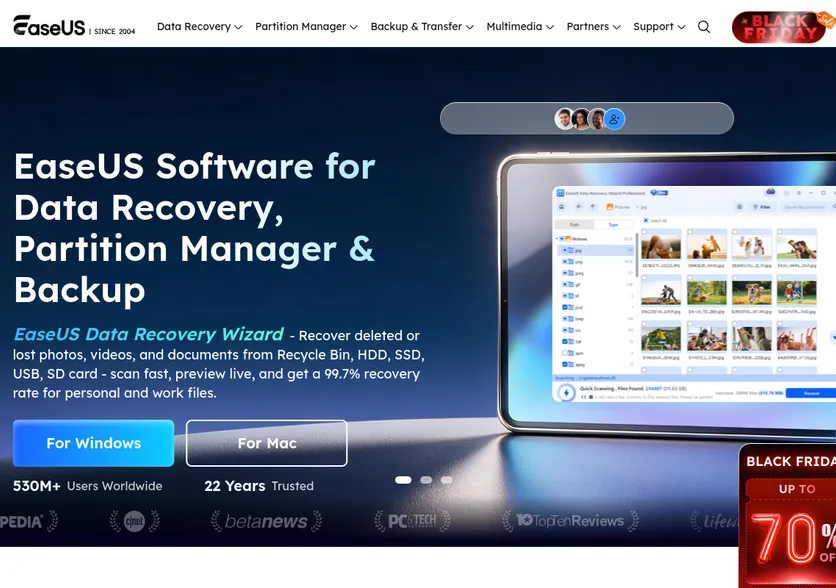
The budget disk imaging pick, EaseUS Todo Backup costs thirty-nine dollars and ninety-five cents a year for Home on one PC, and it covers system, file, disk and partition backup with scheduling. The free edition already handles the basics, so a small office can protect each PC without a server product. The interface is plain, but the imaging is reliable and the price is the lowest paid figure in this list.
What we like
- Lowest paid price in this list
- Free edition covers system, file and disk backup
- Scheduled imaging with bare-metal restore
Watch out for
- Priced per PC, so the bill grows with every machine
- No central console for many PCs on Home
How to try it
- Install the free edition on one PC
- Schedule a full system image to the NAS
- Test the restore on a spare machine
4. Acronis Cyber Protect Home Office
Best for: Offices that want backup and antivirus in one agent
Paid tool Starting price: $49.99/year · Forty-nine dollars and ninety-nine cents a year for the Home Office Essentials package; higher tiers add online storage and identity protection, while the business Cyber Protect Standard starts at eighty-five dollars a year per workstation
Free plan: 30-day free trial
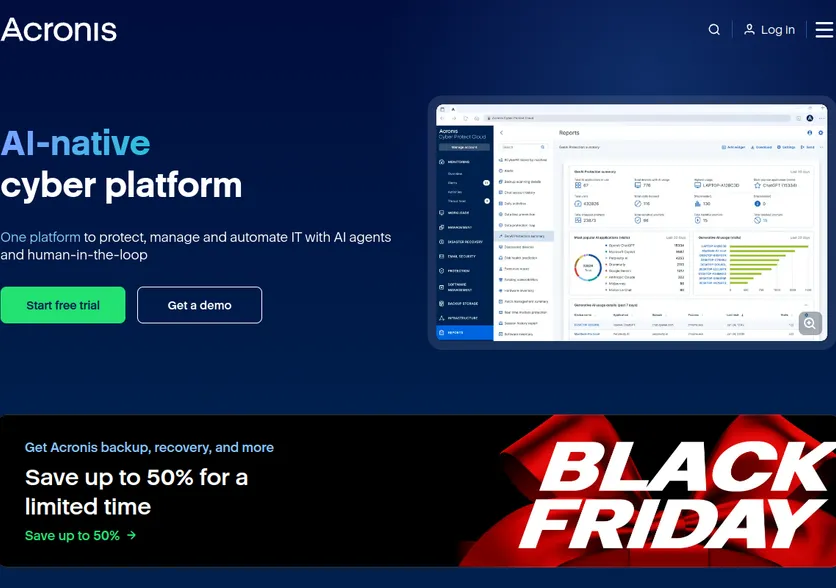
Backup plus security in one agent, Acronis Cyber Protect Home Office costs forty-nine dollars and ninety-nine cents a year, and it bundles disk imaging with antivirus, ransomware protection and vulnerability checks. It backs up to local disks, the office NAS and the Acronis cloud from one console, which suits a small office that wants one agent per PC instead of two products. The business edition is a separate, pricier product for offices that need central management.
What we like
- Disk imaging plus antivirus and ransomware protection
- Local, NAS and cloud destinations in one console
- Thirty-day free trial
Watch out for
- Priced per computer, so a ten-PC office pays ten times
- Central management needs the pricier business edition
How to try it
- Start the thirty-day trial on one PC
- Set the backup destination to the office NAS
- Turn on the ransomware protection and run a scan
5. Macrium Reflect
Best for: Offices that want the best disk imaging per PC
Paid tool Starting price: $49.99/year · Forty-nine dollars and ninety-nine cents a year per device for Reflect X Home, per third-party reports; the free edition is retired, so there is no free tier to fall back on
Free plan: No free plan
The imaging specialist, Macrium Reflect costs forty-nine dollars and ninety-nine cents a year per device for Reflect X Home, and it is the best disk imager in this list. It creates exact images of a whole drive, restores them fast, and verifies the image so a restore never fails on a corrupt file. The free edition is retired, so the trial is the only way to test it, but the imaging quality is what IT professionals recommend.
What we like
- Best-in-class disk imaging and fast restores
- Image verification so restores never fail
- Exact whole-drive images with bare-metal restore
Watch out for
- No free edition any more, the free tier is retired
- Priced per device, so the bill grows per PC
How to try it
- Download the trial on one PC
- Create a full image to the NAS
- Boot the rescue media and test the restore
6. Carbonite Safe
Best for: Offices that want automatic unlimited backup for one PC
Paid tool Starting price: $95.99/year · Ninety-five dollars and ninety-nine cents a year for the Safe Basic plan at the list price, with a first-year promotional price of seventy-five dollars and ninety-nine cents; Plus is one hundred and thirty-one dollars and ninety-nine cents and Prime is one hundred and sixty-one dollars and ninety-nine cents
Free plan: 15-day free trial
The set-and-forget pick, Carbonite Safe costs ninety-five dollars and ninety-nine cents a year for Basic, and it backs up one computer automatically with unlimited storage. Install it, forget it and restore with one click when a drive fails, with no file picking and no storage math. Basic does not back up video files by default, so an office with a video library needs Plus, and external drive backup is held for the higher tiers.
What we like
- Unlimited storage for one computer
- Automatic backup with one-click restore
- Long-running service with a simple formula
Watch out for
- Basic does not back up video files by default
- External drive backup needs the Plus plan
How to try it
- Start the fifteen-day trial on one PC
- Check which folders are included
- Run a test restore of one file
7. Backblaze Computer Backup
Best for: Offices that want simple unlimited backup for one PC
Paid tool Starting price: $99/year · Ninety-nine dollars a year when billed annually, or nine dollars a month billed monthly, or one hundred and eighty-nine dollars for two years; the price covers one computer and its external drives with unlimited storage
Free plan: 15-day free trial
The simplest cloud backup, Backblaze Computer Backup costs ninety-nine dollars a year billed annually, and it backs up everything on one computer by default. Documents, photos and music are covered with no picking and choosing folders, external USB drives are included at no extra charge, and there is no storage cap or file size limit. The annual price stays the same at renewal, unlike rivals whose first-year discounts jump in year two.
What we like
- Unlimited storage with no file size limit
- External drives included at no extra charge
- Same price at renewal, no first-year jump
Watch out for
- Priced per computer, so ten PCs cost ten times
- No NAS backup on the Computer Backup plan
How to try it
- Start the fifteen-day trial on one PC
- Let it back up everything by default
- Test a restore from the web console
8. IDrive
Best for: Offices with many devices sharing one storage pool
Paid tool Starting price: $99.50/year · Ninety-nine dollars and fifty cents a year for the Personal five-terabyte plan at the standard renewal price; the first year is eighty-three dollars and eighty-eight cents, or six dollars and ninety-nine cents a month billed annually, and the price rises from year two
Free plan: Free plan up to 10 GB
The best value for many devices, IDrive costs ninety-nine dollars and fifty cents a year for five terabytes on the Personal plan, and one account covers unlimited computers, phones, tablets and NAS units. That single storage pool suits a small office with several PCs and a NAS, where per-computer tools would charge ten times. The first year is cheaper at eighty-three dollars and eighty-eight cents, so budget for the renewal price, not the intro offer.
What we like
- One account covers unlimited devices and NAS units
- Five terabytes for ninety-nine dollars and fifty cents a year
- Free plan with ten gigabytes to test
Watch out for
- The first-year price jumps at renewal
- Five-terabyte cap, unlike the unlimited rivals
How to try it
- Start on the free ten-gigabyte plan
- Add the office PCs and the NAS to one account
- Schedule the first backup and check the storage use
Prices above were checked on each vendor’s own website on Nov 28, 2026 and can change — the vendor’s page is the final word. Vendor links are editorial: nobody paid to be listed or ranked here. Vendors who want a featured listing can see how it works on our Get listed page.
How to back up a NAS without paying twice
Start with the NAS itself, not the PCs. A small office usually owns one NAS already, and the free backup that ships with it covers the PCs, the servers and the cloud accounts before any new subscription is needed. Next, check the pricing unit: per-computer tools charge once per PC, while a storage-pool tool like IDrive covers every device for one price, which changes the total fast across ten machines. Then check the renewal price, because several tools sell the first year cheap and jump in year two. Finally, restore one file and one whole PC before you trust the backup.
Before you buy
- Check what the NAS already backs up for free before buying anything
- Price the tool per device or per storage pool, whichever fits the office
- Budget for the renewal price, not the first-year discount
- Confirm the NAS itself is backed up, not just the PCs around it
- Restore one file and one whole PC before you trust the backup
Official websites
Official websites of the products reviewed above. Features and prices were checked against these sites when this guide was written, and they can change, so confirm on the vendor site before you buy.
Frequently asked questions
What is NAS backup software for small offices?
It is software that copies the files on a network-attached storage device, and the PCs and servers around it, to a second location so a dead drive does not lose the business. The tools in this list back up to the NAS, from the NAS to the cloud, or both, with versioning and bare-metal restore. A small office needs it because the NAS usually holds the only copy of the invoices, photos and shared files.
How much does IDrive cost for a small office?
IDrive Personal with five terabytes costs ninety-nine dollars and fifty cents a year at the standard renewal price, and the first year is eighty-three dollars and eighty-eight cents. One account covers unlimited computers, phones, tablets and NAS units inside the same storage pool. The free plan gives ten gigabytes to test with before paying.
Can I back up my office NAS for free?
Yes, if the office owns a Synology NAS, because Active Backup for Business is included free with DiskStation Manager and covers PCs, servers, virtual machines and Microsoft 365. QNAP owners get a similar free tool in Hybrid Backup Sync. The only cost is the NAS hardware itself, and the catch is that there is no off-site copy without a second NAS.
Which tool is best for many computers in one office?
IDrive is the best pick for many devices, because one five-terabyte account covers unlimited computers, phones and NAS units for ninety-nine dollars and fifty cents a year. Backblaze and Carbonite charge per computer, so ten PCs would cost ten times as much. EaseUS Todo Backup is the cheapest per-PC imaging tool at thirty-nine dollars and ninety-five cents a year.
Should I back up the NAS to the cloud as well?
Yes, because a backup that lives on the same NAS it protects dies with it in a fire, flood or theft. The 3-2-1 rule is the standard: three copies, on two different media, with one off-site. Synology Active Backup covers the local copy for free, and a cloud tool like Backblaze or IDrive adds the off-site copy for under a hundred dollars a year.
Compare the eight tools above, then start with the free backup on your NAS and test one full restore before you pay for a cloud plan.
Browse Security & Privacy tools