On this page
Remote teams lose laptops, spill coffee on drives and delete the wrong folder, and there is no office IT desk to rescue them. The eight tools below back up every machine automatically, so a lost laptop is a bad afternoon instead of a lost project. Backblaze leads the list because it backs up one computer with unlimited data for nine dollars a month, and the other seven tools are judged on the same test: whether a restore is fast and complete when it actually matters.
How we researched this
We checked every price on the vendor pricing page on November 28, 2026, and only included tools with a published US dollar list price. Veeam and Druva sell by quote, so they are not in this list, and first-year promotional prices are not used as list prices. Prices change, so confirm the current figure on the vendor site before you buy.
Compare the tools
| Name | Best for | Starting price | Free plan | |
|---|---|---|---|---|
 Backblaze | Remote teams that want unlimited backup per computer | $9/computer/month | Free trial | Visit |
 IDrive | Small remote teams that want one backup subscription for everyone | $99.50/year | Free plan | Visit |
 Carbonite | Remote workers who want set-and-forget unlimited backup | $95.99/year | Free trial | Visit |
| Acronis | Remote teams that want backup plus security in one agent | $85/device/year | Free trial | Visit |
 CrashPlan | Remote teams that need admin visibility over every backup | $10/device/month | Free trial | Visit |
| Wasabi | Remote teams storing large backups in the cloud | $6.99/TB/month | Free trial | Visit |
 MSP360 | IT-led remote teams that already own cloud storage | $2.50/workload/month | 15-day free trial | Visit |
 Dropbox | Remote teams that already store files in Dropbox | $9.99/month | Free plan | Visit |
The online backup software for remote teams, compared
1. Backblaze
Best for: Remote teams that want unlimited backup per computer
Paid tool Starting price: $9/computer/month · Nine dollars per computer per month, or ninety-nine dollars per year, with unlimited data on the Computer Backup plan; the two-year price is one hundred and eighty-nine dollars; B2 Cloud Storage is six dollars and ninety-five cents per terabyte per month, up from six dollars on May 1, 2026, with the first ten gigabytes free and egress free up to three times the stored data
Free plan: Free trial
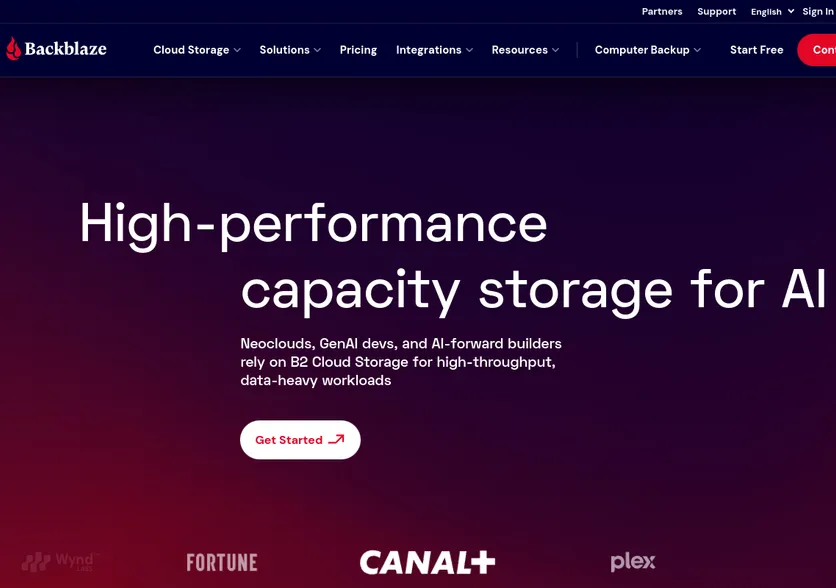
This Backblaze plan costs nine dollars per computer a month, and it backs up everything with no storage limit. It runs quietly in the background, keeps old versions of files, and lets a remote worker restore a single file or a whole drive from a browser. A distributed team gets the same protection on every laptop for one flat price per machine.
What we like
- Unlimited data per computer for one flat price
- Restore single files or whole drives from a browser
- Simple setup that needs no IT skills
Watch out for
- Per-computer pricing adds up across many machines
- No central admin console on the personal plan
How to try it
- Install Backblaze on each team computer
- Let the first backup finish in the background
- Test a file restore before the team relies on it
2. IDrive
Best for: Small remote teams that want one backup subscription for everyone
Paid tool Starting price: $99.50/year · Ninety-nine dollars and fifty cents per year for the Team plan with five terabytes for five users, and the same price for Personal with five terabytes; the ten-terabyte plan is one hundred and forty-nine dollars and fifty cents per year; Business starts at ninety-nine dollars and fifty cents per year with two hundred and fifty gigabytes pooled; the free Basic plan covers ten gigabytes; Microsoft 365 and Google Workspace backup is a twenty-dollar per seat per year add-on; first-year promotions are not list prices
Free plan: Free plan
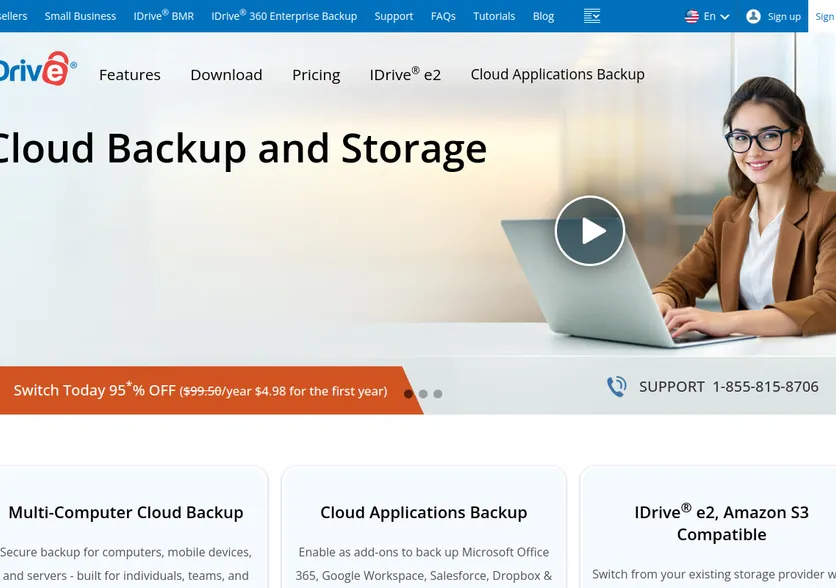
This IDrive plan costs ninety-nine dollars and fifty cents a year, and it covers five users and five terabytes in one subscription. It backs up computers, phones and servers, syncs files across devices and keeps version history, which makes it the best value in this list for a small remote team. The per-user cost works out to about twenty dollars a year, which is hard to beat.
What we like
- Five users and five terabytes for one low annual price
- Backs up computers, phones and servers
- File sync and version history included
Watch out for
- Storage is shared, so one heavy user affects the team
- The interface is busier than simpler backup apps
How to try it
- Create the team account and invite five users
- Install IDrive on each computer and phone
- Set the backup schedule and check the first backup completes
3. Carbonite
Best for: Remote workers who want set-and-forget unlimited backup
Paid tool Starting price: $95.99/year · Ninety-five dollars and ninety-nine cents per year for the Basic plan at list price, with Plus at one hundred and thirty-one dollars and ninety-nine cents and Prime at one hundred and sixty-one dollars and ninety-nine cents; first-year promotions and a forty percent Black Friday offer are not list prices; two-year terms save five percent and three-year terms save ten percent; Safe Backup Pro Core is two hundred and eighty-seven dollars and ninety-nine cents per year for up to twenty-five computers
Free plan: Free trial
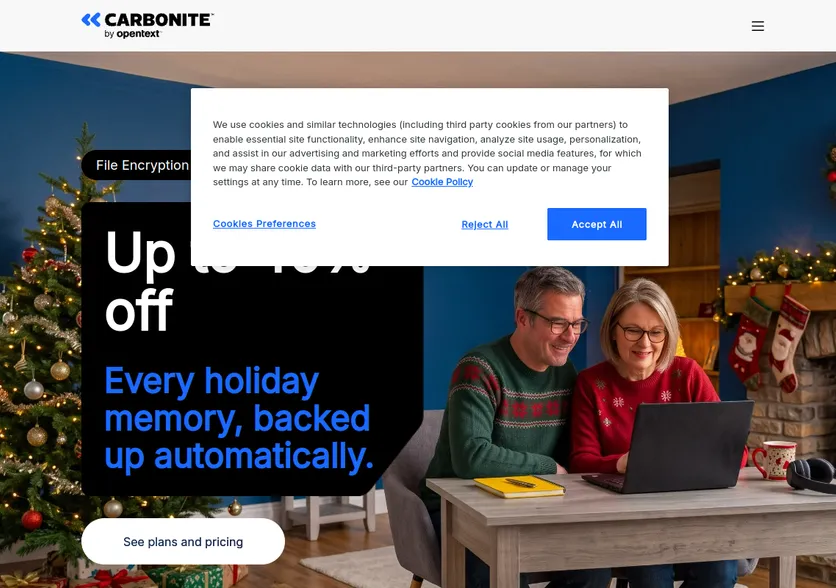
This Carbonite plan costs ninety-five dollars and ninety-nine cents a year at list price, and it backs up one computer with unlimited storage. It runs automatically in the background and keeps old versions, so a remote worker never has to remember to back up. The higher plans add external drive backup, automatic video backup and courier restore for a lost machine.
What we like
- Unlimited storage on every plan
- Automatic backup that needs no attention
- Courier restore on the Prime plan for a lost machine
Watch out for
- Basic excludes external drives and automatic video backup
- First-year prices are lower than the list price shown here
How to try it
- Install Carbonite and choose the files to protect
- Let the first backup finish in the background
- Test a restore from the web dashboard
4. Acronis
Best for: Remote teams that want backup plus security in one agent
Paid tool Starting price: $85/device/year · Eighty-five dollars per device per year for the Standard plan; Backup Advanced is one hundred and nine dollars and Advanced is one hundred and twenty-nine dollars per device per year; a twenty percent Black Friday promotion is not a list price; server licenses start at five hundred and ninety-five dollars per year; fifty gigabytes of cloud storage per workstation and two hundred and fifty gigabytes per server are included; one November 2026 source calls the tiers quote-only, which contradicts the vendor's own purchasing page
Free plan: Free trial
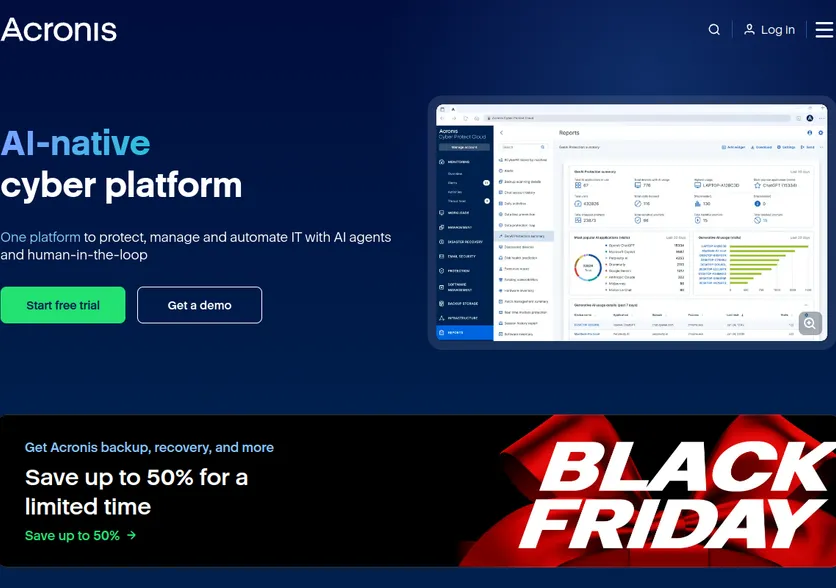
This Acronis plan costs eighty-five dollars per device a year, and it pairs backup with security in one agent. It backs up computers and servers, scans for ransomware and malware, and stores the backup in the cloud with encryption. A remote team that wants backup and endpoint protection from one vendor will find this the most complete option here.
What we like
- Backup and anti-malware in a single agent
- Ransomware protection built into the backup
- Server licenses available for office machines
Watch out for
- Cloud storage is capped per device, not unlimited
- The higher tiers add cost for features some teams never use
How to try it
- Install the Acronis agent on each device
- Choose the backup schedule and cloud storage
- Test a restore and check the security dashboard
5. CrashPlan
Best for: Remote teams that need admin visibility over every backup
Paid tool Starting price: $10/device/month · Ten dollars per device per month on the Essential plan for small business, with unlimited storage and an admin console; Professional is fifteen dollars per device per month with legal hold and advanced reporting; Enterprise is quoted; the consumer and home product was discontinued in 2017 and 2018, so this is business only
Free plan: Free trial
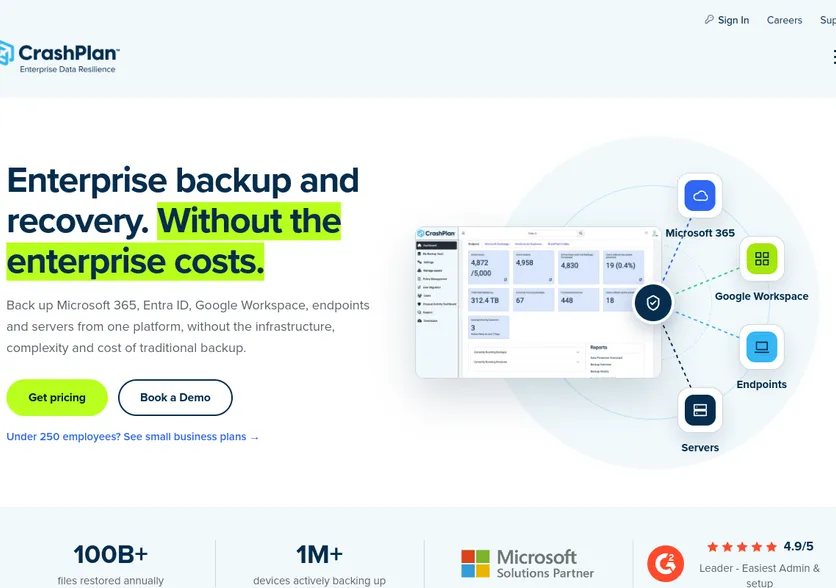
This CrashPlan plan costs ten dollars per device a month, and it is built for teams that need to prove their backups exist. It backs up every device with unlimited storage, keeps deleted files, and gives an admin console that shows which machines are protected and which are behind. A remote team with compliance or audit needs will value that visibility most.
What we like
- Unlimited storage per device
- Admin console shows every machine's backup status
- Deleted files kept for recovery
Watch out for
- The price is per device, so large teams pay more
- No free plan, only a trial
How to try it
- Create the business account and invite the team
- Install CrashPlan on each device
- Check the admin console and test a restore
6. Wasabi
Best for: Remote teams storing large backups in the cloud
Paid tool Starting price: $6.99/TB/month · Six dollars and ninety-nine cents per terabyte per month on pay-as-you-go, with a one-terabyte monthly minimum; a ninety-day minimum storage duration applies; egress is free within a one-to-one ratio of egress to storage and up to one hundred terabytes a month; no API request fees; Cloud NAS is eight dollars and ninety-nine cents per terabyte per month; two sources say the price rises to seven dollars and ninety-nine cents from July 1, 2026, while a November 2026 source still lists six dollars and ninety-nine cents
Free plan: Free trial
This Wasabi plan costs six dollars and ninety-nine cents per terabyte a month, and it is the cheapest cloud storage in this list. It charges no API request fees and no egress fees within the free ratio, so a team can back up and restore without watching a meter. It suits a team that stores large backups in the cloud and wants the storage bill to stay predictable.
What we like
- Lowest per-terabyte price in this list
- No API request fees and free egress within the ratio
- Simple pricing with no storage tiers
Watch out for
- A one-terabyte monthly minimum applies
- Two sources report a rise to seven dollars and ninety-nine cents
How to try it
- Create a bucket and set the retention policy
- Point the backup tool at Wasabi storage
- Test a restore and check the egress usage
7. MSP360
Best for: IT-led remote teams that already own cloud storage
Paid tool Starting price: $2.50/workload/month · Two dollars and fifty cents per workload per month on pay-as-you-go, with a twenty-five-dollar monthly minimum; storage is billed separately, either the team's own cloud storage or MSP360-resold storage at around seven dollars and ninety-nine cents per terabyte per month for Wasabi; server and virtual machine licenses cost more; RMM starts at one dollar and seventy-five cents per endpoint per month; fifteen-day trial, no free plan; one November 2026 source notes the vendor pricing pages did not render a public list price
Free plan: 15-day free trial
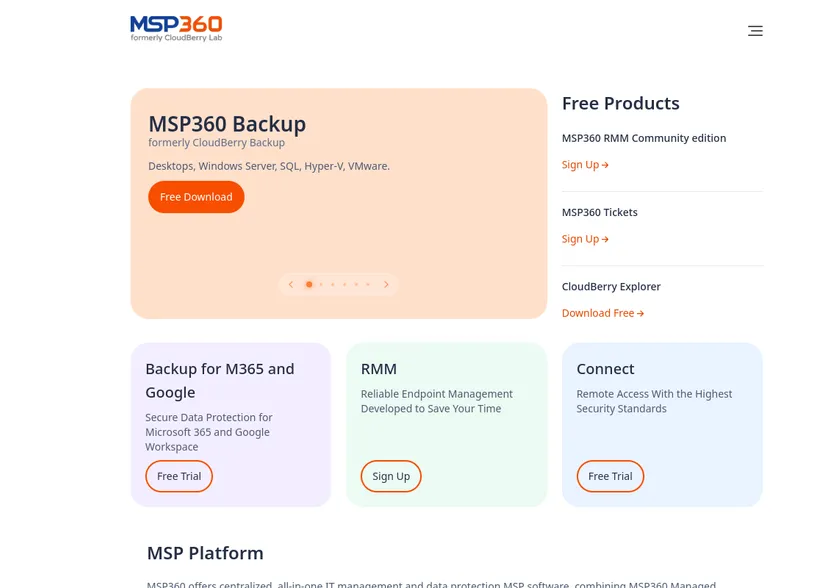
This MSP360 plan costs two dollars and fifty cents per workload a month, and it is the flexible option for teams that already own cloud storage. It backs up computers, servers and virtual machines to the team's own storage, so the backup software and the storage bill stay separate. An IT-minded team will like the control, though the total cost depends on the storage chosen.
What we like
- Lowest software price in this list
- Works with the team's own cloud storage
- Covers servers and virtual machines as well as computers
Watch out for
- Storage is a separate bill on top of the software
- Needs more setup skill than a consumer backup app
How to try it
- Choose the cloud storage for the backups
- Install MSP360 on each machine and connect storage
- Set the schedule and test a restore
8. Dropbox
Best for: Remote teams that already store files in Dropbox
Paid tool Starting price: $9.99/month · Nine dollars and ninety-nine cents per month on the Plus plan billed annually, or eleven dollars and ninety-nine cents month to month, with two terabytes for one person and thirty-day recovery; Standard is fifteen dollars per user per month and Advanced is twenty-four dollars; the free Basic plan covers two gigabytes; Backup covers selected computer folders and an external drive and counts against the plan quota
Free plan: Free plan
This Dropbox plan costs nine dollars and ninety-nine cents a month on annual billing, and it pairs backup with the file storage a remote team already uses. Dropbox Backup protects selected computer folders and an external drive, and the files sit alongside the team's shared folders in one account. It is the pick when the team already lives in Dropbox and wants backup without a second tool.
What we like
- Backup sits inside the Dropbox the team already uses
- Two terabytes of storage for one low monthly price
- File version history and thirty-day recovery included
Watch out for
- Backup counts against the plan storage quota
- Team plans cost more per user than the single-user plan
How to try it
- Turn on Dropbox Backup for the folders to protect
- Let the first backup finish in the background
- Test a file restore from the Dropbox website
Prices above were checked on each vendor’s own website on Nov 28, 2026 and can change — the vendor’s page is the final word. Vendor links are editorial: nobody paid to be listed or ranked here. Vendors who want a featured listing can see how it works on our Get listed page.
The online backup software for remote teams, compared
Back up every machine, not just the important ones, because the laptop that gets lost is never the one you expected. Set backups to run automatically and check the admin console weekly, since a backup that stopped a month ago is worse than no backup at all. Test a restore every quarter with a real file, because a backup you have never restored is a guess. Keep one copy off site and one copy in a different cloud, and write down who restores what when a machine dies, so the team does not improvise during a crisis.
Before you buy
- Confirm the storage limit and whether deleted files are kept, and for how long
- Check whether the admin console shows every machine's backup status at a glance
- Ask how fast a full restore runs and whether the vendor ships a recovery drive
- Make sure the backup covers external drives and the folders the team actually uses
- Test a restore on a real machine before the team relies on the tool
Official websites
Official websites of the products reviewed above. Features and prices were checked against these sites when this guide was written, and they can change, so confirm on the vendor site before you buy.
Frequently asked questions
What is online backup software for remote teams?
It is software that copies a remote worker's files to the cloud automatically, so a lost, stolen or broken laptop does not mean lost work. The tools in this list differ in how they charge: some bill per computer with unlimited storage, while others bill per terabyte of storage. A good fit depends on how many machines the team has and how much data they keep.
How much does Backblaze cost for a remote team?
Backblaze costs nine dollars per computer per month, or ninety-nine dollars per year, with unlimited data on the Computer Backup plan. The two-year price is one hundred and eighty-nine dollars. B2 Cloud Storage is six dollars and ninety-five cents per terabyte per month for teams that want raw storage instead of per-computer backup.
Can a remote team back up computers for free?
Only in a limited way. IDrive offers a free Basic plan with ten gigabytes, and Dropbox offers a free Basic plan with two gigabytes, but neither covers a whole team's machines. Real team backup starts at two dollars and fifty cents per workload a month with MSP360, or nine dollars and ninety-nine cents a month with Dropbox Plus.
Which tool is best for a team with many devices?
IDrive is the best value for many devices, with five terabytes for five users at ninety-nine dollars and fifty cents a year. Backblaze is the simplest choice, with unlimited data per computer for nine dollars a month. Wasabi is the best pick when the team stores very large backups and wants the lowest per-terabyte storage price.
Do these tools back up servers as well as laptops?
Some do and some do not. IDrive, Acronis and MSP360 cover servers and virtual machines as well as computers, while Backblaze Computer Backup and Carbonite Safe focus on individual machines. Check whether the plan includes server licenses or whether those cost extra, because server pricing is often higher than the headline.
Compare the eight tools above, then start with a free trial on the tool that matches how your team works before you pay for a full year.
Browse Business Tools tools