On this page
Enterprise note-taking is less about writing notes and more about a thousand people finding the right one: the runbook for an incident, the decision from last quarter, the onboarding doc a new hire needs. The eight tools below all publish a US dollar price, from a four dollar sync add-on to a full workspace that replaces the wiki. Notion leads the list because Plus starts at ten dollars per user a month and covers notes, wikis and databases in one place, and the rest are ranked on the same test: how easily a team finds what it knows.
How we researched this
We checked every price on the vendor pricing page on November 28, 2026, and only included tools with a published US dollar list price. Guru and other quote-only knowledge tools publish no prices, so they are not in this list. Prices change, so confirm the current figure on the vendor site before you buy.
Compare the tools
| Name | Best for | Starting price | Free plan | |
|---|---|---|---|---|
 Notion | Enterprise teams that want notes, wikis and databases in one workspace | $10/user/month | Free plan | Visit |
 Evernote | Teams that want a mature note app with strong capture tools | $10/seat/month | Free plan, 50 notes | Visit |
 Obsidian | Teams that want local-first notes they fully own | $4/user/month | Free app | Visit |
 Confluence | Enterprise teams already running Jira and the Atlassian suite | $7.15/user/month | Free plan up to 10 users | Visit |
 Slite | Teams whose real problem is out-of-date documentation | $10/user/month | 14-day free trial | Visit |
 Slab | Small enterprise teams that want a clean wiki at the lowest price | $6.67/user/month | Free plan up to 10 users | Visit |
 Nuclino | Teams that want a light, fast wiki with minimal setup | $5/user/month | Free plan up to 50 items | Visit |
 ClickUp | Enterprise teams that want docs attached to tasks and projects | $9/user/month | Free plan | Visit |
The note taking software for enterprise, compared
1. Notion
Best for: Enterprise teams that want notes, wikis and databases in one workspace
Paid tool Starting price: $10/user/month · Ten dollars per member per month billed annually on the Plus plan, or $12 month to month; Business is $20 billed annually or $24 monthly; Plus rose from $8 and Business from $15 during 2026, so older prices are stale; Enterprise is custom-quoted; Notion AI is a $10 per member add-on
Free plan: Free plan
This Notion plan costs ten dollars per user a month billed annually, and it is the most flexible workspace in this list. An enterprise team can run notes, wikis, databases and project boards in one place, with pages that link to each other like a company brain. The price rose from eight dollars during 2026, so older reviews quote the old figure.

What we like
- Notes, wikis, databases and projects in one place
- A huge template library for common workflows
- Guests are free on the Free plan
Watch out for
- The price rose from eight dollars in 2026
- AI costs ten dollars more per member a month
How to try it
- Create a workspace and set up teamspaces
- Import existing docs and build the wiki structure
- Set permissions and invite the team
2. Evernote
Best for: Teams that want a mature note app with strong capture tools
Paid tool Starting price: $10/seat/month · Ten dollars per seat per month on the Teams Flexible plan; individual Starter is $14.99 per month or $99 per year, and Advanced is $24.99 per month or $249.99 per year; the free plan covers 50 notes, one notebook and one device
Free plan: Free plan, 50 notes
This Evernote plan costs ten dollars per seat a month on the Teams Flexible plan, and it is the longest-running note app in this list. An enterprise team gets shared spaces, a central admin console and Evernote web clipper for capturing research. The free plan covers only fifty notes on one device, so it is a trial rather than a working plan.
What we like
- A long track record in note-taking
- Strong web clipping and document scanning
- Shared spaces with a central admin console
Watch out for
- The free plan is nearly unusable at fifty notes
- Individual plans cost more per seat than Teams
How to try it
- Create a team account and set up shared spaces
- Import notes from other tools
- Set up the admin console and invite the team
3. Obsidian
Best for: Teams that want local-first notes they fully own
Paid tool Starting price: $4/user/month · Four dollars per user per month billed annually for Sync Standard, or $5 month to month; Sync Plus is $8 billed annually and Publish is $8 per site per month billed annually; the app is free for commercial use and the $50 per user per year commercial license is optional
Free plan: Free app
This Obsidian plan costs four dollars per user a month billed annually for Sync, and it is the privacy-first choice in this list. Notes stay as plain Markdown files on each device, so the company owns its knowledge outright, and Sync adds end-to-end encrypted sync between devices. The app itself is free for commercial use, with the commercial license optional.

What we like
- Notes stored as plain files you own outright
- End-to-end encrypted sync between devices
- A huge community plugin ecosystem
Watch out for
- No built-in real-time multiplayer editing
- Team features need Sync or third-party plugins
How to try it
- Install Obsidian and create a shared vault
- Turn on Sync for encrypted cross-device access
- Add community plugins for the features you need
4. Confluence
Best for: Enterprise teams already running Jira and the Atlassian suite
Paid tool Starting price: $7.15/user/month · Seven dollars and fifteen cents per user per month on the Standard plan for the first 100 users, billed monthly; annual tiers are fixed at $720 per year for up to 10 users and $9,700 per year for up to 100 users on Standard; the free plan covers up to 10 users
Free plan: Free plan up to 10 users
This Confluence plan costs seven dollars and fifteen cents per user a month, and it is the natural wiki for teams already on Jira. An enterprise team gets pages that link directly to Jira issues, team spaces with permissions and a free plan for up to ten users. The annual price is sold in fixed tiers, so the per-user figure changes with team size.

What we like
- Native links between pages and Jira issues
- Free guest access from the Standard plan
- A free plan for up to ten users
Watch out for
- Annual pricing is sold in fixed tiers, not per user
- The editor feels heavier than Notion or Slite
How to try it
- Create a space for each team or project
- Link pages to the Jira issues they relate to
- Set permissions and invite the team
5. Slite
Best for: Teams whose real problem is out-of-date documentation
Paid tool Starting price: $10/user/month · Ten dollars per user per month billed annually on the Basic plan; Pro is $20 billed annually and adds the Slite Agent with 50 monthly credits per seat; there is no permanent free plan, only a 14-day trial
Free plan: 14-day free trial
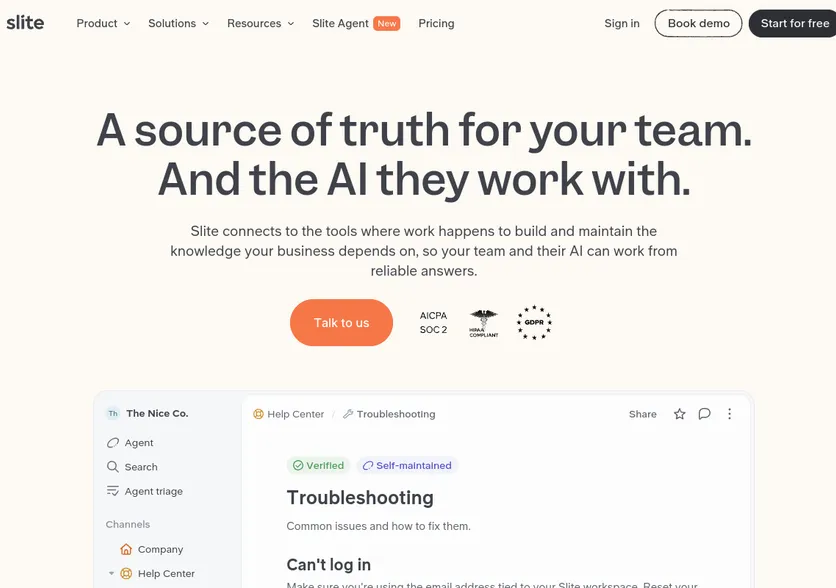
This Slite plan costs ten dollars per user a month billed annually, and it is built around keeping team docs accurate. An enterprise team gets doc verification, scheduled reviews and AI answers with citations, so stale pages surface before someone follows them. There is no free plan, only a fourteen-day trial of the paid tiers.
What we like
- Doc verification and scheduled reviews built in
- AI answers with citations from your own docs
- A clean editor that teams adopt quickly
Watch out for
- No free plan, only a fourteen-day trial
- AI answers are capped at thirty per seat a month on Basic
How to try it
- Create a workspace and import your docs
- Set verification schedules for key pages
- Let the team ask the AI search for answers
6. Slab
Best for: Small enterprise teams that want a clean wiki at the lowest price
Paid tool Starting price: $6.67/user/month · Six dollars and sixty-seven cents per user per month billed annually on the Startup plan, or $8 month to month; Business is $12.50 billed annually and adds SAML SSO, SCIM and the API; the free plan covers up to 10 users
Free plan: Free plan up to 10 users
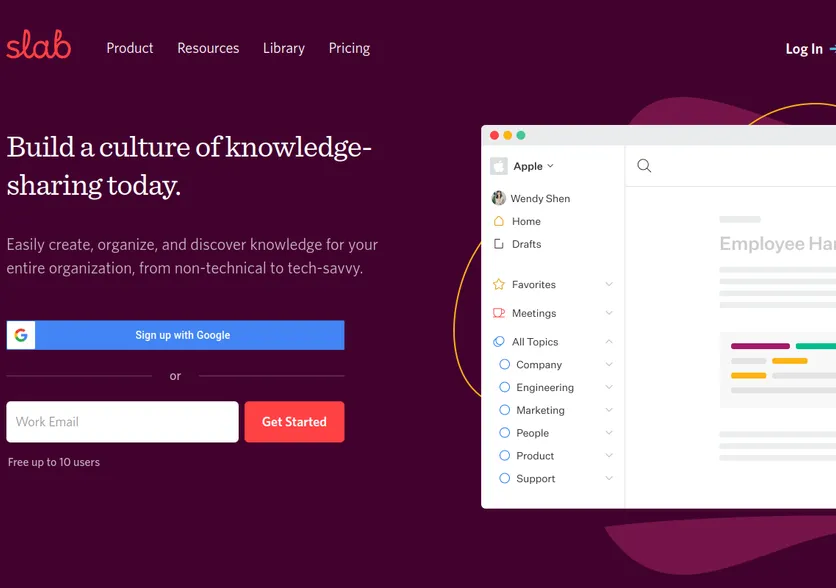
This Slab plan costs six dollars and sixty-seven cents per user a month billed annually, and it is the cheapest paid wiki in this list. An enterprise team gets a clean knowledge base organized by topics, with unified search across Slab, Slack and Google Drive. The Startup plan includes three guests per user, so clients and contractors do not eat into the paid seats.
What we like
- The cheapest paid wiki in this list
- Unified search across Slab, Slack and Drive
- Three guests per user included from Startup
Watch out for
- Cloud-only, with no self-hosted option
- AI features are limited on the Startup plan
How to try it
- Create topics for each team or subject
- Import existing docs into the right topics
- Set up unified search with your other tools
7. Nuclino
Best for: Teams that want a light, fast wiki with minimal setup
Paid tool Starting price: $5/user/month · Five dollars per user per month billed annually on the Starter plan, or $6 month to month; Business is $10 billed annually and adds SSO, audit logs and team insights; some sources list Starter at $6 billed annually, which conflicts with the vendor-page reads used here; the free plan covers 50 items
Free plan: Free plan up to 50 items
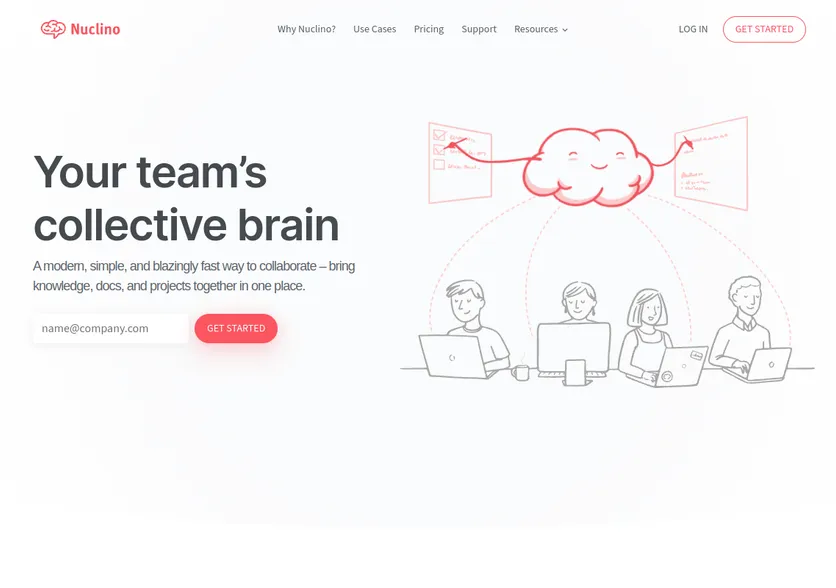
This Nuclino plan costs five dollars per user a month billed annually, and it is the fastest wiki in this list to learn. An enterprise team gets a light workspace with list, board and graph views, and a free plan that covers fifty items. Guests and read-only members count as full users, so a team that invites many outsiders pays for all of them.
What we like
- The fastest wiki to learn in this list
- List, board and graph views for the same content
- A free plan for up to fifty items
Watch out for
- Guests and read-only members count as full users
- Some sources list Starter at six dollars, not five
How to try it
- Create a workspace and add your team
- Build the wiki structure with collections
- Invite members and set access rules
8. ClickUp
Best for: Enterprise teams that want docs attached to tasks and projects
Paid tool Starting price: $9/user/month · Nine dollars per user per month billed annually on the Core plan, or $12 month to month; Business is $17 billed annually; the price ladder was rebuilt in October and November 2026, so older tier names and prices are stale
Free plan: Free plan
This ClickUp plan costs nine dollars per user a month billed annually, and it pairs docs with tasks, projects and goals in one workspace. An enterprise team can write the doc, assign the work it describes and track the result without switching tools. The price ladder was rebuilt in late 2026, so older tier names no longer match the pricing page.

What we like
- Docs, tasks, projects and goals in one workspace
- A free plan that covers real team use
- Hundreds of integrations with other tools
Watch out for
- The feature set can feel overwhelming at first
- The price ladder changed in late 2026
How to try it
- Create a workspace and set up your spaces
- Write docs and link them to tasks
- Invite the team and set permissions
Prices above were checked on each vendor’s own website on Nov 28, 2026 and can change — the vendor’s page is the final word. Vendor links are editorial: nobody paid to be listed or ranked here. Vendors who want a featured listing can see how it works on our Get listed page.
How to pick note-taking software a large team will actually use
Start with search, because an enterprise note tool lives or dies on whether people can find the note they need in seconds. A beautiful editor that nobody can search is a filing cabinet with no labels. Next, check permissions, because enterprise notes mix public runbooks with sensitive HR docs, and the tool must keep them apart. Finally, count the real users, since per-seat pricing means every reader costs money, and a tool that charges guests as full users can double your bill without warning. Ask how the tool handles exports as well, because a knowledge base you cannot take with you is a risk if the vendor changes its prices.
Before you buy
- Test search first, since finding notes matters more than writing them
- Check permissions, because public runbooks and sensitive docs must stay apart
- Count guests and read-only users, since some tools bill them as full seats
- Confirm SSO and SCIM support before you roll out to hundreds of users
- Ask whether offline access works for staff who travel or work remotely
Official websites
Official websites of the products reviewed above. Features and prices were checked against these sites when this guide was written, and they can change, so confirm on the vendor site before you buy.
Frequently asked questions
What is the best note-taking software for enterprise teams?
Notion is the best all-round choice at ten dollars per user a month billed annually on Plus, with notes, wikis, databases and project views in one workspace. Confluence is the best for teams already on Jira at seven dollars and fifteen cents per user a month on Standard. Obsidian is the best for privacy, because notes stay as local files with sync from four dollars a user a month.
How much does Notion cost for a team?
Notion Plus costs ten dollars per member a month billed annually, or twelve dollars month to month, and Business costs twenty dollars billed annually or twenty-four dollars month to month. The price rose from eight dollars for Plus and fifteen dollars for Business during 2026, so older reviews quote the old figures. Enterprise is custom-quoted and adds advanced security controls.
Is Obsidian free for business use?
Yes, the Obsidian app is free for personal and commercial use with no sign-up, and a commercial license at fifty dollars per user a year is optional rather than required. The paid layers are Sync at four dollars per user a month billed annually for encrypted cross-device sync, and Publish at eight dollars per site a month for turning a vault into a public site.
Which enterprise note tool works best with Jira?
Confluence is the natural fit, because it shares the Atlassian platform with Jira, and its Standard plan costs seven dollars and fifteen cents per user a month for the first hundred users. Pages link to Jira issues directly, so a runbook can show the tickets it relates to. Notion and Slite both connect to Jira too, but only as an integration rather than a native link.
Do enterprise note tools charge for guests and read-only users?
It depends on the tool, and the difference can double your bill. Nuclino counts guests and read-only members as full users, while Confluence gives free guest access from the Standard plan and Slab includes three guests per user from Startup. Notion charges for guests on paid plans. Check the guest policy before you invite clients or contractors into your workspace.
Compare the eight tools above, then start with a free plan or trial on the tool that matches how your teams share knowledge before you pay for a full year.
Browse Productivity Tools tools