On this page
Remote photo teams share shoots across time zones, and the wrong tool turns that into a mess of duplicate folders and lost edits. The eight tools below keep one catalogue everyone can open, with editing, sharing and delivery built in. Adobe Lightroom leads because its cloud catalogue puts every shoot in front of every team member for nine dollars and ninety-nine cents a month, and the rest are ranked on how well they organise, edit and deliver photos for a distributed team.
How we researched this
We checked every price on the vendor pricing page or a current November 2026 read on November 28, 2026, and only included tools with a published US dollar list price. Quote-only platforms and tools with no buyable price, including Affinity Photo and Adobe Bridge, which are now free, are not in this list. Prices change, so confirm the current figure on the vendor site before you buy.
Compare the tools
| Name | Best for | Starting price | Free plan | |
|---|---|---|---|---|
 Adobe Lightroom | Remote teams that need one shared cloud catalogue | $9.99/month | Free mobile app; 7-day free trial | Visit |
 Capture One | Photographers who want the best raw colour and tethered capture | $18/month | Free trial | Visit |
 ACDSee Photo Studio | Teams that want fast browsing plus editing in one app | $89/year | Free trial | Visit |
 ON1 Photo RAW | Photographers who want a one-time purchase with AI tools | $99.99 one-time | Free trial | Visit |
| Mylio Photos | Remote teams that want private sync without the cloud | $9.99/month | Free plan (basic app) | Visit |
 Dropbox | Teams that need simple, reliable photo file sharing | $9.99/month | Free plan (2 GB) | Visit |
| Flickr | Photographers who want a public showcase plus storage | $82/year | Free plan (1,000 uploads) | Visit |
 SmugMug | Photographers who want galleries, portfolios and print sales in one place | $20/month | 14-day free trial | Visit |
The photo management software for remote teams, compared
1. Adobe Lightroom
Best for: Remote teams that need one shared cloud catalogue
Paid tool Starting price: $9.99/month · Nine dollars and ninety-nine cents a month on the standalone Lightroom plan billed annually (one hundred and nineteen dollars and eighty-eight cents a year prepaid); eleven dollars and ninety-nine cents a month billed monthly; the Photography plan with Photoshop and one terabyte now lists at nineteen dollars and ninety-nine cents a month, so confirm the plan at checkout
Free plan: Free mobile app; 7-day free trial
A remote team that lives in different time zones needs one catalogue everyone can open, and this Adobe Lightroom plan costs nine dollars and ninety-nine cents a month billed annually while keeping every shoot searchable in the cloud. Presets sync to every device, so the look stays consistent no matter who edits. Albums and proofing links let clients approve selects without another app.

What we like
- Cloud catalogue keeps every shoot searchable from anywhere
- Presets and profiles sync across desktop, web and mobile
- Built-in sharing, albums and client proofing links
Watch out for
- Storage caps push larger teams to the dearer one-terabyte plan
- Keywording and metadata tools are weaker than desktop-only rivals
How to try it
- Create a shared catalogue and invite the team with the same Adobe plan
- Import each shoot into dated folders and apply shared presets on import
- Tag and rate selects, then share an album link for client approval
2. Capture One
Best for: Photographers who want the best raw colour and tethered capture
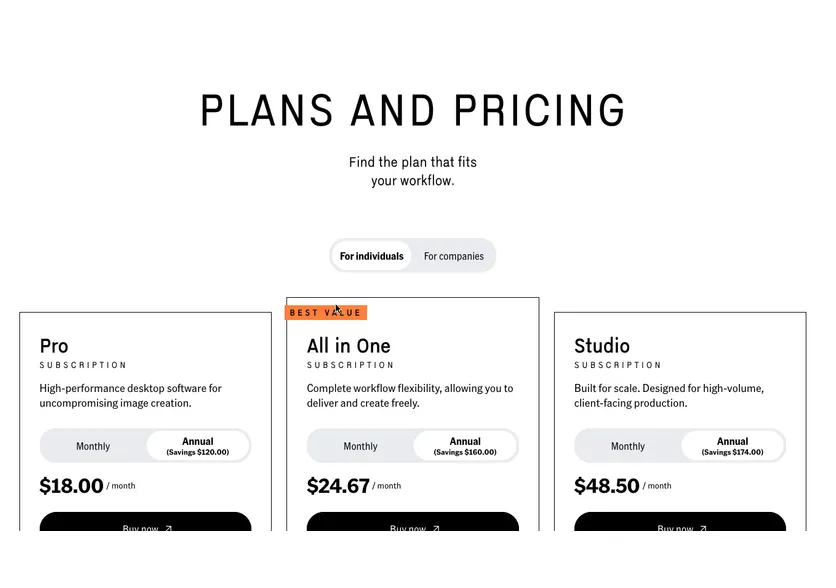
Paid tool Starting price: $18/month · Eighteen dollars a month for Pro billed annually (two hundred and sixteen dollars a year); twenty-eight dollars a month billed monthly; All in One is twenty-four dollars and sixty-seven cents a month and Studio is forty-eight dollars and fifty cents
Free plan: Free trial
Studio shoots that move fast need tethered capture and colour you can trust, and this Capture One plan costs eighteen dollars a month billed annually with sessions that keep each job separate. Its raw engine renders skin tones and product colours more faithfully than most rivals. Remote reviewers can open the same session files and leave ratings without touching the originals.
What we like
- Superb raw processing with true-to-life colour
- Fast tethered shooting for studio sessions
- Layers, styles and keystone tools built in
Watch out for
- No free plan, and the monthly rate is steep
- Smaller plug-in library than Photoshop
How to try it
- Import the shoot into a session or catalogue and pick a camera profile
- Apply a style and adjust exposure, colour and lens corrections
- Export full-resolution files or publish straight to a web gallery
3. ACDSee Photo Studio
Best for: Teams that want fast browsing plus editing in one app
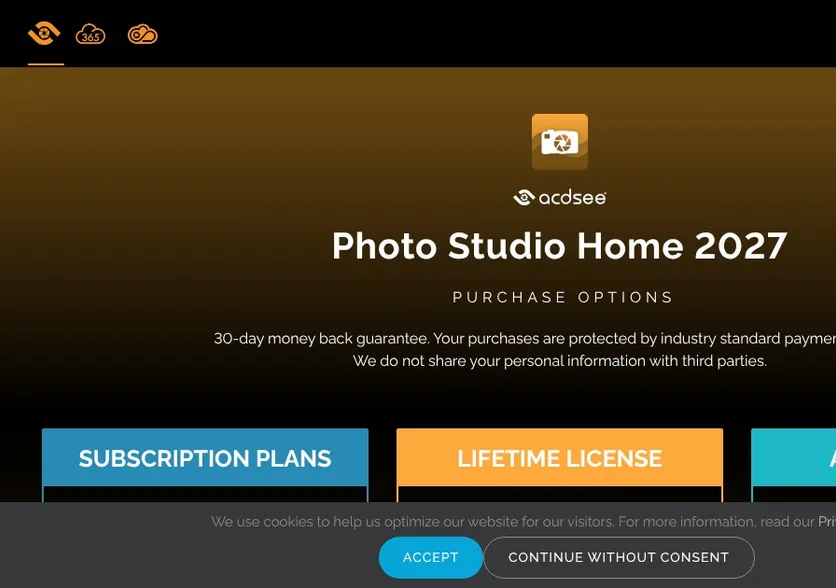
Paid tool Starting price: $89/year · Eighty-nine dollars a year for the 365 subscription (eight dollars and ninety cents a month billed monthly); a perpetual Ultimate licence lists at one hundred and forty-nine dollars and ninety-nine cents, with some listings showing a two hundred and forty-nine dollars and ninety-nine cents list price, so confirm the edition at checkout
Free plan: Free trial
When the library lives in folders rather than a cloud catalogue, this ACDSee Photo Studio plan costs eighty-nine dollars a year and browses huge archives faster than almost anything else. Face detection and keywording keep thousands of files findable without an import step. The team can work straight from the shared drive and export finals to the same folders clients already use.
What we like
- Blazing-fast browsing of huge image folders
- Editing, DAM and face detection in one app
- Perpetual licence option avoids a subscription
Watch out for
- Interface feels crowded next to Lightroom
- Cloud sync is thinner than Adobe's
How to try it
- Point ACDSee at the team photo folders and let it catalogue them
- Rate and tag the keepers, then batch-rename the selects
- Edit in Develop mode and export the finals to the shared drive
4. ON1 Photo RAW
Best for: Photographers who want a one-time purchase with AI tools
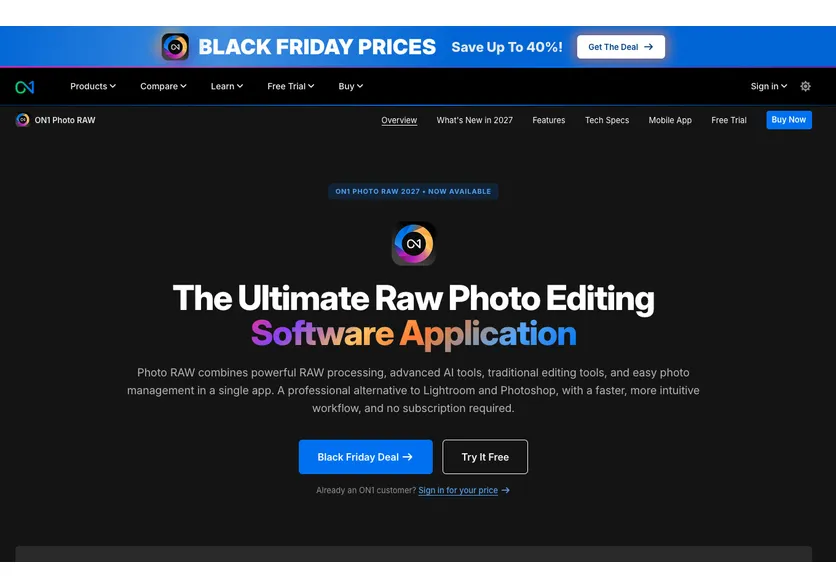
Paid tool Starting price: $99.99 one-time · Ninety-nine dollars and ninety-nine cents one time for a perpetual licence; the fifty-nine dollars and ninety-nine cents Black Friday price is a promotion, not the list price; upgrades are paid separately
Free plan: Free trial
A team that wants a one-time purchase instead of another subscription gets it here, since this ON1 Photo RAW plan costs ninety-nine dollars and ninety-nine cents one time with AI masking and upscaling included. It browses folders directly, so there is no catalogue to maintain or sync. Presets and batch tools make short work of a full wedding or event shoot.
What we like
- Perpetual licence with no subscription required
- AI masking, noise reduction and upscaling built in
- Browse, edit and resize without importing a catalogue
Watch out for
- Smaller community and fewer tutorials than the big two
- Some AI features need a current subscription tier
How to try it
- Browse straight to the shoot folder and cull with ratings and flags
- Apply AI masking and presets to the keepers in Develop
- Export with the resize and sharpening settings the output needs
5. Mylio Photos
Best for: Remote teams that want private sync without the cloud
Paid tool Starting price: $9.99/month · Nine dollars and ninety-nine cents a month or ninety-nine dollars and ninety-nine cents a year for Photos Plus; Family is one hundred and fifty dollars a year and Business is forty dollars per user a month; one November 2026 read lists twenty-five dollars a month and one hundred and nineteen dollars a year, which disagrees with the majority of reads, so confirm at checkout
Free plan: Free plan (basic app)
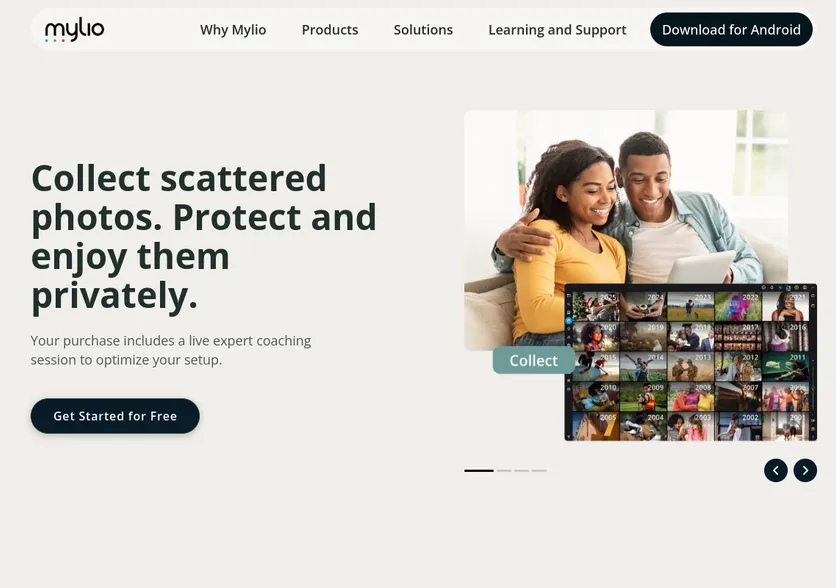
Privacy-minded teams that refuse to put client photos on a public cloud will like this Mylio Photos plan, which costs nine dollars and ninety-nine cents a month and syncs libraries directly between devices. Face and calendar views make a decade of shoots easy to browse. The free tier covers basic organising, so the team can test the sync before paying.
What we like
- Syncs libraries across devices without a public cloud
- Face, object and calendar views organise huge libraries
- Free tier covers basic organising
Watch out for
- Paid tier needed for full sync and protection
- Smaller ecosystem than Lightroom or Google Photos
How to try it
- Install Mylio on each team device and link the accounts
- Point it at the photo folders and let it build the shared library
- Tag people and events, then share albums with clients or colleagues
6. Dropbox
Best for: Teams that need simple, reliable photo file sharing
Paid tool Starting price: $9.99/month · Nine dollars and ninety-nine cents a month billed annually for Plus (eleven dollars and ninety-nine cents billed monthly); Plus includes two terabytes of storage; the figure is the vendor list price as checked in November 2026
Free plan: Free plan (2 GB)
Sometimes the simplest answer is a shared folder, and this Dropbox plan costs nine dollars and ninety-nine cents a month billed annually for two terabytes of storage the whole team can reach. Smart Sync keeps the archive off local drives while every file stays a click away. Version history rescues the file someone overwrites at midnight.
What we like
- Dead-simple file sync that everyone already knows
- Smart Sync keeps huge libraries off local drives
- Version history rescues overwritten files
Watch out for
- No built-in photo editing or cataloguing
- Two terabytes fills fast with raw photo libraries
How to try it
- Create a shared folder for each project and invite the team
- Drop the raw files and finals into dated subfolders
- Share a view-only link with clients and track who opened it
7. Flickr
Best for: Photographers who want a public showcase plus storage
Paid tool Starting price: $82/year · Eighty-two dollars a year for Pro (eleven dollars a month billed monthly; one hundred and forty-eight dollars every two years); international pricing lists ninety-six dollars a year in US dollars, so confirm the rate for your region
Free plan: Free plan (1,000 uploads)
A team that also needs a public showcase gets both jobs done here, because this Flickr plan costs eighty-two dollars a year for unlimited full-resolution uploads and ad-free browsing. Albums and groups give the work an audience beyond the client list. Stats show which images get viewed, which helps the team learn what sells.
What we like
- Unlimited full-resolution uploads on Pro
- Huge photography community for exposure
- Albums, groups and stats for tracking views
Watch out for
- No editing or team workflow tools
- Ads and limits on the free tier
How to try it
- Create a Pro account and upload the portfolio at full resolution
- Organise the work into albums and add licences and tags
- Share album links with clients and join groups for exposure
8. SmugMug
Best for: Photographers who want galleries, portfolios and print sales in one place
Paid tool Starting price: $20/month · Twenty dollars a month billed annually for Direct; Portfolio is twenty-three dollars and fifty cents a month and Pro is thirty-seven dollars a month billed annually; some November 2026 reads list Direct from twenty-four dollars and fifty-eight cents a month, so confirm the live page before buying; the old Basic and Power tiers are retired for new sign-ups
Free plan: 14-day free trial
Client delivery is half the job for a remote photo team, and this SmugMug plan costs twenty dollars a month billed annually for unlimited storage plus galleries, proofing and print sales. Privacy controls keep each client in their own gallery. The team can sell prints without a second storefront.

What we like
- Unlimited photo storage on every plan
- Client galleries with delivery and proofing
- Print sales with fulfilment on Portfolio and Pro
Watch out for
- No free plan, only a fourteen-day trial
- Cheapest plan has limited templates
How to try it
- Sign up and choose the Direct plan for galleries and storage
- Upload the shoot into a gallery and set the privacy and download rules
- Share the gallery link with clients and enable print sales on Portfolio
Prices above were checked on each vendor’s own website on Nov 28, 2026 and can change — the vendor’s page is the final word. Vendor links are editorial: nobody paid to be listed or ranked here. Vendors who want a featured listing can see how it works on our Get listed page.
How to run a photo library across a remote team
Start by agreeing on one catalogue and one folder structure before the first shoot, because a team that files differently in every city will lose images no matter which tool it buys. Name folders by date and job, not by photographer, and let the tool handle the tagging. Keep the raw files in one place and the exports in another, so nobody overwrites a master file by accident. Set the sharing rules early: who can edit, who can only view, and who approves the finals for clients. Test the workflow on a small shoot first, including the handover from the photographer to the editor to the client, and fix the friction before the next big job lands.
Before you buy
- Confirm the tool syncs the full catalogue, not just the edited exports, across every team device
- Check whether the plan includes enough storage for raw files or only for compressed previews
- Ask if clients can approve selects without creating an account or installing the app
- Make sure the search and tagging work across the whole library, not just one folder
- Test the mobile app, since remote photographers often cull and rate from a phone
Official websites
Official websites of the products reviewed above. Features and prices were checked against these sites when this guide was written, and they can change, so confirm on the vendor site before you buy.
Frequently asked questions
What is the best photo management software for remote teams?
Adobe Lightroom is the best overall pick for remote teams, because its cloud catalogue puts every shoot in front of every team member for nine dollars and ninety-nine cents a month. Mylio Photos is the best value alternative at the same price with private device-to-device sync, and Flickr Pro suits teams that also need a public showcase for eighty-two dollars a year. The right choice depends on whether the team needs cloud editing, private sync or public sharing.
How much does photo management software cost for a remote team?
Most tools in this list cost between nine dollars and ninety-nine cents a month and eighteen dollars a month per user, with Lightroom and Mylio at the low end and Capture One at the high end. SmugMug costs twenty dollars a month billed annually and Flickr Pro costs eighty-two dollars a year. One-time purchases such as ON1 Photo RAW at ninety-nine dollars and ninety-nine cents can be cheaper over several years.
Can remote teams manage photos for free?
Yes, with limits. Mylio Photos has a free tier for basic organising, Dropbox includes two gigabytes free, and Flickr allows one thousand free uploads. WebODM is fully free but is photogrammetry software, not a photo manager. Free tiers suit a small team testing a workflow, but a working team will outgrow the storage and sync limits and should budget for a paid plan.
What is the difference between Lightroom and Capture One for teams?
Lightroom is built around a cloud catalogue that the whole team can open, with presets and client albums included, which suits distributed teams. Capture One is built around raw quality and tethered capture, with the most faithful colour in this list, which suits studio teams. Lightroom costs nine dollars and ninety-nine cents a month and Capture One costs eighteen dollars a month, so the choice is workflow against image quality.
How do remote photo teams share files with clients?
Lightroom and SmugMug both offer client albums and proofing links, so clients can view and approve selects without an account. Dropbox works well for raw file delivery through shared folders and view-only links. Flickr suits public showcases rather than private delivery. Pick the tool that matches how the client expects to receive the work, and keep the raw masters in a separate folder from the client exports.
Compare the eight tools above, then start with a free trial or the free Mylio plan on the tool that matches how the team already stores and shares photos before paying for a full year.
Browse Image Tools tools