On this page
Stock photographers earn from volume, so the workflow has to be fast, consistent and honest about what each image is. The eight tools below edit, watermark and export at scale, with one-time purchases beside subscriptions. Adobe Photoshop leads because its actions and batch processing stamp a watermark across a whole shoot in minutes for twenty-two dollars and ninety-nine cents a month, and the rest are ranked on editing power, batch speed and value for stock work.
How we researched this
We checked every price against the vendor pricing page or a current November 2026 read on November 28, 2026, and only included tools with a published US dollar list price. Affinity Photo is now free, so it has no buyable price and is not in this list. Prices change, so confirm the current figure on the vendor site before you buy.
Compare the tools
| Name | Best for | Starting price | Free plan | |
|---|---|---|---|---|
 Adobe Photoshop | Teams that need full retouching and compositing power | $22.99/month | 7-day free trial | Visit |
 Adobe Lightroom | Remote teams that need one shared cloud catalogue | $9.99/month | Free mobile app; 7-day free trial | Visit |
 Capture One | Photographers who want the best raw colour and tethered capture | $18/month | Free trial | Visit |
 ACDSee Photo Studio | Teams that want fast browsing plus editing in one app | $89/year | Free trial | Visit |
 ON1 Photo RAW | Photographers who want a one-time purchase with AI tools | $99.99 one-time | Free trial | Visit |
| PaintShop Pro | Photographers who want a one-time editor with AI tools | $79.99 one-time | 30-day free trial | Visit |
 DxO PhotoLab | Photographers who want the best lens corrections and noise reduction | $249.99 one-time | Free trial | Visit |
| Luminar Neo | Teams that want fast AI edits without a subscription | $99 one-time | No free trial; 30-day money-back guarantee | Visit |
The photo watermarking software for stock photographers, compared
1. Adobe Photoshop
Best for: Teams that need full retouching and compositing power
Paid tool Starting price: $22.99/month · Twenty-two dollars and ninety-nine cents a month on the annual plan billed monthly; thirty-four dollars and forty-nine cents a month billed monthly; a seven-day free trial is included
Free plan: 7-day free trial
Stock photographers who retouch and watermark in one pass will reach for this Adobe Photoshop plan first, which costs twenty-two dollars and ninety-nine cents a month billed annually and handles every step from raw edit to final export. Actions and batch processing stamp a watermark across a whole shoot in minutes. The files stay layered, so the clean original is always one click away.
What we like
- Industry-standard retouching, masking and compositing
- Generative Fill speeds up background and object edits
- Huge library of brushes, actions and plug-ins
Watch out for
- Subscription-only, so the cost never ends
- Steep learning curve for new team members
How to try it
- Open the image and duplicate the background layer before editing
- Use Camera Raw and adjustment layers for non-destructive edits
- Export in the size and format the channel needs, then save the layered file
2. Adobe Lightroom
Best for: Remote teams that need one shared cloud catalogue
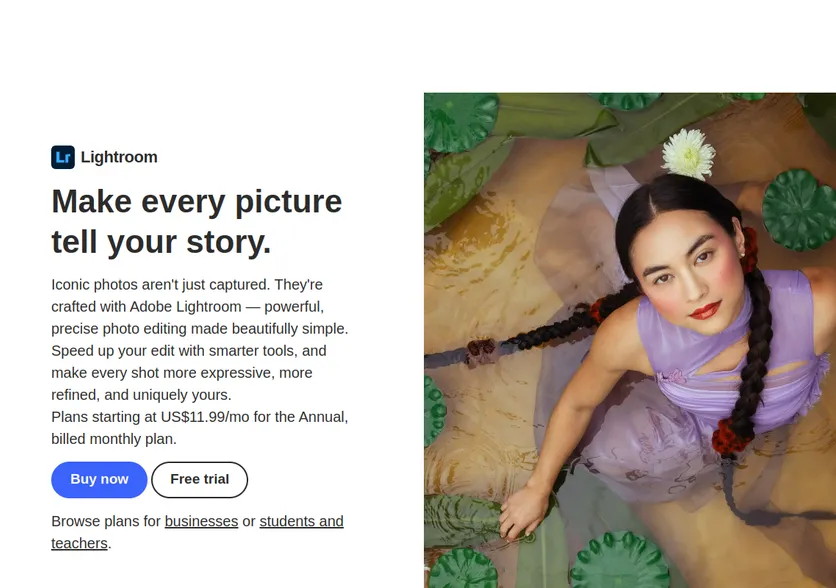
Paid tool Starting price: $9.99/month · Nine dollars and ninety-nine cents a month on the standalone Lightroom plan billed annually (one hundred and nineteen dollars and eighty-eight cents a year prepaid); eleven dollars and ninety-nine cents a month billed monthly; the Photography plan with Photoshop and one terabyte now lists at nineteen dollars and ninety-nine cents a month, so confirm the plan at checkout
Free plan: Free mobile app; 7-day free trial
A stock shoot of a thousand frames needs fast culling and consistent output, and this Adobe Lightroom plan costs nine dollars and ninety-nine cents a month billed annually with presets that apply the same look and watermark to every frame. Cloud sync means the edit starts on the laptop and finishes on the tablet. Export presets send each agency the size and format it wants.
What we like
- Cloud catalogue keeps every shoot searchable from anywhere
- Presets and profiles sync across desktop, web and mobile
- Built-in sharing, albums and client proofing links
Watch out for
- Storage caps push larger teams to the dearer one-terabyte plan
- Keywording and metadata tools are weaker than desktop-only rivals
How to try it
- Create a shared catalogue and invite the team with the same Adobe plan
- Import each shoot into dated folders and apply shared presets on import
- Tag and rate selects, then share an album link for client approval
3. Capture One
Best for: Photographers who want the best raw colour and tethered capture
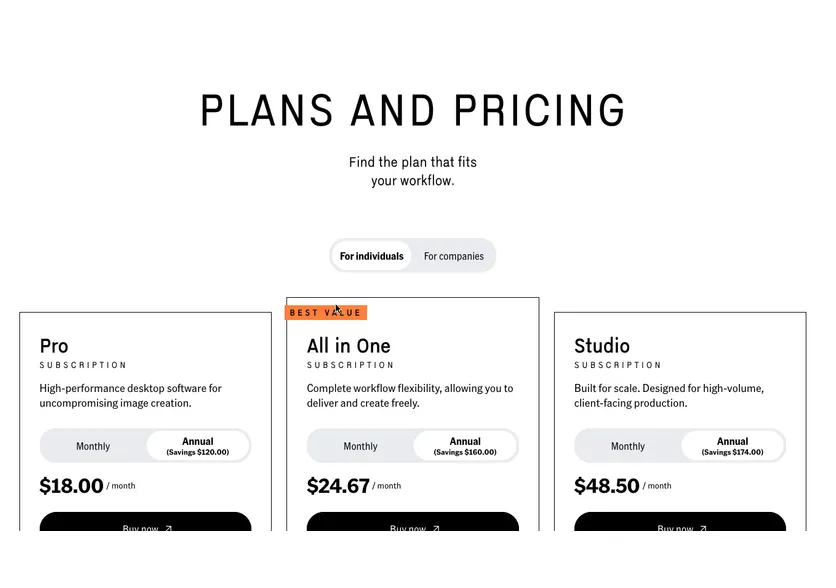
Paid tool Starting price: $18/month · Eighteen dollars a month for Pro billed annually (two hundred and sixteen dollars a year); twenty-eight dollars a month billed monthly; All in One is twenty-four dollars and sixty-seven cents a month and Studio is forty-eight dollars and fifty cents
Free plan: Free trial
Colour accuracy decides whether a stock image sells, and this Capture One plan costs eighteen dollars a month billed annually with the most faithful raw colour in this list. Tethered capture suits studio stock sessions where the client watches live. Layers and styles keep the watermark and the grade separate from the original file.
What we like
- Superb raw processing with true-to-life colour
- Fast tethered shooting for studio sessions
- Layers, styles and keystone tools built in
Watch out for
- No free plan, and the monthly rate is steep
- Smaller plug-in library than Photoshop
How to try it
- Import the shoot into a session or catalogue and pick a camera profile
- Apply a style and adjust exposure, colour and lens corrections
- Export full-resolution files or publish straight to a web gallery
4. ACDSee Photo Studio
Best for: Teams that want fast browsing plus editing in one app
Paid tool Starting price: $89/year · Eighty-nine dollars a year for the 365 subscription (eight dollars and ninety cents a month billed monthly); a perpetual Ultimate licence lists at one hundred and forty-nine dollars and ninety-nine cents, with some listings showing a two hundred and forty-nine dollars and ninety-nine cents list price, so confirm the edition at checkout
Free plan: Free trial
Photographers who organise by folder will appreciate this ACDSee Photo Studio plan, which costs eighty-nine dollars a year and combines fast browsing with editing and watermarking in one app. Batch tools rename, resize and stamp a whole folder at once. The perpetual licence option keeps the cost predictable year after year.
What we like
- Blazing-fast browsing of huge image folders
- Editing, DAM and face detection in one app
- Perpetual licence option avoids a subscription
Watch out for
- Interface feels crowded next to Lightroom
- Cloud sync is thinner than Adobe's
How to try it
- Point ACDSee at the team photo folders and let it catalogue them
- Rate and tag the keepers, then batch-rename the selects
- Edit in Develop mode and export the finals to the shared drive
5. ON1 Photo RAW
Best for: Photographers who want a one-time purchase with AI tools
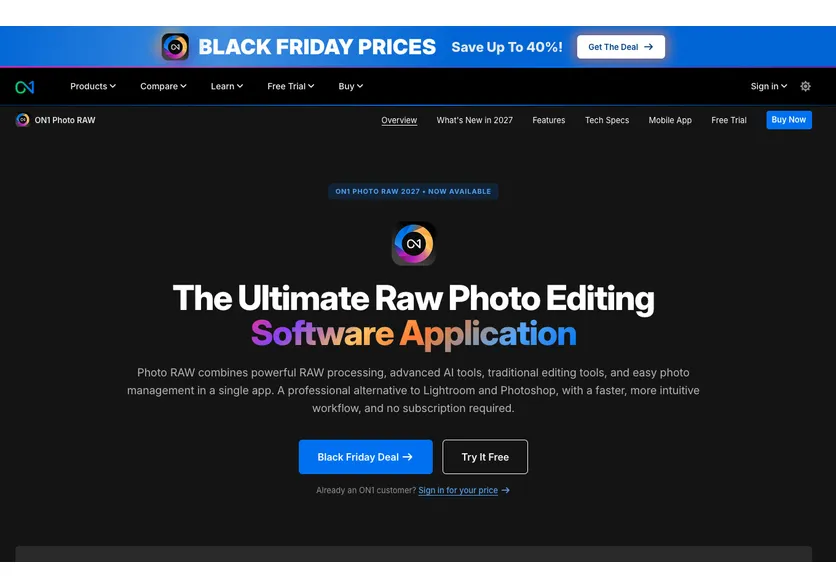
Paid tool Starting price: $99.99 one-time · Ninety-nine dollars and ninety-nine cents one time for a perpetual licence; the fifty-nine dollars and ninety-nine cents Black Friday price is a promotion, not the list price; upgrades are paid separately
Free plan: Free trial
A one-time purchase suits stock photographers who count every cost, and this ON1 Photo RAW plan costs ninety-nine dollars and ninety-nine cents one time with AI masking and resizing built in. It works straight from folders, so there is no catalogue to build before the first edit. The resize tool prepares the same image for several agencies at once.
What we like
- Perpetual licence with no subscription required
- AI masking, noise reduction and upscaling built in
- Browse, edit and resize without importing a catalogue
Watch out for
- Smaller community and fewer tutorials than the big two
- Some AI features need a current subscription tier
How to try it
- Browse straight to the shoot folder and cull with ratings and flags
- Apply AI masking and presets to the keepers in Develop
- Export with the resize and sharpening settings the output needs
6. PaintShop Pro
Best for: Photographers who want a one-time editor with AI tools
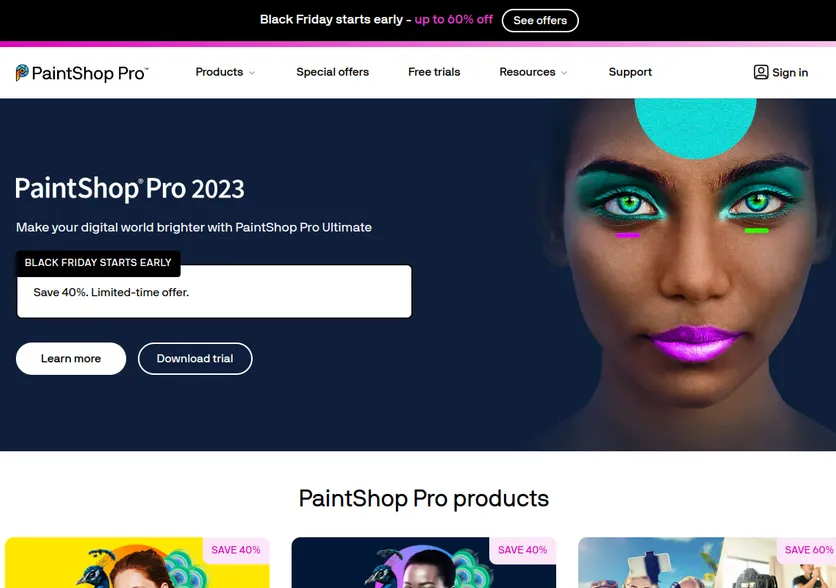
Paid tool Starting price: $79.99 one-time · Seventy-nine dollars and ninety-nine cents one time for Standard; Ultimate is ninety-nine dollars and ninety-nine cents one time; the 2023 release is still the current version in 2026
Free plan: 30-day free trial
Budget-conscious stock shooters get a full editor here, since this PaintShop Pro plan costs seventy-nine dollars and ninety-nine cents one time with AI background tools and batch processing included. Scripts automate the watermark and export routine for every new shoot. The thirty-day trial is long enough to test it on a real batch.
What we like
- One-time price with no subscription
- AI background replacement and upsampling built in
- Scripts and batch processing for repetitive work
Watch out for
- Windows only
- Smaller community and fewer updates than the leaders
How to try it
- Open the shoot folder and cull the images with the organiser
- Apply AI tools to the keepers and batch the repetitive edits
- Export the finals and save the workspace for the next shoot
7. DxO PhotoLab
Best for: Photographers who want the best lens corrections and noise reduction
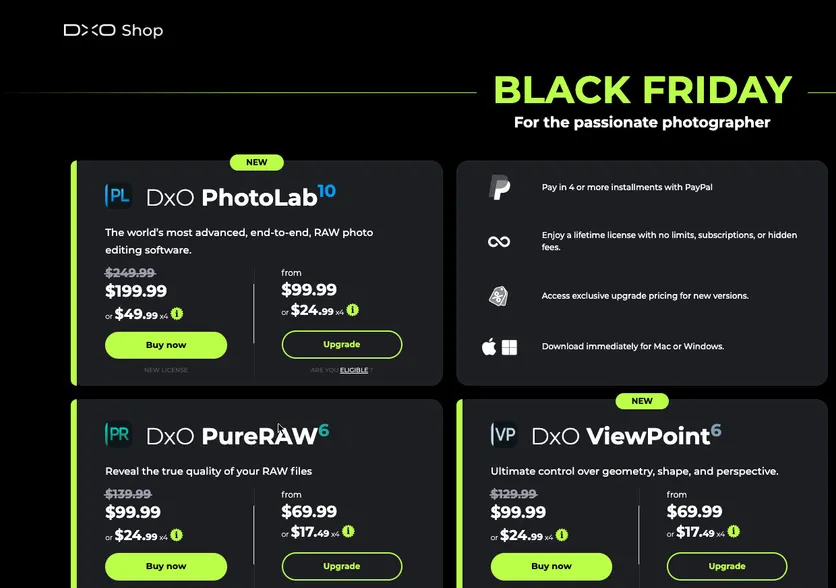
Paid tool Starting price: $249.99 one-time · Two hundred and forty-nine dollars and ninety-nine cents one time for the Elite edition list price; the one hundred and ninety-nine dollars and ninety-nine cents figure is a current special, not the list price; the Essential edition is cheaper with fewer tools
Free plan: Free trial
Noisy high-ISO frames still sell when they are cleaned properly, and this DxO PhotoLab plan costs two hundred and forty-nine dollars and ninety-nine cents one time for the Elite edition with DeepPRIME noise reduction. Lab-measured lens profiles fix distortion before the image reaches the agency. Local adjustments let the watermark sit cleanly over any background.
What we like
- Best-in-class lens corrections from lab-measured profiles
- DeepPRIME noise reduction rescues high-ISO shots
- U Point local adjustments are fast and precise
Watch out for
- No catalogue or cloud sync for teams
- Perpetual pricing means paid upgrades for new versions
How to try it
- Open the folder and let PhotoLab apply the camera and lens profile
- Run DeepPRIME on the high-ISO keepers and adjust local contrast
- Export full-resolution files to the shared catalogue or client gallery
8. Luminar Neo
Best for: Teams that want fast AI edits without a subscription
Paid tool Starting price: $99 one-time · Ninety-nine dollars one time for the Desktop Only licence; All Platforms is one hundred and thirty-nine dollars and Max is one hundred and fifty-nine dollars; the vendor page also shows a four hundred and seventeen dollars anchor price, which is a crossed-out list figure rather than the selling price
Free plan: No free trial; 30-day money-back guarantee
Photographers who want the edit done fast will like this Luminar Neo plan, which costs ninety-nine dollars one time with one-click AI tools for skies, portraits and relighting. The standalone app or plug-in fits into any existing workflow. A money-back guarantee replaces the missing free trial.

What we like
- One-click AI tools for skies, portraits and relighting
- Works as a standalone app or a plug-in
- One-time purchase with no monthly bill
Watch out for
- No free trial, only a money-back guarantee
- Catalogue and team features are thin
How to try it
- Import the shoot and let Luminar catalogue the folders
- Apply an AI preset to the keepers and fine-tune the sky or portrait tools
- Export the finals at the resolution the client asked for
Prices above were checked on each vendor’s own website on Nov 28, 2026 and can change — the vendor’s page is the final word. Vendor links are editorial: nobody paid to be listed or ranked here. Vendors who want a featured listing can see how it works on our Get listed page.
How to watermark a stock shoot without slowing it down
Build the watermark into the export preset, not into the edit, so the clean original always survives untouched. Keep the watermark small, semi-transparent and in a corner, because agencies reject images where the mark covers the subject. Apply it as the last step of the batch, after sharpening and resizing, so it stays crisp at every size. Keep a record of which agency received which version, since each one wants its own size and format. Test the watermark on a dark and a light image before running the full batch, because a mark that reads on one can vanish on the other.
Before you buy
- Confirm the tool can watermark a whole folder in one batch without opening each file
- Check whether the watermark survives resizing and format changes or needs reapplying
- Ask if the tool keeps the unwatermarked original safe and separate from the export
- Make sure the export presets match each agency size and format requirement
- Test the watermark on dark and light images before committing to a full batch
Official websites
Official websites of the products reviewed above. Features and prices were checked against these sites when this guide was written, and they can change, so confirm on the vendor site before you buy.
Frequently asked questions
What is the best photo watermarking software for stock photographers?
Adobe Photoshop is the best overall pick, because its actions and batch processing stamp a watermark across a whole shoot in minutes for twenty-two dollars and ninety-nine cents a month. Lightroom is the best choice for volume work at nine dollars and ninety-nine cents a month, and PaintShop Pro is the best one-time purchase at seventy-nine dollars and ninety-nine cents. The right pick depends on whether the photographer also needs full retouching or just fast batch work.
How much does photo watermarking software cost?
Most tools in this list cost between seventy-nine dollars and ninety-nine cents one time and eighteen dollars a month. PaintShop Pro at seventy-nine dollars and ninety-nine cents once and ON1 Photo RAW at ninety-nine dollars and ninety-nine cents once are the cheapest long-term options. Subscriptions such as Photoshop at twenty-two dollars and ninety-nine cents a month suit photographers who also need the full editing toolkit.
Can I watermark photos for free?
Free options exist but are limited. GIMP and other free editors can add a watermark, though none of the eight tools in this list has a free tier that covers batch watermarking. Lightroom and Photoshop both offer seven-day free trials, and PaintShop Pro offers a thirty-day free trial. A stock photographer who watermarks daily will save more time with a paid batch tool than with a free editor.
Should the watermark be on the original or the export?
Always on the export, never on the original. Keep the clean master file untouched and apply the watermark as the last step of the export preset, after sharpening and resizing. That way the agency receives a protected file while the photographer keeps a clean original for prints or other licences. Every tool in this list supports non-destructive editing or layered files, so the original stays safe.
Which tool is best for batch watermarking hundreds of photos?
Photoshop is the best for batch watermarking, because its actions record the watermark once and apply it to a whole folder automatically. Lightroom is nearly as fast with export presets that add the watermark during export. PaintShop Pro and ACDSee both offer batch processing at a one-time price. Pick the tool the photographer already edits in, since switching editors costs more time than the watermarking saves.
Compare the eight tools above, then start with a free trial on the tool that matches how the photographer already edits and exports stock images before paying for a full year.
Browse Image Tools tools