On this page
QA teams need more than a task board: they need traceability from requirement to test to defect, and a record that proves what was tested. The seven tools below cover that job from both sides, with dedicated test case management on one side and planning platforms that keep QA visible beside development. Jira leads because it ties QA tasks, defects and releases into one backlog for nine dollars and seventy cents a user a month, and the rest are ranked on how much testing structure they add.
How we researched this
We checked every price on the vendor pricing page on November 28, 2026, and only included tools with a published US dollar list price. Zephyr Scale is now sold as Zephyr on the Atlassian Marketplace, and its flat monthly price is listed. Prices change, so confirm the current figure on the vendor site before you buy.
Compare the tools
| Name | Best for | Starting price | Free plan | |
|---|---|---|---|---|
 Jira | QA teams that want defects and releases in the engineering backlog | $9.70/user/month | Free plan (up to 10 users) | Visit |
 Azure DevOps | Microsoft teams that want planning, pipelines and test plans together | $6/user/month | Free plan (first 5 Basic users free) | Visit |
 TestRail | QA teams that need dedicated test case management and reporting | $22/user/month | No free plan; 30-day free trial | Visit |
| Zephyr | Jira teams that want native test management inside Jira | $10/month | No free plan; free trial | Visit |
 Asana | QA leads coordinating test cycles with product and engineering | $10.99/user/month | Free plan (Personal, up to 2 users) | Visit |
| monday.com | QA groups that prefer visual boards for test runs and bug queues | $9/seat/month | Free plan (up to 2 seats) | Visit |
 ClickUp | QA teams consolidating tasks, docs and goals in one app | $9/user/month | Free plan | Visit |
The project management software for QA teams, compared
1. Jira
Best for: QA teams that want defects and releases in the engineering backlog
Paid tool Starting price: $9.70/user/month · Nine dollars and seventy cents per user a month on Standard for 1 to 100 users on monthly billing, the list price after the October 13 2026 rise; Premium is $19.60; annual Standard tiers are fixed at $950 a year for up to 10 users and $9,700 a year for up to 100 users; the $8.48 figure in some listings is a derived blended figure, not the list price
Free plan: Free plan (up to 10 users)
A QA team that wants defects, test tasks and releases visible in the same backlog as engineering will find its backbone here, since this Jira plan costs nine dollars and seventy cents per user a month on Standard. Its agile boards, custom workflows and reporting keep requirements, test work and release tracking together, and the Atlassian ecosystem adds docs and service desk links. It fits teams already developing in an agile cadence who want QA visible beside engineering rather than in a separate system.

What we like
- Backlogs, sprints and agile reports are built in, not bolted on
- Custom workflows and fields fit almost any delivery process
- The Atlassian ecosystem adds docs, code and service desk links
Watch out for
- Configuration can grow complicated without an administrator
- Non-technical users can find the interface busy and heavy
How to try it
- Create a project and pick the scrum or kanban template
- Fill the backlog, then drag work into the first sprint
- Run the sprint board and review velocity at the end
2. Azure DevOps
Best for: Microsoft teams that want planning, pipelines and test plans together
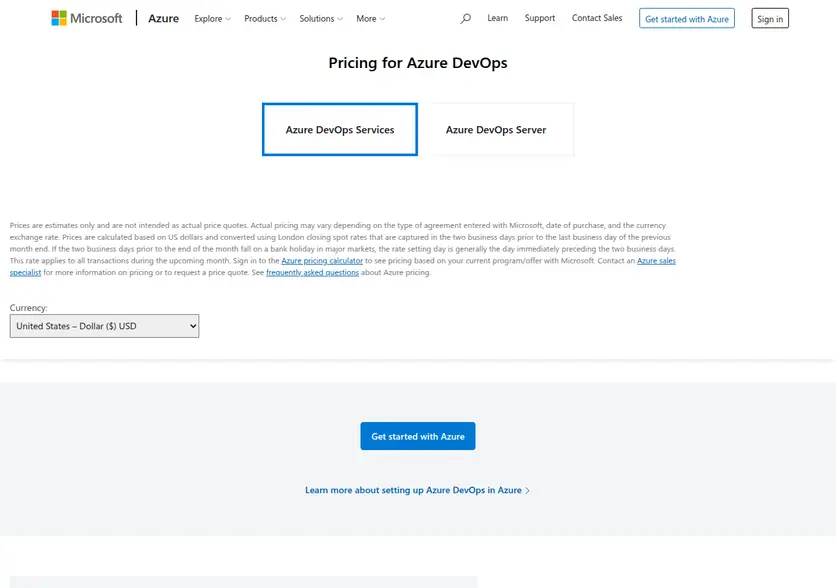
Paid tool Starting price: $6/user/month · Six dollars per user a month on Basic after the first 5 users free; Basic plus Test Plans is $52 per user a month; stakeholders are free with no user cap; extra Microsoft-hosted parallel jobs are $40 a month each
Free plan: Free plan (first 5 Basic users free)
A QA group inside a Microsoft shop gets planning and delivery in one place here, because this Azure DevOps plan costs six dollars per user a month on Basic after the first five users free. Test plans, work items and build pipelines sit in one environment, which keeps verification close to delivery, and stakeholders are free with no user cap. It fits organizations already standardized on Microsoft tooling that want test planning beside the pipelines.
What we like
- Boards, repos, pipelines and test plans in one service
- The first 5 Basic users are free, so small teams start at zero
- Fits naturally into a Microsoft and Azure workflow
Watch out for
- Test Plans at $52 a user costs far more than the Basic seat
- Teams outside the Microsoft ecosystem get less value from it
How to try it
- Create an organization and a project with the agile template
- Add work items to the backlog and plan the first sprint
- Link a pipeline so builds run beside the work items
3. TestRail
Best for: QA teams that need dedicated test case management and reporting
Paid tool Starting price: $22/user/month · Twenty-two dollars per user a month billed annually on Essentials for up to 5 users, cloud only; Professional is $38 a user a month on the plan card while the vendor FAQ lists $39, and Enterprise is $78 a user a month billed annually; per-user rates fall above 20 users
Free plan: No free plan; 30-day free trial
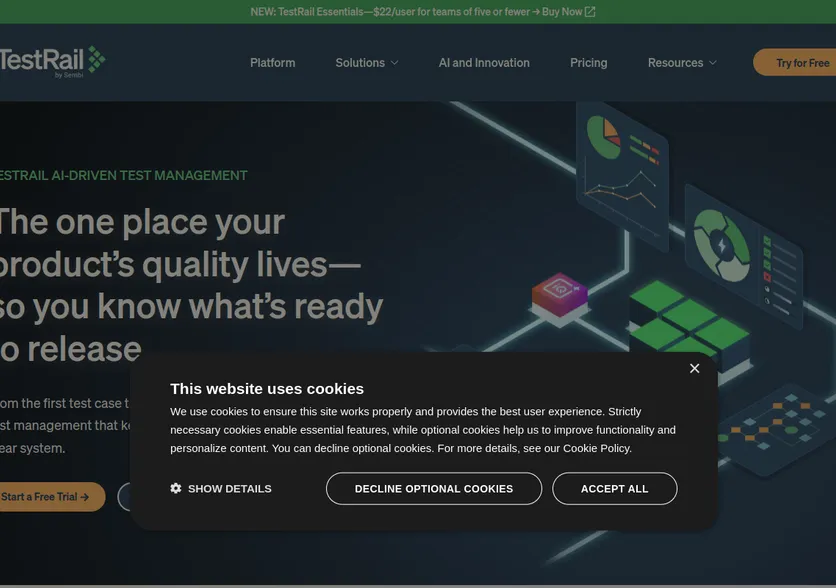
A QA team whose main need is disciplined test case structure will find its purpose-built home here, since this TestRail plan costs twenty-two dollars per user a month billed annually on Essentials. It organizes test cases, runs, plans and milestones with traceability from requirements to results, and its deep Jira integration keeps cases beside the issues they cover. It fits established QA groups that want a dedicated system of record for testing evidence.
What we like
- Structured test cases, runs, plans and milestones in one place
- Traceability links requirements to test results and defects
- Deep Jira integration keeps cases beside the issues they cover
Watch out for
- Essentials caps at 5 users, so growing teams land on Professional
- There is no permanent free plan and no read-only seat
How to try it
- Create a project and import or write the test cases
- Build a test plan and assign runs to the testers
- Record results and review the coverage report
4. Zephyr
Best for: Jira teams that want native test management inside Jira
Paid tool Starting price: $10/month · Ten dollars a month flat for a Jira site of up to 10 users on the Atlassian Marketplace; from 11 to 100 users annual billing works out to about five dollars and sixty-seven cents per Jira user a month ($6.81 monthly); pricing applies to all Jira users on the site, not just testers; SmartBear renamed Zephyr Scale to Zephyr in 2026
Free plan: No free plan; free trial
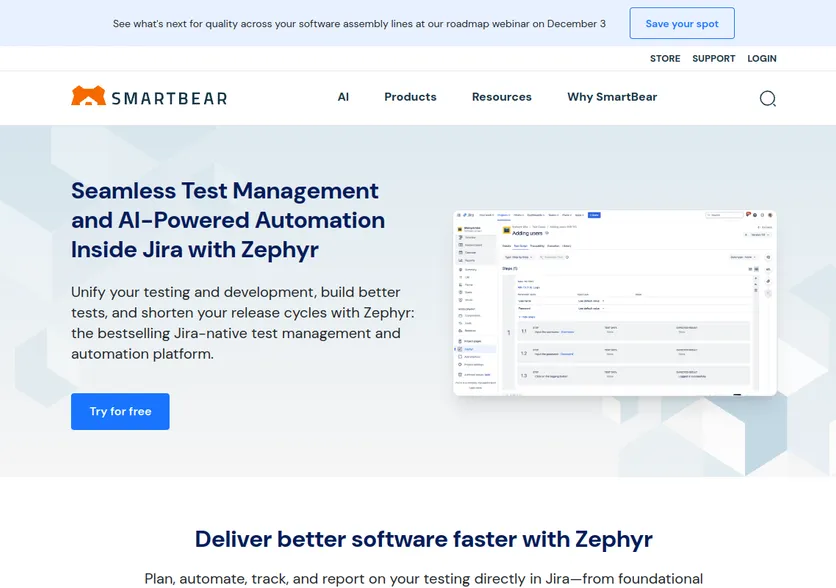
A team that already plans in Jira and wants test management inside it, not beside it, gets the native option here, because this Zephyr plan costs ten dollars a month flat for a Jira site of up to ten users. Test cases, cycles and reporting live on the Jira data the team already uses, and the Standard edition adds limited no-code test automation. It fits Jira-centered QA organizations that want traceability without leaving their existing workflow.
What we like
- Test cases, cycles and reports live natively inside Jira
- No separate test system to keep in sync with the backlog
- Standard adds limited no-code test automation via Rovo
Watch out for
- Pricing bills on the whole Jira user tier, not only testers
- Outside a Jira workflow the benefits shrink considerably
How to try it
- Install Zephyr from the Atlassian Marketplace into Jira
- Create test cases linked to the Jira issues they cover
- Run a test cycle and review results inside the project
5. Asana
Best for: QA leads coordinating test cycles with product and engineering
Paid tool Starting price: $10.99/user/month · Ten dollars and ninety-nine cents per user a month billed annually ($13.49 billed monthly); Advanced is $24.99 a user a month billed annually ($30.49 monthly); Enterprise is quoted
Free plan: Free plan (Personal, up to 2 users)
A QA lead who coordinates test cycles, release checklists and dependencies with product and engineering will find the clearest shared view here, since this Asana plan costs ten dollars and ninety-nine cents per user a month billed annually on Starter. Timelines, dashboards and automation rules keep ownership visible across teams, and unlimited free guests bring outside collaborators in. It fits organizations that value clarity of ownership and readable timelines over deep technical test tracking.

What we like
- Timeline and Gantt views keep deadlines visible
- Automation rules move routine work without manual chasing
- Unlimited free guests on paid plans for outside collaborators
Watch out for
- Portfolios and workload views need the Advanced tier
- Per-user pricing climbs quickly as the team grows
How to try it
- Create a project from a template that matches the work
- Assign every task an owner and a due date
- Turn on a rule that moves completed work automatically
6. monday.com
Best for: QA groups that prefer visual boards for test runs and bug queues
Paid tool Starting price: $9/seat/month · Nine dollars per seat a month billed annually on Basic ($12 billed monthly); Standard is $12 a seat a month billed annually ($14 monthly); Pro is $19 ($24 monthly); paid plans start at 3 seats and seats are sold in blocks
Free plan: Free plan (up to 2 seats)
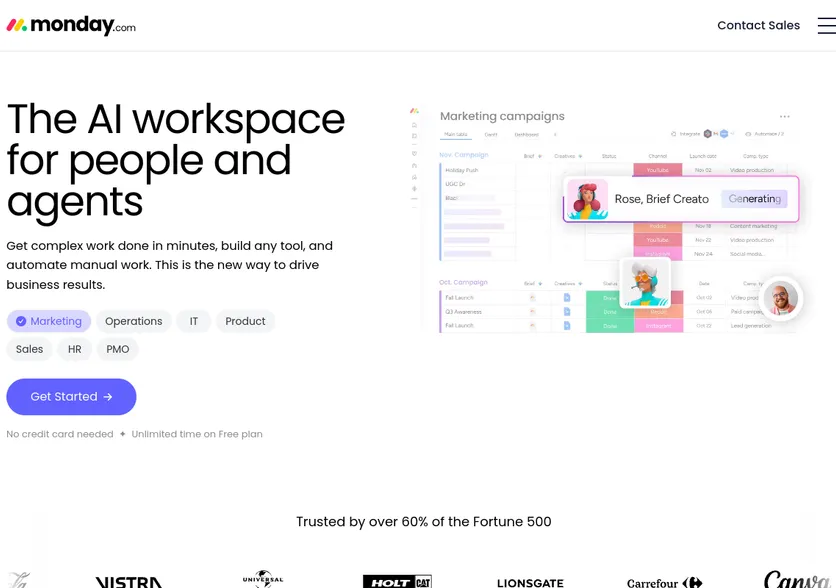
A QA group that thinks visually can shape boards for test runs, bug queues and release readiness here, because this Monday plan costs nine dollars per seat a month billed annually on Basic. Its flexible boards, templates and automations adapt to intake, planning and delivery, and the AI assistant handles routine work. It fits teams that prefer visual, flexible workflows over rigid structures and are comfortable configuring boards around their process.
What we like
- Boards turn any workflow into a visual plan in minutes
- Hundreds of templates shorten setup for common processes
- Automations and integrations cut repetitive admin work
Watch out for
- The 3-seat minimum means a solo user still pays for three seats
- Basic has no timeline view and almost no automations
How to try it
- Pick a template that matches the process to track
- Add status, owner and date columns to the board
- Set one automation that updates status when work moves
7. ClickUp
Best for: QA teams consolidating tasks, docs and goals in one app
Paid tool Starting price: $9/user/month · Nine dollars per user a month billed annually on Core ($12 billed monthly); Business is $17 a user a month billed annually; Enterprise is quoted; the old $7 Unlimited tier is gone
Free plan: Free plan
A QA team that wants to consolidate test tasks, documentation and goals into one app will find the broadest single workspace here, since this ClickUp plan costs nine dollars per user a month billed annually on Core. Tasks, docs, goals and chat share one platform with list, board, calendar and Gantt views, and the free plan covers unlimited members. It suits groups that want to replace several disconnected tools and are willing to configure the workspace to match their process.

What we like
- Tasks, docs, goals and chat live in one workspace
- List, board, calendar and Gantt views share the same data
- The free plan covers unlimited members with core task features
Watch out for
- Feature breadth can overwhelm a team that wants a simple tracker
- Workspaces drift without regular housekeeping and conventions
How to try it
- Create a Space for the team and add one List per workstream
- Switch the List to the view each role prefers
- Set a goal and link the tasks that feed into it
Prices above were checked on each vendor’s own website on Nov 28, 2026 and can change — the vendor’s page is the final word. Vendor links are editorial: nobody paid to be listed or ranked here. Vendors who want a featured listing can see how it works on our Get listed page.
How to keep QA evidence traceable from requirement to release
Start by deciding how formal the testing evidence must be, because that choice splits this list in two. General platforms like Jira, Asana and ClickUp keep QA visible alongside development work, while dedicated tools such as TestRail and Zephyr provide deeper test case structure and traceability. Check how test cases link to requirements and defects, and confirm the reporting covers the evidence the team must show at release. Many teams combine both: a planning platform for the backlog and a dedicated test tool for the case library, with the integration carrying the link between them.
Before you buy
- Decide how formal the testing evidence must be before choosing a general platform or a dedicated test tool
- Check how test cases link to requirements, defects and releases in the tool
- Confirm the reporting covers the evidence the team must show at release time
- Verify the integration with the existing issue tracker before committing to a separate test tool
- Test the tool on a real regression run, including a failed test and a retest
Official websites
Official websites of the products reviewed above. Features and prices were checked against these sites when this guide was written, and they can change, so confirm on the vendor site before you buy.
Frequently asked questions
Should QA teams use a dedicated test management tool or a general project manager?
It depends on how formal the testing evidence must be. General platforms like Jira, Asana or ClickUp keep QA visible alongside development work, while dedicated tools such as TestRail or Zephyr provide deeper test case structure and traceability. Many teams combine both, using Jira for the backlog and TestRail for the case library.
Which tool works best if we already use Jira?
Jira itself keeps QA tasks and defects in the same backlog as engineering work, at nine dollars and seventy cents per user a month on Standard. Zephyr adds native test management on top of Jira for ten dollars a month flat on small sites. That pairing is common for teams wanting traceability without leaving their existing workflow.
How much does TestRail cost?
TestRail costs twenty-two dollars per user a month billed annually on Essentials, which is capped at five users and cloud only. Professional is thirty-eight dollars a user a month on the plan card, while the vendor FAQ lists thirty-nine dollars, and Enterprise is seventy-eight dollars. There is no permanent free plan, only a thirty-day trial.
What is the cheapest project management tool for a small QA team?
Azure DevOps is the cheapest here, at six dollars per user a month on Basic after the first five users free. Jira Standard is nine dollars and seventy cents per user a month with a free plan for up to ten users. Small teams should start with clear defect tracking and simple test run records before buying dedicated test management.
Can Asana or ClickUp handle QA work?
Yes, for coordination. Asana at ten dollars and ninety-nine cents per user a month and ClickUp at nine dollars cover test cycles, release checklists and defect tracking well. Neither offers deep test case libraries or formal traceability, so teams with strict testing requirements should pair them with TestRail or Zephyr.
Compare the seven tools above, then start with a free trial on the tool that matches how the QA team already tracks defects before paying for a full year.
Browse Business Tools tools