On this page
Choosing the right project management software can make or break a scrum team's ability to plan and deliver, because backlogs, sprints and agile reporting have to work together. The seven tools below range from dedicated scrum platforms to lightweight alternatives for small teams. Jira leads because it is built around backlogs, sprints and agile reporting for nine dollars and seventy cents a user a month, and the rest are ranked on scrum fit.
How we researched this
We checked every price on the vendor pricing page on November 28, 2026, and only included tools with a published US dollar list price. Jira Standard is the monthly list price after the October 2026 rise. Prices change, so confirm the current figure on the vendor site before you buy.
Compare the tools
| Name | Best for | Starting price | Free plan | |
|---|---|---|---|---|
 Jira | Dedicated scrum teams needing deep agile support | $9.70/user/month | Free plan (up to 10 users) | Visit |
 Azure DevOps | Teams wanting planning and delivery in one platform | $6/user/month | Free plan (first 5 Basic users free) | Visit |
 ClickUp | Teams seeking an all-in-one productivity workspace | $9/user/month | Free plan | Visit |
 Asana | Cross-functional teams managing workflows with AI | $10.99/user/month | Free plan (Personal, up to 2 users) | Visit |
| monday.com | Teams wanting an AI-powered workspace for collaboration | $9/seat/month | Free plan (up to 2 seats) | Visit |
 Shortcut | Software teams preferring a fast, lightweight tool | $8.50/user/month | Free plan (up to 10 users) | Visit |
 YouTrack | Teams wanting project management with a knowledge base | $4.50/user/month | Free plan (up to 10 users) | Visit |
The project management software for scrum teams, compared
1. Jira
Best for: Dedicated scrum teams needing deep agile support
Paid tool Starting price: $9.70/user/month · Nine dollars and seventy cents per user a month on Standard for 1 to 100 users on monthly billing, the list price after the October 13 2026 rise; Premium is $19.60; annual Standard tiers are fixed at $950 a year for up to 10 users and $9,700 a year for up to 100 users; the $8.48 figure in some listings is a derived blended figure, not the list price
Free plan: Free plan (up to 10 users)
A dedicated scrum team that needs deep agile support will find its standard here, since this Jira plan costs nine dollars and seventy cents per user a month on Standard. Backlogs, sprints, agile boards and reports are built in, and AI agents help orchestrate and plan projects at scale. It fits teams that run structured agile processes and need planning and tracking to stay connected across many teams and workstreams. The marketplace adds hundreds of apps for time tracking, docs and reporting, so the platform grows with the team.

What we like
- Backlogs, sprints and agile reports are built in, not bolted on
- Custom workflows and fields fit almost any delivery process
- The Atlassian ecosystem adds docs, code and service desk links
Watch out for
- Configuration can grow complicated without an administrator
- Non-technical users can find the interface busy and heavy
How to try it
- Create a project and pick the scrum or kanban template
- Fill the backlog, then drag work into the first sprint
- Run the sprint board and review velocity at the end
2. Azure DevOps
Best for: Teams wanting planning and delivery in one platform
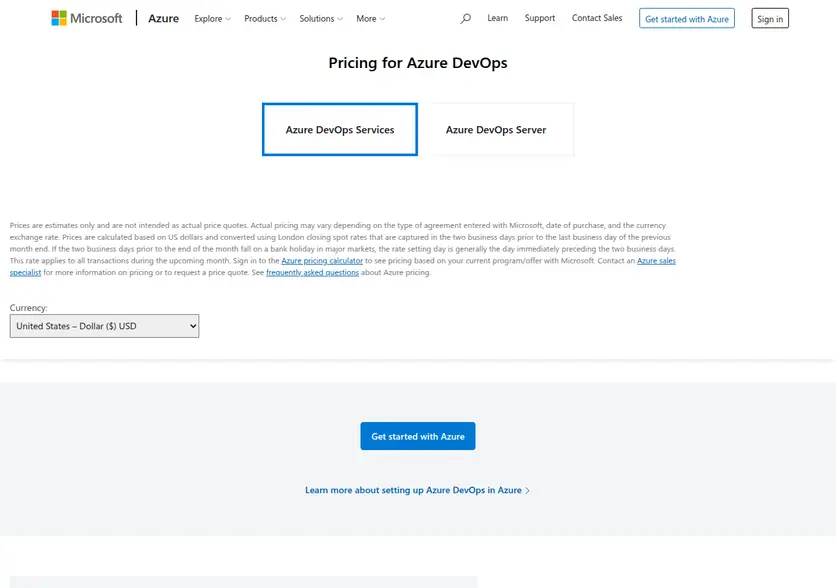
Paid tool Starting price: $6/user/month · Six dollars per user a month on Basic after the first 5 users free; Basic plus Test Plans is $52 per user a month; stakeholders are free with no user cap; extra Microsoft-hosted parallel jobs are $40 a month each
Free plan: Free plan (first 5 Basic users free)
A scrum team that wants planning and delivery in one place will find the end-to-end option here, because this Azure DevOps plan costs six dollars per user a month on Basic after the first five users free. Agile planning tools, CI/CD pipelines and test plans sit in one service, which keeps the whole workflow from backlog to deployment together. It fits organizations already working within the Microsoft ecosystem. Stakeholders are free with no user cap, so managers and clients can follow progress without a paid seat.
What we like
- Boards, repos, pipelines and test plans in one service
- The first 5 Basic users are free, so small teams start at zero
- Fits naturally into a Microsoft and Azure workflow
Watch out for
- Test Plans at $52 a user costs far more than the Basic seat
- Teams outside the Microsoft ecosystem get less value from it
How to try it
- Create an organization and a project with the agile template
- Add work items to the backlog and plan the first sprint
- Link a pipeline so builds run beside the work items
3. ClickUp
Best for: Teams seeking an all-in-one productivity workspace
Paid tool Starting price: $9/user/month · Nine dollars per user a month billed annually on Core ($12 billed monthly); Business is $17 a user a month billed annually; Enterprise is quoted; the old $7 Unlimited tier is gone
Free plan: Free plan
A scrum team that wants a flexible all-in-one workspace will find the adaptable option here, since this ClickUp plan costs nine dollars per user a month billed annually on Core. Tasks, docs, goals and chat share one platform that teams can customize around their scrum process, and the free plan covers unlimited members. It suits teams that want flexibility and a unified workspace rather than an opinionated agile workflow. Native time tracking and whiteboards mean fewer separate apps to buy for the sprint.

What we like
- Tasks, docs, goals and chat live in one workspace
- List, board, calendar and Gantt views share the same data
- The free plan covers unlimited members with core task features
Watch out for
- Feature breadth can overwhelm a team that wants a simple tracker
- Workspaces drift without regular housekeeping and conventions
How to try it
- Create a Space for the team and add one List per workstream
- Switch the List to the view each role prefers
- Set a goal and link the tasks that feed into it
4. Asana
Best for: Cross-functional teams managing workflows with AI
Paid tool Starting price: $10.99/user/month · Ten dollars and ninety-nine cents per user a month billed annually ($13.49 billed monthly); Advanced is $24.99 a user a month billed annually ($30.49 monthly); Enterprise is quoted
Free plan: Free plan (Personal, up to 2 users)
A scrum team that collaborates with other departments will find the cross-functional option here, because this Asana plan costs ten dollars and ninety-nine cents per user a month billed annually on Starter. Timelines, automation and AI agents keep work visible across teams, and unlimited free guests bring outside collaborators in. It fits teams that need a user-friendly interface and coordinate with marketing, product and operations.

What we like
- Timeline and Gantt views keep deadlines visible
- Automation rules move routine work without manual chasing
- Unlimited free guests on paid plans for outside collaborators
Watch out for
- Portfolios and workload views need the Advanced tier
- Per-user pricing climbs quickly as the team grows
How to try it
- Create a project from a template that matches the work
- Assign every task an owner and a due date
- Turn on a rule that moves completed work automatically
5. monday.com
Best for: Teams wanting an AI-powered workspace for collaboration
Paid tool Starting price: $9/seat/month · Nine dollars per seat a month billed annually on Basic ($12 billed monthly); Standard is $12 a seat a month billed annually ($14 monthly); Pro is $19 ($24 monthly); paid plans start at 3 seats and seats are sold in blocks
Free plan: Free plan (up to 2 seats)
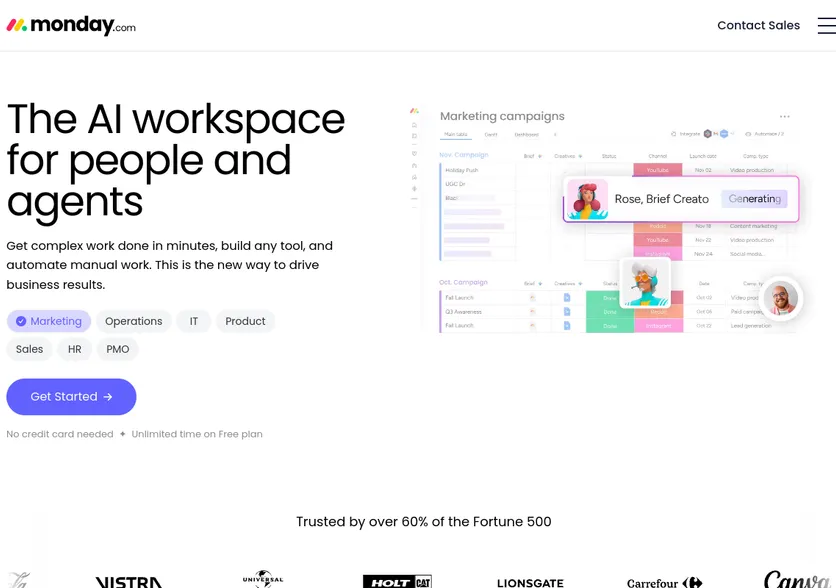
A scrum team that values customization and AI assistance will find the visual option here, since this Monday plan costs nine dollars per seat a month billed annually on Basic. Flexible boards adapt to sprint planning and tracking, and AI agents work alongside people to execute and manage work. It fits teams that want a customizable workspace and accept that scrum features need configuration.
What we like
- Boards turn any workflow into a visual plan in minutes
- Hundreds of templates shorten setup for common processes
- Automations and integrations cut repetitive admin work
Watch out for
- The 3-seat minimum means a solo user still pays for three seats
- Basic has no timeline view and almost no automations
How to try it
- Pick a template that matches the process to track
- Add status, owner and date columns to the board
- Set one automation that updates status when work moves
6. Shortcut
Best for: Software teams preferring a fast, lightweight tool
Paid tool Starting price: $8.50/user/month · Eight dollars and fifty cents per user a month billed annually on Team (about $10 billed monthly); Business is $12 a user a month billed annually ($16 monthly); Enterprise is custom priced; yearly plans use metered billing per user per month
Free plan: Free plan (up to 10 users)
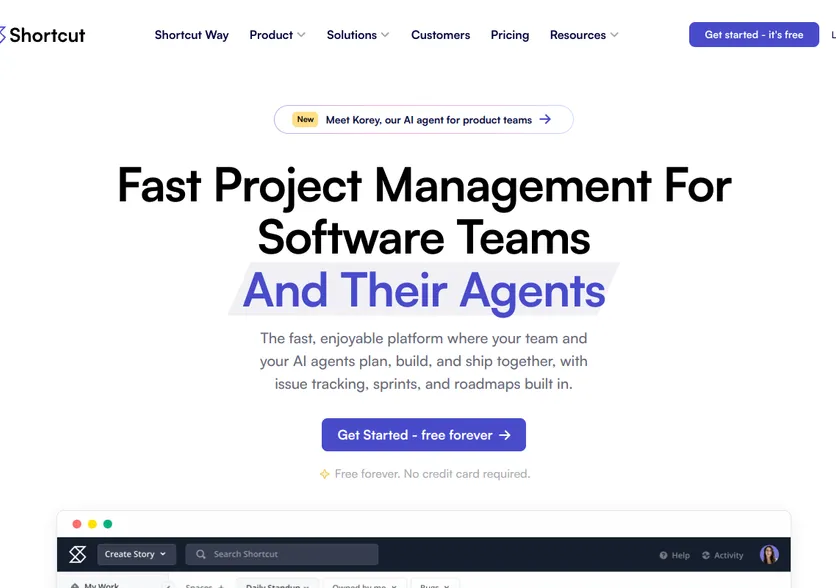
A small scrum team that wants a fast, lightweight tool without the complexity of larger platforms will find its fit here, because this Shortcut plan costs eight dollars and fifty cents per user a month billed annually on Team. Stories, epics, iterations and objectives are built for software teams, and the interface is designed to be enjoyable and efficient. It fits teams that prioritize simplicity and speed over extensive feature sets. Integrations with GitHub, Slack and Figma keep the tool connected to the rest of the stack.
What we like
- Stories, epics, iterations and objectives fit software work
- Fast, keyboard-friendly interface that teams enjoy using
- Roadmaps and workflows come without heavy configuration
Watch out for
- Fewer integrations than the larger platforms offer
- Advanced reporting is thinner than in Jira or Azure DevOps
How to try it
- Create a workspace and add the team up to 10 free users
- Write stories, group them into epics and plan an iteration
- Track the iteration on the board and review velocity
7. YouTrack
Best for: Teams wanting project management with a knowledge base
Paid tool Starting price: $4.50/user/month · Four dollars and fifty cents per user a month billed annually for 11 or more users ($5.40 billed monthly), with the per-seat rate falling as the team grows; the cloud plan is free for up to 10 users with the full feature set; a self-hosted edition is also available
Free plan: Free plan (up to 10 users)
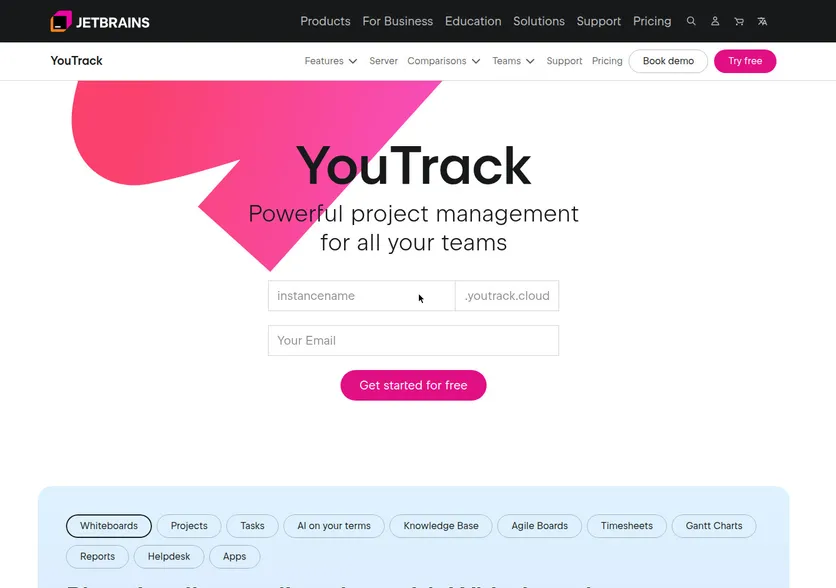
A scrum team that wants an integrated project tool with a knowledge base will find the budget option here, since this YouTrack plan costs four dollars and fifty cents per user a month billed annually for eleven or more users. Agile boards, Gantt, time tracking and a knowledge base come together, and the free plan gives ten users every feature. It fits teams that want Jira-like depth at the lowest per-seat rate on this list.
What we like
- Agile boards, Gantt, knowledge base and time tracking together
- Scriptable workflows and a query language fit almost any process
- The free plan gives 10 users every feature, not a cut-down set
Watch out for
- Smaller ecosystem of integrations than Jira or Azure DevOps
- The query language takes a little learning for new users
How to try it
- Create a project and choose the agile board template
- Add issues with custom fields that match the workflow
- Plan a sprint and track it on the board and Gantt
Prices above were checked on each vendor’s own website on Nov 28, 2026 and can change — the vendor’s page is the final word. Vendor links are editorial: nobody paid to be listed or ranked here. Vendors who want a featured listing can see how it works on our Get listed page.
How to run sprints without drowning in configuration
Start by checking that the tool supports scrum artifacts properly: product backlog, sprint backlog and increment, plus agile reporting such as burndown charts and velocity tracking. Dedicated tools like Jira and Azure DevOps cover these natively, while general platforms need configuration to fit sprint ceremonies. Small teams should weigh the lightweight options first, since a tool that takes weeks to configure will slow the very sprints it is meant to support. Run one real sprint on the shortlist before committing, and check the burndown and velocity reports on real data rather than a demo.
Before you buy
- Check that the tool supports scrum artifacts like product backlog, sprint backlog, and increment
- Verify agile reporting features such as burndown charts and velocity tracking
- Consider integration with existing development tools and version control
- Evaluate ease of use for both technical and non-technical team members
- Review customization options to adapt workflows to the team scrum process
Official websites
Official websites of the products reviewed above. Features and prices were checked against these sites when this guide was written, and they can change, so confirm on the vendor site before you buy.
Frequently asked questions
What is the best project management software for scrum teams?
Jira is often considered the best for scrum teams due to its deep agile features, including backlog management, sprint planning and reporting, at nine dollars and seventy cents per user a month on Standard. Azure DevOps is a strong alternative for teams wanting integrated planning and delivery. The right choice depends on the team size and specific needs.
Can I use ClickUp or Asana for scrum?
Yes, ClickUp and Asana can be adapted for scrum, but they are not specifically designed for it. ClickUp costs nine dollars per user a month on Core and Asana ten dollars and ninety-nine cents on Starter. They offer flexibility and customization, which may require extra setup to support scrum ceremonies. Teams needing strict scrum adherence might prefer Jira or Azure DevOps.
Which tool is best for small scrum teams?
Shortcut is a good fit for small scrum teams because it is lightweight and fast, with a focus on software development, at eight dollars and fifty cents per user a month on Team with a free plan for up to ten users. YouTrack is also an option at four dollars and fifty cents per user a month, with a free plan for up to ten users.
How does Azure DevOps compare to Jira for scrum?
Azure DevOps provides agile planning tools alongside CI/CD and test plans, making it ideal for teams that want an all-in-one DevOps platform, at six dollars per user a month on Basic after the first five users free. Jira is more specialized in agile project management and offers extensive scrum-specific features and reporting.
How much does Jira cost after the October 2026 price rise?
Jira Standard now costs nine dollars and seventy cents per user a month on monthly billing for the first one hundred users, up from nine dollars and five cents. Premium is nineteen dollars and sixty cents. Annual Standard tiers are fixed at nine hundred and fifty dollars a year for up to ten users and nine thousand seven hundred dollars a year for up to one hundred users.
Compare the seven tools above, then start with a free plan on the tool that matches how the scrum team already runs sprints before paying for a full year.
Browse Business Tools tools