On this page
Scheduling is where construction projects succeed or slip, so the right platform matters as much as the plan itself. The eight tools below range from a field app that pins tasks to drawings to a full scheduling suite inside Microsoft 365. Microsoft Project leads because it brings dependable scheduling and resource tracking for ten dollars per user a month, and the rest are ranked on how well they fit contractor work.
How we researched this
We checked every price on the vendor pricing page on November 28, 2026, and only included tools with a published US dollar list price. Procore, Oracle Primavera P6, Autodesk Construction Cloud, Trimble Viewpoint and eSUB publish no prices and sell by quote, and Buildertrend removed its published pricing in 2026, so none of them are in this list. Prices change, so confirm the current figure on the vendor site before you buy.
Compare the tools
| Name | Best for | Starting price | Free plan | |
|---|---|---|---|---|
 Microsoft Project | Microsoft shops that need serious scheduling | $10/user/month | No free plan; 30-day free trial | Visit |
 Smartsheet | Teams that think in spreadsheets and need governance | $9/member/month | No free plan; 30-day free trial | Visit |
 Asana | Teams that need shared timelines and automation | $10.99/user/month | Free plan (Personal, up to 10 users) | Visit |
| Monday.com | Teams that want visual boards and fast adoption | $9/seat/month | Free plan (up to 2 seats) | Visit |
 ClickUp | Teams that want one app for tasks, docs and chat | $9/user/month | Free plan (Free Forever) | Visit |
 Fieldwire | Field crews working from drawings | $39/user/month | Free plan (Basic, 5 users, 3 projects) | Visit |
 JobTread | Small residential builders who want job costing | $199/month | No free plan; demo available | Visit |
 Teamwork | Client teams that bill from tracked time | $9.99/user/month | Free plan (5 users, 5 projects) | Visit |
The project scheduling software for construction contractors, compared
1. Microsoft Project
Best for: Microsoft shops that need serious scheduling
Paid tool Starting price: $10/user/month · Ten dollars per user a month on Plan 1; Plan 3 is $30 a user a month; Plan 5 was withdrawn on May 1, 2026, so do not expect it at checkout
Free plan: No free plan; 30-day free trial
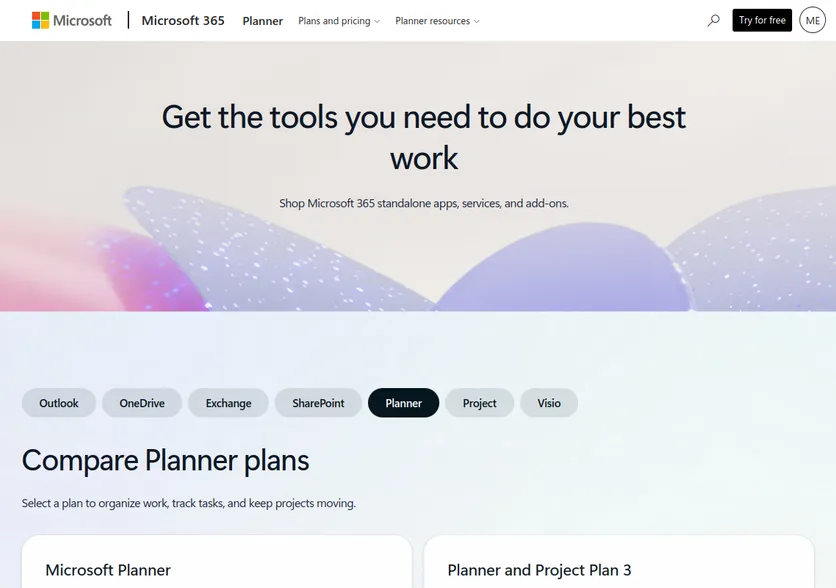
For a contractor that plans jobs in Microsoft tools and needs dependable scheduling, this Microsoft Project plan costs ten dollars per user a month, and it tracks resources and progress in a familiar environment. Plans, schedules and resource tracking sit inside the Microsoft 365 tools most offices already use every day. Higher plans add portfolio management, demand management and enterprise resource planning, while Plan 1 covers core scheduling.
What we like
- Deep scheduling with dependencies and baselines
- Fits naturally inside Microsoft 365
- Resource tracking across projects
Watch out for
- No free plan, and portfolio features cost more
- Heavier than modern board-based tools
How to try it
- Create a plan and add tasks with durations and dependencies
- Assign resources and set a baseline for the schedule
- Track progress against the baseline each week
2. Smartsheet
Best for: Teams that think in spreadsheets and need governance
Paid tool Starting price: $9/member/month · Nine dollars per member a month billed annually on Pro ($12 billed monthly, one to ten members); Business is $19 a member a month billed annually ($24 monthly) with a three-member minimum; there is no free plan for new sign-ups
Free plan: No free plan; 30-day free trial
For a contractor that builds schedules in a spreadsheet-style tool the office already understands, this Smartsheet plan costs nine dollars per member a month billed annually, and it tracks progress and shares status across teams. Grid, Gantt, board and calendar views sit on the same data, and forms collect new work straight into a sheet. Business removes the ten-member cap, adds timeline view and workload tracking, and lifts automation limits.

What we like
- Spreadsheet-style views that need almost no training
- Forms, reports and dashboards in the same app
- Unlimited free contributors on paid plans
Watch out for
- Pro stops at ten members, so growing teams must move up
- No free plan, only a thirty-day trial
How to try it
- Build a sheet with columns for owner, status and due date
- Add a form so new requests land in the sheet automatically
- Create a report that rolls progress up for managers
3. Asana
Best for: Teams that need shared timelines and automation
Paid tool Starting price: $10.99/user/month · Ten dollars and ninety-nine cents per user a month billed annually on Starter ($13.49 billed monthly); Advanced is $24.99 a user a month billed annually; Personal is free for up to 10 users
Free plan: Free plan (Personal, up to 10 users)
For a contractor coordinating office staff, site teams and subcontractors, this Asana plan costs ten dollars and ninety-nine cents per user a month billed annually, and it keeps tasks, timelines and owners visible. Its timeline and board views keep owners and due dates visible, and automation moves routine handoffs along without manual chasing. The free Personal plan covers small groups, while paid plans add reporting dashboards, custom fields and unlimited automation.

What we like
- Timeline, board and calendar views in one workspace
- Automation handles routine handoffs and approvals
- Unlimited free guests on paid plans
Watch out for
- Portfolios and goals need the Advanced plan
- Native time tracking sits on Advanced, not Starter
How to try it
- Create a project from a template and add every task with an owner and a due date
- Switch to the timeline view to spot overlaps and dependencies
- Set an automation rule for handoffs, then review the dashboard weekly
4. Monday.com
Best for: Teams that want visual boards and fast adoption
Paid tool Starting price: $9/seat/month · Nine dollars per seat a month billed annually on Basic ($12 billed monthly); Standard is $12 a seat a month billed annually and Pro is $19; a three-seat minimum applies to paid plans
Free plan: Free plan (up to 2 seats)
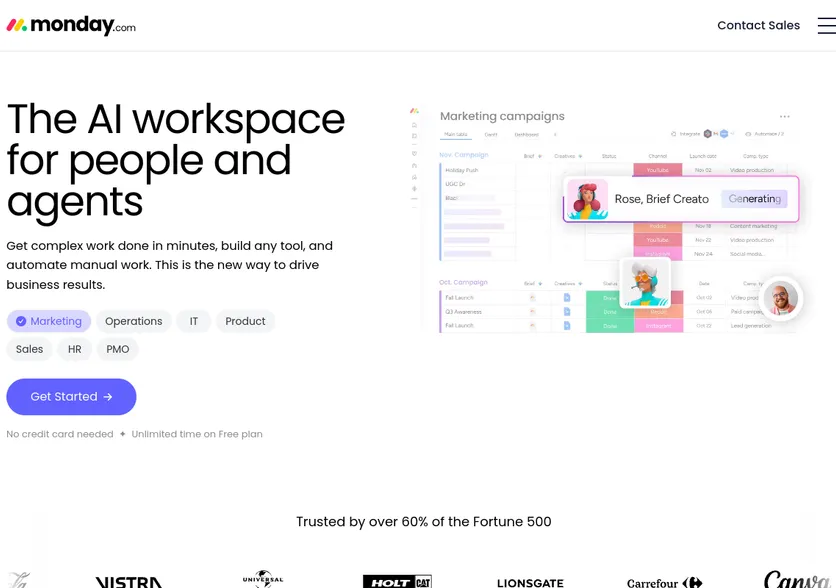
For a contractor that wants visual boards for jobs, crews and materials, this Monday.com plan costs nine dollars per seat a month billed annually, and it tracks schedules without a steep learning curve. Boards, timelines and dashboards are easy to shape around a team's own process, and the free plan covers two seats for a trial run. Standard adds timeline and Gantt views with guest access, while Pro adds time tracking, private boards and far higher automation limits.
What we like
- Visual boards that non-technical teams adopt fast
- Two free seats and unlimited free viewers
- Automation and integration actions scale with the plan
Watch out for
- A three-seat minimum applies to paid plans
- Basic has no automation or integration actions
How to try it
- Build a board with status, owner and date columns for the work
- Add an automation that moves items when a status changes
- Share a dashboard so stakeholders see progress without asking
5. ClickUp
Best for: Teams that want one app for tasks, docs and chat
Paid tool Starting price: $9/user/month · Nine dollars per user a month billed annually on Core ($12 billed monthly); Business is $17 a user a month billed annually ($25 monthly); the old Unlimited tier was replaced by Core in November 2026
Free plan: Free plan (Free Forever)
For a contractor that wants schedules, docs and chat in one place, this ClickUp plan costs nine dollars per user a month billed annually, and it consolidates job tracking for office and field. Tasks, docs, goals and chat live in one workspace, so a team can stop stitching several apps together. Core adds unlimited storage, Gantt charts and goals, while Business adds timesheets, workload views and advanced dashboards.

What we like
- Tasks, docs, goals and chat in a single app
- Free Forever plan covers small teams
- Dozens of views, from lists to Gantt charts
Watch out for
- The breadth of features can overwhelm new users
- Timesheets and workload views need Business
How to try it
- Set up a Space for the team and add lists for each workstream
- Turn on time tracking and goals for the projects that need them
- Build a dashboard that shows workload and upcoming deadlines
6. Fieldwire
Best for: Field crews working from drawings
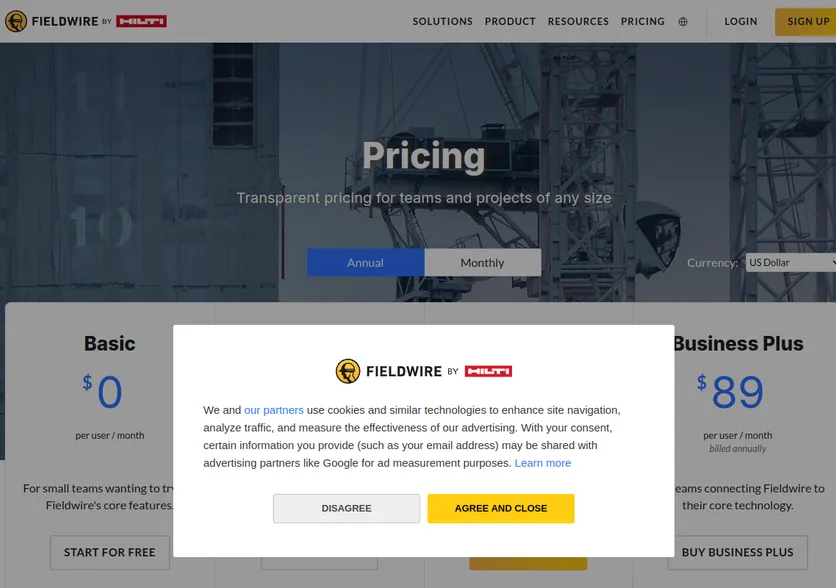
Paid tool Starting price: $39/user/month · Thirty-nine dollars per user a month billed annually on Pro; Business is $64 a user a month billed annually and Business Plus is $89; the free Basic plan covers five users and three projects
Free plan: Free plan (Basic, 5 users, 3 projects)
For a contractor whose crews work from drawings on site, this Fieldwire plan costs thirty-nine dollars per user a month billed annually, and it puts punch lists and tasks on the plan itself. Drawings, punch lists and tasks live on the plan itself, so field crews see the latest version on any tablet. Business adds forms, integrations and more storage, while Business Plus adds RFIs, submittals and change orders.
What we like
- Drawings with markups and version control
- Punch lists pinned to the plan
- Free Basic plan for small field teams
Watch out for
- RFIs and change orders need Business Plus
- Not a full estimating or client portal platform
How to try it
- Upload the drawings and invite the field crew
- Pin tasks and punch items to the plan
- Run daily reports from the field app
7. JobTread
Best for: Small residential builders who want job costing
Paid tool Starting price: $199/month · One hundred and ninety-nine dollars a month for the platform plus twenty dollars a month per internal user from the second user; annual billing is about $159 a month plus about $18 per user, and customer and vendor portal users are free
Free plan: No free plan; demo available
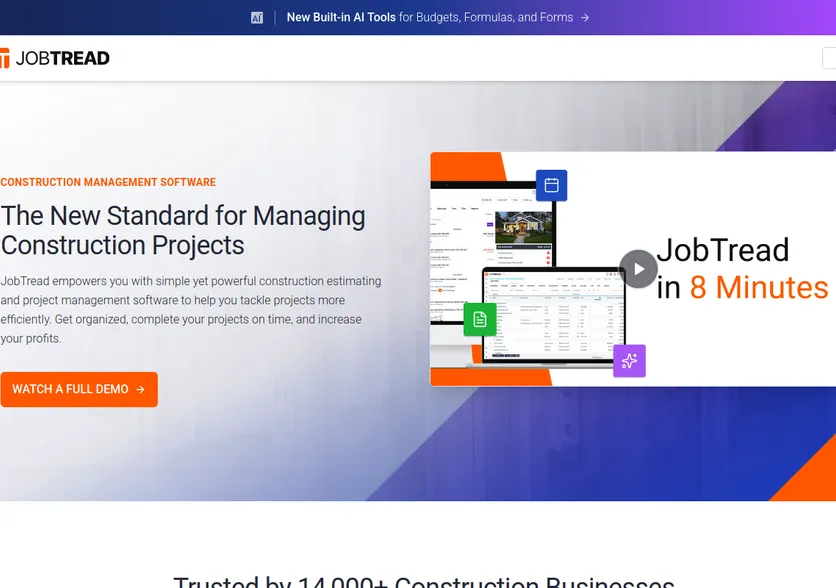
For a small residential contractor that needs estimating, budgets and schedules in one job file, this JobTread plan costs one hundred and ninety-nine dollars a month, and it shows profit on every job. Estimates, budgets, schedules and invoices share one job file, so a small builder sees profit on every job. Every feature sits on the single plan, with customer and vendor portal users included free.
What we like
- Estimates, budgets and invoices in one job file
- One plan with every feature included
- Client and vendor portals cost nothing extra
Watch out for
- No free plan, only a demo
- Per-user fees add up past ten internal users
How to try it
- Create a job and build the estimate line by line
- Turn the estimate into a budget and schedule
- Invoice from the same job file when work is done
8. Teamwork
Best for: Client teams that bill from tracked time
Paid tool Starting price: $9.99/user/month · Nine dollars and ninety-nine cents per user a month billed annually on Basics, with a three-seat minimum; Accelerate is $24.99 a user a month billed annually with a five-seat minimum; the older Deliver tier is gone
Free plan: Free plan (5 users, 5 projects)
For a contractor that bills clients from tracked time and needs profitability per job, this Teamwork plan costs nine dollars and ninety-nine cents per user a month billed annually, and it links time, budgets and invoices. Projects, time tracking, billing and profitability sit in one PSA platform, so client work flows from plan to invoice. Accelerate adds budgeting, forecasting and advanced reporting, while the free plan covers five users and five projects.

What we like
- Time, billing and profitability in one platform
- Free plan covers five users and five projects
- Resource planning shows who is free
Watch out for
- Paid plans carry a minimum seat count
- Profitability insights need the dearer plan
How to try it
- Create a project and add tasks with time estimates
- Log time against tasks as the work happens
- Check the profitability report before invoicing the client
Prices above were checked on each vendor’s own website on Nov 28, 2026 and can change — the vendor’s page is the final word. Vendor links are editorial: nobody paid to be listed or ranked here. Vendors who want a featured listing can see how it works on our Get listed page.
How a contractor should choose scheduling software
Start from the job, not the feature list, because a residential remodel and a commercial programme need different scheduling depth. Check whether scheduling connects to the field and office workflows already in use, from drawings and daily logs to accounting. Confirm the tool supports the project sizes and complexity the firm handles, since a tool built for small jobs strains on large programmes. Ask how job costing and reporting tie into the schedule, because a plan that ignores cost is only half a plan. Test onboarding with a real job before rollout, since a tool the crew will not open is worth nothing.
Before you buy
- Check whether scheduling connects to field and office workflows already in use
- Confirm the tool supports the project sizes and complexity the firm handles
- Ask how job costing and reporting tie into the schedule before buying
- Verify integrations with accounting, design and field systems already in place
- Review onboarding and training effort with a real job before committing
Official websites
Official websites of the products reviewed above. Features and prices were checked against these sites when this guide was written, and they can change, so confirm on the vendor site before you buy.
Frequently asked questions
Which scheduling tool is best for a small construction contractor?
JobTread is the strongest pick for small residential contractors at $199 a month plus $20 per internal user, with estimating, budgets and schedules in one job file. Smartsheet at $9 a member a month suits teams that want flexible scheduling, while Fieldwire at $39 a user a month fits crews that work from drawings on site.
How much does Microsoft Project cost for contractors?
Microsoft Project Plan 1 costs $10 per user a month and covers core scheduling, resource tracking and reporting inside Microsoft 365. Plan 3 costs $30 a user a month and adds more portfolio features. Plan 5 was withdrawn on May 1, 2026, so do not expect it at checkout.
Can general project management tools handle construction scheduling?
Yes, Microsoft Project and Smartsheet can plan and track schedules effectively, but they are not construction-specific, so jobsite workflows, subcontractor management and job costing need other tools. Contractors often pair them with a field app such as Fieldwire for drawings and punch lists.
Why are Procore and Primavera P6 not in this list?
Both publish no prices and sell by quote based on construction volume or programme size, so no verifiable US dollar list price could be checked on November 28, 2026. This list only includes tools with a published price. Ask either vendor for a quote if enterprise scheduling depth is the core need.
How do construction platforms differ from standalone schedulers?
Platforms such as Fieldwire and JobTread connect schedules to job data, drawings, budgets and reporting, while standalone schedulers focus on planning depth alone. The right choice depends on whether the firm needs connected workflows or dedicated schedule control, and on the size of the jobs it runs.
Compare the eight tools above, then start with a free plan or trial on the tool that matches how the contractor already schedules jobs before paying for a full year.
Browse Business Tools tools