
On this page
Remote teams feel prompt chaos first, because the person who wrote the prompt is asleep when it breaks in production. Langfuse is the pick that keeps a distributed team honest: open-source tracing, prompt versioning and evaluation for $29 a month, with a free Hobby plan to start. This guide compares seven prompt management tools for remote teams, from $19 to $50 a month, with live 2026 prices, free plans and trials, so a team can pick by async workflow and budget.
How we researched this
We read the pricing page of every vendor on this list on November 26, 2026, and kept only tools that publish a real dollar price for prompt management. Each tool had to support async teamwork, with shared workspaces, versioning and a free plan or trial a remote team can start on. We compared entry prices, seat and usage meters, and whether the bill grows when the team hires across time zones.
Compare the tools
| Name | Best for | Starting price | Free plan | |
|---|---|---|---|---|
 LangSmith | Remote teams that build agents together across time zones | $39/seat/month | Free Developer plan (1 seat) | Visit |
 PromptLayer | Small remote teams that ship prompts from different time zones | $49/month | Free plan (5 users) | Visit |
 Portkey | Remote teams that run several models and want one gateway | $49/month | Free Developer plan (10,000 logs) | Visit |
 Langfuse | Remote teams that want full visibility without a per-seat bill | $29/month | Free Hobby plan (50,000 units) | Visit |
 Promptfoo | Distributed teams that want the test suite to catch regressions overnight | $50/month | Free Community (open source) | Visit |
 Opik | Remote teams that want serious observability on a small budget | $19/month | Free Cloud plan (25,000 spans) | Visit |
 Arize Phoenix | Remote teams that value open standards and vendor independence | $50/month | Free AX plan (25,000 spans) | Visit |
The prompt management tools, compared
1. LangSmith
Best for: Remote teams that build agents together across time zones
Paid tool Starting price: $39/seat/month · Plus plan at $39 per seat a month with 10,000 base traces included, then $5 per 1,000 traces; Developer plan is free with 1 seat and 5,000 traces; Enterprise is custom
Free plan: Free Developer plan (1 seat)
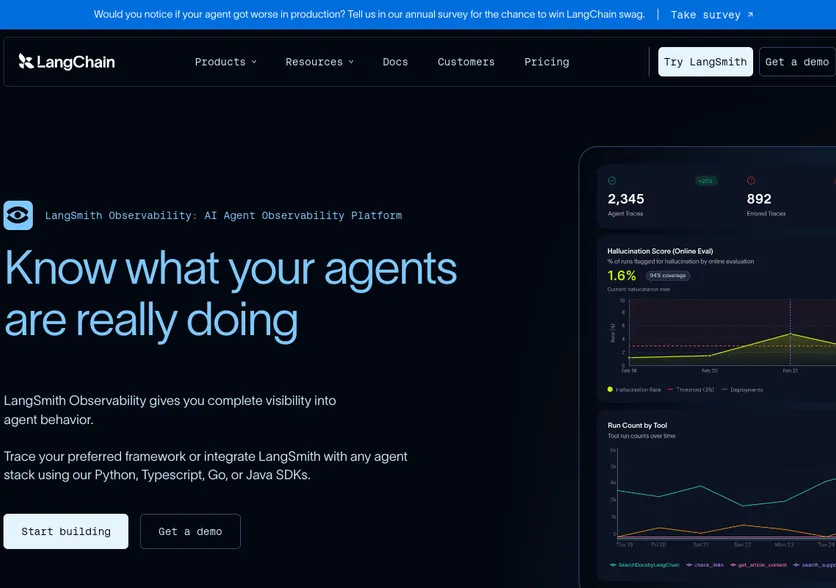
Remote teams need prompts that anyone can find, test and trust without asking in a chat channel, and LangSmith gives that shared workspace to LangChain builders. This LangSmith Plus plan costs $39 per seat a month with 10,000 base traces included, which covers versioning, tracing and evaluation for a distributed team. It fits remote teams that build agents together across time zones and want every prompt change visible to everyone.
What we like
- Shared workspace for distributed teams
- Async review of traces and evals
- Works with LangChain and LangGraph
Watch out for
- Per-seat pricing grows with the team
- Trace overages need monitoring
How to try it
- Start the free Developer plan from the LangChain pricing page
- Share a prompt workspace with the whole remote team
- Review traces and evals together in a weekly async call
2. PromptLayer
Best for: Small remote teams that ship prompts from different time zones
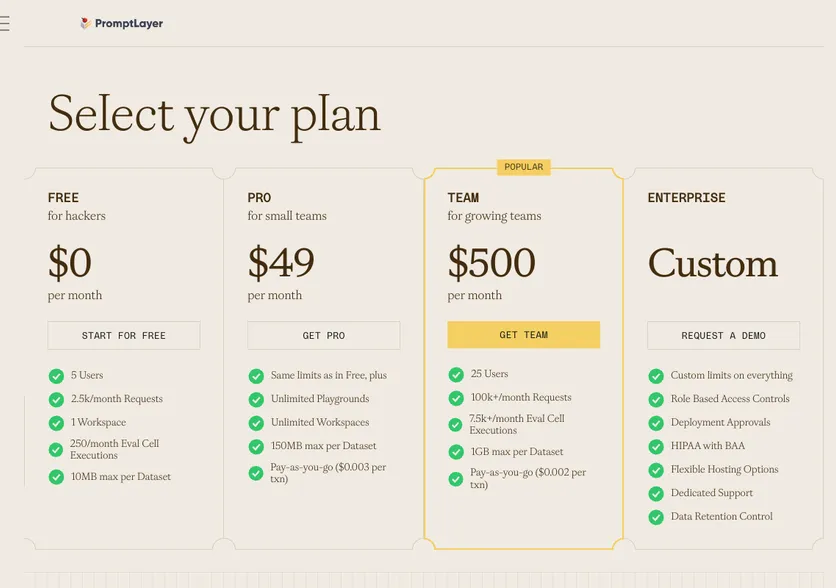
Paid tool Starting price: $49/month · Pro plan at $49 a month; Team is $500 a month for 25 users and over 100,000 requests; Free plan covers 5 users and 2,500 requests; Enterprise is custom
Free plan: Free plan (5 users)
PromptLayer keeps a remote team on the same prompts, with a registry that shows who changed what and whether the new version actually works better. This PromptLayer Pro plan costs $49 a month, which buys the registry, A/B testing and request logs a distributed team needs to stay in sync. It fits small remote teams that ship prompts from different time zones and cannot afford a silent regression.
What we like
- Registry keeps everyone on the same version
- A/B tests settle arguments with data
- Free plan covers 5 users
Watch out for
- Request caps set the monthly tier
- Team tier jumps to $500 a month
How to try it
- Start the free plan from the PromptLayer pricing page
- Version the prompts the whole team shares
- Run an A/B test and share the result in the team channel
3. Portkey
Best for: Remote teams that run several models and want one gateway
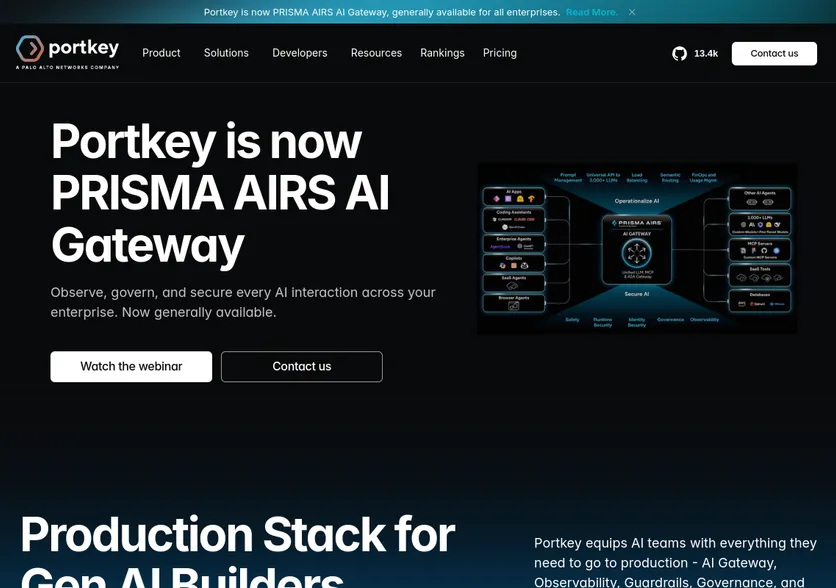
Paid tool Starting price: $49/month · Production plan at $49 a month with 100,000 recorded logs included, then $9 per extra 100,000 logs up to 3 million; Developer plan is free with 10,000 logs; Enterprise is custom; now part of Palo Alto Networks as Prisma AIRS AI Gateway
Free plan: Free Developer plan (10,000 logs)
Portkey gives a remote team one gateway for every model, so prompts, guardrails and costs stay consistent no matter where each developer sits. This Portkey Production plan costs $49 a month with 100,000 recorded logs included, which covers the gateway and observability a distributed team needs. It fits remote teams that run several models and want prompt templates and spend controls in a single place.
What we like
- One gateway for every model
- Templates keep prompts consistent
- Logs make async debugging easy
Watch out for
- Log overages add up at scale
- Acquisition may change the roadmap
How to try it
- Start the free Developer plan from the Portkey pricing page
- Route the team's apps through one gateway
- Share prompt templates and set spend limits per project
4. Langfuse
Best for: Remote teams that want full visibility without a per-seat bill
Paid tool Starting price: $29/month · Core plan at $29 a month with 100,000 units included, then $8 per 100,000 units; Pro is $199 and Enterprise $2,499; Hobby plan is free with 50,000 units
Free plan: Free Hobby plan (50,000 units)
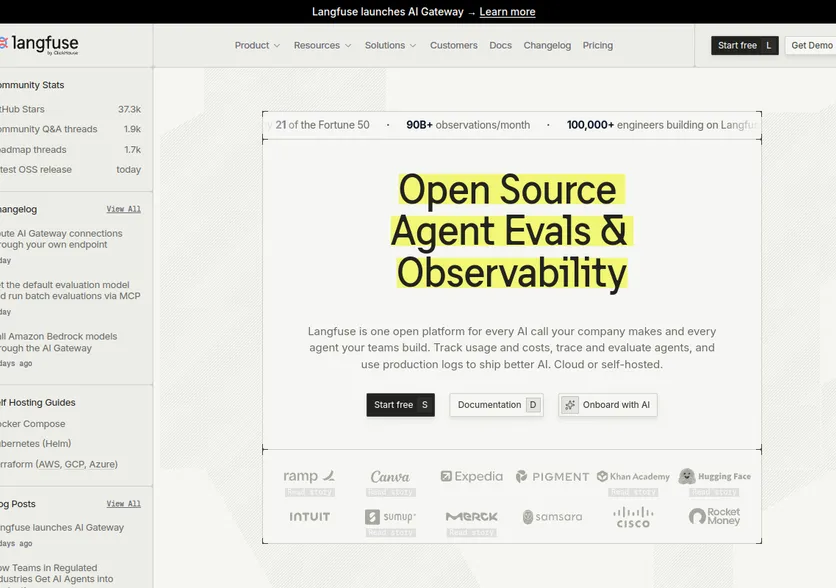
Langfuse is the budget pick for remote teams, with open-source tracing and prompt management that a distributed team can run in the cloud or self-host. This Langfuse Core plan costs $29 a month with 100,000 units included, which is the lowest paid price a remote team will find on this list. It fits remote teams that want full visibility into prompts and costs without a per-seat bill that grows with every hire.
What we like
- Lowest paid price on this list
- Self-host option for privacy
- Datasets make async review easy
Watch out for
- Unit math takes a week to learn
- SSO sits on higher tiers
How to try it
- Start the free Hobby plan from the Langfuse pricing page
- Send traces from each team member's app
- Score prompt versions together in a shared dataset
5. Promptfoo
Best for: Distributed teams that want the test suite to catch regressions overnight
Paid tool Starting price: $50/month · Team plan from $50 a month; Community version is free and open source under the MIT licence; Enterprise is custom; acquired by OpenAI in 2026
Free plan: Free Community (open source)
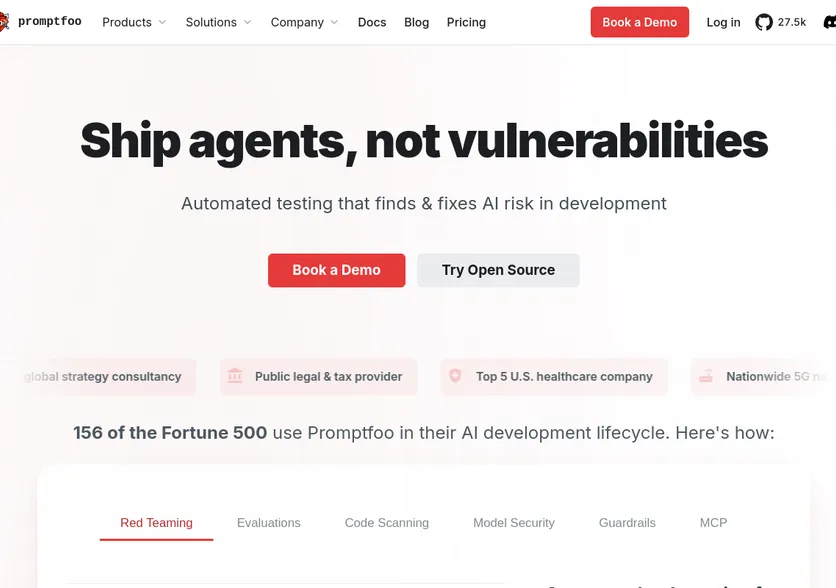
Promptfoo lets a remote team test prompts before they ship, with assertions and red teaming that run in CI while the team sleeps across time zones. This Promptfoo Team plan starts at $50 a month, which adds hosted collaboration and reporting to the free open-source core. It fits distributed teams that cannot review every prompt change live and want the test suite to catch regressions instead.
What we like
- Tests catch regressions overnight
- Open-source core is free
- Red teaming for safety cases
Watch out for
- Cloud features need the Team plan
- Acquisition adds roadmap uncertainty
How to try it
- Install the free Community version from the Promptfoo pricing page
- Add prompt tests to the shared repo
- Review CI failures together in the morning standup
6. Opik
Best for: Remote teams that want serious observability on a small budget
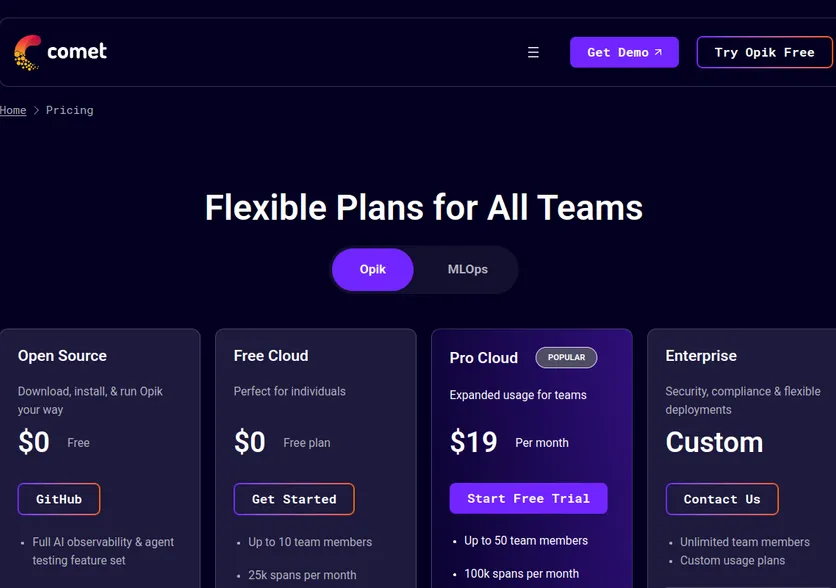
Paid tool Starting price: $19/month · Pro Cloud plan at $19 a month flat for the whole account with 100,000 spans included, then $5 per 100,000 extra spans; Free Cloud covers 25,000 spans; Open Source is free to self-host; Enterprise is custom
Free plan: Free Cloud plan (25,000 spans)
Opik is the cheapest hosted pick for remote teams, with tracing, evaluation and a prompt library at a flat monthly price that never counts seats. This Opik Pro Cloud plan costs $19 a month flat for the whole account with 100,000 spans included, so a growing remote team pays the same as a team of two. It fits distributed teams that want serious observability on a small budget and like the option to self-host later.
What we like
- Flat $19 price for the whole team
- Open source with a self-host option
- Prompt library included on every plan
Watch out for
- Span overages add $5 per 100,000
- Newer tool with a smaller community
How to try it
- Start the free Cloud plan from the Comet pricing page
- Send the first traces from the team's apps
- Build a test suite and run it before each release
7. Arize Phoenix
Best for: Remote teams that value open standards and vendor independence
Paid tool Starting price: $50/month · AX Pro plan at $50 a month with 50,000 spans, 10 GB of storage and 30-day retention; AX Free covers 25,000 spans; Phoenix itself is free to self-host; Enterprise is custom
Free plan: Free AX plan (25,000 spans)
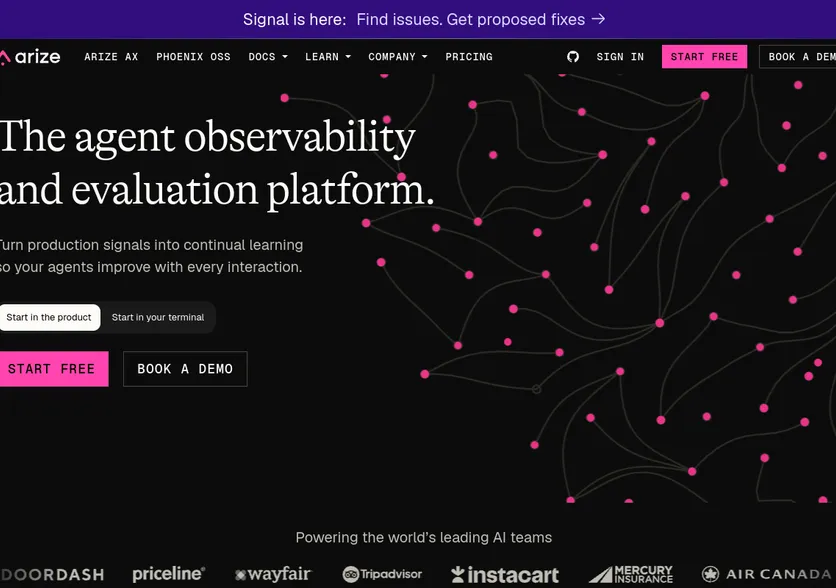
Arize Phoenix is the open observability pick for remote teams, built on OpenTelemetry with tracing, evaluation and datasets that any developer can run locally. This Arize Phoenix AX Pro plan costs $50 a month with 50,000 spans and 30-day retention, which buys the managed cloud for teams that skip self-hosting. It fits remote teams that value open standards and want prompt work that survives a vendor change.
What we like
- OpenTelemetry native throughout
- Free to self-host with no limits
- Unlimited users and evals on every tier
Watch out for
- Managed AX is a separate product from Phoenix
- No published overage rate
How to try it
- Run Phoenix locally or start the free AX plan from the Arize pricing page
- Send traces from the team's apps
- Build a dataset and run evaluations before release
Prices above were checked on each vendor’s own website on Nov 26, 2026 and can change — the vendor’s page is the final word. Vendor links are editorial: nobody paid to be listed or ranked here. Vendors who want a featured listing can see how it works on our Get listed page.
How to pick a prompt tool for async work
Remote teams should judge a prompt tool by how it works when nobody is online at the same time. Shared workspaces, version history and async review matter more than live dashboards, because the person who breaks a prompt is rarely awake when it fails. Flat pricing beats per-seat pricing for distributed teams, since every hire in every time zone adds to a seat bill. Run the free tier with the whole team for two weeks, not just one developer, and watch whether prompt changes get reviewed or slip through untested.
Before you buy
- Check whether the price counts seats or usage, since remote hiring grows a seat bill fast.
- Confirm prompts are versioned and reviewable async, not only in live sessions.
- Test the free tier with the whole team, not just one developer.
- Ask whether traces and evals are shared, so anyone can debug overnight failures.
- Check data residency and SSO before the team spreads across regions.
Official websites
Official websites of the products reviewed above. Features and prices were checked against these sites when this guide was written, and they can change, so confirm on the vendor site before you buy.
Frequently asked questions
What is the cheapest prompt management tool for remote teams?
Opik Pro Cloud costs $19 a month flat for the whole account, which makes it the cheapest hosted pick here. Langfuse Core costs $29 a month, and PromptLayer, Portkey and Arize Phoenix all start at $49 or $50 a month. Flat pricing wins for remote teams: a per-seat plan costs more every time the team hires in a new time zone.
Do prompt tools work well for async teams?
Yes, when the tool versions prompts, logs production use and lets anyone review a change without a live meeting. Langfuse, Opik and Promptfoo all support async review through datasets, test suites and shared workspaces. The key is discipline: every prompt change should pass a test or a review before it ships, even at midnight.
Can I self-host a prompt management tool?
Yes. Langfuse, Opik and Arize Phoenix all have free open-source versions a team can self-host, and Promptfoo Community is free under the MIT licence. Self-hosting suits teams with strict data rules or tight budgets. The trade-off is upkeep: the team owns updates, backups and uptime instead of the vendor.
How do I stop a bad prompt from reaching users?
Version every prompt, test the new version against a dataset of real examples, and run those tests in CI before deploy. Promptfoo and Opik make this workflow simple, and LangSmith and Langfuse support it too. Start with fifty production examples, and block the release when the score drops.
Which prompt tool is best for a small remote team?
Opik is the strongest small-team pick here, with Pro Cloud at $19 a month flat and a free Cloud plan for 25,000 spans. Langfuse is the other strong option at $29 a month with a free Hobby plan. Both give a small remote team tracing, evaluation and prompt versioning without a per-seat bill.
Building with AI on a budget? Browse free AI tools on Toolsvine right in your browser.
Browse AI Tools (In-Browser, No API) tools


