On this page
A hardware startup lives or dies on how fast an idea becomes a part you can hold, test and break, so the design tool has to keep up with the workshop. The eight tools below cover mechanical design, electronics, simulation and 3D printing preparation, from a free modeler a founder can learn in a weekend to an engineering suite a team grows into. Fusion 360 leads because it combines CAD, CAM and simulation for six hundred and eighty dollars a year, and the rest are ranked on how quickly they turn a sketch into a testable prototype.
How we researched this
We checked every price on the vendor pricing page on November 28, 2026, and only included tools with a published US dollar list price. Prototyping tools that sell by quote, including the enterprise PLM suites that bundle design into a sales contract, publish no prices, so they are not in this list. Prices change, so confirm the current figure on the vendor site before you buy.
Compare the tools
| Name | Best for | Starting price | Free plan | |
|---|---|---|---|---|
 Fusion 360 | Hardware startups that want CAD, CAM and simulation in one tool | $680/year | Free plan (personal use) | Visit |
 Onshape | Distributed teams that design together in the browser | $1,500/user/year | Free plan (non-commercial use) | Visit |
| Altium Designer | Electronics startups designing their own circuit boards | $1,990/year | 15-day free trial | Visit |
 MATLAB | Engineering teams that validate designs with maths and simulation | $940/year | 30-day free trial | Visit |
 Simulink | Teams simulating control systems and dynamic behaviour | $1,585/year | 30-day free trial | Visit |
 SketchUp | Founders who need quick enclosure and mockup models | $349/year | Free plan (SketchUp Free web) | Visit |
 Rhino | Designers modelling freeform surfaces and consumer products | $995 one-time | 90-day free trial | Visit |
 SOLIDWORKS | Startups that need industry-standard mechanical CAD | $2,820/year | No free plan; free demo | Visit |
The rapid prototyping software for hardware startups, compared
1. Fusion 360
Best for: Hardware startups that want CAD, CAM and simulation in one tool
Paid tool Starting price: $680/year · Six hundred and eighty dollars a year, or $85 a month month to month; Fusion for Manufacturing is $2,040 a year
Free plan: Free plan (personal use)
A startup that needs one tool for design, machining and testing will find the strongest all-rounder here, since this Fusion 360 plan costs six hundred and eighty dollars a year. It models parts in 3D, generates toolpaths for the mill or the printer, and runs stress and heat simulation before anything is cut. The cloud workspace keeps the whole team on the same file, which matters when the design changes daily.
What we like
- CAD, CAM and simulation in a single cloud workspace
- Generative design that suggests lighter part shapes
- A free personal plan for founders testing the waters
Watch out for
- The manufacturing tier costs three times the base plan
- Cloud-only storage needs a reliable connection
How to try it
- Sketch the part and extrude it into a solid model
- Run a stress simulation on the loaded areas
- Export the toolpath or the print file for the workshop
2. Onshape
Best for: Distributed teams that design together in the browser
Paid tool Starting price: $1,500/user/year · One thousand five hundred dollars per user a year for Standard; Professional is $2,500 per user a year; free for non-commercial use
Free plan: Free plan (non-commercial use)
A distributed team that reviews designs together in real time will work fastest here, because this Onshape plan costs one thousand five hundred dollars per user a year. It runs entirely in the browser, so nobody installs anything and every edit is visible the moment it is made. Version control is built in, which keeps the prototype that shipped separate from the one still being changed.
What we like
- Runs fully in the browser with nothing to install
- Real-time collaboration with built-in version control
- Release management that tracks which prototype shipped
Watch out for
- The entry price is high for a solo founder
- Offline work is not possible
How to try it
- Create a document and sketch the first part
- Share the link with the team for a live review
- Branch the design to test a variant without losing the original
3. Altium Designer
Best for: Electronics startups designing their own circuit boards
Paid tool Starting price: $1,990/year · One thousand nine hundred and ninety dollars a year for the first seat, covering the workspace and one author; extra authors are $995 a year each; perpetual licences are discontinued
Free plan: 15-day free trial
A startup building its own circuit boards needs a serious electronics tool, and this Altium Designer plan costs one thousand nine hundred and ninety dollars a year for the first seat. It covers schematic capture, board layout, routing and library management in one environment, with 3D board views that show how the PCB fits the enclosure. The price is the highest here for electronics alone, so it suits teams shipping real boards rather than one-off prototypes.
What we like
- Schematic, layout and routing in one environment
- 3D board views that check the enclosure fit
- Library management that keeps parts consistent
Watch out for
- The first seat is the dearest electronics price here
- Perpetual licences are no longer sold
How to try it
- Draw the schematic and assign footprints to each part
- Lay out the board and route the critical traces first
- Check the 3D view against the enclosure model
4. MATLAB
Best for: Engineering teams that validate designs with maths and simulation
Paid tool Starting price: $940/year · Nine hundred and forty dollars a year for the Individual Standard licence, which includes MATLAB, Simulink and the Online Training Suite; some listings show $1,050 a year for the Standard annual list
Free plan: 30-day free trial
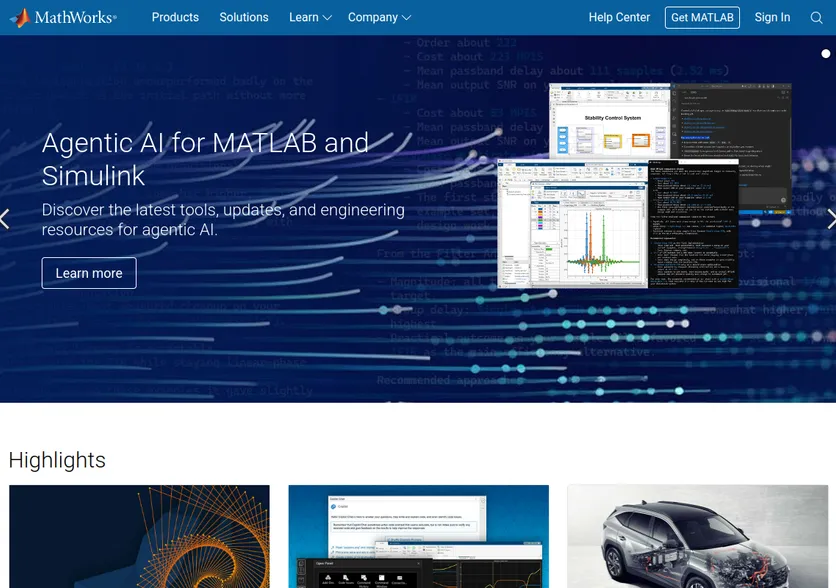
An engineering team that tests ideas in numbers before cutting metal will do the maths here, as this MATLAB plan costs nine hundred and forty dollars a year for the Individual Standard licence. It handles signal processing, control design and data analysis with toolboxes for almost every engineering job, and the same licence bundles Simulink for system modelling. It is a calculation platform first, so it pairs with a CAD tool rather than replacing one.
What we like
- Toolboxes for almost every engineering discipline
- The same licence bundles Simulink for system modelling
- Strong plotting and analysis for test data
Watch out for
- It is a maths platform, not a CAD modeler
- Some listings show a higher Standard annual figure
How to try it
- Write a script that models the part behaviour
- Run the analysis and plot the results
- Export the parameters into the CAD model
5. Simulink
Best for: Teams simulating control systems and dynamic behaviour
Paid tool Starting price: $1,585/year · One thousand five hundred and eighty-five dollars a year for the annual Standard named-user licence; perpetual is $3,965; it requires MATLAB, and the $940 MATLAB Individual licence bundles Simulink
Free plan: 30-day free trial
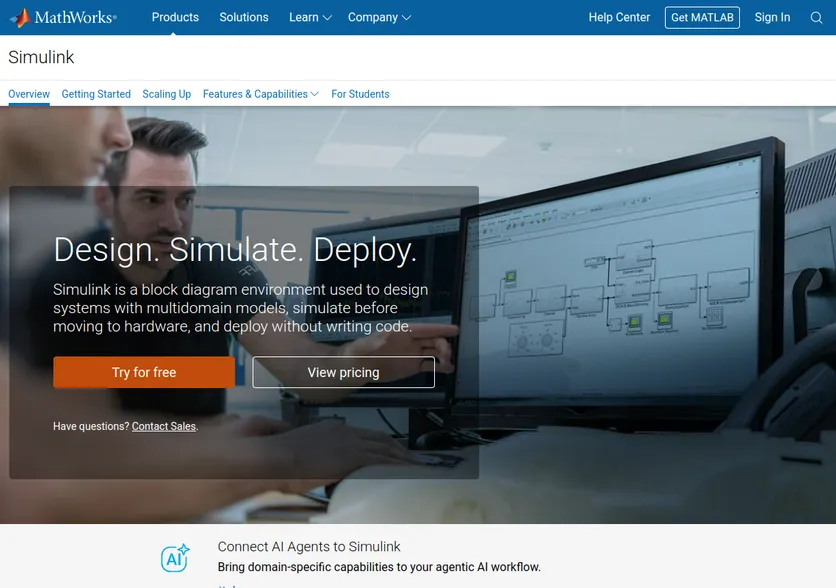
A team modelling a control system or a moving mechanism will build it as a block diagram here, since this Simulink plan costs one thousand five hundred and eighty-five dollars a year for the annual Standard licence. It simulates motors, sensors and controllers before hardware exists, and the results feed straight back into the design. It needs MATLAB to run, and the nine hundred and forty dollar MATLAB Individual licence already bundles it, so check that route before buying it alone.
What we like
- Block-diagram modelling of motors and controllers
- Simulation results that feed back into the design
- Code generation for embedded targets
Watch out for
- It requires MATLAB, so the real cost is higher alone
- The learning curve is steep for non-engineers
How to try it
- Draw the system as a block diagram
- Set the inputs and run the simulation
- Tune the controller until the response looks right
6. SketchUp
Best for: Founders who need quick enclosure and mockup models
Paid tool Starting price: $349/year · Three hundred and forty-nine dollars a year for Pro; Go is $119 a year and Studio is $749 a year
Free plan: Free plan (SketchUp Free web)
A founder who needs a solid model by Friday without a week of training will get there fastest here, because this SketchUp plan costs three hundred and forty-nine dollars a year for Pro. It models enclosures, brackets and mockups with a push-and-pull simplicity no engineering suite matches, and the warehouse of ready parts saves hours on common components. It is not a parametric engineering tool, so precise mechanical parts belong in Fusion 360 or Onshape instead.

What we like
- The fastest modeler here to learn
- A warehouse of ready-made parts and components
- A free web version for trying ideas
Watch out for
- Not parametric, so design changes are manual
- Weak for precise mechanical engineering
How to try it
- Sketch the footprint and push it into a solid
- Add the mounting holes and the lid
- Export the file for the 3D printer
7. Rhino
Best for: Designers modelling freeform surfaces and consumer products
Paid tool Starting price: $995 one-time · Nine hundred and ninety-five dollars one time for a perpetual commercial licence; upgrades are $595 and the student licence is $195; 90-day trial included
Free plan: 90-day free trial
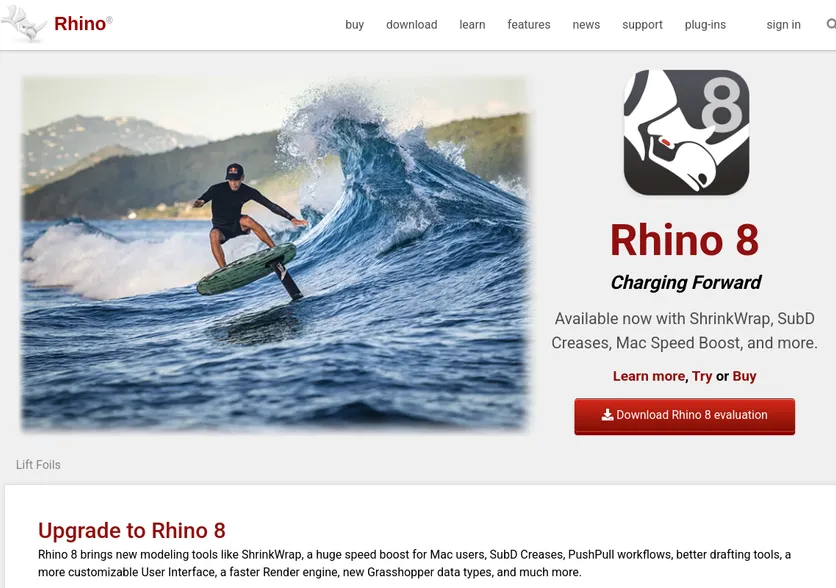
A designer shaping curves that do not fit a box will find the right tool here, as this Rhino plan costs nine hundred and ninety-five dollars one time for a perpetual licence. Its NURBS modelling handles freeform surfaces for casings, wearables and consumer products, and the Grasshopper visual scripting adds parametric control where it is needed. The one-time price means no yearly bill, which suits a startup watching every subscription.
What we like
- NURBS modelling for shapes that do not fit a box
- A perpetual licence with no yearly subscription
- Grasshopper scripting for parametric control
Watch out for
- No built-in CAM or simulation
- The interface rewards practice and patience
How to try it
- Draw the curves that define the product shape
- Build the surfaces and check the reflections
- Export the solid for printing or machining
8. SOLIDWORKS
Best for: Startups that need industry-standard mechanical CAD
Paid tool Starting price: $2,820/year · Two thousand eight hundred and twenty dollars a year for Design Standard, or $235 a month billed annually; Professional is $3,456 and Premium is $4,716
Free plan: No free plan; free demo
A team that needs the industry-standard mechanical CAD for parts that must fit first time will buy it here, because this SOLIDWORKS plan costs two thousand eight hundred and twenty dollars a year for Design Standard. It is the parametric modeler most machine shops already speak, with drawings, assemblies and simulation that factories trust. The price is the highest in this list, so it suits startups already selling hardware rather than those still sketching ideas.
What we like
- The parametric modeler most machine shops already use
- Drawings, assemblies and simulation in one package
- A huge library of standard parts and fasteners
Watch out for
- The highest yearly price in this list
- Windows-only, so Mac teams need a workaround
How to try it
- Model the part with parametric sketches and features
- Build the assembly and check for interferences
- Generate the drawing the machine shop will work from
Prices above were checked on each vendor’s own website on Nov 28, 2026 and can change — the vendor’s page is the final word. Vendor links are editorial: nobody paid to be listed or ranked here. Vendors who want a featured listing can see how it works on our Get listed page.
How to prototype a part without wasting a print
Start with the cheapest test that answers the question, because a rough print that proves the fit is worth more than a polished model that does not. Print the critical interface first, such as the mount or the connector, before the whole enclosure, and keep a simple log of each version with what changed and what failed. Check tolerances on the real printer rather than the screen, since every machine shrinks and warps a little differently. When the shape is right, move the design into the parametric tool the factory will use, so the prototype and the production part share one file.
Before you buy
- Confirm the tool exports the file format your printer or machine shop actually accepts
- Check whether simulation is included or sold as a separate module before you budget
- Ask how the tool handles versions so the shipped prototype stays separate from experiments
- Make sure the licence covers commercial use, since free plans often exclude selling the result
- Test the workflow on a real part before paying, from sketch to a finished print
Official websites
Official websites of the products reviewed above. Features and prices were checked against these sites when this guide was written, and they can change, so confirm on the vendor site before you buy.
Frequently asked questions
What is rapid prototyping software for hardware startups?
It is software that turns an idea into a digital model and then into a physical test part, usually through 3D printing or CNC machining. Good tools cover design, simulation and export in one place, so a startup can test a part in days instead of waiting weeks for a supplier to make it.
How much does Fusion 360 cost for a hardware startup?
Fusion 360 costs six hundred and eighty dollars a year, or eighty-five dollars a month month to month. That plan includes CAD, CAM and simulation, with a free personal plan for founders who are still testing ideas. Fusion for Manufacturing, which adds deeper production tools, costs two thousand and forty dollars a year.
Do I need a separate tool for electronics and mechanics?
Yes, in most cases. Fusion 360, Onshape and SOLIDWORKS handle mechanical parts, while Altium Designer handles circuit boards, and MATLAB with Simulink handles the maths and control logic. A startup building a connected device usually runs two or three of these together, with the enclosure model shared between them.
Can I prototype hardware for free?
Yes, for the early stages. Fusion 360 has a free personal plan, Onshape is free for non-commercial use, and SketchUp has a free web version. These cover learning and rough models, but a startup that sells the result needs a paid licence, so budget for the commercial plan before the first paying customer.
Which prototyping tool is best for a small hardware startup?
Fusion 360 is the best pick for most small hardware startups, at six hundred and eighty dollars a year, because it covers design, machining and simulation in one tool. SketchUp suits founders who only need quick enclosure models, while Onshape is the better pick once a distributed team reviews designs together every day.
Compare the eight tools above, then start with a free trial or the free plan on the one that matches what you build, electronics or mechanics, before paying for a full year.
Browse Business Tools tools