On this page
When a user cannot work, the fix is a remote session, not a drive across town, and the right remote access tool turns a ticket into a ten-minute call. The eight tools below cover every way an IT support team buys remote access, from per-technician pricing to per-session plans. Splashtop SOS leads because it costs twenty-two dollars a month per concurrent technician, and the rest are ranked on price, device coverage and how well they fit a real support workflow.
How we researched this
We checked every price on the vendor pricing page on November 28, 2026, and only included tools with a published US dollar list price. BeyondTrust sells by quote, so it is not in this list. Prices change, so confirm the current figure on the vendor site before you buy.
Compare the tools
| Name | Best for | Starting price | Free plan | |
|---|---|---|---|---|
 TeamViewer | IT teams that support users on any device | $50.90/month | Free plan (personal use only) | Visit |
 AnyDesk | Small IT teams that want fast, simple remote access | $28.90/month | Free plan (personal use only) | Visit |
 Splashtop SOS | Support teams that charge per concurrent technician | $22/month | Free trial available | Visit |
 Zoho Assist | Small teams that want the cheapest per-technician price | $10/month | Free plan (1 technician, 5 computers) | Visit |
| RemotePC HelpDesk | Help desks that support many users on a tight budget | $99.50/year | 7-day free trial | Visit |
 ConnectWise ScreenConnect | IT teams that want per-session pricing | $30/month | Free plan (one technician) | Visit |
| ISL Online | Teams that want a simple per-user remote support tool | $16.90/month | 15-day free trial | Visit |
 LogMeIn Resolve | Teams that want endpoint management with remote support | $749/year | No free plan listed | Visit |
The remote access software for it support teams, compared
1. TeamViewer
Best for: IT teams that support users on any device
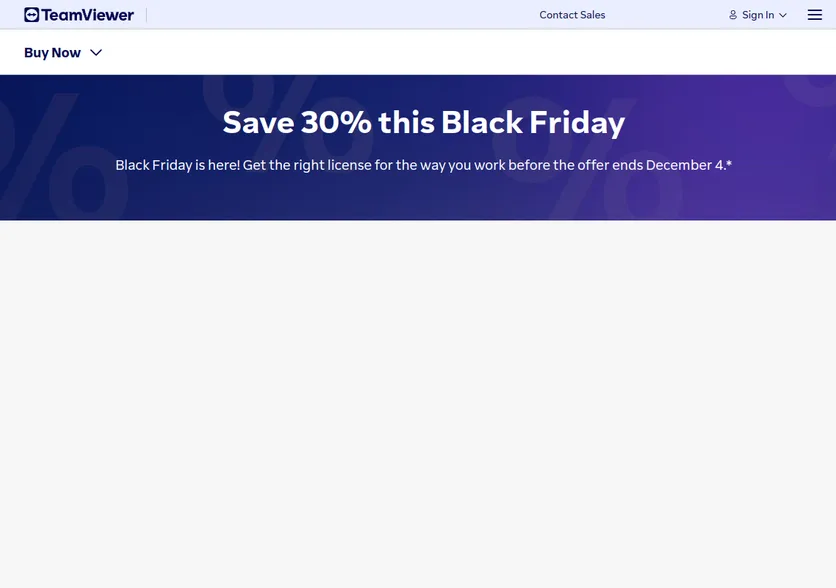
Paid tool Starting price: $50.90/month · Fifty dollars and ninety cents a month on Business billed annually, for one user and two hundred managed devices; Remote Access is twenty-four dollars and ninety cents, Premium is one hundred and twelve dollars and ninety cents, and Corporate is two hundred and twenty-nine dollars and ninety cents a month
Free plan: Free plan (personal use only)
An IT support team that needs to connect to any device, from any platform, will find the most widely used option here, because this TeamViewer plan costs fifty dollars and ninety cents a month on Business with annual billing. It covers one user and two hundred managed devices, with Remote Access at twenty-four dollars and ninety cents and Premium at one hundred and twelve dollars and ninety cents a month. It is the best-known remote access tool in this list, and it works on nearly every operating system.
What we like
- Works on nearly every operating system
- One console for attended and unattended sessions
- Trusted by IT teams at every size
Watch out for
- The price is per user, so a team multiplies the cost
- Advanced features sit on the higher tiers
How to try it
- Install the agent on the computers the team supports
- Connect to a user session from the support console
- Use file transfer and remote reboot to finish the fix
2. AnyDesk
Best for: Small IT teams that want fast, simple remote access
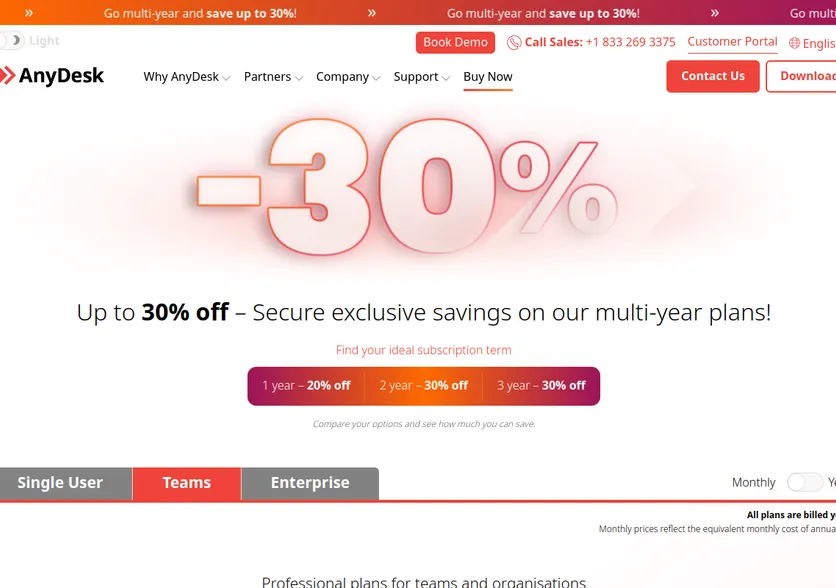
Paid tool Starting price: $28.90/month · Twenty-eight dollars and ninety cents a month on Solo billed annually, or twenty-three dollars and twelve cents in the first year; Standard is forty-nine dollars and ninety cents and Advanced is one hundred and eleven dollars and ninety cents a month, and Ultimate is quoted; some directories list lower figures, but three November 2026 vendor-page reads agree on these list prices
Free plan: Free plan (personal use only)
A small IT team that wants fast remote access without a heavy platform will find a solid option here, because this AnyDesk plan costs twenty-eight dollars and ninety cents a month on Solo with annual billing. The first year is listed at twenty-three dollars and twelve cents a month, and Standard costs forty-nine dollars and ninety cents while Advanced costs one hundred and eleven dollars and ninety cents. Some directories list lower figures, but three November 2026 vendor-page reads agree on these list prices.
What we like
- Fast connections that feel local even on slow networks
- Simple setup with no server to run
- A free plan for personal use
Watch out for
- The first-year price rises on renewal
- Advanced features need the higher tiers
How to try it
- Install AnyDesk on the support and user machines
- Connect with the address and confirm the session
- Transfer files and reboot the machine if the fix needs it
3. Splashtop SOS
Best for: Support teams that charge per concurrent technician
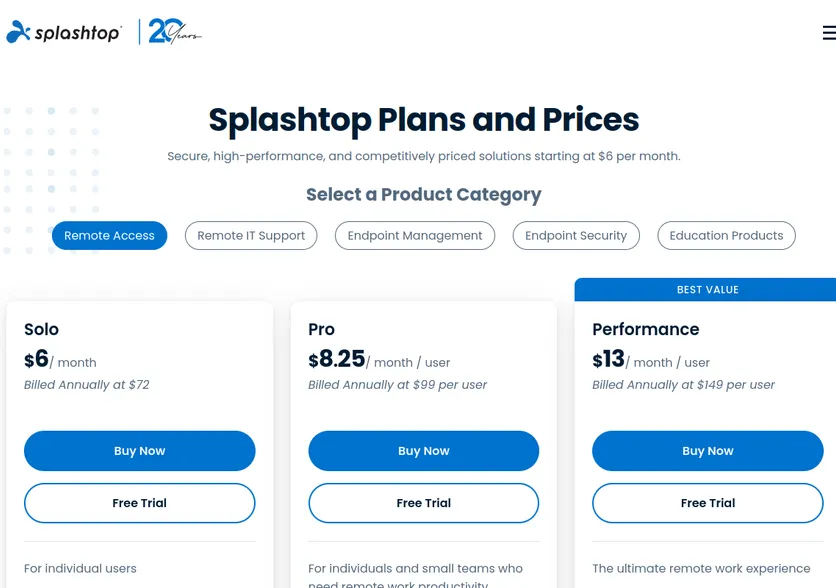
Paid tool Starting price: $22/month · Twenty-two dollars a month per concurrent technician billed annually, at two hundred and fifty-nine dollars a year for ten managed computers or three hundred and ninety-nine dollars for three hundred managed computers
Free plan: Free trial available
A support team that wants to pay per technician actually working, rather than per named user, will find the best fit here, because this Splashtop SOS plan costs twenty-two dollars a month per concurrent technician with annual billing. The annual price is two hundred and fifty-nine dollars for ten managed computers or three hundred and ninety-nine dollars for three hundred, so a team with few computers pays less. It is the cheapest per-technician option in this list.
What we like
- Priced per concurrent technician, not per named user
- The cheapest per-technician price in this list
- Fast setup with a simple connection link
Watch out for
- The managed computer limit matters on a large fleet
- Fewer enterprise features than the bigger platforms
How to try it
- Buy the technician seats the team actually uses at once
- Send the connection link to the user who needs help
- Support the session, then hand control back when it is fixed
4. Zoho Assist
Best for: Small teams that want the cheapest per-technician price
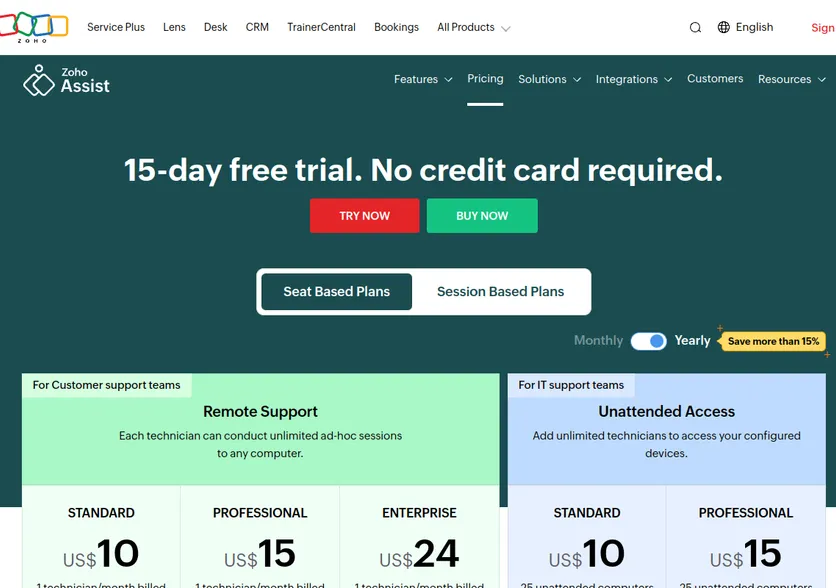
Paid tool Starting price: $10/month · Ten dollars per technician a month on Standard billed annually, or twelve dollars monthly; Professional is fifteen dollars annually or eighteen dollars monthly, and Enterprise is twenty-four dollars annually or twenty-eight dollars monthly; Unattended Access is ten dollars per twenty-five computers on Standard; the free plan covers one technician and five computers
Free plan: Free plan (1 technician, 5 computers)
A small support team that wants the lowest per-technician price in this list will find it here, because this Zoho Assist plan costs ten dollars per technician a month on Standard with annual billing. It includes remote support, file transfer and reboot, with a free plan for one technician and five computers. Unattended access costs ten dollars per twenty-five computers on Standard, so a team that manages many machines should check that add-on before buying.
What we like
- The cheapest per-technician price in this list
- A free plan for one technician and five computers
- Unattended access for machines that need regular fixes
Watch out for
- Unattended access is a paid add-on per computer block
- The free plan caps at five computers
How to try it
- Add the technicians and the computers they support
- Start a support session from the console
- Use unattended access for machines that need regular fixes
5. RemotePC HelpDesk
Best for: Help desks that support many users on a tight budget
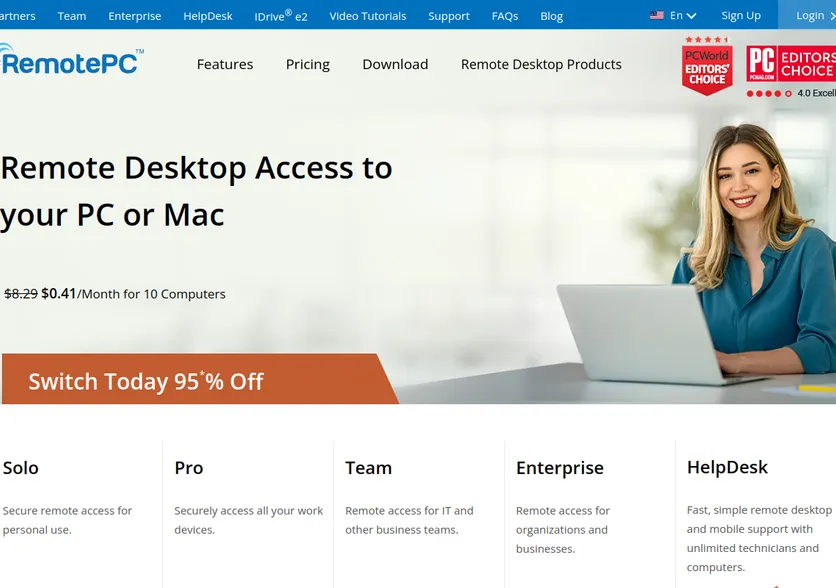
Paid tool Starting price: $99.50/year · Ninety-nine dollars and fifty cents a year per technician, about eight dollars and twenty-nine cents a month; the first year is nine dollars and ninety-five cents; five technicians is two hundred and forty-nine dollars and fifty cents a year, and unlimited technicians is four hundred and ninety-nine dollars and fifty cents a year
Free plan: 7-day free trial
A help desk that supports many users on a tight budget will find the lowest annual cost here, because this RemotePC HelpDesk plan costs ninety-nine dollars and fifty cents a year per technician, about eight dollars and twenty-nine cents a month. The first year is listed at nine dollars and ninety-five cents, so use the renewal price when budgeting. Five technicians cost two hundred and forty-nine dollars and fifty cents a year, and unlimited technicians cost four hundred and ninety-nine dollars and fifty cents.
What we like
- The lowest annual cost per technician in this list
- A flat price with no per-computer charges
- A seven-day trial to test it first
Watch out for
- The first-year price is a promo, not the renewal price
- Fewer integrations than the bigger platforms
How to try it
- Buy the technician seats the help desk needs
- Install the agent on the supported computers
- Start support sessions from the console and track them per technician
6. ConnectWise ScreenConnect
Best for: IT teams that want per-session pricing
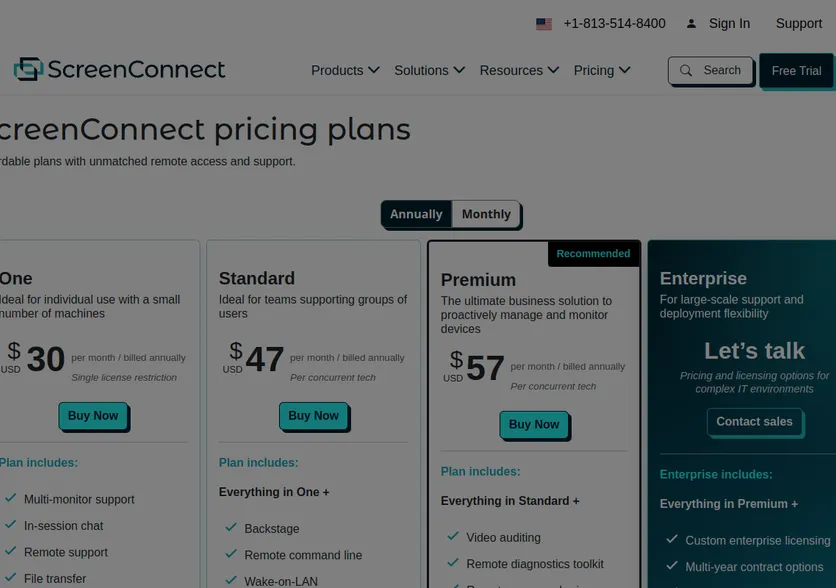
Paid tool Starting price: $30/month · Thirty dollars a month on One billed annually, for one session and ten agents; Standard is forty-seven dollars a month billed annually or sixty-two dollars monthly, and Premium is fifty-seven dollars annually or seventy-two dollars monthly, and Enterprise is quoted; Remote Access starts at thirty-five dollars a month for twenty-five agents; older figures of twenty-eight, forty-three and fifty-three dollars are stale after a price increase in October 2026
Free plan: Free plan (one technician)
An IT team that wants to pay per session rather than per user will like the model here, because this ScreenConnect plan costs thirty dollars a month on One with annual billing. It covers one session with ten agents, and Standard costs forty-seven dollars a month billed annually while Premium costs fifty-seven dollars. Older reads show twenty-eight, forty-three and fifty-three dollars, which are stale after a price increase in October 2026.
What we like
- Priced per session, so idle agents cost nothing extra
- A free plan for one technician
- Strong session tools for real support work
Watch out for
- Only one session runs at a time on the entry plan
- Older directory prices are stale after the October 2026 increase
How to try it
- Set up the support console and invite the agents
- Start a session and share the link with the user
- Use the session tools to fix the issue and log the result
7. ISL Online
Best for: Teams that want a simple per-user remote support tool
Paid tool Starting price: $16.90/month · Sixteen dollars and ninety cents a month on Starter for one user and ten devices; Standard is thirty-four dollars and ninety cents, Premium is fifty-four dollars and ninety cents, Self-Hosted is forty-four dollars and ninety cents, and Managed Private Cloud is ninety-nine dollars and ninety cents a month with a twenty-licence minimum; Pay Per Use is one hundred and twenty-five dollars for five hundred minutes
Free plan: 15-day free trial
A team that wants a simple per-user remote support tool without a complicated price model will find a fair option here, because this ISL Online plan costs sixteen dollars and ninety cents a month on Starter. It covers one user and ten devices, with Standard at thirty-four dollars and ninety cents and Premium at fifty-four dollars and ninety cents. A self-hosted plan costs forty-four dollars and ninety cents a month for teams that want to run it themselves.
What we like
- Simple per-user pricing with no hidden tiers
- A self-hosted option for teams that want control
- A fifteen-day trial to test it first
Watch out for
- The Starter plan caps at ten devices
- The cloud plan needs a twenty-licence minimum
How to try it
- Add the users and the devices they support
- Start a support session from the web console
- Use file transfer and remote reboot to finish the fix
8. LogMeIn Resolve
Best for: Teams that want endpoint management with remote support
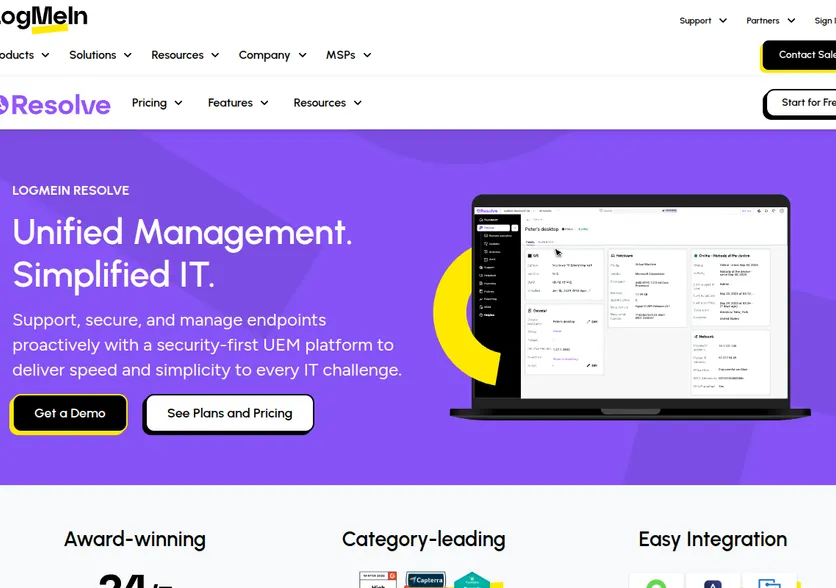
Paid tool Starting price: $749/year · Seven hundred and forty-nine dollars a year on Advanced, with a twenty-five endpoint minimum and one Remote Support licence included; Starter is two hundred and seventy-six dollars a year, or ninety-two cents per endpoint a month, and Complete is eight hundred and ninety-nine dollars a year, or three dollars per endpoint a month; the product was renamed from GoTo Resolve and the old pricing page now returns a 404
Free plan: No free plan listed
A team that wants endpoint management and remote support in one platform will find the enterprise option here, because this LogMeIn Resolve plan costs seven hundred and forty-nine dollars a year on Advanced. It needs a twenty-five endpoint minimum and includes one Remote Support licence, with Starter at two hundred and seventy-six dollars a year and Complete at eight hundred and ninety-nine dollars a year. The product was renamed from GoTo Resolve, and the old pricing page now returns a 404.
What we like
- Endpoint management and remote support in one platform
- Built for teams that manage many machines
- Patching and automation alongside support sessions
Watch out for
- The twenty-five endpoint minimum excludes small teams
- The rename means older per-agent prices no longer apply
How to try it
- Import the endpoints the team manages
- Set up remote support sessions for the help desk
- Use patching and endpoint management alongside support
Prices above were checked on each vendor’s own website on Nov 28, 2026 and can change — the vendor’s page is the final word. Vendor links are editorial: nobody paid to be listed or ranked here. Vendors who want a featured listing can see how it works on our Get listed page.
How to pick remote access software for a support team
Start with how the team actually works, because a per-technician price suits a team with fixed staff, while per-session pricing suits a team with agents who log in at different times. Count the managed computers before buying, since the included device limit is the most common surprise cost. Check that unattended access is included, not a paid add-on, and test a real session end to end, including file transfer and a remote reboot, before paying for a year. Keep a spare technician seat free for the on-call rota.
Before you buy
- Confirm whether the price is per technician, per session or per endpoint
- Check the number of managed computers included before paying for an extra pack
- Ask whether unattended access is included or sold as a separate add-on
- Make sure the tool works on the operating systems the team actually supports
- Test a real support session end to end, including file transfer and reboot
Official websites
Official websites of the products reviewed above. Features and prices were checked against these sites when this guide was written, and they can change, so confirm on the vendor site before you buy.
Frequently asked questions
What is remote access software for IT support teams?
It is software that lets an IT support technician connect to a user's computer, see the screen, take control and fix the problem without visiting in person. For an IT support team it usually includes file transfer, remote reboot, session logging and unattended access, so the team can support users anywhere.
What is the cheapest remote access software for IT support teams?
Zoho Assist is the cheapest per-technician option here, at ten dollars per technician a month on Standard with annual billing, and it has a free plan for one technician and five computers. RemotePC HelpDesk is the cheapest annual option, at ninety-nine dollars and fifty cents a year per technician, about eight dollars and twenty-nine cents a month.
How much does TeamViewer cost for IT support?
TeamViewer costs fifty dollars and ninety cents a month on Business billed annually, for one user and two hundred managed devices. Remote Access costs twenty-four dollars and ninety cents a month and Premium costs one hundred and twelve dollars and ninety cents a month, with Corporate at two hundred and twenty-nine dollars and ninety cents.
How much does Splashtop SOS cost?
Splashtop SOS costs twenty-two dollars a month per concurrent technician with annual billing, at two hundred and fifty-nine dollars a year for ten managed computers or three hundred and ninety-nine dollars for three hundred managed computers. It is the cheapest per-technician option in this list for a team that works in shifts.
Which tool is best for an IT support team?
Splashtop SOS is the best pick for a team that works in shifts, at twenty-two dollars a month per concurrent technician. Zoho Assist is the best pick for a small team on a tight budget, at ten dollars per technician a month. Teams that need the widest device support should look at TeamViewer.
Compare the eight tools above, then start with a free trial on the tool that matches the team's size and support style before committing to a paid tier.
Browse Network & IP Tools tools