On this page
Government contractors need reporting that ties project costs to contracts and stands up to audit scrutiny, and that is a harder bar than a pretty dashboard. The eight tools below cover the reporting layer a contractor actually buys with a published price, from analytics platforms that visualise contract data to spend tools that feed clean cost data into the reports. Tableau leads because its Creator plan costs seventy-five dollars per user a month, and the rest are ranked on how well they turn contract data into audit-ready reports.
How we researched this
We checked every price on the vendor pricing page on November 28, 2026, and only included tools with a published US dollar list price. Deltek Costpoint, Unanet, NetSuite, Procas and JAMIS Prime ERP all sell by quote, so they are not in this list. Prices change, so confirm the current figure on the vendor site before you buy.
Compare the tools
| Name | Best for | Starting price | Free plan | |
|---|---|---|---|---|
 Tableau | Contractors who want dashboards over existing systems | $75/user/month | 14-day free trial | Visit |
 Power BI | Contractors already running Microsoft 365 | $14/user/month | Free plan (personal use, no sharing) | Visit |
| SAP Concur | Contractors who want clean spend data for reports | $7/report | No free plan; no free trial | Visit |
 Zoho Analytics | Small contractor teams that want cheap BI | $24/month | Free plan (2 users, 10,000 rows) | Visit |
 Qlik Sense | Contractors whose data lives in many systems | $30/user/month | 30-day free trial | Visit |
 Klipfolio | Teams that want dashboards up fast | $120/month | Free trial; no free plan | Visit |
 Databox | Contractors who want AI answers on their numbers | $399/month | No free plan; 14-day free trial | Visit |
| ClicData | Contractors who want warehousing and BI together | $265/month | No free plan; 15-day free trial | Visit |
The reporting software for government contractors, compared
1. Tableau
Best for: Contractors who want dashboards over existing systems
Paid tool Starting price: $75/user/month · Seventy-five dollars per user a month on Creator, Standard edition; Explorer is forty-two dollars and Viewer is fifteen dollars a user a month
Free plan: 14-day free trial
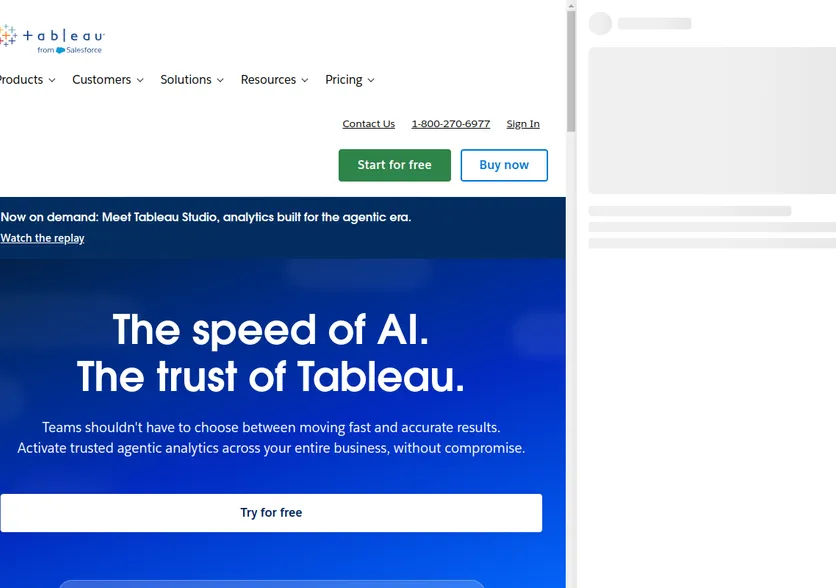
Seventy-five dollars per user a month on the Creator plan buys the analytics layer most contractors add on top of their accounting system, with drag-and-drop dashboards that turn cost and contract data into pictures managers can read from Tableau. Explorer at forty-two dollars and Viewer at fifteen dollars cover the staff who only read reports, so the whole firm can see the same numbers. It visualises data rather than generating compliant contract accounting itself.
What we like
- Connects to almost any database
- Drag-and-drop visualisations managers read fast
- Viewer tier is cheap for report readers
Watch out for
- Not a source of contract accounting
- Output is only as good as the systems feeding it
How to try it
- Connect Tableau to the accounting and project systems
- Build dashboards for cost, contract and burn rate
- Share the dashboards with managers and executives
2. Power BI
Best for: Contractors already running Microsoft 365
Paid tool Starting price: $14/user/month · Fourteen dollars per user a month for Pro; Premium Per User is twenty-four dollars a user a month; some older pages still show ten dollars for Pro, which is the retired price
Free plan: Free plan (personal use, no sharing)
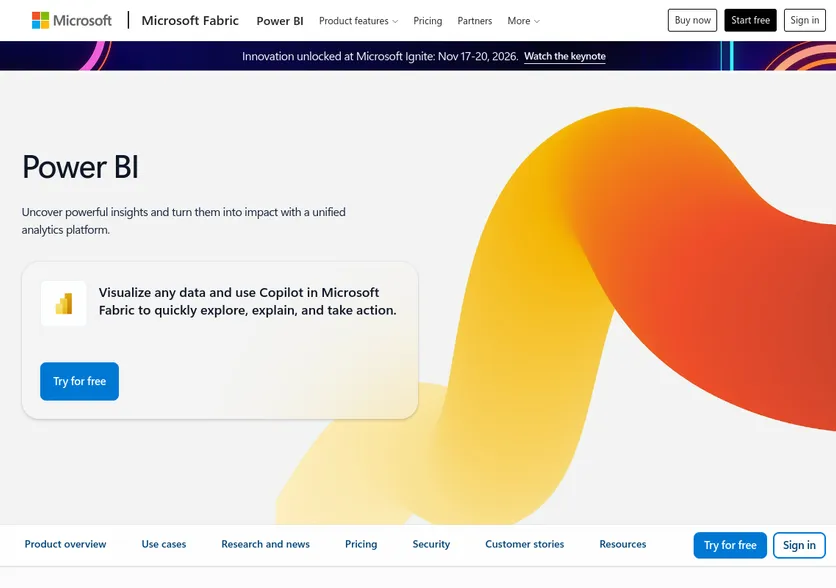
Fourteen dollars per user a month buys Power BI Pro, which turns project cost and contract data into interactive reports that share across the firm and refresh on a schedule. Premium Per User at twenty-four dollars adds larger models and more frequent refreshes, and the free desktop app covers personal use. Some older pages still show ten dollars for Pro, but the current list price is fourteen dollars, so confirm it on the vendor page.
What we like
- Interactive reports that share across the firm
- Scheduled refresh keeps contract data current
- Fits naturally with Excel and Microsoft 365
Watch out for
- Sharing needs a paid Pro licence for every reader
- It visualises data rather than producing compliant accounting
How to try it
- Connect the project and accounting data
- Build the cost and contract reports
- Publish them to the team workspace
3. SAP Concur
Best for: Contractors who want clean spend data for reports
Paid tool Starting price: $7/report · Seven dollars per expense report on Base with unlimited users; Plus is eleven dollars per report and adds receipt capture and reporting; Premium is custom and adds travel booking
Free plan: No free plan; no free trial
Seven dollars per expense report on the Base plan buys travel and expense management with unlimited users, so the bill follows how much paperwork the firm files rather than how many people work there from SAP Concur. Plus at eleven dollars per report adds receipt capture, a support desk and reporting, while Premium is custom and adds travel booking. It feeds clean expense and invoice data into broader cost reporting.
What we like
- Per-report billing with unlimited users
- Expense and invoice data feeds cost reporting
- Base and Plus can be bought self-serve
Watch out for
- Not a project accounting or contract reporting system
- Premium tier with travel booking is custom priced
How to try it
- Set up expense policies and approval flows
- Capture receipts and file expense reports
- Export the spend data into cost reporting
4. Zoho Analytics
Best for: Small contractor teams that want cheap BI
Paid tool Starting price: $24/month · Twenty-four dollars a month on Basic billed annually; Standard is forty-eight dollars, Premium is one hundred and fifteen dollars and Enterprise is four hundred and fifty-five dollars a month
Free plan: Free plan (2 users, 10,000 rows)
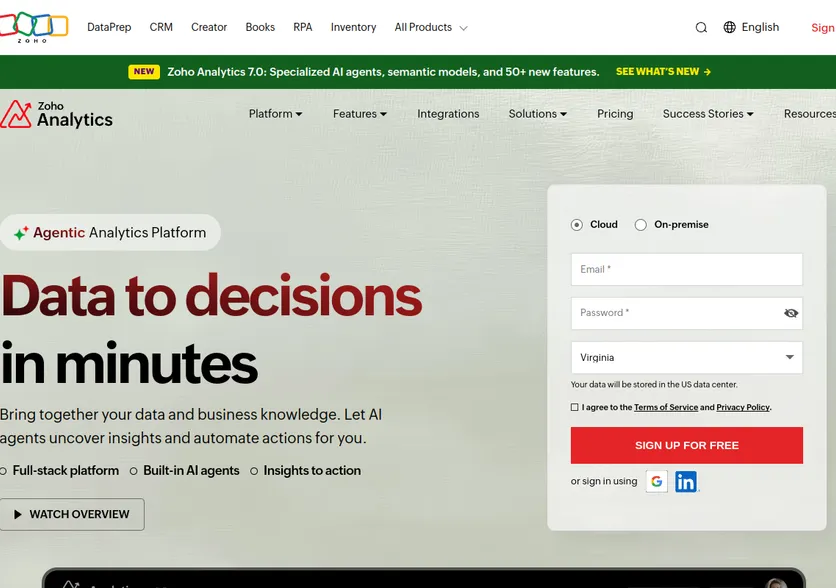
Twenty-four dollars a month on the Basic plan billed annually buys self-service BI with dashboards, data preparation and AI-assisted analysis for a small contractor team from Zoho Analytics. Standard at forty-eight dollars, Premium at one hundred and fifteen dollars and Enterprise at four hundred and fifty-five dollars add more users, rows and features. It is the cheapest full BI platform in this list for a team that wants dashboards without a big licence bill.
What we like
- Self-service dashboards with data preparation
- AI assistant helps build reports
- Free plan for tiny teams
Watch out for
- Basic caps users and rows, so growth forces upgrades
- Connector depth is lighter than Tableau or Power BI
How to try it
- Connect the accounting and project data sources
- Build dashboards for project cost and utilisation
- Schedule the reports for managers
5. Qlik Sense
Best for: Contractors whose data lives in many systems
Paid tool Starting price: $30/user/month · Thirty dollars per user a month on Business billed annually with a five-user minimum; Enterprise is custom at around seventy dollars a user a month
Free plan: 30-day free trial
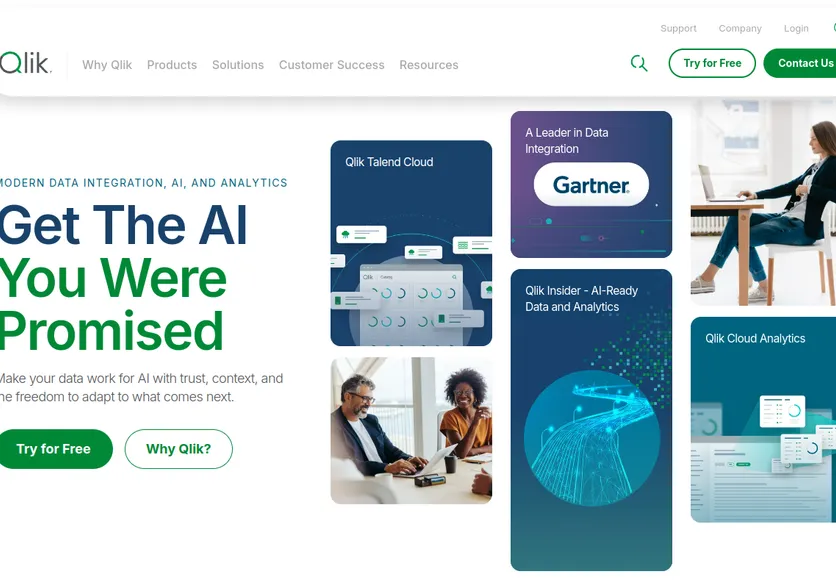
Thirty dollars per user a month on the Business plan billed annually, with a five-user minimum, pairs analytics with data integration and data quality tools, so a contractor can pull ERP, project and spreadsheet data together before reporting on it from Qlik Sense. Enterprise is custom at around seventy dollars a user a month, and the associative model lets managers explore the data freely. It fits a contractor whose data lives in many disconnected systems.
What we like
- Analytics plus data integration in one platform
- Associative model for free exploration
- Governed data delivery for consistent reports
Watch out for
- The data model takes time to learn
- Five-user minimum on the Business plan
How to try it
- Connect the ERP, project and spreadsheet sources
- Prepare and model the data in Qlik
- Build dashboards and share them with the team
6. Klipfolio
Best for: Teams that want dashboards up fast
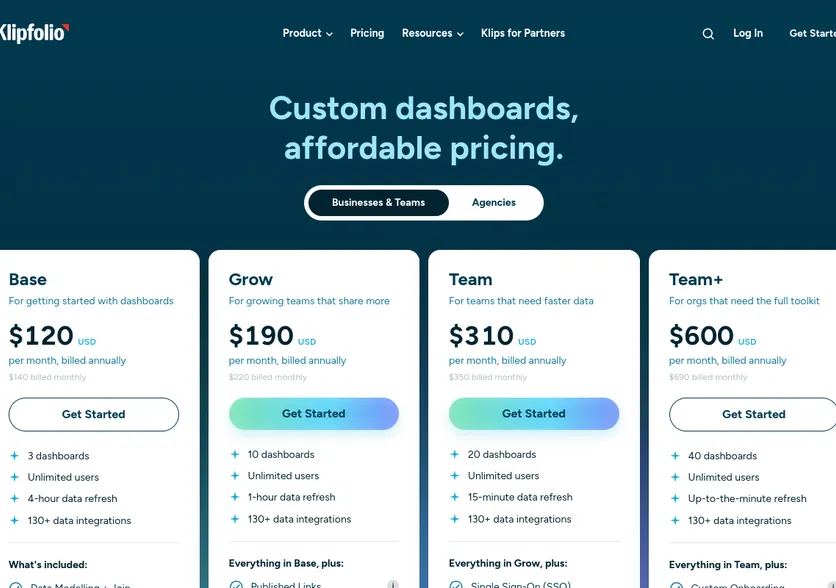
Paid tool Starting price: $120/month · One hundred and twenty dollars a month on Klips Base billed annually, or one hundred and forty dollars billed monthly
Free plan: Free trial; no free plan
One hundred and twenty dollars a month on the Klips Base plan billed annually, or one hundred and forty dollars billed monthly, buys dashboard software with hundreds of pre-built data connectors and a library of metric templates from Klipfolio. A contractor can track project costs, utilisation and burn rate without building every chart from scratch. It suits a team that wants dashboards up fast rather than a platform to customise.
What we like
- Hundreds of pre-built data connectors
- Metric templates speed up dashboard building
- Live dashboards for project costs and utilisation
Watch out for
- No free plan, only a trial
- Deeper data preparation needs another tool
How to try it
- Connect the project and finance sources
- Pick metric templates for cost and utilisation
- Publish the live dashboard for managers
7. Databox
Best for: Contractors who want AI answers on their numbers
Paid tool Starting price: $399/month · Three hundred and ninety-nine dollars a month billed annually on the Business plan, or four hundred and ninety-nine dollars billed monthly; Agency starts at seventy-nine dollars a month; the old forty-seven, fifty-nine and seventy-one dollar ladders are retired
Free plan: No free plan; 14-day free trial
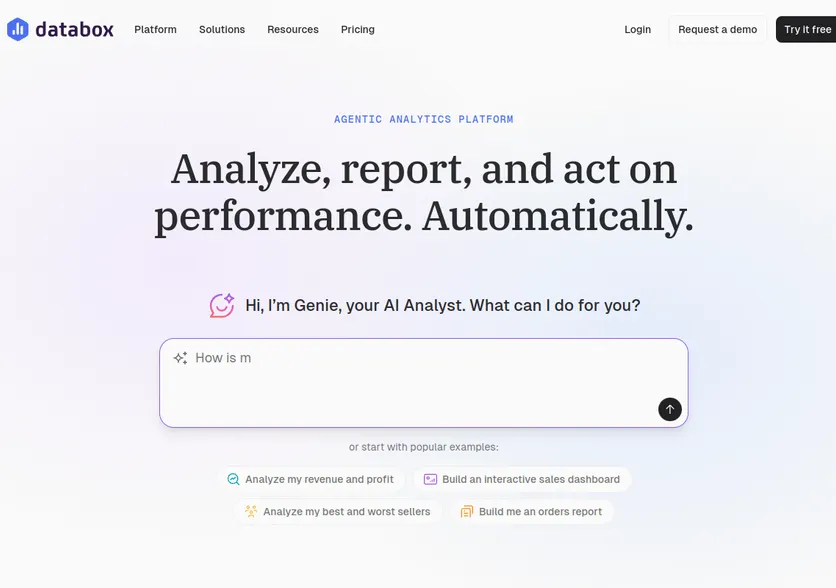
Three hundred and ninety-nine dollars a month billed annually on the Business plan, or four hundred and ninety-nine dollars billed monthly, buys a governed analytics platform with an AI analyst that answers plain-language questions about the firm's own numbers. The plan covers up to ten users and thirty data sources, and the Agency track starts at seventy-nine dollars a month for firms managing many clients. Older Databox ladders showing forty-seven or seventy-one dollars a month are retired, so ignore them.
What we like
- AI analyst answers questions in plain language
- Governed semantic layer keeps metrics consistent
- Thirty data sources and ten users included
Watch out for
- No free plan, only a 14-day trial
- The price is steep for a small contractor team
How to try it
- Connect the project and finance tools
- Define each metric once in the semantic layer
- Ask the AI analyst for cost and contract answers
8. ClicData
Best for: Contractors who want warehousing and BI together
Paid tool Starting price: $265/month · Two hundred and sixty-five dollars a month billed annually on Basic, or two hundred and ninety dollars billed monthly; Team is four hundred and eighty-eight dollars and Enterprise is seven hundred and eighty-eight dollars
Free plan: No free plan; 15-day free trial
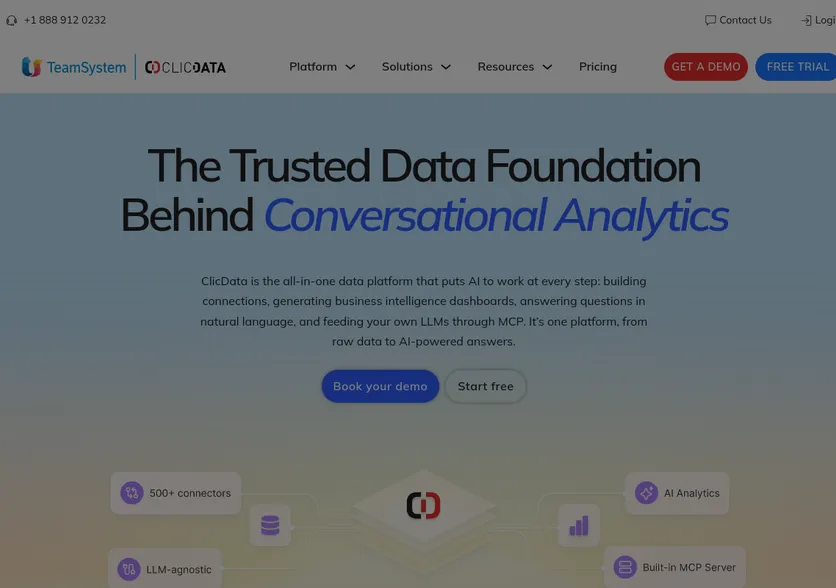
Two hundred and sixty-five dollars a month billed annually on the Basic plan, or two hundred and ninety dollars billed monthly, buys a full-stack BI platform with a built-in data warehouse, data preparation and unlimited dashboards and reports from ClicData. Team at four hundred and eighty-eight dollars and Enterprise at seven hundred and eighty-eight dollars add more users and connectors. It fits a contractor that wants warehousing and reporting in one subscription.
What we like
- Built-in data warehouse and data lake
- Unlimited dashboards, reports and data flows
- ETL and automation included
Watch out for
- Basic covers files and storage connectors only
- No free plan, only a 15-day trial
How to try it
- Connect the source systems to the warehouse
- Prepare the data with built-in ETL
- Build and share dashboards and scheduled reports
Prices above were checked on each vendor’s own website on Nov 28, 2026 and can change — the vendor’s page is the final word. Vendor links are editorial: nobody paid to be listed or ranked here. Vendors who want a featured listing can see how it works on our Get listed page.
How to build contractor reports that survive an audit
Keep the accounting system as the single source of truth, and treat every dashboard as a view of that system rather than a second set of books. Map each project cost to its contract before the report is built, because a cost with no contract attached is the first thing an auditor will question. Freeze the numbers for each reporting period, so a report sent in March still shows March when it is opened in June. Export the underlying data with the report, since a chart without its source is an opinion, not evidence. Keep one definition for each metric across the year, so auditors compare like with like.
Before you buy
- Ask how project costs map to contracts in standard reports
- Confirm which reports support audit and DCAA-style reviews
- Check how data flows in from expense and invoice systems
- Verify dashboard and sharing options for government contract managers
- Request a walkthrough using your own reporting scenarios
Official websites
Official websites of the products reviewed above. Features and prices were checked against these sites when this guide was written, and they can change, so confirm on the vendor site before you buy.
Frequently asked questions
What should government contractors look for in reporting software?
Prioritise reporting that ties project costs to contracts and supports audit review. Look for clear cost tracking, consistent data flow from expense and accounting systems, and dashboards managers can actually use. Compliance orientation matters if government work is central to the business, so check whether the tool is built for contractors or only visualises their data.
Can a general BI tool replace contractor accounting software?
No. A tool like Tableau visualises data well but does not produce compliant contract accounting on its own. Most contractors pair a contractor-focused ERP with a BI layer for dashboards, keeping the accounting system as the source of truth. The BI tools in this list are the reporting layer, not the accounting system.
How much does Tableau cost for a contractor team?
Tableau Creator costs seventy-five dollars per user a month, Explorer costs forty-two dollars and Viewer costs fifteen dollars. A small team can run one Creator and several Viewers, which keeps the bill low while managers still read the dashboards. The price is per user, so the total follows how many people build versus read reports.
How does SAP Concur fit into contractor reporting?
SAP Concur captures travel, expense and invoice data that feeds broader cost reporting, at seven dollars per expense report on the Base plan with unlimited users. It supports visibility and control over spend but does not replace contract accounting, so treat it as one part of a reporting stack alongside a contractor ERP and a BI layer.
Why are Deltek Costpoint and Unanet not in this list?
Both are strong contractor platforms, but neither publishes a US dollar list price, so they cannot be compared on verified figures. Deltek Costpoint, Unanet, NetSuite, Procas and JAMIS Prime ERP all sell by quote, which means the price depends on the size and scope of each deal. Ask each vendor for a written quote and compare it against the published prices above.
Compare the eight tools above, then trial Tableau or Power BI on the firm's own contract data before paying for a full year.
Browse Business Tools tools